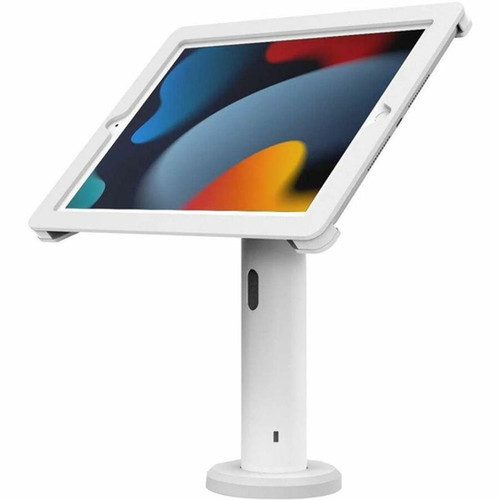


Compulocks 102AXSW Rise Mounting Enclosure for iPad POS - Low Profile - Tilt/Swivel - White

Business volume discounts
Technical guidance
Preparation & staging
QC · ON · AB · BC
Product Features
Technical Overview
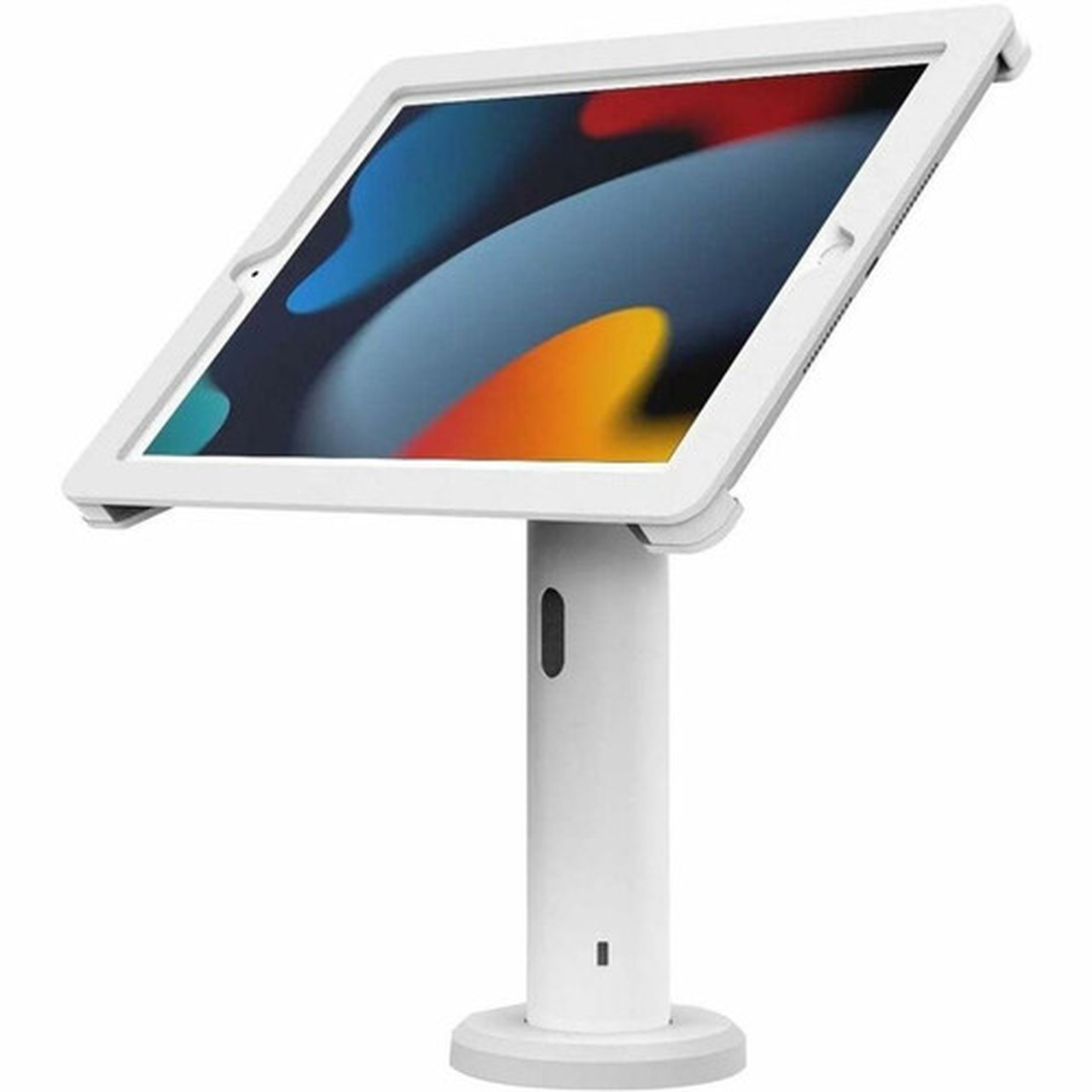
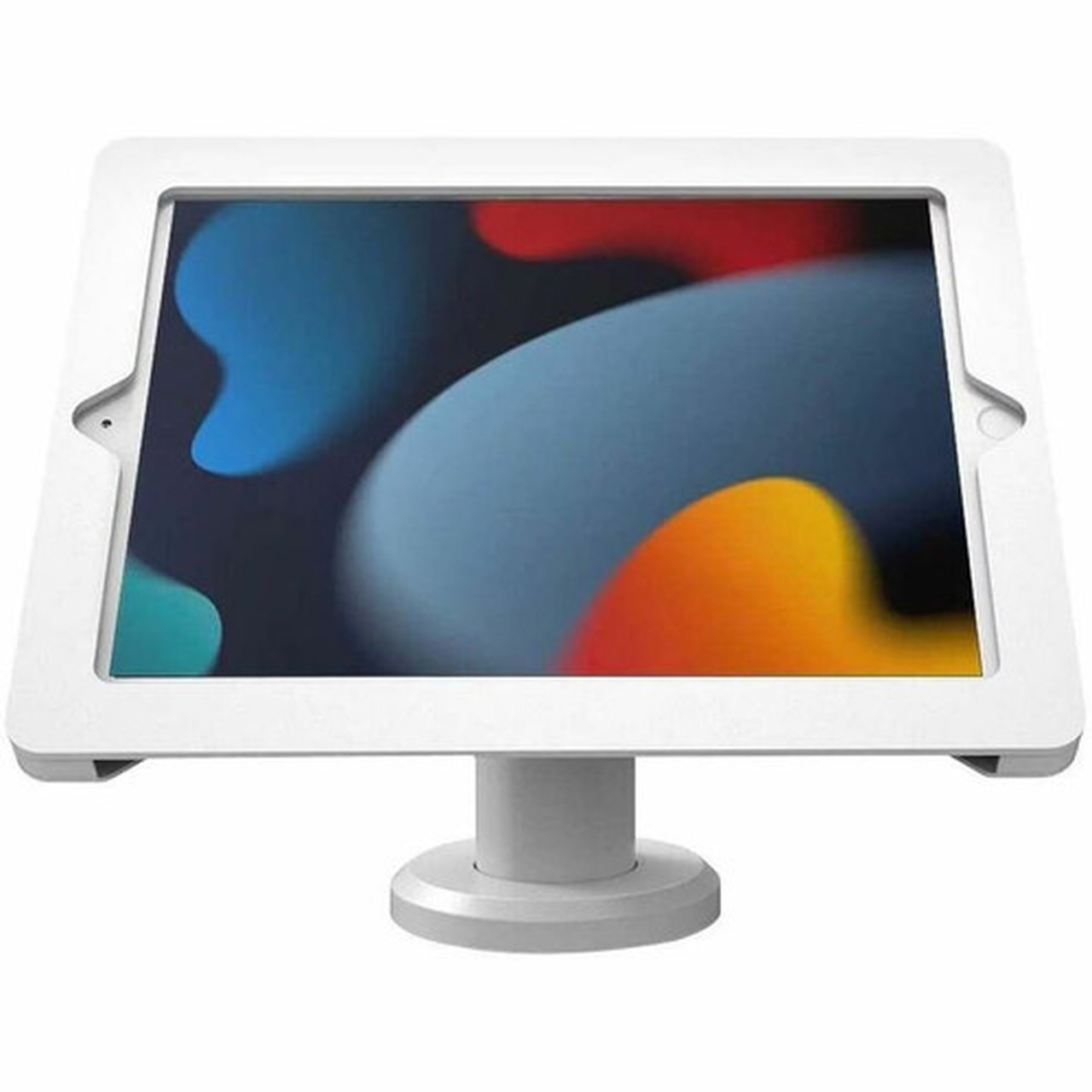
This mounting enclosure supports tablets up to 10.2 inches, making it compatible with iPad 7th, 8th, and 9th generation models. The technical design includes precise cutouts for camera, buttons, and ports, ensuring full functionality while the tablet remains securely enclosed.
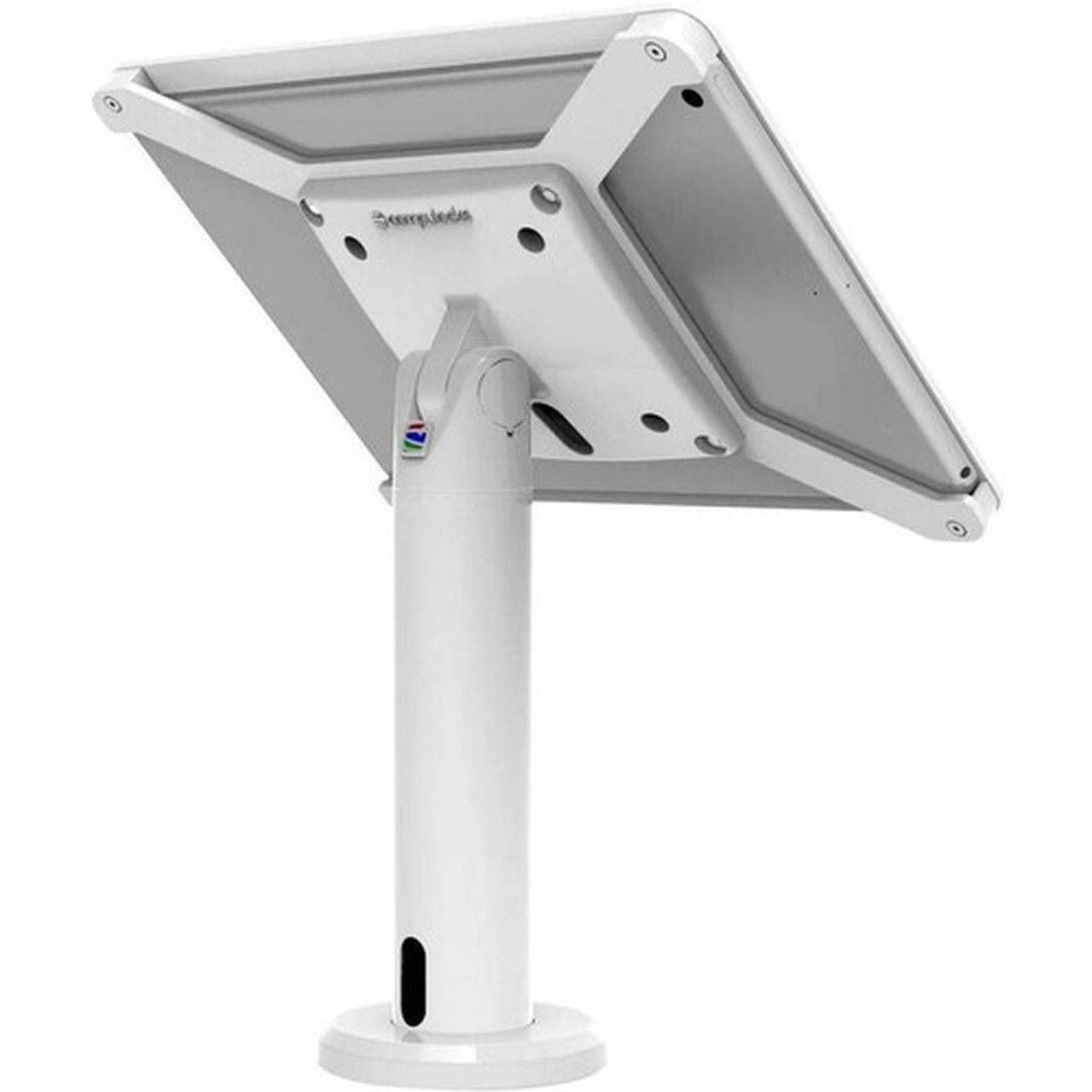
The mounting system integrates with Compulocks tablet stands including models TCDP04, TCDP01, TCDP04W, and TCDP01W, creating a complete mounting solution for various counter configurations. The enclosure itself serves as the protective housing that attaches to these stands, forming a cohesive hardware ecosystem for commercial tablet deployment.
This section brings together practical product details such as Device Supported, Maximum Screen Size Supported, Features, Color Family, so buyers can judge configuration, deployment fit, and day-to-day suitability with less guesswork.
A strong technical summary explains how the product's interfaces, hardware profile, and operating characteristics work together in real deployment. Buyers often need this context to confirm compatibility with existing devices, expected performance in daily use, and whether installation will be straightforward for IT staff or end users.
Key Product Advantages
The Rise mounting enclosure delivers several advantages for businesses implementing tablet-based point-of-sale systems. The combination of security features, ergonomic adjustability, and thermal management creates a professional installation that enhances both functionality and durability.
Secure Tablet Protection
The enclosure fully encases the tablet while providing access to essential functions, preventing theft and reducing damage from daily commercial use.
- Prevents unauthorized removal
- Protects from impacts and spills
- Maintains full tablet functionality
Ergonomic Adjustability
Tilt and swivel capabilities allow optimal viewing angles for both customers and staff, improving the user experience at point-of-sale locations.
- Tilt for comfortable viewing
- Swivel for multi-directional access
- Low-profile mounting maintains clear sightlines
Thermal Management
Integrated ventilation prevents overheating during extended use, ensuring reliable performance throughout business hours.
- Prevents thermal throttling
- Extends tablet lifespan
- Maintains consistent performance
Deployment / Use Cases
The Compulocks Rise mounting enclosure serves retail stores, restaurants, hotels, and service businesses that require secure, professional tablet installations. Its design addresses the specific needs of customer-facing environments where tablets function as primary transaction terminals.
In retail settings, the enclosure transforms iPads into fixed POS stations at checkout counters, providing customers with payment processing while protecting the investment in tablet hardware. For restaurants and cafes, the low-profile design allows installation on countertops or host stands without obstructing customer interaction. Service businesses such as salons, repair shops, and clinics benefit from the secure mounting that prevents theft while maintaining accessibility for staff use.
Retail Checkout Counters
Secure iPad mounting for payment processing, inventory lookup, and customer service interactions at fixed checkout locations.
Hospitality Service Points
Front desk, concierge, or host station installations where tablets manage reservations, orders, or customer information.
Physical Profile
The enclosure features a clean white finish that complements modern commercial environments. The low-profile design minimizes visual clutter while the 1.5-pound weight ensures stability without excessive bulk. The construction balances durability with accessibility, providing robust protection while maintaining easy installation and tablet access when needed.
The physical profile is practical for deployment planning because the dimensions and weight are clearly defined: 1.50 lb (680.39 g). This helps confirm rack, shelf, desk, or cabinet fit before installation.
- Weight
- 1.50 lb (680.39 g)
Highlights
- Compatible with iPad 7th, 8th, and 9th generation models
- Maximum supported screen size of 10.2 inches
- Tilt and swivel adjustment for optimal viewing angles
- Low-profile mounting design for unobtrusive installation
- Integrated ventilation prevents tablet overheating
- White finish blends with commercial interiors
- Works with Compulocks TCDP series tablet stands
- Designed specifically for point-of-sale applications
- Secure enclosure prevents theft and damage
- Weight of 1.50 pounds for stable mounting
Specifications
| Specifications | |
|---|---|
| Manufacturer | Compulocks Brands Inc. |
| Manufacturer Part Number | 102AXSW |
| Brand Name | Compulocks |
| Product Line | Rise |
| Product Name | iPad POS Enclosure Tilting Stand - Rise |
| Product Type | Mounting Enclosure |
| Product Information | |
| Device Supported | Tablet Stand,Tablet,iPad (7th Generation),iPad (9th Generation),iPad (8th Generation) |
| Maximum Screen Size Supported | 10.2" |
| Features | Tilt,Swivel,Ventilation |
| Mount Profile | Low Profile |
| Physical Characteristics | |
| Color Family | White |
| Product Color | White |
| Weight (Approximate) | 1.50 lb (680.39 g) |
| Miscellaneous | |
| Application/Usage | Point of Sale (POS) |
| Compatibility | Apple: iPad (7th gen.) | 10.2" | 2019 | A2197, A2200 iPad (8th gen.) | 10.2" | 2020 | A2270, A2428, A2429, A2430 iPad (9th gen.) | 10.2" | 2021 | A2602, A2603, A2604 Compulocks Tabet Stand: TCDP04 TCDP01 TCDP04W TCDP01W |
User Manual
FAQ
Which iPad models are compatible with this mounting enclosure?
The Compulocks 102AXSW Rise mounting enclosure supports iPad 7th generation (2019 models A2197, A2200), iPad 8th generation (2020 models A2270, A2428, A2429, A2430), and iPad 9th generation (2021 models A2602, A2603, A2604). All compatible models feature 10.2-inch displays and share the physical dimensions and port placements that this enclosure accommodates.
What mounting features does this enclosure provide?
This enclosure offers tilt adjustment for optimal viewing angles, swivel capability for directional positioning, and ventilation to prevent tablet overheating. The low-profile mount design keeps the installation unobtrusive while maintaining secure tablet protection. These features combine to create an ergonomic, reliable mounting solution for commercial environments.
Can this enclosure be used with tablet stands?
Yes, the Compulocks 102AXSW is designed to work with Compulocks tablet stands including models TCDP04, TCDP01, TCDP04W, and TCDP01W. The enclosure serves as the protective housing that attaches to these stands, creating a complete mounting system for point-of-sale installations. This compatibility ensures a cohesive hardware solution for commercial tablet deployment.
What is the maximum screen size this enclosure supports?
The enclosure supports tablets with maximum screen sizes of 10.2 inches diagonally. This matches the display dimensions of compatible iPad 7th, 8th, and 9th generation models. The enclosure design accommodates these specific dimensions while providing full access to cameras, buttons, and ports for uninterrupted functionality.
How does the ventilation system work in this enclosure?
The enclosure incorporates strategic ventilation openings that allow air circulation around the tablet during operation. This prevents heat buildup that can cause performance throttling or reduced battery life during extended use. The ventilation design maintains tablet cooling without compromising security or protection from environmental factors.
What applications is this mounting enclosure designed for?
The Compulocks 102AXSW is specifically designed for point-of-sale (POS) applications in retail, hospitality, and service businesses. It transforms standard tablets into secure, fixed-position terminals for payment processing, order management, customer service, and inventory lookup. The commercial-grade construction withstands the demands of public-facing environments while maintaining professional appearance and functionality.
What power capacity is listed for this UPS?
Power specifications help show where the unit fits best, including the type of load level, electrical environment, and backup role it is intended to support. These are usually the most decision-critical facts in a UPS or power-protection comparison.
Is this unit designed for rack or tower deployment?
For power-protection products, the most useful FAQ topics are usually capacity, outlet arrangement, runtime characteristics, and installation format. Those details do more to explain real deployment fit than generic marketing language.
| Qty | Price | Available |
|---|