






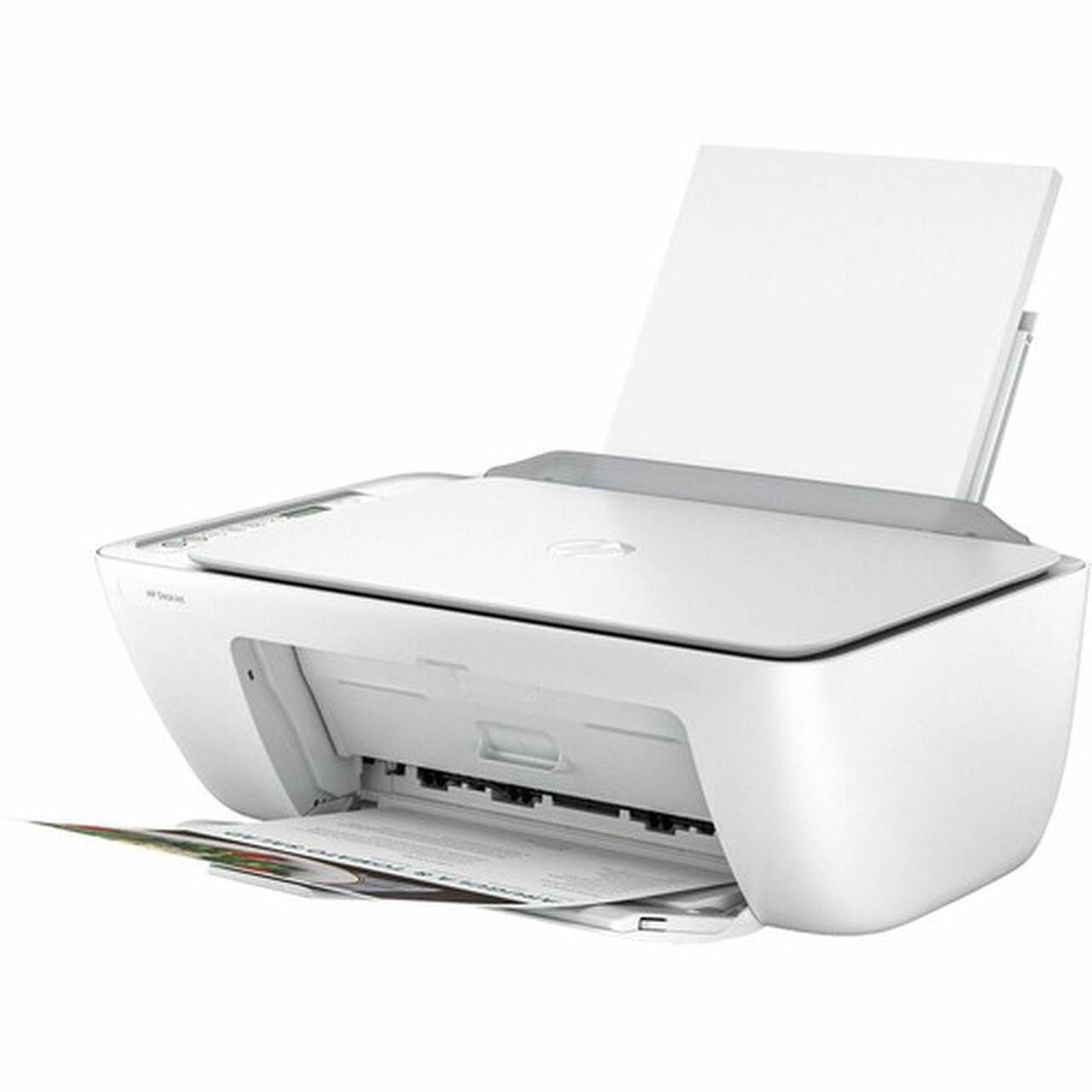
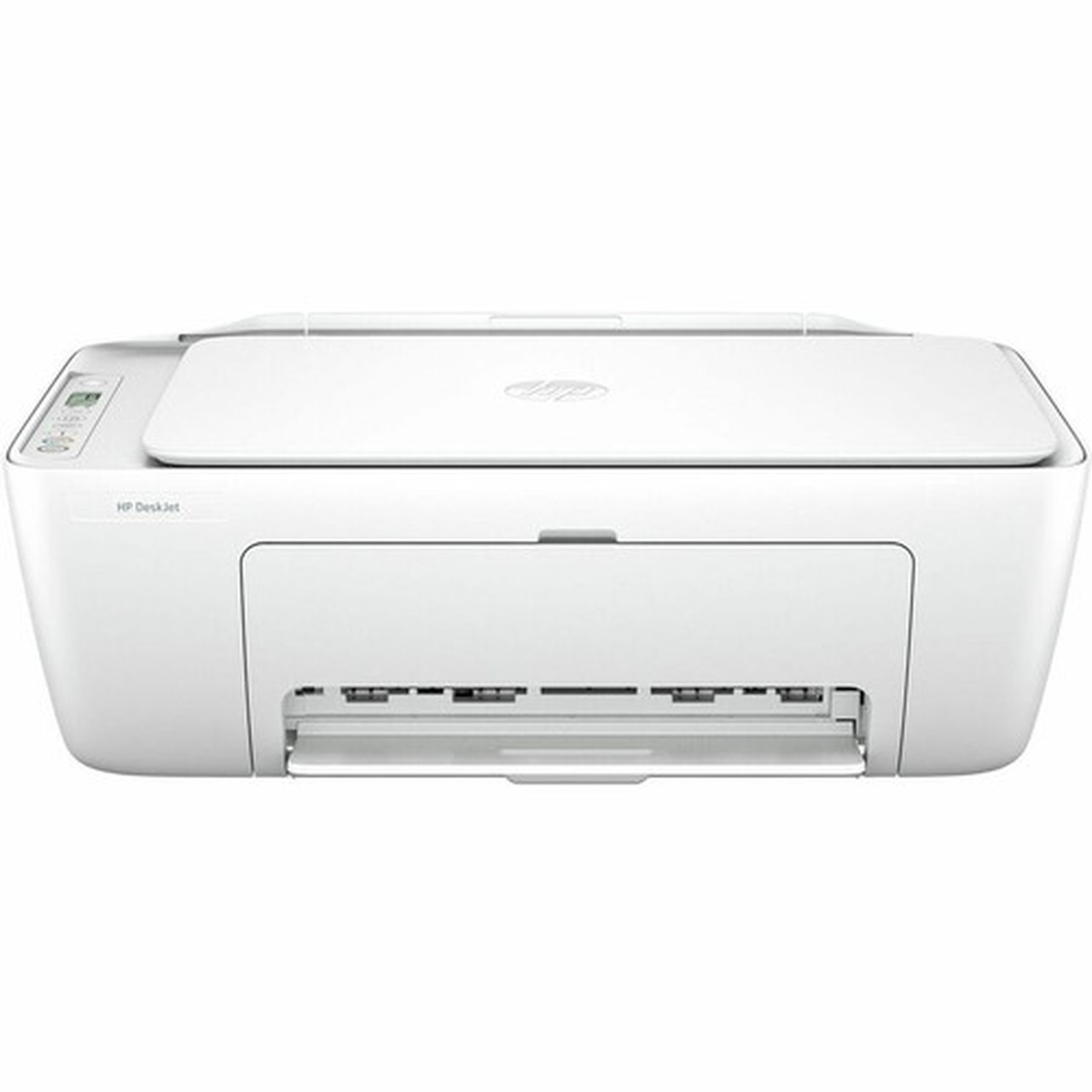
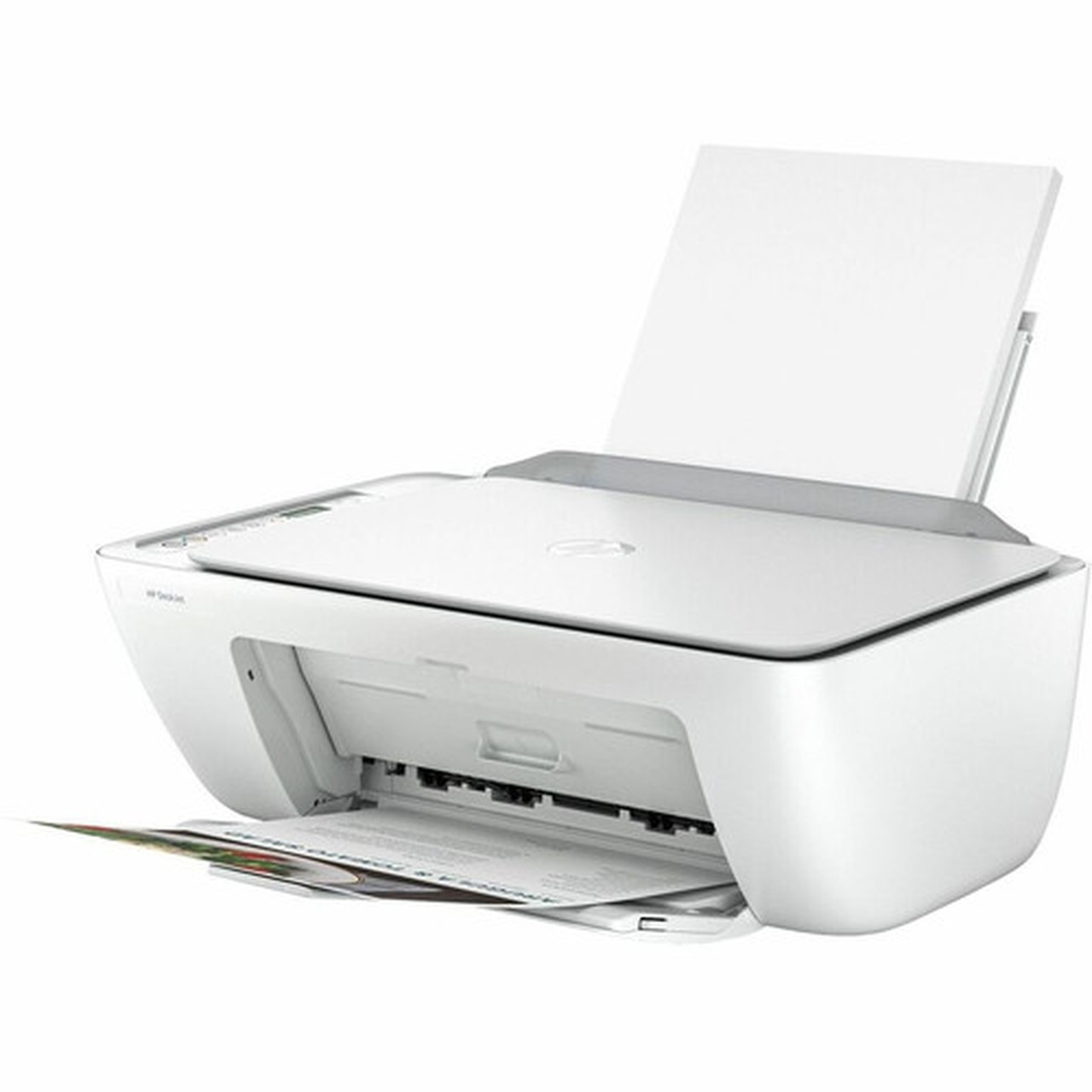
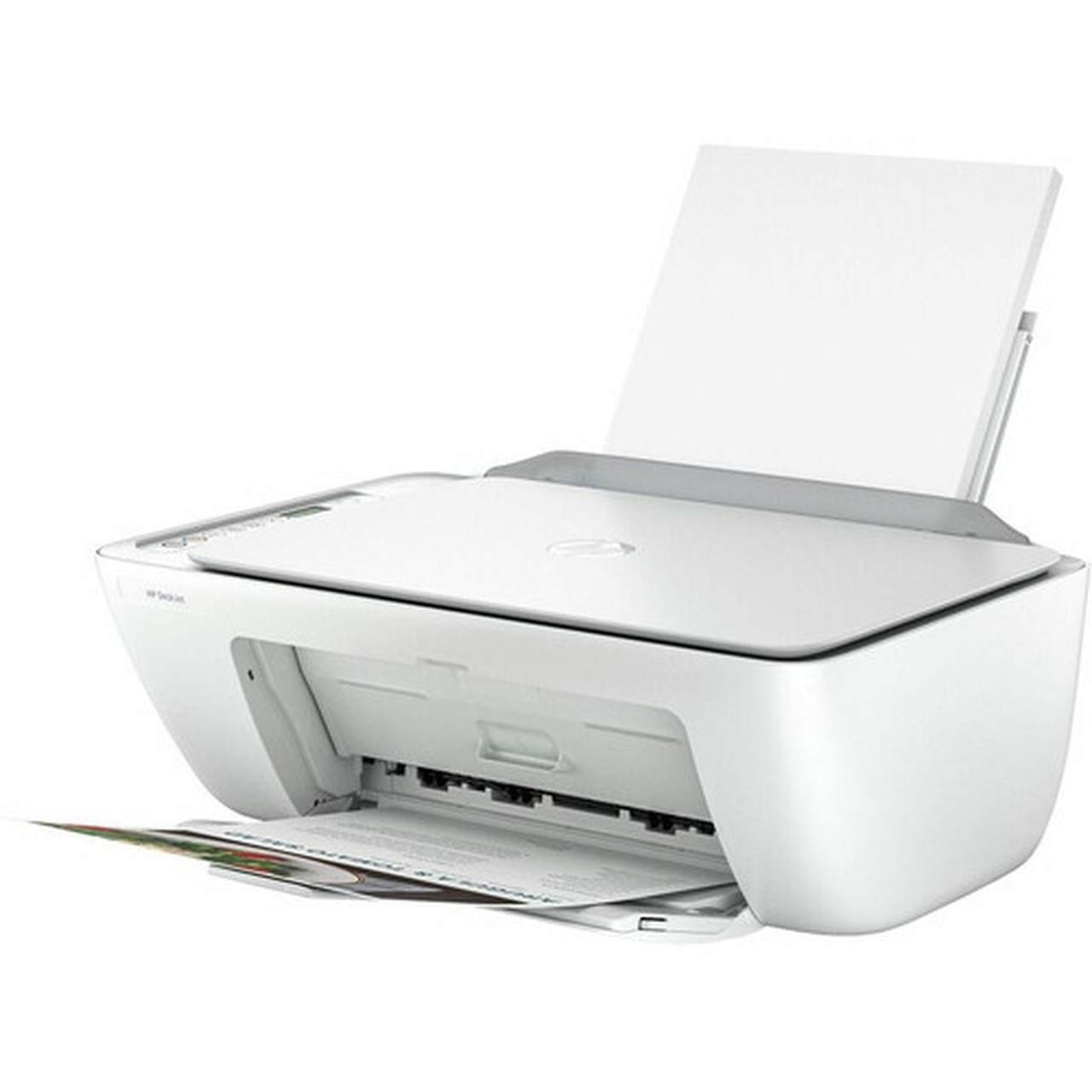


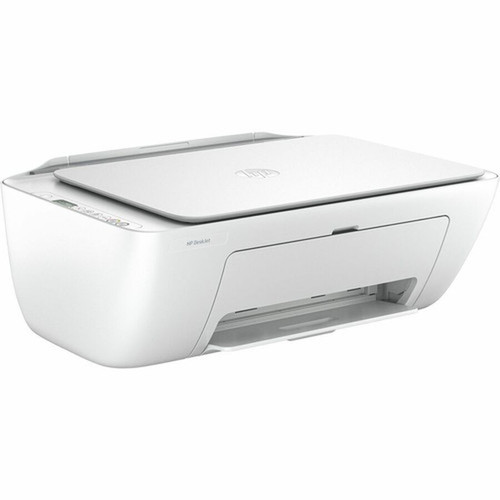
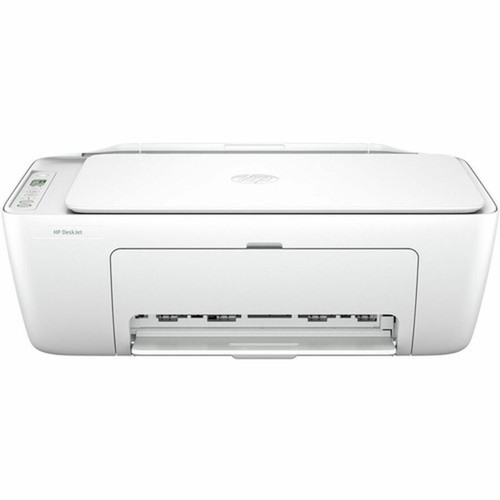


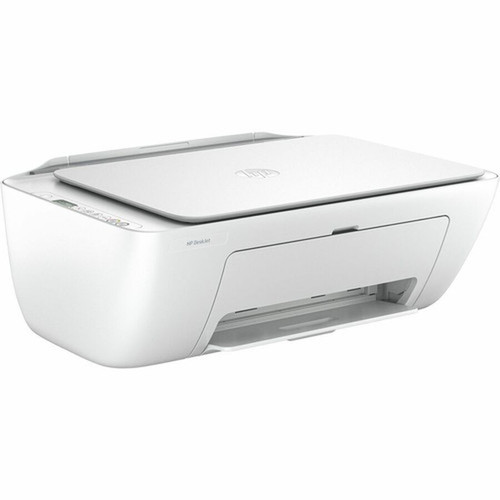
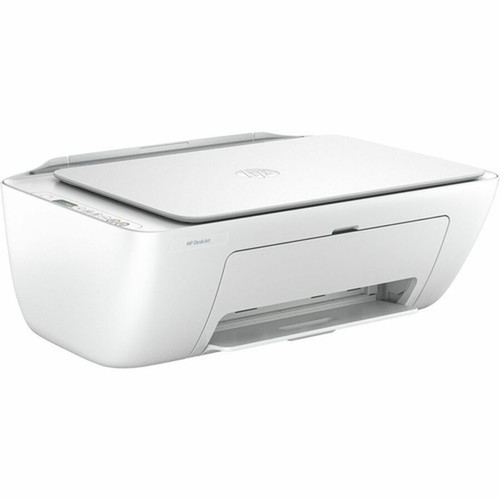
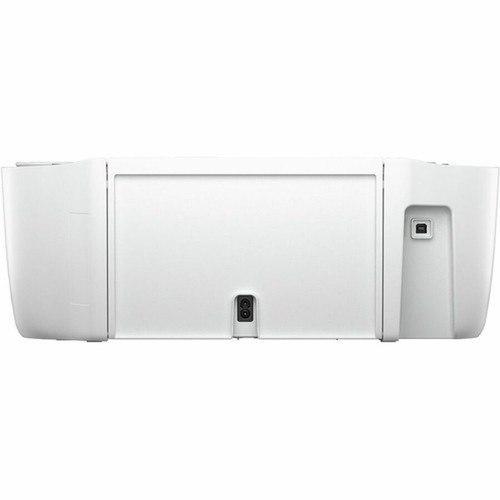

HP 588S5A#B1H Deskjet 2855e Wireless Color Inkjet All-in-One - 20 ppm Mono/16 ppm Color Print - Copier/Printer/Scanner - 4800 x 1200 dpi

Business volume discounts
Technical guidance
Preparation & staging
QC · ON · AB · BC
Product Features
Technical Overview
Built around a 1 GHz processor, the Deskjet 2855e processes print jobs efficiently while supporting multiple connectivity options. Wireless LAN operates on IEEE 802.11b/g/n standards, and the printer is compatible with Apple AirPrint, ChromeOS, and Mopria-certified mobile printing protocols. A physical USB port provides wired connection flexibility when needed.
The printer uses HP 67 setup cartridges with a single multicolor cartridge system, simplifying ink replacement. Language emulation includes PCL 3 GUI, PCLm, and URF for broad software compatibility. Environmental operating ranges span 41°F to 104°F (5°C to 40°C) and 15% to 80% humidity, ensuring reliable performance in typical office conditions.
Relevant factors for this section include Multifunction Devices, Recommended Use, First Print Speed, Processor Speed. When those points are considered together, they give buyers a clearer picture of how the product is equipped, how it fits into deployment, and what kind of day-to-day role it is meant to support.
Key Product Advantages
These strengths make the product easier to deploy and manage in real environments, especially where reliability, usability, and day-to-day operational continuity matter. Notable benefits include Wireless Office Ready, Efficient Media Handling, Professional Color Output.
Wireless Office Ready
Connect multiple users wirelessly via 802.11b/g/n with support for Apple AirPrint, ChromeOS, and Mopria standards. Print directly from smartphones, tablets, and laptops without installing drivers.
Efficient Media Handling
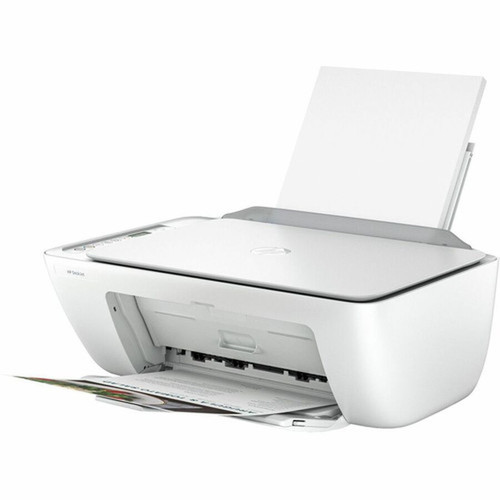
The 60-sheet input tray accommodates various media types including plain paper, photo paper, brochures, envelopes, and labels. Automatic document feeder scanning streamlines multipage document workflows.
Professional Color Output
Produce sharp text and vibrant graphics with 4800 x 1200 dpi resolution. The color-capable flatbed scanner captures documents at 1200 dpi optical resolution for high-quality digital reproductions.
Deployment / Use Cases
The HP Deskjet 2855e is optimized for small business environments where space is limited but multifunction capability is essential. Its compact desktop form factor fits comfortably on workstations, reception desks, or shared office spaces while providing full print, copy, and scan functionality.
Ideal deployment scenarios include home offices requiring occasional color printing, small professional offices needing basic document reproduction, and educational settings where wireless printing from multiple devices is valuable. The printer's 50-100 page monthly volume recommendation aligns with light to moderate usage patterns common in these environments.
The three-user support makes this model suitable for micro-teams or family settings where multiple individuals need occasional access to printing services. Mobile printing capabilities extend functionality to smartphones and tablets, reducing dependency on traditional computer workstations.
Physical Profile
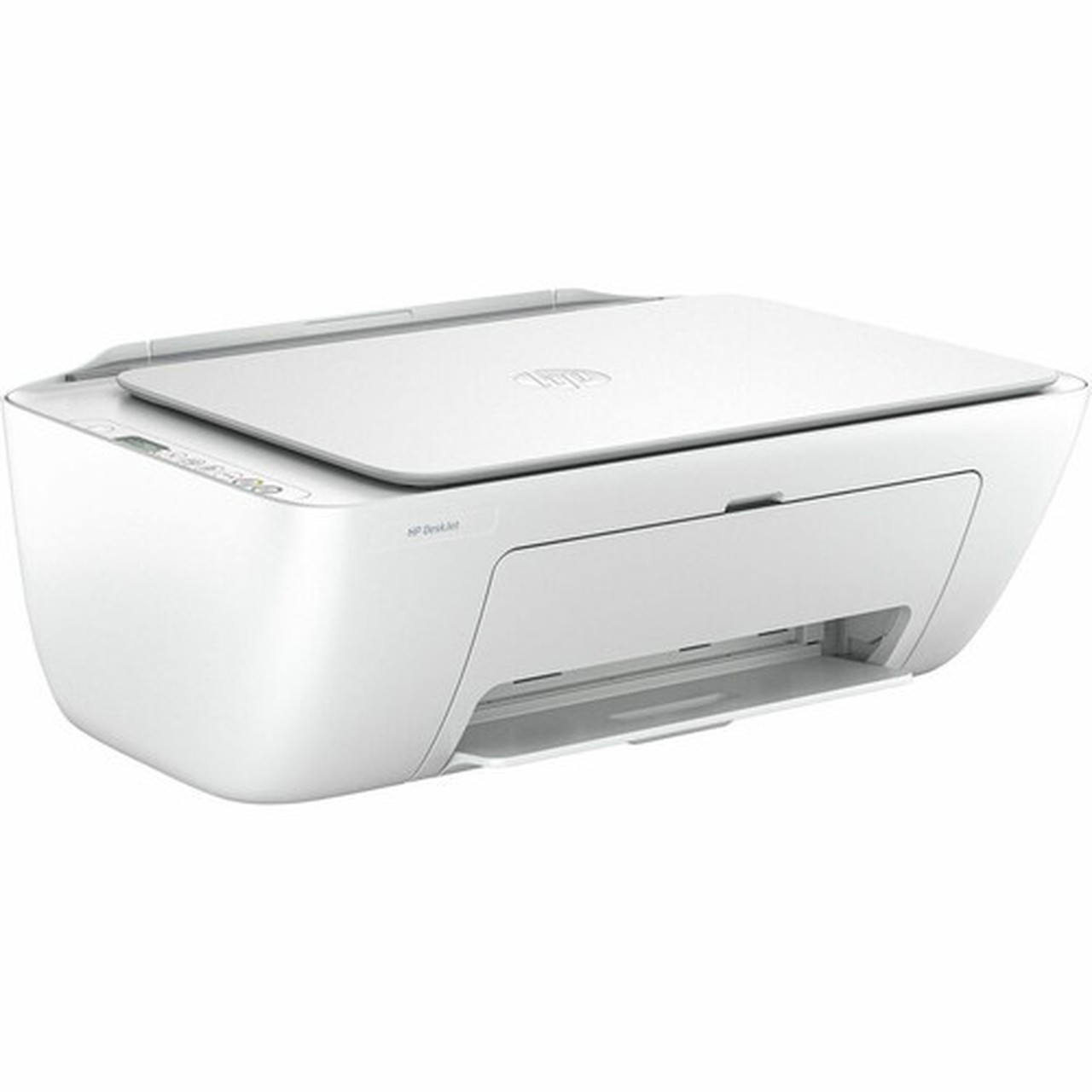
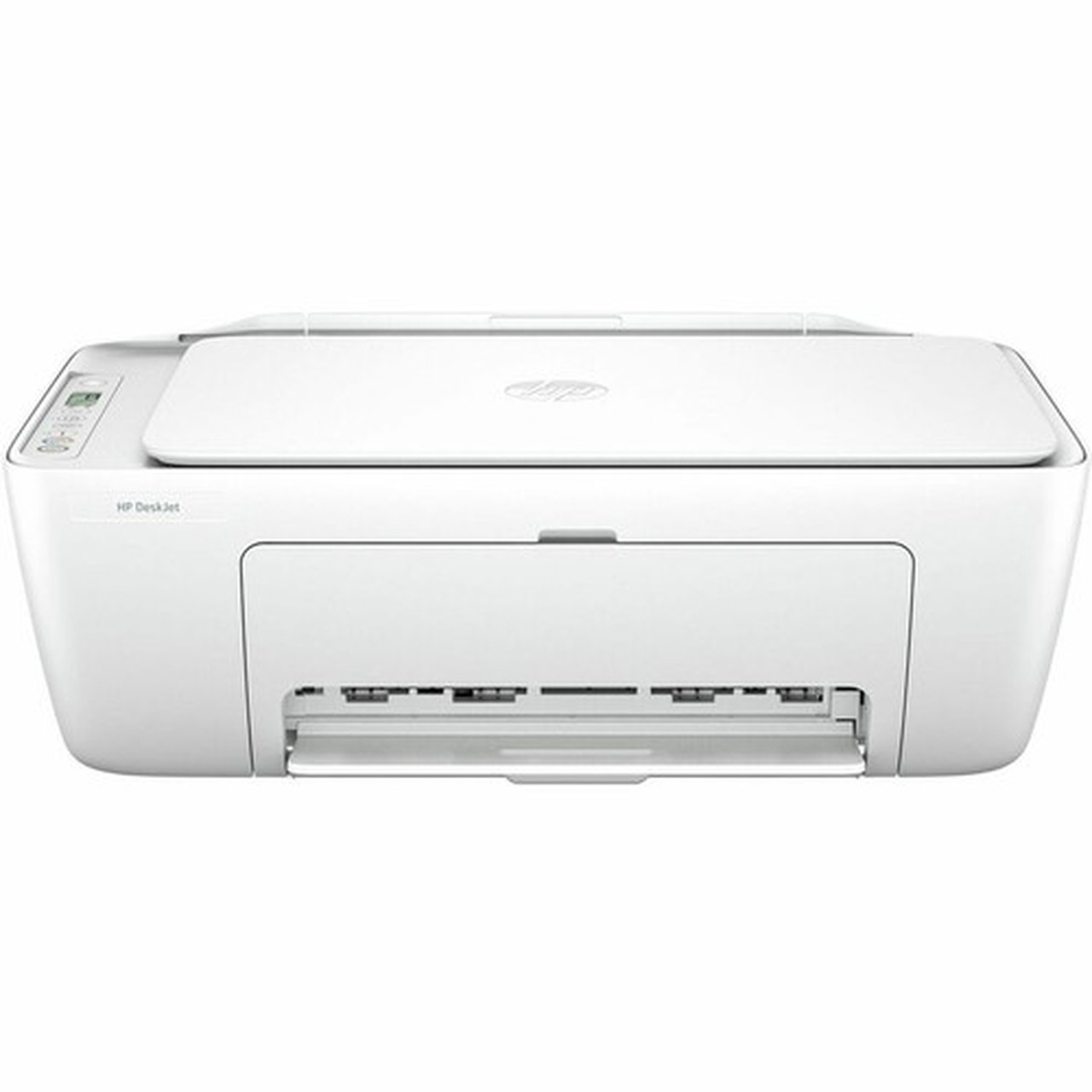
Designed as a space-efficient desktop unit, the Deskjet 2855e measures 6.06" high x 16.73" wide x 11.97" deep (154 x 425 x 304 mm) and weighs approximately 7.5 pounds (3400 g). The compact footprint allows placement on standard desks or shelves without consuming excessive workspace.
The printer features an integrated LCD display for status monitoring and basic configuration. Its clean, professional appearance with controlled bezel dimensions complements modern office aesthetics while providing practical front-panel access to controls and paper handling components.
- Width
- 16.73" (425 mm)
- Depth
- 11.97" (304 mm)
- Height
- 6.06" (154 mm)
- Weight
- 7.50 lb (3400 g)
What's in the Box
The printer ships complete with all essential components for immediate setup and operation.
Highlights
- Wireless color inkjet all-in-one with print, copy, and scan functions
- Prints up to 20 ppm mono and 16 ppm color at 4800 x 1200 dpi resolution
- 60-sheet input tray handles A4, envelopes, photo paper, and labels
- Wireless 802.11b/g/n with Apple AirPrint, ChromeOS, and Mopria support
- Flatbed/ADF scanner with 1200 dpi optical resolution
- Supports up to 3 users with 50-100 page monthly volume
- Mobile printing capability from smartphones and tablets
- Compact desktop design measuring 6.06"H x 16.73"W x 11.97"D
- Compatible with Windows 11/10, macOS 10.14-13, and Chrome OS
- Includes HP 67 setup black and tri-color cartridges
Specifications
| Specifications | |
|---|---|
| Manufacturer | HP Inc. |
| Manufacturer Part Number | 588S5A#B1H |
| Brand Name | HP |
| Product Line | Deskjet |
| Product Model | 2855e |
| Product Name | DeskJet 2855e All-in-One Printer |
| Product Type | Inkjet Multifunction Printer |
| Technical Information | |
| Multifunction Devices | Copier/Printer/Scanner |
| Recommended Use | Plain Paper Print |
| First Print Speed | 15 Second Monochrome,19 Second Color |
| Print Color Capability | Color |
| Maximum Mono Print Speed (ppm) | 20 |
| Maximum Color Print Speed (ppm) | 16 |
| ISO Mono Print Speed (ppm) | 7.5 |
| ISO Color Print Speed (ppm) | 5.5 |
| Maximum Print Resolution (dpi) | 4800 x 1200 |
| Wireless Print Technology | Apple AirPrint,ChromeOS,Mopria |
| Duplex Printing | Manual |
| Color Cartridge Type | Single Multicolor Cartridge |
| Mobile Device Printing | Yes |
| Number of Users | 3 |
| Connectivity Technology | Wireless |
| Processor & Chipset | |
| Processor Speed | 1 GHz |
| Interfaces/Ports | |
| USB | Yes |
| Network & Communication | |
| Wireless LAN | Yes |
| Wireless LAN Standard | IEEE 802.11b/g/n |
| Display & Graphics | |
| Display Screen Type | LCD |
| Scanner | |
| Scanner Type | Flatbed/ADF |
| Scan Color | Color |
| Optical Resolution (dpi) | 1200 |
| Image Formats Supported | JPEG,TIFF,BMP,PNG |
| Copier | |
| Copier Type | Flatbed |
| Copy Color | Color |
| Maximum Copy Resolution (dpi) | 300 x 300 |
| Media Types & Handling | |
| Media Type | Plain Paper,Photo Paper,Brochure Paper,Envelope,Inkjet Paper,Label |
| Media Size | A4,B5,A6,DL Envelope,2.99" (76 mm) x 5" (127 mm),8.46" (215 mm) x 13.98" (355 mm) |
| Media Handling | 1 x 60-sheet input tray,1 x 25-sheet output tray |
| Standard Input Media Capacity | 60 sheets |
| Standard Output Media Capacity | 25 sheets |
| Fonts & Emulation | |
| Language Emulation | PCL 3 GUI,PCLm,URF |
| Reliability | |
| Duty Cycle | 1000 |
| Recommended Monthly Print Volume | 50 to 100 |
| Software | |
| Operating System Supported | Windows 11 Windows 10 macOS 10.14 Mojave macOS 10.15 Catalina macOS 11 Big Sur macOS 12 Monterey macOS 13 Ventura Chrome OS |
| Software Included | HP Printer Software, available online |
| Power Description | |
| Power Source | AC Supply |
| Input Voltage | 120 V AC,230 V AC |
| Physical Characteristics | |
| Form Factor | Desktop |
| Height | 6.06" (154 mm) |
| Width | 16.73" (425 mm) |
| Depth | 11.97" (304 mm) |
| Weight (Approximate) | 7.50 lb (3400 g) |
| Environmental Conditions | |
| Minimum Operating Temperature | 41°F (5°C) |
| Maximum Operating Temperature | 104°F (40°C) |
| Minimum Operating Humidity | 15% |
| Maximum Operating Humidity | 80% |
| Miscellaneous | |
| Package Contents | HP DeskJet 2855e All-in-One HP 67 Setup Black Cartridge HP 67 Setup Tri-color Cartridge Regulatory flyer Setup guide Reference guide Power cord |
| Warranty | |
| Limited Warranty | 1 Year |
User Manual
FAQ
What are the maximum print speeds for this HP Deskjet printer?
The HP Deskjet 2855e achieves maximum print speeds of 20 pages per minute for monochrome documents and 16 pages per minute for color documents. Under ISO testing standards, which better reflect real-world usage, the printer delivers 7.5 ppm for black-and-white printing and 5.5 ppm for color printing. The first page out time is 15 seconds for monochrome and 19 seconds for color documents.
What wireless printing options does this printer support?
This printer supports multiple wireless printing standards including Apple AirPrint for iOS and macOS devices, ChromeOS printing for Chromebooks, and Mopria certification for Android devices. It connects via IEEE 802.11b/g/n wireless networking, allowing multiple users to print simultaneously without cables. The wireless functionality enables printing directly from smartphones, tablets, and laptops without requiring driver installations on mobile devices.
What paper sizes and types can this printer handle?
The Deskjet 2855e accommodates A4, B5, and A6 paper sizes along with DL envelopes and custom sizes from 2.99" x 5" (76 x 127 mm) to 8.46" x 13.98" (215 x 355 mm). It supports plain paper, photo paper, brochure paper, envelopes, inkjet paper, and labels. The 60-sheet input tray provides sufficient capacity for typical small office printing needs, while the 25-sheet output tray collects finished documents.
How many users can simultaneously use this printer?
This printer is designed to support up to three users simultaneously in a shared workgroup environment. The wireless connectivity allows multiple computers and mobile devices to connect and queue print jobs. With a recommended monthly print volume of 50 to 100 pages, it's suitable for small teams or families with light to moderate printing requirements who need basic multifunction capabilities.
What scanning capabilities does this all-in-one printer offer?
The Deskjet 2855e features a flatbed scanner with automatic document feeder (ADF) capability, allowing both single-page flatbed scanning and multi-page document feeding. It scans in color at 1200 dpi optical resolution and supports common image formats including JPEG, TIFF, BMP, and PNG. The scanner can create PDF documents directly, making it useful for digitizing paperwork, contracts, and photographs.
What operating systems are compatible with this HP printer?
This printer is compatible with Windows 11 and Windows 10, macOS versions 10.14 Mojave through 13 Ventura, and Chrome OS. HP Printer Software is available for download online to enable full functionality on compatible operating systems. The wireless printing features work natively with supported mobile operating systems without requiring additional software installation on those devices.
| Qty | Price | Available |
|---|


