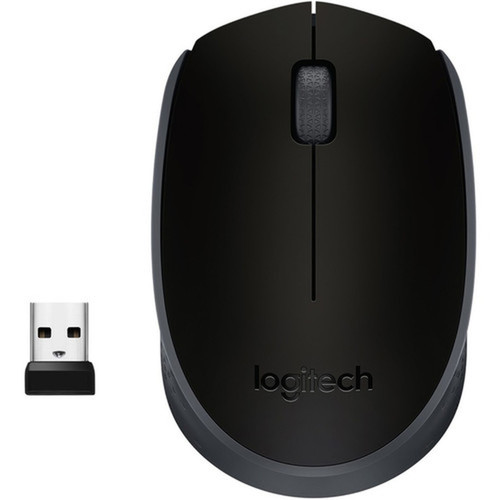
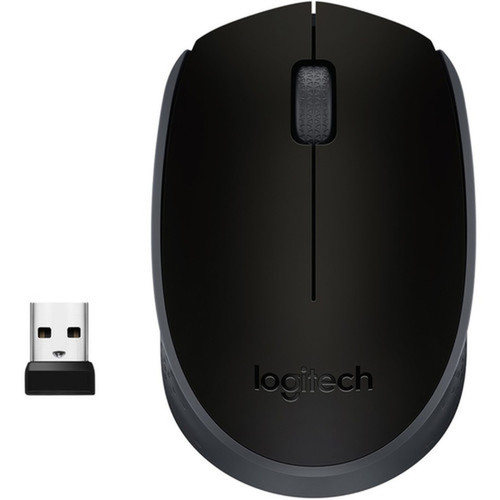
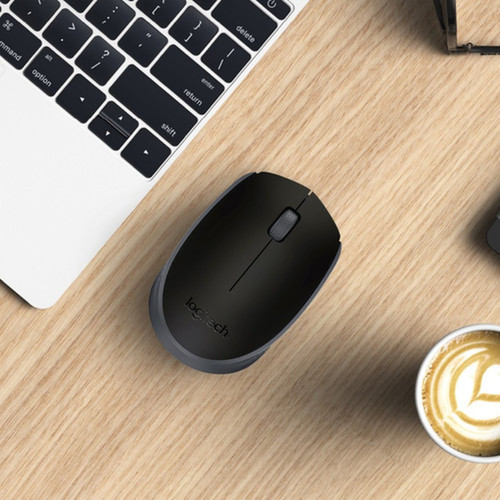


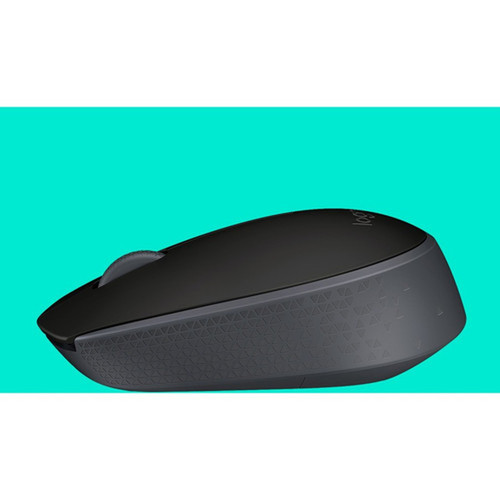
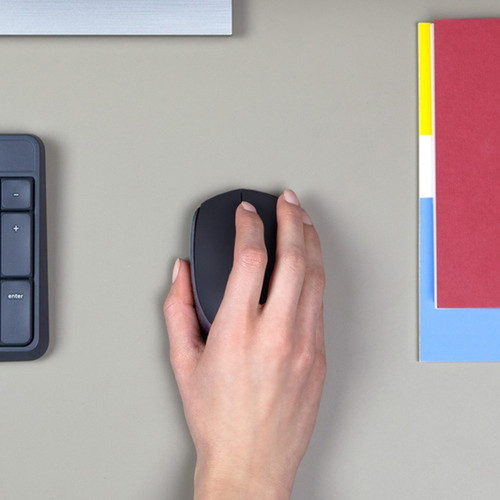
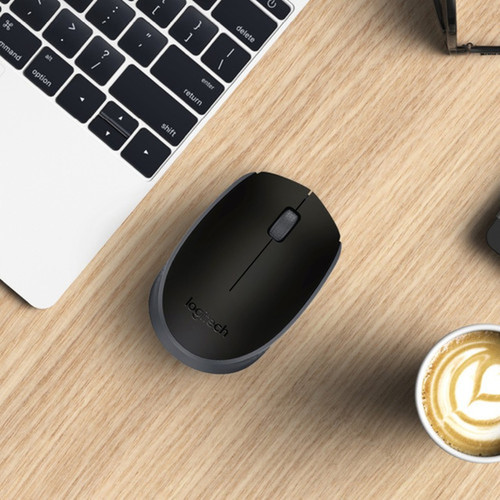
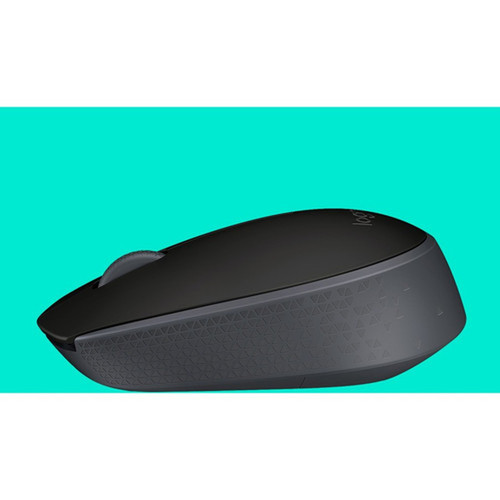
Logitech 910-004940 M170 Mouse - Wireless Optical - Symmetrical - Black - 2 Buttons - Scroll Wheel - USB

Business volume discounts
Technical guidance
Preparation & staging
QC · ON · AB · BC
Product Features
Technical Overview
The M170 employs radio frequency wireless technology, which is widely compatible with computers and avoids the line-of-sight limitations of infrared. The optical movement detection provides precise cursor control without the maintenance requirements of traditional ball mice.
Connectivity is handled through a USB receiver that plugs directly into a computer port. The symmetrical shape means no specific hand orientation is required, making this mouse equally functional for left-handed and right-handed operators.
Relevant factors for this section include Pointing Device Connectivity Technology, Pointing Device Wireless Technology, Movement Detection, Pointing Device Host Interface. When those points are considered together, they give buyers a clearer picture of how the product is equipped, how it fits into deployment, and what kind of day-to-day role it is meant to support.
A strong technical summary explains how the product's interfaces, hardware profile, and operating characteristics work together in real deployment. Buyers often need this context to confirm compatibility with existing devices, expected performance in daily use, and whether installation will be straightforward for IT staff or end users.
Key Product Advantages
The M170 combines practical wireless convenience with ambidextrous design, eliminating the need for separate left-handed or right-handed models. Its radio frequency connection maintains reliable performance even when obstacles are present between the mouse and receiver.
These strengths make the product easier to deploy and manage in real environments, especially where reliability, usability, and day-to-day operational continuity matter. Notable benefits include Universal Ergonomics, Reliable Wireless Operation.
Universal Ergonomics
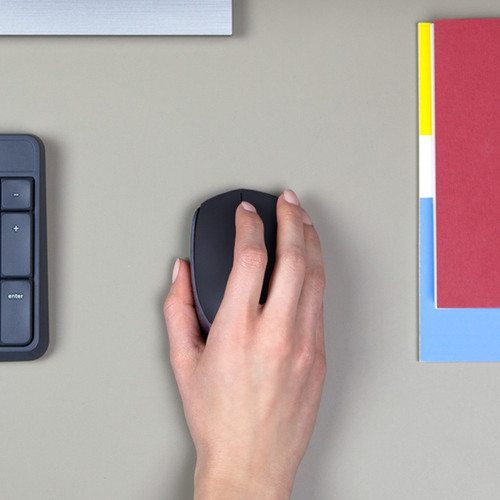
The symmetrical shape works equally well for left-handed and right-handed users, making this mouse ideal for shared workstations or users who switch hands.
- No handedness restrictions
- Comfortable for all users
- Reduces inventory needs
Reliable Wireless Operation
Radio frequency technology provides stable connectivity without requiring direct line of sight, unlike infrared alternatives.
- Stable signal through obstacles
- Wide compatibility
- No cable management needed
Deployment / Use Cases
The Logitech M170 is well-suited for general office computing, educational environments, and home use where basic pointing functionality is required. Its symmetrical design makes it particularly valuable in shared workspaces where multiple users with different hand preferences might access the same computer.
This mouse works effectively with desktop computers, laptops, and all-in-one systems that have available USB ports. The compact size and wireless operation make it a practical choice for portable setups, presentation environments, or anywhere cable management is a concern.
Office Workstations
Provides reliable pointing for productivity applications, web browsing, and general computing tasks in corporate or small business settings.
Educational & Training Facilities
The ambidextrous design accommodates diverse users in classrooms, computer labs, or training centers without requiring specific left-handed equipment.
Physical Profile
Measuring 1.39 inches in height, 2.42 inches in width, and 3.85 inches in depth, the M170 presents a compact footprint that conserves desk space. The black color provides a neutral appearance that blends with most office decor, while the 2.49-ounce weight offers comfortable handling without fatigue during extended use.
The physical profile is practical for deployment planning because the dimensions and weight are clearly defined: 1.39" (35.20 mm), 2.42" (61.50 mm), 3.85" (97.70 mm), 2.49 oz (70.50 g). This helps confirm rack, shelf, desk, or cabinet fit before installation.
- Width
- 2.42" (61.50 mm)
- Depth
- 3.85" (97.70 mm)
- Height
- 1.39" (35.20 mm)
- Weight
- 2.49 oz (70.50 g)
Highlights
- Symmetrical design works for both left-handed and right-handed users
- Radio frequency wireless connectivity for reliable operation
- Optical sensor provides smooth tracking on most surfaces
- Scroll wheel enables quick navigation through documents and web pages
- Two-button layout with standard left-click and right-click functions
- USB interface for plug-and-play compatibility with computers
- Compact dimensions ideal for portable use or confined workspaces
- Black color offers professional appearance for office environments
Specifications
| Specifications | |
|---|---|
| Manufacturer | Logitech |
| Manufacturer Part Number | 910-004940 |
| Brand Name | Logitech |
| Product Model | M170 |
| Product Name | M170 Mouse |
| Product Type | Mouse |
| Pointing Device | |
| Pointing Device Connectivity Technology | Wireless |
| Pointing Device Wireless Technology | Radio Frequency |
| Movement Detection | Optical |
| Total Number of Buttons | 2 |
| Scroller Type | Scroll Wheel |
| Ergonomic Fit | Symmetrical |
| Interfaces/Ports | |
| Pointing Device Host Interface | USB |
| Physical Characteristics | |
| Color Family | Black |
| Product Color | Black |
| Height | 1.39" (35.20 mm) |
| Width | 2.42" (61.50 mm) |
| Depth | 3.85" (97.70 mm) |
| Weight (Approximate) | 2.49 oz (70.50 g) |
| Miscellaneous | |
| Device Supported | Computer |
| Environmentally Friendly | Yes |
| Environmental Compliance | Waste Electrical and Electronic Equipment Directive (WEEE),Restriction of Hazardous Substances (RoHS) |
| Country of Origin | China |
FAQ
Is the Logitech M170 mouse compatible with both Windows and macOS computers?
Yes, the Logitech M170 wireless mouse works with both Windows and macOS systems through its USB interface. The plug-and-play functionality requires no additional drivers for basic operation, making it compatible with most modern computers that have available USB ports.
What type of batteries does the M170 wireless mouse require?
The Logitech M170 operates on standard AA batteries. The exact battery life depends on usage patterns, but typical wireless mice in this category provide several months of operation from a single battery under normal office use conditions.
Can left-handed users comfortably operate the M170 mouse?
Absolutely. The M170 features a symmetrical design that works equally well for left-handed and right-handed users. The two-button layout and scroll wheel are centrally positioned, so left-handed users can operate the mouse without any functional limitations or need for special configuration.
What surfaces does the optical sensor work on?
The optical sensor in the M170 tracks effectively on most common surfaces including mouse pads, desks, and other non-glossy materials. For optimal performance, avoid highly reflective surfaces like glass or mirrors, and ensure the surface has sufficient texture for the sensor to detect movement accurately.
Does the M170 include a USB receiver?
Yes, the Logitech M170 comes with a USB receiver that plugs into your computer's USB port. This small receiver establishes the radio frequency connection between the mouse and computer, enabling wireless operation without Bluetooth pairing or additional software installation.
What is the wireless range of the M170 mouse?
The radio frequency wireless technology typically provides reliable operation within a range of approximately 10 meters (33 feet) in open spaces. Actual range may vary based on environmental factors and obstacles, but this distance is sufficient for most office and home computing setups.
| Qty | Price | Available |
|---|