






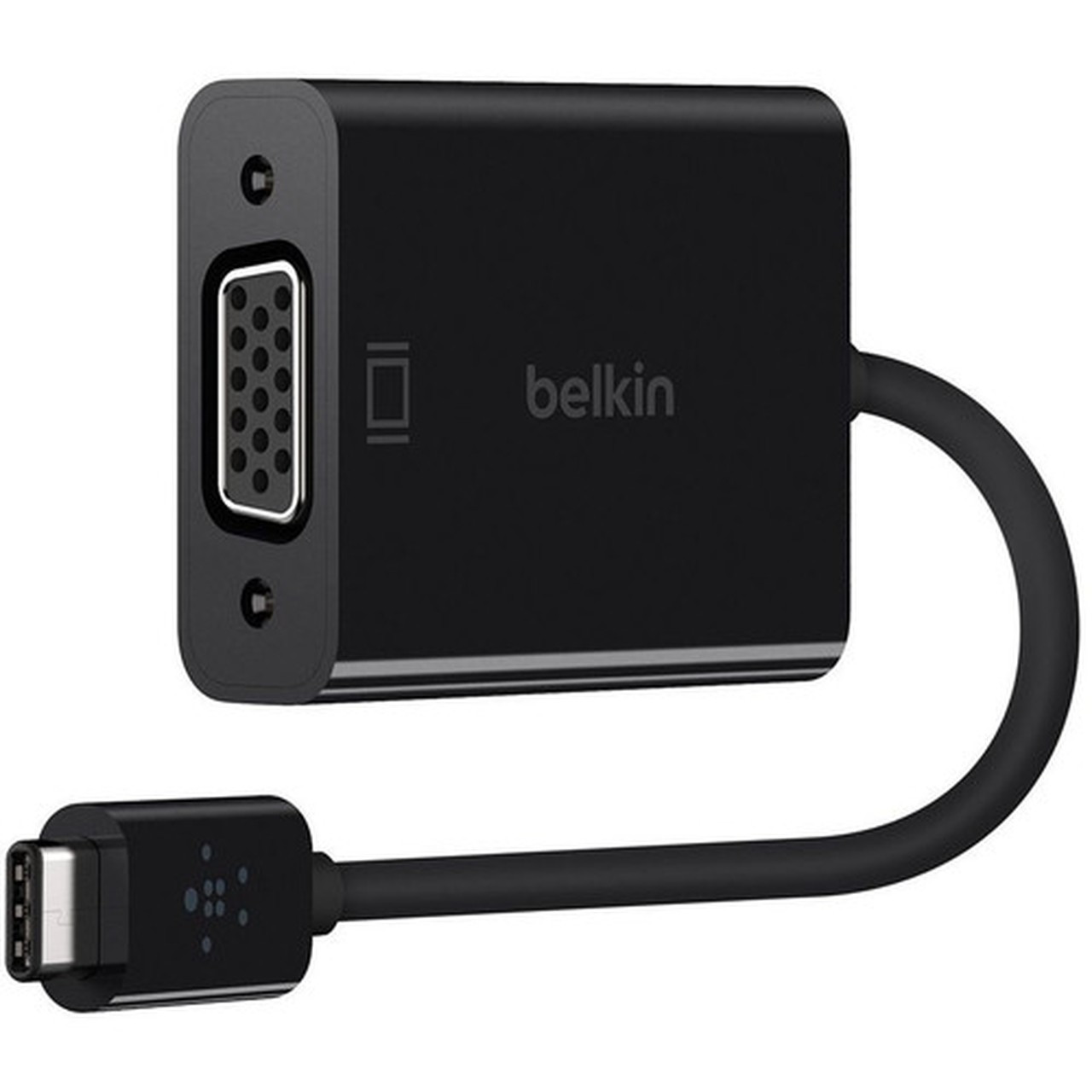


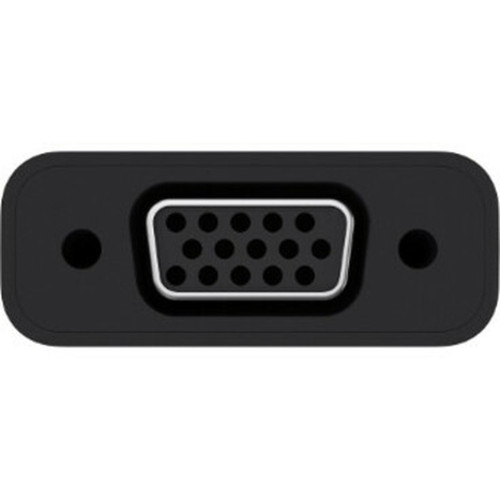
Belkin B2B143-BLK USB-C to VGA Adapter - USB Type C to VGA - Business/Bag & Label

Business volume discounts
Technical guidance
Preparation & staging
QC · ON · AB · BC
Product Features
Product Overview
The Belkin B2B143-BLK USB-C to VGA Adapter delivers reliable connectivity for modern business environments. This graphic adapter converts USB Type-C signals to VGA output, enabling seamless connections between laptops, tablets, or other USB-C devices and VGA-equipped monitors, projectors, or displays.
Designed specifically for business use with bag and label packaging, this adapter maintains signal integrity to ensure clear visual output. Its compact form factor makes it easy to transport while providing durable performance across supported devices.
Relevant factors for this section include Adapter Type, Connector Type on First End, Connector on First End Details, Country of Origin. When those points are considered together, they give buyers a clearer picture of how the product is equipped, how it fits into deployment, and what kind of day-to-day role it is meant to support.
Technical Overview
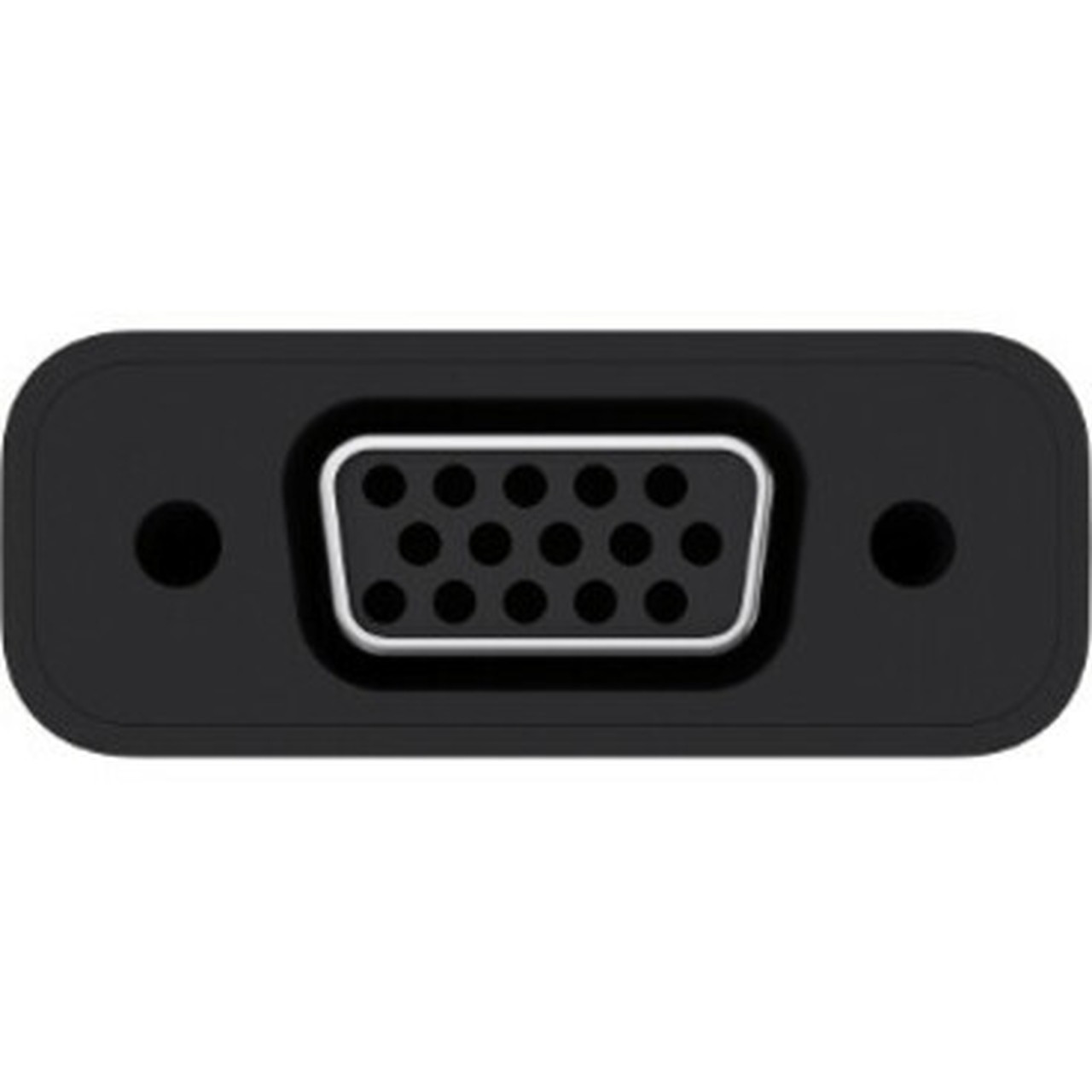
This adapter features a USB Type-C connector on one end and a standard VGA port on the other, creating a direct conversion path for display signals. The USB/VGA architecture accurately processes digital data into analog VGA output suitable for legacy display equipment.
The adapter supports standard VGA resolutions up to 1920x1200, making it compatible with most business presentation systems and conference room displays. No external power is required beyond what the host USB-C port provides.
Relevant factors for this section include Adapter Type, Connector Type on First End, Connector on First End Details, Country of Origin. When those points are considered together, they give buyers a clearer picture of how the product is equipped, how it fits into deployment, and what kind of day-to-day role it is meant to support.
A strong technical summary explains how the product's interfaces, hardware profile, and operating characteristics work together in real deployment. Buyers often need this context to confirm compatibility with existing devices, expected performance in daily use, and whether installation will be straightforward for IT staff or end users.
Key Product Advantages
Belkin's business-grade adapter offers several advantages for professional environments where reliable display connectivity is essential.
These strengths make the product easier to deploy and manage in real environments, especially where reliability, usability, and day-to-day operational continuity matter. Notable benefits include Signal Accuracy, Durability.
For buyers comparing similar models, the strongest advantage is usually the balance between dependable day-to-day operation and a simpler rollout experience. That means less time spent troubleshooting fit, compatibility, or user adoption after installation, which is especially important for shared business environments and repeat purchasing decisions.
Signal Accuracy
Maintains precise signal conversion to deliver clear, stable visuals without distortion or artifacts during presentations.
- Accurate data-to-visual conversion
- Stable output for professional use
Durability
Built with quality materials to withstand frequent connection cycles and transport in business bags.
- Long-lasting connector design
- Business-grade construction
Deployment / Use Cases
This adapter serves multiple practical applications in business and educational settings where VGA connectivity remains prevalent.
Ideal for connecting modern laptops with USB-C ports to conference room projectors, training room displays, or legacy monitors. The compact design makes it perfect for mobile professionals who need reliable display connectivity during client presentations, classroom teaching, or remote work setups.
Relevant factors for this section include Adapter Type, Connector Type on First End, Connector on First End Details, Country of Origin. When those points are considered together, they give buyers a clearer picture of how the product is equipped, how it fits into deployment, and what kind of day-to-day role it is meant to support.
Conference Room Setup
Connect USB-C laptops to existing VGA projectors or displays in meeting rooms without requiring equipment upgrades.
Mobile Presentation Kit
Include in presentation bags for professionals who frequently present at different locations with varying display equipment.
Highlights
- Converts USB Type-C to VGA for external display connectivity
- Business-grade adapter designed for professional environments
- Compact design ideal for transport in business bags
- Accurate signal conversion for clear visual output
- Durable construction for long-lasting performance
- Plug-and-play operation requires no additional software
- Supports resolutions up to 1920x1200
- Bus-powered via USB-C connection
Specifications
| Specifications | |
|---|---|
| Manufacturer | Belkin International, Inc |
| Manufacturer Part Number | B2B143-BLK |
| Brand Name | Belkin |
| Product Name | USB-C to VGA Adapter (For Business / Bag & Label) |
| Product Type | Graphic Adapter |
| Technical Information | |
| Adapter Type | USB/VGA |
| Connector Type on First End | USB Type C |
| Connector on First End Details | USB Type C |
| Connector Type on Second End | VGA |
| Connector on Second End Details | 1 x VGA |
| Miscellaneous | |
| Country of Origin | China |
FAQ
What devices are compatible with this USB-C to VGA adapter?
This adapter works with any device featuring a USB Type-C port that supports DisplayPort Alt Mode, including modern laptops, tablets, and some smartphones. It connects these devices to VGA-equipped monitors, projectors, or displays for extended or mirrored screen functionality.
Does this adapter require external power or drivers?
No external power adapter or separate drivers are needed. The adapter draws power directly from the USB-C port of your host device and functions as a plug-and-play solution. Most operating systems recognize it automatically without requiring additional software installation.
Is this adapter suitable for gaming or high-refresh-rate applications?
This adapter is designed primarily for business and presentation use rather than gaming. While it supports standard refresh rates for office applications, it does not support high-refresh-rate gaming monitors or specialized display technologies like G-Sync or FreeSync.
Can I use this adapter with multiple monitors simultaneously?
This specific adapter provides a single VGA output port, so it supports only one external display at a time. For multiple monitor setups, you would need either a USB-C hub with multiple video outputs or a different adapter solution designed for multi-display configurations.
What makes this a business-grade adapter compared to consumer versions?
Belkin designs this adapter with business environments in mind, featuring more durable connectors, better shielding against interference, and packaging optimized for professional distribution. The bag and label packaging indicates it's intended for business procurement rather than retail consumer sales channels.
What connectivity or interface options are available?
Connectivity options include USB Type C, helping the product integrate into common office or home setups.
| Qty | Price | Available |
|---|


