








Shipping included*
Exclusions
Additional shipping fees may apply in rare circumstances for deliveries outside standard service areas. In most cases, this only potentially affects shipments to the Northwest Territories and Yukon, as well as certain heavy or oversized items.
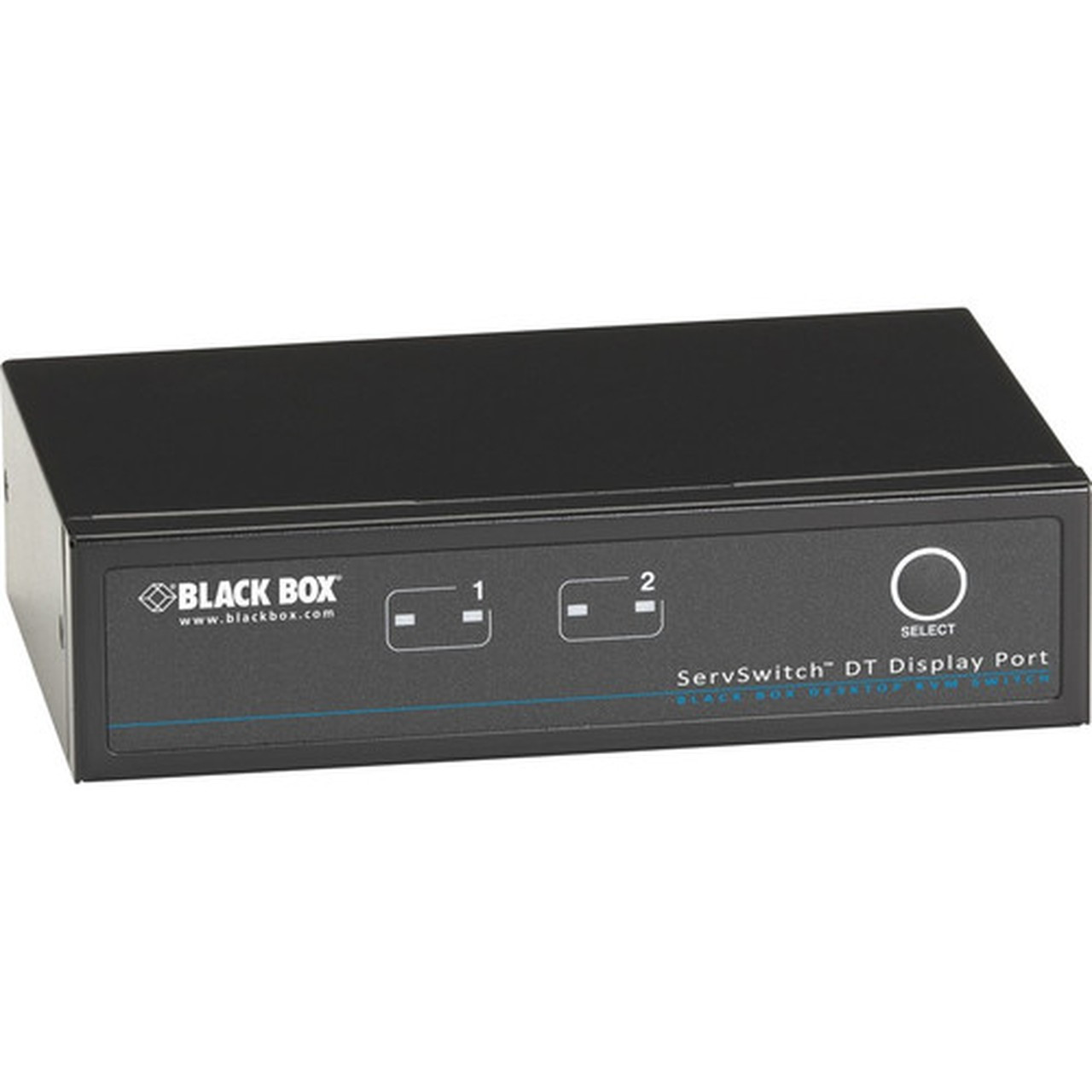
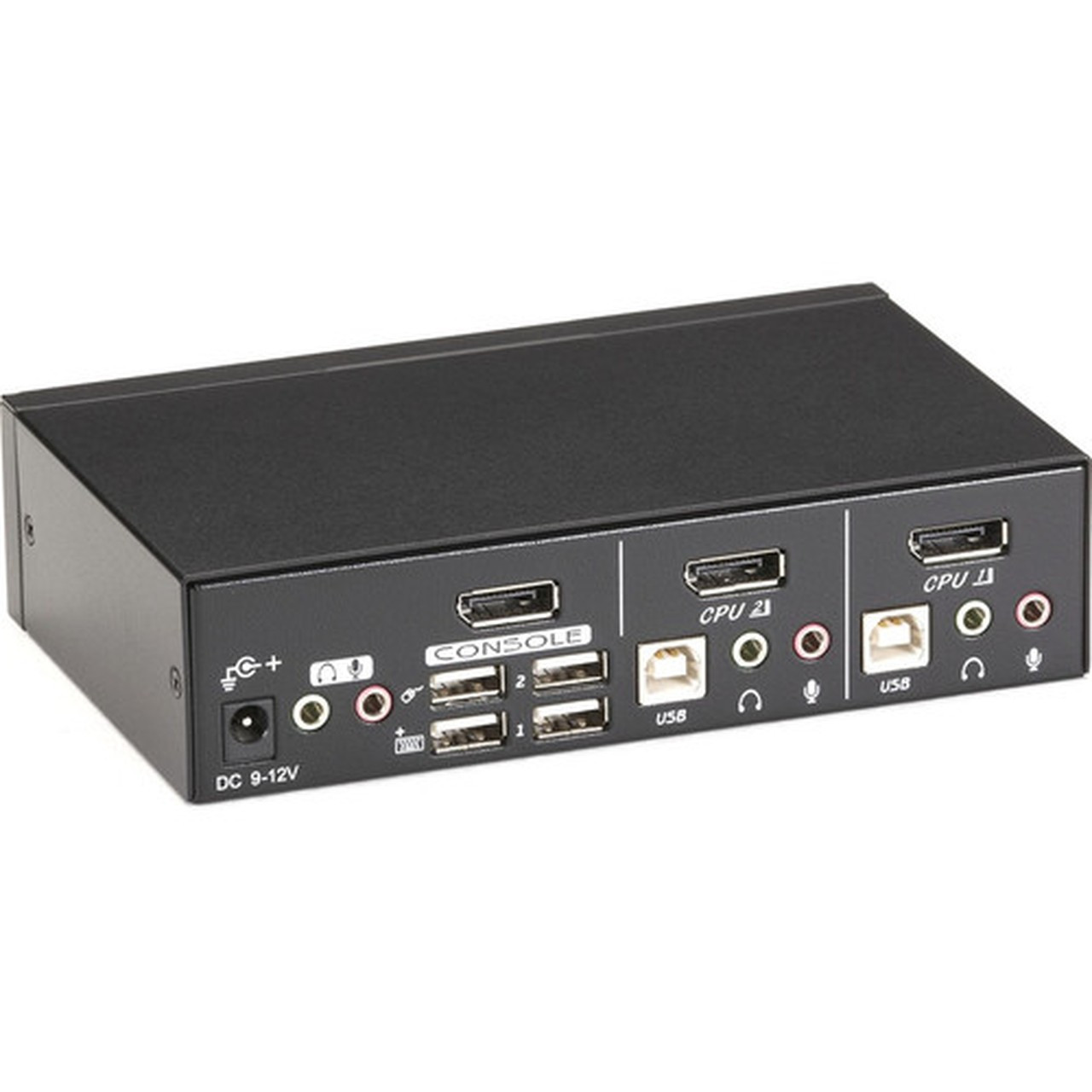
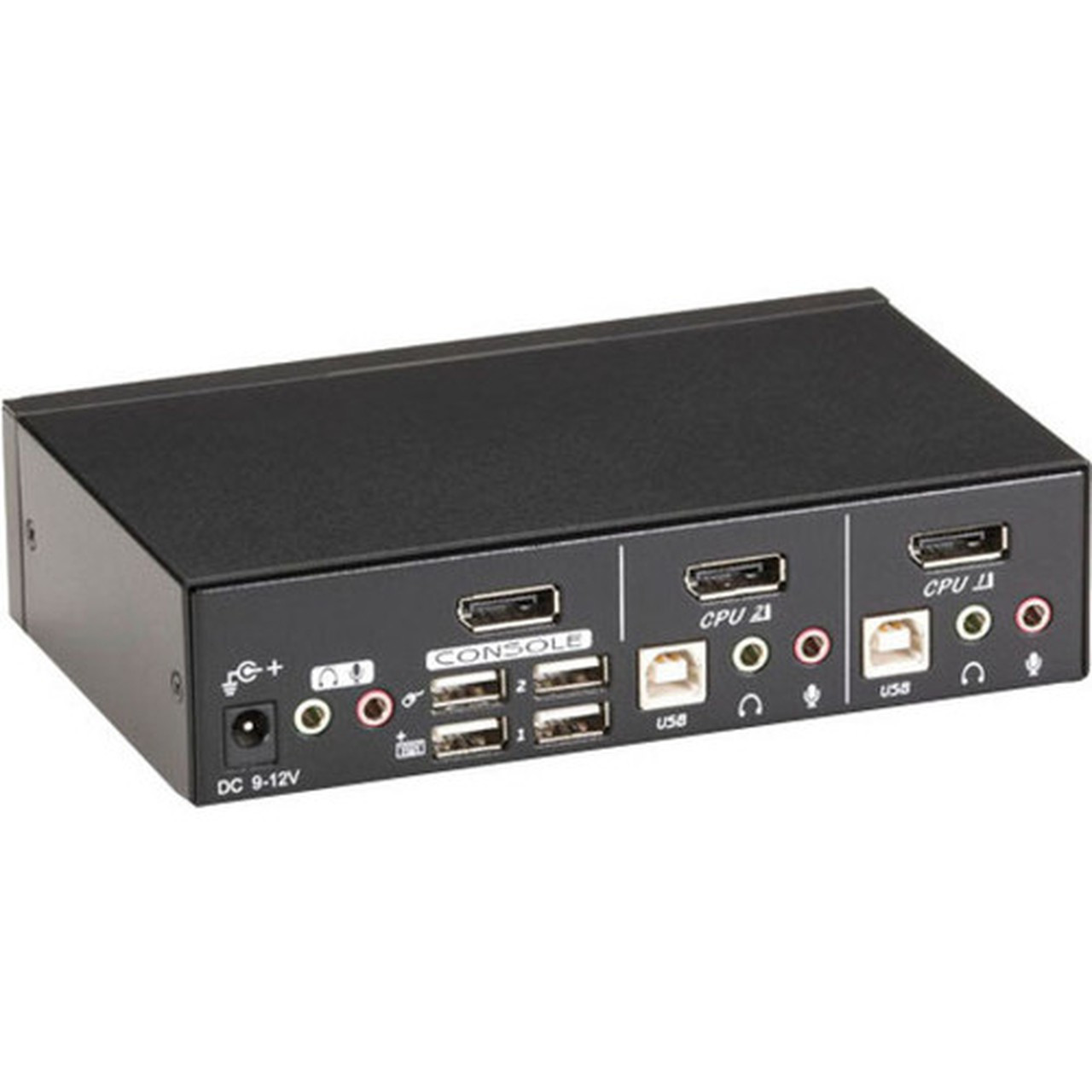
Black Box KV9702A ServSwitch DT DisplayPort KVM Switch - 2-Port - 1 Local User - 2560 x 1600 - 6 USB - Desktop

Business volume discounts
Technical guidance
Preparation & staging
QC · ON · AB · BC
Product Features
Technical Overview
The KV9702A delivers reliable KVM switching with a focus on video clarity and peripheral management. It supports WQXGA graphic mode, ensuring sharp visuals for productivity and multimedia tasks. The six USB ports provide ample connectivity for a variety of devices, from input peripherals to storage drives.
Built with a desktop form factor, this switch measures 6.40 inches wide, 3.90 inches deep, and 1.60 inches high, making it suitable for placement on desks or shelves. It operates without requiring software installation, simplifying deployment and reducing setup time.
Relevant factors for this section include Number of Computers Supported, Number of Local Users Supported, Graphic Mode, Maximum Video Resolution. When those points are considered together, they give buyers a clearer picture of how the product is equipped, how it fits into deployment, and what kind of day-to-day role it is meant to support.
Key Product Advantages
The KV9702A enhances workspace efficiency by reducing clutter and simplifying multi-computer management. Its compatibility with USB consoles and peripherals ensures broad device support, while the no-software-required design minimizes IT overhead.
These strengths make the product easier to deploy and manage in real environments, especially where reliability, usability, and day-to-day operational continuity matter. Notable benefits include High-Resolution Video Support, Flexible Peripheral Switching, Ease of Use.
High-Resolution Video Support
Supports resolutions up to 2560x1600 (WQXGA), compatible with UXGA, full HD, and WUXA modes for clear and detailed display output.
Flexible Peripheral Switching
Allows two computers to share up to four different USB peripherals independently, with a unique switching system for USB and audio devices.
Ease of Use
Features front-panel push buttons and hotkey functions for quick computer selection, with autoscan activation for automated switching.
Deployment / Use Cases
This KVM switch is well-suited for scenarios where space is limited but functionality cannot be compromised. Its desktop form factor and straightforward operation make it a practical choice for environments that require reliable switching without complex configurations.
Deploy the KV9702A in home offices, educational institutions, or small business setups to streamline computer access and improve ergonomics. It supports USB keyboards, mice, and other peripherals, ensuring compatibility with standard equipment.
Small Office Workstations
Ideal for employees who need to switch between a desktop computer and a laptop, maintaining a single set of monitors, keyboards, and mice.
Lab and Testing Environments
Useful in settings where multiple systems must be monitored or controlled from one station, such as in IT support or development labs.
Physical Profile
The KV9702A features a compact desktop design with dimensions of 6.40 inches in width, 3.90 inches in depth, and 1.60 inches in height. Weighing approximately 589.7 grams, it is lightweight yet durable for everyday use.
Its small footprint allows for easy placement on desks or in tight spaces, while the environmentally friendly construction aligns with sustainable practices. The switch is manufactured in Taiwan and backed by a one-year limited warranty.
- Width
- 6.40" (162.56 mm)
- Depth
- 3.90" (99.06 mm)
- Height
- 1.60" (40.64 mm)
- Weight
- 589.7 g
Highlights
- Supports 2 computers and 1 local user for efficient multi-system control
- Delivers high-resolution video up to 2560x1600 (WQXGA) for clear displays
- Includes 6 USB ports for connecting keyboards, mice, and other peripherals
- Features independent USB and audio switching for flexible device management
- Offers front-panel buttons and hotkey functions for easy computer selection
- Requires no software installation, simplifying setup and operation
- Compact desktop form factor with dimensions of 6.40" W x 3.90" D x 1.60" H
- Compatible with USB consoles and a wide range of USB peripherals
Specifications
| Specifications | |
|---|---|
| Manufacturer | Black Box Corporation |
| Manufacturer Part Number | KV9702A |
| Brand Name | Black Box |
| Product Line | ServerSwitch |
| Product Name | ServSwitch KVM Switch DT DisplayPort with USB and Audio, 2-Port |
| Product Type | KVM Switchbox |
| Technical Information | |
| Number of Computers Supported | 2 |
| Number of Local Users Supported | 1 |
| Video | |
| Graphic Mode | WQXGA |
| Maximum Video Resolution | 2560 x 1600 |
| Interfaces/Ports | |
| USB | Yes |
| DisplayPort | Yes |
| Number of USB Ports | 6 |
| Physical Characteristics | |
| Form Factor | Desktop |
| Height | 1.60" (40.64 mm) |
| Width | 6.40" (162.56 mm) |
| Depth | 3.90" (99.06 mm) |
| Weight (Approximate) | 589.7 g |
| Miscellaneous | |
| Environmentally Friendly | Yes |
| Country of Origin | Taiwan |
| Warranty | |
| Limited Warranty | 1 Year |
User Manual
FAQ
How many computers can I connect to this KVM switch?
The Black Box KV9702A supports two computers. This allows a single user to switch between two systems using one set of peripherals, such as a monitor, keyboard, and mouse, making it ideal for dual-computer setups in offices or home workstations.
What is the maximum video resolution supported by this switch?
This switch supports a maximum video resolution of 2560 x 1600, which is also known as WQXGA. It is compatible with other common resolutions like UXGA (1600x1200), full HD (1920x1080), and WUXA (1920x1200), ensuring sharp and detailed visuals for various display needs.
How many USB ports does the KV9702A have, and what can I connect to them?
The KV9702A includes six USB ports. You can connect a variety of USB peripherals, such as keyboards, mice, storage devices, and audio equipment. The switch allows two computers to share up to four different USB peripherals independently, enhancing flexibility in device management.
Does this KVM switch require software to operate?
No, the KV9702A does not require any software for operation. It functions through hardware-based switching, using front-panel push buttons or hotkey commands to select between computers. This simplifies deployment and reduces the need for IT support or driver installations.
What are the physical dimensions and form factor of this switch?
The switch has a desktop form factor with dimensions of 6.40 inches in width, 3.90 inches in depth, and 1.60 inches in height. It weighs approximately 589.7 grams, making it compact and lightweight for easy placement on desks or in confined spaces without occupying much room.
Is audio switching supported on this KVM switch?
Yes, the KV9702A supports audio switching alongside USB. Its unique switching system enables USB or audio devices to operate independently, allowing you to switch audio outputs between computers without interference. This is useful for setups that require sound management across multiple systems.
| Qty | Price | Available |
|---|


