






Shipping included*
Exclusions
Additional shipping fees may apply in rare circumstances for deliveries outside standard service areas. In most cases, this only potentially affects shipments to the Northwest Territories and Yukon, as well as certain heavy or oversized items.
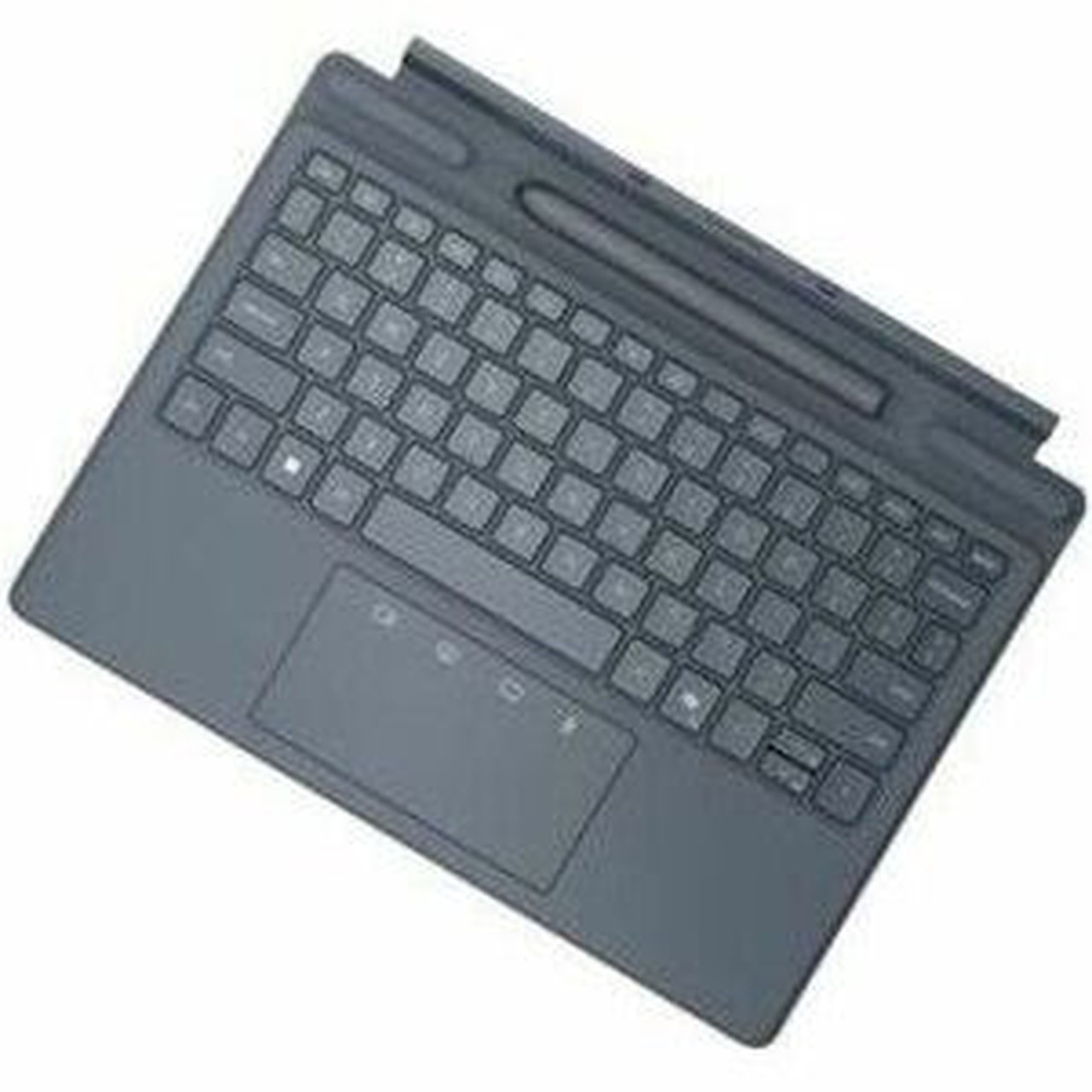
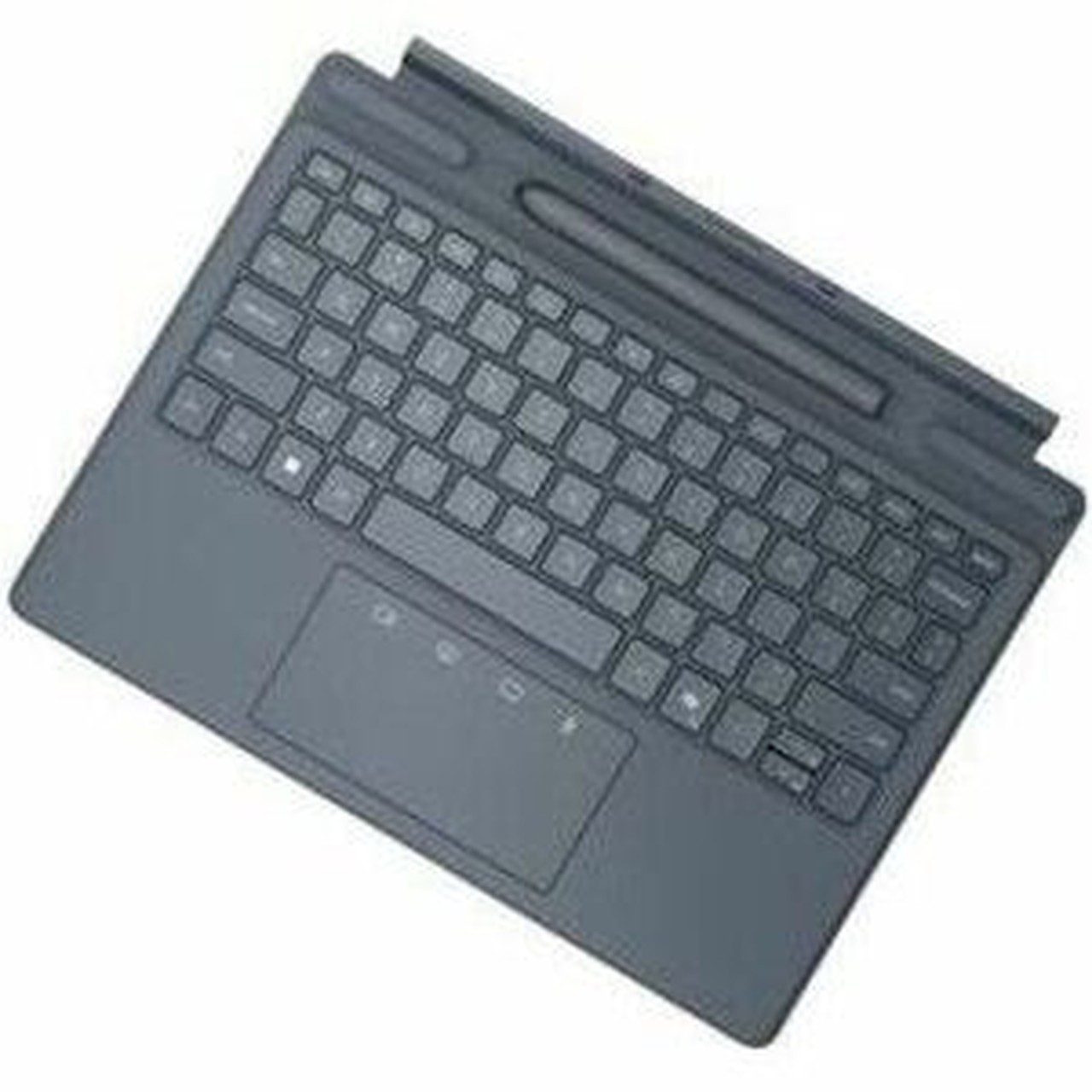
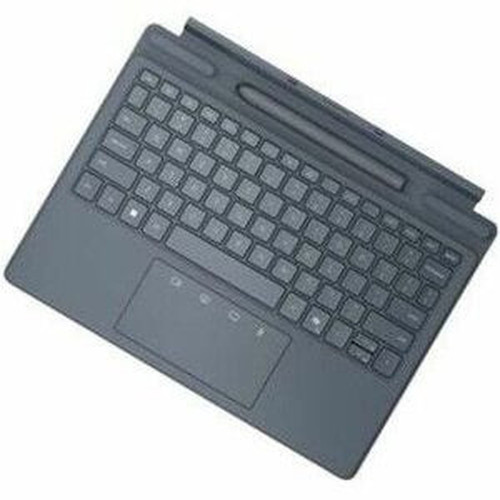
Dell K21MBRUS Collaboration Keyboard - Pogo Pin Interface - CoPilot Hot Keys - English (US) - Tablet & Stylus - TouchPad & ClickPad - Aluminium

Business volume discounts
Technical guidance
Preparation & staging
QC · ON · AB · BC
Product Features
Technical Overview
The Dell Collaboration Keyboard utilizes Membrane/Scissor key switch technology, delivering a comfortable typing experience with low-profile keys that are durable and have a longer lifespan. The magnetic hinge allows for easy attachment and detachment from compatible tablets, while the spill-resistant design protects against accidental liquid exposure. The keyboard measures 11.53" (292.94 mm) in width, 9.05" (229.90 mm) in depth, and 0.22" (5.60 mm) in height, offering a compact footprint that fits well in travel bags or on crowded desks.
Connectivity is handled through a Pogo Pin interface, providing a stable and power-efficient connection without wireless interference. The pointing device combines a TouchPad and ClickPad for precise cursor control, and the backlight feature enhances usability in dim environments. The aluminum material not only adds strength but also contributes to a lightweight build of 13.76 oz (390 g), making it highly portable.
Key Product Advantages
This keyboard excels in collaborative settings by combining robust hardware with user-centric features. The CoPilot hot keys streamline access to teamwork applications, reducing the time spent navigating menus. The Pogo Pin interface ensures a secure and instant connection, ideal for professionals who need reliable performance during meetings or on the go.
These strengths make the product easier to deploy and manage in real environments, especially where reliability, usability, and day-to-day operational continuity matter. Notable benefits include Enhanced Collaboration, Durable Design.
Enhanced Collaboration
CoPilot hot keys and tablet/stylus support facilitate seamless interaction in group projects and remote sessions.
- Quick tool access
- Compatible with tablets
- Stylus integration
Durable Design
Aluminum construction and spill resistance provide longevity and protection in active work environments.
- Aluminum material
- Spill-resistant features
- Magnetic hinge
Deployment / Use Cases
The Dell Collaboration Keyboard is ideal for business professionals, educators, and remote workers who rely on tablets for presentations, note-taking, and collaborative tasks. Its Pogo Pin interface makes it perfect for conference rooms or mobile setups where quick connectivity is essential. The slim and lightweight design allows for easy transport between office and home, supporting hybrid work models.
In educational settings, this keyboard enhances digital learning by providing a reliable input method for tablets used in classrooms or online courses. The stylus support enables precise annotations and drawings, while the spill-resistant feature safeguards against accidental spills during busy sessions. For creative professionals, the TouchPad and ClickPad offer flexible control for design applications, making it a versatile tool across various industries.
Business Meetings
Use with tablets for presentations and collaborative discussions, leveraging CoPilot hot keys for efficient tool access.
Remote Work
Ideal for home offices or co-working spaces, offering portable and reliable input for tablets and stylus devices.
Localization and Operating System
The keyboard is localized for English (US) layout, ensuring familiarity and ease of use for North American users. This localization includes standard key placements and symbols, reducing the learning curve and improving typing accuracy. While the keyboard itself does not include an operating system, it is designed to be compatible with a wide range of tablet devices that support Pogo Pin connectivity, making it versatile across different platforms and applications.
Relevant factors for this section include Keyswitch Technology, Hot Keys, Localization, Pointing Device Type. When those points are considered together, they give buyers a clearer picture of how the product is equipped, how it fits into deployment, and what kind of day-to-day role it is meant to support.
Physical Profile
Crafted from aluminum, the Dell Collaboration Keyboard features a River Solid Light color that blends well with modern office aesthetics. Its dimensions of 11.53" x 9.05" x 0.22" provide a slim and space-efficient design, suitable for tight workspaces or travel. The magnetic hinge allows for easy attachment to tablets, and the lightweight build of 13.76 oz ensures it adds minimal bulk to your setup. The spill-resistant construction adds an extra layer of durability for daily use.
- Width
- 11.53" (292.94 mm)
- Depth
- 9.05" (229.90 mm)
- Height
- 0.22" (5.60 mm)
- Weight
- 13.76 oz (390 g)
What's in the Box
The package includes the Collaboration Keyboard and its documentation, providing everything needed for immediate setup and use.
Package contents include Collaboration Keyboard Documentation, Collaboration Keyboard. These included items support setup, installation, and immediate deployment without needing to source the core bundled accessories separately.
Highlights
- Pogo Pin interface for quick and stable tablet connectivity
- CoPilot hot keys for instant access to collaboration tools
- English (US) localization with familiar layout
- Backlit keys for visibility in low-light conditions
- Membrane/Scissor key switches for comfortable and durable typing
- Aluminum construction with River Solid Light color
- Spill-resistant and slim design for portability
- Integrated TouchPad and ClickPad for flexible pointing
- Supports tablets and stylus devices for versatile use
- Magnetic hinge for easy attachment and detachment
Specifications
| Specifications | |
|---|---|
| Manufacturer | Dell Technologies |
| Manufacturer Part Number | K21MBRUS |
| Brand Name | Dell |
| Product Name | Collaboration Keyboard |
| Product Type | Keyboard |
| Keyboard/Keypad | |
| Keyswitch Technology | Membrane/Scissor |
| Hot Keys | CoPilot |
| Localization | English (US) |
| Backlight | Yes |
| Keyboard/Keypad Features | Magnetic Hinge,Spill Resistant,Slim |
| Pointing Device | |
| Pointing Device Type | TouchPad,ClickPad |
| Interfaces/Ports | |
| Keyboard/Keypad Host Interface | Pogo Pin |
| Physical Characteristics | |
| Color Family | Other |
| Product Color | River Solid Light |
| Product Material | Aluminium |
| Keyboard/Keypad Height | 0.22" (5.60 mm) |
| Keyboard/Keypad Width | 11.53" (292.94 mm) |
| Keyboard/Keypad Depth | 9.05" (229.90 mm) |
| Weight (Approximate) | 13.76 oz (390 g) |
| Miscellaneous | |
| Package Contents | Collaboration Keyboard Documentation |
| Device Supported | Tablet,Stylus |
| Warranty | |
| Limited Warranty | 1 Year |
FAQ
What type of key switches does this keyboard use?
The Dell Collaboration Keyboard uses Membrane/Scissor key switch technology. This design provides a comfortable typing experience with low-profile keys that are durable, sealable, and have a longer lifespan compared to some other switch types, making it suitable for extended use in office or mobile environments.
How does the Pogo Pin interface work?
The Pogo Pin interface is a physical connector that allows the keyboard to quickly and easily attach to compatible tablets. It provides a stable and power-efficient connection without the need for Bluetooth pairing or USB cables, ensuring reliable performance during meetings or on the go, and reducing wireless interference issues.
What are the CoPilot hot keys used for?
CoPilot hot keys are dedicated buttons on the keyboard that provide instant access to collaboration tools and applications. They streamline workflows by allowing users to quickly launch or control teamwork features, enhancing productivity in group projects, remote sessions, or presentations without navigating through menus.
Is this keyboard backlit?
Yes, the Dell Collaboration Keyboard includes a backlight feature. This ensures key visibility in low-light or dim environments, such as during evening work or in poorly lit rooms, improving usability and reducing typing errors when lighting conditions are not optimal.
What devices are supported by this keyboard?
This keyboard supports tablets and stylus devices, making it versatile for various professional and educational applications. It is designed to work with compatible tablets that feature a Pogo Pin interface, enabling seamless integration for note-taking, presentations, and creative tasks that involve stylus input.
What is the warranty period for this product?
The Dell Collaboration Keyboard comes with a limited warranty of 1 year. This warranty covers defects in materials and workmanship under normal use, providing assurance of quality and support for buyers who rely on this keyboard for daily professional or collaborative activities.
| Qty | Price | Available |
|---|


