








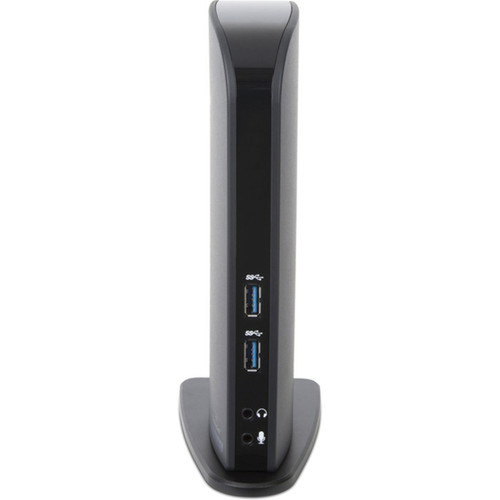
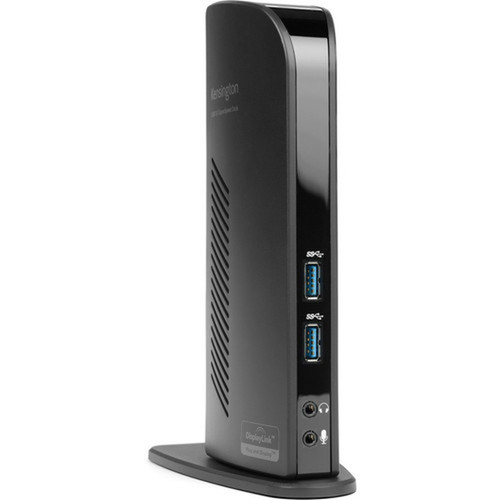
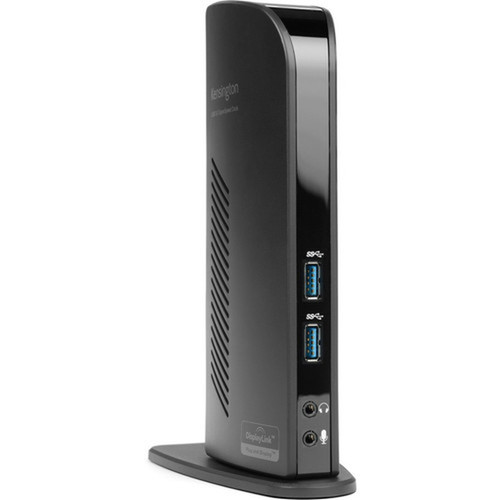
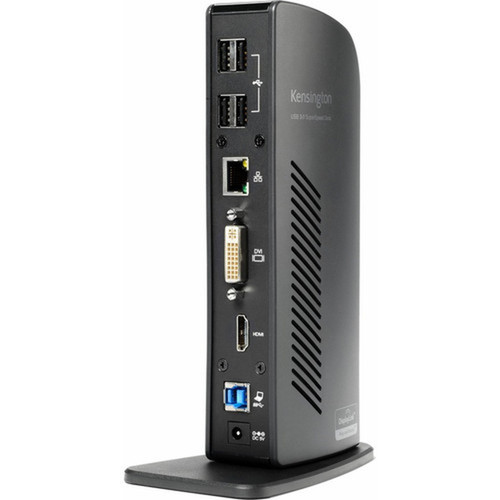
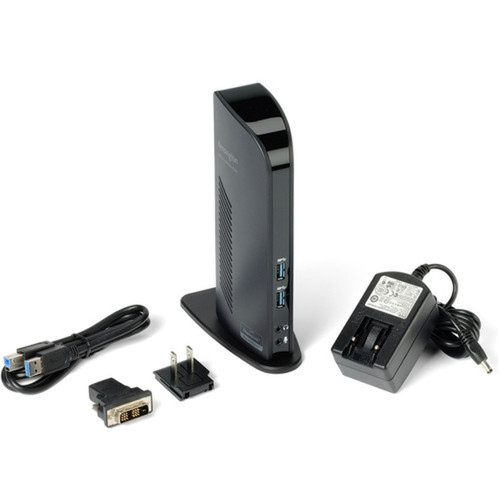


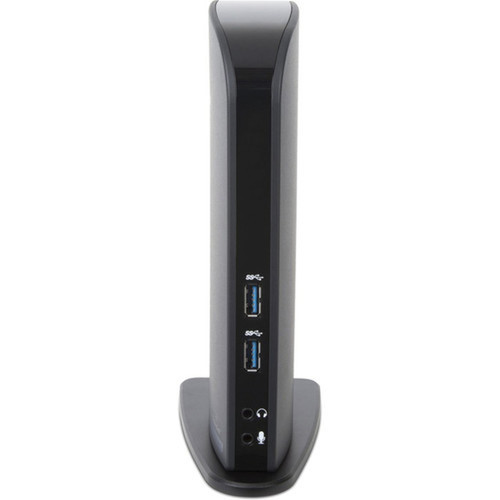
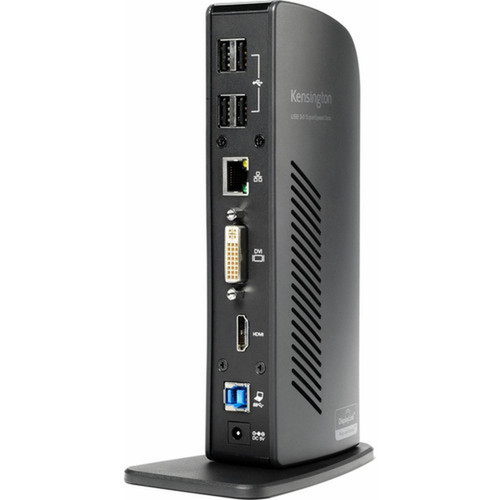

Kensington K33972US sd3500v USB 3.0 Docking Station - 6x USB 3.0 Ports - Dual DVI/HDMI/VGA Video Outputs - Black

Business volume discounts
Technical guidance
Preparation & staging
QC · ON · AB · BC
Product Features
Technical Overview
Engineered with USB 3.0 host interface technology, the sd3500v docking station ensures backward compatibility while maximizing data throughput for connected devices. The six USB 3.0 ports deliver 5 Gbps transfer speeds, enabling simultaneous operation of storage drives, input devices, and other peripherals without bandwidth constraints.
Video output flexibility stands as a core technical advantage, with dual display support through DVI, HDMI, and VGA interfaces. This configuration accommodates both modern digital displays and legacy analog monitors, providing compatibility across diverse workplace environments.
Relevant factors for this section include Connectivity Technology, Device Supported, Host Interface, Total Number of USB Ports. When those points are considered together, they give buyers a clearer picture of how the product is equipped, how it fits into deployment, and what kind of day-to-day role it is meant to support.
Key Product Advantages
This docking station excels in transforming limited notebook connectivity into a fully-featured workstation environment. The combination of high-speed USB expansion and versatile video output options addresses common productivity bottlenecks in modern computing setups.
Comprehensive Peripheral Support
Six USB 3.0 ports accommodate multiple devices simultaneously, from external storage and printers to keyboards, mice, and webcams, eliminating the need for separate hubs.
- 5 Gbps data transfer speeds
- Backward compatible with USB 2.0/1.1
- Supports bus-powered and externally-powered devices
Flexible Display Configuration
Dual video outputs with DVI, HDMI, and VGA interfaces enable extended or mirrored desktop setups across different monitor technologies.
- Supports analog and digital displays
- Enables multi-monitor productivity
- Simplifies presentation setups
Deployment / Use Cases
The Kensington sd3500v docking station serves as an ideal solution for professionals requiring consistent connectivity between mobile computing and fixed workstation environments. Its design addresses the specific needs of users who transition between office, home, and remote work locations.
In corporate settings, this docking station standardizes connectivity across notebook fleets while reducing cable clutter at individual workstations. The dual video output capability supports financial analysts, software developers, and creative professionals who benefit from expanded screen real estate for complex applications and multitasking workflows.
Hot-Desking & Shared Workspaces
Provides consistent connectivity points for multiple users, ensuring peripherals remain connected when different notebooks dock throughout the day.
Presentation & Collaboration Environments
Facilitates quick connections to projectors and conference room displays through multiple video interface options.
Physical Profile
The compact black enclosure measures 9.5 inches wide by 6.5 inches high by 3 inches deep, occupying minimal desk space while housing substantial connectivity. Weighing just 2.1 pounds, the docking station maintains portability for users who occasionally relocate their workstation setup between locations.
The matte black finish complements professional office environments while resisting visible fingerprints and smudges. The form factor allows placement beside monitors or under desks, with ventilation ensuring stable operation during continuous use.
- Width
- 9.50" (241.30 mm)
- Depth
- 3" (76.20 mm)
- Height
- 6.50" (165.10 mm)
- Weight
- 2.10 lb (952.54 g)
Highlights
- Six USB 3.0 ports for high-speed peripheral connectivity
- Dual video outputs supporting DVI, HDMI, and VGA interfaces
- USB host interface for notebook compatibility
- Wired connectivity ensures stable data transmission
- Compact black enclosure measuring 9.5" × 6.5" × 3"
- Lightweight design at 2.1 pounds for occasional portability
- Specifically designed for notebook expansion
- Supports multi-monitor configurations for enhanced productivity
Specifications
| Specifications | |
|---|---|
| Manufacturer | Kensington Computer Products Group |
| Manufacturer Part Number | K33972US |
| Brand Name | Kensington |
| Product Model | sd3500v |
| Product Name | USB 3.0 Docking Station with Dual DVI/HDMI/VGA Video sd3500v |
| Product Type | Docking Station |
| Technical Information | |
| Connectivity Technology | Wired |
| Device Supported | Notebook |
| Interfaces/Ports | |
| Host Interface | USB |
| Total Number of USB Ports | 6 |
| Number of USB 3.0 Ports | 6 |
| VGA | Yes |
| HDMI | Yes |
| DVI | Yes |
| Physical Characteristics | |
| Product Color | Black |
| Height | 6.50" (165.10 mm) |
| Width | 9.50" (241.30 mm) |
| Depth | 3" (76.20 mm) |
| Weight (Approximate) | 2.10 lb (952.54 g) |
| Miscellaneous | |
| Country of Origin | Taiwan |
FAQ
What devices are compatible with this docking station?
The Kensington sd3500v docking station is specifically designed for notebook computers with USB connectivity. It supports Windows and macOS notebooks that feature USB ports, providing expansion capabilities for systems with limited built-in connectivity options. The docking station does not require proprietary drivers for basic functionality, though specific operating systems may benefit from available software enhancements.
How many monitors can I connect simultaneously?
This docking station supports dual monitor configurations through its video output interfaces. You can connect two displays using any combination of the available DVI, HDMI, and VGA ports. The dual video capability enables extended desktop setups or mirrored displays, though maximum resolution support depends on your notebook's graphics capabilities and the specific interfaces used for connection.
What is the difference between USB 3.0 and USB 2.0 on this dock?
All six USB ports on the Kensington sd3500v are USB 3.0, providing data transfer speeds up to 5 Gbps compared to USB 2.0's 480 Mbps maximum. This tenfold increase in bandwidth significantly improves performance for external storage devices, high-resolution webcams, and other data-intensive peripherals. The ports maintain backward compatibility with USB 2.0 and 1.1 devices, automatically negotiating the appropriate speed for each connected device.
Does this docking station require external power?
The docking station receives power through its USB connection to the host notebook, eliminating the need for a separate power adapter in most configurations. This streamlined approach reduces cable clutter and enhances portability. For optimal performance with power-hungry peripherals, ensure your notebook's USB port provides adequate power delivery, as some high-current devices may benefit from connecting the notebook to its own power source during docking station use.
Can I use this with desktop computers?
While primarily designed for notebook expansion, the docking station can function with desktop computers that have available USB ports. However, desktop systems typically offer more extensive built-in connectivity options, making the docking station's value proposition stronger for mobile computing scenarios. The dual video outputs may provide additional display connectivity for desktops with limited graphics ports, though performance depends on the host system's USB controller capabilities.
What cables are included with the docking station?
Based on the product specifications, the docking station does not include video or USB cables in its package contents. You will need to provide appropriate cables to connect your displays and peripherals. For video connections, standard DVI, HDMI, or VGA cables compatible with your monitors are required. The docking station connects to your notebook via a USB cable, which may be included or purchased separately depending on the specific product bundle.
| Qty | Price | Available |
|---|


