






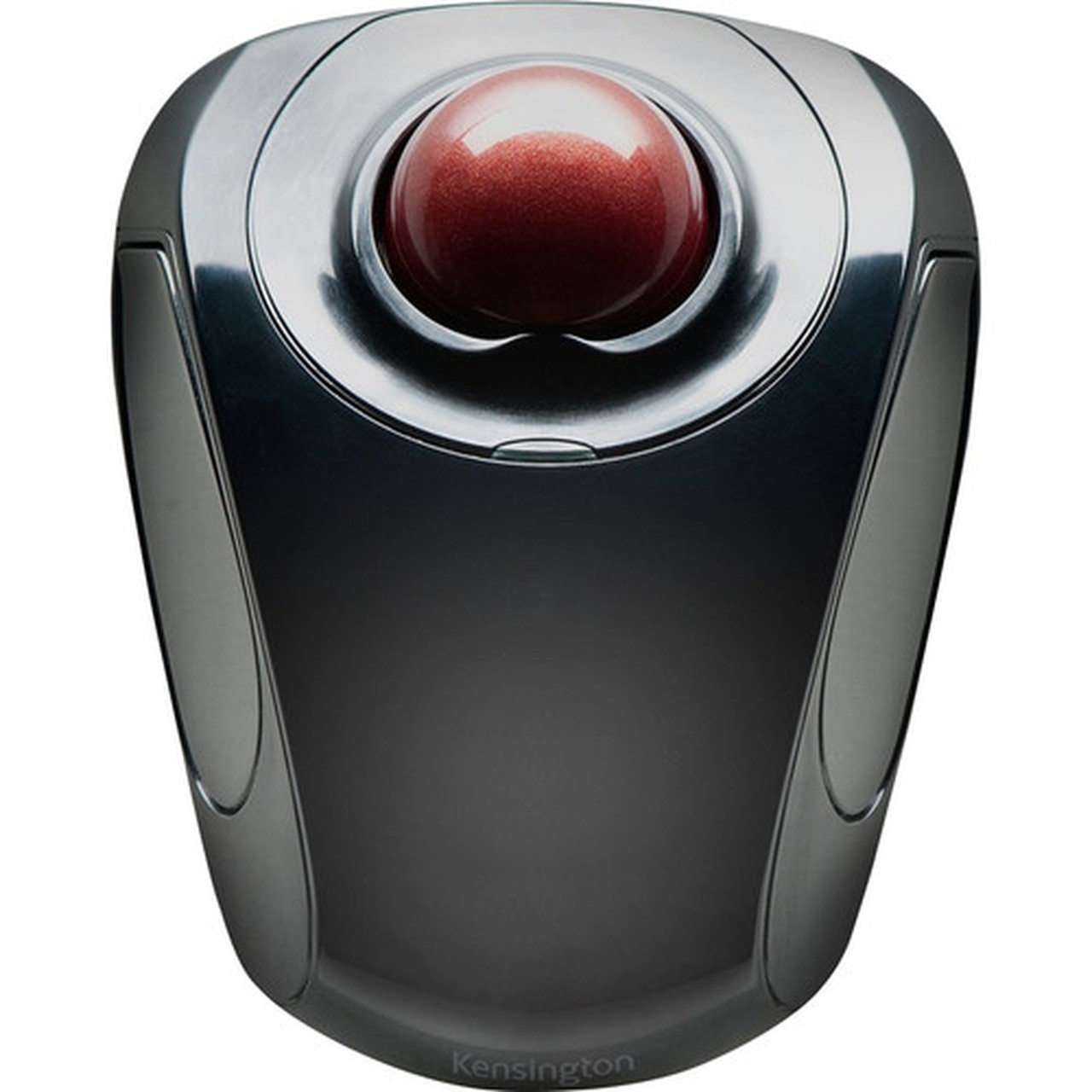
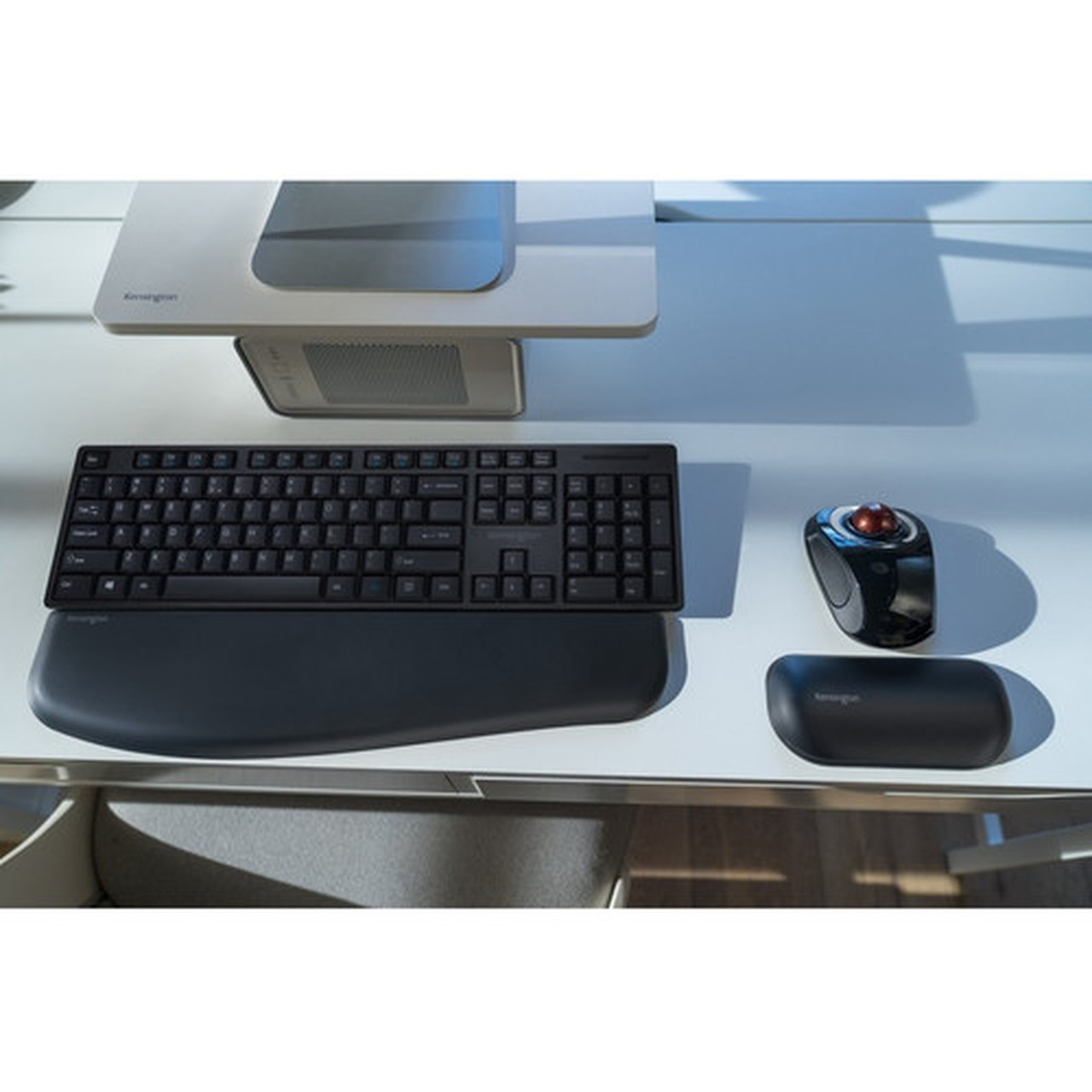
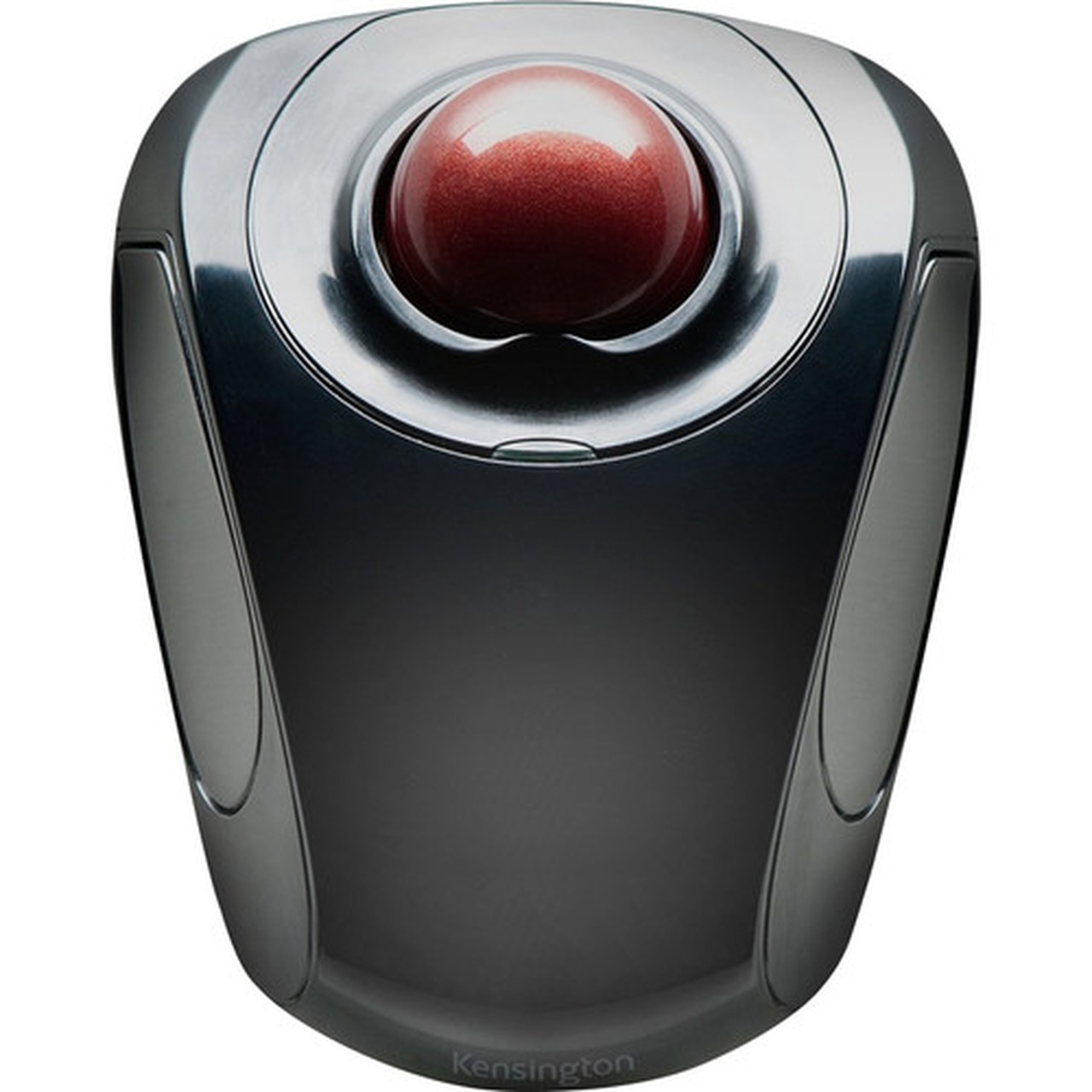
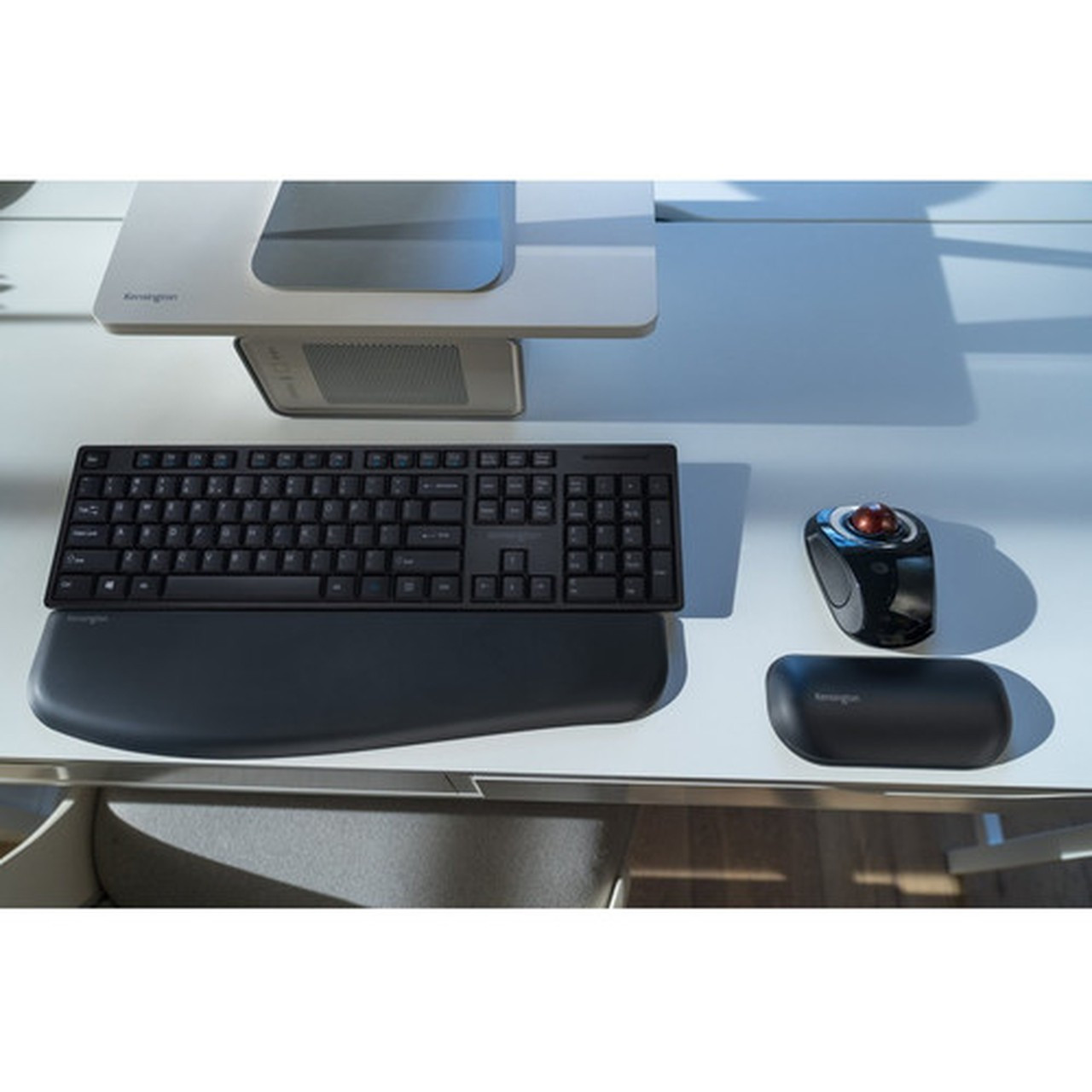
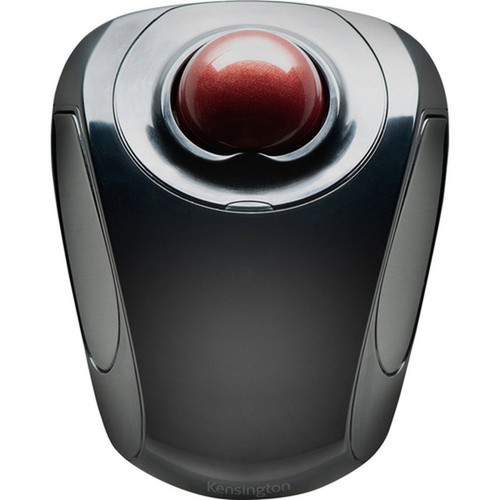

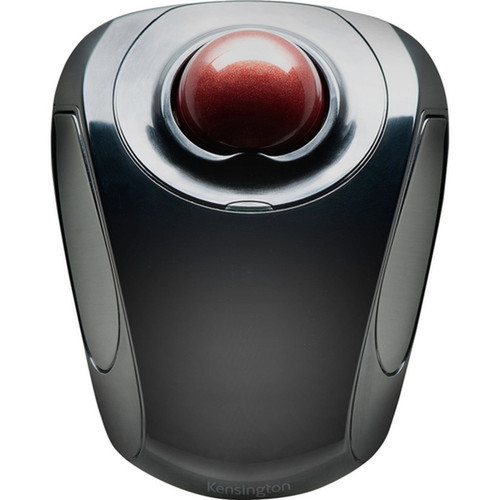

Kensington K72352WW Orbit Trackball - Wireless RF 2. 40 GHz - Symmetrical Scroll Ball - Graphite & Ruby Red

Business volume discounts
Technical guidance
Preparation & staging
QC · ON · AB · BC
Product Features
Technical Overview
This trackball features a built-in scroll ball for smooth vertical navigation, even in confined workspaces. The USB host interface ensures plug-and-play compatibility with modern notebooks and desktops. The symmetrical shape promotes neutral wrist positioning, reducing strain during extended use. Environmental compliance includes adherence to the Waste Electrical and Electronic Equipment Directive (WEEE), reflecting Kensington's commitment to sustainability.
Relevant factors for this section include Pointing Device Connectivity Technology, Pointing Device Wireless Technology, Wireless Operating Frequency, Pointing Device Host Interface. When those points are considered together, they give buyers a clearer picture of how the product is equipped, how it fits into deployment, and what kind of day-to-day role it is meant to support.
A strong technical summary explains how the product's interfaces, hardware profile, and operating characteristics work together in real deployment. Buyers often need this context to confirm compatibility with existing devices, expected performance in daily use, and whether installation will be straightforward for IT staff or end users.
Key Product Advantages
The Orbit trackball stands out with its ambidextrous design and wireless freedom, making it versatile for diverse user preferences and workspace setups.
These strengths make the product easier to deploy and manage in real environments, especially where reliability, usability, and day-to-day operational continuity matter. Notable benefits include Wireless Convenience, Ergonomic Flexibility, Precise Navigation.
Wireless Convenience
Radio Frequency connectivity eliminates cable management issues and provides stable performance up to a typical range of 10 meters.
- Reduces desk clutter
- Enhances mobility
Ergonomic Flexibility
Symmetrical shape allows seamless switching between left and right hands, supporting varied user habits and reducing repetitive stress.
- Suitable for all users
- Promotes comfort
Precise Navigation
The integrated scroll ball offers fine-tuned scrolling control, ideal for detailed tasks like spreadsheet editing or graphic design.
- Smooth operation
- Accurate input
Deployment / Use Cases
This trackball is optimized for notebook users who require a compact, wireless pointing solution in home offices, corporate settings, or educational environments. Its compatibility with both Windows and Mac OS X makes it a cross-platform accessory for mixed-device ecosystems.
Relevant factors for this section include Pointing Device Connectivity Technology, Pointing Device Wireless Technology, Wireless Operating Frequency, Pointing Device Host Interface. When those points are considered together, they give buyers a clearer picture of how the product is equipped, how it fits into deployment, and what kind of day-to-day role it is meant to support.
Remote Work
Ideal for telecommuters needing a reliable, cable-free input device that works with laptops and reduces desk footprint.
Shared Workspaces
The symmetrical design allows multiple users to operate the same trackball comfortably, perfect for hot-desking or collaborative areas.
Highlights
- Symmetrical design supports both right and left-handed users
- Wireless Radio Frequency connectivity at 2.40 GHz for cable-free operation
- Built-in scroll ball enables precise navigation in tight spaces
- USB interface for easy plug-and-play setup with notebooks and desktops
- Dual-color Graphite and Ruby Red finish for a professional look
- Compatible with Windows 7, XP, Vista, and Mac OS X
- Works with both Mac and PC platforms
- Environmentally friendly with WEEE compliance
- Optimized for notebook use in various environments
- Reduces desk clutter and enhances workspace organization
Specifications
| Specifications | |
|---|---|
| Manufacturer | Kensington Computer Products Group |
| Manufacturer Part Number | K72352WW |
| Brand Name | Kensington |
| Product Line | Orbit |
| Product Name | Orbit Trackball |
| Product Type | Trackball |
| Pointing Device | |
| Pointing Device Connectivity Technology | Wireless |
| Pointing Device Wireless Technology | Radio Frequency |
| Wireless Operating Frequency | 2.40 GHz |
| Scroller Type | Scroll Ball |
| Ergonomic Fit | Symmetrical |
| Interfaces/Ports | |
| Pointing Device Host Interface | USB |
| Physical Characteristics | |
| Color Family | Dual Color |
| Product Color | Graphite,Ruby Red |
| Miscellaneous | |
| Device Supported | Notebook |
| Operating System Compatibility | Windows 7,Windows XP,Windows Vista,Mac OS X |
| Platform Supported | Mac,PC |
| Environmentally Friendly | Yes |
| Environmental Compliance | Waste Electrical and Electronic Equipment Directive (WEEE) |
| Country of Origin | China |
FAQ
Is this trackball suitable for left-handed users?
Yes, the Kensington Orbit K72352WW features a symmetrical design that works equally well for both right and left-handed users. Its ambidextrous shape allows comfortable operation without requiring adjustment or special configuration.
What wireless technology does this trackball use?
This trackball uses Radio Frequency wireless technology operating at 2.40 GHz. It provides stable connectivity without the need for cables, typically offering a range of up to 10 meters in open environments.
Which operating systems are compatible with this trackball?
The trackball is compatible with Windows 7, Windows XP, Windows Vista, and Mac OS X. It supports both Mac and PC platforms, making it a versatile accessory for mixed operating system setups.
Does this trackball include a scroll wheel?
No, it features a built-in scroll ball instead of a traditional scroll wheel. The scroll ball allows for smooth vertical scrolling and precise control, which is particularly useful in confined workspaces or for detailed tasks.
What is the host interface for this trackball?
The host interface is USB, enabling plug-and-play functionality with most modern notebooks and desktops. This ensures easy setup without requiring additional drivers in most cases.
What colors are available for this trackball?
The trackball comes in a dual-color finish of Graphite and Ruby Red. This combination provides a professional and stylish appearance suitable for various office or home environments.
What screen size is listed?
Kensington Orbit Trackball - Wireless - Radio Frequency - 2.40 GHz - Graphite, Ruby Red - USB - Scroll Ball - Symmetrical (K72352WW) is best judged through its screen, connectivity, and installation specifications, which help buyers confirm visual fit and deployment suitability.
| Qty | Price | Available |
|---|


