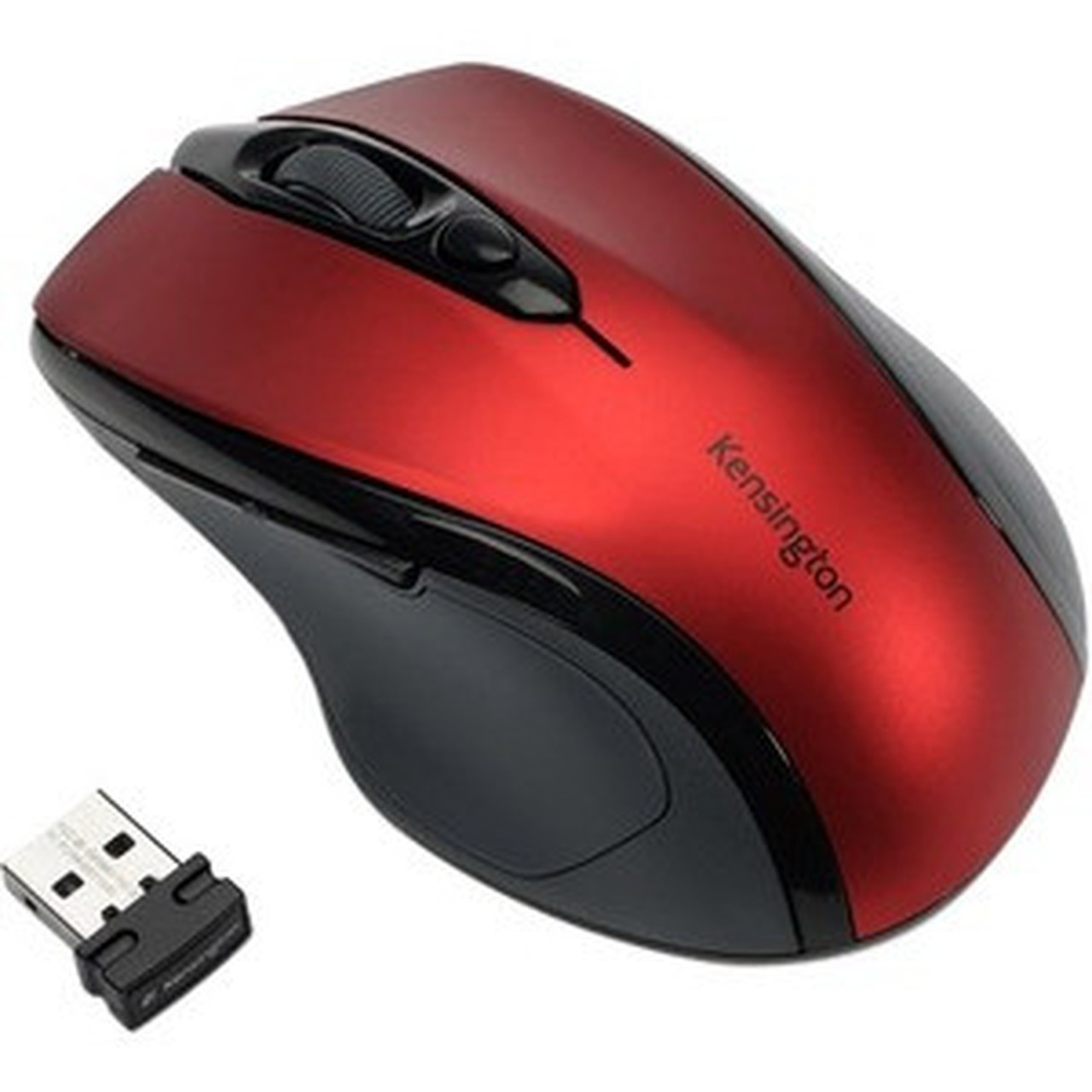
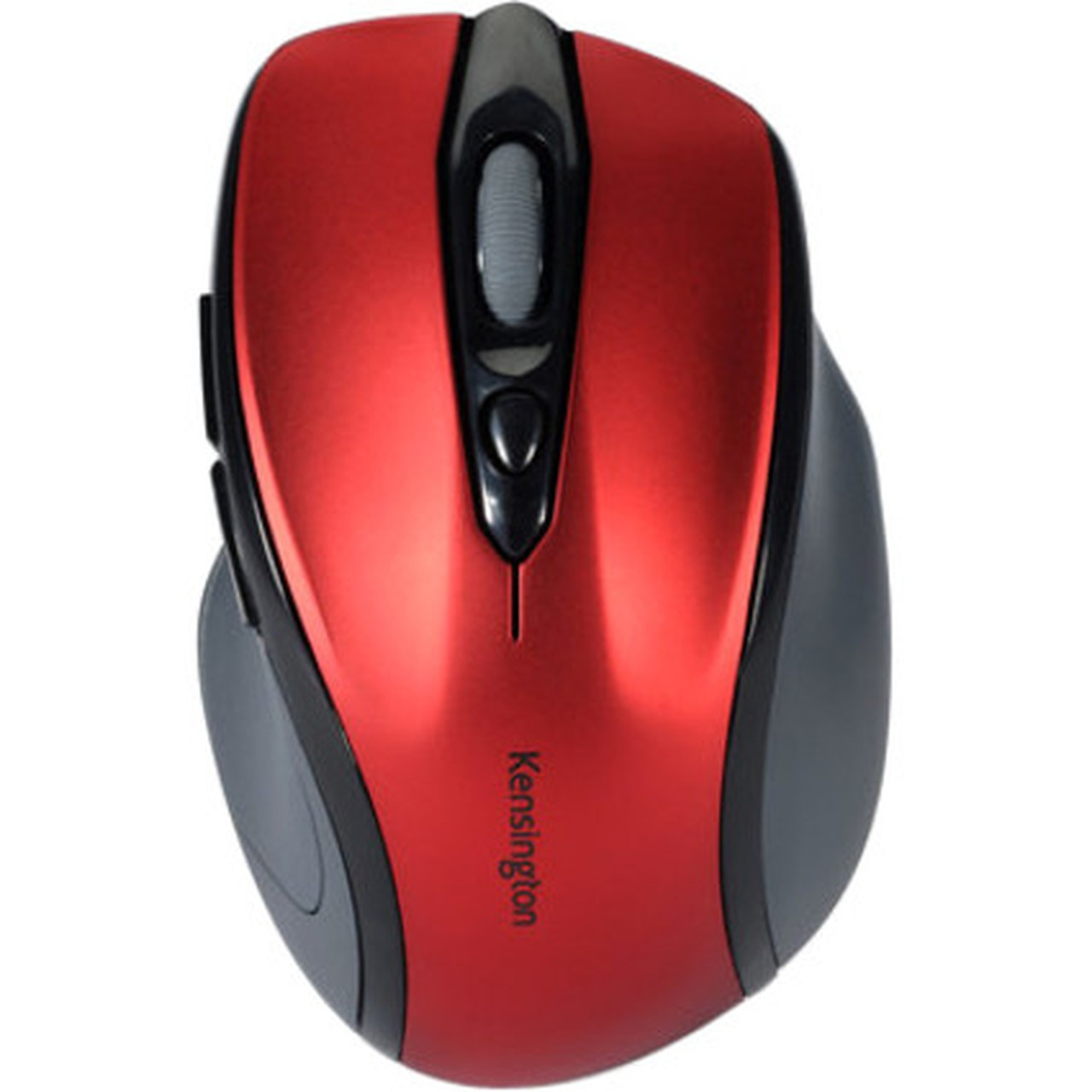
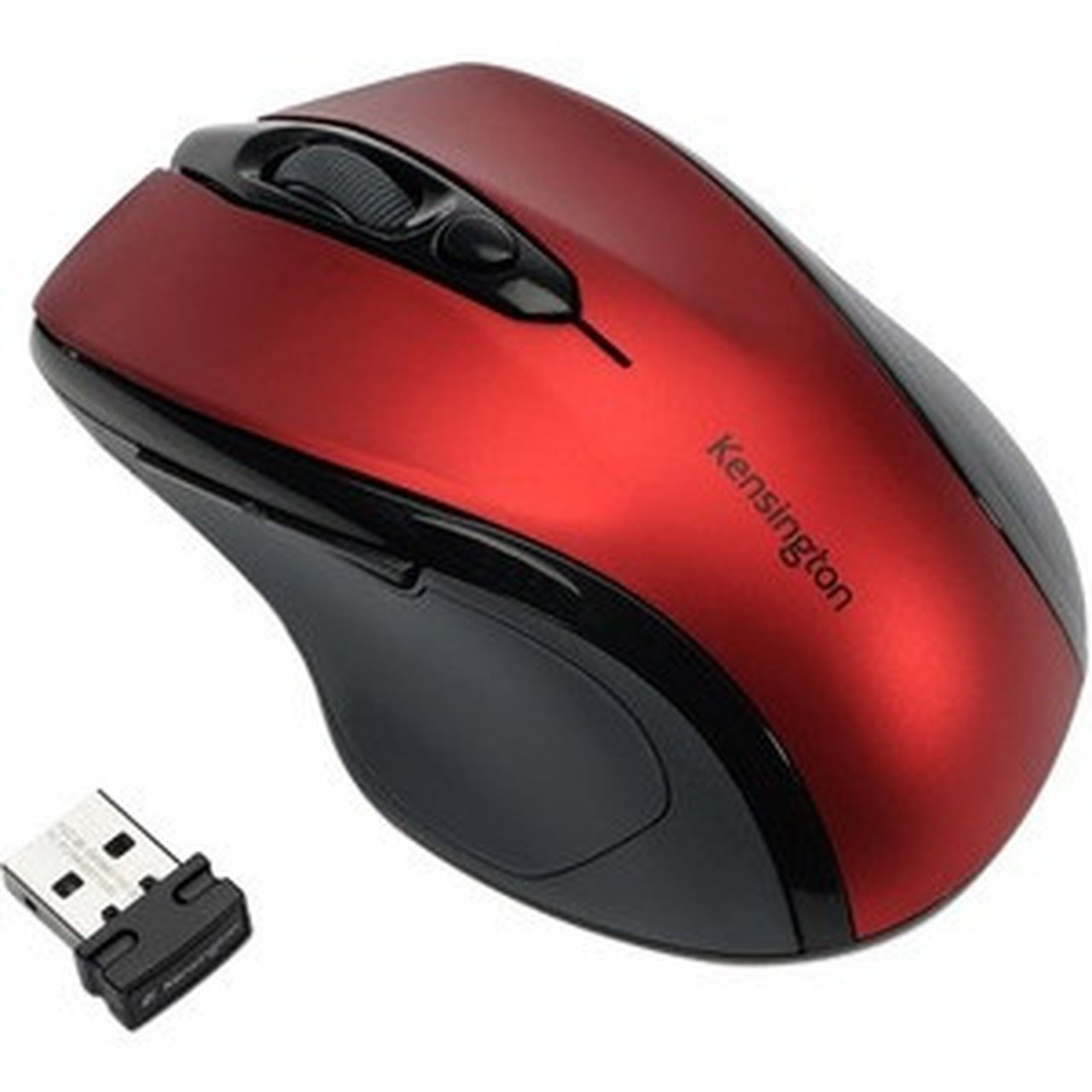


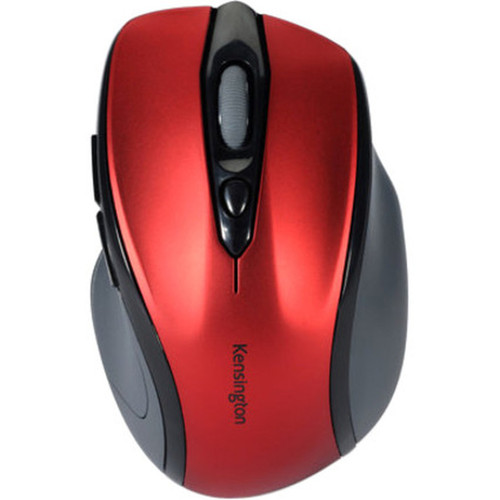
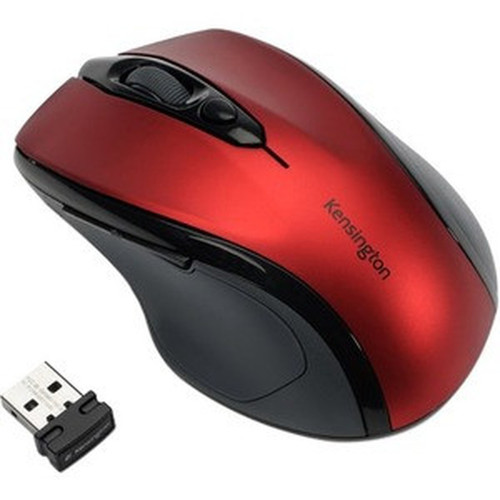
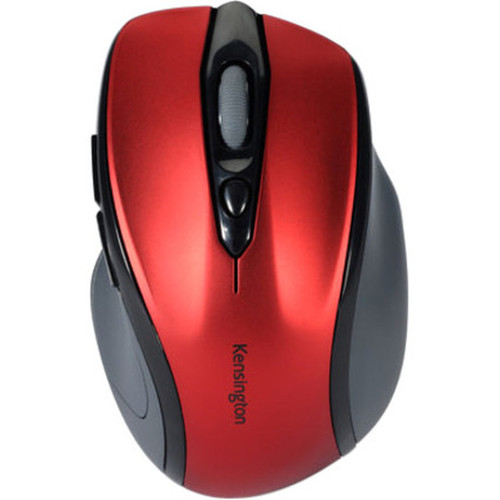
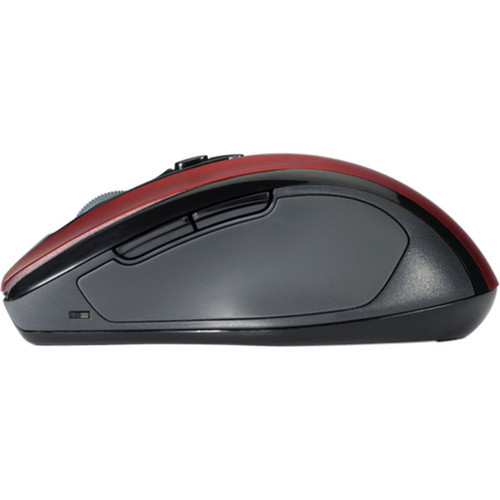
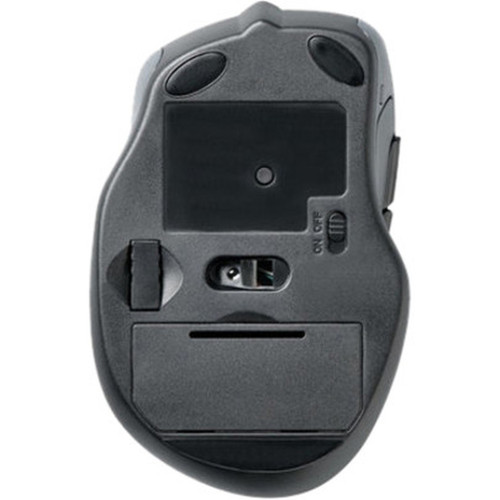
Kensington K72422AMA Pro Fit Wireless Mid-Size Mouse - Red - Optical 1600 DPI - USB - Radio Frequency

Business volume discounts
Technical guidance
Preparation & staging
QC · ON · AB · BC
Product Features
Technical Overview
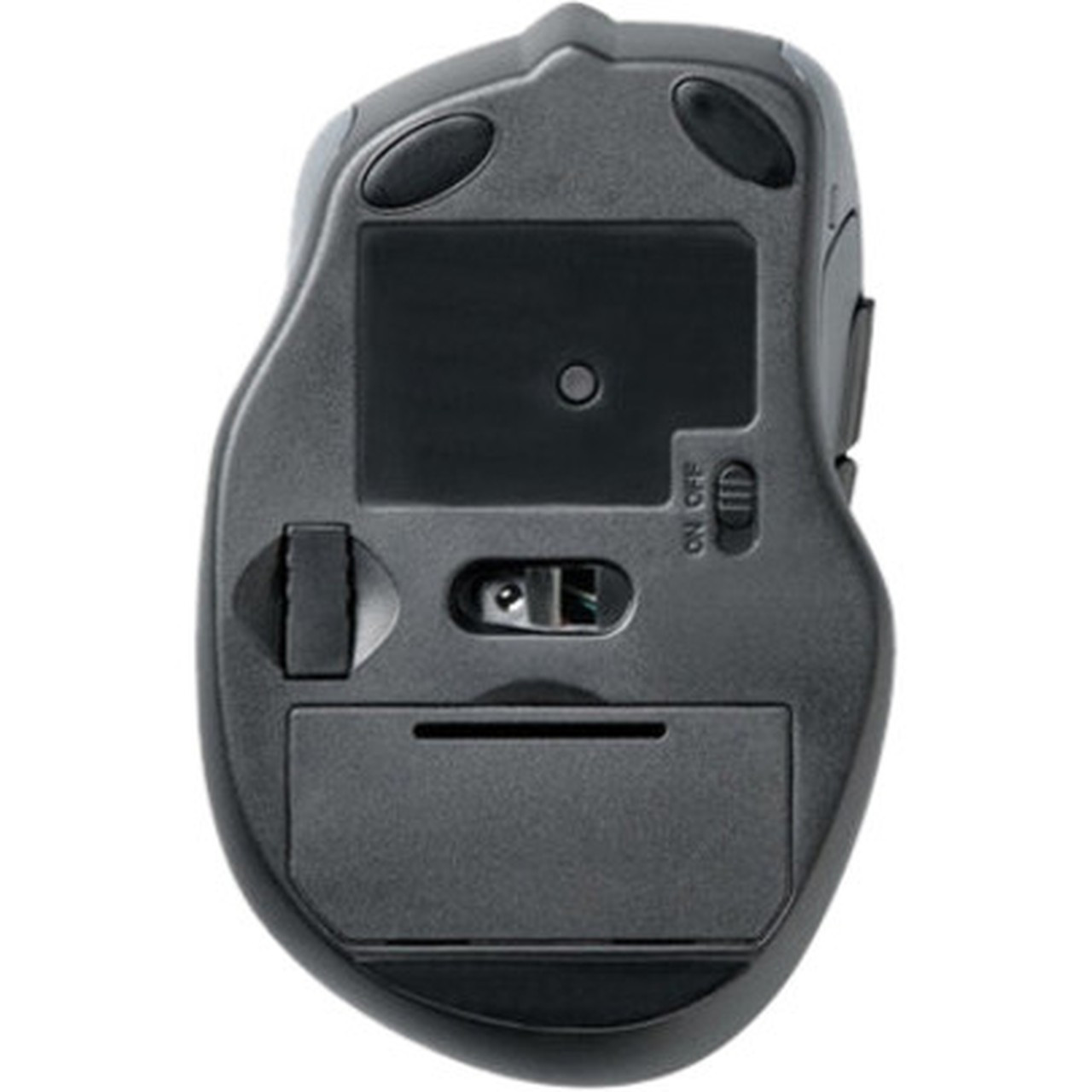
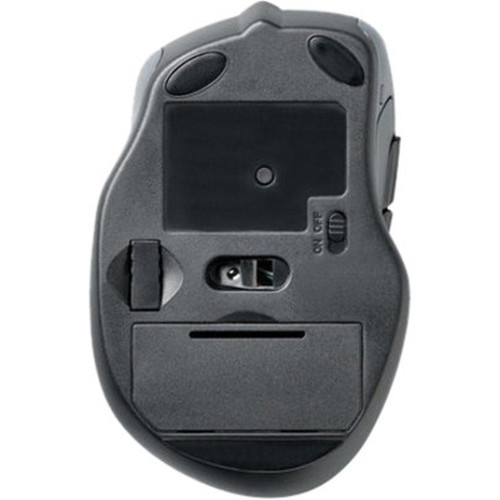
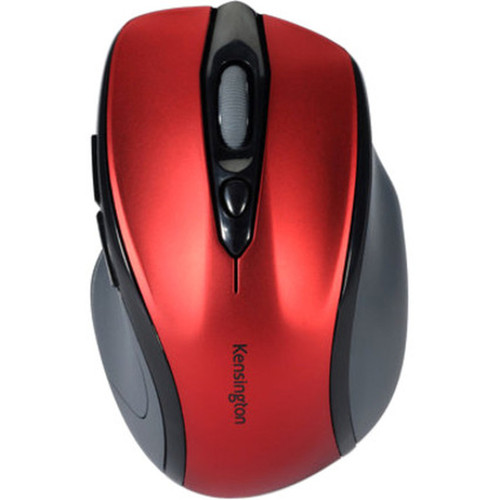
This wireless mouse operates on radio frequency technology, providing stable connectivity without the clutter of cables. It features an optical movement detection system with a 1600 dpi resolution for accurate cursor control, and includes a scroll wheel for efficient browsing and document navigation. The USB interface ensures easy plug-and-play setup, making it compatible with a wide range of systems.
Relevant factors for this section include Pointing Device Connectivity Technology, Pointing Device Wireless Technology, Movement Detection, Pointing Device Host Interface. When those points are considered together, they give buyers a clearer picture of how the product is equipped, how it fits into deployment, and what kind of day-to-day role it is meant to support.
A strong technical summary explains how the product's interfaces, hardware profile, and operating characteristics work together in real deployment. Buyers often need this context to confirm compatibility with existing devices, expected performance in daily use, and whether installation will be straightforward for IT staff or end users.
Key Product Advantages
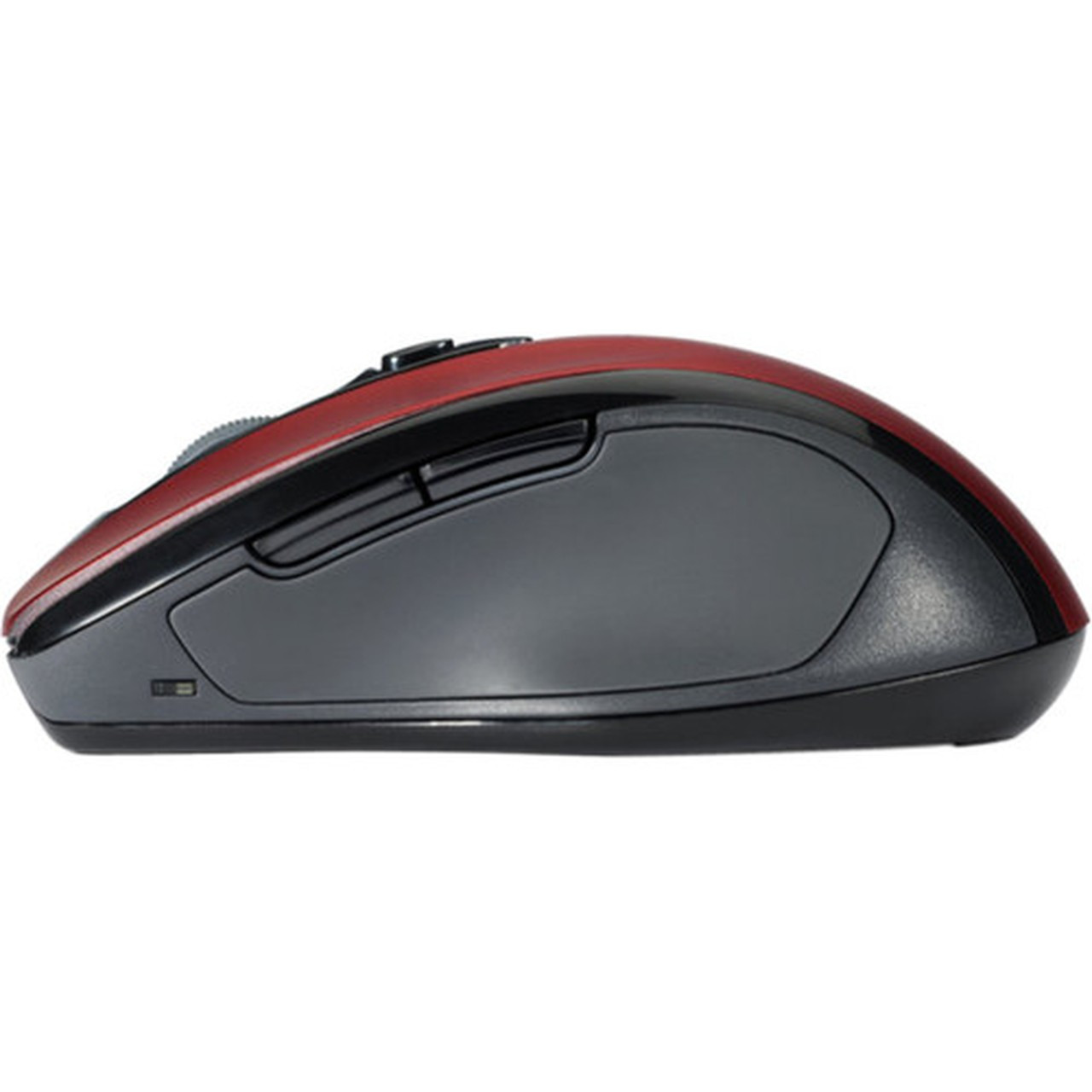
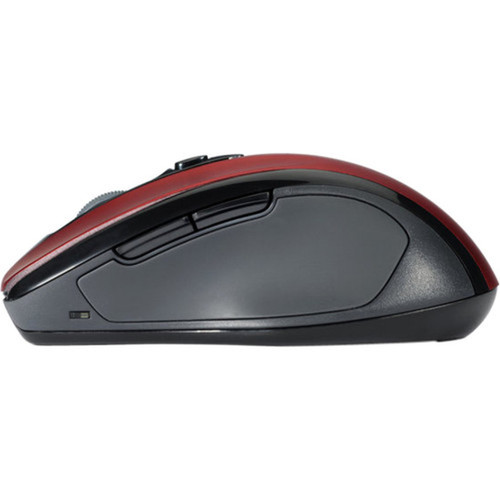
The Kensington Pro Fit Mouse combines ergonomic comfort with practical features to enhance user efficiency. Its design minimizes strain during extended use, while the wireless functionality offers freedom of movement.
These strengths make the product easier to deploy and manage in real environments, especially where reliability, usability, and day-to-day operational continuity matter. Notable benefits include Right-handed ergonomic fit, Medium hand size compatibility, Optical precision, Wireless convenience.
For buyers comparing similar models, the strongest advantage is usually the balance between dependable day-to-day operation and a simpler rollout experience. That means less time spent troubleshooting fit, compatibility, or user adoption after installation, which is especially important for shared business environments and repeat purchasing decisions.
Deployment / Use Cases
Ideal for office environments, home offices, and educational settings, this mouse supports everyday computing tasks with reliable performance. Its wireless design reduces desk clutter, and the medium size fits comfortably for most users, making it suitable for long work sessions.
Relevant factors for this section include Pointing Device Connectivity Technology, Pointing Device Wireless Technology, Movement Detection, Pointing Device Host Interface. When those points are considered together, they give buyers a clearer picture of how the product is equipped, how it fits into deployment, and what kind of day-to-day role it is meant to support.
Office Productivity
Enhances workflow with smooth scrolling and precise cursor control for document editing, web browsing, and data entry.
General Computing
Provides a dependable input solution for casual use, compatible with both notebooks and desktop computers.
What's in the Box
The package includes all necessary components for immediate use.
Package contents include Pro Fit Mouse Nano USB Receiver, Pro Fit Mouse. These included items support setup, installation, and immediate deployment without needing to source the core bundled accessories separately.
Highlights
- Wireless connectivity via radio frequency for cable-free operation
- Optical sensor with 1600 dpi resolution for accurate tracking
- Scroll wheel for easy navigation and control
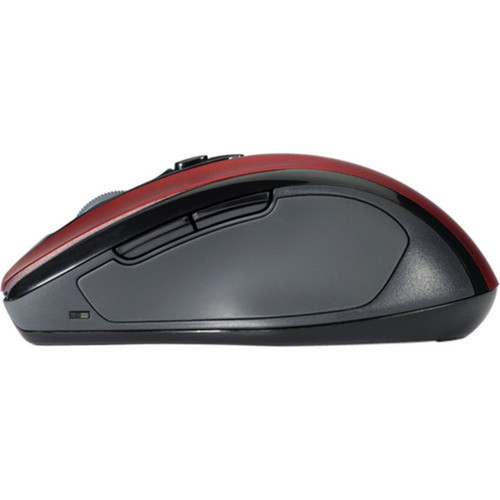
- Right-handed ergonomic design for comfortable use
- Medium hand size compatibility
- Red color option for a personalized look
- USB interface for simple plug-and-play setup
- 3-year limited warranty for added peace of mind
Specifications
| Specifications | |
|---|---|
| Manufacturer | Kensington Computer Products Group |
| Manufacturer Part Number | K72422AMA |
| Brand Name | Kensington |
| Product Line | Pro Fit |
| Product Name | Pro Fit Wireless Mid-Size Mouse |
| Product Type | Mouse |
| Pointing Device | |
| Pointing Device Connectivity Technology | Wireless |
| Pointing Device Wireless Technology | Radio Frequency |
| Movement Detection | Optical |
| Movement Resolution (dpi) | 1600 |
| Scroller Type | Scroll Wheel |
| Ergonomic Fit | Right-handed |
| Hand/Palm Size | Medium |
| Interfaces/Ports | |
| Pointing Device Host Interface | USB |
| Physical Characteristics | |
| Color Family | Red |
| Product Color | Red |
| Miscellaneous | |
| Package Contents | Pro Fit Mouse Nano USB Receiver |
| Device Supported | Notebook,Desktop Computer |
| Country of Origin | China |
| Warranty | |
| Limited Warranty | 3 Year |
FAQ
What type of wireless technology does this mouse use?
This mouse uses radio frequency wireless technology, providing stable and reliable connectivity without the need for Bluetooth pairing. It operates via a nano USB receiver for easy plug-and-play setup.
What is the DPI resolution of this mouse?
The Kensington Pro Fit Mouse features an optical sensor with a 1600 dpi resolution, offering precise cursor movement suitable for general computing and productivity tasks.
Is this mouse designed for right-handed or left-handed users?
This mouse has a right-handed ergonomic fit, shaped to comfortably support the natural posture of right-handed users during extended use.
What hand size is this mouse best suited for?
It is designed for medium hand sizes, providing a comfortable grip and reducing strain for users with average palm dimensions.
What devices are compatible with this mouse?
The mouse is compatible with notebook and desktop computers that have an available USB port, supporting a wide range of operating systems without requiring additional drivers.
What is included in the package?
The package includes the Pro Fit Mouse and a nano USB receiver, providing everything needed for immediate wireless operation.
| Qty | Price | Available |
|---|