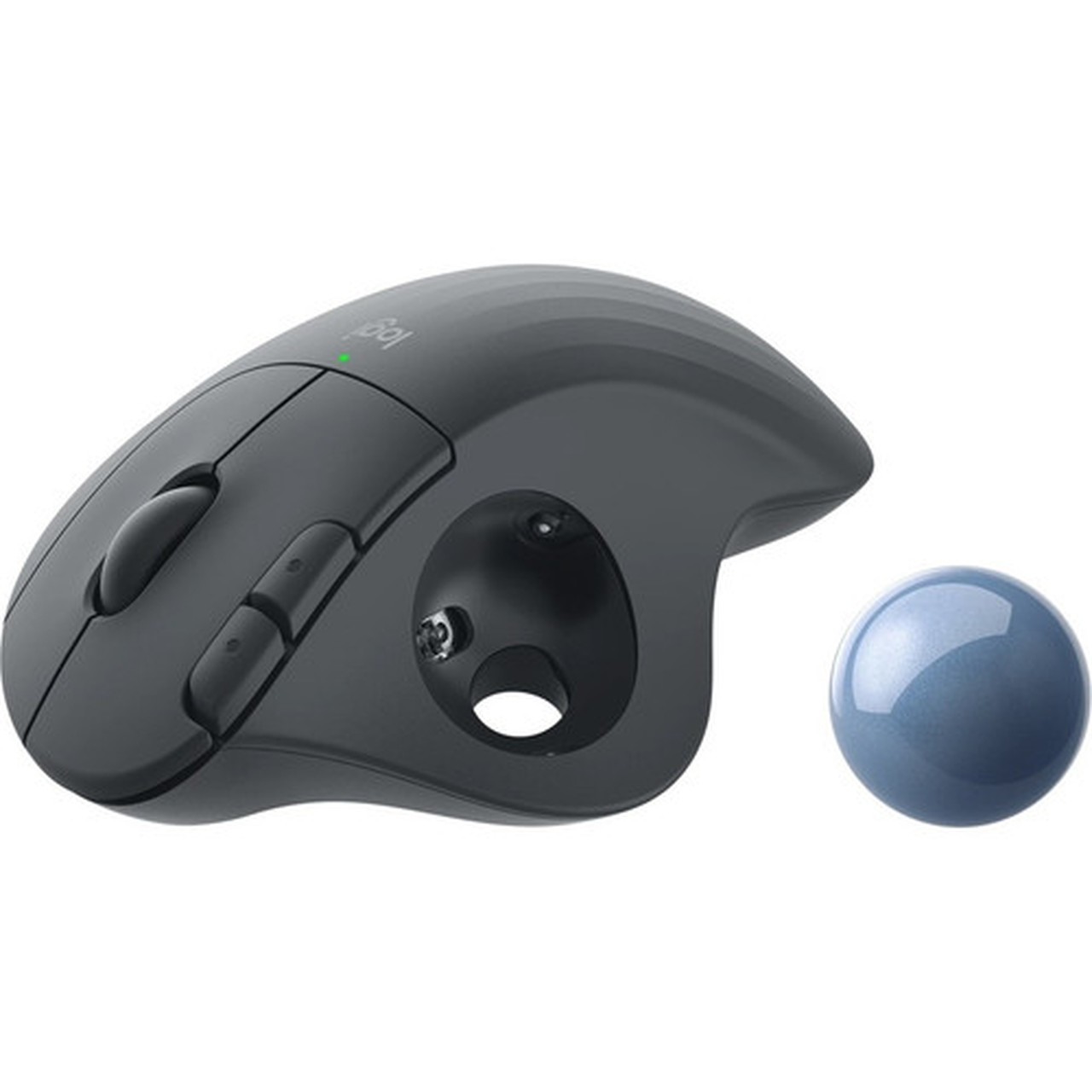
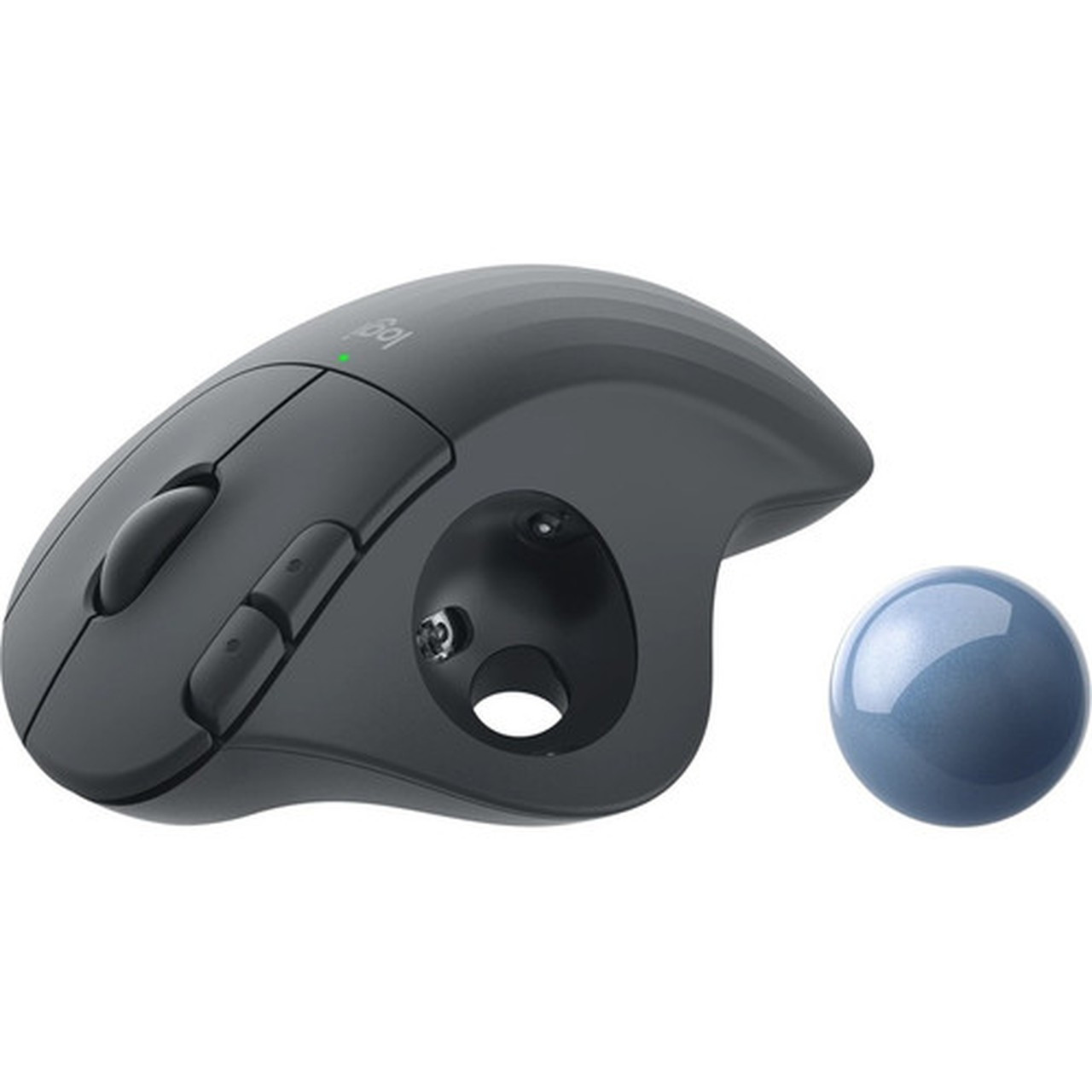
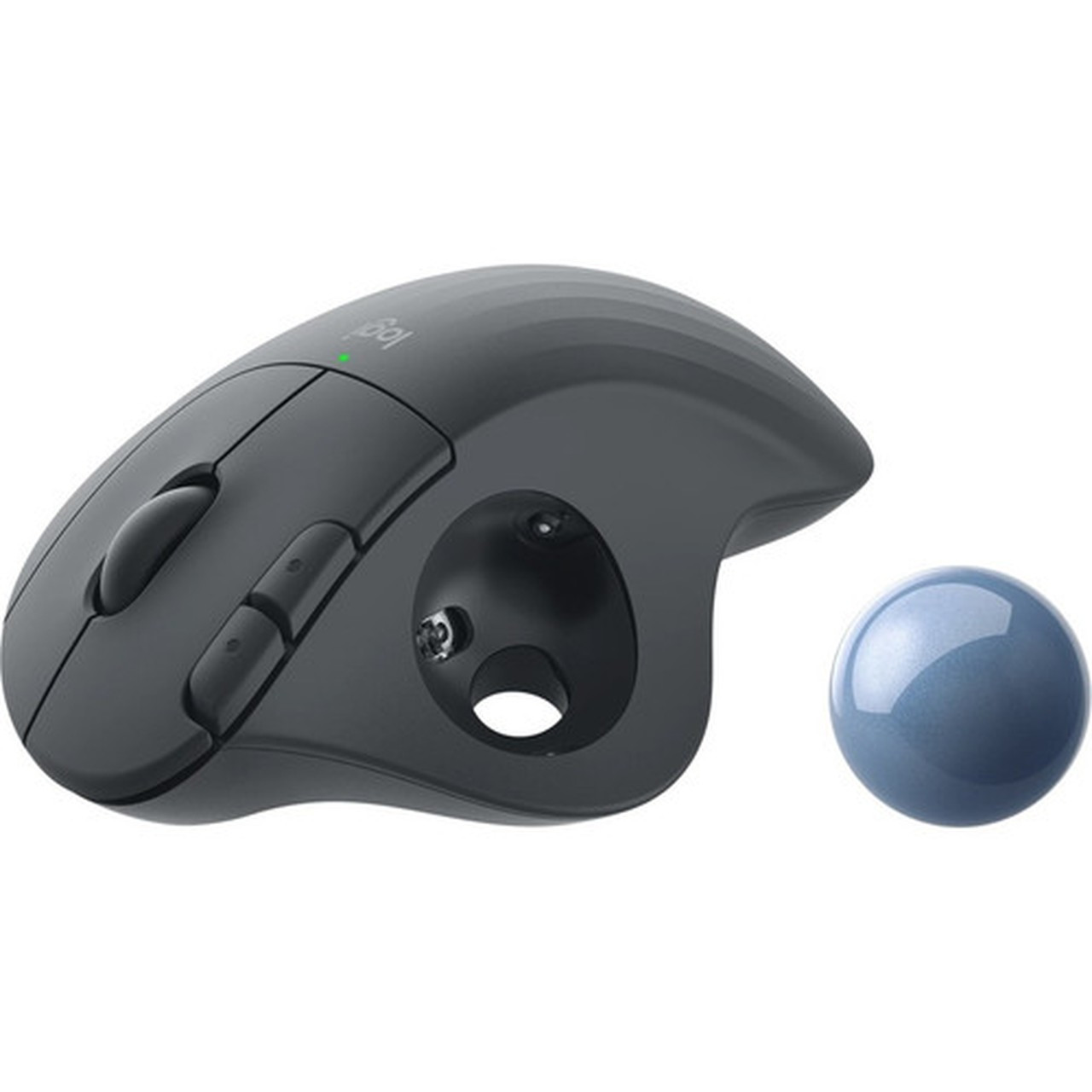





Logitech 910-006197 ERGO M575 Wireless Trackball Mouse - Graphite - Bluetooth/USB - 2000 DPI - 5 Buttons - Ergonomic

Business volume discounts
Technical guidance
Preparation & staging
QC · ON · AB · BC
Product Features
Technical Overview
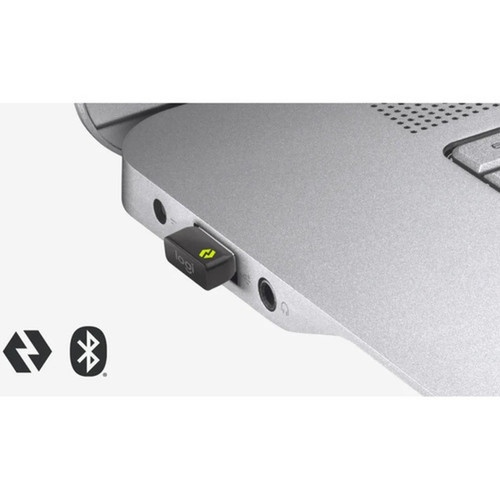
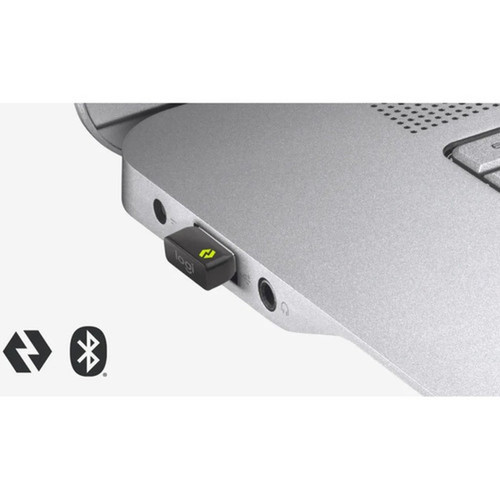
The ERGO M575 features a dual-connectivity system that supports Bluetooth 5.0 for direct pairing with compatible devices and 2.40 GHz wireless via the Logitech Unifying receiver for reliable, low-latency performance. The optical movement detection system provides 2000 DPI resolution, ensuring accurate tracking without the need for a mouse pad or specific surface.
Five programmable buttons, including a scroll wheel and trackball, offer customizable control options through the Logi Options+ software. The device operates on a single AA battery that delivers up to 18 months of use, minimizing maintenance and battery replacement frequency in business environments.
Relevant factors for this section include Pointing Device Connectivity Technology, Pointing Device Wireless Technology, Wireless Operating Frequency, Pointing Device Host Interface. When those points are considered together, they give buyers a clearer picture of how the product is equipped, how it fits into deployment, and what kind of day-to-day role it is meant to support.
Key Product Advantages
The ERGO M575 delivers significant ergonomic benefits through its thoughtful design and advanced features. The thumb-controlled trackball reduces arm and wrist movement by 25% compared to traditional mice, decreasing muscle fatigue during prolonged computer use.
Enterprise Deployment Ready
Logitech Sync enables IT administrators to remotely deploy, monitor, and manage these trackball mice across an organization, simplifying large-scale rollouts and maintenance.
- Remote firmware updates
- Battery status monitoring
- Usage analytics
Customizable Productivity
Logi Options+ software allows users to personalize button functions with application-specific shortcuts, including one-touch activation of Copilot in Windows and other productivity tools.
- Application-specific profiles
- Button remapping
- Cursor speed adjustment
Deployment / Use Cases
The stationary trackball design makes the ERGO M575 particularly valuable in environments where desk space is limited or shared between multiple users. Because the device itself doesn't move during operation, it requires minimal surface area and remains stable on crowded workstations.
This mouse excels in corporate settings where employees spend extended periods at computers, such as call centers, financial trading desks, graphic design studios, and administrative offices. The ergonomic benefits support workplace wellness initiatives while the enterprise management capabilities through Logitech Sync streamline IT administration.
Tight Workspace Solutions
Ideal for compact desks, shared workstations, and mobile setups where traditional mice would require excessive movement space.
Ergonomic Workplace Programs
Supports corporate wellness initiatives by reducing repetitive strain injury risks through improved posture and reduced muscle activity.
Physical Profile
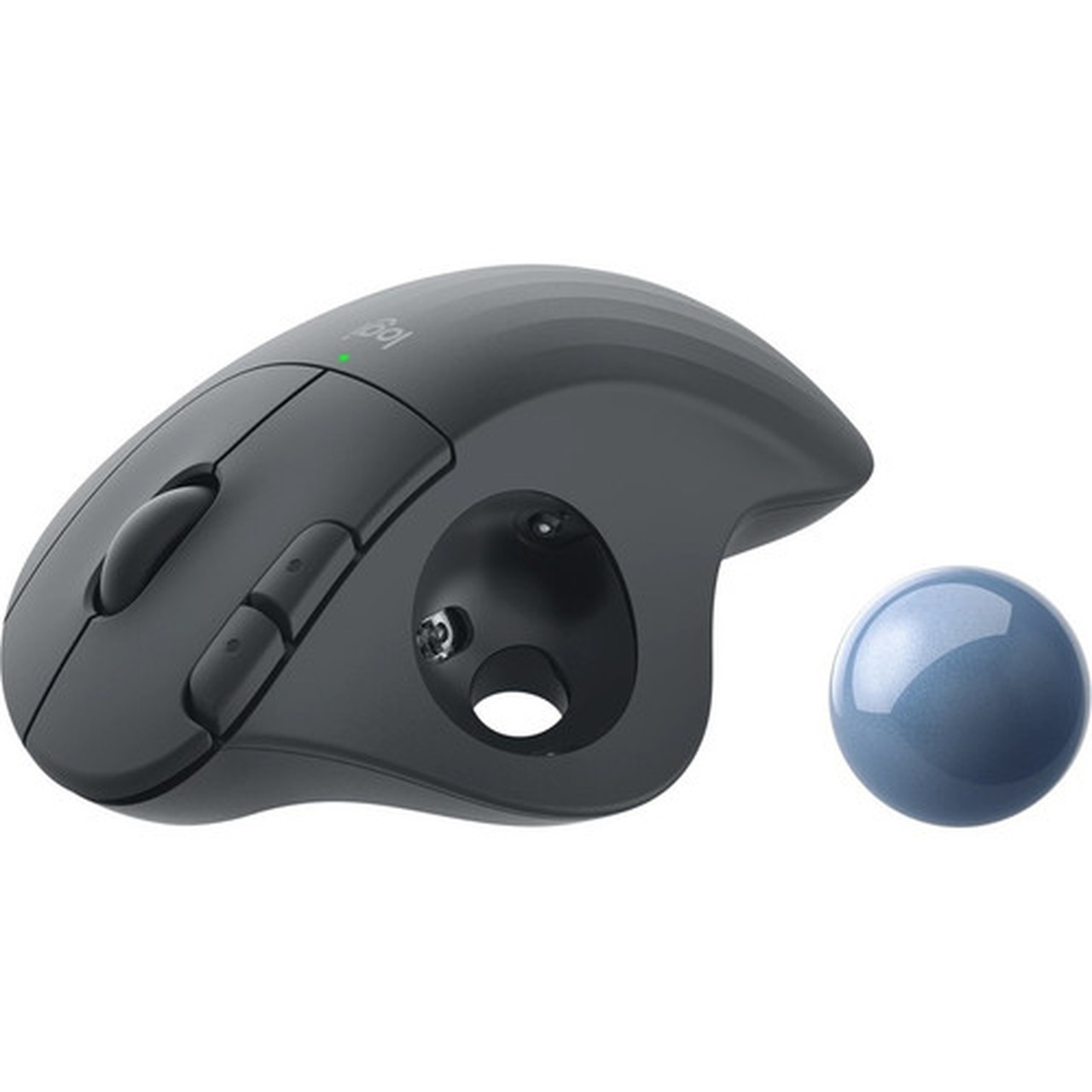
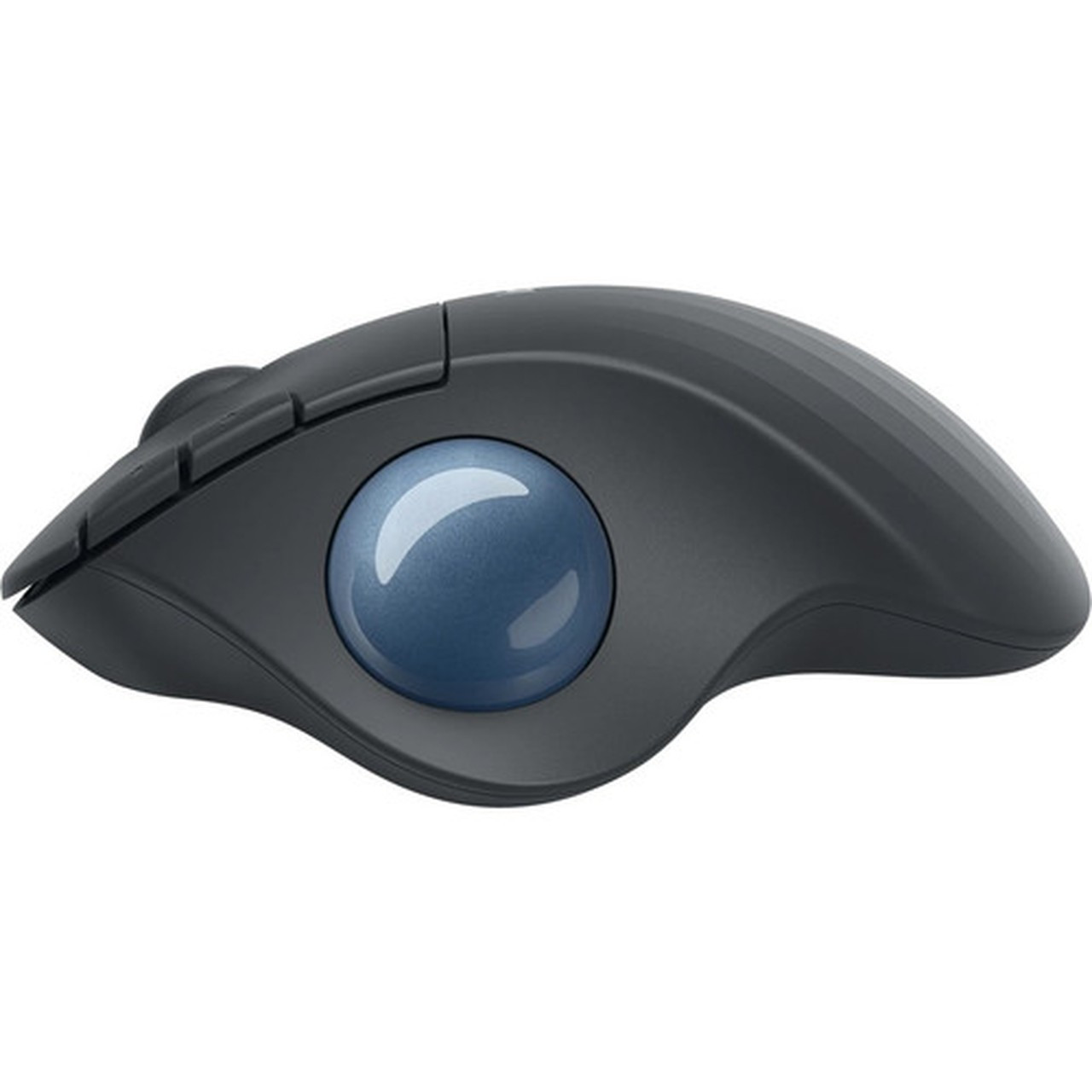
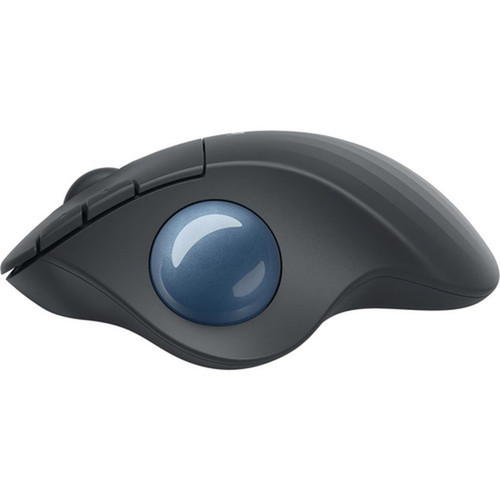
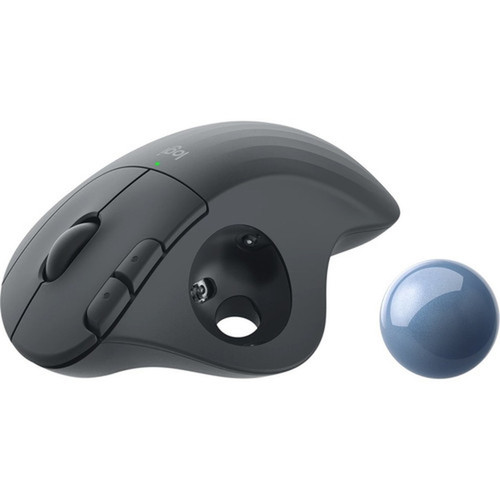
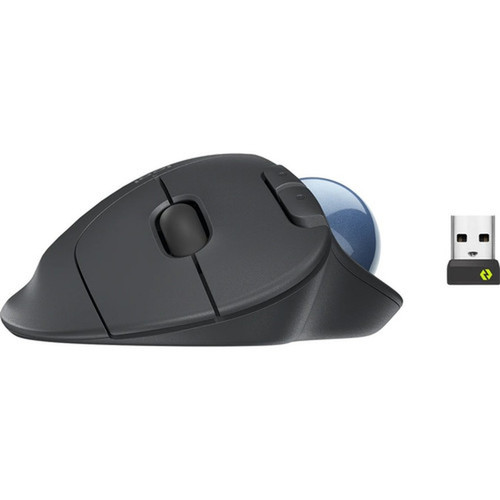
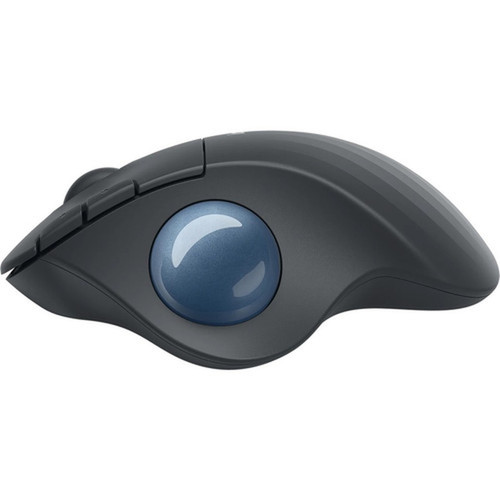
The ERGO M575 features a compact graphite-colored housing measuring 5.28 inches in height, 3.94 inches in width, and 1.89 inches in depth, with a weight of just 5.11 ounces. The contoured right-handed design fits naturally in the hand, while the textured trackball surface provides precise thumb control. The device's construction includes 52% post-consumer recycled plastic, aligning with corporate sustainability goals and environmental compliance standards including WEEE and RoHS directives.
- Width
- 3.94" (100 mm)
- Depth
- 1.89" (48 mm)
- Height
- 5.28" (134 mm)
- Weight
- 5.11 oz (145 g)
What's in the Box
The package includes everything needed for immediate deployment in business environments.
Highlights
- Enterprise-grade wireless trackball mouse designed for business deployment at scale
- Ergonomic shape reduces muscle activity by 25% and promotes better forearm posture
- Certified by US Ergonomics and developed with Logi Ergo Lab experts
- Dual connectivity: Bluetooth 5.0 and 2.40 GHz wireless via Unifying receiver
- 2000 DPI optical sensor for precise tracking on any surface
- Five programmable buttons customizable through Logi Options+ software
- Up to 18-month battery life from single AA battery
- Constructed with 52% post-consumer recycled plastic
- Compatible with Windows, macOS, Linux, ChromeOS, and iPadOS
- Remote management capabilities through Logitech Sync
Specifications
| Specifications | |
|---|---|
| Manufacturer | Logitech |
| Manufacturer Part Number | 910-006197 |
| Brand Name | Logitech |
| Product Line | ERGO |
| Product Model | M575 |
| Product Name | ERGO M575 Wireless Trackball |
| Packaged Quantity | 1 Each |
| Product Type | Mouse |
| Pointing Device | |
| Pointing Device Connectivity Technology | Wireless |
| Pointing Device Wireless Technology | Bluetooth |
| Wireless Operating Frequency | 2.40 GHz |
| Movement Detection | Optical |
| Movement Resolution (dpi) | 2000 |
| Total Number of Buttons | 5 |
| Scroller Type | Scroll Wheel,Trackball |
| Bluetooth Version | 5 |
| Interfaces/Ports | |
| Pointing Device Host Interface | USB |
| Battery Information | |
| Battery Included | Yes |
| Physical Characteristics | |
| Color Family | Gray |
| Product Color | Graphite |
| Height | 5.28" (134 mm) |
| Width | 3.94" (100 mm) |
| Depth | 1.89" (48 mm) |
| Weight (Approximate) | 5.11 oz (145 g) |
| Miscellaneous | |
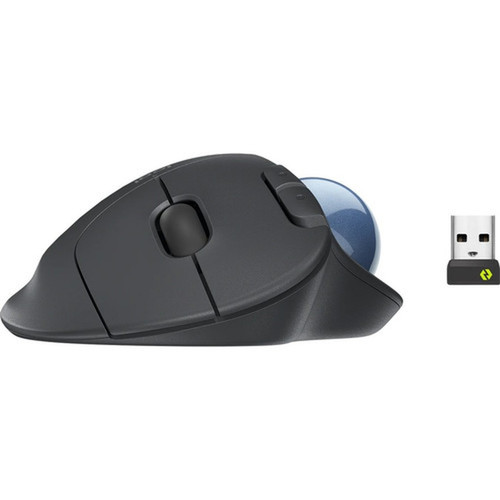
| Package Contents | ERGO M575 Wireless Trackball Unifying USB Receiver 1 x AA Battery Quick Start Guide |
| Operating System Compatibility | Windows 10,Mac OS X 10.15 Catalina,Linux,ChromeOS,iPadOS 14 |
| Platform Supported | PC,Mac |
| Environmentally Friendly | Yes |
| Environmental Compliance | Waste Electrical and Electronic Equipment Directive (WEEE),Restriction of Hazardous Substances (RoHS) |
| Country of Origin | China |
| Warranty | |
| Limited Warranty | 2 Year |
FAQ
What wireless connectivity options does the ERGO M575 support?
The ERGO M575 offers dual wireless connectivity: Bluetooth 5.0 for direct pairing with compatible devices and 2.40 GHz wireless via the included Logitech Unifying USB receiver. This provides flexibility for different workstation configurations and allows connection to multiple devices simultaneously. The 2.40 GHz connection offers reliable, low-latency performance ideal for business environments.
How does the ergonomic design reduce muscle strain?
The sculpted ergonomic shape of the ERGO M575 promotes a natural forearm and wrist position, reducing muscle activity by 25% compared to traditional mice. The thumb-controlled trackball eliminates the need for arm and wrist movement during cursor navigation, minimizing repetitive strain. This design, certified by US Ergonomics, helps maintain comfort during extended computer use in business settings.
What software is available for customizing the mouse functions?
Logitech provides Logi Options+ software for customizing the ERGO M575's functionality. This application allows users to remap all five buttons, create application-specific profiles, adjust cursor speed, and set up productivity shortcuts like one-touch activation of Copilot in Windows. The software supports both Windows and macOS platforms for comprehensive customization.
How long does the battery last and what type is required?
The ERGO M575 operates on a single AA battery that provides up to 18 months of typical business use. The included battery is ready for immediate deployment, and the mouse's power-efficient design minimizes replacement frequency. Battery status can be monitored remotely through Logitech Sync for enterprise environments, helping IT teams plan maintenance proactively.
Can this trackball mouse be managed in enterprise environments?
Yes, the ERGO M575 supports enterprise management through Logitech Sync. IT administrators can remotely deploy firmware updates, monitor battery status across multiple devices, track usage patterns, and manage configurations at scale. This centralized management capability simplifies deployment and maintenance in corporate environments with large numbers of pointing devices.
What operating systems and platforms are compatible?
The ERGO M575 is compatible with Windows 10, macOS 10.15 Catalina or later, Linux, ChromeOS, and iPadOS 14 or later. This broad platform support makes it suitable for mixed-IT environments commonly found in business settings. The device works with both PC and Mac platforms, providing flexibility for organizations with diverse hardware ecosystems.
| Qty | Price | Available |
|---|