










Shipping included*
Exclusions
Additional shipping fees may apply in rare circumstances for deliveries outside standard service areas. In most cases, this only potentially affects shipments to the Northwest Territories and Yukon, as well as certain heavy or oversized items.
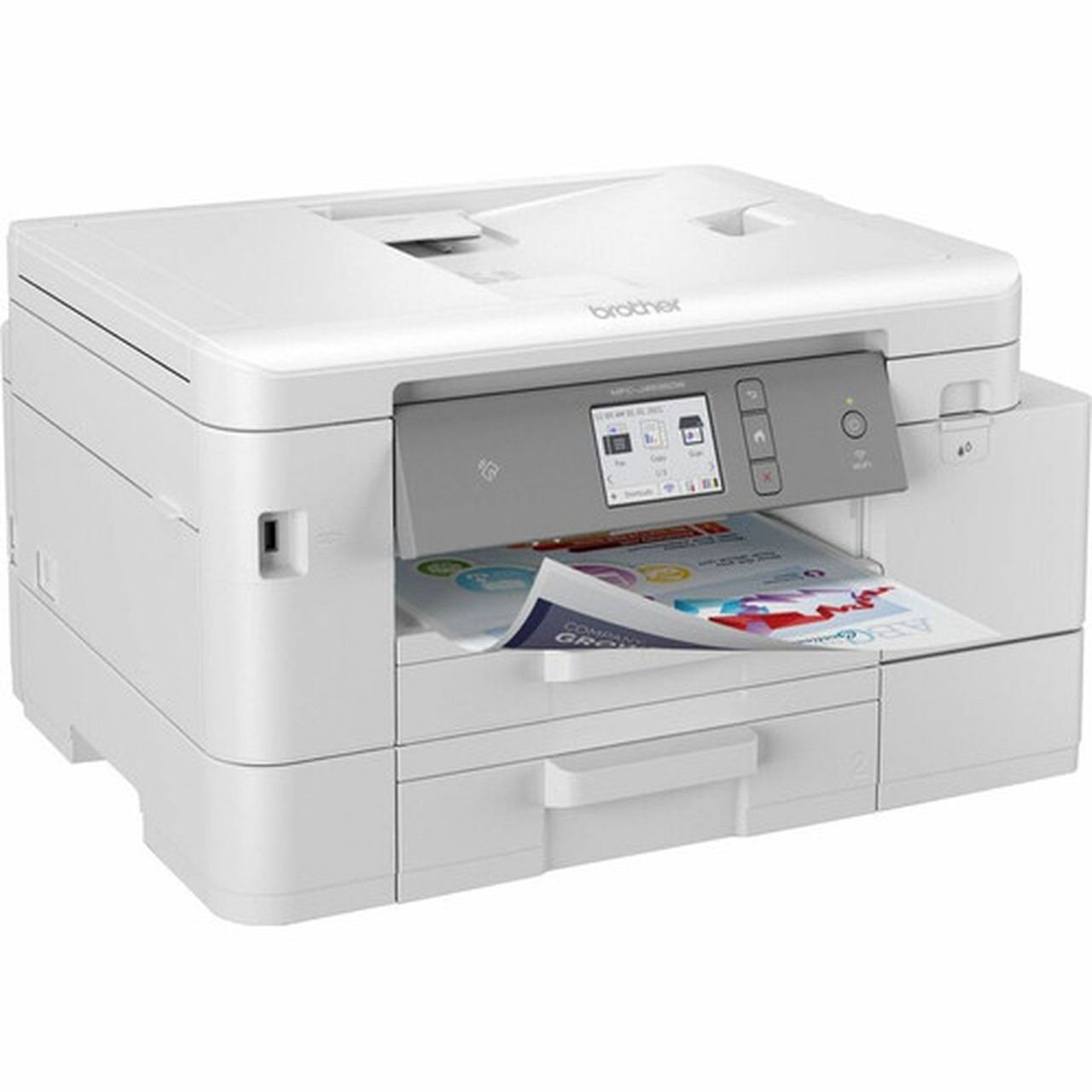
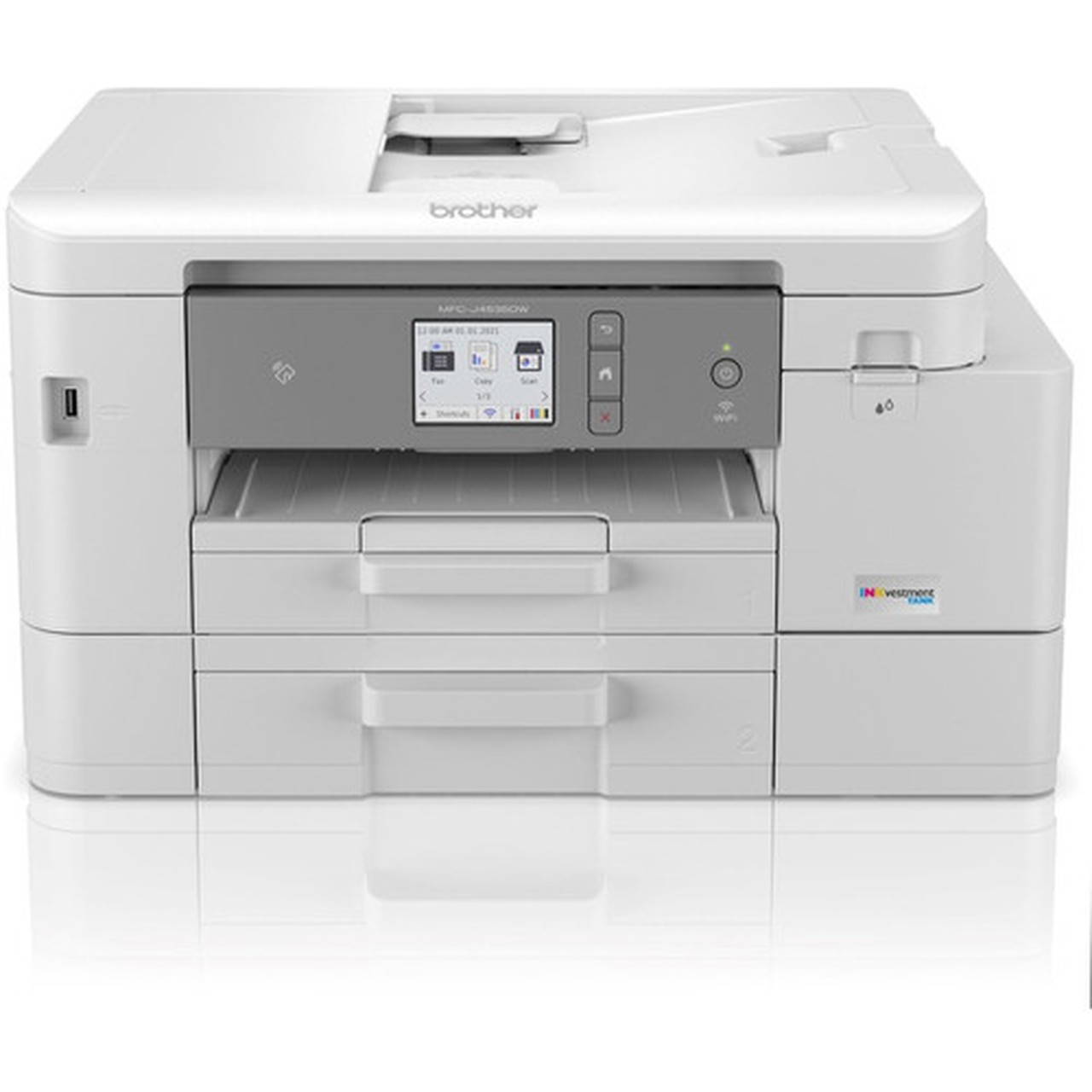
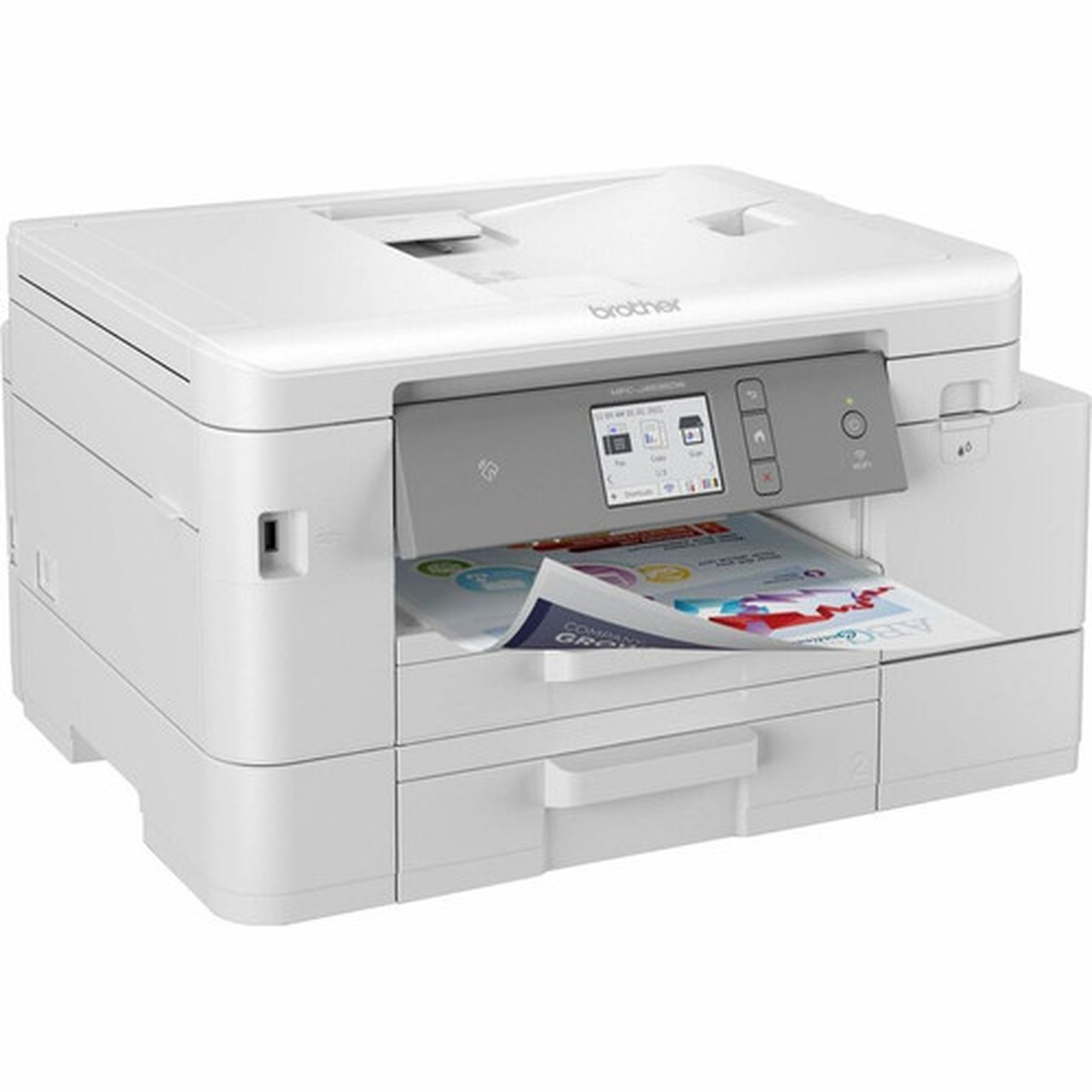
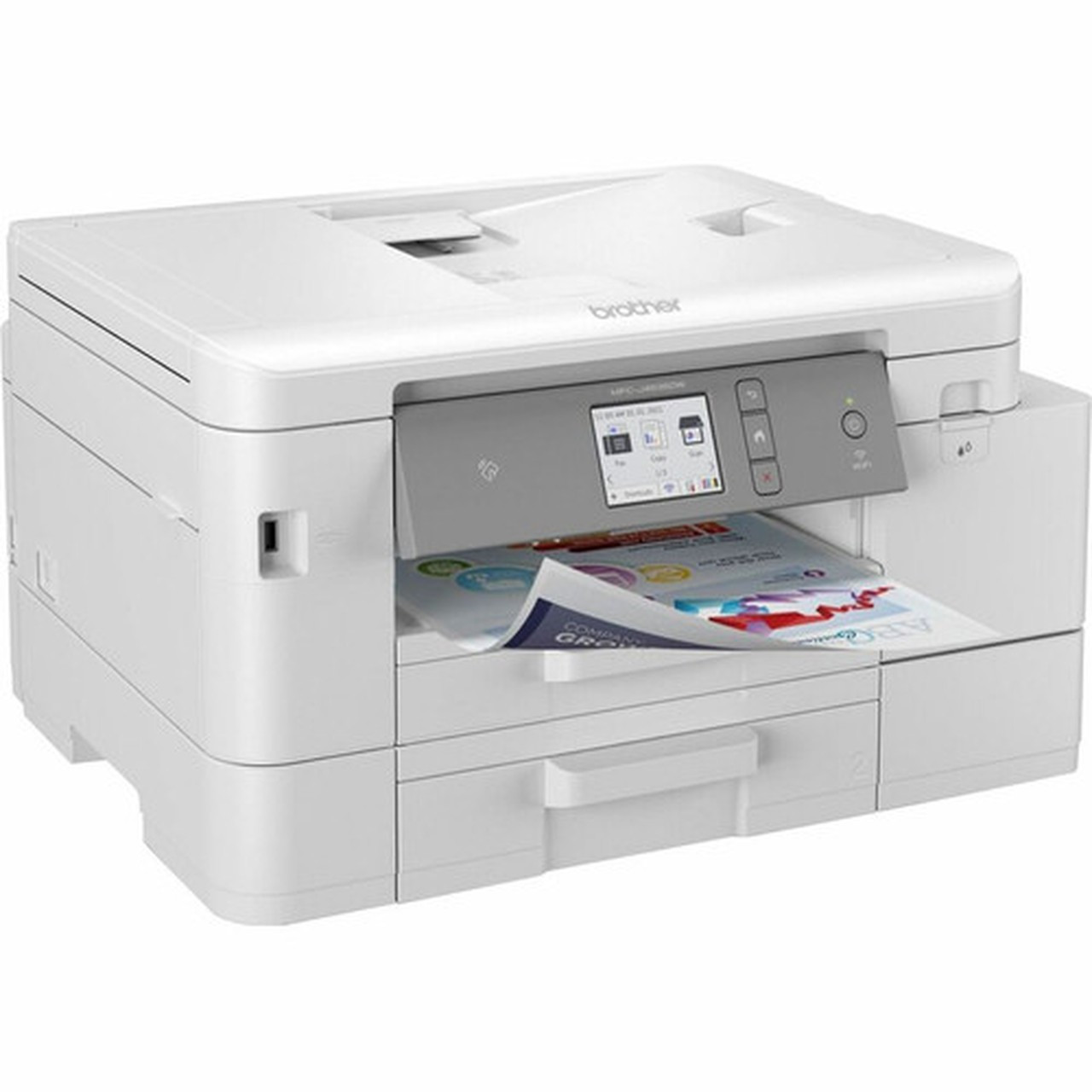
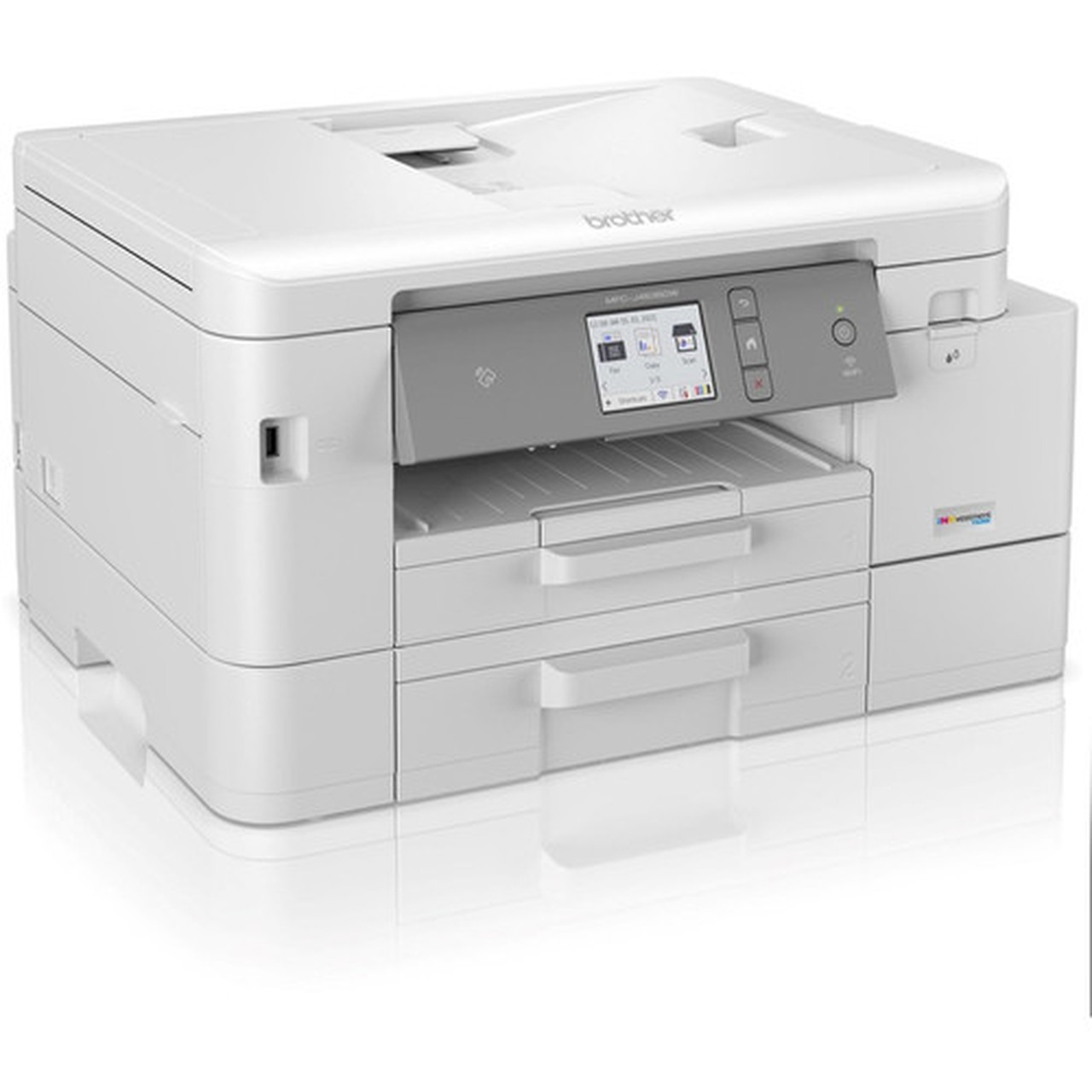
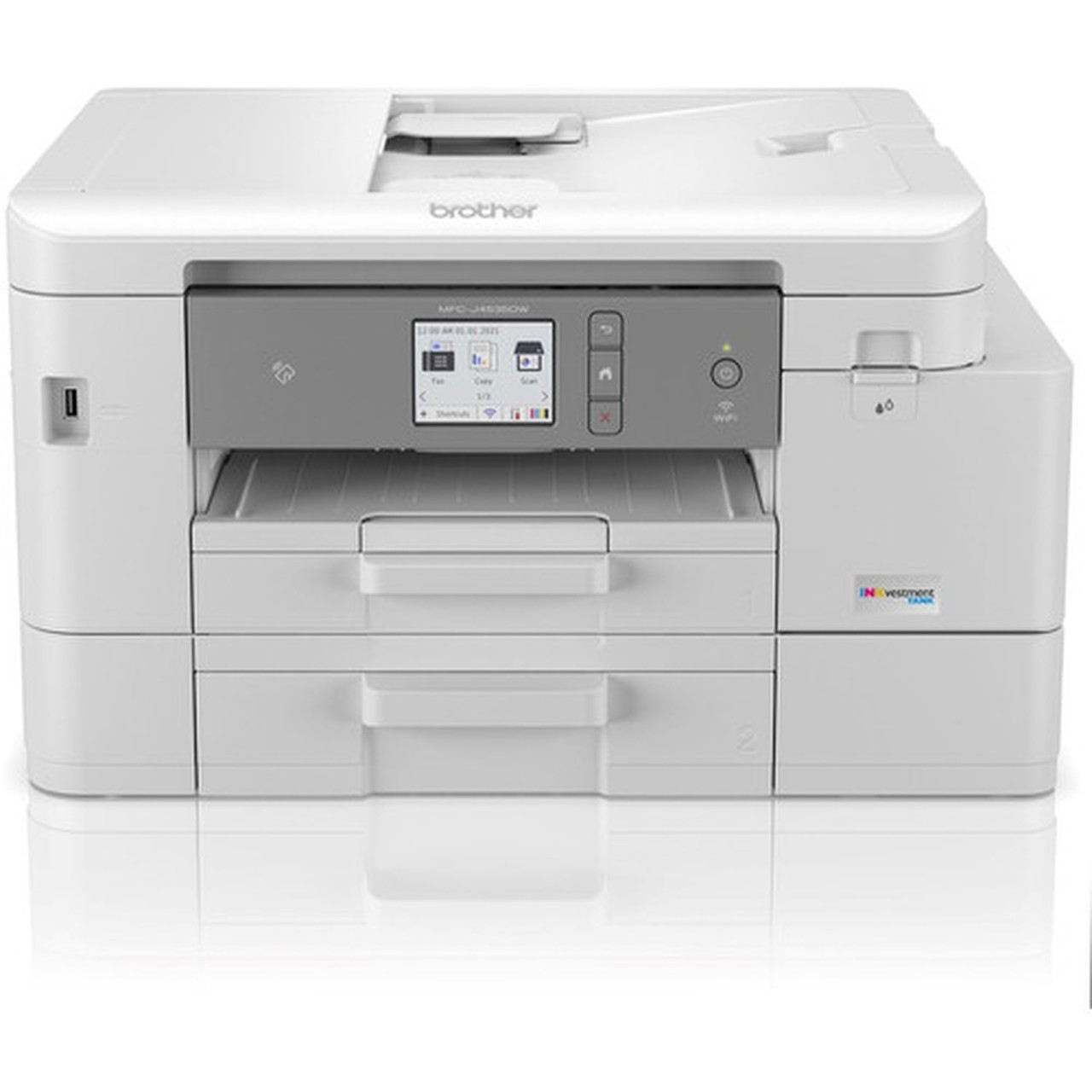
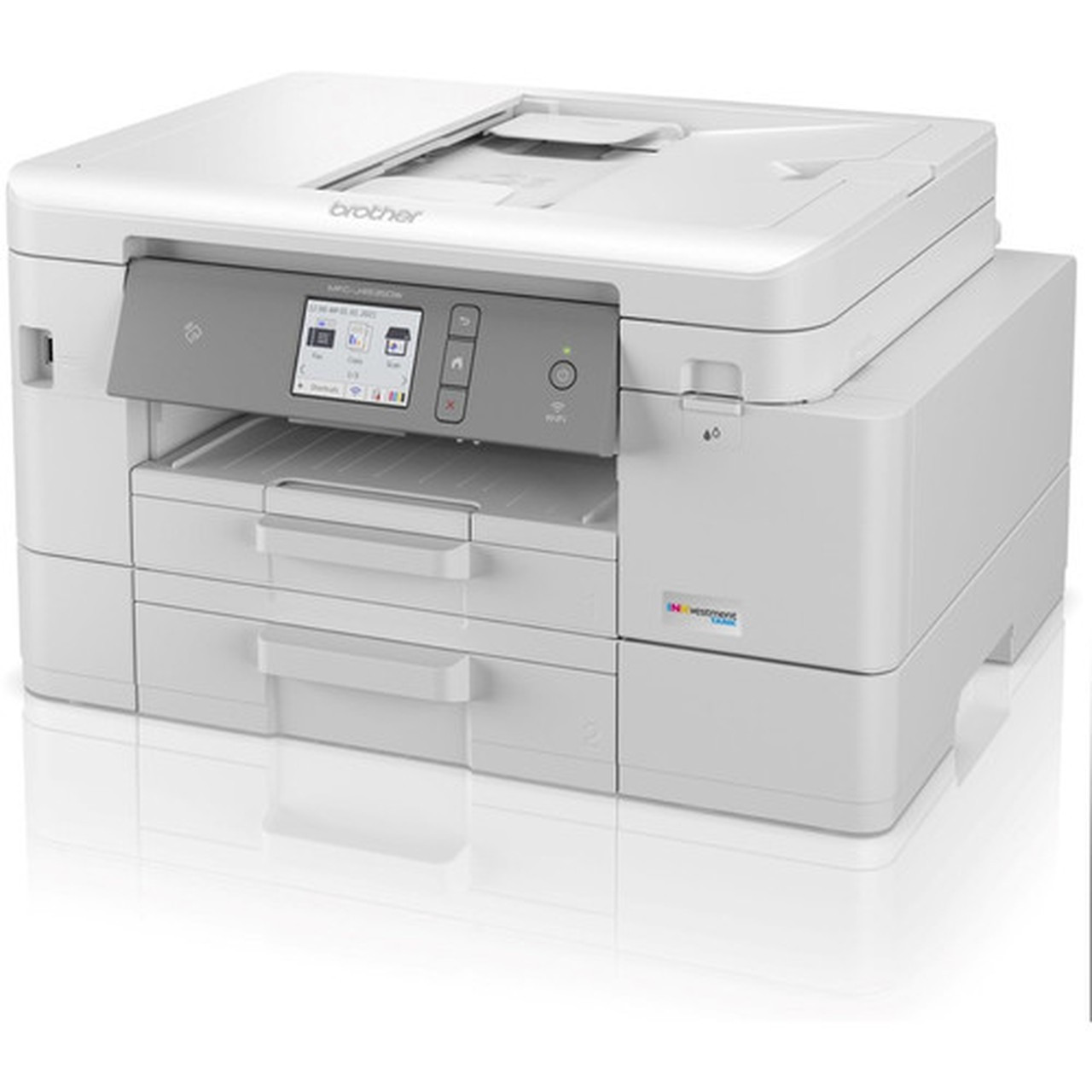
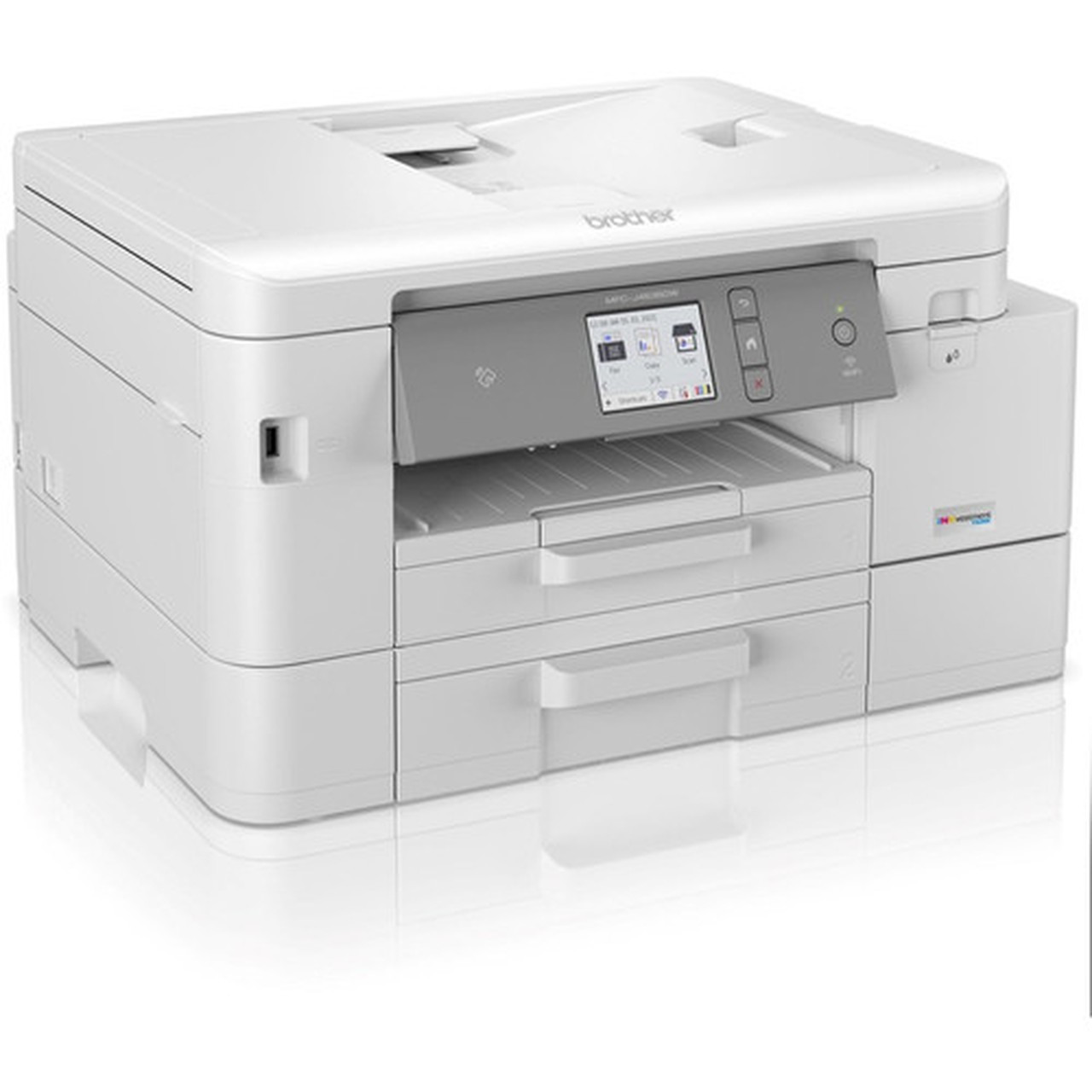
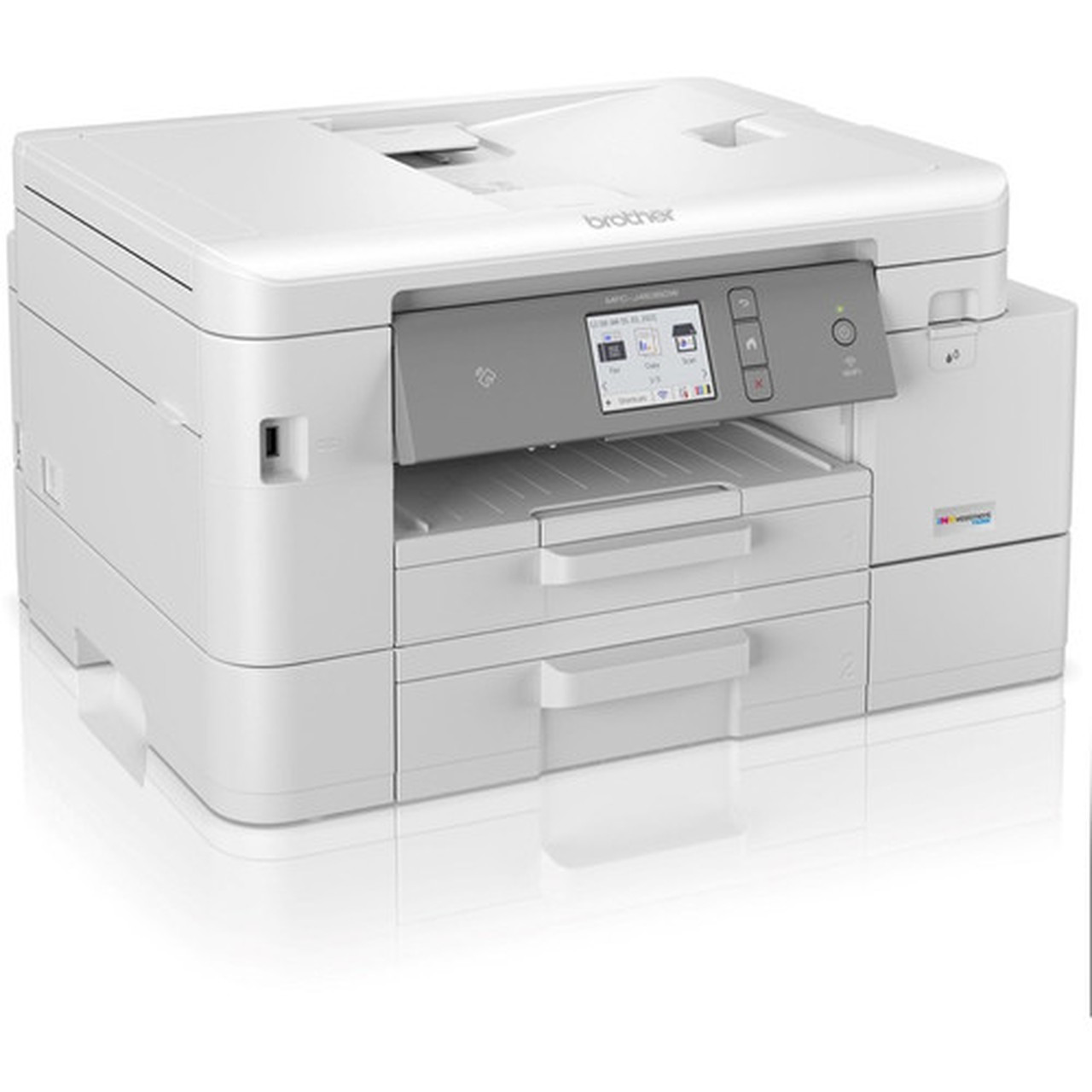
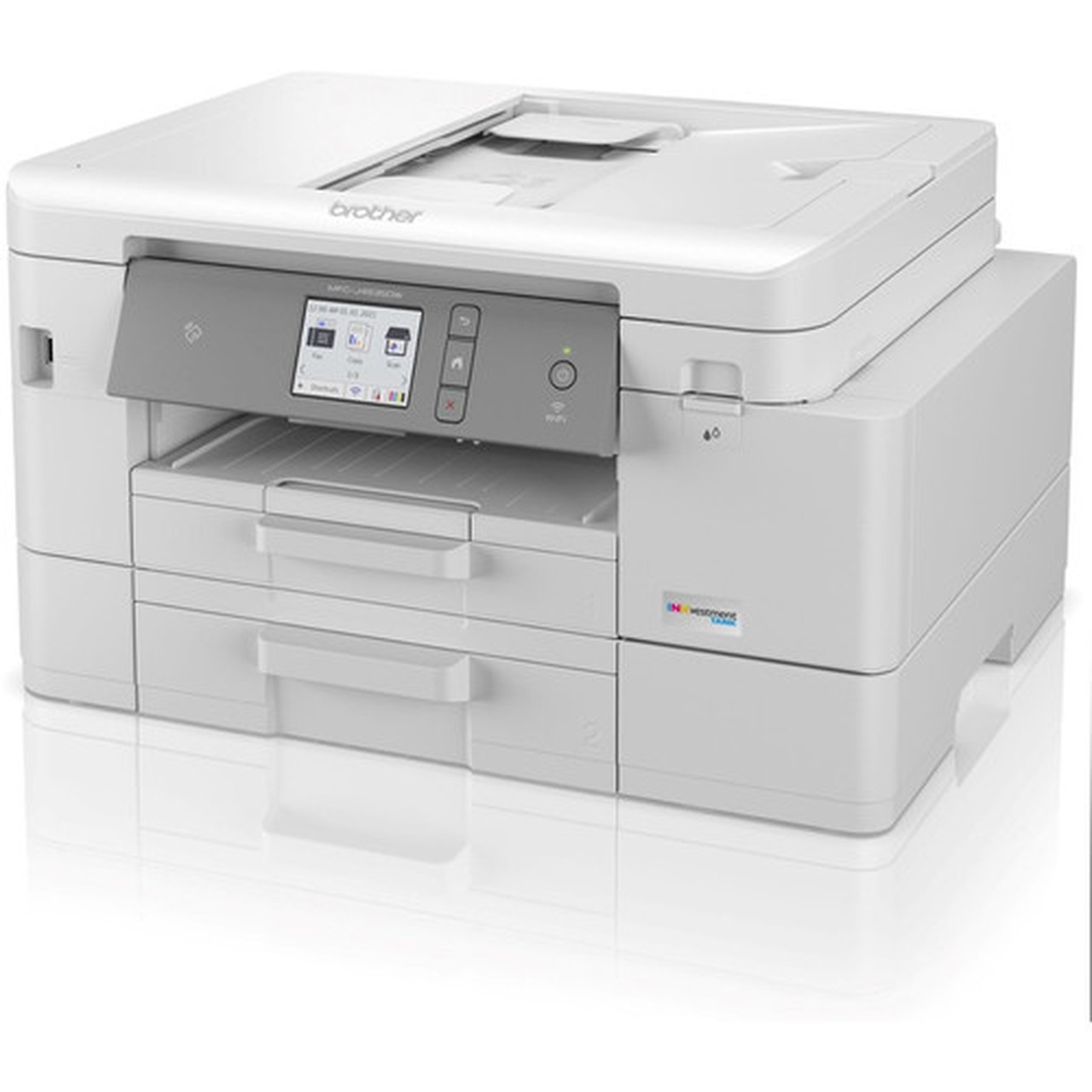
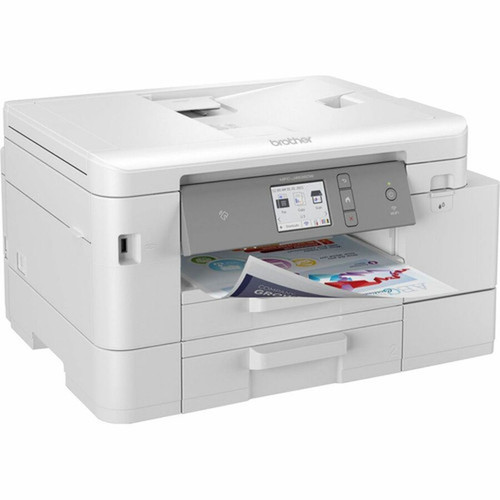
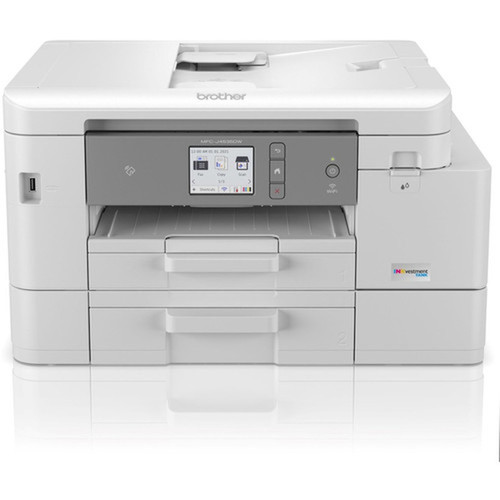
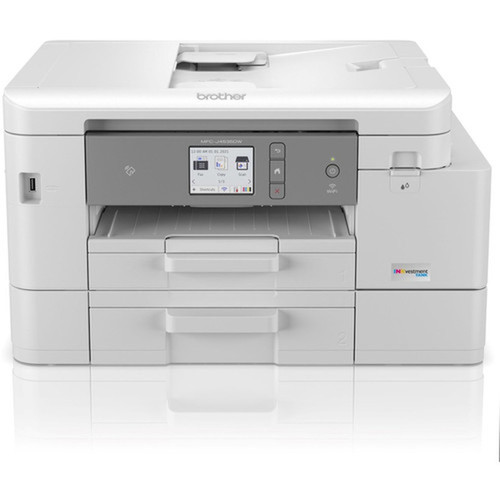
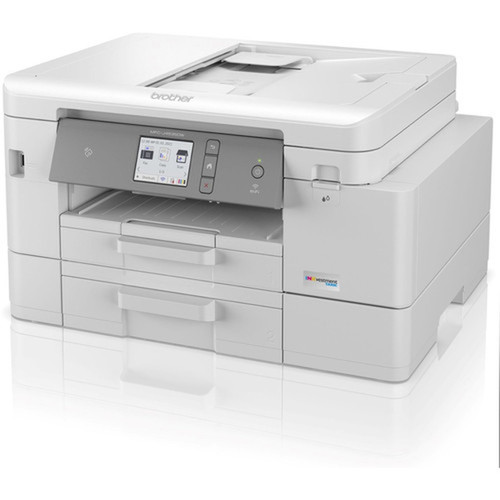
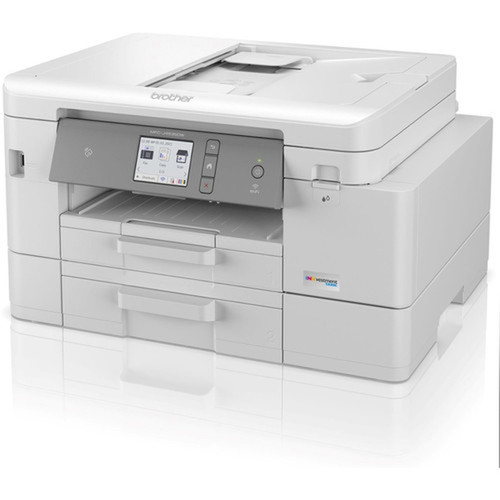
Brother MFCJ4535DW INKvestment Tank All-in-One Color Inkjet Printer - Copier/Fax/Scanner - 20/19 ppm - 400-Sheet - Wireless

Business volume discounts
Technical guidance
Preparation & staging
QC · ON · AB · BC
Product Features
Technical Overview
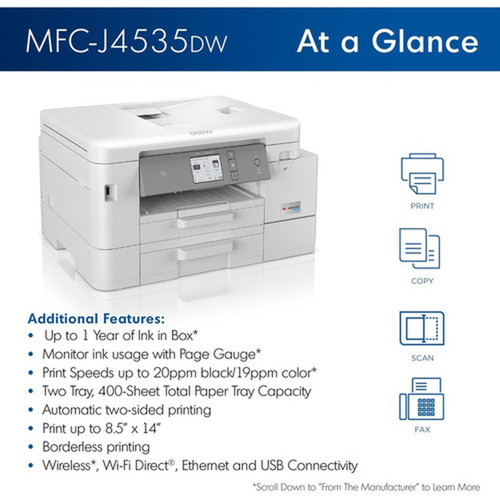
This multifunction printer employs a flatbed design for scanning, copying, and faxing, with color capability across all functions. The scanner offers 2400 dpi optical resolution for high-quality document digitization. A 20-sheet automatic document feeder handles multi-page scanning and copying tasks efficiently.
Connectivity includes Ethernet for wired network integration, Wireless LAN for flexible placement, and USB for direct computer connections. Wireless printing technologies support Apple AirPrint, Mopria, Wi-Fi Direct, Near Field Communication, and Brother Mobile Connect for mobile device compatibility. The 2.7-inch LCD touchscreen provides intuitive navigation through device settings and status monitoring.
Relevant factors for this section include Multifunction Devices, Recommended Use, Print Color Capability, USB. When those points are considered together, they give buyers a clearer picture of how the product is equipped, how it fits into deployment, and what kind of day-to-day role it is meant to support.
Key Product Advantages
For buyers comparing similar models, the strongest advantage is usually the balance between dependable day-to-day operation and a simpler rollout experience. That means less time spent troubleshooting fit, compatibility, or user adoption after installation, which is especially important for shared business environments and repeat purchasing decisions.
Advantages are also easier to justify when they translate into measurable operational value, such as less downtime, more consistent user experience, easier replacement planning, or better alignment with existing accessories and workflows. That practical value tends to matter more than broad marketing language when teams are standardizing purchases.
Deployment / Use Cases
Relevant factors for this section include Multifunction Devices, Recommended Use, Print Color Capability, USB. When those points are considered together, they give buyers a clearer picture of how the product is equipped, how it fits into deployment, and what kind of day-to-day role it is meant to support.
Small Office Environments
Ideal for businesses requiring consolidated document processing with moderate to high volume needs. The combination of fast color printing, robust paper handling, and multifunction capabilities reduces equipment footprint while maintaining productivity.
- Shared network printing via Ethernet or wireless
- Color documents for marketing materials and presentations
- Document scanning to digital workflows
Departmental Workgroup Printing
Supports 3-8 users with its 250-2,000 page monthly volume recommendation and high-duty-cycle construction. The automatic document feeder and duplex printing enable efficient processing of multi-page reports and double-sided documents.
- Centralized printing, copying, and scanning station
- Reduced consumable costs through high-yield ink system
- Flexible placement with wireless connectivity options
Physical Profile
The printer features a practical design with integrated flatbed scanning surface and control panel. At approximately 21.10 pounds, it maintains a manageable footprint for office environments while accommodating the 400-sheet input mechanism. The construction supports reliable operation through its recommended monthly volume range without requiring excessive desk space.
The physical profile is practical for deployment planning because the dimensions and weight are clearly defined: 21.10 lb (9570.80 g). This helps confirm rack, shelf, desk, or cabinet fit before installation.
- Weight
- 21.10 lb (9570.80 g)
Highlights
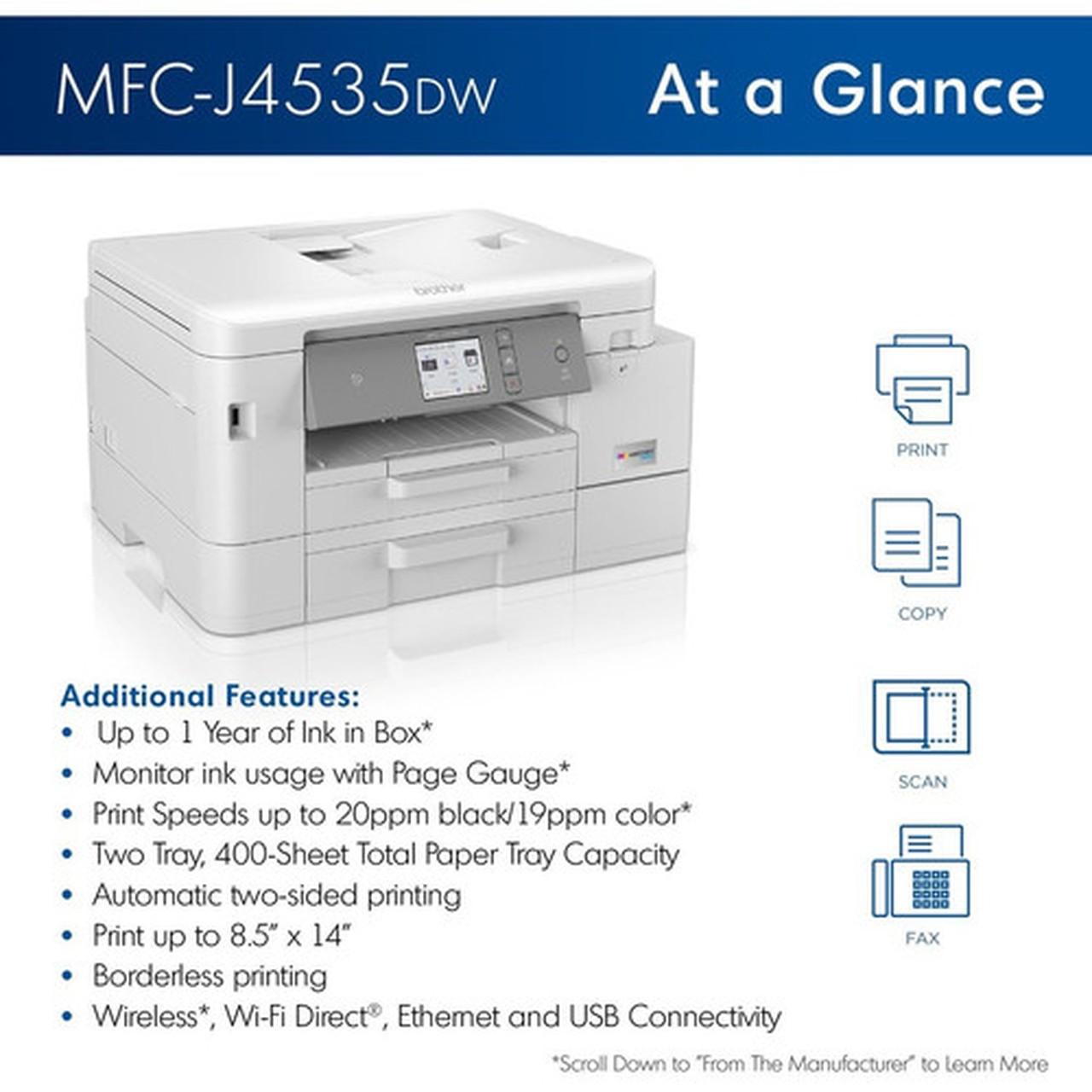
- INKvestment Tank system for high-yield ink supply management
- 20 ppm monochrome and 19 ppm color printing speeds
- 400-sheet standard input capacity with additional bypass tray
- Automatic duplex printing for two-sided document production
- Comprehensive wireless connectivity including Apple AirPrint and Wi-Fi Direct
- 2.7-inch LCD touchscreen for intuitive operation
- Flatbed scanner with 2400 dpi optical resolution
- Color capability across printing, copying, scanning, and faxing functions
- 30,000-page duty cycle for demanding office environments
- Energy Star certified for energy-efficient operation
Specifications
| Specifications | |
|---|---|
| Manufacturer | Brother Industries, Ltd |
| Manufacturer Part Number | MFCJ4535DW |
| Brand Name | Brother |
| Product Model | MFC-J4535DW |
| Product Name | MFC-J4535DW INKvestment Tank All-in-One Multifunction Colour Inkjet Printer |
| Packaged Quantity | 1 Each |
| Product Type | Inkjet Multifunction Printer |
| Technical Information | |
| Multifunction Devices | Copier/Fax/Printer/Scanner |
| Recommended Use | Plain Paper Print |
| Print Color Capability | Color |
| ISO Mono Print Speed (ppm) | 20 |
| ISO Color Print Speed (ppm) | 19 |
| Maximum Print Resolution (dpi) | 4800 x 1200 |
| Wireless Print Technology | Apple AirPrint,Mopria,Wi-Fi Direct,Near Field Communication (NFC),Brother Mobile Connect |
| Duplex Printing | Automatic |
| Connectivity Technology | Wireless |
| SuperTank | Yes |
| SuperTank System | INKvestment Tank |
| Interfaces/Ports | |
| USB | Yes |
| Network & Communication | |
| Ethernet | Yes |
| Wireless LAN | Yes |
| Display & Graphics | |
| Screen Size | 2.70" |
| Display Screen Type | LCD |
| Touchscreen | Yes |
| Scanner | |
| Scanner Type | Flatbed |
| Scan Color | Color |
| Optical Resolution (dpi) | 2400 |
| Copier | |
| Copier Type | Flatbed |
| Copy Color | Color |
| Fax | |
| Fax Color | Color |
| Media Types & Handling | |
| Media Type | Plain Paper,Inkjet Paper,Coated Paper,Glossy Paper,Recycled Paper |
| Media Size | Letter - 8.50" (215.90 mm) x 11" (279.40 mm),A4 - 8.30" (210.82 mm) x 11.70" (297.18 mm),Legal - 8.50" (215.90 mm) x 14" (355.60 mm),Executive - 7.25" (184.15 mm) x 10.50" (266.70 mm),A5 - 5.80" (147.32 mm) x 8.30" (210.82 mm),A6 - 4.10" (104.14 mm) x 5.80" (147.32 mm),C5 Envelope - 3.37" (85.60 mm) x 9" (228.60 mm),Com10 Envelope - 4.80" (121.92 mm) x 9.50" (241.30 mm),DL Envelope - 4.30" (109.22 mm) x 8.60" (218.44 mm),Monarch Envelope - 4" (101.60 mm) x 6" (152.40 mm),Photo-2L - 5" (127 mm) x 7" (177.80 mm),Index Card - 5" (127 mm) x 8" (203.20 mm) |
| Media Handling | 1 x Input Tray - 400 Sheet Capacity,1 x Bypass Tray - 1 Sheet Capacity,1 x Automatic Document Feeder - 20 Sheet Capacity |
| Standard Input Media Capacity | 400 sheets |
| Reliability | |
| Duty Cycle | 30000 |
| Recommended Monthly Print Volume | 250 to 2000 |
| Physical Characteristics | |
| Weight (Approximate) | 21.10 lb (9570.80 g) |
| Miscellaneous | |
| Energy Star | Yes |
| Country of Origin | Philippines |
| Warranty | |
| Limited Warranty | 2 Year |
User Manual
FAQ
What is the INKvestment Tank system and how does it work?
The INKvestment Tank is Brother's high-yield ink supply system that uses refillable tanks instead of traditional cartridges. This design significantly increases ink capacity, reducing the frequency of ink replacements and lowering cost per page. The system includes individual tanks for each ink color that can be easily refilled from bottled ink, making it an economical choice for offices with moderate to high printing volumes.
What paper sizes and types can this printer handle?
The MFC-J4535DW supports a wide range of media including Letter, A4, Legal, Executive, A5, and A6 paper sizes. It also handles various envelope formats (C5, Com10, DL, Monarch), photo paper up to 5x7 inches, and index cards. Media types include plain paper, inkjet paper, coated paper, glossy paper, and recycled paper, providing flexibility for different document requirements from basic office printing to specialty media applications.
How does the automatic document feeder function work?
The integrated 20-sheet automatic document feeder allows for efficient scanning, copying, or faxing of multi-page documents without manually placing each page on the flatbed. Simply load up to 20 pages into the feeder, and the device will automatically feed each sheet for processing. This feature saves time on document digitization tasks and enables convenient copying of multi-page originals.
What wireless printing options are available?
This printer supports multiple wireless technologies including Apple AirPrint for iOS devices, Mopria for Android devices, Wi-Fi Direct for direct device-to-printer connections without a network, and Near Field Communication for tap-to-print functionality. Brother Mobile Connect provides additional mobile printing capabilities. These options enable printing from smartphones, tablets, and laptops without requiring wired connections or driver installations on mobile devices.
What is the recommended monthly print volume for this device?
Brother recommends a monthly print volume between 250 and 2,000 pages for optimal performance and longevity. This range accommodates the needs of small offices and departmental workgroups. The printer's 30,000-page duty cycle indicates its robust construction for sustained use within this volume range, ensuring reliable operation in business environments with regular printing demands.
Does this printer support two-sided printing automatically?
Yes, the MFC-J4535DW features automatic duplex printing, which allows for two-sided document production without manual paper handling. The printer automatically flips the paper and prints on the second side, saving paper and creating professional-looking double-sided documents. This feature works with the printer's standard paper sizes and is controlled through print driver settings or the device's control panel.
| Qty | Price | Available |
|---|


