












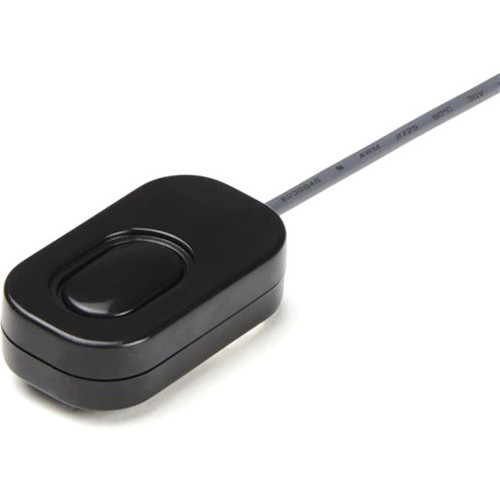


StarTech.com SV211DPUA4K 2-Port DisplayPort KVM Switch with Built-in Cables - USB-Powered 4K 60Hz Desktop Switchbox

Business volume discounts
Technical guidance
Preparation & staging
QC · ON · AB · BC
Product Features
Technical Overview
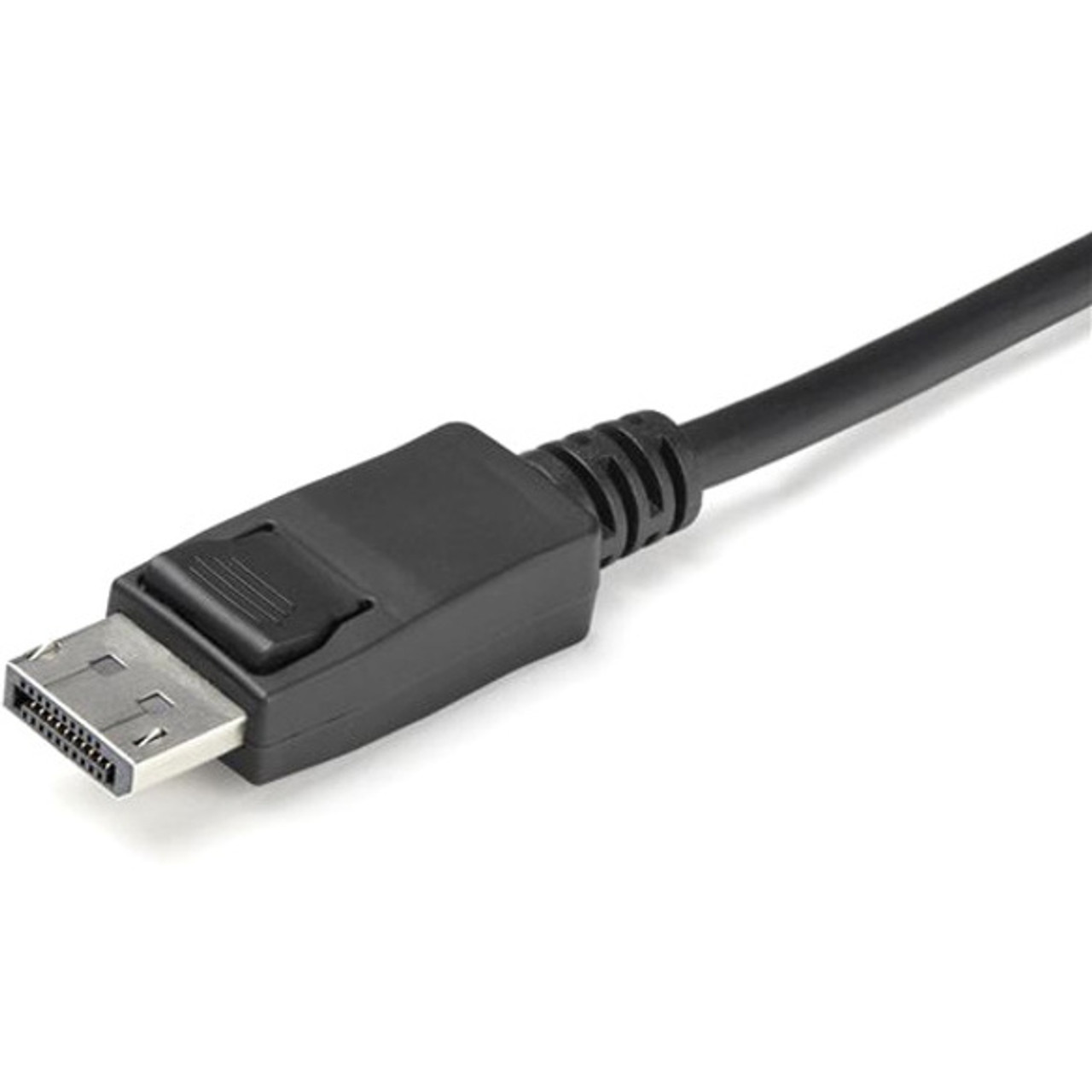
This KVM switch leverages DisplayPort 1.2 technology to deliver ultra-high-definition video up to 3840 x 2160 resolution at 60Hz, ensuring smooth playback and sharp image quality for demanding applications. It features four USB ports and three DisplayPorts, facilitating robust connectivity for peripherals and displays.
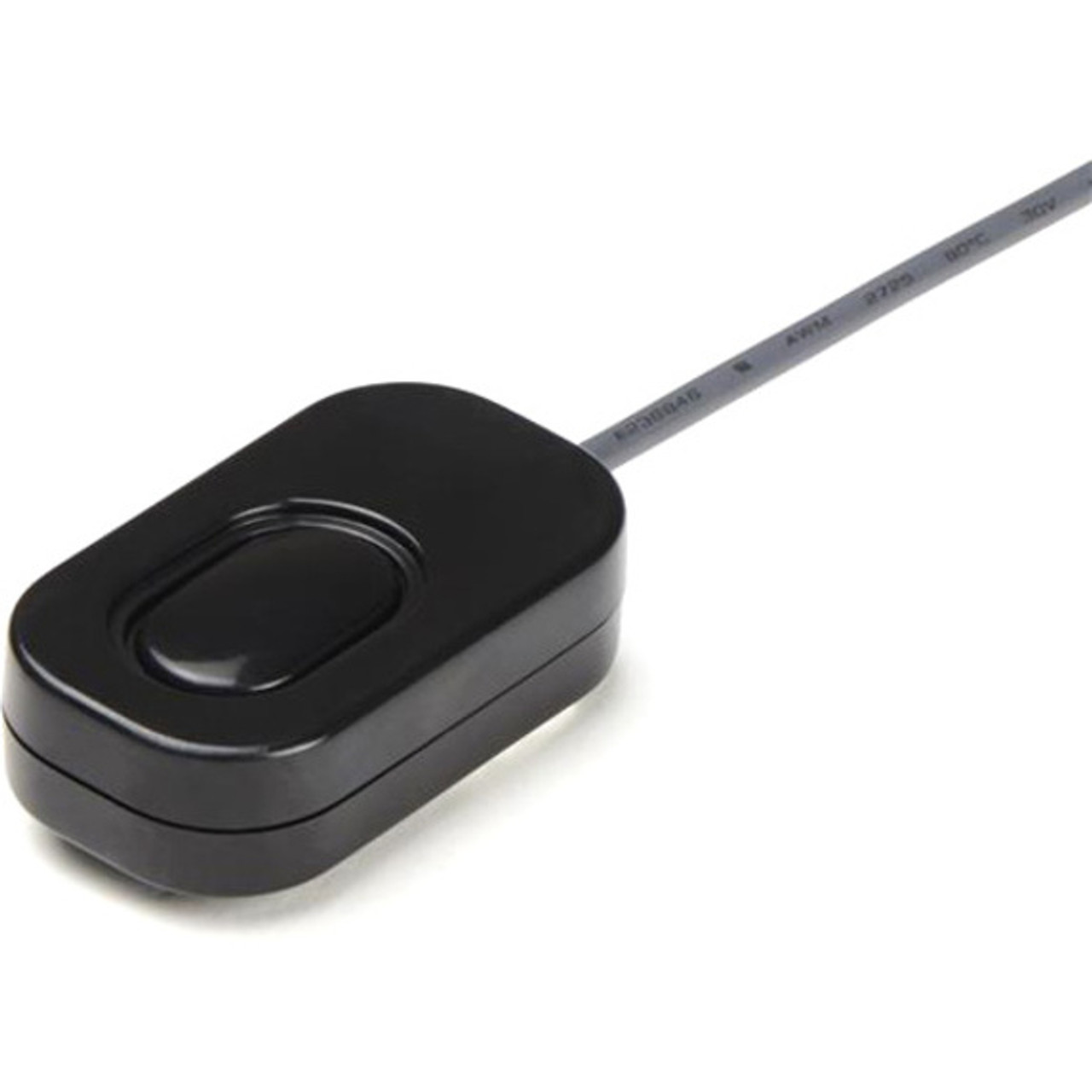
The switch supports multiple switching methods, including hotkey commands, an integrated remote push button, and software control, offering flexibility in how users toggle between connected computers. Its USB-powered operation simplifies setup by drawing power directly from the connected computer, reducing the need for additional adapters.
Relevant factors for this section include Number of Computers Supported, Maximum Video Resolution. When those points are considered together, they give buyers a clearer picture of how the product is equipped, how it fits into deployment, and what kind of day-to-day role it is meant to support.
Key Product Advantages
The SV211DPUA4K excels in reducing workspace complexity while maintaining high-performance standards. Its integrated design and versatile switching options provide tangible benefits for users managing dual-computer configurations.
Space Optimization
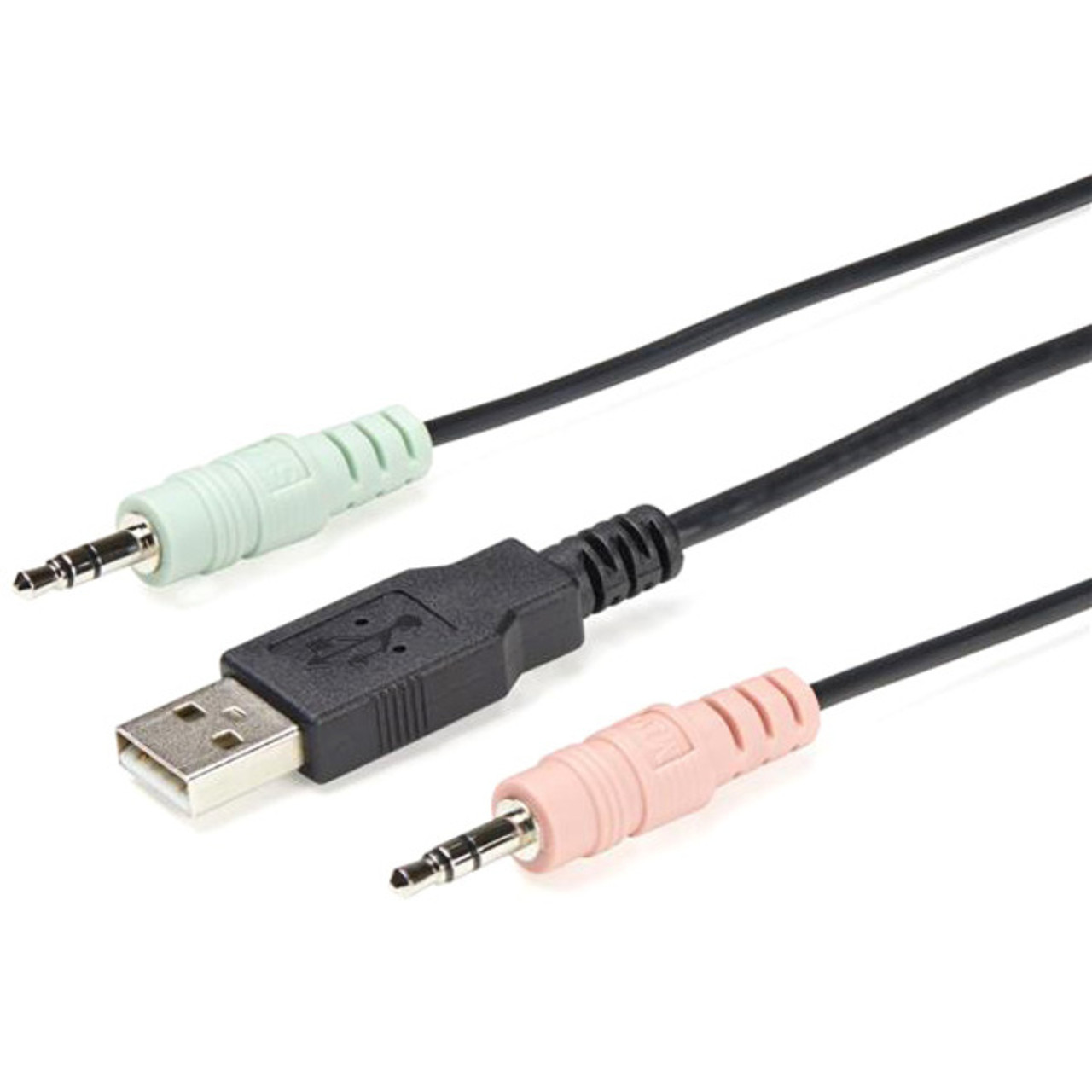
With built-in cables and a compact footprint, this switch minimizes desk clutter and simplifies cable management, making it perfect for tight workspaces.
- Compact dimensions: 3.20" W x 3.80" D x 0.40" H
- Integrated cable design reduces external wiring
High-Fidelity Video
Support for 4K resolution at 60Hz ensures detailed, lag-free visuals, ideal for graphic design, video editing, and multimedia tasks.
- Maximizes viewing space with ultra-high-definition output
- Compatible with modern monitors and graphics cards
Deployment / Use Cases
This KVM switch is well-suited for environments where users need to efficiently switch between two computers without compromising on video quality or desk organization. Its desktop form factor and USB power make it adaptable to various professional and personal scenarios.
Common applications include IT support desks, where technicians manage multiple test systems; home offices with separate work and personal computers; and creative studios requiring high-resolution displays across dual setups. The remote switching capability enhances convenience in multi-monitor or ergonomic workstation configurations.
IT and Tech Support
Ideal for help desks or lab environments, allowing quick toggling between diagnostic and production machines with consistent peripheral access.
Home Office Efficiency
Perfect for users juggling work and personal computers, enabling seamless transition between systems while maintaining a tidy workspace.
Physical Profile
The switch features a sleek desktop form factor with dimensions of 3.20 inches in width, 3.80 inches in depth, and 0.40 inches in height, making it unobtrusive on any desk. Weighing approximately 12.35 ounces, it is lightweight yet durable, with a design that includes four rubber feet for stability. Its compact build supports easy placement near monitors or under desks, enhancing workspace aesthetics without sacrificing functionality.
- Width
- 3.20" (81.28 mm)
- Depth
- 3.80" (96.52 mm)
- Height
- 0.40" (10.16 mm)
- Weight
- 12.35 oz (350 g)
What's in the Box
The package includes all necessary components for immediate setup and use.
Package contents include KVM Switchbox, 1 x Quick-Start Guide, 4 x Foot Built-In Cables. These included items support setup, installation, and immediate deployment without needing to source the core bundled accessories separately.
Highlights
- Compact 2-port DisplayPort KVM switch with built-in cables for reduced clutter
- Supports 4K UHD video resolution at 60Hz via DisplayPort 1.2
- USB-powered operation simplifies setup without external power adapters
- Allows control of two computers from one keyboard, monitor, and mouse
- Multiple switching methods: hotkey, remote push button, and software
- Desktop form factor with small footprint for space-efficient placement
- Includes four USB ports and three DisplayPorts for flexible connectivity
- Backed by a 2-year limited warranty for reliable performance
Specifications
| Specifications | |
|---|---|
| Manufacturer | StarTech.com |
| Manufacturer Part Number | SV211DPUA4K |
| Brand Name | StarTech.com |
| Product Name | KVM Switchbox |
| Packaged Quantity | 1 Each |
| Product Type | KVM Switchbox |
| Technical Information | |
| Number of Computers Supported | 2 |
| Video | |
| Maximum Video Resolution | 3840 x 2160 |
| Interfaces/Ports | |
| USB | Yes |
| DisplayPort | Yes |
| Number of USB Ports | 4 |
| Number of DisplayPorts | 3 |
| Physical Characteristics | |
| Form Factor | Desktop |
| Height | 0.40" (10.16 mm) |
| Width | 3.20" (81.28 mm) |
| Depth | 3.80" (96.52 mm) |
| Weight (Approximate) | 12.35 oz (350 g) |
| Miscellaneous | |
| Package Contents | KVM Switchbox 1 x Quick-Start Guide 4 x Foot Built-In Cables |
| Environmentally Friendly | Yes |
| Environmental Certification | EU RoHS |
| Environmental Compliance | Restriction of Hazardous Substances (RoHS) 2,Registration, Evaluation, Authorization and Restriction of Chemicals (REACH),Waste Electrical and Electronic Equipment Directive (WEEE) |
| Country of Origin | China |
| Warranty | |
| Limited Warranty | 2 Year |
User Manual
FAQ
How many computers can I connect to this KVM switch?
The StarTech.com SV211DPUA4K supports two computers, allowing you to switch between them using a single keyboard, monitor, and mouse. This dual-port design is ideal for users managing multiple systems in home office, IT support, or creative workstation environments.
What video resolution does this KVM switch support?
This switch supports a maximum video resolution of 3840 x 2160 (4K UHD) at 60Hz through its DisplayPort 1.2 interface. It ensures high-quality, detailed visuals for tasks like video editing, gaming, or multimedia playback, maximizing your monitor's capabilities.
Does this KVM switch require an external power source?
No, the switch is USB-powered, drawing power directly from one of the connected computers. This eliminates the need for an external power adapter, simplifying setup and reducing cable clutter on your desk.
What methods can I use to switch between computers?
You can switch between the two connected computers using multiple methods: hotkey commands from your keyboard, an integrated remote push button on the switch itself, or software control. This flexibility allows you to choose the most convenient option for your workflow.
What is included in the package with this KVM switch?
The package includes the KVM switchbox, a quick-start guide for easy setup, and four foot built-in cables. These cables are integrated into the switch design to minimize external wiring and streamline installation.
What are the physical dimensions and weight of this KVM switch?
The switch has a compact desktop form factor, measuring 3.20 inches in width, 3.80 inches in depth, and 0.40 inches in height. It weighs approximately 12.35 ounces (350 grams), making it lightweight and easy to place in various workspace configurations.
| Qty | Price | Available |
|---|


