













StarTech.com SV211HDUA4K 2-Port HDMI KVM Switch - 4K 60Hz UHD with Built-In 4ft Cables - USB Bus Powered & Remote

Business volume discounts
Technical guidance
Preparation & staging
QC · ON · AB · BC
Product Features
Technical Overview
This KVM switch delivers robust technical performance with 4K 60Hz video support across two HDMI ports, handling resolutions up to 3840 x 2160 for detailed imagery. It features four USB ports for peripheral connectivity, enabling seamless integration of keyboards, mice, and other USB devices. The switch supports one local user managing two computers, with audio switching that works independently to prevent audio dropouts during computer changes.
Switching software compatibility extends to Windows, Windows Server, and macOS platforms, offering cross-platform utility in mixed-OS environments. The compact form factor measures 0.98 inches in height, 3.82 inches in width, and 51.18 inches in depth, with a lightweight design at 15.20 ounces for easy placement. USB bus power draws energy directly from a connected computer, simplifying power management and reducing setup complexity.
Relevant factors for this section include Number of Computers Supported, Number of Local Users Supported, Maximum Video Resolution. When those points are considered together, they give buyers a clearer picture of how the product is equipped, how it fits into deployment, and what kind of day-to-day role it is meant to support.
Key Product Advantages
This KVM switch offers distinct advantages for efficient workspace management. The inclusion of built-in 4-foot cables reduces installation time and minimizes cable mess, while the compact size conserves valuable desk real estate. USB bus power enhances portability and eliminates the hassle of external power supplies, making it ideal for mobile setups or temporary workstations.
Flexible Switching Options
Choose from push-button controls, keyboard hot-keys, or software-based switching to match your workflow preferences, ensuring quick and reliable computer transitions.
- Push-button for manual control
- Hot-keys for keyboard shortcuts
- Software for automated management
High-Quality Audio Support
Independent audio switching maintains continuous sound output, supporting both analog 3.5mm and HDMI audio sources without interruptions during computer switches.
Deployment / Use Cases
The SV211HDUA4K is well-suited for environments where users need to manage multiple computers from a single workstation. In office settings, it enables IT professionals to switch between a desktop and a laptop for testing or maintenance tasks, improving productivity and reducing desk clutter. For home offices, it allows seamless transitions between personal and work computers, supporting high-resolution displays for creative or gaming applications.
In educational or training facilities, the switch facilitates quick access to different demonstration systems, while its compact design and built-in cables make it easy to set up in temporary or shared spaces. The cross-platform software support ensures compatibility in mixed-OS environments, such as design studios or development labs where both Windows and macOS systems are in use.
IT Support and Maintenance
Ideal for technicians who need to troubleshoot or configure multiple computers without constantly swapping cables, enhancing efficiency in repair and setup tasks.
Multi-Computer Workstations
Perfect for users running dual systems for different purposes—like a gaming PC and a work laptop—allowing quick swaps with maintained audio and video quality.
Physical Profile
The switch features a slim, space-saving design with dimensions of 0.98 inches in height, 3.82 inches in width, and 51.18 inches in depth, making it easy to tuck under monitors or place discreetly on desks. Its lightweight construction at 15.20 ounces ensures easy portability for mobile setups or temporary installations. The built-in cables are neatly integrated, reducing external cable bulk and contributing to a clean, organized workspace appearance.
- Width
- 3.82" (97 mm)
- Depth
- 51.18" (1300 mm)
- Height
- 0.98" (25 mm)
- Weight
- 15.20 oz (431 g)
What's in the Box
The package includes all necessary components for immediate setup and use.
Highlights
- Operate two HDMI computers from one workstation at 4K 60Hz resolutions
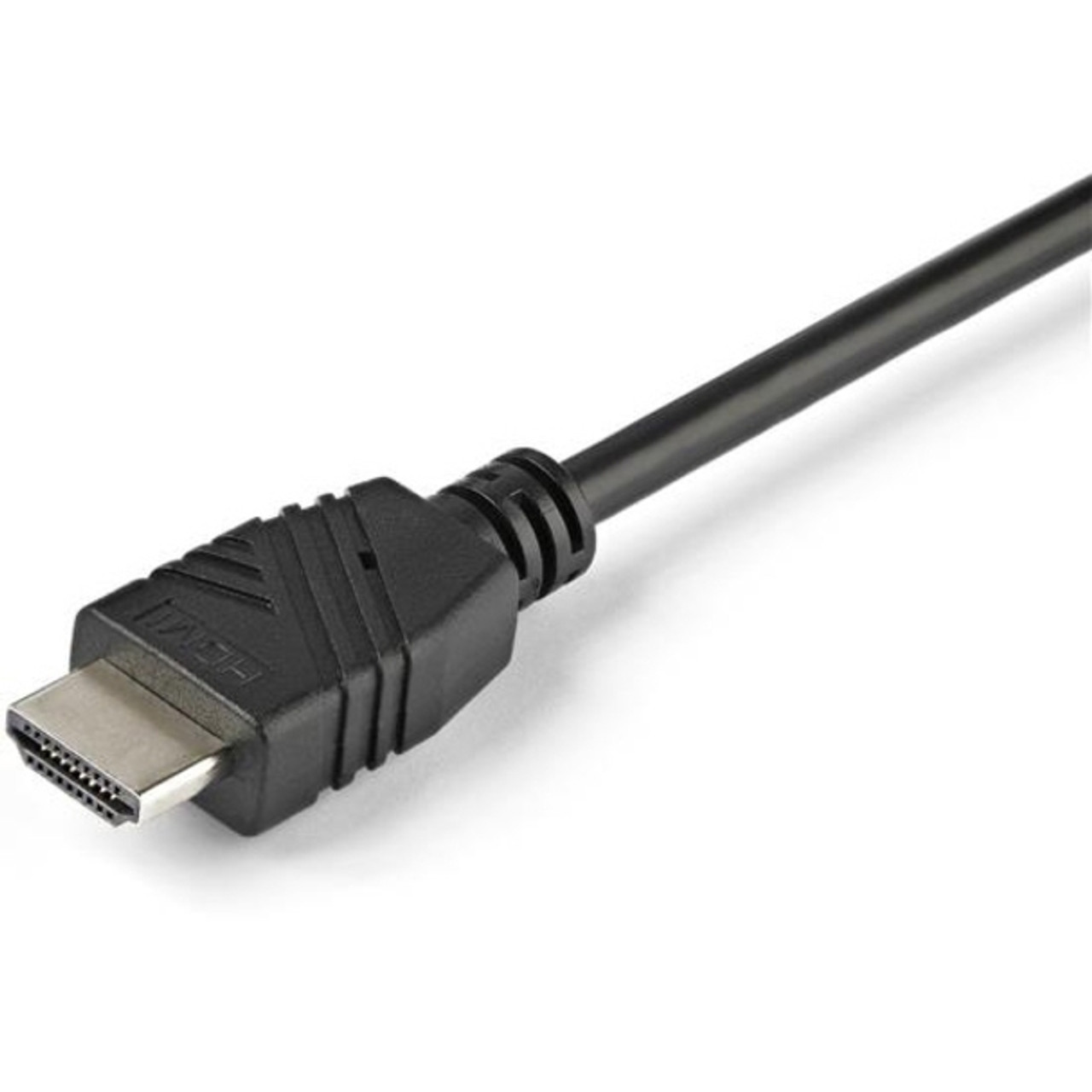
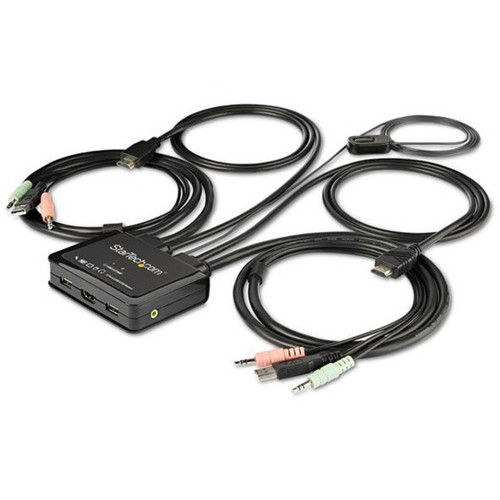
- Integrate quickly with built-in 4 ft. KVM cables and a space-saving design
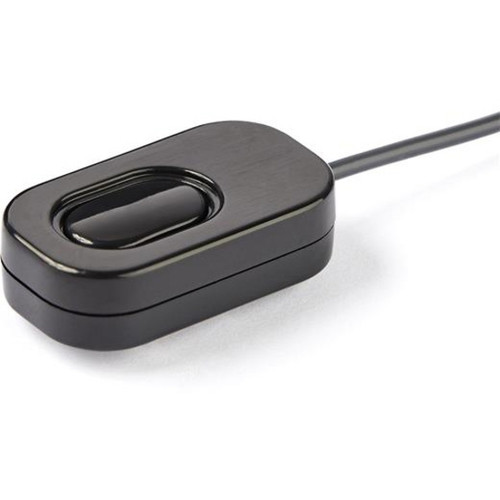
- Switch PCs via push-button, hot-keys, or switching software
- Switching software supports Windows, Windows Server, and macOS platforms
- USB powered with no external power adapter required
- Independent audio/mic switching for uninterrupted analog and HDMI audio
- Compact dimensions for easy desk placement and portability
- Includes quick-start guide for straightforward installation
Specifications
| Specifications | |
|---|---|
| Manufacturer | StarTech.com |
| Manufacturer Part Number | SV211HDUA4K |
| Brand Name | StarTech.com |
| Product Name | 2-Port HDMI KVM Switch with Built-In Cables - USB 4K 60Hz |
| Packaged Quantity | 1 Each |
| Product Type | KVM Switchbox |
| Technical Information | |
| Number of Computers Supported | 2 |
| Number of Local Users Supported | 1 |
| Video | |
| Maximum Video Resolution | 3840 x 2160 |
| Interfaces/Ports | |
| USB | Yes |
| HDMI | Yes |
| Number of USB Ports | 4 |
| Number of HDMI Ports | 2 |
| Physical Characteristics | |
| Height | 0.98" (25 mm) |
| Width | 3.82" (97 mm) |
| Depth | 51.18" (1300 mm) |
| Weight (Approximate) | 15.20 oz (431 g) |
| Miscellaneous | |
| Package Contents | 2-Port HDMI KVM Switch with Built-In Cables - USB 4K 60Hz 1 x Quick-Start Guide |
| Environmentally Friendly | Yes |
| Environmental Certification | EU RoHS |
| Environmental Compliance | Restriction of Hazardous Substances (RoHS) 2,Registration, Evaluation, Authorization and Restriction of Chemicals (REACH),Waste Electrical and Electronic Equipment Directive (WEEE) |
| Country of Origin | China |
| Warranty | |
| Limited Warranty | 2 Year |
User Manual
FAQ
What video resolution does this KVM switch support?
The StarTech.com SV211HDUA4K supports a maximum video resolution of 3840 x 2160 (4K Ultra HD) at a 60Hz refresh rate, delivering sharp, high-definition visuals for demanding applications like video editing, gaming, or detailed design work.
How many computers can I connect to this KVM switch?
This switch supports two computers, allowing you to control both from a single set of peripherals. It is designed for one local user, making it ideal for personal workstations where you need to switch between two systems efficiently.
Does this KVM switch require an external power adapter?
No, the switch uses USB bus power, drawing energy directly from a connected computer via its USB port. This eliminates the need for an external power adapter, simplifying setup and enhancing portability for mobile or temporary installations.
What switching methods are available with this KVM switch?
You can switch between computers using three methods: a physical push-button on the switch, keyboard hot-keys for quick shortcuts, or dedicated switching software. The software is compatible with Windows, Windows Server, and macOS platforms for flexible control.
Does this switch support audio switching?
Yes, it features independent audio switching that supports both analog (3.5mm) and HDMI audio sources. This ensures uninterrupted audio output when switching between computers, making it suitable for multimedia or communication tasks.
What is included in the package with this KVM switch?
The package includes the 2-port HDMI KVM switch with built-in 4-foot cables and a quick-start guide. The built-in cables reduce cable clutter and simplify installation, providing everything needed for immediate setup without additional purchases.
| Qty | Price | Available |
|---|


