













Plugable USB3-SWITCH2 USB 3.0 Sharing Switch - One-Button A/B Switch for Device Sharing Between Two Computers

Business volume discounts
Technical guidance
Preparation & staging
QC · ON · AB · BC
Product Features
Technical Overview
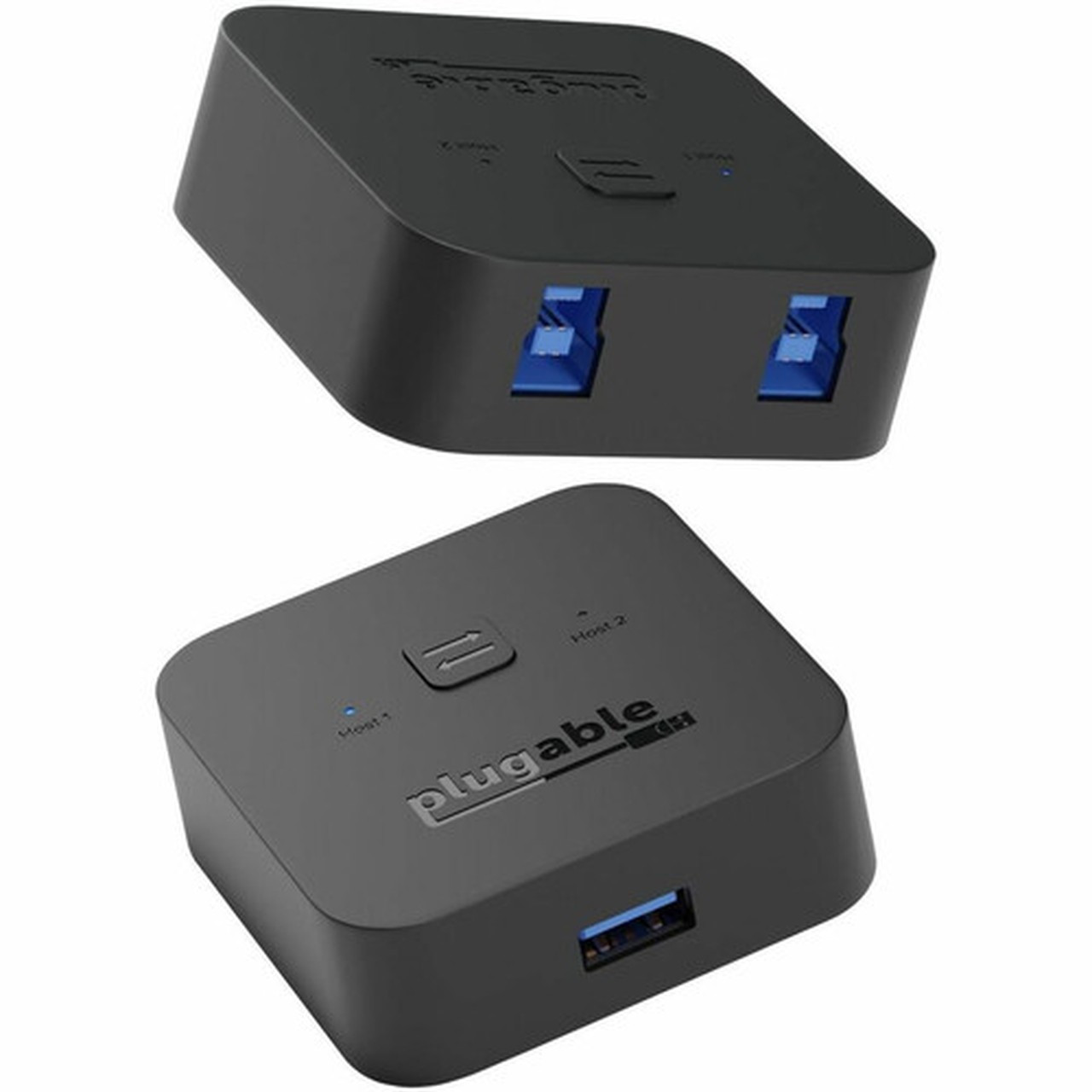
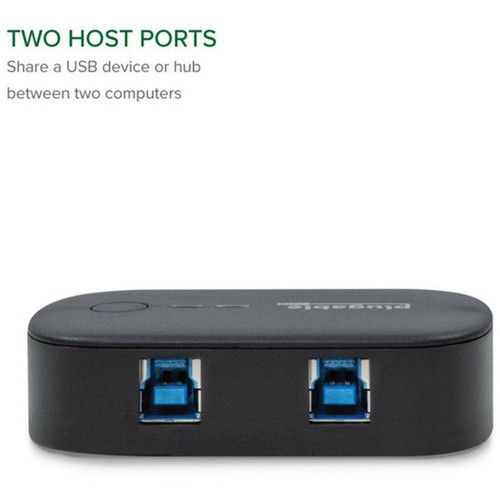
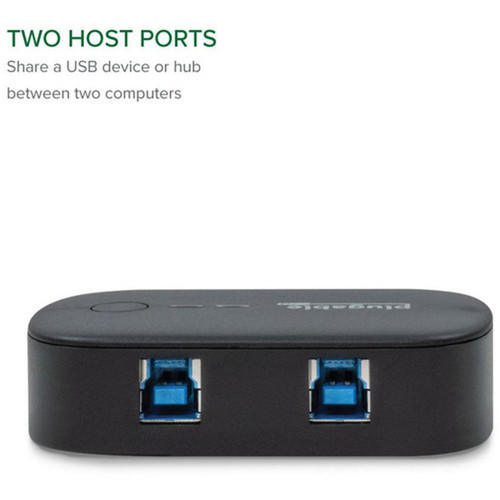
This USB switch operates over a USB 3.0 Type A host interface, delivering data transfer rates up to 5 Gbps. The single USB port supports both individual devices and powered hubs, enabling expanded peripheral sharing scenarios.
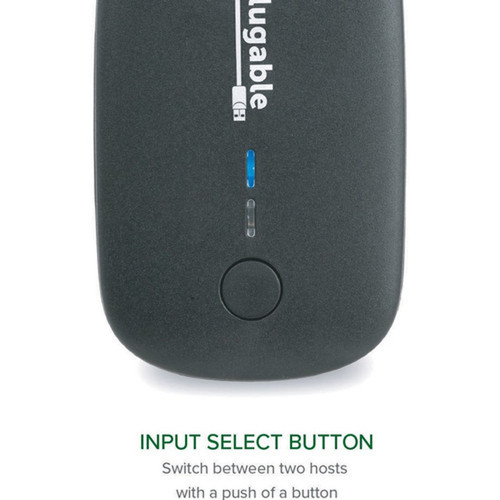
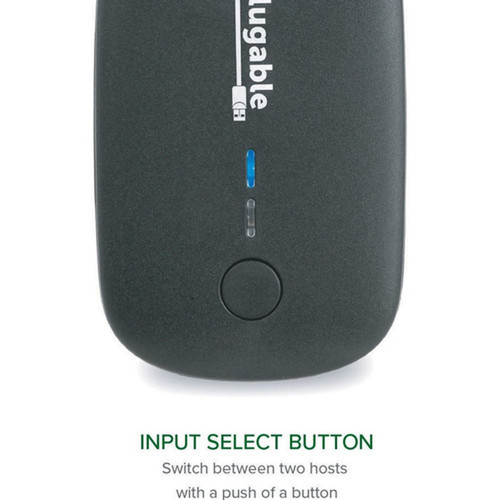
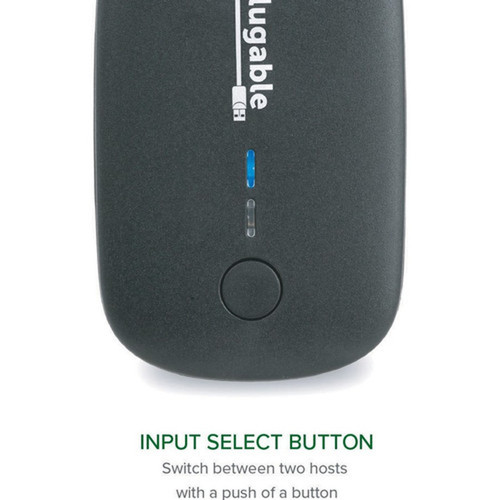
LED indicators provide clear visual confirmation of which connected computer currently has control of the attached devices. The switch is powered directly through the USB connection, requiring no external power adapter for typical operation.
Relevant factors for this section include Host Interface, Total Number of USB Ports, Number of USB 3.0 Ports. When those points are considered together, they give buyers a clearer picture of how the product is equipped, how it fits into deployment, and what kind of day-to-day role it is meant to support.
A strong technical summary explains how the product's interfaces, hardware profile, and operating characteristics work together in real deployment. Buyers often need this context to confirm compatibility with existing devices, expected performance in daily use, and whether installation will be straightforward for IT staff or end users.
Key Product Advantages
The USB3-SWITCH2 simplifies workspace management by reducing cable clutter and physical connection changes. Its one-touch switching mechanism provides immediate control transfer without software configuration or system restarts.
Simplified Peripheral Sharing
Share keyboards, mice, printers, scanners, or storage devices between two computers with a single button press, eliminating the need for duplicate peripherals or manual cable swapping.
- One-button A/B switching
- Supports USB hubs for multiple devices
- Maintains USB 3.0 performance
Broad Compatibility
Works with Windows, macOS, ChromeOS, and Linux systems without requiring switch-specific drivers. The included 1.5m USB cables ensure proper connectivity within recommended distance limits.
- Multi-OS support
- No driver installation needed for switch
- Includes necessary cables
Deployment / Use Cases
This sharing switch is ideal for environments where users need to access the same peripherals from multiple computers. Common applications include development workstations, help desk setups, and shared office equipment scenarios.
The device can function as part of an all-USB KVM solution when paired with a USB docking station or powered hub. This allows users to switch keyboard, mouse, and display controls between systems while maintaining USB 3.0 performance for connected devices.
Dual Workstation Setup
Perfect for developers, designers, or IT professionals who use both Windows and macOS systems and need to share high-performance peripherals like external storage, audio interfaces, or specialized input devices.
Shared Resource Environments
Enable multiple computers to access shared printers, scanners, or document cameras in office, educational, or lab settings without network configuration or additional software.
Physical Profile
With dimensions of 2.72" × 1.65" × 0.87" (69 × 42 × 22 mm) and weighing just 1.48 ounces (42 grams), the USB3-SWITCH2 has a compact footprint that fits easily on any desk or workspace. The external form factor requires no internal installation, making it suitable for temporary or permanent deployment scenarios.
The physical profile is practical for deployment planning because the dimensions and weight are clearly defined: 2.72" (69 mm), 1.65" (42 mm), 0.87" (22 mm), 1.48 oz (42 g). This helps confirm rack, shelf, desk, or cabinet fit before installation.
- Width
- 1.65" (42 mm)
- Depth
- 0.87" (22 mm)
- Height
- 2.72" (69 mm)
- Weight
- 1.48 oz (42 g)
What's in the Box
The package includes everything needed for immediate setup and operation.
Highlights
- One-button switching between two computers
- USB 3.0 Type A interface with 5 Gbps speeds
- Plug-and-play operation with no drivers required
- Supports Windows, macOS, ChromeOS, and Linux
- Compact design: 2.72" × 1.65" × 0.87" (69 × 42 × 22 mm)
- Bus-powered through USB connection
- LED indicators show active computer
- Includes two 1.5m USB 3.0 cables
- 2-year limited warranty with email support
- Ideal for sharing peripherals or creating USB KVM setups
Specifications
| Specifications | |
|---|---|
| Manufacturer | Plugable Technologies |
| Manufacturer Part Number | USB3-SWITCH2 |
| Brand Name | Plugable |
| Product Model | USB3-SWITCH2 |
| Product Name | USB 3.0 SHARING SWITCH |
| Packaged Quantity | 1 |
| Product Type | USB Switch |
| Technical Information | |
| Host Interface | USB 3.0 Type A |
| Interfaces/Ports | |
| Total Number of USB Ports | 1 |
| Number of USB 3.0 Ports | 1 |
| Software | |
| Operating System Supported | Windows,macOS,ChromeOS,Linux |
| Physical Characteristics | |
| Form Factor | External |
| Height | 2.72" (69 mm) |
| Width | 1.65" (42 mm) |
| Depth | 0.87" (22 mm) |
| Weight (Approximate) | 1.48 oz (42 g) |
| Miscellaneous | |
| Package Contents | 1 x USB 3.0 SHARING SWITCH 2 x USB 3.0 Type-A to Type-B cables 1 x Quick Start Guide |
| Platform Supported | PC,Mac,Linux |
| Country of Origin | China |
| Warranty | |
| Limited Warranty | 2 Year |
FAQ
What types of devices can I share with this USB switch?
The USB3-SWITCH2 can share any USB 3.0 or backward-compatible USB 2.0/1.1 device, including keyboards, mice, printers, scanners, external storage drives, and audio interfaces. It also supports connected USB hubs, allowing multiple peripherals to be shared simultaneously between two computers with a single button press.
Does this switch require external power or special drivers?
No external power adapter is needed for standard operation—the switch is bus-powered through the USB connection. The switch itself requires no drivers and works as plug-and-play on supported operating systems. However, any attached peripherals may still need their own drivers installed on each computer, as they normally would when connected directly.
What operating systems are supported?
The switch is compatible with Windows (7 and later), macOS (10.9 and later), ChromeOS, and Linux distributions with USB support. No switch-specific software or drivers are required for these operating systems. The plug-and-play functionality works immediately upon connection.
Can I use this switch with USB-C or Thunderbolt devices?
The USB3-SWITCH2 uses USB 3.0 Type A connections and is not compatible with USB-C or Thunderbolt 3/4 docks that support USB Power Delivery or USB Alt Mode video. For standard USB devices, you can use appropriate adapters, but for optimal performance with the included cables, we recommend connecting to computers with USB 3.0 Type A ports.
What is the maximum recommended cable length for proper operation?
Plugable recommends using the provided 1.5m cables to connect the switch to your computers and keeping the total connection distance to your peripheral under 1.8m. This ensures reliable USB 3.0 performance and proper power delivery to the switch and connected devices.
How does the warranty and support work for this product?
The USB3-SWITCH2 comes with a 2-year limited warranty covering parts and labor. Plugable provides Seattle-based email support for troubleshooting and warranty claims. The warranty applies to normal use and covers manufacturing defects, offering peace of mind for business and professional deployments.