






StarTech. com USB32HD2 USB 3. 0 to Dual HDMI Adapter - 4K 30Hz & 1080p 60Hz - Windows Only - TAA Compliant

Business volume discounts
Technical guidance
Preparation & staging
QC · ON · AB · BC
Product Features
Technical Overview
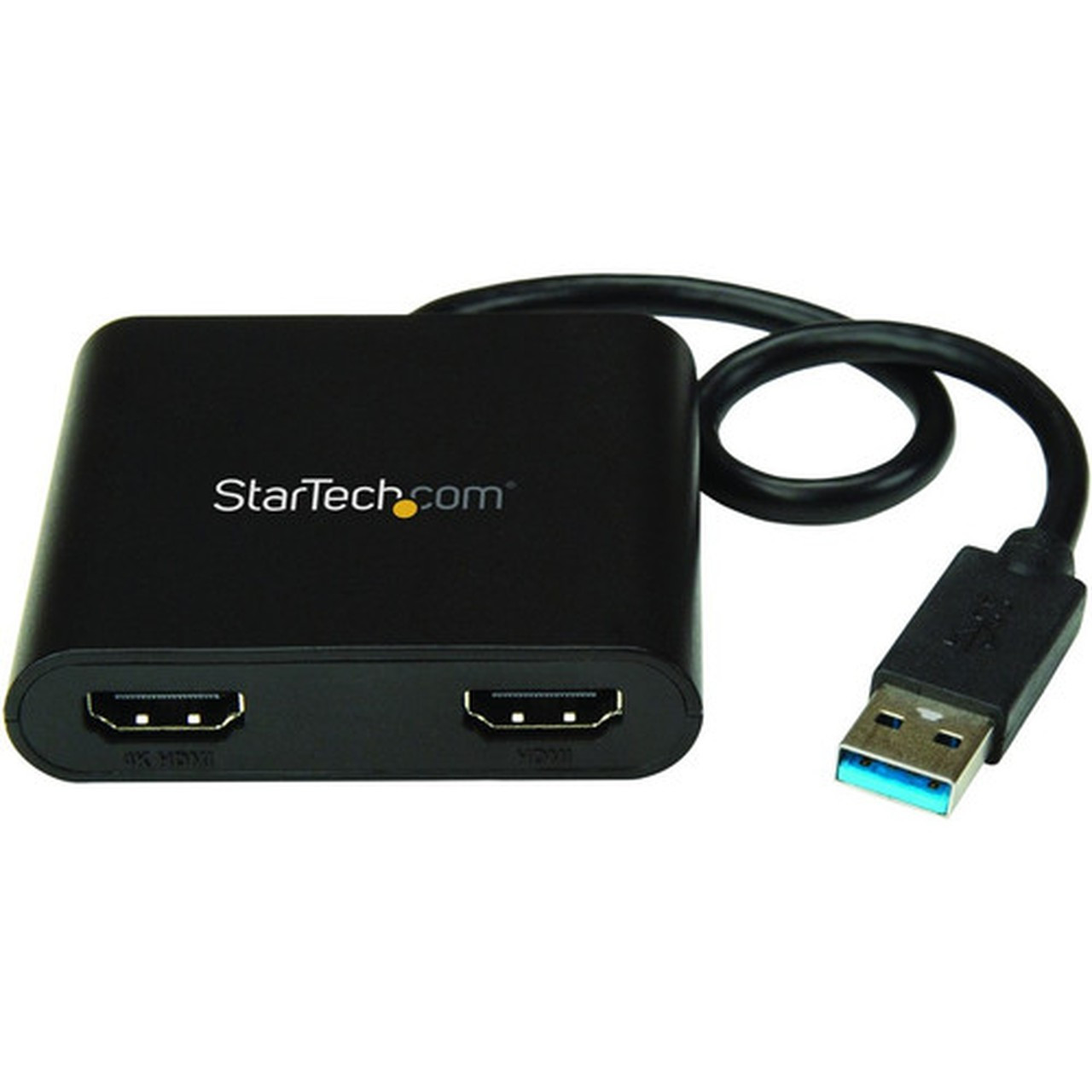
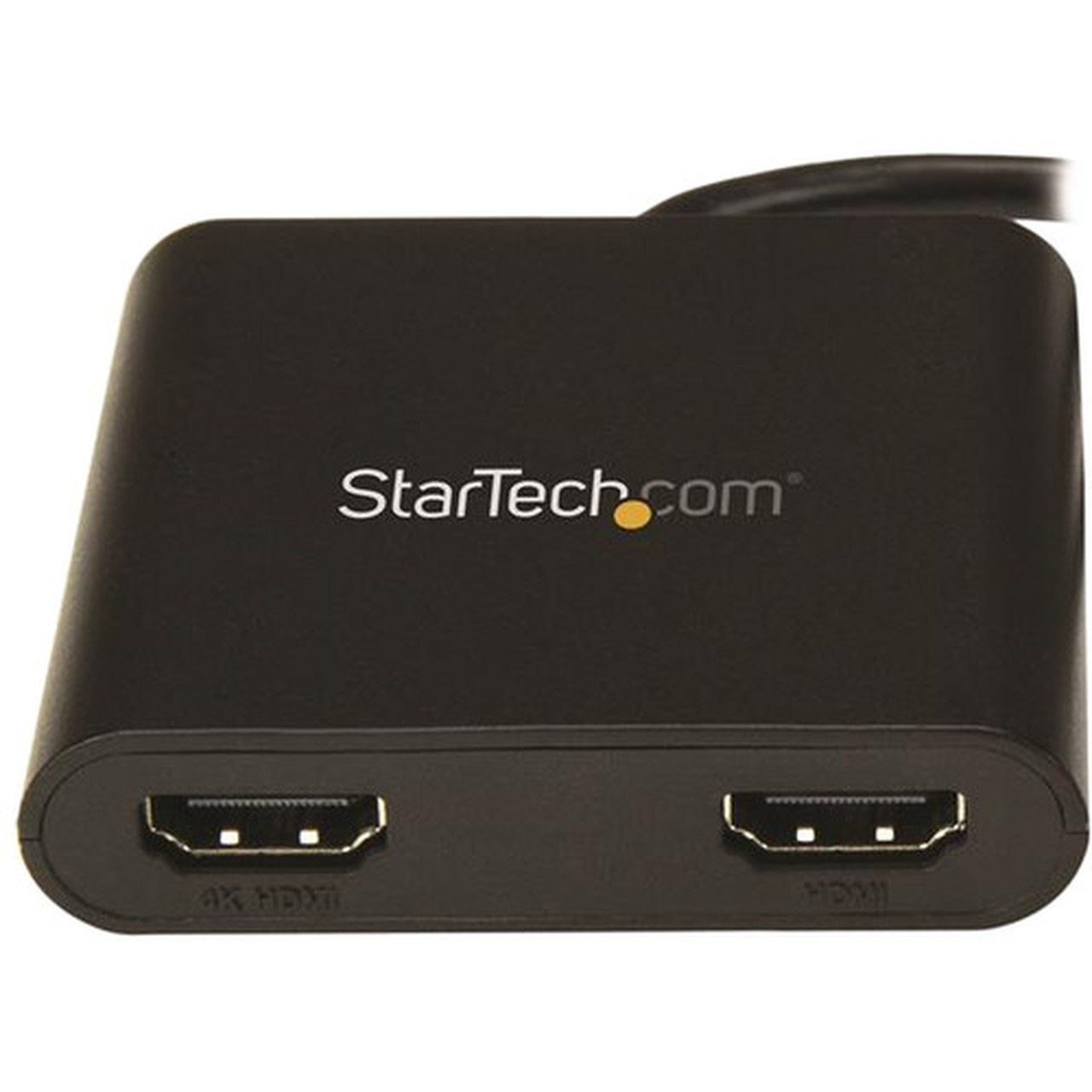
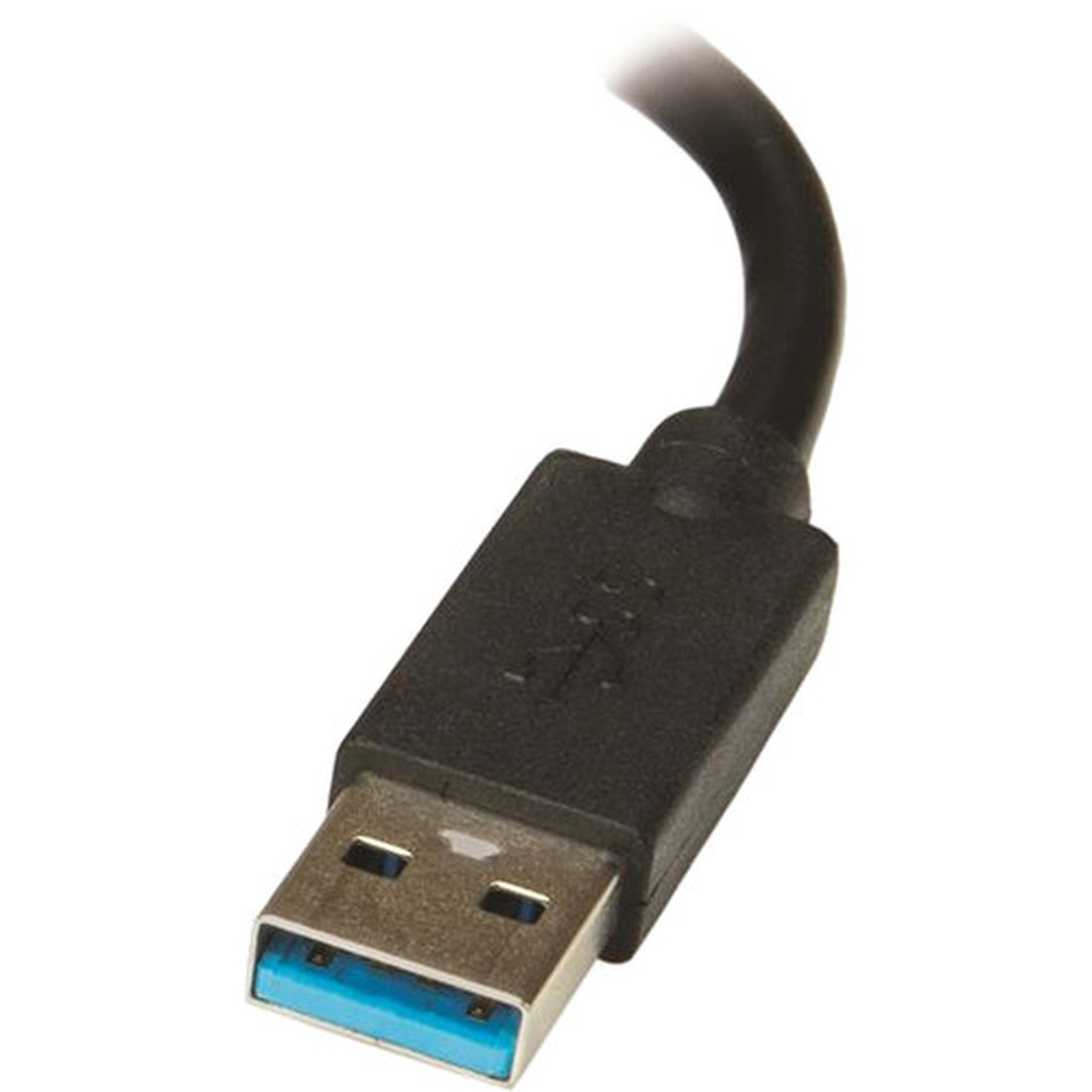
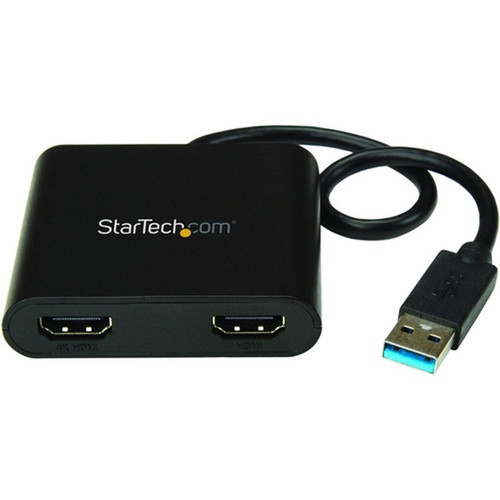
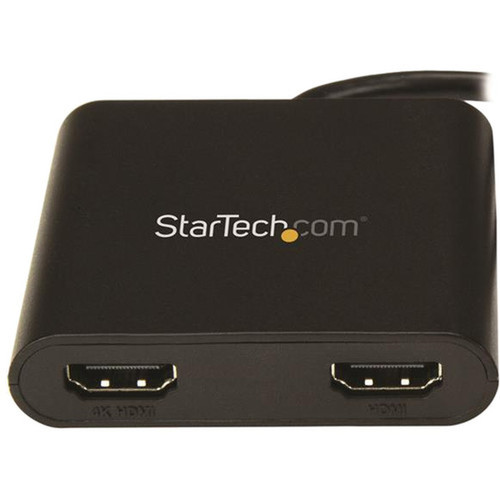
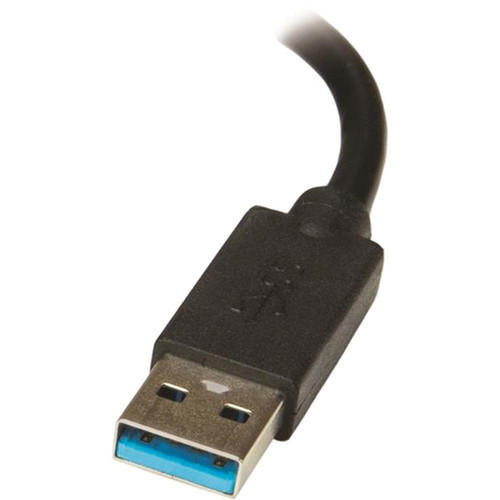
This USB 3.0 to Dual HDMI adapter leverages a 5Gbps USB 3.0 connection to provide simultaneous video output to two HDMI displays. The adapter features a 9-pin USB Type A male connector on the host end and two 19-pin HDMI female ports for monitor connections, with a 12.4-inch integrated cable for flexible positioning.
Video output capabilities include one display at 3840x2160 resolution (4K UHD) running at 30Hz refresh rate, while the second display operates at 1920x1080 resolution (Full HD) with a 60Hz refresh rate. The adapter maintains signal integrity across its 25cm cable length and supports HDCP 1.4 for compatibility with protected digital content.
This section brings together practical product details such as Adapter Type, Connector Type on First End, Connector on First End Details, Color Family, so buyers can judge configuration, deployment fit, and day-to-day suitability with less guesswork.
Key Product Advantages
This adapter provides a straightforward solution for expanding display real estate without requiring internal hardware upgrades or dedicated video ports. Its Windows-exclusive compatibility ensures optimized driver performance and stability for business environments where operating system consistency is paramount.
These strengths make the product easier to deploy and manage in real environments, especially where reliability, usability, and day-to-day operational continuity matter. Notable benefits include TAA Compliance, Professional Support.
TAA Compliance
The adapter meets Trade Agreements Act requirements, making it suitable for government and educational procurement where TAA compliance is mandatory for technology purchases.
- Government procurement ready
- Educational institution compatible
Professional Support
Backed by StarTech.com's 3-year warranty and free lifetime 24/5 multi-lingual technical assistance, this adapter comes with enterprise-level support for business continuity.
- 3-year warranty
- 24/5 technical support
Deployment / Use Cases
The USB32HD2 adapter excels in office environments where users need to extend their desktop across multiple monitors for enhanced productivity. IT departments can deploy these adapters to standardize multi-monitor setups across different laptop models, providing consistent display expansion capabilities regardless of the host device's native video outputs.
Remote workers and home office users benefit from the adapter's plug-and-play functionality (after initial driver installation) when connecting laptops to multiple external displays. Financial analysts, software developers, and content creators can utilize the dual HDMI outputs to spread applications across screens, reducing window switching and improving workflow efficiency.
Workstation Expansion
Transform any Windows laptop or desktop into a dual-monitor workstation by adding two HDMI displays through a single USB 3.0 port, ideal for data analysis, coding, and multi-tasking scenarios.
Conference Room Setup
Quickly connect presentation laptops to dual displays in meeting rooms without requiring specialized hardware, supporting both 4K content on primary screens and 1080p on secondary displays.
Physical Profile
The compact black plastic adapter measures 2.60" wide by 0.59" high with a 12.40" integrated cable, making it highly portable for users who move between workstations. Weighing just 1.98 ounces, the adapter adds minimal bulk to laptop bags while providing substantial display expansion capabilities. The matte black finish blends discreetly with professional office equipment.
- Width
- 2.60" (66 mm)
- Height
- 0.59" (15 mm)
- Weight
- 1.98 oz (56 g)
- Length
- 12.40" (315 mm)
What's in the Box
The adapter ships with everything needed for immediate deployment in Windows environments.
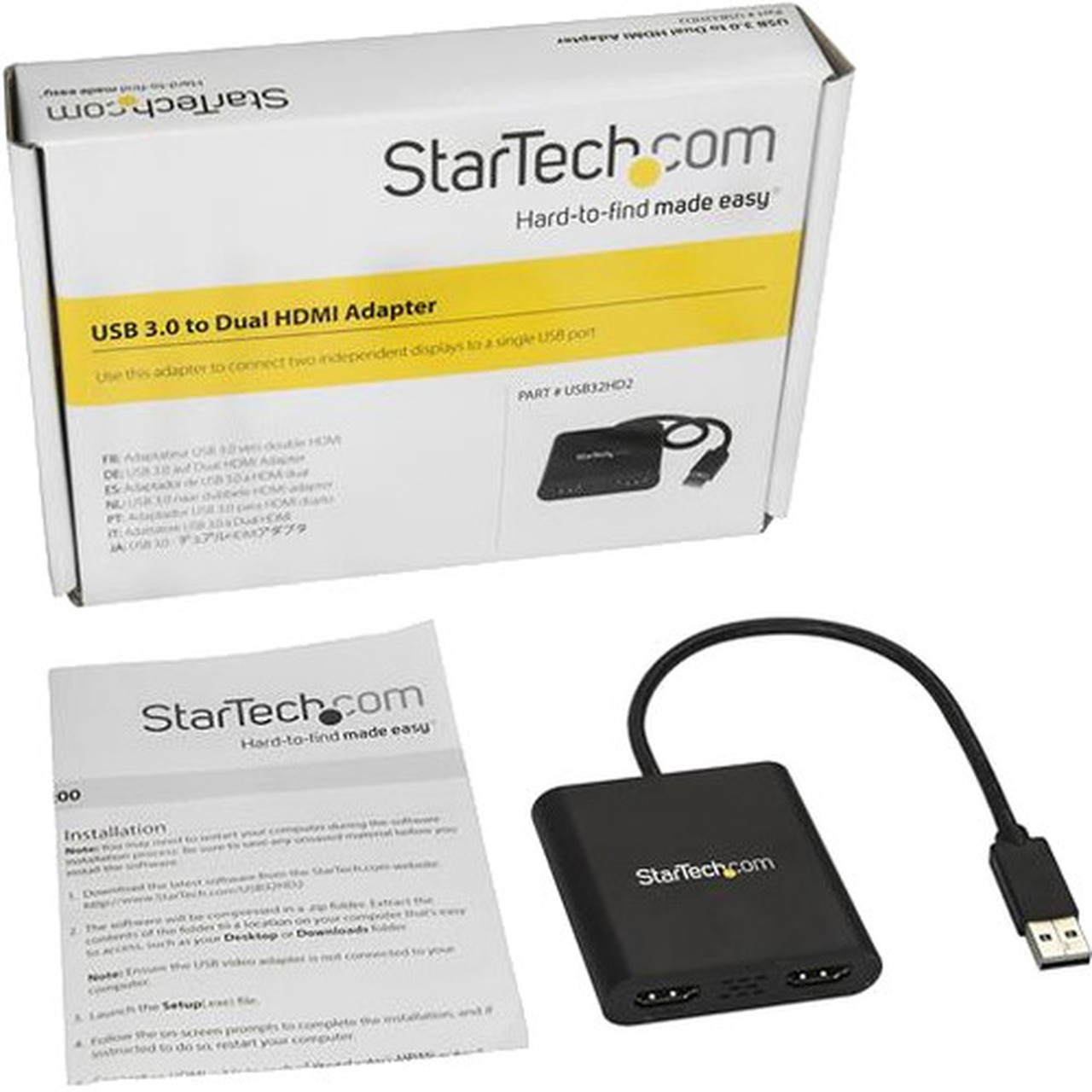
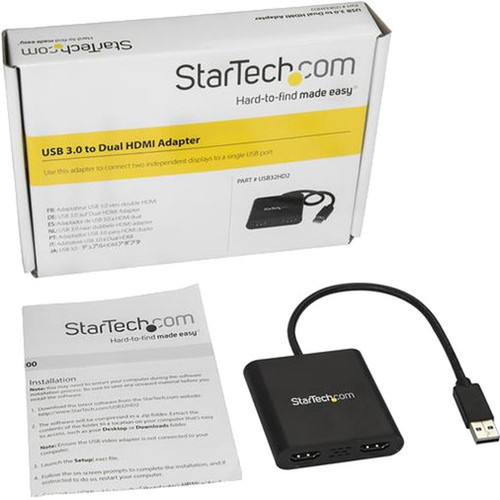
Package contents include USB to Dual HDMI Adapter - 4K, 1 x Quick-start Guide. These included items support setup, installation, and immediate deployment without needing to source the core bundled accessories separately.
Highlights
- Adds two HDMI monitors to Windows laptops or desktops through USB 3.0
- Supports 4K resolution at 30Hz on one display and 1080p at 60Hz on the second
- Windows exclusive compatibility (no macOS, ChromeOS, or Linux support)
- HDCP 1.4 support for protected content playback
- TAA compliant for government and educational procurement
- 3-year warranty with free lifetime 24/5 technical support
- Compact design with 12.4-inch integrated cable
- Works with all Windows X86/X64/ARM platforms including Snapdragon X Copilot+ PC
Specifications
| Specifications | |
|---|---|
| Manufacturer | StarTech.com |
| Manufacturer Part Number | USB32HD2 |
| Brand Name | StarTech.com |
| Product Name | USB to Dual HDMI Adapter - 4K |
| Packaged Quantity | 1 Each |
| Product Type | Video Adapter |
| Technical Information | |
| Adapter Type | HDMI/USB |
| Connector Type on First End | USB 3.0 Type A - Male |
| Connector on First End Details | 9-pin Type A USB 3.0 USB Male |
| Connector Type on Second End | HDMI Digital Audio/Video - Female |
| Connector on Second End Details | 2 x 19-pin HDMI Digital Audio/Video Female |
| Maximum Resolution Supported | 3840 x 2160 |
| Features | HDCP 1.4 |
| Physical Characteristics | |
| Color Family | Black |
| Product Color | Black |
| Product Material | Plastic |
| Height | 0.59" (15 mm) |
| Width | 2.60" (66 mm) |
| Length | 12.40" (315 mm) |
| Weight (Approximate) | 1.98 oz (56 g) |
| Miscellaneous | |
| Package Contents | USB to Dual HDMI Adapter - 4K 1 x Quick-start Guide |
| Country of Origin | Taiwan |
| TAA Compliant | Yes |
| Environmentally Friendly | Yes |
| Environmental Certification | EU RoHS |
| Environmental Compliance | Restriction of Hazardous Substances (RoHS) 2,Registration, Evaluation, Authorization and Restriction of Chemicals (REACH),Waste Electrical and Electronic Equipment Directive (WEEE) |
| Warranty | |
| Limited Warranty | 3 Year |
User Manual
FAQ
What video resolutions does the USB32HD2 adapter support?
The adapter supports simultaneous output to two displays with different resolutions. The primary display can run at 3840x2160 resolution (4K UHD) at 30Hz refresh rate, while the secondary display operates at 1920x1080 resolution (Full HD) at 60Hz. Both outputs support HDCP 1.4 for protected content compatibility.
Does this adapter require external power or additional cables?
No external power is required—the adapter draws power directly from the USB 3.0 host port. The unit includes a 12.4-inch (315mm) integrated cable with a USB Type A male connector on one end and two HDMI female ports on the adapter body. You only need standard HDMI cables to connect your monitors.
What is TAA compliance and why does it matter for this adapter?
TAA (Trade Agreements Act) compliance means this adapter meets U.S. government procurement requirements for products purchased with federal funds. This makes the adapter suitable for government agencies, educational institutions, and other organizations that must comply with TAA regulations when purchasing technology equipment.
Can I use this adapter with a USB 2.0 port?
While the adapter may physically connect to a USB 2.0 port, optimal performance requires a USB 3.0 (5Gbps) connection. USB 2.0's limited bandwidth cannot support the dual display outputs at the advertised resolutions and refresh rates. For best results, connect the adapter to a USB 3.0 or later port on your Windows computer.
What warranty and support comes with the StarTech.com USB32HD2 adapter?
StarTech.com backs this adapter with a 3-year limited warranty and provides free lifetime 24/5 multi-lingual technical assistance. This professional support package ensures business users have access to technical help during extended business hours, making the adapter suitable for enterprise deployment where reliable support is essential.
What resolution or display format is specified?
It features a display specification of 3840 x 2160, giving you clear visuals for work and media use.
What refresh rate or brightness details are available?
Display-oriented products are best judged through screen, connectivity, and installation specifications. Those facts help buyers confirm visual fit, mounting flexibility, and deployment suitability more clearly than generic summary text.
What input or connectivity options are listed?
Connectivity options include USB 3.0 Type A - Male, helping the product integrate into common office or home setups.
| Qty | Price | Available |
|---|


