
















Shipping included*
Exclusions
Additional shipping fees may apply in rare circumstances for deliveries outside standard service areas. In most cases, this only potentially affects shipments to the Northwest Territories and Yukon, as well as certain heavy or oversized items.
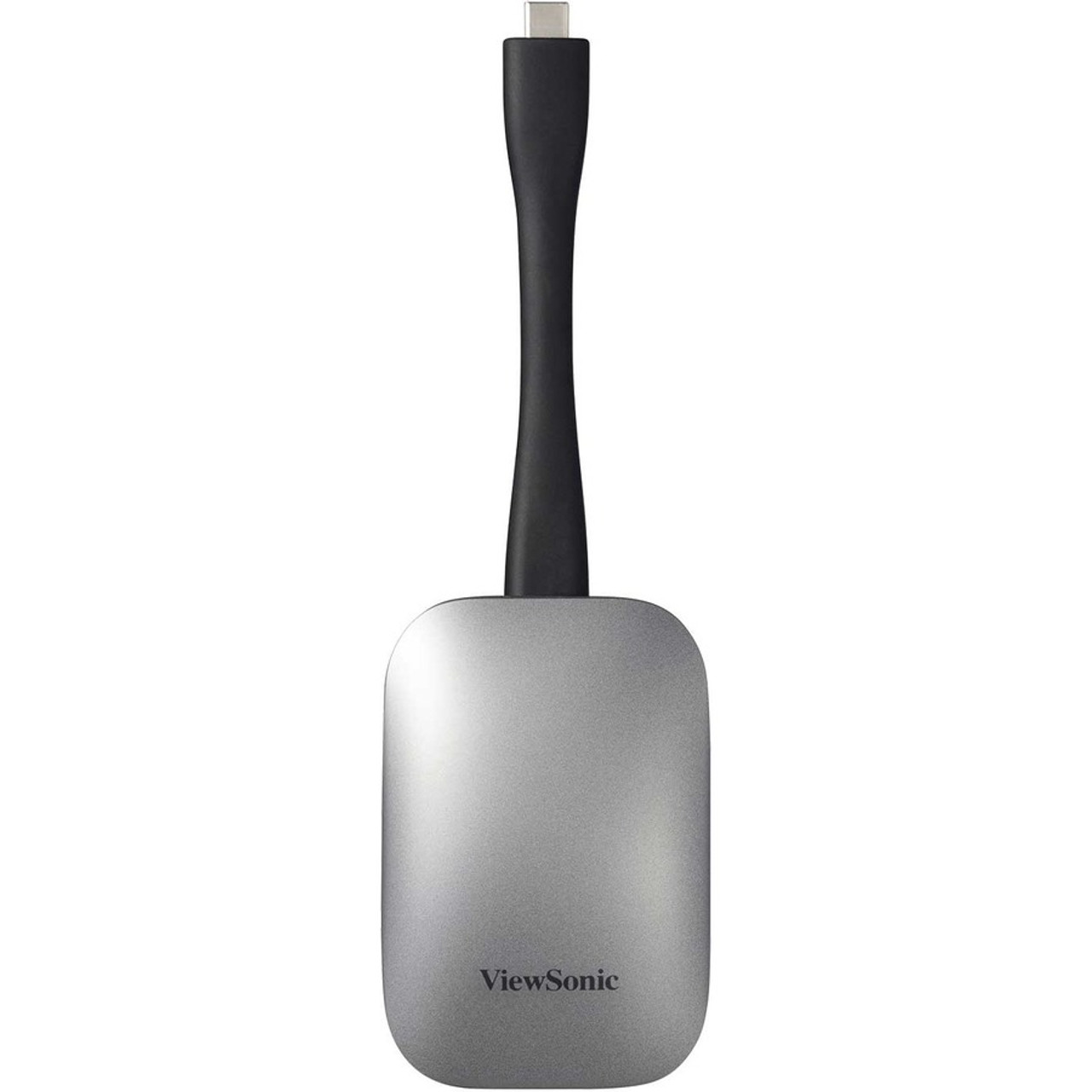
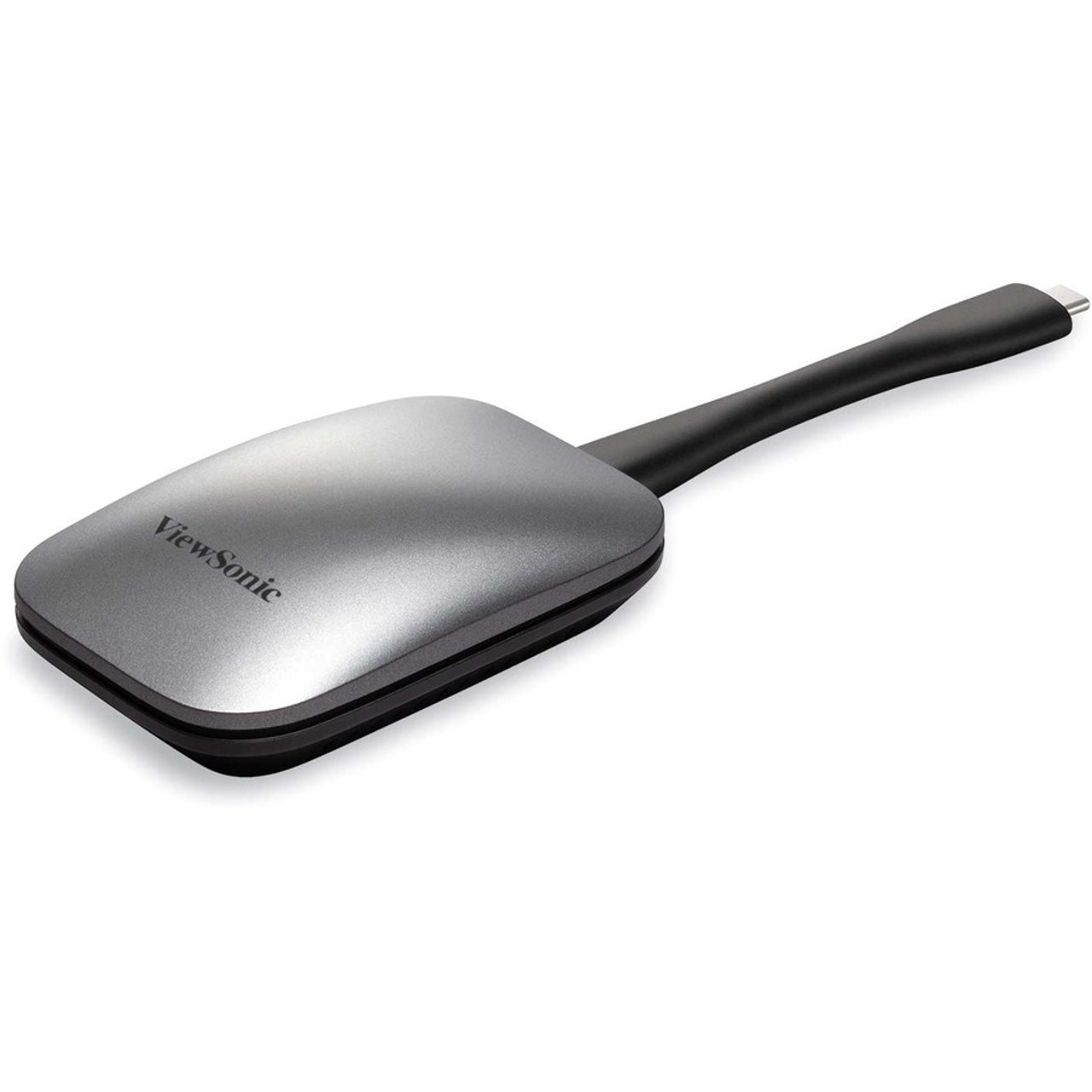
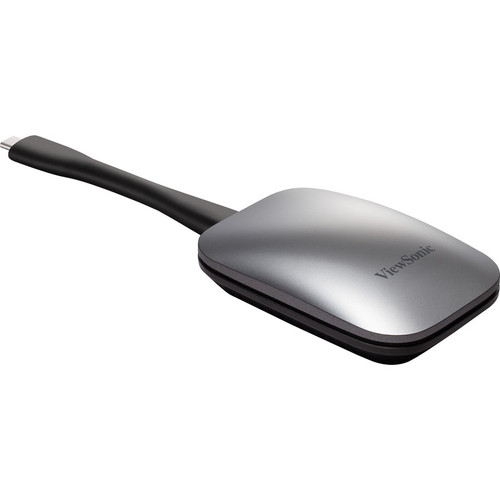
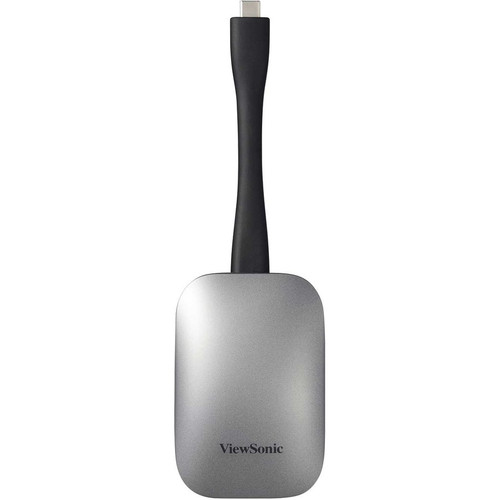
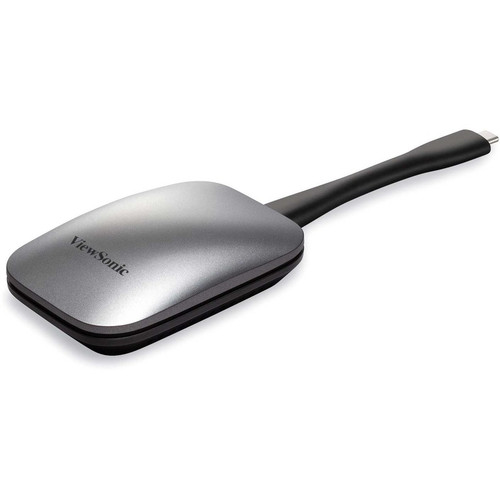
ViewSonic ViewBoard Cast Button For Wireless Presentation USB-C Plug And Play Screen Sharing VB-WPS-001

Business volume discounts
Technical guidance
Preparation & staging
QC · ON · AB · BC
Product Features
Marketing Information: The ViewSonic® ViewBoard® Cast Button is an easy-to-use USB-C screen sharing device. It enables 1080p content to be streamed from a user's PC onto a ViewBoard® interactive display over wireless or cable networks. Just pair the button with your devices, click the button and begin sharing content. Cross-platform support for Windows, MacOS, Chrome OS and Linux delivers convenience and versatility. Easy USB-C connectivity enables video, audio and power transmission over a single cable. Dual-band WiFi support ensures blazing-fast wireless network speed, and the built-in WPA2 PSK encryption ensures a secure connection. Whether used in conference rooms or huddle spaces, the ViewBoard® Cast Button makes group collaboration quick and easy.
Application/Usage: PC,Mac,Conference Room,Presentation
Country of Origin: China
- Instant Wireless Presentations
- Cross-platform Support
- Touch Back Control
- Split-Screen Display with Host Control
- Simple and Secure Pairing
[custom-specifications]
| Specifications | |
| Manufacturer | ViewSonic Corporation |
| Manufacturer Part Number | VB-WPS-001 |
| Manufacturer Website Address | http://www.viewsonic.com |
| Brand Name | ViewSonic |
| Product Line | ViewBoard |
| Product Model | VB-WPS-001 |
| Product Name | ViewBoard Cast Button for Wireless Presentation - USB-C |
| Product Type | Screen Mirroring Device |
| Miscellaneous | |
| Application/Usage | PC,Mac,Conference Room,Presentation |
| Country of Origin | China |
[/custom-specifications]
[custom-user-manual]
Available Documentation:
User-Manual
Manufacturer-Brochure
[/custom-user-manual]
| Qty | Price | Available |
|---|


