








StarTech. com USB32DP4K USB 3. 0 to DisplayPort Adapter - 4K 30Hz UHD - External Video Card for Mac & Windows

Business volume discounts
Technical guidance
Preparation & staging
QC · ON · AB · BC
Product Features
Technical Overview
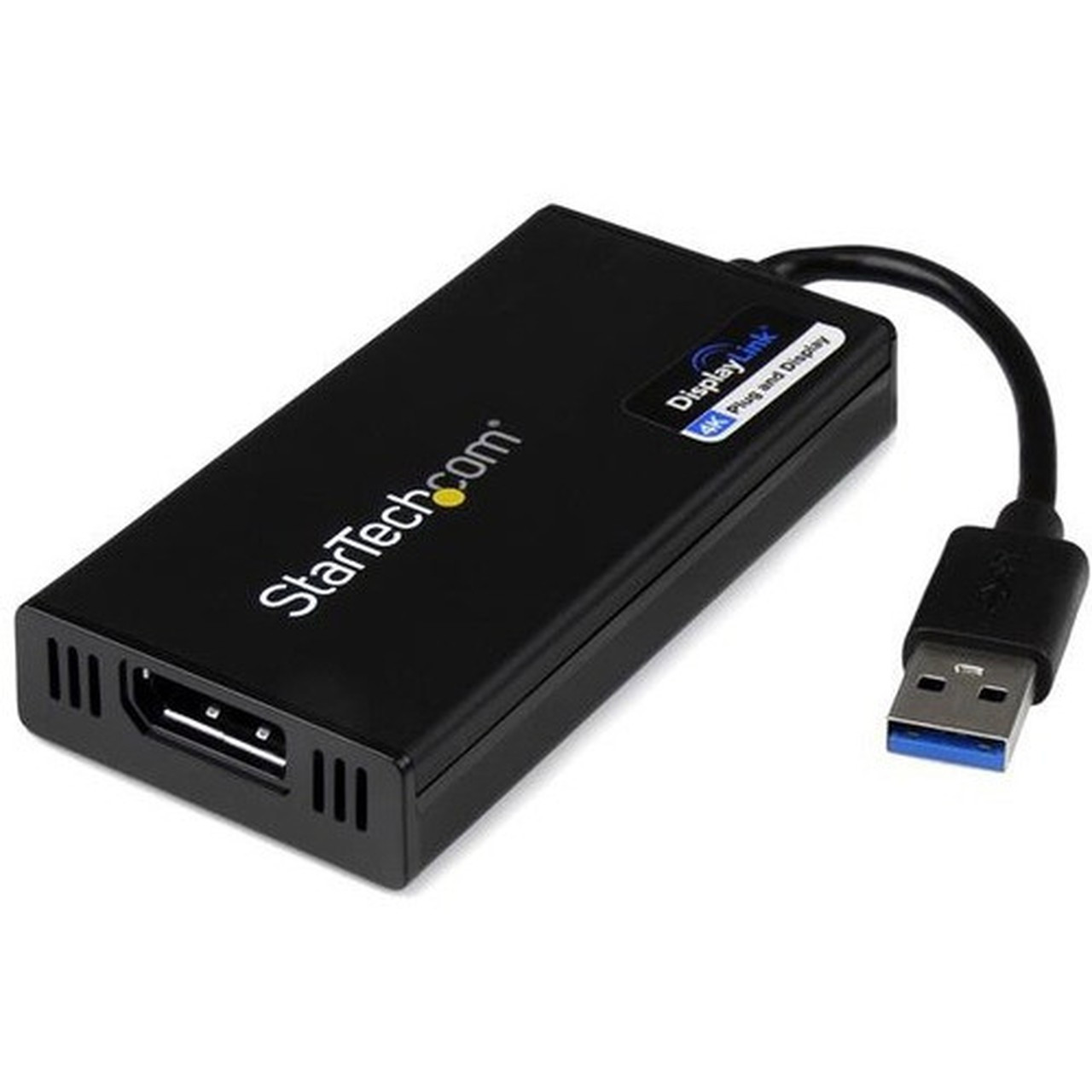
This adapter leverages USB 3.2 5Gbps bandwidth to transmit video signals from the host system to a DisplayPort display. It utilizes DisplayLink technology to ensure compatibility across a wide range of hardware, including systems that lack native 4K output support. The adapter is USB bus-powered, eliminating the need for an external power adapter and simplifying deployment.
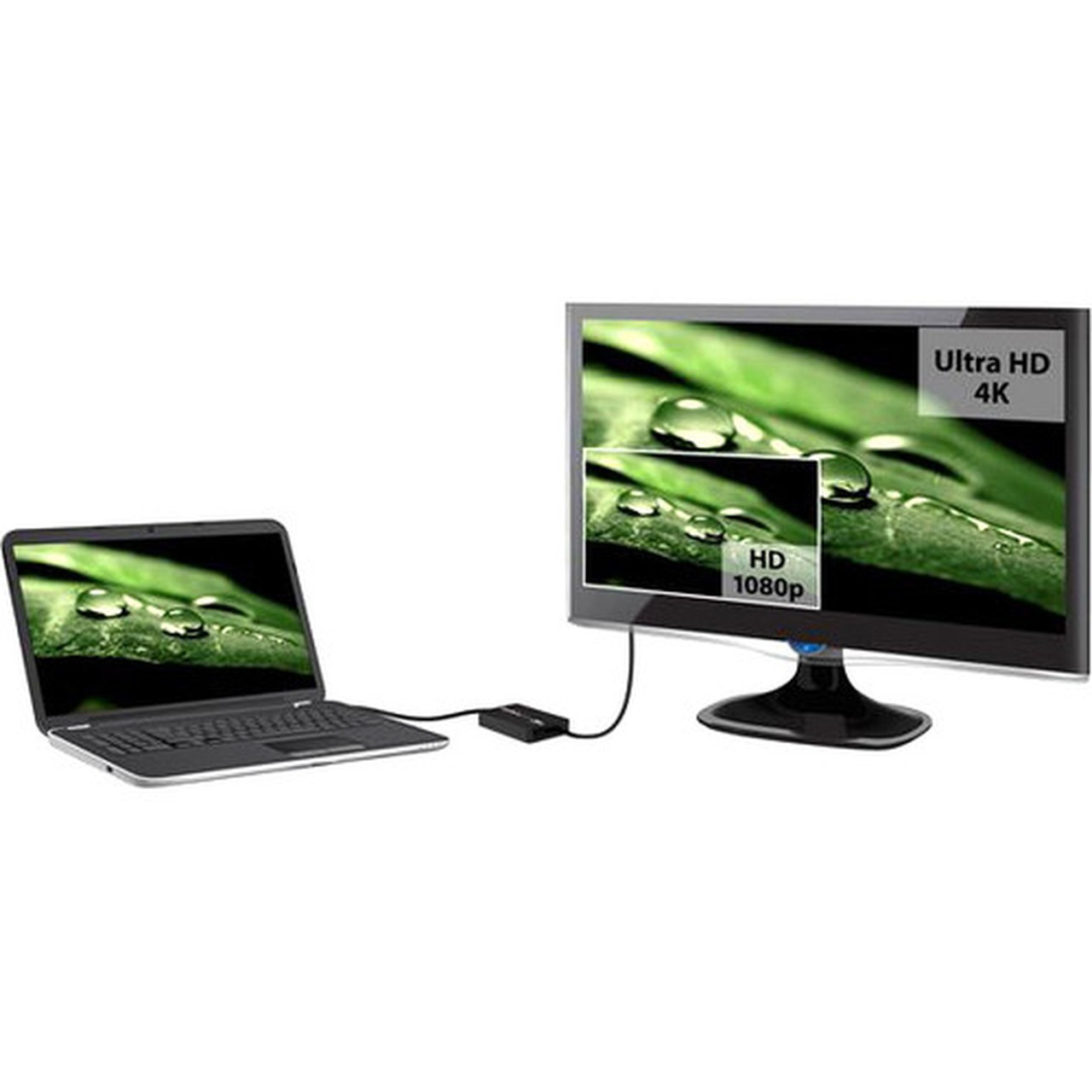
The device supports extended display mode, allowing users to add a secondary monitor alongside their primary laptop screen for a total of two displays. This enhances workspace efficiency for multitasking, data analysis, and creative workflows. HDCP 2.2 compliance ensures protected content playback from streaming services and other digital media sources.
This section brings together practical product details such as Connector Type on First End, Connector on First End Details, Connector Type on Second End, Color Family, so buyers can judge configuration, deployment fit, and day-to-day suitability with less guesswork.
Key Product Advantages
This adapter provides a straightforward solution for expanding display connectivity in environments where hardware upgrades are impractical. It converts an available USB-A port into a fully functional DisplayPort output, enabling immediate monitor additions without opening systems or installing internal cards.
Universal Compatibility
Works with Windows, macOS 10.14 and later, ChromeOS, and Linux. Ensured operation with USB-A laptops, Ultrabooks, PC desktops, and small form factor systems, including Apple M1/M2/M3 MacBooks for extended display functionality.
- Auto-driver install on ChromeOS
- Driver required for macOS and Windows
- Not compatible with macOS 10.13.4 to 10.13.6
Enhanced Productivity
Enables extended desktop mode to support ultrawide displays up to 3440x1440 resolution. This allows users to spread applications across multiple screens, improving workflow efficiency for coding, design, financial modeling, and content creation.
- Supports up to two total displays including laptop screen
- Ideal for multi-tasking and data-intensive applications
Deployment / Use Cases
This adapter is ideal for business and IT environments where quick display expansion is needed. It serves as a cost-effective alternative to docking stations or hardware upgrades, particularly for older systems or devices with limited video outputs.
Common deployment scenarios include connecting legacy laptops to modern DisplayPort monitors in office settings, adding a second monitor to compact desktops in call centers or retail POS systems, and enabling multi-screen setups for financial traders or software developers using ultrawide displays. The adapter's small form factor makes it suitable for portable kits for IT support staff who need to test or configure displays on-site.
Physical Profile
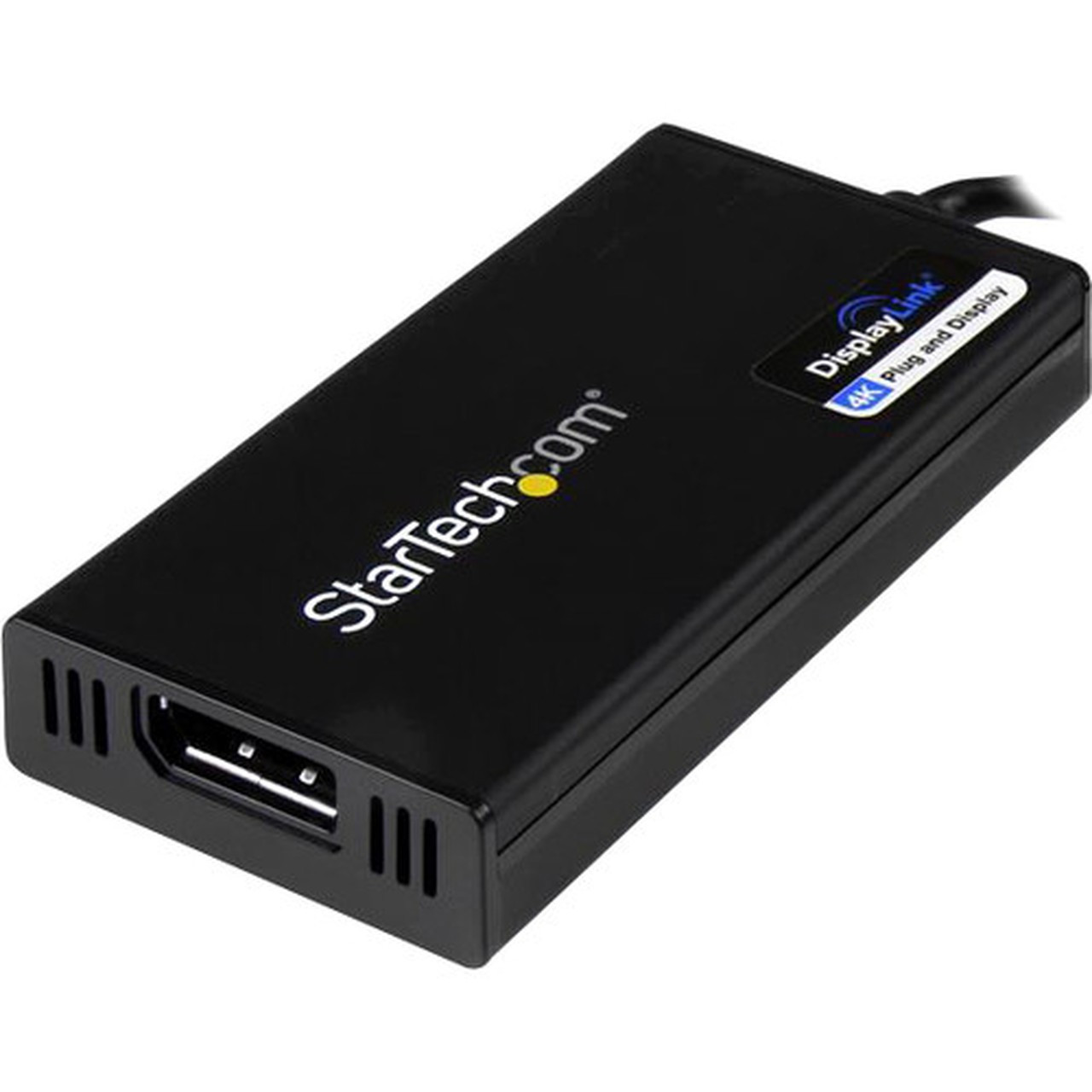
The adapter features a compact, black housing measuring 3.60" (91.44 mm) in length, 1.80" (45.72 mm) in width, and 0.60" (15.24 mm) in height. Weighing approximately 2.12 oz (60 g), its lightweight design ensures minimal bulk when connected to laptops or desktops. The all-black finish provides a professional appearance that blends seamlessly with most office hardware.
The physical profile is practical for deployment planning because the dimensions and weight are clearly defined: 0.60" (15.24 mm), 1.80" (45.72 mm), 2.12 oz (60 g). This helps confirm rack, shelf, desk, or cabinet fit before installation.
- Width
- 1.80" (45.72 mm)
- Height
- 0.60" (15.24 mm)
- Weight
- 2.12 oz (60 g)
- Length
- 3.60" (91.44 mm)
What's in the Box
The package includes all necessary components for immediate setup and use.
Highlights
- Converts USB 3.0 Type-A port to DisplayPort output for monitor connectivity
- Supports 4K UHD resolution at 30Hz and full HD 1080p
- Enables extended display mode for dual-screen productivity
- Compatible with Windows, macOS 10.14+, ChromeOS, and Linux operating systems
- Works with Apple M1/M2/M3 MacBooks for additional display support
- USB bus-powered design requires no external power adapter
- HDCP 2.2 compliant for protected content playback
- Compact and lightweight black housing for portable use
- Backed by 2-year warranty and lifetime technical support
- TAA compliant and meets EU RoHS environmental standards
Specifications
| Specifications | |
|---|---|
| Manufacturer | StarTech.com |
| Manufacturer Part Number | USB32DP4K |
| Brand Name | StarTech.com |
| Product Name | USB 3.0 to DisplayPort Video Card |
| Packaged Quantity | 1 Each |
| Product Type | Video Adapter |
| Technical Information | |
| Connector Type on First End | USB 3.0 Type A - Male |
| Connector on First End Details | 1 x 9-pin USB 3.0 Type A - Male |
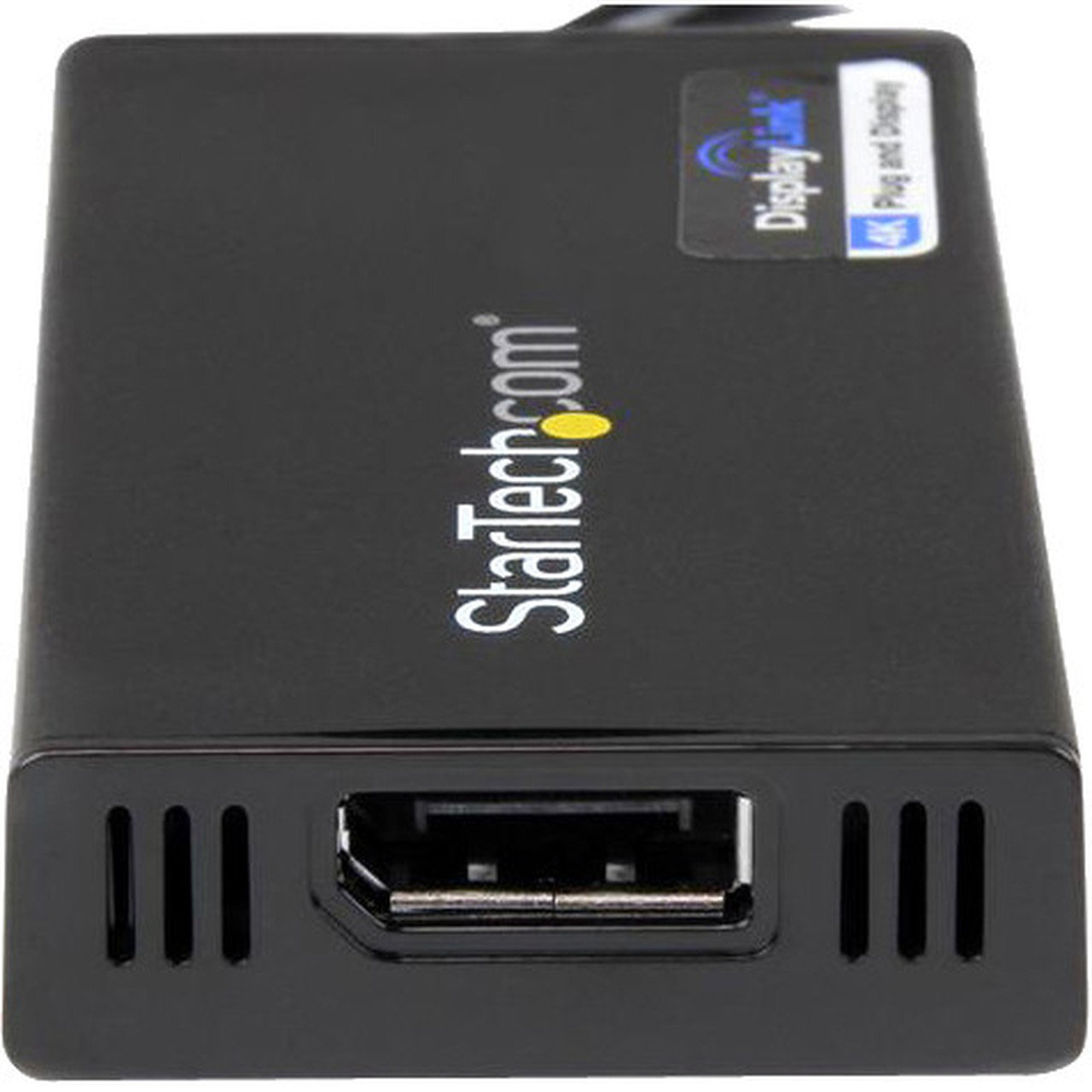
| Connector Type on Second End | DisplayPort Digital Audio/Video - Female |
| Connector on Second End Details | 1 x 20-pin DisplayPort Digital Audio/Video - Female |
| Maximum Resolution Supported | 1920 x 1080 |
| Physical Characteristics | |
| Color Family | Black |
| Product Color | Black |
| Height | 0.60" (15.24 mm) |
| Width | 1.80" (45.72 mm) |
| Length | 3.60" (91.44 mm) |
| Weight (Approximate) | 2.12 oz (60 g) |
| Miscellaneous | |
| Package Contents | USB 3.0 to DisplayPort Video Card 1 x Software Installation Disc 1 x Instruction Manual |
| Country of Origin | Taiwan |
| TAA Compliant | Yes |
| Environmentally Friendly | Yes |
| Environmental Certification | EU RoHS |
| Environmental Compliance | Restriction of Hazardous Substances (RoHS) 2,Registration, Evaluation, Authorization and Restriction of Chemicals (REACH),Waste Electrical and Electronic Equipment Directive (WEEE) |
| Warranty | |
| Limited Warranty | 2 Year |
User Manual
FAQ
What is the maximum resolution supported by this USB to DisplayPort adapter?
The adapter supports a maximum resolution of 1920 x 1080 (1080p) as its native specification. It can also handle 4K UHD resolution at 30Hz and ultrawide displays up to 3440 x 1440, making it suitable for high-definition productivity and multimedia applications.
Does this adapter require an external power source?
No, the adapter is USB bus-powered, drawing all necessary power directly from the host computer's USB port. This eliminates the need for an external power adapter, simplifying setup and reducing cable clutter in workspace environments.
Can I use this adapter to add a second monitor to my laptop?
Yes, the adapter supports extended display mode, allowing you to add a secondary DisplayPort monitor alongside your laptop's built-in screen for a total of two displays. This is ideal for multitasking, extending desktops for software development, or comparing documents side-by-side.
Is this adapter compatible with Apple M1, M2, or M3 MacBooks?
Yes, the adapter is fully compatible with Apple M1, M2, and M3 MacBooks, enabling extended display functionality. It connects via the USB Type-A port, providing a reliable solution for adding external monitors to these systems without requiring Thunderbolt or dedicated video outputs.
What warranty and support does StarTech.com provide for this adapter?
StarTech.com backs this adapter with a 2-year limited warranty and includes free lifetime 24/5 multi-lingual technical assistance. This support ensures reliable performance for IT professionals and business users, with assistance available for setup, troubleshooting, and compatibility questions.
What resolution or display format is specified?
It features a display specification of 1920 x 1080, giving you clear visuals for work and media use.
What refresh rate or brightness details are available?
Display-oriented products are best judged through screen, connectivity, and installation specifications. Those facts help buyers confirm visual fit, mounting flexibility, and deployment suitability more clearly than generic summary text.
What input or connectivity options are listed?
1 x 9-pin USB 3.0 Type A - Male.
| Qty | Price | Available |
|---|


