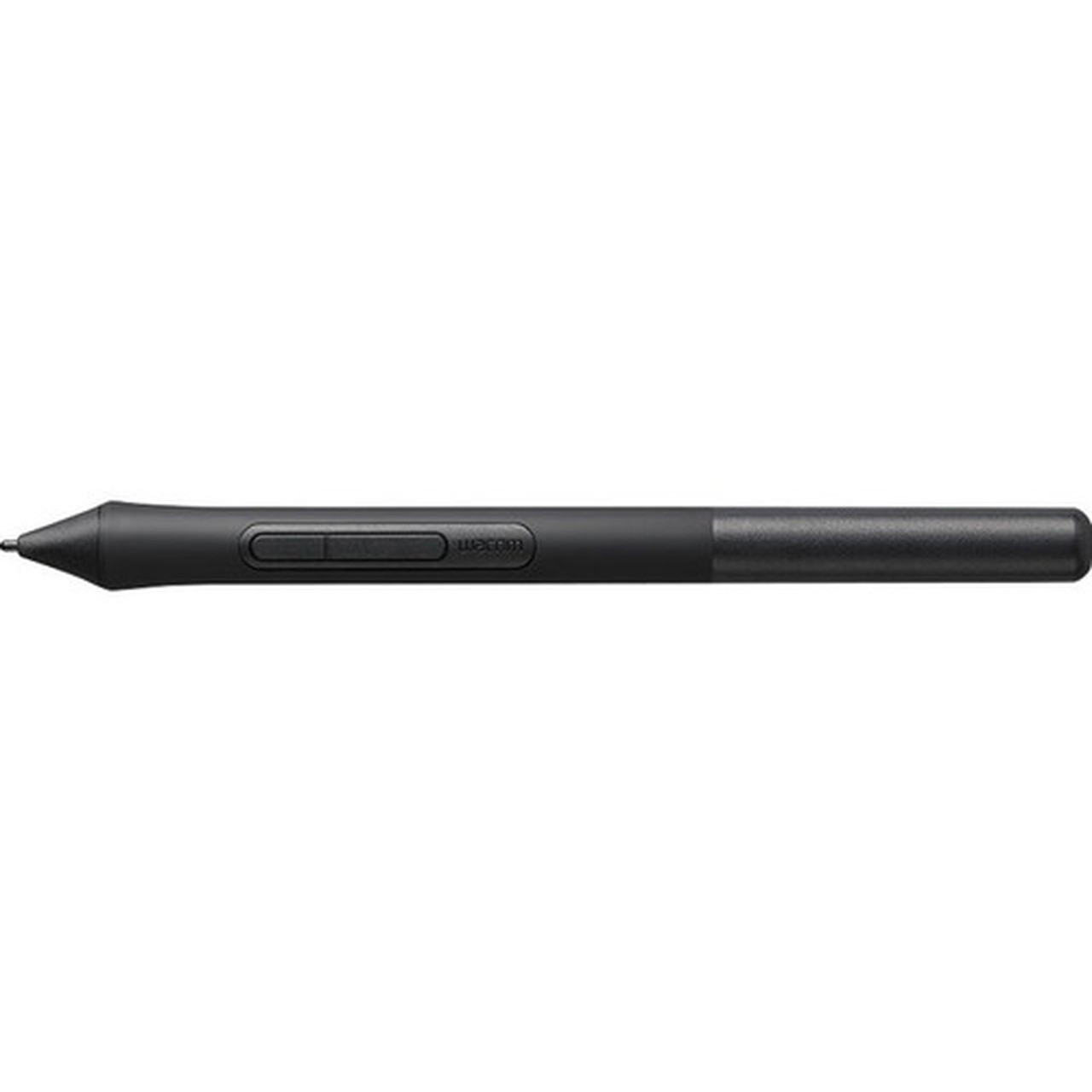
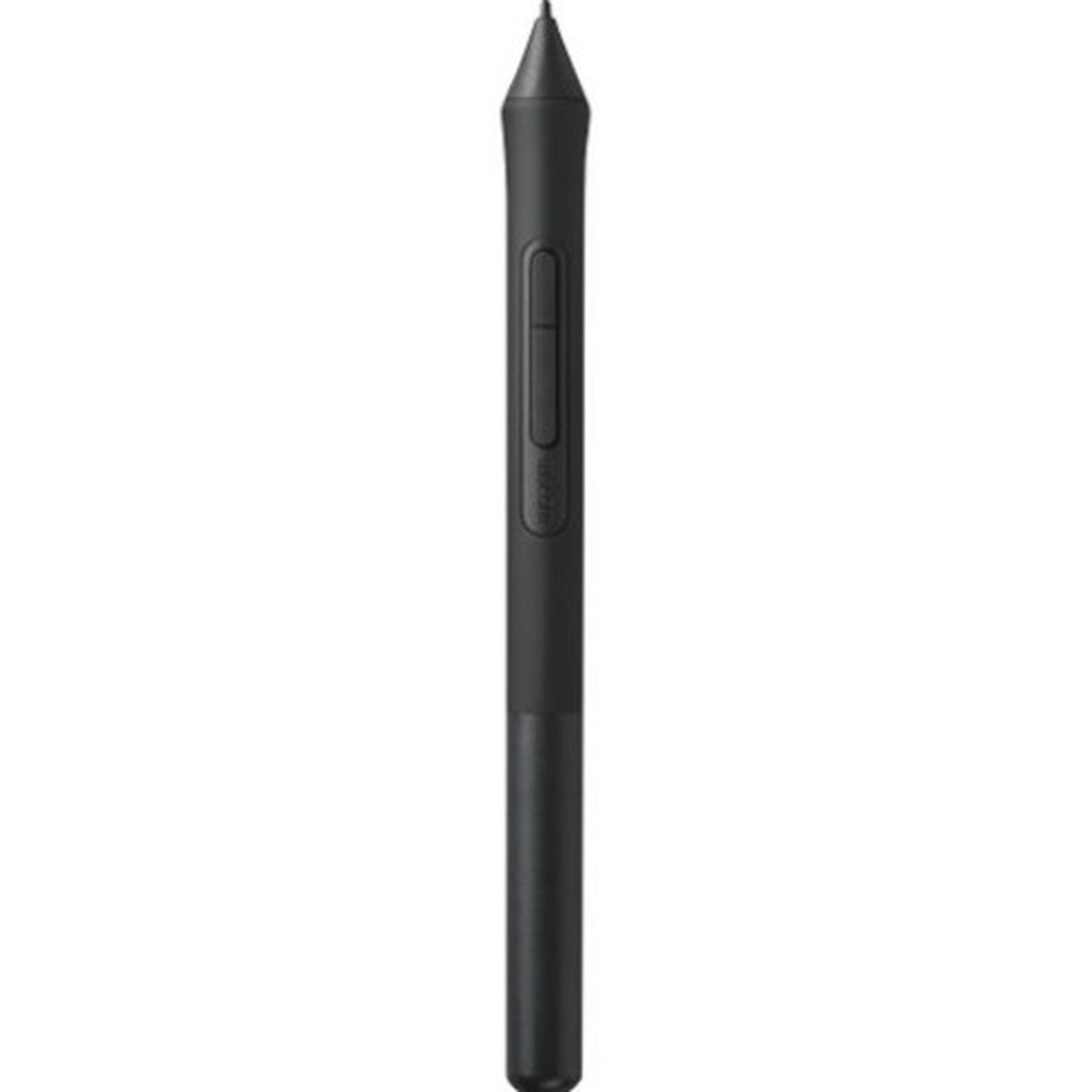
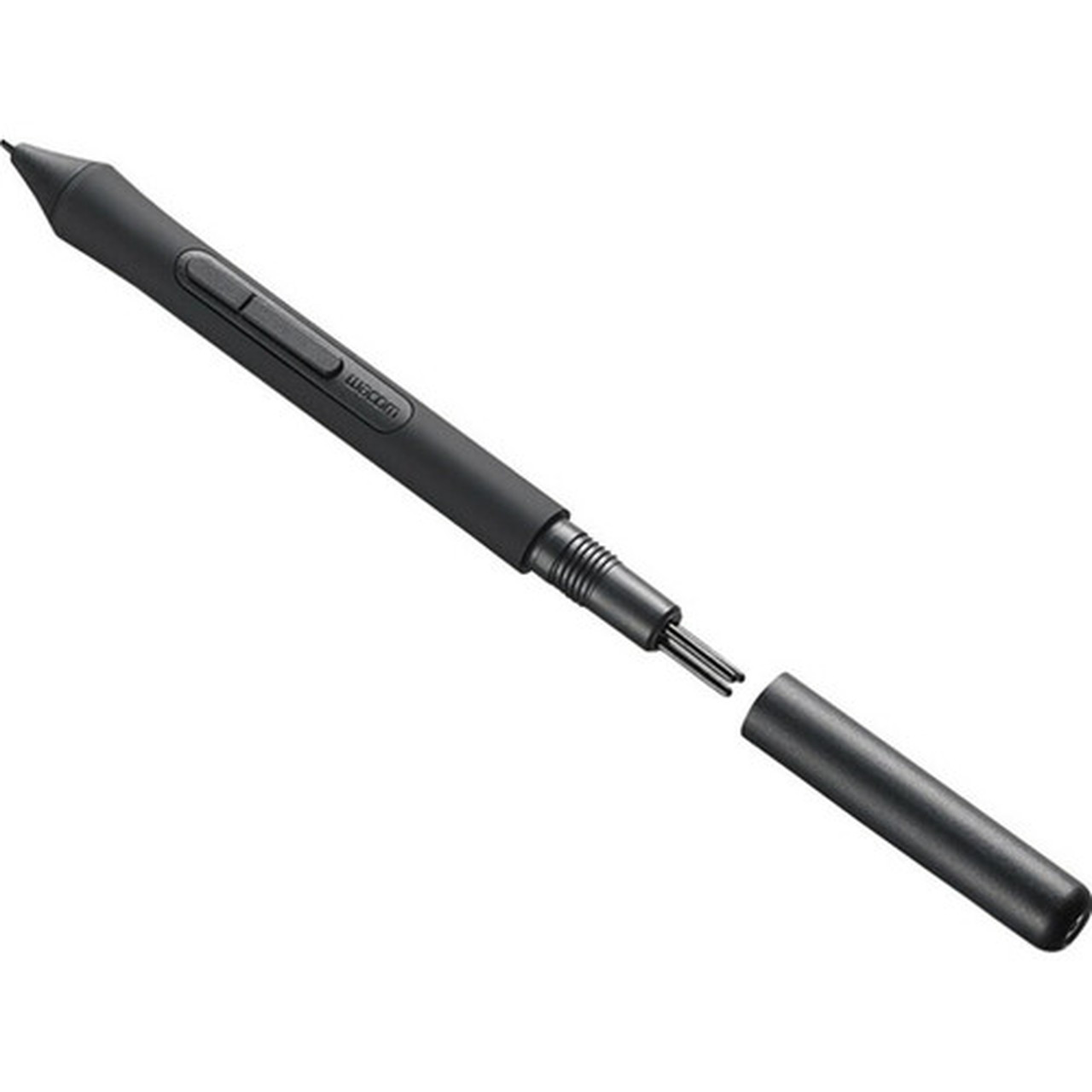
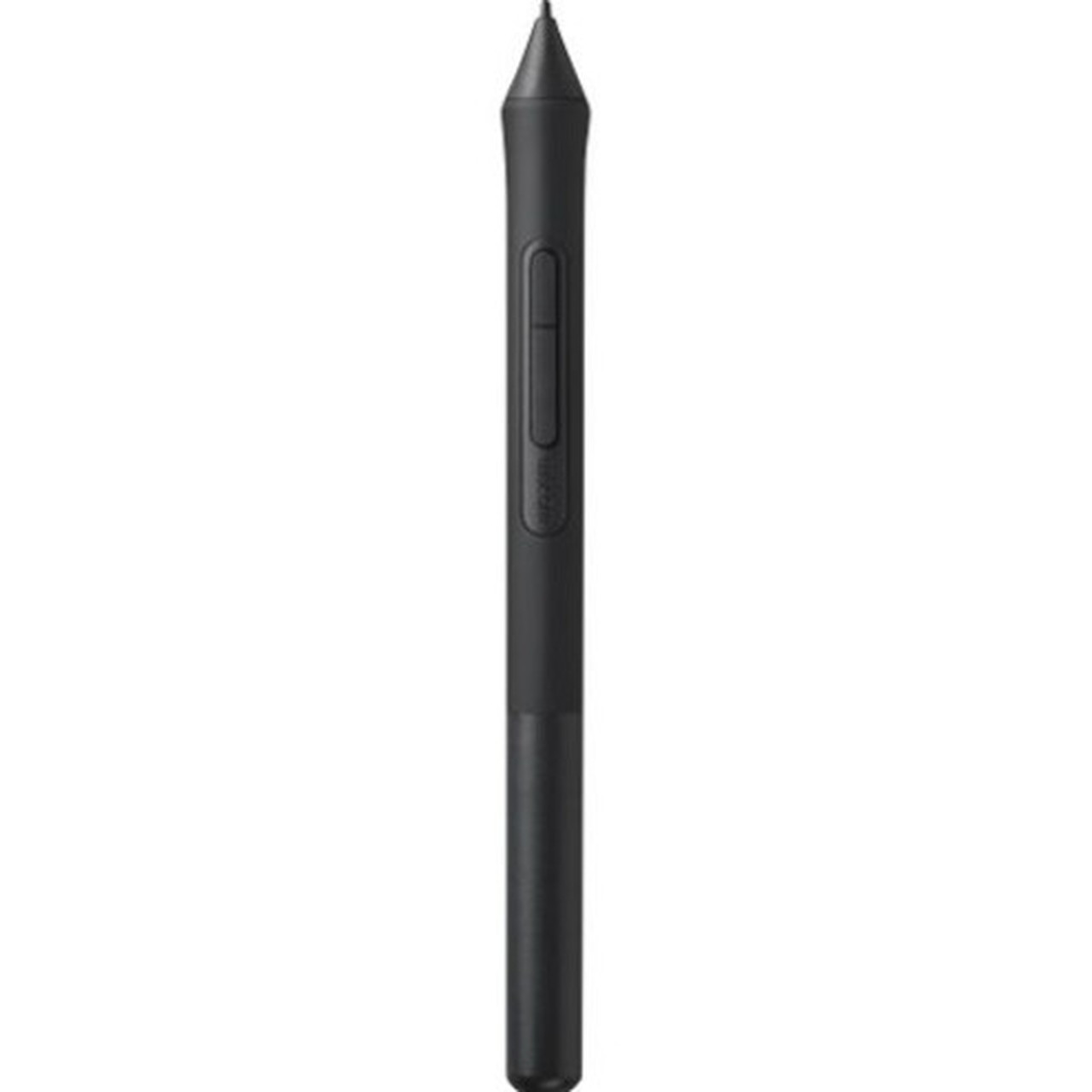
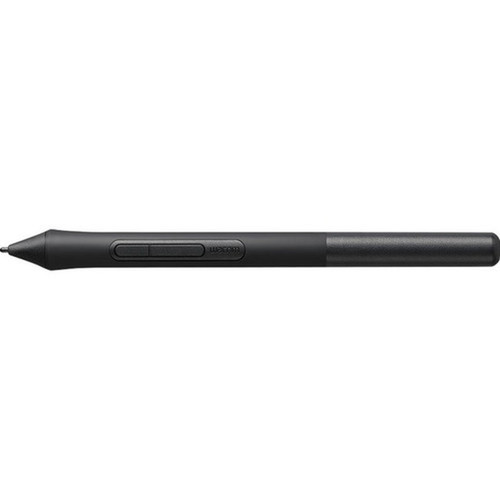


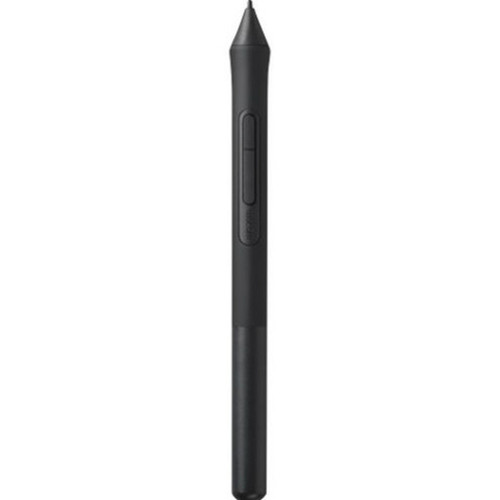


Wacom LP1100K Pen 4K Stylus for Intuos Tablets - Black - Replaceable Tip - 5.64" Length

Business volume discounts
Technical guidance
Preparation & staging
QC · ON · AB · BC
Product Features
Technical Overview
This stylus is a hardware accessory identified by part number LP1100K. It is built to the exact specifications required for seamless integration with compatible Wacom Intuos tablets, requiring no additional drivers or software configuration when used as a replacement.
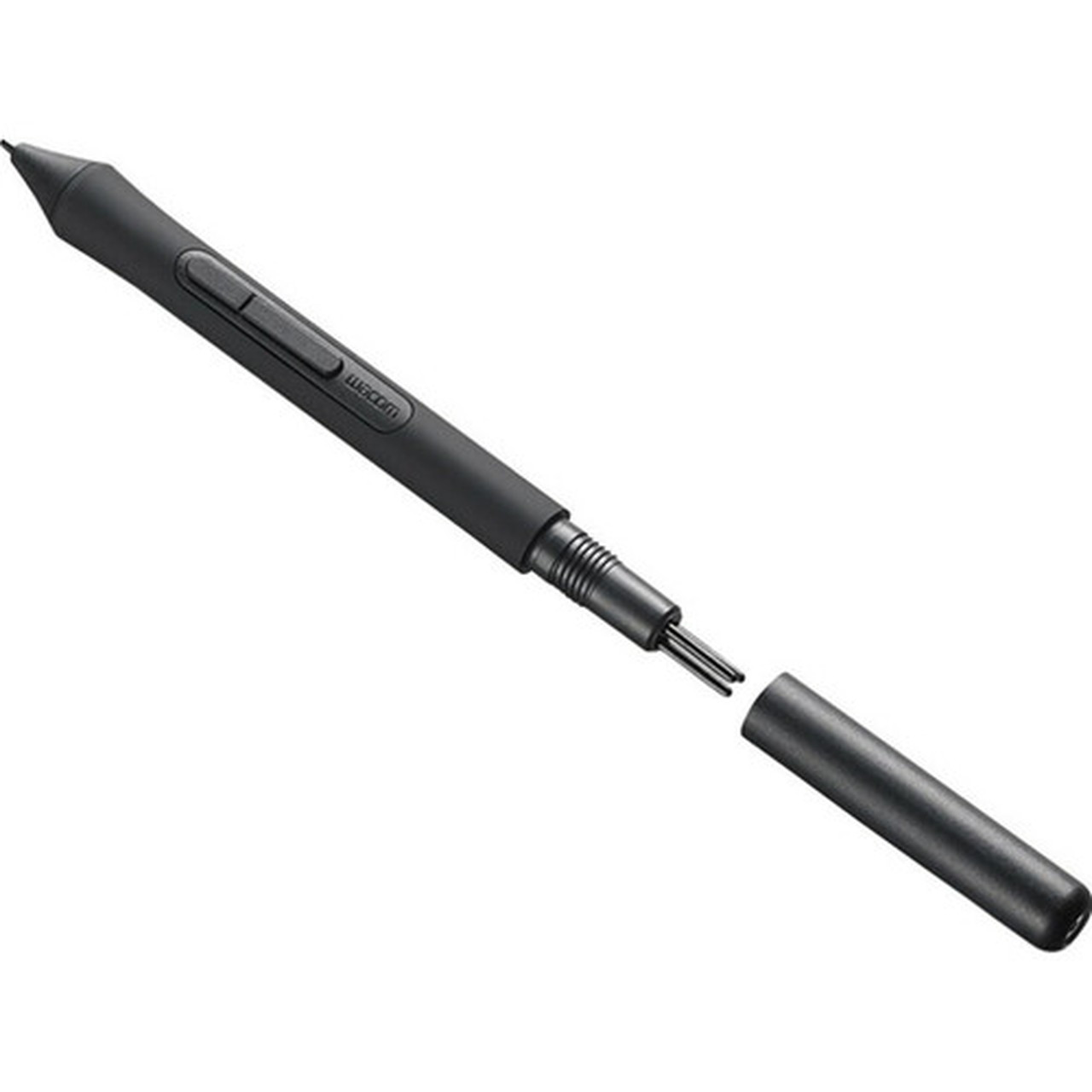
The pen features a replaceable tip system, allowing users to maintain optimal drawing surface contact over time. Its physical dimensions are standardized to match the ergonomics of the original Intuos pen design.
Relevant factors for this section include Device Supported, Replaceable Stylus Tip, Product Color, Length. When those points are considered together, they give buyers a clearer picture of how the product is equipped, how it fits into deployment, and what kind of day-to-day role it is meant to support.
A strong technical summary explains how the product's interfaces, hardware profile, and operating characteristics work together in real deployment. Buyers often need this context to confirm compatibility with existing devices, expected performance in daily use, and whether installation will be straightforward for IT staff or end users.
Key Product Advantages
The primary advantage of the LP1100K is its guaranteed compatibility and identical performance to the original stylus shipped with supported Intuos tablets. It eliminates guesswork when sourcing a replacement, providing a perfect fit and immediate functionality.
Guaranteed Compatibility
Precisely engineered for Wacom Intuos CTL4100 and CTL6100 series tablets, ensuring full pressure sensitivity and all native features work without compromise.
- Works with CTL4100
- Works with CTL6100WLK0/WLE0
- No calibration needed
Maintains Workflow
Serves as an immediate replacement for lost or damaged pens, preventing downtime for digital artists and designers who rely on their tablet daily.
Durable Design
Built to Wacom's quality standards with a replaceable tip system that extends the stylus's usable life and maintains drawing precision.
Deployment / Use Cases
This stylus is deployed as a direct hardware replacement for the original pen included with compatible Wacom Intuos graphic tablets. Its primary use case is restoring full functionality to a tablet when the original stylus is lost, damaged, or worn out.
It is also suitable as a spare pen for shared workstations, educational environments, or studios where multiple users access the same tablet. The replaceable tip feature makes it practical for high-volume usage scenarios where tip wear is expected.
Relevant factors for this section include Device Supported, Replaceable Stylus Tip, Product Color, Length. When those points are considered together, they give buyers a clearer picture of how the product is equipped, how it fits into deployment, and what kind of day-to-day role it is meant to support.
Replacement for Lost/Damaged Pens
The most common deployment, instantly returning a tablet to full operation with an authentic Wacom accessory.
Studio or Classroom Spare
Ideal for environments with multiple users, ensuring a backup is always available without compatibility concerns.
Physical Profile
The stylus has a sleek black finish that matches the aesthetic of Wacom Intuos tablets. With a length of 5.64 inches and a diameter of 0.47 inches, it is designed for comfortable, extended use during detailed digital artwork. The dimensions ensure it fits standard pen holders and the tablet's storage slot.
Physical fit matters beyond raw measurements because it affects placement, airflow, cable routing, handling, and day-to-day service access. Buyers often review this section to reduce installation surprises and confirm whether the product will sit cleanly in the intended desk, shelf, rack, cabinet, or shared workspace.
- Length
- 5.64" (143.26 mm)
Highlights
- Compatible with Wacom Intuos CTL4100 and CTL6100 series tablets
- Black color matches standard Intuos tablet aesthetics
- Replaceable stylus tip for extended product life
- Length: 5.64" (143.26 mm) for comfortable handling
- Diameter: 0.47" (11.94 mm) standard pen grip size
- Plug-and-play replacement, no software setup required
- Maintains original pressure sensitivity and performance
- Ideal as a spare or direct replacement for lost/damaged pens
Specifications
| Specifications | |
|---|---|
| Manufacturer | Wacom Technology Co |
| Manufacturer Part Number | LP1100K |
| Brand Name | Wacom |
| Product Name | Pen 4K for Wacom Intuos |
| Product Type | Stylus |
| Technical Information | |
| Device Supported | Graphic Tablet |
| Replaceable Stylus Tip | Yes |
| Physical Characteristics | |
| Product Color | Black |
| Length | 5.64" (143.26 mm) |
| Diameter | 0.47" (11.94 mm) |
| Miscellaneous | |
| Compatibility | Wacom Intuos Tablets: CTL4100 CTL6100WLK0 CTL6100WLE0 CTL4100WLK0 |
| Energy Star | No |
| Country of Origin | China |
FAQ
Which Wacom Intuos tablets is the LP1100K Pen 4K compatible with?
The LP1100K Pen 4K is compatible with specific Wacom Intuos models: CTL4100, CTL6100WLK0, CTL6100WLE0, and CTL4100WLK0. It is engineered as a direct replacement for the original stylus included with these tablets, ensuring full pressure sensitivity and all native features work without any additional configuration.
Does this stylus have a replaceable tip?
Yes, the LP1100K features a replaceable stylus tip. This allows users to maintain optimal drawing precision over time by replacing worn tips, which extends the overall life of the pen. Replacement tips are typically available separately from Wacom or authorized retailers.
What are the physical dimensions of the Wacom LP1100K stylus?
The stylus measures 5.64 inches (143.26 mm) in length and has a diameter of 0.47 inches (11.94 mm). These dimensions are standardized to match the ergonomics of the original Intuos pen, providing a comfortable grip for extended drawing sessions and ensuring it fits the tablet's storage slot or standard pen holders.
Is any software or driver installation required to use this replacement pen?
No additional software or driver installation is required. The LP1100K is a plug-and-play hardware accessory. When used with a compatible Intuos tablet, it is recognized immediately and functions identically to the original stylus, with full pressure sensitivity and all features enabled by the existing tablet drivers.
What color is the Wacom LP1100K Pen 4K?
The LP1100K stylus is black. This color matches the standard aesthetic of Wacom Intuos tablets, providing a consistent and professional look. The finish is designed to be durable and resistant to wear from regular handling during creative work.
Can this pen be used as a spare for multiple users or in educational settings?
Yes, the LP1100K is an excellent choice as a spare pen for environments like design studios, classrooms, or shared workstations. Its guaranteed compatibility means it works seamlessly as a backup for any supported Intuos tablet, preventing downtime if the original pen is lost, damaged, or in use by another person.
| Qty | Price | Available |
|---|