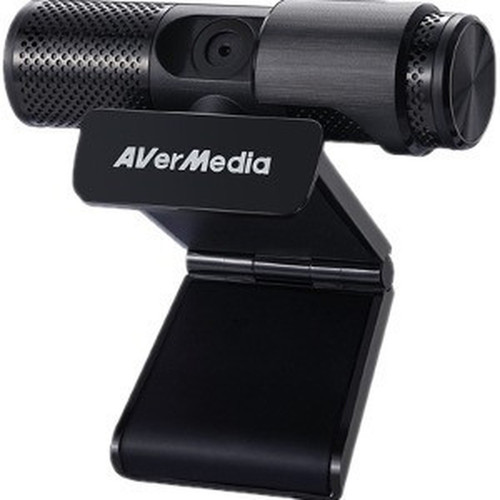
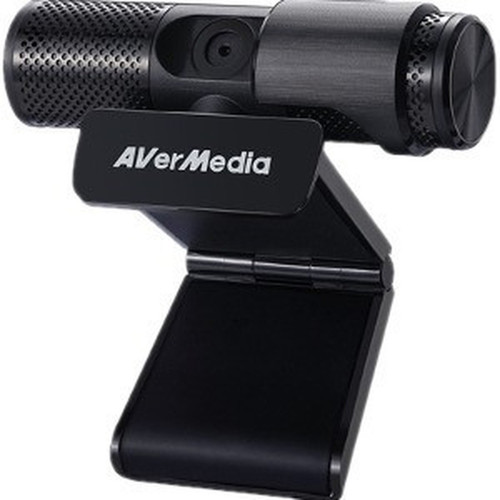
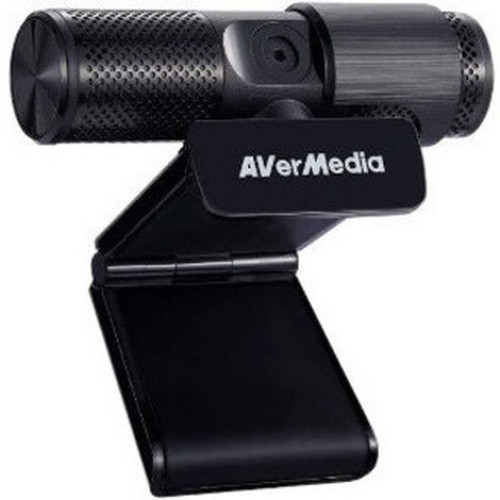
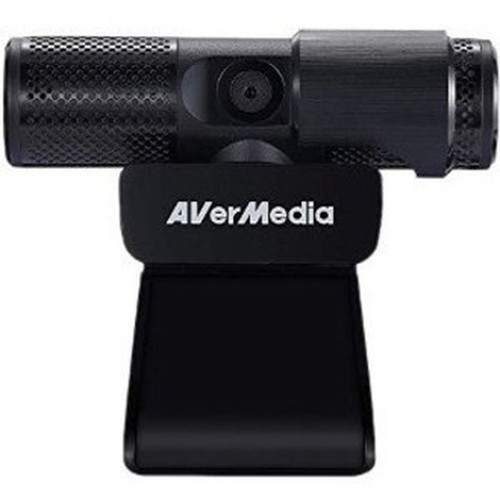
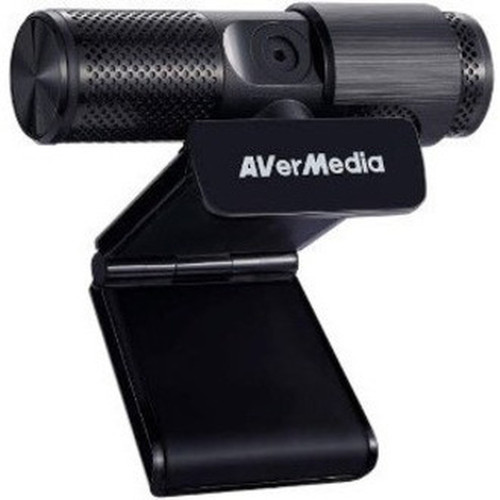
AVerMedia PW313 CAM 313 Webcam - 2 Megapixel Full HD 1080p - Fixed Focus - Built-in Microphone - USB 2.0

Business volume discounts
Technical guidance
Preparation & staging
QC · ON · AB · BC
Product Features
Technical Overview
At the core of the CAM 313 is a 2-megapixel CMOS image sensor that supports video resolutions up to 1920 x 1080 at 30 frames per second. This sensor technology ensures efficient light capture and color reproduction, delivering vibrant visuals even in varied lighting conditions. The fixed-focus optical system is calibrated for typical desktop and room environments, eliminating the need for manual adjustment while maintaining edge-to-edge sharpness.
Connectivity is handled through a standard USB 2.0 interface, providing both data transfer and power delivery through a single cable. This universal connection ensures compatibility with virtually any modern computer or notebook equipped with a USB port, without requiring additional adapters or power supplies.
Relevant factors for this section include Effective Resolution, Maximum Video Resolution, Image Sensor Type, Focus Modes. When those points are considered together, they give buyers a clearer picture of how the product is equipped, how it fits into deployment, and what kind of day-to-day role it is meant to support.
Key Product Advantages
The CAM 313 webcam distinguishes itself through its balanced combination of imaging quality, audio capability, and straightforward deployment. Unlike basic webcams that compromise on either video or audio, this model delivers both visual and auditory clarity in a single compact device.
Full HD Visual Clarity
The 1080p resolution at 30fps ensures video remains crisp and fluid during extended calls or recordings, making participants appear professional and engaged.
- 2-megapixel CMOS sensor
- 1920 x 1080 maximum resolution
- Consistent 30fps frame rate
Integrated Audio Solution
The built-in microphone captures voice clearly without requiring separate audio equipment, reducing desktop clutter and simplifying setup for users.
- Omnidirectional pickup pattern
- Noise reduction processing
- Single-device audio/video solution
Universal Compatibility
USB 2.0 connectivity ensures immediate recognition and operation across Windows, macOS, and ChromeOS systems without specialized drivers or software.
- Plug-and-play installation
- Broad operating system support
- No external power required
Deployment / Use Cases
The CAM 313 is particularly well-suited for business environments where reliable video communication is essential. Its consistent performance makes it an excellent choice for daily team meetings, client presentations, and remote training sessions where visual clarity contributes directly to communication effectiveness.
Beyond corporate settings, this webcam serves educational institutions for virtual classrooms, healthcare providers for telemedicine consultations, and content creators for basic streaming setups. The fixed-focus design ensures consistent performance across these varied applications without requiring technical adjustment from users.
Relevant factors for this section include Effective Resolution, Maximum Video Resolution, Image Sensor Type, Focus Modes. When those points are considered together, they give buyers a clearer picture of how the product is equipped, how it fits into deployment, and what kind of day-to-day role it is meant to support.
Enterprise Video Conferencing
Deploy across conference rooms and individual workstations to standardize video quality for internal and external meetings.
Remote Work & Collaboration
Provide home office employees with professional-grade video capability that matches office equipment standards.
Physical Profile
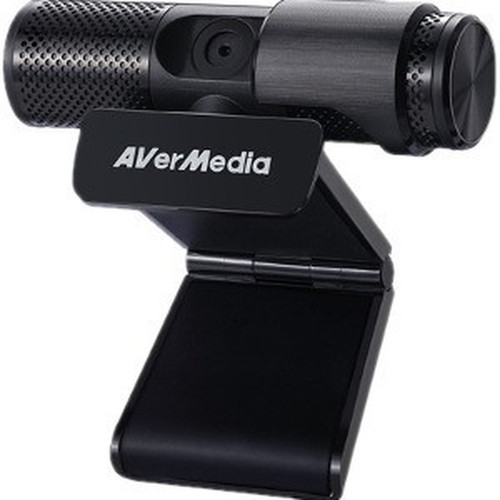
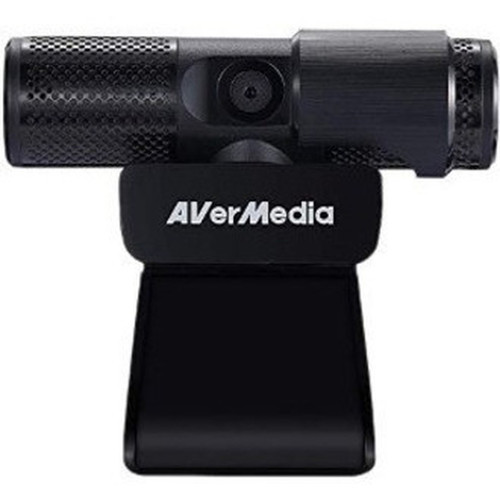
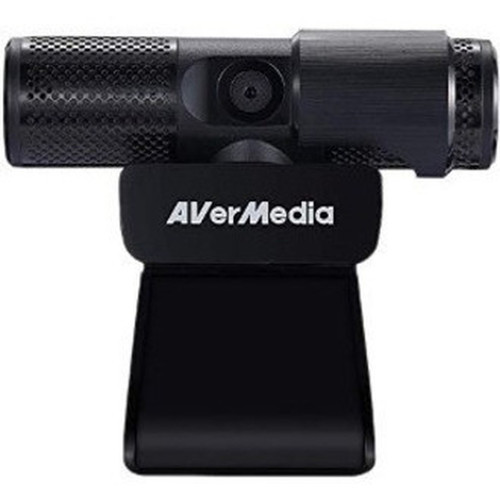
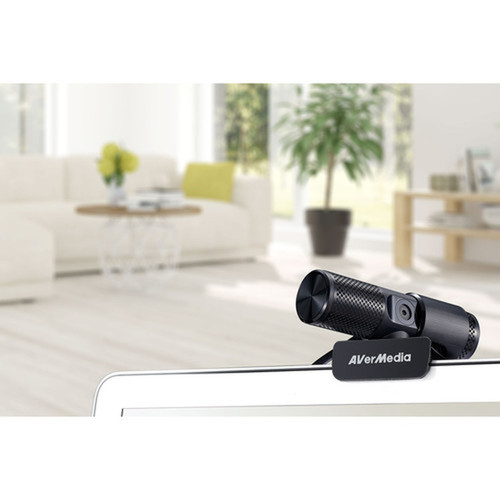
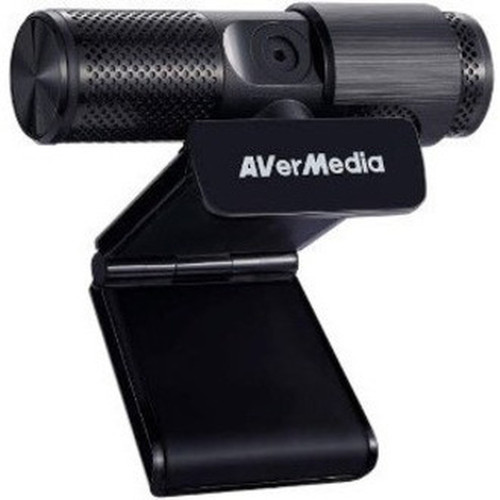
Weighing just 4.59 ounces (130 grams), the CAM 313 maintains a discreet footprint on monitors, laptops, or desks. Its compact form factor integrates seamlessly into existing workspace arrangements without obstructing screens or requiring dedicated mounting hardware. The lightweight construction facilitates easy repositioning while the stable base ensures consistent camera alignment during use.
The physical profile is practical for deployment planning because the dimensions and weight are clearly defined: 4.59 oz (130 g). This helps confirm rack, shelf, desk, or cabinet fit before installation.
- Weight
- 4.59 oz (130 g)
What's in the Box
Each CAM 313 webcam ships with all necessary components for immediate operation.
Highlights
- 2-megapixel CMOS sensor captures detailed Full HD 1080p video
- Fixed-focus lens maintains sharp imagery without manual adjustment
- Built-in microphone provides clear audio capture for complete communication
- USB 2.0 interface delivers plug-and-play connectivity to computers and notebooks
- Lightweight 4.59 oz (130 g) design integrates easily into any workspace
- Compatible with Windows, macOS, and ChromeOS systems without additional drivers
- Ideal for video conferencing, remote collaboration, and content creation
- Includes quick guide for immediate setup and operation
Specifications
| Specifications | |
|---|---|
| Manufacturer | AVerMedia Technologies, Inc |
| Manufacturer Part Number | PW313 |
| Brand Name | AVerMedia |
| Product Model | CAM 313 |
| Product Name | Live Streamer CAM 313 - PW313 |
| Product Type | Webcam |
| Display & Graphics | |
| Effective Resolution | 2 Megapixel |
| Maximum Video Resolution | 1920 x 1080 |
| Image Sensor Type | CMOS |
| Lens | |
| Focus Modes | Fixed Focus |
| Built-in Devices | |
| Microphone | Yes |
| Interfaces/Ports | |
| Host Interface | USB 2.0 |
| Physical Characteristics | |
| Weight (Approximate) | 4.59 oz (130 g) |
| Miscellaneous | |
| Package Contents | Live Streamer CAM 313 - PW313 Quick Guide |
| Device Supported | Computer,Notebook |
| Country of Origin | China |
| Warranty | |
| Limited Warranty | 1 Year |
User Manual
FAQ
What video resolution does the AVerMedia CAM 313 webcam support?
The CAM 313 supports maximum video resolution of 1920 x 1080 (Full HD 1080p) at 30 frames per second. This resolution provides sharp, detailed imagery suitable for professional video conferencing, streaming, and recording applications. The 2-megapixel CMOS sensor ensures consistent color reproduction and light sensitivity across various lighting conditions.
Does this webcam have a built-in microphone?
Yes, the CAM 313 includes an integrated microphone that captures clear audio alongside video. This eliminates the need for separate microphone equipment during video calls or recordings. The microphone features noise reduction processing to minimize background sounds, ensuring voice communication remains intelligible in typical office or home environments.
What type of focus system does the CAM 313 use?
This webcam utilizes a fixed-focus optical system calibrated for typical working distances. Unlike autofocus webcams that constantly adjust, the fixed focus maintains consistent sharpness without hunting or blurring during movement. This design choice ensures reliable performance for stationary applications like desktop video calls where subjects remain within the calibrated focus range.
What computers and operating systems are compatible with this webcam?
The CAM 313 is compatible with any computer or notebook equipped with a USB 2.0 port, including systems running Windows, macOS, and ChromeOS. The webcam operates as a standard USB video class device, requiring no specialized drivers for basic functionality. This universal compatibility makes it suitable for deployment across mixed-platform environments without configuration concerns.
What is included in the package with the CAM 313 webcam?
Each package contains the Live Streamer CAM 313 - PW313 webcam unit and a Quick Guide for setup instructions. The webcam itself includes the integrated camera and microphone in a single housing with a stable base for placement on monitors, laptops, or desks. No additional cables, software, or mounting hardware is required for basic operation.
What warranty coverage does AVerMedia provide for this webcam?
AVerMedia provides a 1-year limited warranty for the CAM 313 webcam. This warranty covers defects in materials and workmanship under normal use conditions. For specific warranty terms and service procedures, consult the manufacturer's documentation included with the product or contact AVerMedia customer support directly.
| Qty | Price | Available |
|---|