






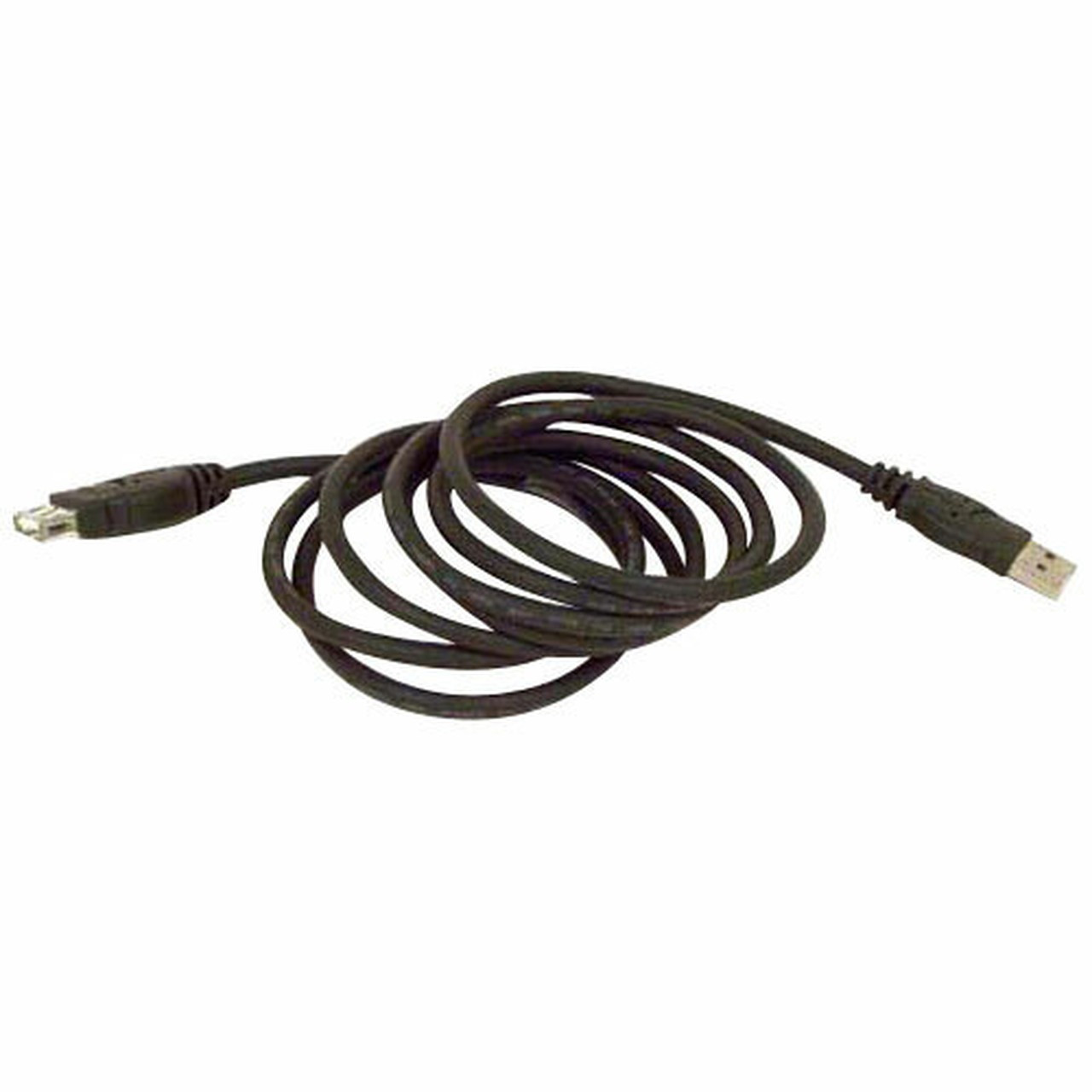
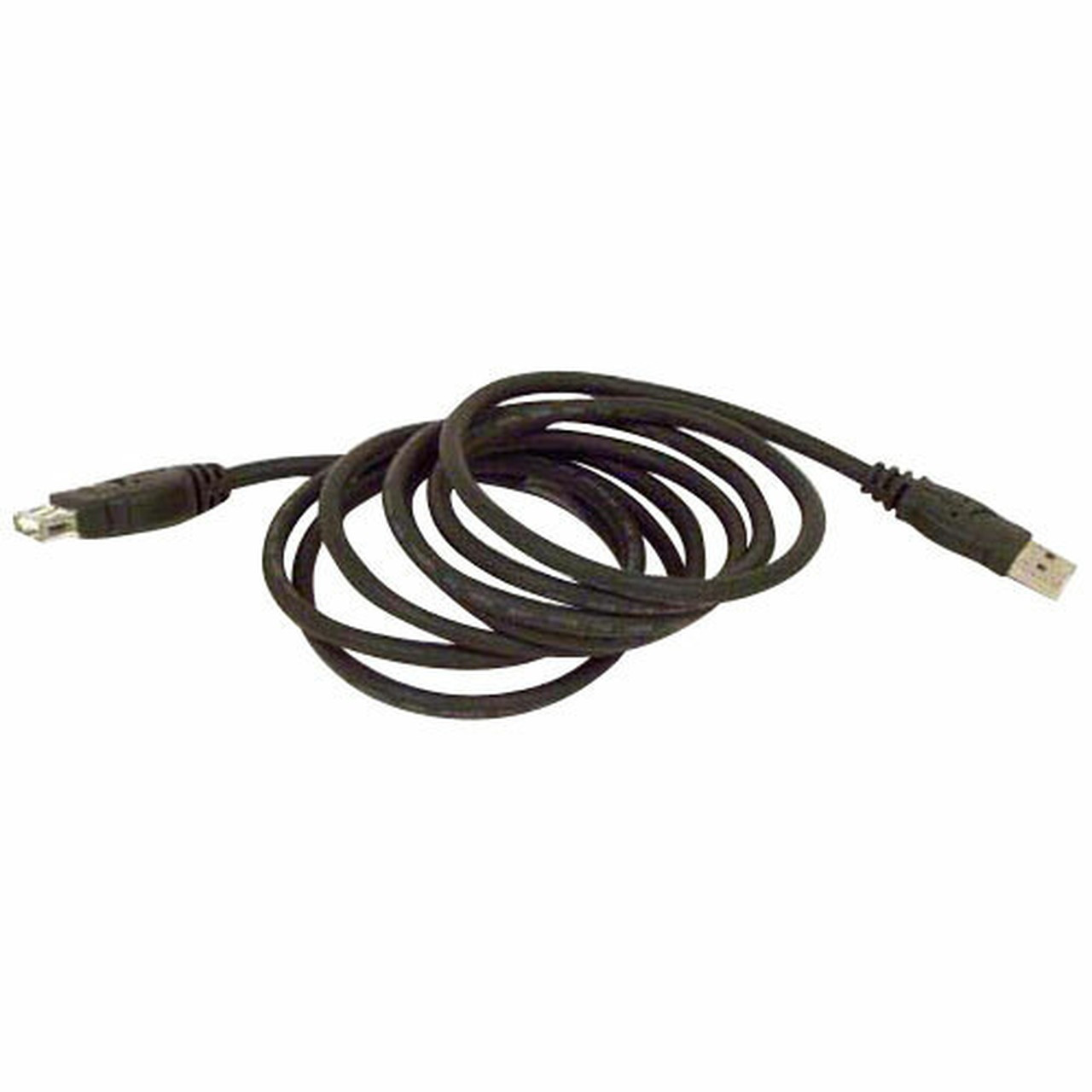
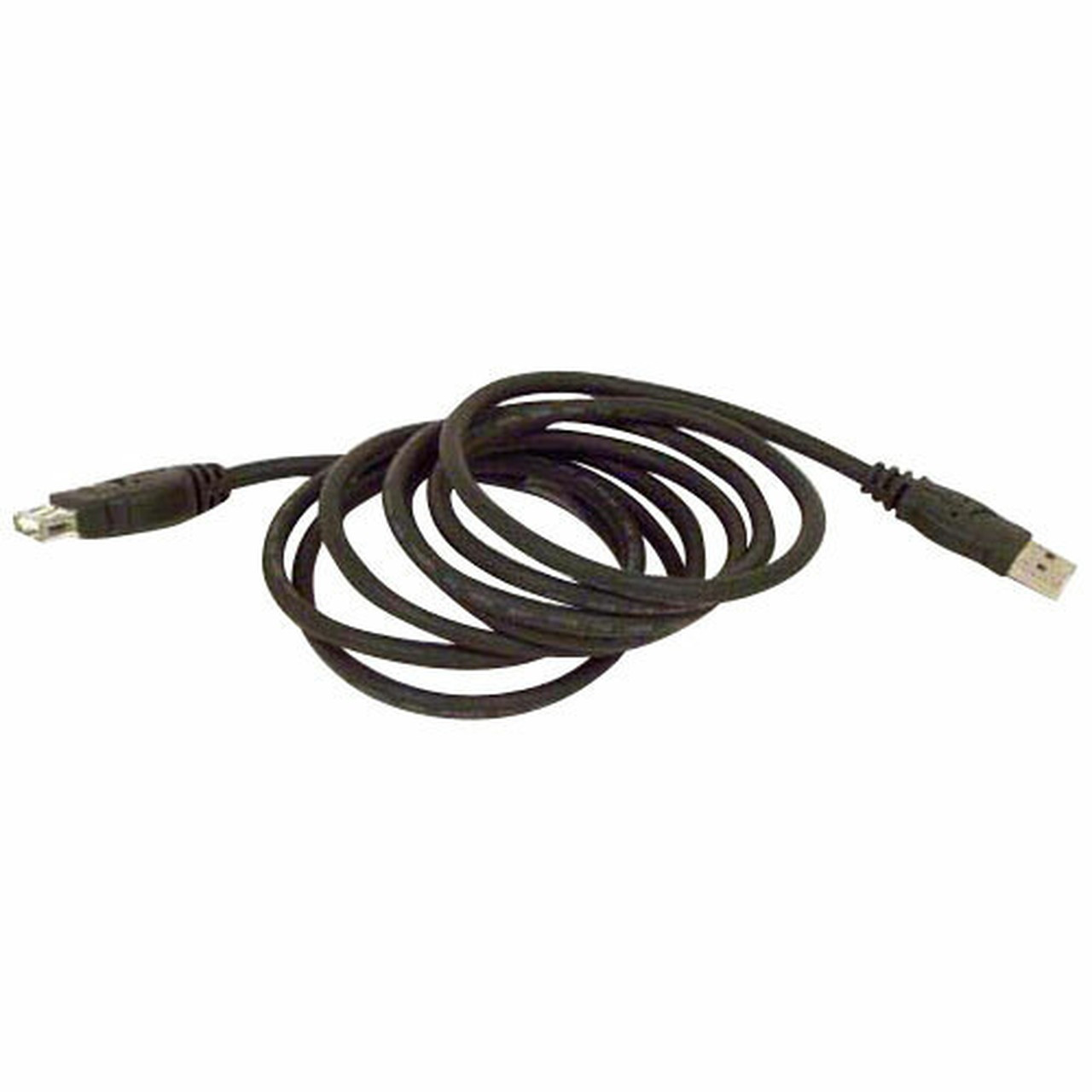
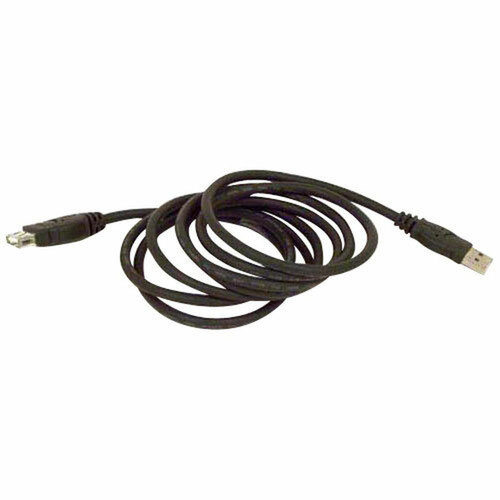
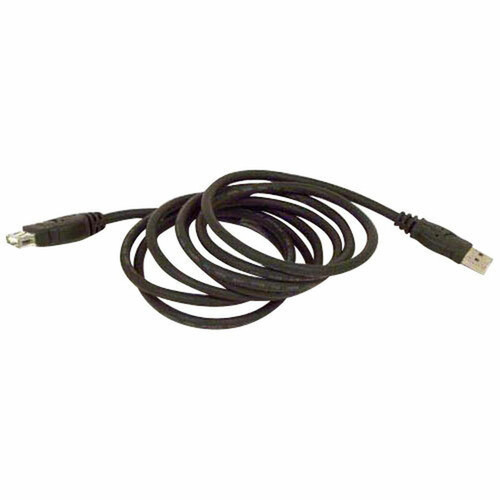
Belkin F3U134B16 Pro Series USB 2. 0 Extension Cable - 16 ft (4. 88 m) - USB-A Male to Female Data Transfer Cable

Business volume discounts
Technical guidance
Preparation & staging
QC · ON · AB · BC
Product Features
Technical Overview
This Belkin Pro Series cable operates at USB 2.0 data transfer speeds, supporting reliable communication between devices over its 16-foot length. The cable's construction ensures consistent performance for peripherals like printers, scanners, external drives, and keyboards that require stable USB connectivity.
The molded connectors provide strain relief and protect against wear at the connection points, enhancing the cable's longevity in frequent-use scenarios. This design choice reflects Belkin's attention to build quality in their Pro Series lineup.
This section brings together practical product details such as Cable Type, Cable Characteristic, Cable Length, so buyers can judge configuration, deployment fit, and day-to-day suitability with less guesswork.
A strong technical summary explains how the product's interfaces, hardware profile, and operating characteristics work together in real deployment. Buyers often need this context to confirm compatibility with existing devices, expected performance in daily use, and whether installation will be straightforward for IT staff or end users.
Key Product Advantages
The Belkin F3U134B16 extension cable addresses common connectivity challenges with a purpose-built solution that balances length, reliability, and durability.
These strengths make the product easier to deploy and manage in real environments, especially where reliability, usability, and day-to-day operational continuity matter. Notable benefits include 16-foot reach, Molded connectors, USB 2.0 compatible, Plug-and-play operation.
For buyers comparing similar models, the strongest advantage is usually the balance between dependable day-to-day operation and a simpler rollout experience. That means less time spent troubleshooting fit, compatibility, or user adoption after installation, which is especially important for shared business environments and repeat purchasing decisions.
Deployment / Use Cases
This extension cable serves multiple practical applications in professional and personal computing environments. In office settings, it enables workstation flexibility by allowing peripherals to be positioned further from the host computer without sacrificing connectivity.
Common deployment scenarios include extending USB connections for security cameras, positioning printers in convenient locations, connecting presentation remotes from a distance, and linking audio interfaces in recording setups. The cable's length makes it particularly useful for temporary installations, trade show displays, and classroom configurations where equipment placement options are limited.
Office Workstation Extension
Position printers, scanners, or external storage away from desks while maintaining reliable USB connectivity.
- Reduces cable clutter
- Allows optimal peripheral placement
- Maintains data transfer integrity
Temporary Setup Support
Ideal for events, presentations, or temporary work areas where permanent wiring isn't feasible.
- Quick deployment
- No installation required
- Reusable across multiple events
Highlights
- 16-foot (4.88 m) USB 2.0 extension cable for increased device placement flexibility
- USB Type A male to female connectors for straightforward extension applications
- Molded connector design enhances durability and provides strain relief
- Maintains USB 2.0 data transfer speeds over the extended length
- Plug-and-play operation requires no drivers or software installation
- Ideal for office, workstation, and temporary setup environments
- Extends connectivity for printers, scanners, external drives, and other USB peripherals
- Part of Belkin's Pro Series with attention to build quality and reliability
Specifications
| Specifications | |
|---|---|
| Manufacturer | Belkin International, Inc |
| Manufacturer Part Number | F3U134B16 |
| Brand Name | Belkin |
| Product Series | Pro |
| Product Name | Pro Series USB 2.0 Extension Cable |
| Packaged Quantity | 1 Each |
| Product Type | Data Transfer Cable |
| Technical Information | |
| Cable Type | USB |
| Cable Characteristic | Extension Cable |
| Cable Length | 16 ft (4.88 m) |
| Connector Type on First End | USB Type A - Male |
| Connector on First End Details | 1 x USB Type A - Male |
| Connector Type on Second End | USB Type A - Female |
| Connector on Second End Details | 1 x USB Type A - Female |
| Features | Molded |
FAQ
What is the maximum length of this Belkin USB extension cable?
This Belkin Pro Series USB 2.0 Extension Cable measures 16 feet in length, which converts to approximately 4.88 meters. This substantial reach allows for flexible peripheral placement while maintaining reliable USB connectivity for data transfer between devices.
What type of USB connectors does this extension cable have?
The cable features standard USB Type A connectors with a male connector on one end and a female connector on the other end. This male-to-female design allows it to extend existing USB cables or connect directly between USB devices and host ports.
Is this cable compatible with USB 3.0 or USB-C devices?
This cable is designed for USB 2.0 specifications. While it may physically connect to USB 3.0 Type A ports, it will operate at USB 2.0 speeds. It is not compatible with USB-C ports without an appropriate adapter, as it uses standard USB Type A connectors.
What does 'molded' mean in the cable's features?
The molded feature refers to the reinforced construction where the cable meets the connectors. This molding process creates a durable stress-relief section that protects against bending, pulling, and wear at the connection points, extending the cable's lifespan in frequent-use scenarios.
Can this cable be used to charge devices?
While primarily designed for data transfer, this USB 2.0 extension cable can carry power for charging compatible devices. However, for optimal charging performance, especially with devices requiring higher power delivery, dedicated charging cables or USB power delivery specifications may be more appropriate.
What applications is this extension cable best suited for?
This cable excels in office environments for extending printer or scanner connections, temporary setups for events or presentations, workstation configurations requiring peripheral flexibility, and any situation where USB devices need to be positioned further from their host computer while maintaining reliable data transfer capabilities.
What refresh rate or brightness details are available?
Display-oriented products are best judged through screen, connectivity, and installation specifications. Those facts help buyers confirm visual fit, mounting flexibility, and deployment suitability more clearly than generic summary text.
What input or connectivity options are listed?
Connectivity options include USB Type A - Male, helping the product integrate into common office or home setups.
| Qty | Price | Available |
|---|


