






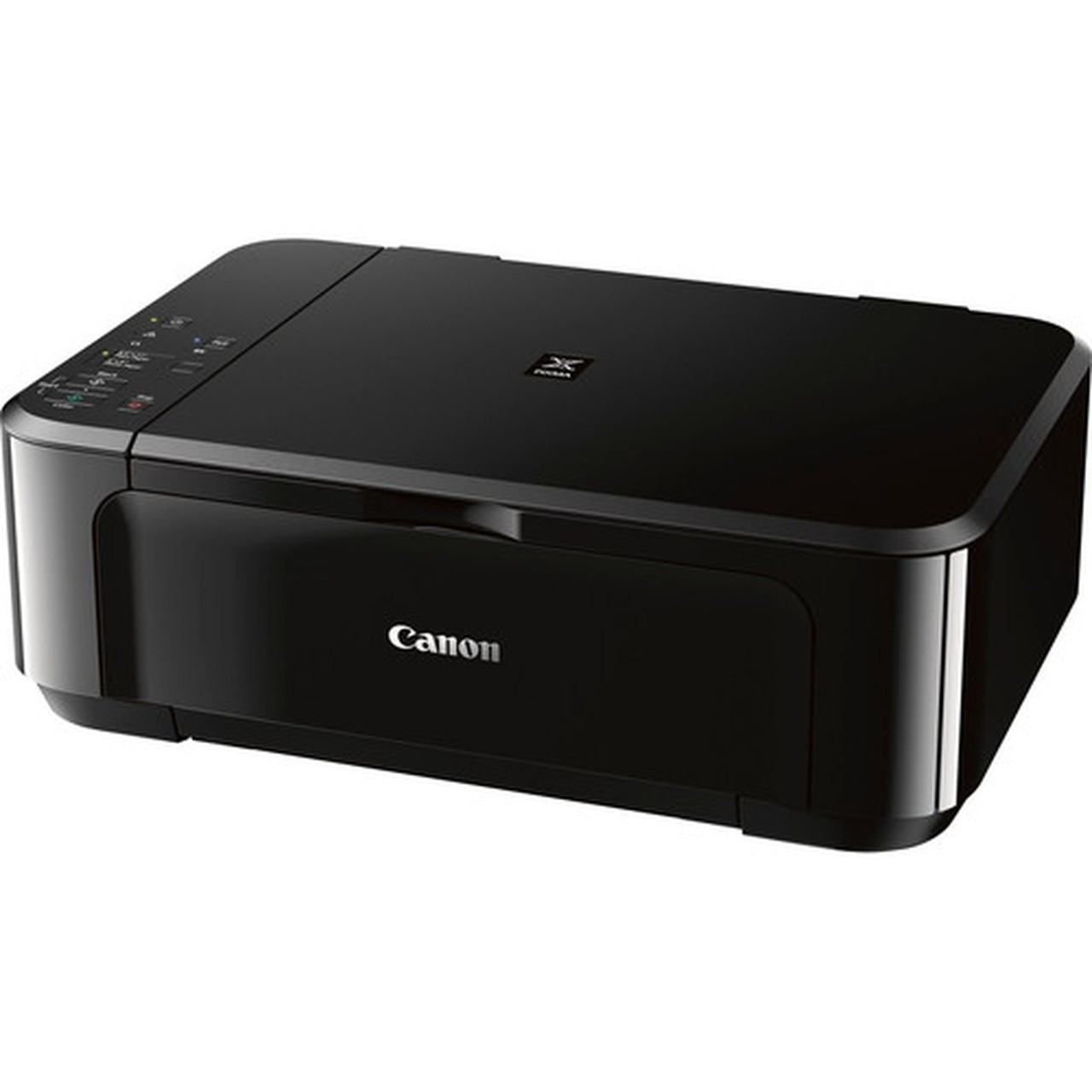
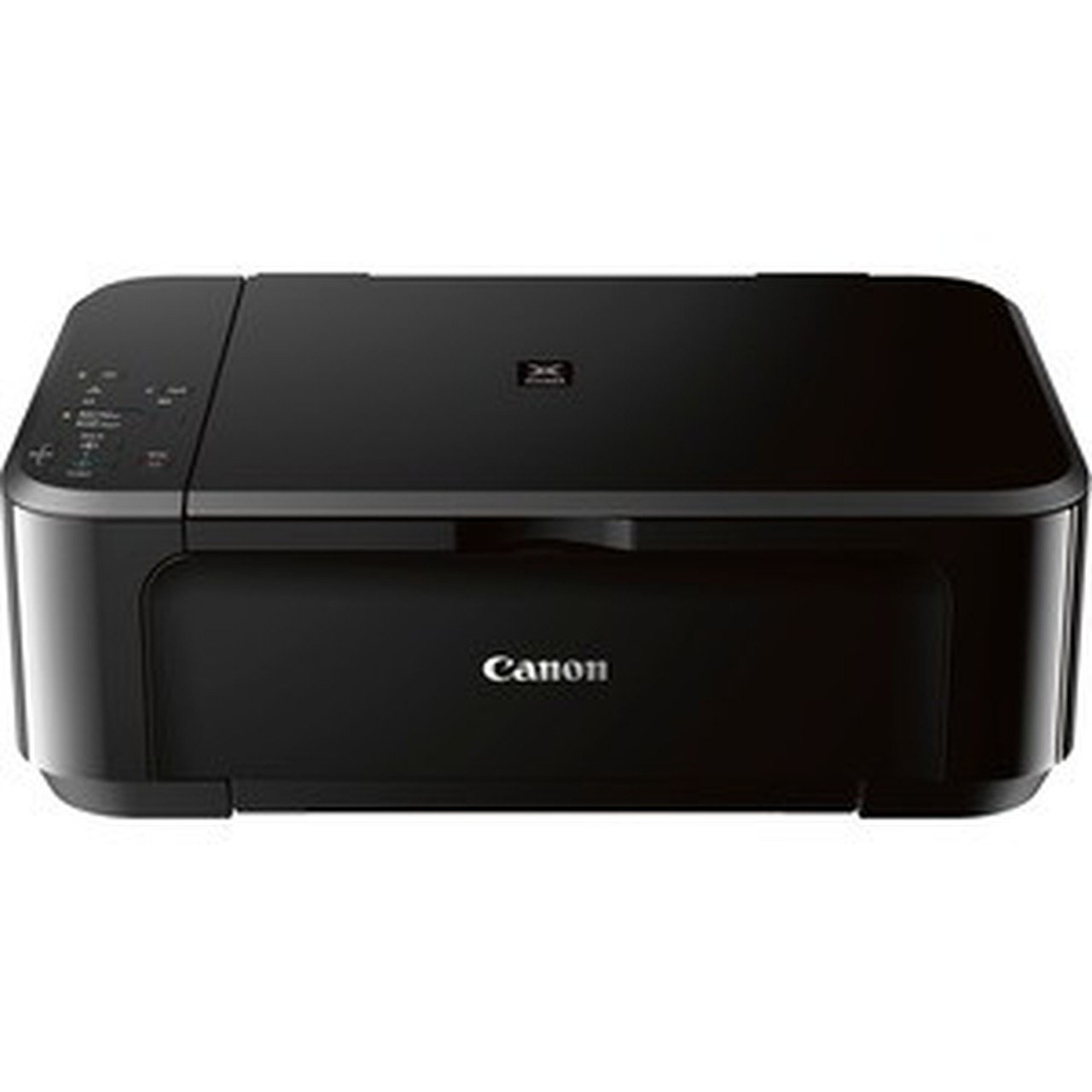
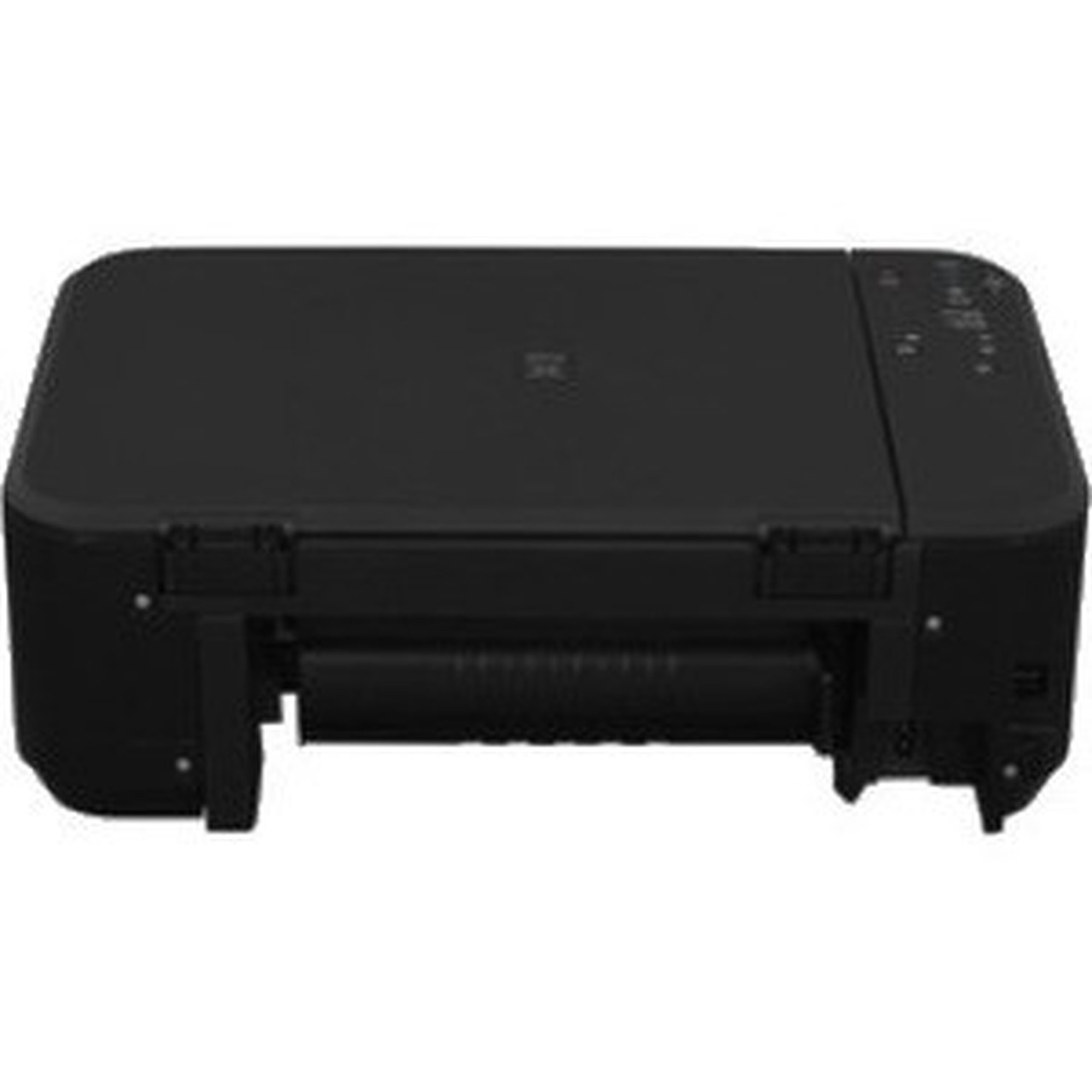

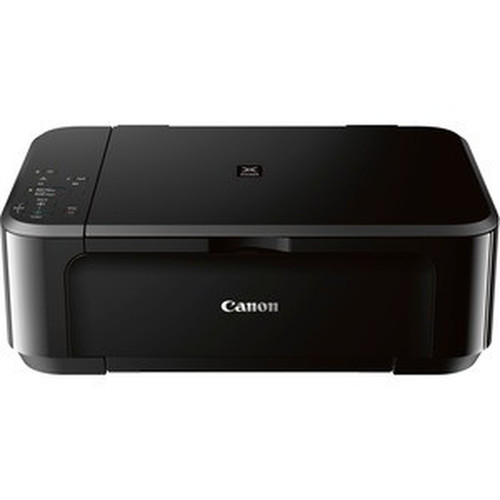
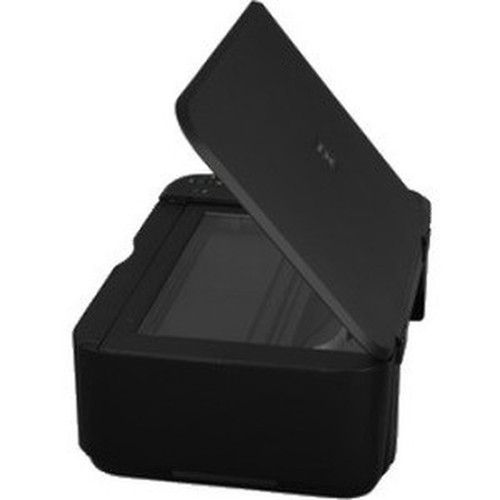

Canon 0515C003 PIXMA MG3620 Wireless Inkjet All-in-One Printer - Color - Copier/Printer/Scanner - 4800 x 1200 dpi - Automatic Duplex - 100-Sheet Tray

Business volume discounts
Technical guidance
Preparation & staging
QC · ON · AB · BC
Product Features
Technical Overview
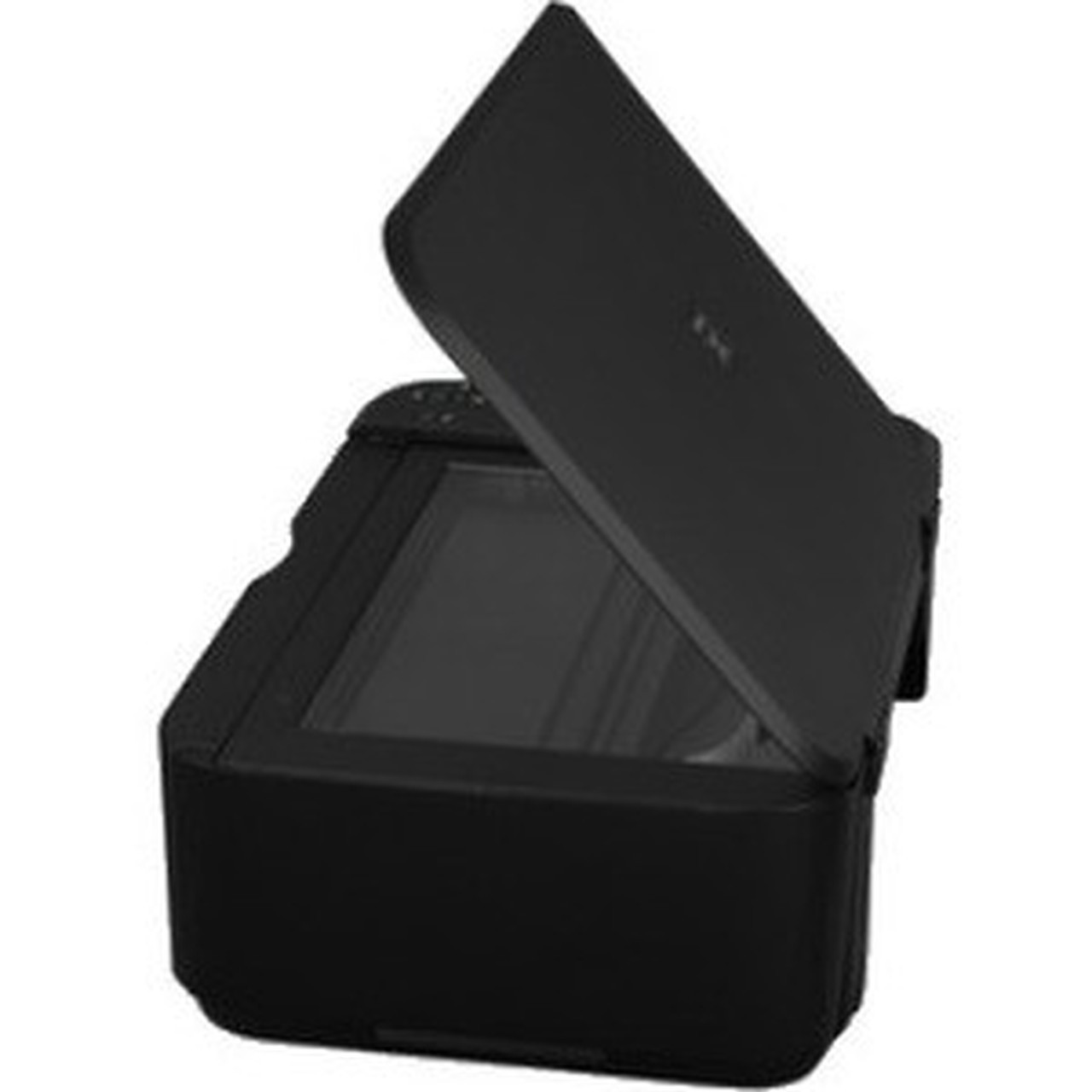
This printer operates as a color-capable multifunction device with flatbed scanning and copying capabilities. The scanner offers 1200 dpi optical resolution for detailed document and photo digitization, while the copier maintains color fidelity through its flatbed design.
Wireless connectivity is central to the MG3620's operation, supporting Apple AirPrint, Mopria, Google Cloud Print, Wireless PictBridge, and Canon Mobile Printing technologies. This enables seamless printing from smartphones, tablets, and computers without physical cable connections.
Relevant factors for this section include Multifunction Devices, Recommended Use, Print Color Capability, PictBridge. When those points are considered together, they give buyers a clearer picture of how the product is equipped, how it fits into deployment, and what kind of day-to-day role it is meant to support.
A strong technical summary explains how the product's interfaces, hardware profile, and operating characteristics work together in real deployment. Buyers often need this context to confirm compatibility with existing devices, expected performance in daily use, and whether installation will be straightforward for IT staff or end users.
Key Product Advantages
The PIXMA MG3620 delivers practical benefits through its integrated design and smart features. Its compact footprint conserves valuable desktop space while providing full multifunction capabilities in a single device.
Wireless Convenience
Eliminate cable clutter and print directly from mobile devices using supported wireless protocols. The printer connects to your network for shared access across multiple users.
- Apple AirPrint compatible
- Google Cloud Print ready
- Canon Mobile Printing support
Cost-Effective Operation
Automatic duplex printing reduces paper consumption by allowing printing on both sides of each sheet. This feature can cut paper costs significantly over time while supporting environmental sustainability.
- 50% paper reduction potential
- Standard letter and legal support
- Envelope printing capability
Deployment / Use Cases
The Canon PIXMA MG3620 is well-suited for home offices, small businesses, and photography enthusiasts who require reliable color printing with scanning and copying functionality. Its wireless design makes it ideal for shared environments where multiple users need access to printing resources.
For photo printing applications, the printer supports various photo paper types including Super High Gloss Paper, Photo Paper Pro Platinum, and Glossy Photo Paper. The 44-second maximum photo print speed ensures reasonable throughput for occasional photo projects while maintaining high-quality output.
Home Office Solution
Handle everyday document printing, scanning contracts, and copying receipts with a single compact device. The 100-sheet capacity meets typical small office volume requirements.
Creative Projects
Print photos, invitations, and creative materials using supported photo papers. The flatbed scanner can digitize physical photos and documents for digital archiving or sharing.
What's in the Box
The printer package includes everything needed for immediate setup and operation.
Highlights
- Wireless inkjet multifunction printer with print, scan, and copy capabilities
- Color printing with 4800 x 1200 dpi maximum resolution for sharp text and images
- Automatic duplex printing reduces paper costs by printing on both sides
- 100-sheet input tray capacity for reliable media handling
- Wireless connectivity supports Apple AirPrint, Google Cloud Print, and mobile printing
- Flatbed scanner with 1200 dpi optical resolution for detailed scanning
- Supports multiple media types including photo paper and envelopes
- Compact desktop design saves space in home or office environments
- EPEAT Silver environmental certification
- 1-year limited warranty for peace of mind
Specifications
| Specifications | |
|---|---|
| Manufacturer | Canon, Inc |
| Manufacturer Part Number | 0515C003 |
| Brand Name | Canon |
| Product Line | PIXMA |
| Product Series | MG |
| Product Model | MG3620 |
| Product Name | PIXMA MG3620 Wireless Inkjet All-In-One Printer |
| Packaged Quantity | 1 Each |
| Product Type | Inkjet Multifunction Printer |
| Technical Information | |
| Multifunction Devices | Copier/Printer/Scanner |
| Recommended Use | Photo Print |
| Print Color Capability | Color |
| Maximum Photo Print Speed | 44 Second |
| Maximum Print Resolution (dpi) | 4800 x 1200 |
| Wireless Print Technology | Apple AirPrint,Mopria,Google Cloud Print,Wireless PictBridge,Canon Mobile Printing |
| Duplex Printing | Automatic |
| Connectivity Technology | Wireless |
| Interfaces/Ports | |
| PictBridge | Yes |
| USB | Yes |
| Network & Communication | |
| Wireless LAN | Yes |
| Scanner | |
| Scanner Type | Flatbed |
| Scan Color | Color |
| Optical Resolution (dpi) | 1200 |
| Copier | |
| Copier Type | Flatbed |
| Copy Color | Color |
| Media Types & Handling | |
| Media Type | Plain Paper,Super High Gloss Paper,Photo Paper Pro Platinum,Glossy Photo Paper,Photo Paper Plus Glossy II,Semi-gloss Photo Paper,Pro Luster Photo Paper,Matte Photo Paper,Envelope |
| Media Size | Envelope No. 10 - 4.80" (121.92 mm) x 9.50" (241.30 mm),Photo - 4" (101.60 mm) x 6" (152.40 mm),5" (127 mm) x 7" (177.80 mm),Legal - 8.50" (215.90 mm) x 14" (355.60 mm),Letter - 8.50" (215.90 mm) x 11" (279.40 mm) |
| Media Handling | 1 x Input Tray - 100 Sheet Capacity |
| Standard Input Media Capacity | 100 sheets |
| Power Description | |
| Power Source | AC Supply |
| Physical Characteristics | |
| Form Factor | Desktop |
| Miscellaneous | |
| Package Contents | PIXMA MG3620 Wireless Inkjet All-In-One Printer Manuals and other documents Setup CD-ROM FINE Cartridges (Black and Color) Power Cord |
| Environmental Certification | Electronic Product Environmental Assessment Tool Silver (EPEAT Silver) |
| Warranty | |
| Limited Warranty | 1 Year |
User Manual
FAQ
What wireless printing technologies does the Canon PIXMA MG3620 support?
The printer supports Apple AirPrint for iOS devices, Mopria for Android devices, Google Cloud Print for cloud-based printing, Wireless PictBridge for direct camera printing, and Canon Mobile Printing through the Canon PRINT app. This comprehensive wireless support enables printing from smartphones, tablets, and computers without requiring USB cables.
Can this printer print on both sides of the paper automatically?
Yes, the Canon PIXMA MG3620 features automatic duplex printing capability. This function allows the printer to automatically print on both sides of each sheet without manual intervention, which can reduce paper consumption by up to 50% compared to single-sided printing.
What is the maximum paper capacity of the input tray?
The printer includes one input tray with a 100-sheet standard capacity. This tray handles various media types including plain paper, photo papers, and envelopes in sizes ranging from 4x6 inch photos to legal-sized documents.
What types of media can this printer handle?
The PIXMA MG3620 supports plain paper, Super High Gloss Paper, Photo Paper Pro Platinum, Glossy Photo Paper, Photo Paper Plus Glossy II, Semi-gloss Photo Paper, Pro Luster Photo Paper, Matte Photo Paper, and envelopes. Media sizes include Letter (8.5x11 inches), Legal (8.5x14 inches), various photo sizes, and Envelope No. 10.
What scanning capabilities does this multifunction printer offer?
The printer features a flatbed scanner with color scanning capability and 1200 dpi optical resolution. This allows for detailed scanning of documents, photos, and other materials. The flatbed design accommodates bound materials and delicate originals that cannot be fed through sheet-fed scanners.
Is this printer suitable for photo printing applications?
Yes, the Canon PIXMA MG3620 is recommended for photo printing with its color capability, 4800 x 1200 dpi resolution, and support for multiple photo paper types. The maximum photo print speed is 44 seconds per photo, making it suitable for occasional photo projects and creative printing needs.
| Qty | Price | Available |
|---|


