

Shipping included*
Exclusions
Additional shipping fees may apply in rare circumstances for deliveries outside standard service areas. In most cases, this only potentially affects shipments to the Northwest Territories and Yukon, as well as certain heavy or oversized items.
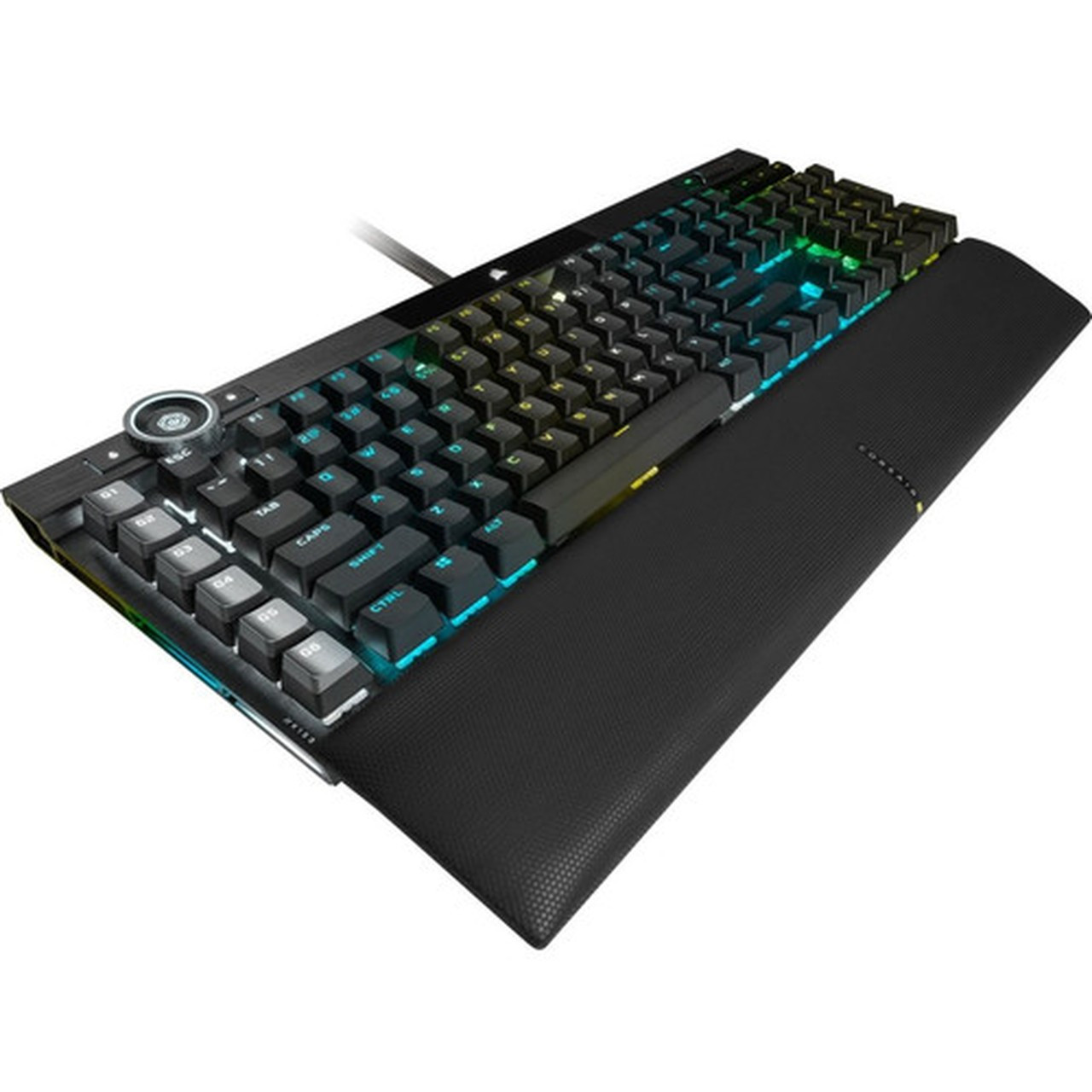
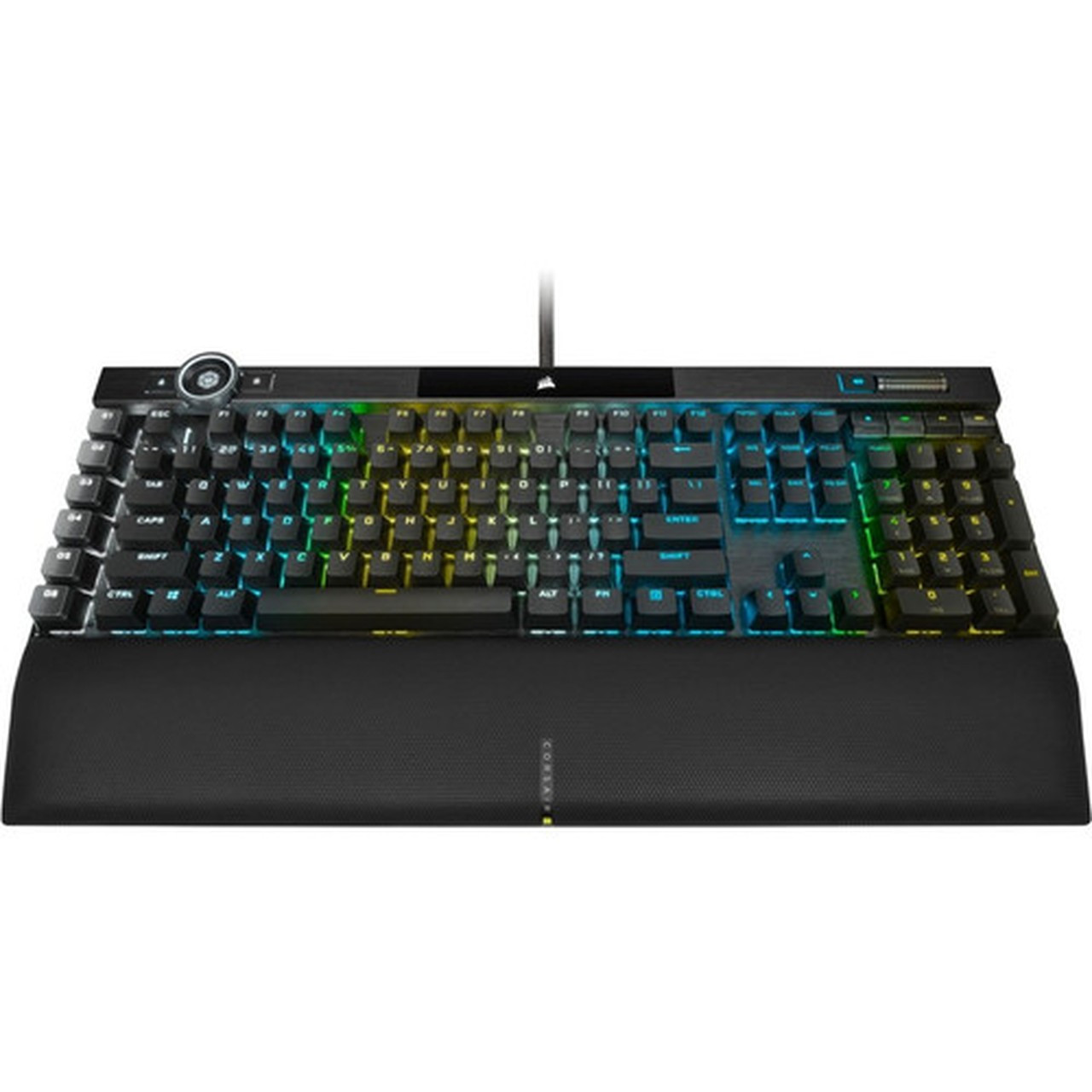
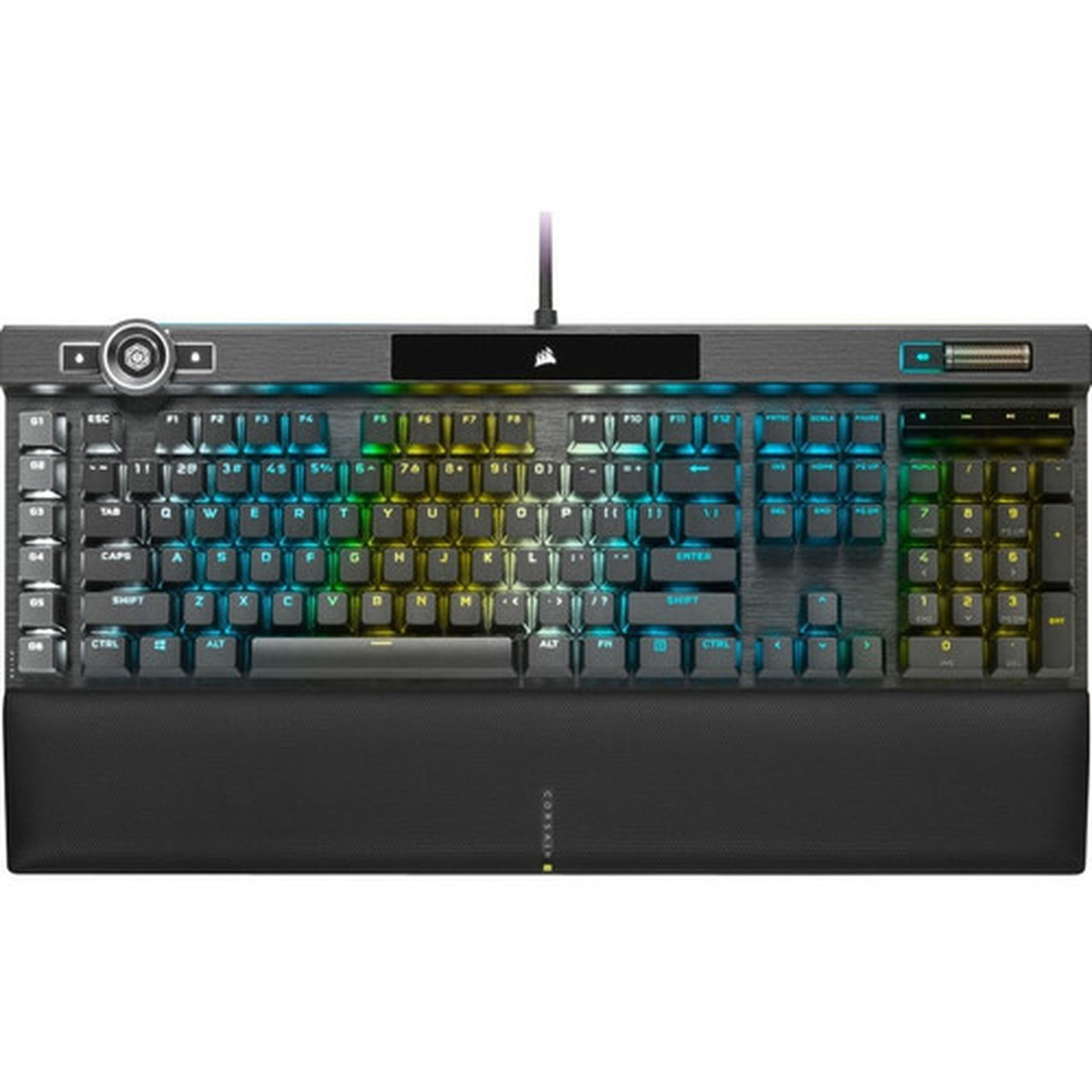
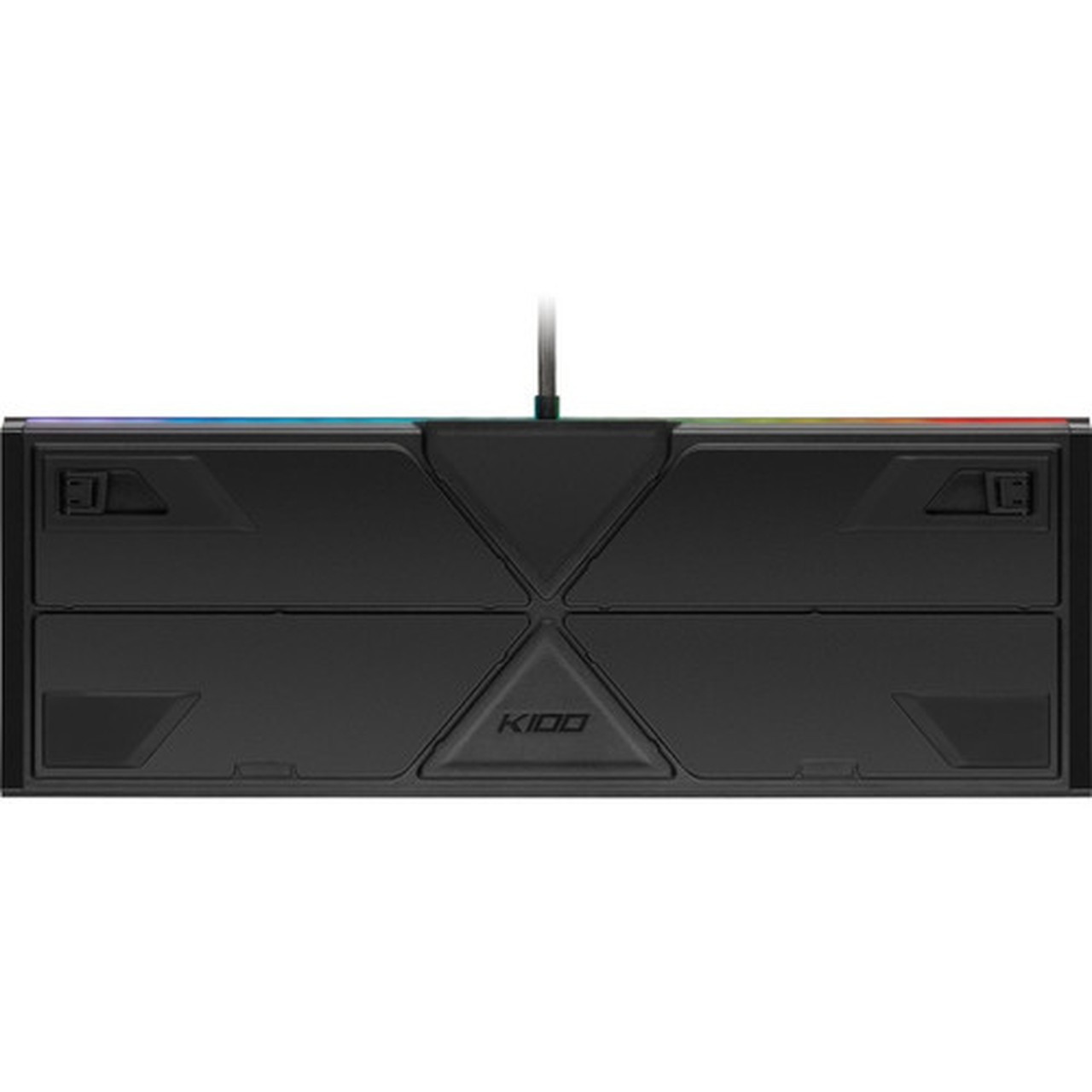
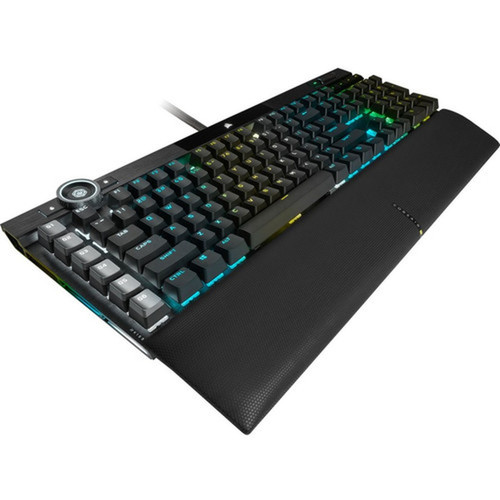
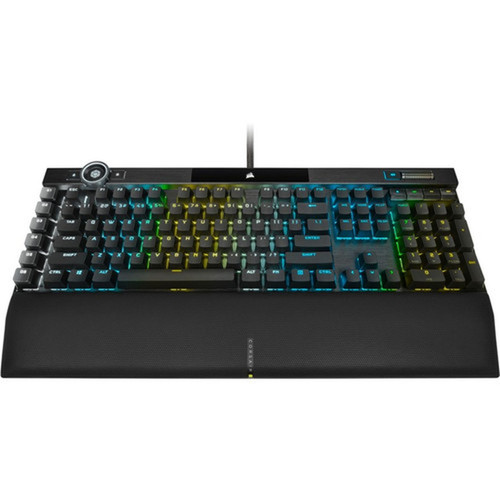
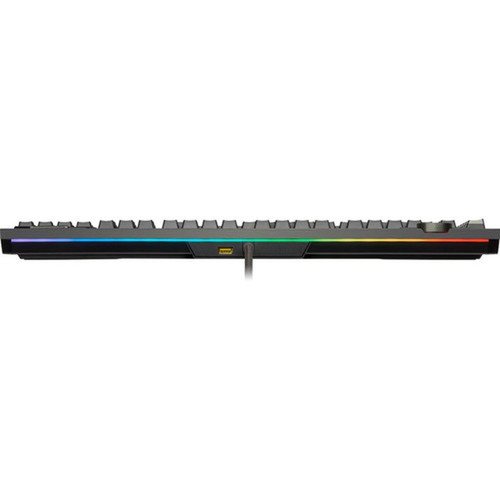
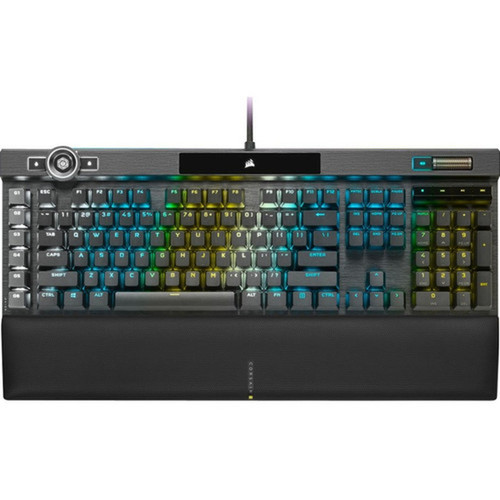
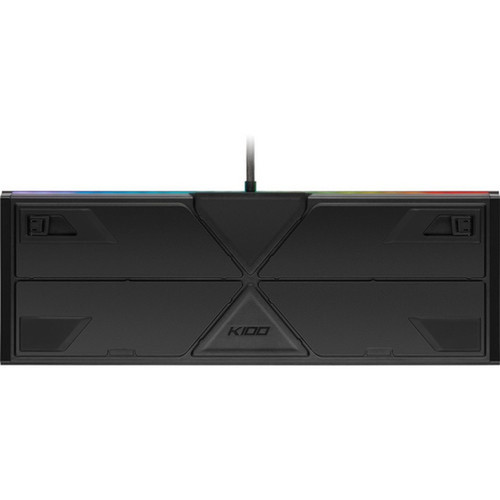
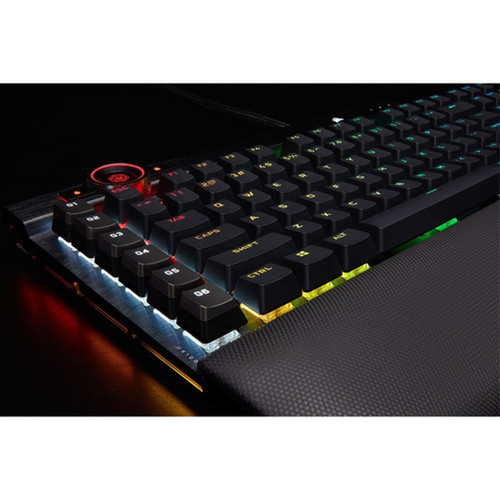
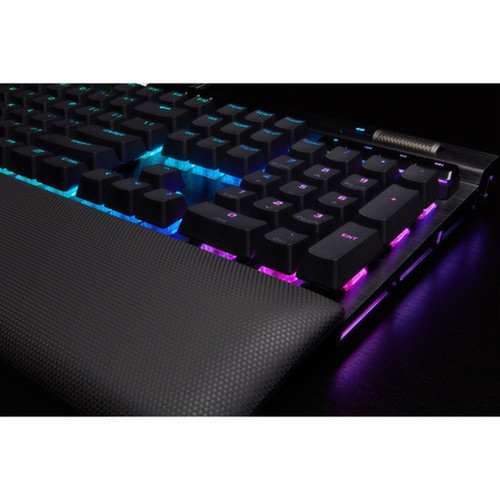
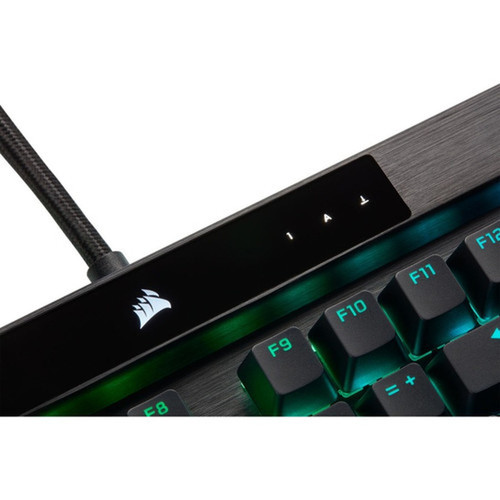
Corsair CH-912A01A-NA K100 Gaming Keyboard - Opto-Mechanical - 110 Keys - TouchPad - USB 3.0/3.1 - Wrist Rest - Black

Business volume discounts
Technical guidance
Preparation & staging
QC · ON · AB · BC
Product Features
Technical Overview
The K100 utilizes opto-mechanical keyswitch technology, which employs infrared light beams to register keystrokes with minimal latency and high actuation consistency. This design reduces physical wear compared to traditional mechanical switches, maintaining performance over millions of keystrokes.
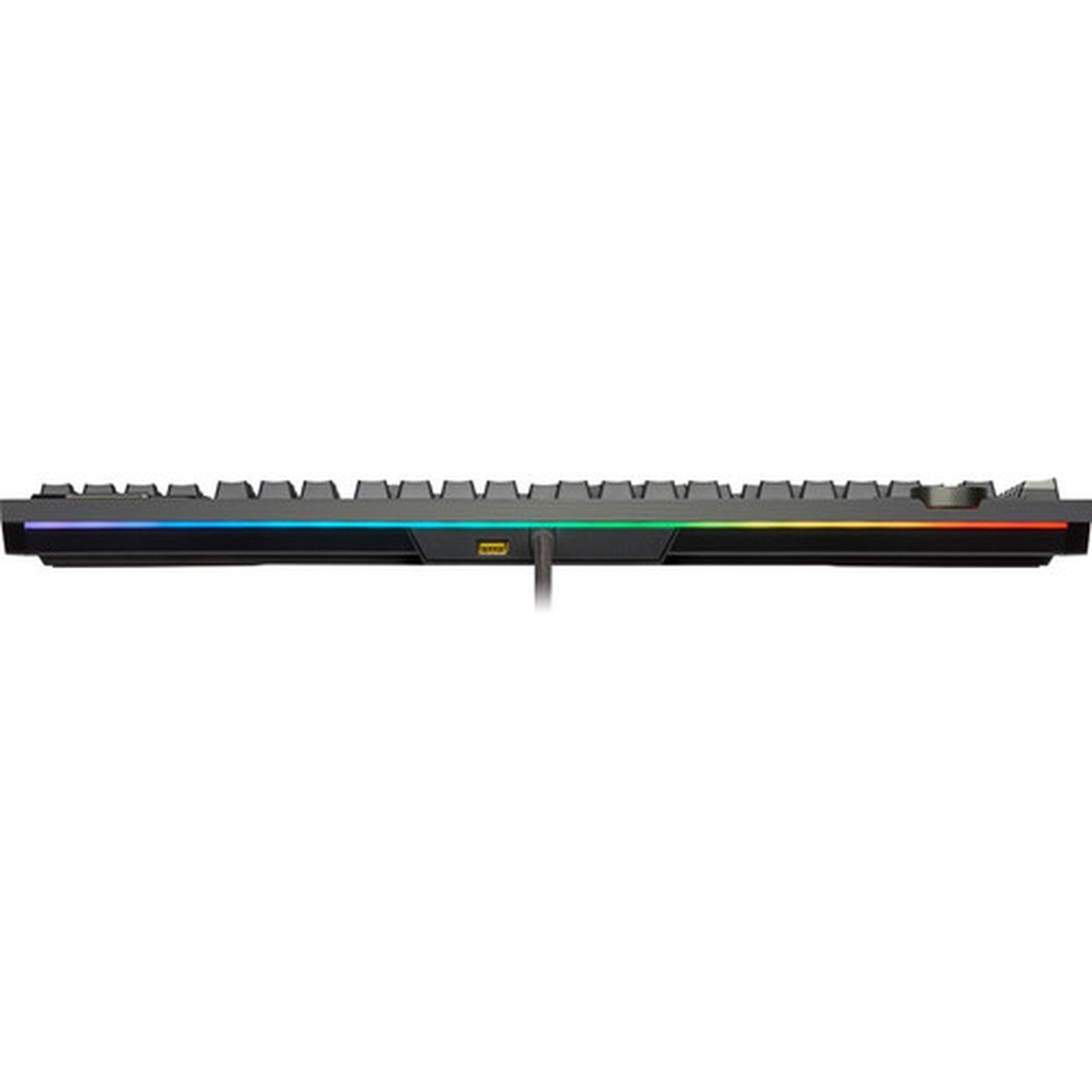
Connectivity is handled via a fixed cable with dual USB 3.0 Type A and USB 3.1 Type A interfaces, ensuring broad compatibility with modern desktops and laptops. The keyboard's 110-key configuration includes a full set of standard keys plus specialized hot keys for macros, Windows lock, multimedia playback, and volume adjustment.
Relevant factors for this section include Keyswitch Technology, Keyboard/Keypad Connectivity Technology, Number of Keys, Pointing Device Type. When those points are considered together, they give buyers a clearer picture of how the product is equipped, how it fits into deployment, and what kind of day-to-day role it is meant to support.
Key Product Advantages
The Corsair K100 stands out with its integrated TouchPad, which provides smooth cursor control and scrolling capabilities directly from the keyboard. This feature is particularly valuable for users who prefer a consolidated input device or have limited desk space.
These strengths make the product easier to deploy and manage in real environments, especially where reliability, usability, and day-to-day operational continuity matter. Notable benefits include Enhanced Productivity, Ergonomic Design.
Enhanced Productivity
Dedicated macro keys and multimedia controls allow for quick task execution and media management without interrupting workflow.
- Programmable macros
- Volume controls
- Playback buttons
Ergonomic Design
The included wrist rest reduces strain during extended typing or gaming sessions, while the opto-mechanical switches offer a consistent tactile feel.
- Reduced fatigue
- Tactile feedback
- Durable construction
Deployment / Use Cases
The K100 is engineered for gaming enthusiasts who require rapid response times and customizable inputs. Its opto-mechanical switches and macro capabilities make it suitable for competitive gaming, where every millisecond counts.
In professional or home office settings, the integrated TouchPad and multimedia keys enhance productivity by streamlining navigation and media control. The keyboard's cable connectivity ensures a stable connection without wireless interference, ideal for workstations that demand reliability.
Relevant factors for this section include Keyswitch Technology, Keyboard/Keypad Connectivity Technology, Number of Keys, Pointing Device Type. When those points are considered together, they give buyers a clearer picture of how the product is equipped, how it fits into deployment, and what kind of day-to-day role it is meant to support.
Gaming Environments
Low-latency opto-mechanical switches and programmable macros support fast-paced gameplay and strategy execution.
Office and Creative Work
The TouchPad and hot keys facilitate efficient document handling, web browsing, and media editing without switching devices.
Localization and Operating System
The Corsair K100 gaming keyboard is configured for English (North America) localization, featuring a standard US key layout with familiar labeling and ANSI character mapping. This setup ensures seamless compatibility with Windows-based systems commonly used in the United States and Canada, reducing setup time and minimizing input errors for users in these regions.
While the keyboard does not include a pre-installed operating system, its plug-and-play functionality via USB interfaces allows it to work immediately with Windows 10 and Windows 11 out of the box. The dedicated Windows lock key provides quick access to system security features, enhancing usability in shared or office environments where temporary lockout is needed.
Localization extends to the multimedia and volume control keys, which are designed to integrate smoothly with Windows media applications, offering intuitive playback and audio adjustment without requiring additional driver installations. This focus on regional standards makes the K100 a practical choice for North American gamers and professionals seeking a reliable, ready-to-use input device.
Regional Compatibility
The English North American layout supports standard QWERTY typing and common software shortcuts, ensuring a natural fit for users accustomed to US keyboard conventions.
OS Integration
USB connectivity enables automatic recognition on Windows platforms, while the Windows lock key adds a layer of security for quick system access control in multi-user settings.
Physical Profile
The keyboard features a compact footprint measuring 1.38 inches in width, 1.77 inches in depth, and 0.59 inches in height, making it suitable for desks with limited space. Its all-black color scheme ensures it blends seamlessly with most PC setups, while the 2.89-pound weight provides stability during intense use.
The physical profile is practical for deployment planning because the dimensions and weight are clearly defined: 0.59" (15 mm), 1.38" (35 mm), 1.77" (45 mm), 2.89 lb (1310 g). This helps confirm rack, shelf, desk, or cabinet fit before installation.
- Width
- 1.38" (35 mm)
- Depth
- 1.77" (45 mm)
- Height
- 0.59" (15 mm)
- Weight
- 2.89 lb (1310 g)
Highlights
- Opto-mechanical keyswitch technology for fast, durable keystrokes
- 110-key layout with macro, multimedia, and volume control hot keys
- Integrated TouchPad for precise cursor control and scrolling
- Dual USB 3.0 Type A and USB 3.1 Type A cable connectivity
- English North American localization with standard key labeling
- Included wrist rest for ergonomic support during long sessions
- All-black color finish for a cohesive aesthetic
- 2-year limited warranty for added reliability assurance
Specifications
| Specifications | |
|---|---|
| Manufacturer | Corsair |
| Manufacturer Part Number | CH-912A01A-NA |
| Brand Name | Corsair |
| Product Model | K100 |
| Product Name | K100 Gaming Keyboard |
| Packaged Quantity | 1 |
| Product Type | Gaming Keyboard |
| Keyboard/Keypad | |
| Keyswitch Technology | Opto-mechanical |
| Keyboard/Keypad Connectivity Technology | Cable |
| Number of Keys | 110 |
| Hot Keys | Macro,Windows Lock Key,Multimedia,Volume Control |
| Localization | English (North America) |
| Keyboard/Keypad Features | Wrist Rest |
| Pointing Device | |
| Pointing Device Type | TouchPad |
| Interfaces/Ports | |
| Keyboard/Keypad Host Interface | USB 3.0 Type A,USB 3.1 Type A |
| Physical Characteristics | |
| Color Family | Black |
| Product Color | Black |
| Keyboard/Keypad Height | 0.59" (15 mm) |
| Keyboard/Keypad Width | 1.38" (35 mm) |
| Keyboard/Keypad Depth | 1.77" (45 mm) |
| Weight (Approximate) | 2.89 lb (1310 g) |
| Miscellaneous | |
| Country of Origin | China |
| Warranty | |
| Limited Warranty | 2 Year |
User Manual
FAQ
What refresh rate or brightness details are available?
Corsair K100 Gaming Keyboard - Cable Connectivity - USB 3.0 Type A, USB 3.1 Type A Interface - 110 Key(s) - Macro, Windows Lock Key, - (CH-912A01A-NA) is best judged through its screen, connectivity, and installation specifications, which help buyers confirm visual fit and deployment suitability.
What input or connectivity options are listed?
Corsair K100 Gaming Keyboard - Cable Connectivity - USB 3.0 Type A, USB 3.1 Type A Interface - 110 Key(s) - Macro, Windows Lock Key, - (CH-912A01A-NA) is best judged through its screen, connectivity, and installation specifications, which help buyers confirm visual fit and deployment suitability.
Does the display support VESA mounting or adjustment features?
Corsair K100 Gaming Keyboard - Cable Connectivity - USB 3.0 Type A, USB 3.1 Type A Interface - 110 Key(s) - Macro, Windows Lock Key, - (CH-912A01A-NA) is best judged through its screen, connectivity, and installation specifications, which help buyers confirm visual fit and deployment suitability.
What panel or display technology is mentioned?
Corsair K100 Gaming Keyboard - Cable Connectivity - USB 3.0 Type A, USB 3.1 Type A Interface - 110 Key(s) - Macro, Windows Lock Key, - (CH-912A01A-NA) is best judged through its screen, connectivity, and installation specifications, which help buyers confirm visual fit and deployment suitability.
What screen size is listed?
Corsair K100 Gaming Keyboard - Cable Connectivity - USB 3.0 Type A, USB 3.1 Type A Interface - 110 Key(s) - Macro, Windows Lock Key, - (CH-912A01A-NA) is best judged through its screen, connectivity, and installation specifications, which help buyers confirm visual fit and deployment suitability.
What resolution or display format is specified?
Corsair K100 Gaming Keyboard - Cable Connectivity - USB 3.0 Type A, USB 3.1 Type A Interface - 110 Key(s) - Macro, Windows Lock Key, - (CH-912A01A-NA) is best judged through its screen, connectivity, and installation specifications, which help buyers confirm visual fit and deployment suitability.
| Qty | Price | Available |
|---|