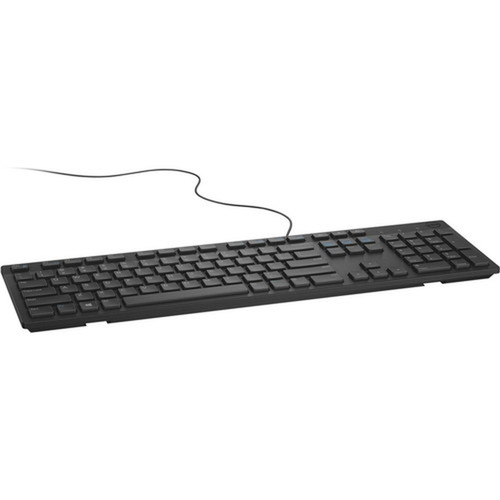
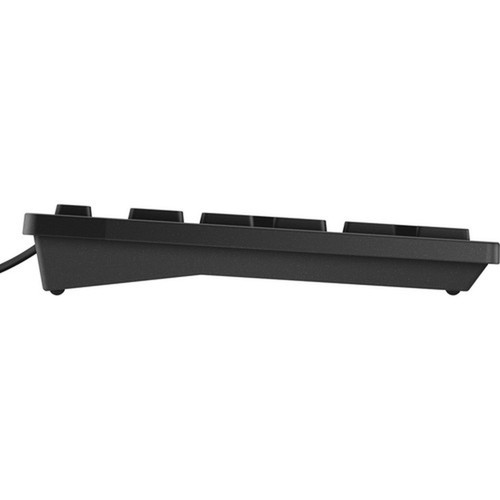

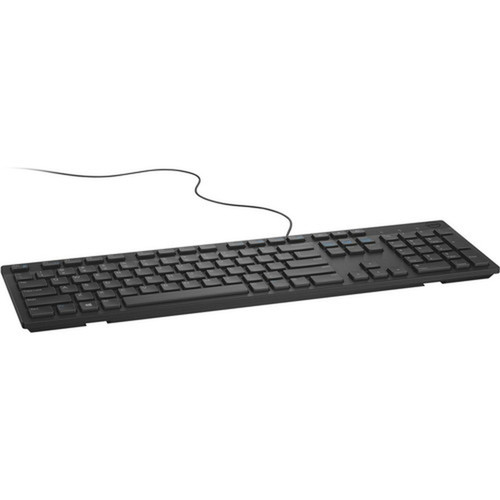
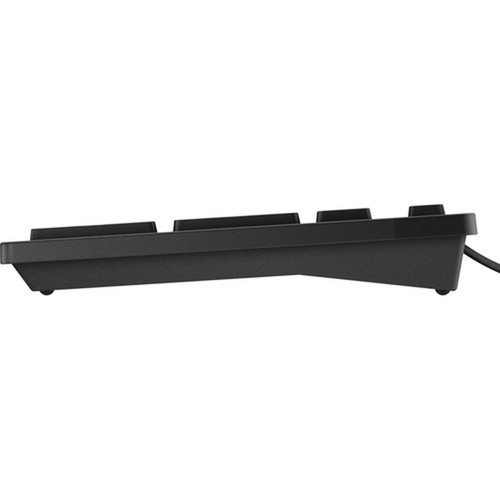

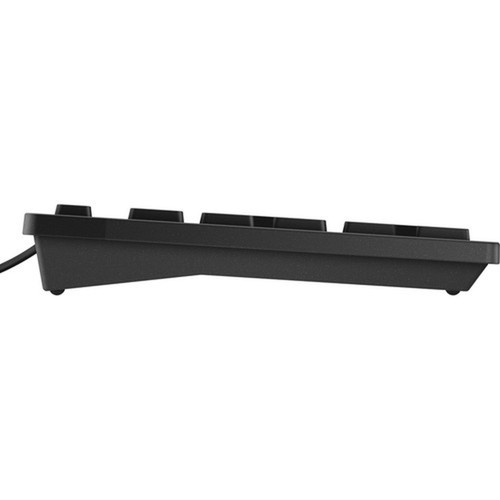

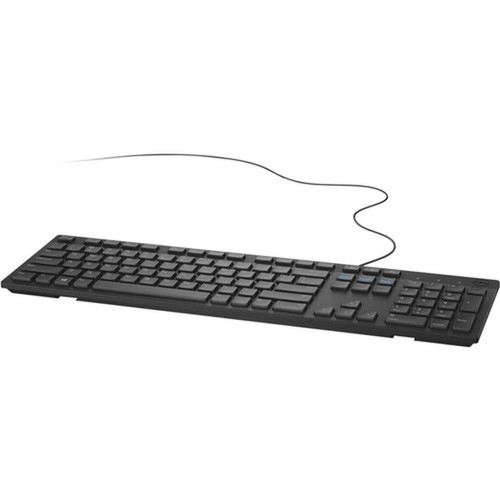
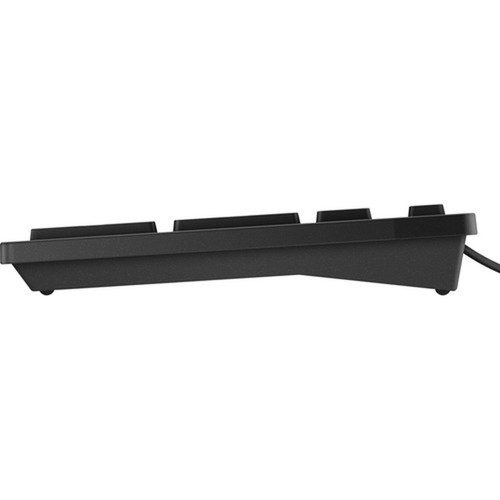
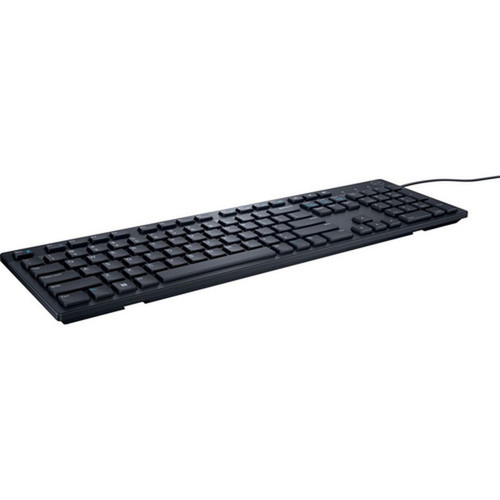
Dell KB216-BK-FR-CAN KB216 USB Wired Keyboard - French - Canada Layout - Black - For Notebook - All-in-One PC - Mobile Workstation

Business volume discounts
Technical guidance
Preparation & staging
QC · ON · AB · BC
Product Features
Technical Overview
This keyboard connects via a standard USB interface, drawing power directly from the host device without requiring an external adapter. The USB connection ensures broad compatibility across modern operating systems that support HID-class keyboards, typically requiring no additional software installation.
The KB216 model is part of Dell's essential peripherals lineup, emphasizing core functionality and cost-effectiveness. Its design prioritizes a standard key pitch and key travel to facilitate a familiar typing experience. The construction is tailored for longevity in typical office conditions, resisting key wear and maintaining responsiveness over time.
Relevant factors for this section include Localization, Keyboard/Keypad Host Interface. When those points are considered together, they give buyers a clearer picture of how the product is equipped, how it fits into deployment, and what kind of day-to-day role it is meant to support.
A strong technical summary explains how the product's interfaces, hardware profile, and operating characteristics work together in real deployment. Buyers often need this context to confirm compatibility with existing devices, expected performance in daily use, and whether installation will be straightforward for IT staff or end users.
Key Product Advantages
The Dell KB216 delivers essential keyboard performance with specific advantages for targeted user scenarios. Its primary benefit is seamless integration into French-Canadian workflows, providing the correct key legends and layout for efficient typing in both English and French contexts.
These strengths make the product easier to deploy and manage in real environments, especially where reliability, usability, and day-to-day operational continuity matter. Notable benefits include Plug-and-Play USB, French Canada Layout, Dell Build Quality, Wired Reliability, Black Professional Finish.
For buyers comparing similar models, the strongest advantage is usually the balance between dependable day-to-day operation and a simpler rollout experience. That means less time spent troubleshooting fit, compatibility, or user adoption after installation, which is especially important for shared business environments and repeat purchasing decisions.
Deployment / Use Cases
This keyboard is explicitly validated for use with notebooks, all-in-one PCs, and mobile workstations, making it a versatile peripheral for various Dell and third-party systems. It serves as an excellent primary keyboard for desktop setups where the built-in laptop keyboard is insufficient, or as a replacement keyboard for all-in-one systems.
Ideal deployment scenarios include corporate offices, government agencies, and educational institutions within French-speaking regions of Canada where standardized hardware is required. It supports mobile workstation users who need a full-sized, reliable keyboard at a docking station or temporary work location. The simple USB connection also makes it suitable for IT spare pools and quick-deployment kits for new employees or temporary workstations.
Corporate & Government Offices
Provides standardized French Canada input for administrative staff, data entry operators, and general office workers using Dell notebooks or all-in-one PCs.
- Ensures compliance with language requirements
- Reduces training time for layout familiarity
- Matches Dell corporate hardware standards
Education & Training Labs
A cost-effective solution for computer labs and training rooms where students use a mix of notebooks and all-in-one systems.
- Durable enough for shared environments
- Eliminates confusion with US layout keys
- Simple setup for instructors and IT staff
Localization and Operating System
The Dell KB216 keyboard is localized for the French (Canada) market, featuring the standard Canadian French keyboard layout. This includes dedicated keys for accented characters such as é, è, ç, à, and the Canadian French currency symbol, along with bilingual legends where applicable. The layout adheres to the CAN/CSA Z243.200-92 standard, ensuring compatibility with Canadian French language settings in major operating systems.
As a standard HID-class USB keyboard, it operates with plug-and-play functionality on operating systems including Windows, macOS, Linux, and Chrome OS. No specific drivers are required for basic typing functions; the operating system recognizes the layout based on its regional settings. Users must configure their OS language or keyboard settings to 'Canadian French' or 'Français (Canada)' to utilize the special characters correctly, though the alphanumeric keys will function universally.
Highlights
- French (Canada) keyboard layout with accented character keys
- USB wired interface for plug-and-play connectivity
- Compatible with notebooks, all-in-one PCs, and mobile workstations
- Classic black color for professional appearance
- Dell reliability and build quality
- No external power adapter required
- Standard HID-class driver support across major OS platforms
- Ideal for corporate, government, and educational deployments in Canada
Specifications
| Specifications | |
|---|---|
| Manufacturer | Dell Technologies |
| Manufacturer Part Number | KB216-BK-FR-CAN |
| Brand Name | Dell |
| Product Model | KB216 |
| Product Name | KB216 Keyboard |
| Product Type | Keyboard |
| Keyboard/Keypad | |
| Localization | French (Canada) |
| Interfaces/Ports | |
| Keyboard/Keypad Host Interface | USB |
| Physical Characteristics | |
| Product Color | Black |
| Miscellaneous | |
| Device Supported | Notebook,All-in-One PC,Mobile Workstation |
| Country of Origin | China |
User Manual
FAQ
What type of keyboard layout does the Dell KB216 use?
The Dell KB216 uses a French (Canada) keyboard layout. This layout includes specific keys for accented characters common in Canadian French, such as é, è, ç, and à, and follows the CAN/CSA Z243.200-92 standard. It is designed for users who require proper input for French language documents and applications within a Canadian context.
How do I connect the Dell KB216 keyboard to my computer?
You connect the Dell KB216 keyboard using its USB cable. It is a wired keyboard with a standard USB Type-A connector that plugs directly into an available USB port on your notebook, all-in-one PC, or mobile workstation. The keyboard is plug-and-play, meaning it typically works immediately without installing additional drivers on most modern operating systems.
Which devices is this keyboard compatible with?
The Dell KB216 is validated for use with notebooks, all-in-one PCs, and mobile workstations. It is compatible with any computer system that has a standard USB port and supports HID-class keyboards. This includes most Dell systems as well as PCs from other manufacturers running Windows, macOS, Linux, or Chrome OS.
Do I need to install special drivers for this keyboard?
No, you generally do not need to install special drivers for basic functionality. The Dell KB216 is recognized as a standard HID (Human Interface Device) keyboard by operating systems like Windows, macOS, and Linux. For the French Canada layout to work correctly, you should set your operating system's keyboard or language settings to 'Canadian French' or 'Français (Canada)'.
What is the color and finish of the Dell KB216 keyboard?
The Dell KB216 keyboard has a black color with a matte finish. This professional appearance helps it blend with most office and home desktop environments, and it matches the aesthetic of many Dell computers and peripherals. The finish is designed to resist fingerprints and maintain a clean look with regular use.
Is this keyboard suitable for use in Canadian government or educational settings?
Yes, the Dell KB216 is well-suited for Canadian government, corporate, and educational settings. Its French Canada layout meets the language input requirements for French-speaking regions, and its durable Dell build ensures reliability in shared or high-use environments like offices, schools, and training labs. The simple USB connectivity also simplifies deployment and management by IT staff.
| Qty | Price | Available |
|---|