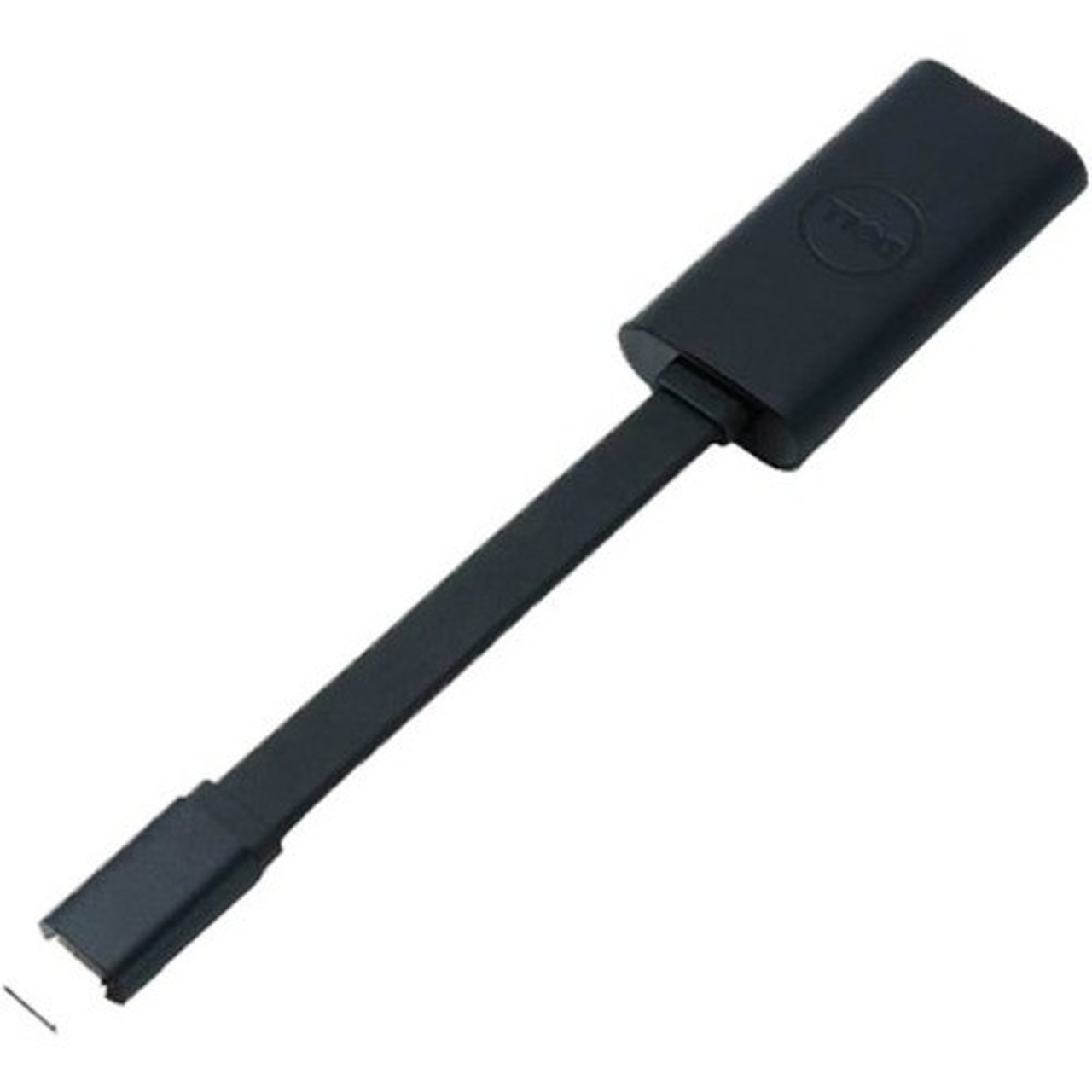
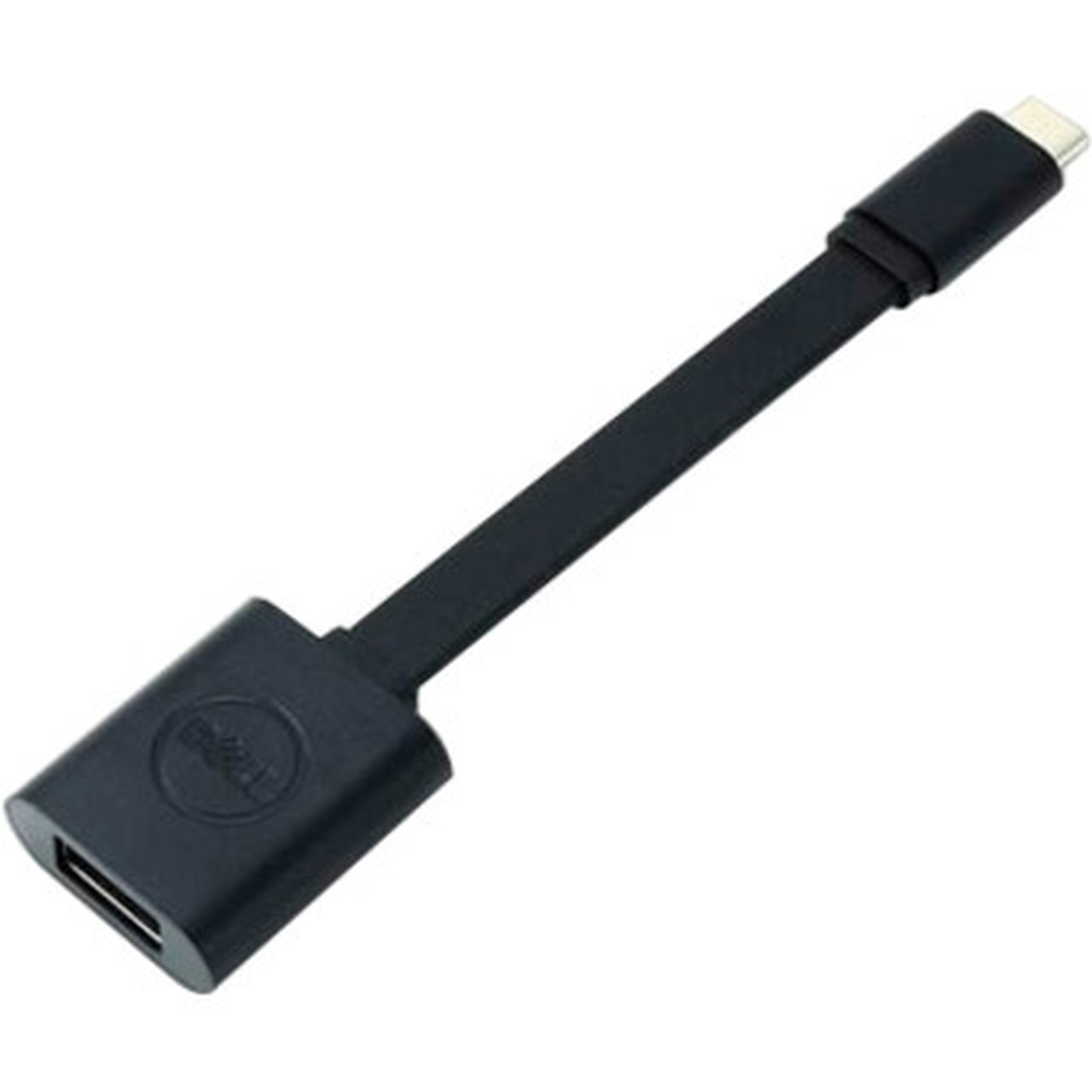
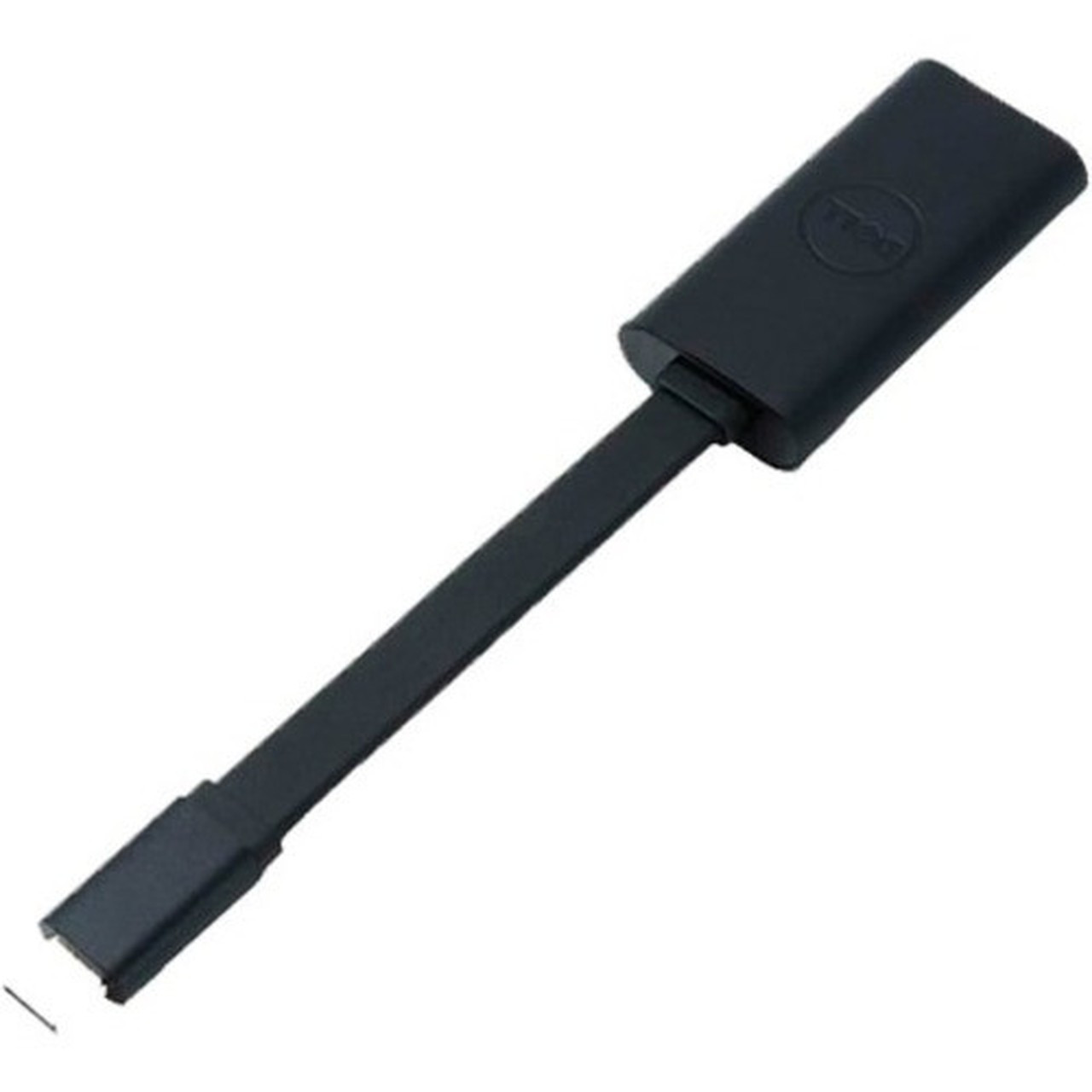
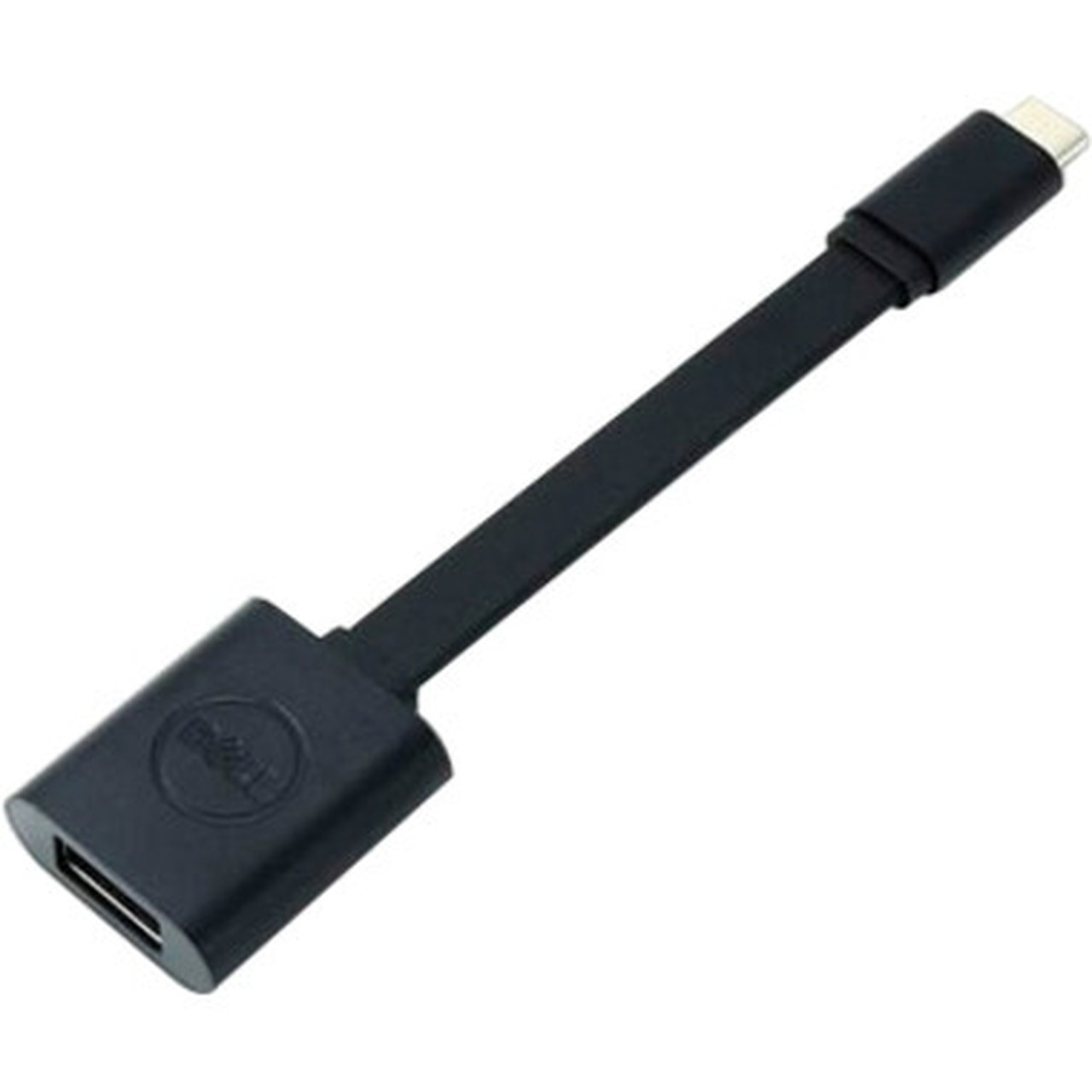
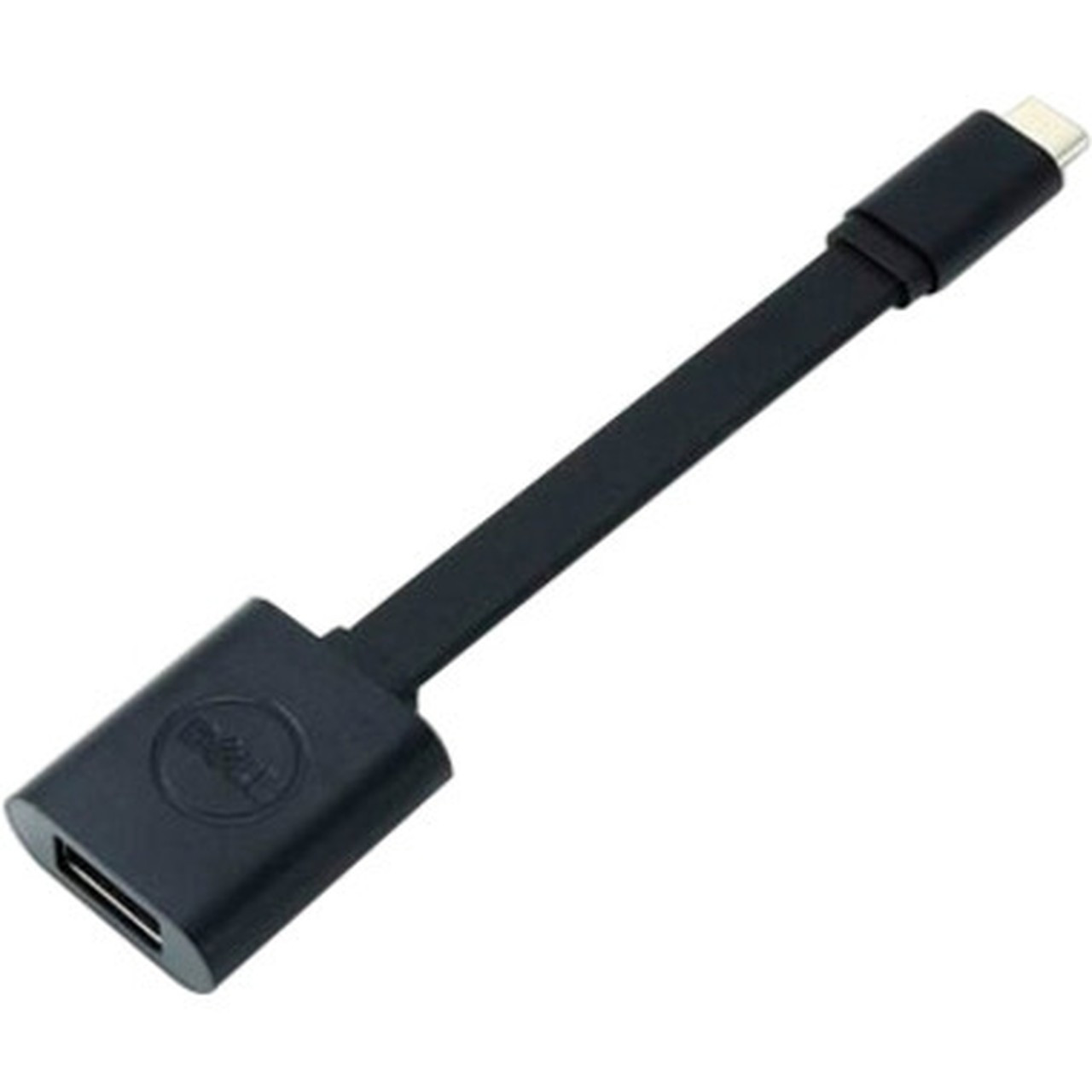
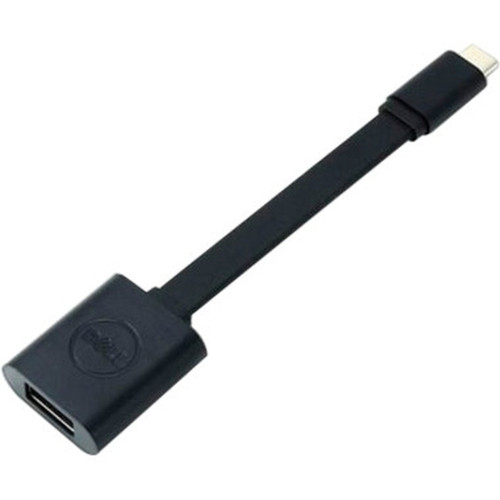
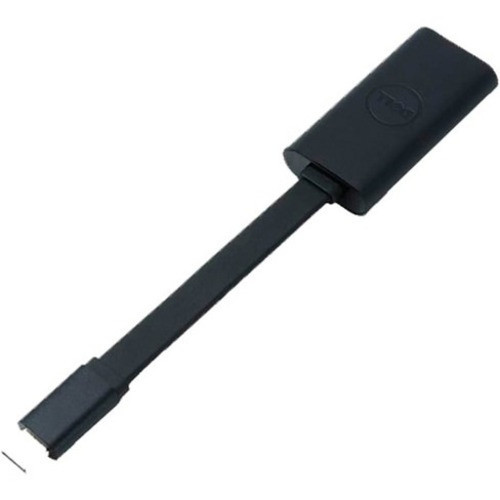
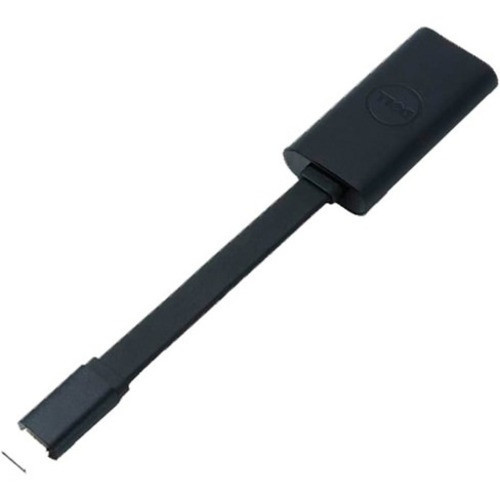
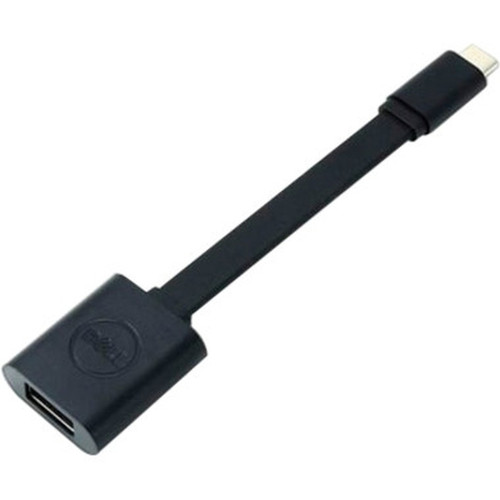
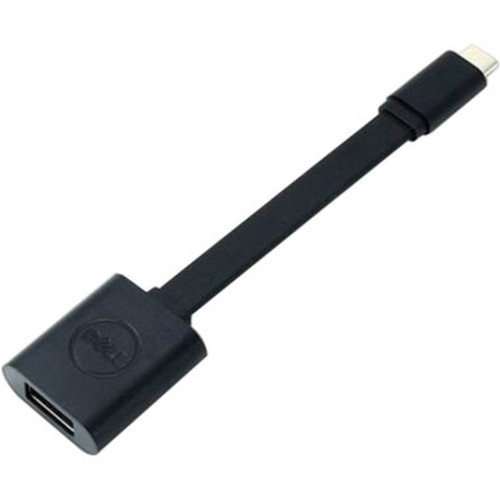
Dell DBQBJBC054 USB Data Transfer Cable - 5. 2" USB 3. 1 Type C Male to USB 3. 0 Type A Female for Smartphone - Tablet - Camera

Business volume discounts
Technical guidance
Preparation & staging
QC · ON · AB · BC
Product Features
Technical Overview
This data transfer cable utilizes USB 3.1 and USB 3.0 standards to ensure reliable and fast data transmission. The USB 3.1 Type C male connector offers reversible plug orientation and supports higher data transfer rates compared to older USB versions, while the USB 3.0 Type A female connector maintains backward compatibility with a wide range of host devices like computers, chargers, and hubs.
With a precise length of 5.2 inches, the cable provides enough reach for convenient connections without excess clutter. The black color ensures a professional appearance that blends well with most tech environments. The cable is manufactured by Dell Technologies and carries the part number DBQBJBC054, guaranteeing genuine quality and compatibility.
This section brings together practical product details such as Cable Type, Cable Length, Connector Type on First End, Color Family, so buyers can judge configuration, deployment fit, and day-to-day suitability with less guesswork.
Key Product Advantages
The Dell DBQBJBC054 cable offers distinct advantages for data transfer needs, combining modern connectivity with practical design. Its compact form factor and specific connector types make it a versatile tool for managing files across devices.
Fast Data Transfer
Leverages USB 3.1 and USB 3.0 standards to enable quick file transfers between supported devices, reducing wait times for photos, videos, and documents.
- High-speed data transmission
- Efficient for large files
Wide Device Compatibility
Connects smartphones, tablets, and cameras to computers, chargers, or hubs with USB-A ports, supporting a broad range of consumer and professional electronics.
- Works with multiple device types
- Seamless integration
Compact and Portable
At 5.2 inches long, the cable is easy to carry in bags or pockets, ideal for travel, fieldwork, or minimalist desk setups where space optimization is key.
- Short length reduces clutter
- Lightweight design
Deployment / Use Cases
This cable is suited for various scenarios where reliable data transfer between USB-C and USB-A devices is required. Its design caters to both personal and professional environments, offering flexibility for everyday tech tasks.
Common use cases include transferring photos from a USB-C smartphone to a laptop with USB-A ports, syncing data between a tablet and a desktop computer, or connecting a digital camera to a power bank or computer for file management. The plug-and-play nature ensures quick setup without technical hurdles, making it accessible for users of all skill levels.
Mobile Photography
Ideal for photographers who need to transfer images from USB-C cameras or smartphones to computers or storage devices, enabling efficient workflow management.
Office and Travel
Perfect for professionals on the go, allowing easy data sync between mobile devices and office equipment, with a compact size that fits neatly in travel kits.
Highlights
- USB 3.1 Type C male to USB 3.0 Type A female connectors for modern device compatibility
- 5.2-inch cable length for compact and portable use
- Plug-and-play functionality for easy setup without drivers
- Supports data transfer between smartphones, tablets, and cameras
- Black color for a professional and discreet appearance
- Backward compatible with USB-A host devices
- Reversible USB-C connector for convenient plug orientation
- Manufactured by Dell Technologies with part number DBQBJBC054
Specifications
| Specifications | |
|---|---|
| Manufacturer | Dell Technologies |
| Manufacturer Part Number | DBQBJBC054 |
| Brand Name | Dell |
| Product Name | USB Data Transfer Cable |
| Product Type | Data Transfer Cable |
| Technical Information | |
| Cable Type | USB |
| Cable Length | 5.2" |
| Connector Type on First End | USB 3.1 Type C - Male |
| Connector on First End Details | 1 x USB 3.1 Type C - Male |
| Connector Type on Second End | USB 3.0 Type A - Female |
| Connector on Second End Details | 1 x USB 3.0 Type A - Female |
| Device Supported | Smartphone,Tablet PC,Camera |
| Physical Characteristics | |
| Color Family | Black |
| Product Color | Black |
| Miscellaneous | |
| Country of Origin | China |
FAQ
What devices are compatible with this Dell USB data transfer cable?
This cable is compatible with smartphones, tablets, and cameras that have a USB-C port. It connects these devices to host systems with USB-A ports, such as computers, chargers, or hubs, enabling data transfer across a wide range of consumer and professional electronics.
What are the connector types on each end of the cable?
The cable features a USB 3.1 Type C male connector on one end and a USB 3.0 Type A female connector on the other end. This combination allows connectivity between newer USB-C devices and traditional USB-A ports for versatile data transfer.
How long is the Dell DBQBJBC054 USB cable?
The cable length is 5.2 inches (approximately 132.08 mm). This compact size makes it ideal for portable use, travel, or setups where minimizing cable clutter is important, while still providing enough reach for practical connections.
Does this cable support plug-and-play functionality?
Yes, the cable supports plug-and-play functionality, meaning it can be used for data transfer without requiring additional drivers or software installation. This makes it easy to set up and use immediately with compatible devices.
What color is the Dell USB data transfer cable?
The cable is black in color, offering a sleek and professional appearance that blends well with most tech environments. This neutral color ensures it complements a variety of devices and settings without standing out obtrusively.
Is this cable backward compatible with older USB standards?
Yes, the USB 3.0 Type A female connector provides backward compatibility with host devices that use USB-A ports, including those supporting older USB standards. This ensures the cable can work with a broad range of equipment, from newer laptops to legacy desktops.
What refresh rate or brightness details are available?
Display-oriented products are best judged through screen, connectivity, and installation specifications. Those facts help buyers confirm visual fit, mounting flexibility, and deployment suitability more clearly than generic summary text.
What input or connectivity options are listed?
Connectivity options include USB 3.1 Type C - Male, helping the product integrate into common office or home setups.
| Qty | Price | Available |
|---|