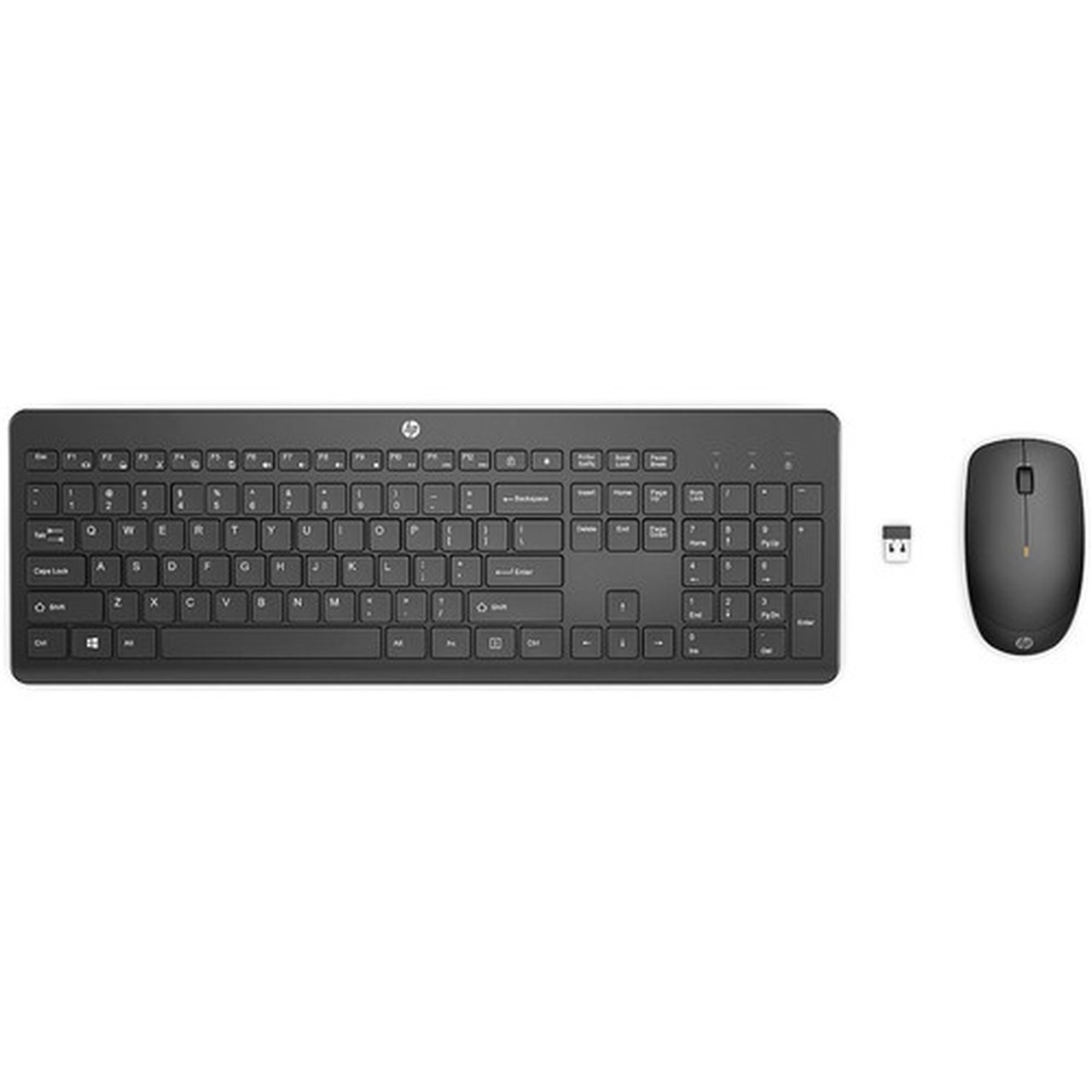
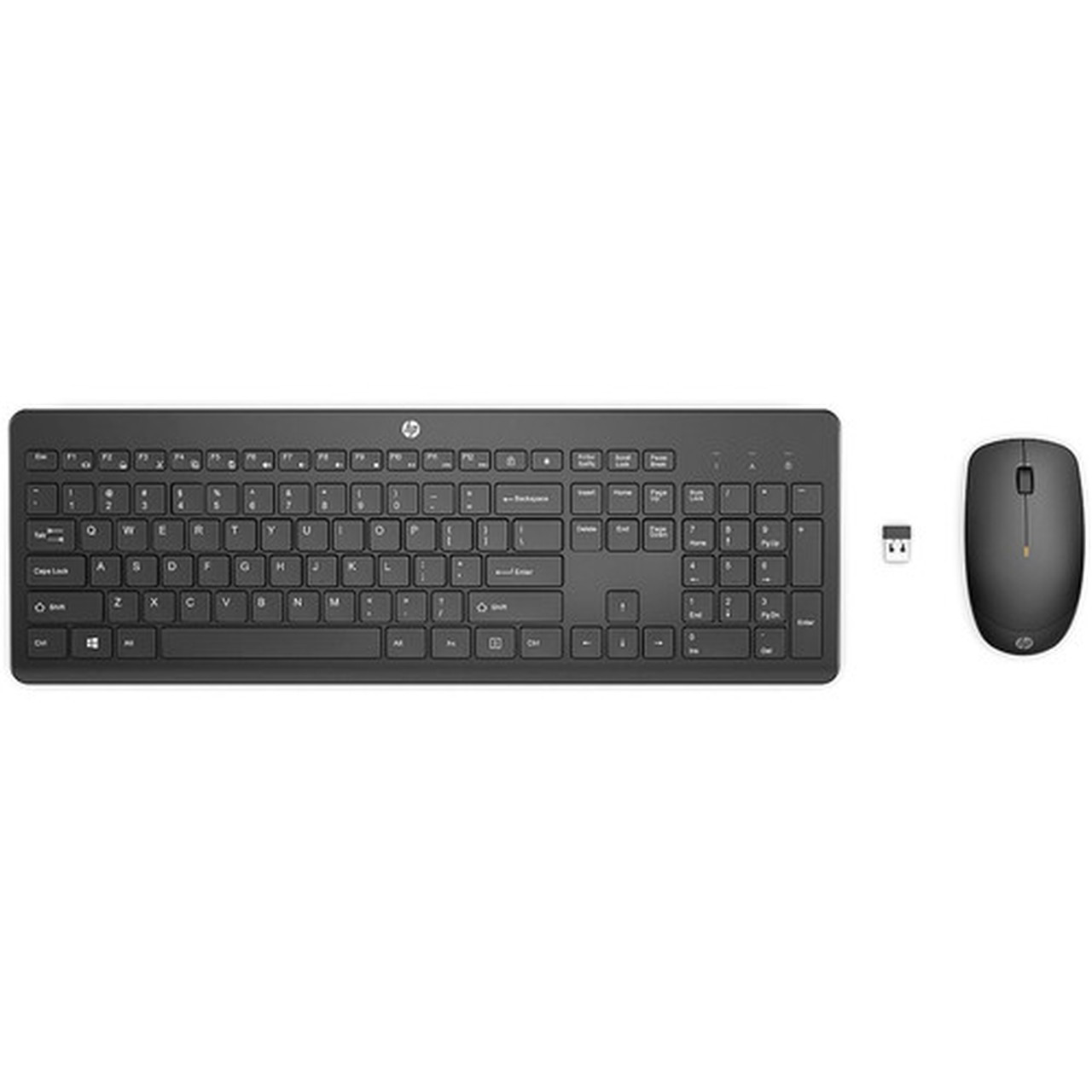
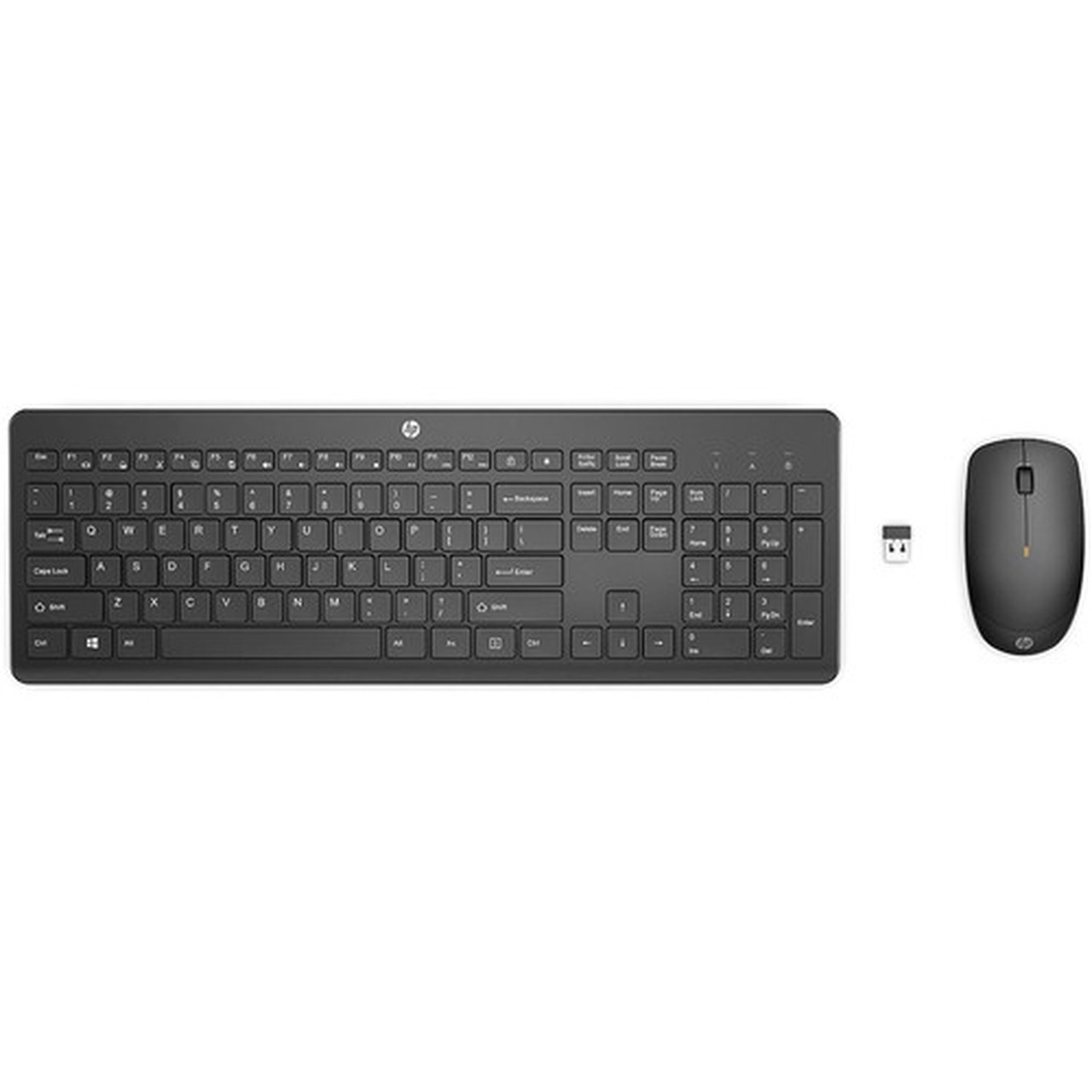
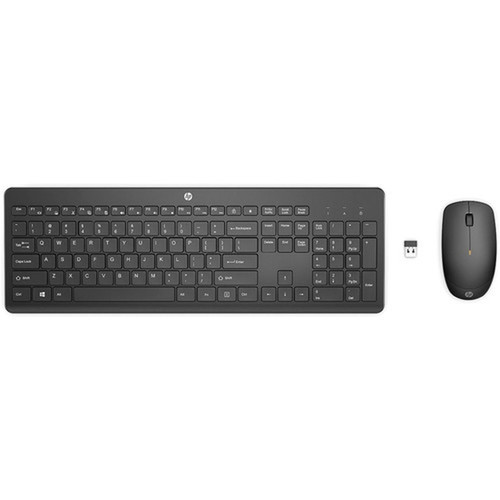


HP 1Y4D0AA#ABA 235 Wireless Mouse and Keyboard Combo - USB Type A - Windows 10/11 Compatible

Business volume discounts
Technical guidance
Preparation & staging
QC · ON · AB · BC
Product Features
Product Overview
The HP 235 Wireless Mouse and Keyboard Combo delivers a streamlined desktop experience with reliable wireless connectivity and essential functionality. This bundled accessory set combines a full-featured keyboard and responsive mouse, designed to reduce cable clutter while maintaining dependable performance for everyday computing tasks.
Engineered for compatibility with modern Windows operating systems, the HP 235 combo supports Windows 10 and Windows 11, ensuring seamless integration with most business and home desktop environments. The wireless design provides flexibility in workspace arrangement, and the USB Type A receiver offers plug-and-play simplicity without requiring additional drivers in most cases.
Relevant factors for this section include Keyboard/Keypad Connectivity Technology, Pointing Device Type, Pointing Device Connectivity Technology. When those points are considered together, they give buyers a clearer picture of how the product is equipped, how it fits into deployment, and what kind of day-to-day role it is meant to support.
Technical Overview
This HP 235 combo utilizes wireless technology for both the keyboard and mouse, communicating through a single USB Type A receiver. The keyboard features standard layout keys for efficient typing, while the optical mouse delivers precise cursor control suitable for general office and productivity applications.
The product is backed by a 1-year limited warranty from HP, providing assurance of quality and reliability. Its compatibility with Windows 10 and Windows 11 ensures it works with current Microsoft operating systems without compatibility concerns.
Relevant factors for this section include Keyboard/Keypad Connectivity Technology, Pointing Device Type, Pointing Device Connectivity Technology. When those points are considered together, they give buyers a clearer picture of how the product is equipped, how it fits into deployment, and what kind of day-to-day role it is meant to support.
Key Product Advantages
The HP 235 Wireless Combo eliminates cable management challenges while maintaining reliable performance for daily computing needs. Its wireless design provides desktop flexibility without sacrificing responsiveness.
These strengths make the product easier to deploy and manage in real environments, especially where reliability, usability, and day-to-day operational continuity matter. Notable benefits include Wireless Convenience, Windows Compatibility.
Wireless Convenience
Both keyboard and mouse connect wirelessly through a single USB receiver, reducing cable clutter and allowing flexible positioning on your desk.
- Single receiver for both devices
- No tangled cables
- Flexible placement options
Windows Compatibility
Designed to work seamlessly with Windows 10 and Windows 11 operating systems, ensuring reliable performance with current Microsoft platforms.
- Plug-and-play with Windows 10
- Native support for Windows 11
- No additional drivers required
Deployment / Use Cases
The HP 235 Wireless Mouse and Keyboard Combo is ideal for standard office workstations, home office setups, and general productivity environments where reliable input devices are needed without the complexity of wired connections.
This combo works well for administrative tasks, data entry, web browsing, and general computing applications. The wireless design makes it suitable for shared workspaces, training rooms, or any environment where cable management is a priority. The Windows compatibility ensures it integrates smoothly with most business IT environments running current Microsoft operating systems.
Office Workstations
Perfect for corporate desktops where clean cable management and reliable wireless performance are priorities for daily productivity tasks.
Home Office Setup
Provides a clutter-free workspace for remote workers and home users who need dependable keyboard and mouse functionality without cable constraints.
Highlights
- Wireless keyboard and mouse combo with single USB receiver
- Compatible with Windows 10 and Windows 11 operating systems
- USB Type A host interface for plug-and-play connectivity
- 1-year limited warranty from HP
- Reduces cable clutter on desktop workspaces
- Standard keyboard layout for efficient typing
- Optical mouse for precise cursor control
- Ideal for office and home computing environments
Specifications
| Specifications | |
|---|---|
| Manufacturer | HP Inc. |
| Manufacturer Part Number | 1Y4D0AA#ABA |
| Brand Name | HP |
| Product Model | 235 |
| Product Name | 235 Wireless Mouse And Keyboard Combo |
| Product Type | Keyboard & Mouse |
| Keyboard/Keypad | |
| Keyboard/Keypad Connectivity Technology | Wireless |
| Pointing Device | |
| Pointing Device Type | Mouse |
| Pointing Device Connectivity Technology | Wireless |
| Interfaces/Ports | |
| Keyboard/Keypad Host Interface | USB Type A |
| Miscellaneous | |
| Operating System Compatibility | Windows 10,Windows 11 |
| Warranty | |
| Limited Warranty | 1 Year |
FAQ
What operating systems are compatible with the HP 235 Wireless Combo?
The HP 235 Wireless Mouse and Keyboard Combo is compatible with Windows 10 and Windows 11 operating systems. It typically works with plug-and-play functionality on these platforms without requiring additional driver installations, making it suitable for most modern Windows-based desktop environments.
How does the wireless connectivity work for both devices?
Both the keyboard and mouse connect wirelessly through a single USB Type A receiver. You plug the receiver into an available USB port on your computer, and both devices pair automatically. This single-receiver approach simplifies setup and reduces the number of USB ports required compared to using separate receivers for each device.
What type of warranty comes with this HP combo?
HP provides a 1-year limited warranty for the 235 Wireless Mouse and Keyboard Combo. This warranty covers defects in materials and workmanship under normal use conditions, offering assurance of product quality and reliability for the first year of ownership.
Can I use this combo with computers that don't have USB Type A ports?
The HP 235 combo requires a USB Type A port for the wireless receiver. If your computer only has USB-C ports, you would need a USB-C to USB-A adapter to use this combo. The product itself doesn't include such an adapter, so you would need to source one separately if required for your specific computer configuration.
Is this keyboard and mouse combo suitable for gaming?
The HP 235 combo is designed for general productivity and office use rather than gaming. While it provides reliable wireless performance for everyday computing tasks, it doesn't include gaming-specific features like high polling rates, mechanical switches, or programmable buttons that serious gamers typically require for competitive gameplay.
What makes this wireless combo different from wired keyboard and mouse sets?
The primary advantage is the elimination of cable clutter and increased placement flexibility. Wireless combos like the HP 235 allow you to position the keyboard and mouse anywhere within range of the receiver without cable constraints. This creates a cleaner workspace and can improve ergonomics by allowing more natural positioning compared to being tethered by cables.
| Qty | Price | Available |
|---|