



IOGEAR GCS62DP 2-Port DisplayPort KVM Switch - 4K 4096 x 2160 - 2 Computers - 4 USB Ports

Business volume discounts
Technical guidance
Preparation & staging
QC · ON · AB · BC
Product Features
Technical Overview
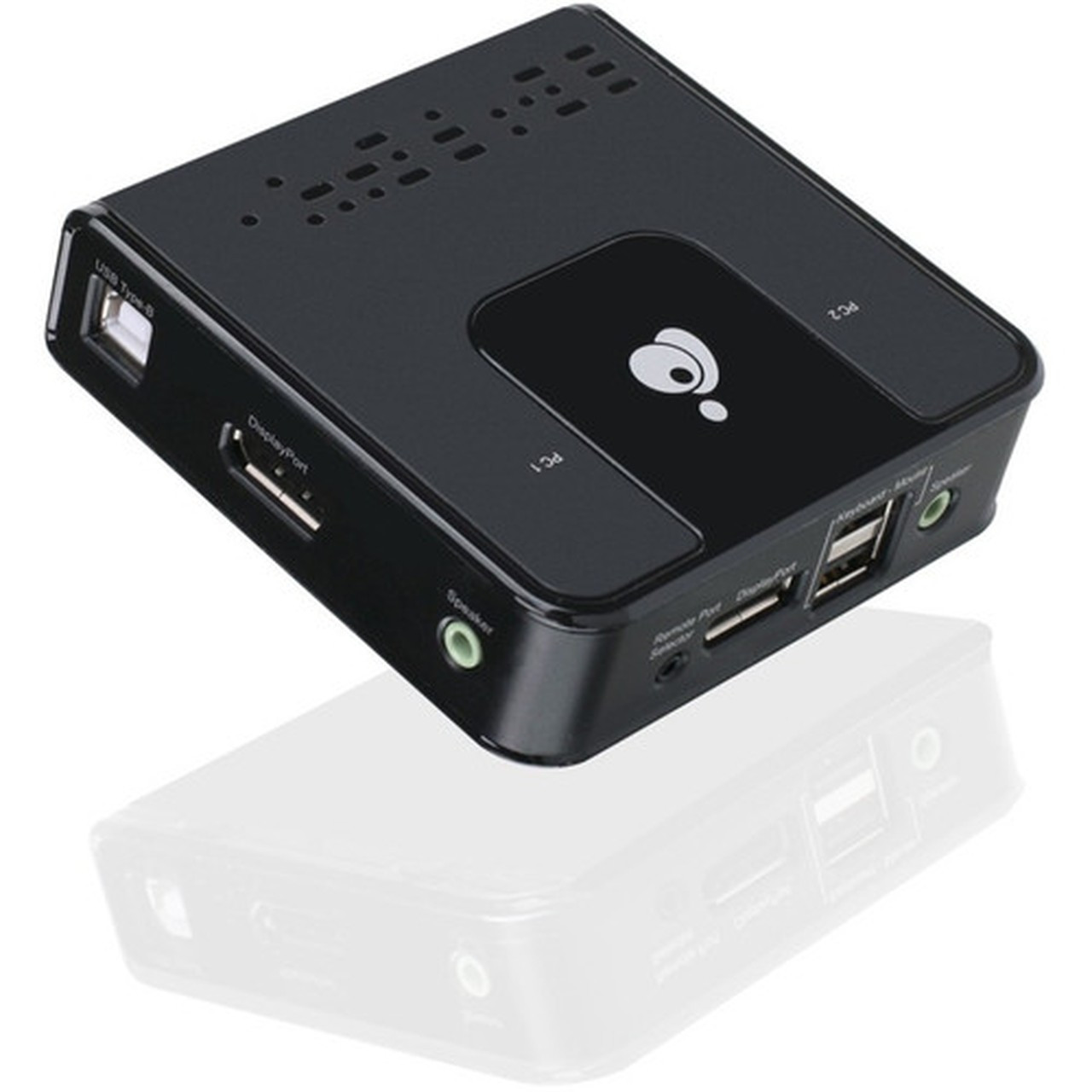
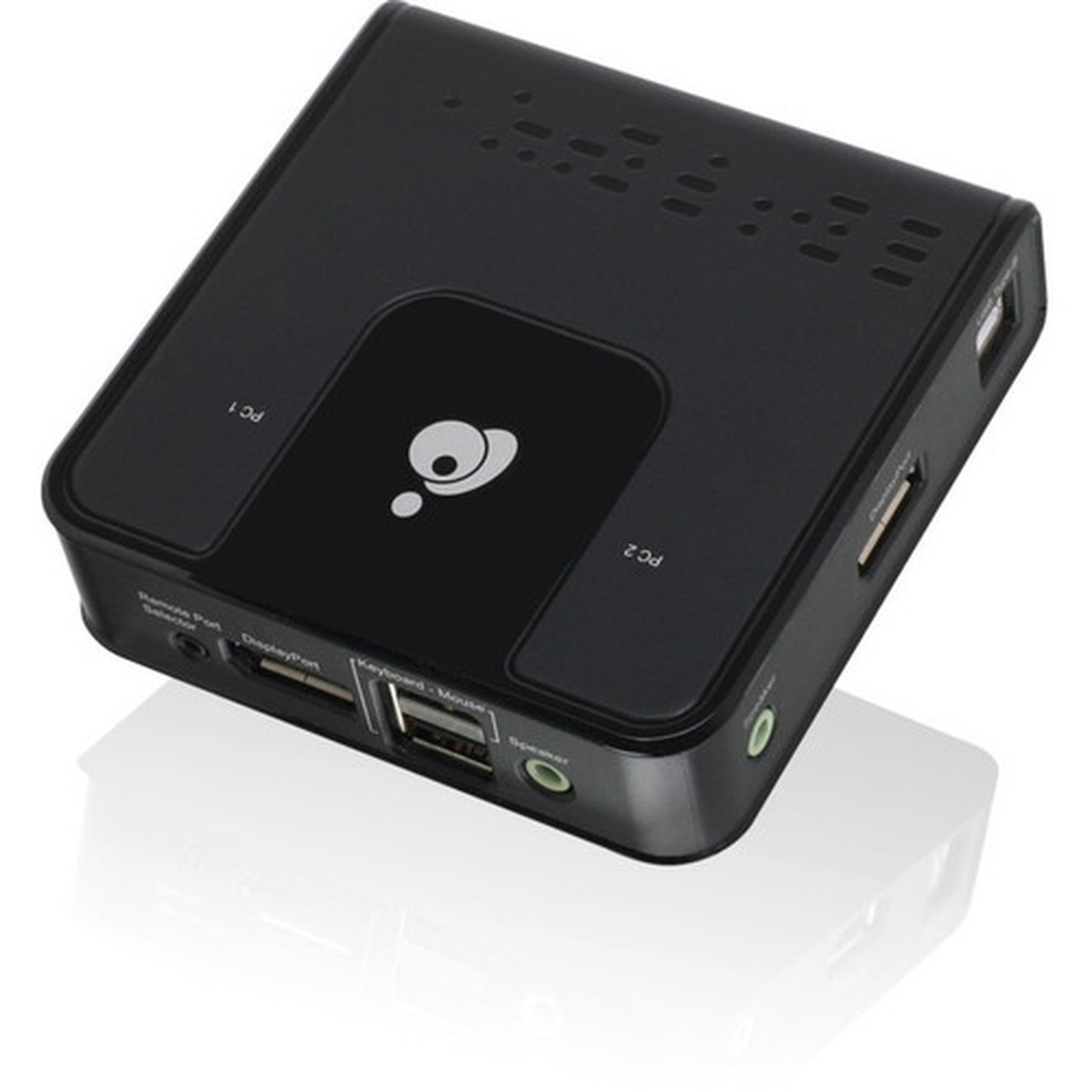
This KVM switch handles two computers with one local user, featuring three DisplayPort outputs and four USB 2.0 ports for comprehensive connectivity. It supports 7.1 HD audio through DisplayPort playback and includes 2.1 channel audio switching for enhanced multimedia experiences.
The power-on detection feature automatically switches to the active computer if one is powered off, minimizing downtime. Switching between computers can be done via the console selection button, keyboard hotkeys, or USB mouse, offering multiple convenient methods for seamless operation.
Relevant factors for this section include Number of Computers Supported, Number of Local Users Supported, Maximum Video Resolution. When those points are considered together, they give buyers a clearer picture of how the product is equipped, how it fits into deployment, and what kind of day-to-day role it is meant to support.
Key Product Advantages
The GCS62DP enhances workspace efficiency by consolidating control of two computers into a single console, reducing clutter and simplifying management. Its 4K Cinema resolution support ensures detailed imagery for design, video editing, and data analysis tasks.
These strengths make the product easier to deploy and manage in real environments, especially where reliability, usability, and day-to-day operational continuity matter. Notable benefits include Flexible Switching, Broad Compatibility.
Flexible Switching
Choose from console button, hotkeys, or USB mouse to switch between computers, accommodating different user preferences and workflows.
- Independent KVM/USB/audio switching
- Power-on detection for automatic failover
Broad Compatibility
Works with widescreen LCD monitors and supports multimedia keyboards, wireless keyboards, and mice across Windows, Mac OS, and Linux platforms.
Deployment / Use Cases
Ideal for professionals managing multiple computers, such as developers testing on different operating systems, designers working with high-resolution displays, or IT administrators overseeing server racks. The compact size and lightweight design make it easy to integrate into desktop setups or small office environments.
Use cases include dual-computer workstations for video production, financial trading desks requiring quick system switching, and home offices where space is limited but functionality is critical. The included port selection remote adds convenience for users who prefer handheld control.
Professional Workstations
Enables seamless switching between a primary computer and a secondary device for tasks like rendering, coding, or data processing.
IT and Server Management
Simplifies access to multiple servers or test machines in lab environments, reducing the need for duplicate peripherals.
Physical Profile
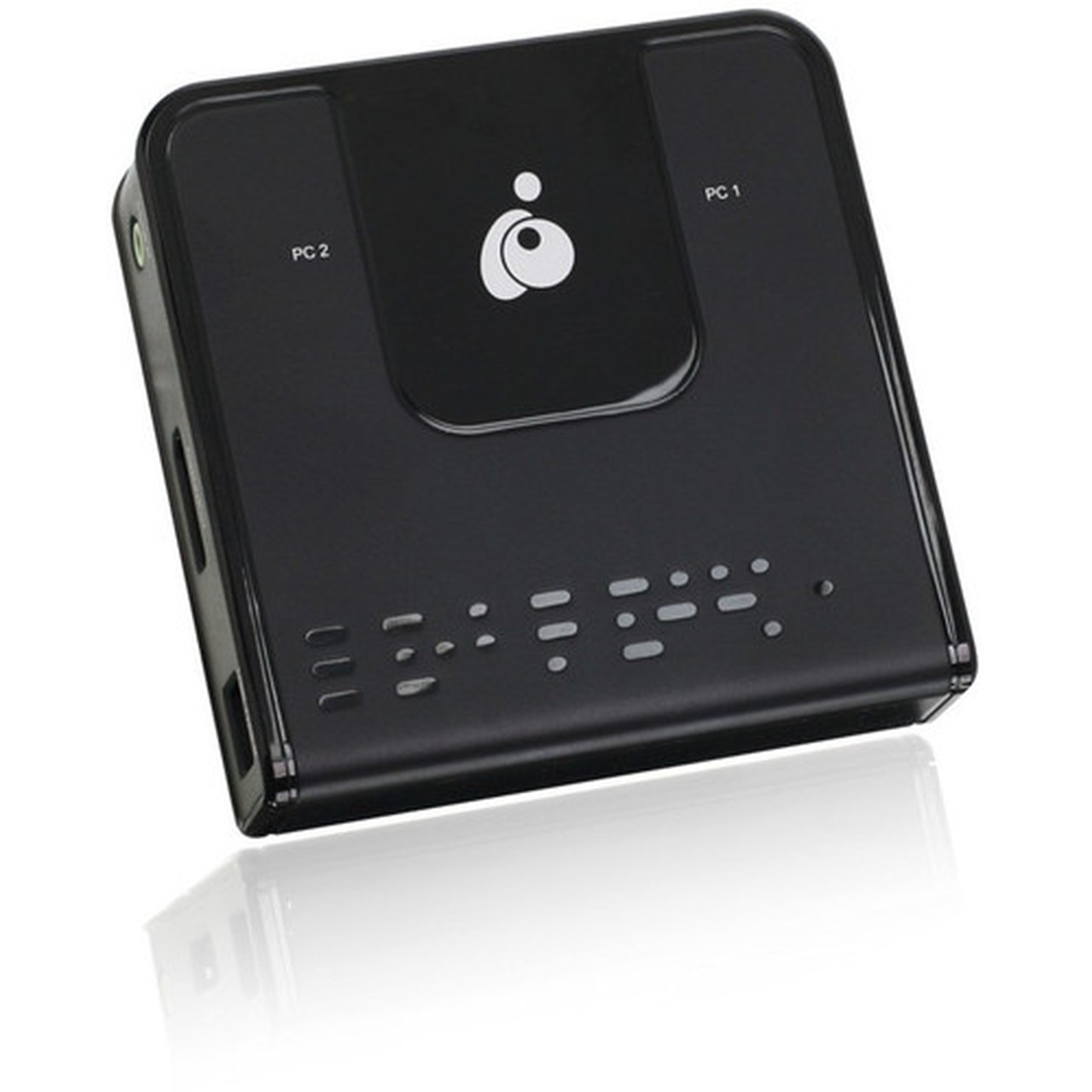
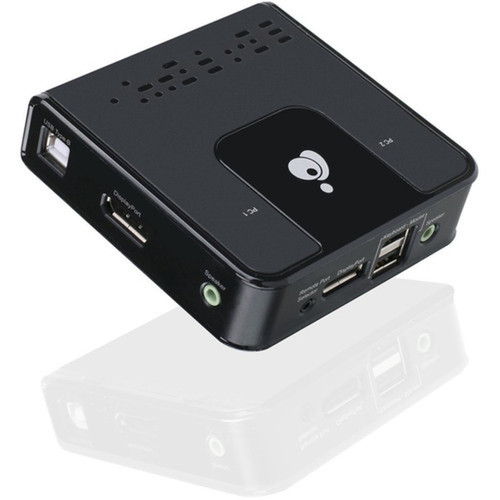
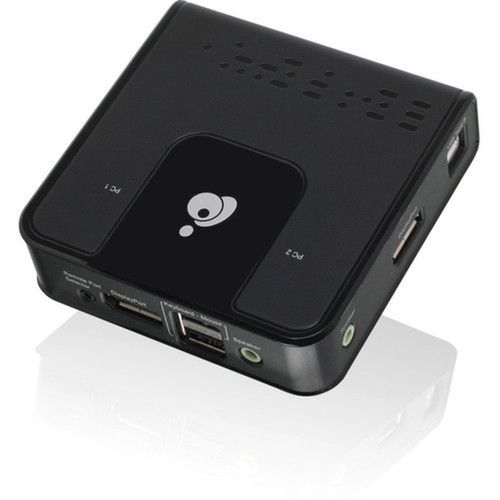
Measuring 3.75 inches in width and depth with a height of 1.06 inches, the GCS62DP has a compact footprint that fits easily on desks or in tight spaces. Its lightweight construction at 4 ounces ensures portability and minimal desk strain. The environmentally friendly design aligns with sustainable IT practices.
The physical profile is practical for deployment planning because the dimensions and weight are clearly defined: 1.06" (26.92 mm), 3.75" (95.25 mm), 3.75" (95.25 mm), 4 oz (113.40 g). This helps confirm rack, shelf, desk, or cabinet fit before installation.
- Width
- 3.75" (95.25 mm)
- Depth
- 3.75" (95.25 mm)
- Height
- 1.06" (26.92 mm)
- Weight
- 4 oz (113.40 g)
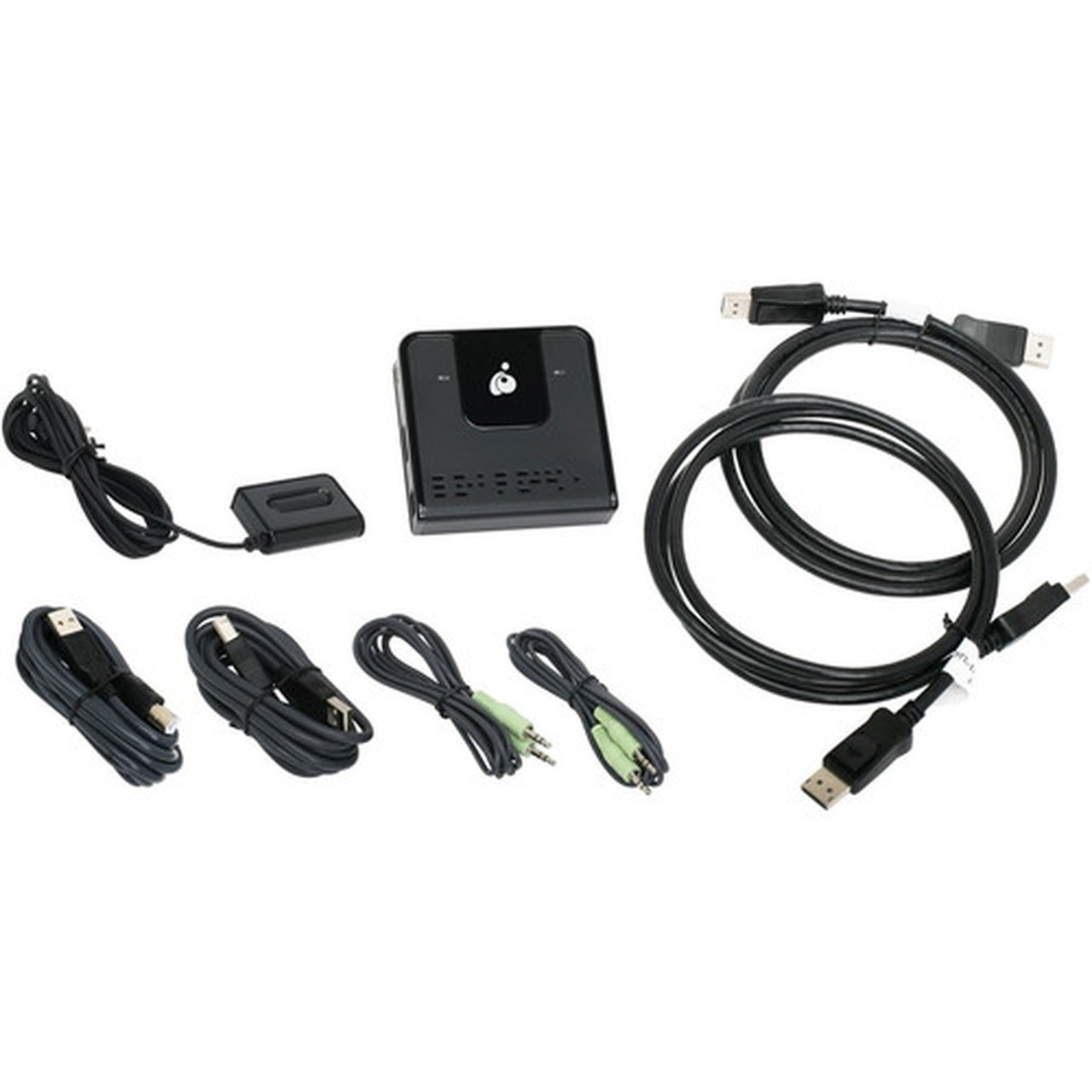
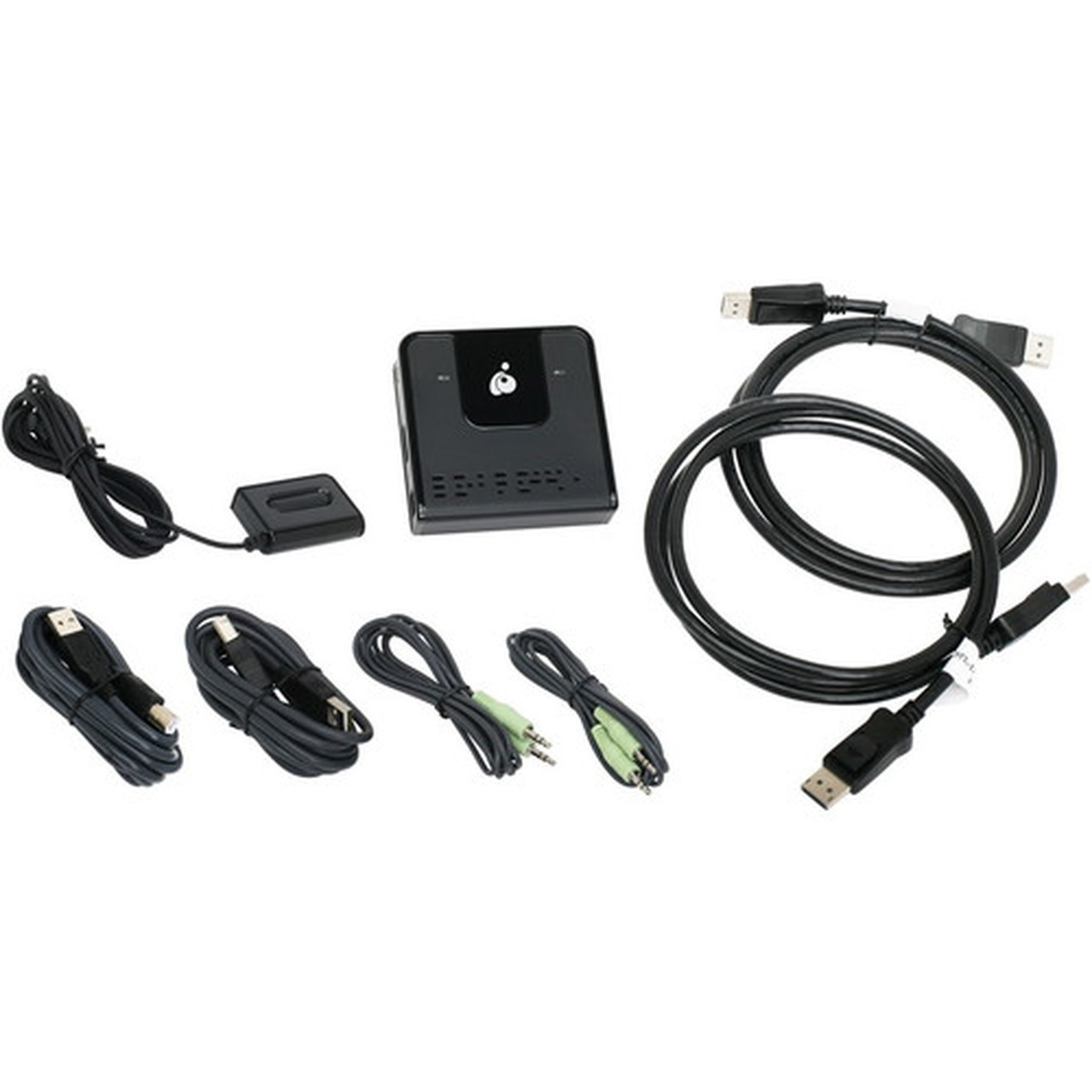
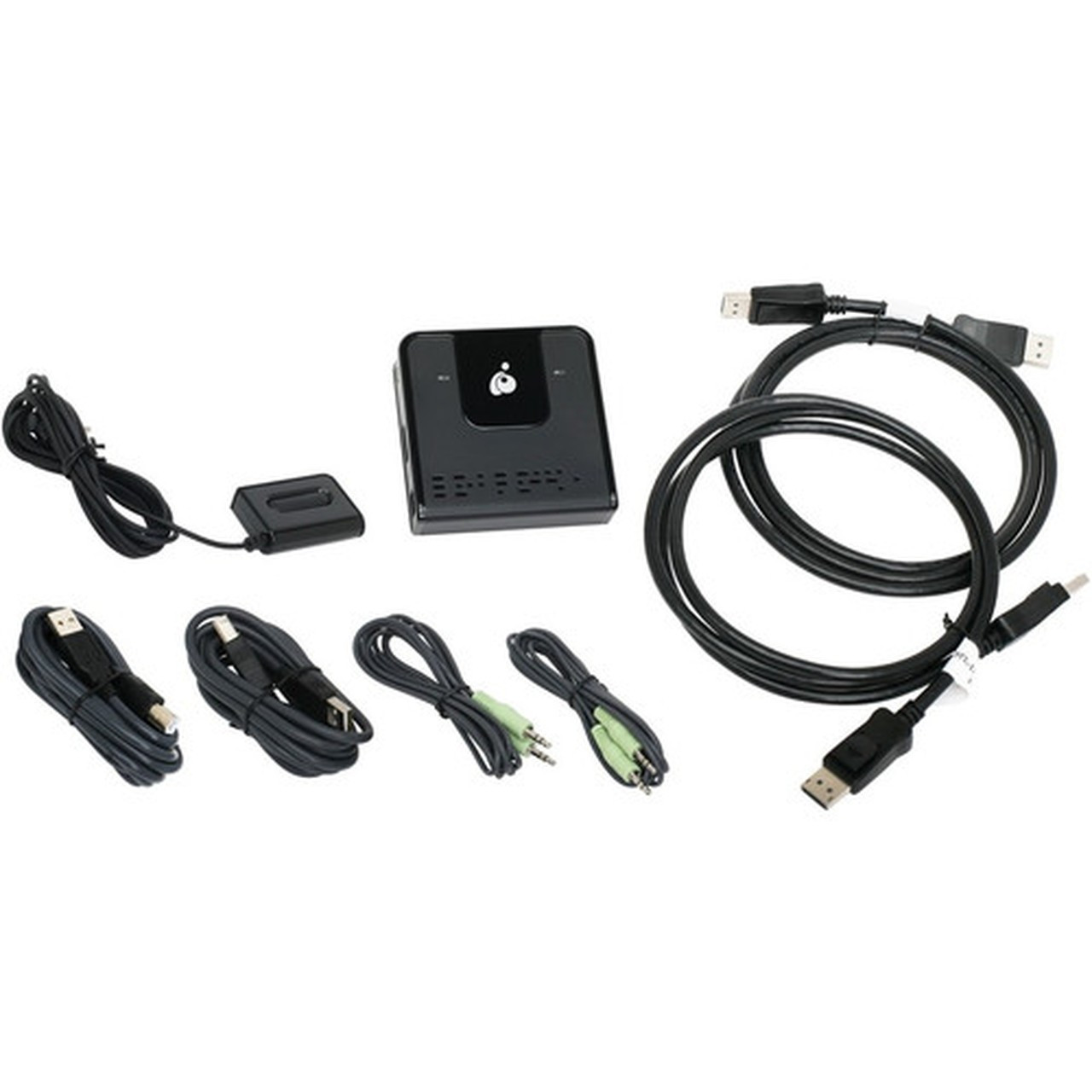
What's in the Box
The package includes all necessary components for immediate setup and operation.
Highlights
- Control 2 computers with one keyboard, mouse, and DisplayPort monitor
- Supports 4K Cinema resolution at 4096 x 2160 @ 60Hz
- DisplayPort 1.2 compliant with HDCP support
- Includes 4 USB ports and 3 DisplayPorts for extensive connectivity
- Multiplatform compatibility with Windows, Mac OS, and Linux
- Power-on detection automatically switches to active computer
- Independent switching for KVM, USB, and 2.1 channel audio
- Supports 7.1 HD audio via DisplayPort playback
- Compact dimensions: 3.75" x 3.75" x 1.06", weight 4 oz
- 3-year limited warranty for reliable performance
Specifications
| Specifications | |
|---|---|
| Manufacturer | IOGEAR, Inc |
| Manufacturer Part Number | GCS62DP |
| Brand Name | IOGEAR |
| Product Model | GCS62DP |
| Product Name | 2-Port DisplayPort KVM |
| Packaged Quantity | 1 |
| Product Type | KVM Switchbox |
| Technical Information | |
| Number of Computers Supported | 2 |
| Number of Local Users Supported | 1 |
| Video | |
| Maximum Video Resolution | 4096 x 2160 |
| Interfaces/Ports | |
| USB | Yes |
| DisplayPort | Yes |
| Number of USB Ports | 4 |
| Number of DisplayPorts | 3 |
| Physical Characteristics | |
| Height | 1.06" (26.92 mm) |
| Width | 3.75" (95.25 mm) |
| Depth | 3.75" (95.25 mm) |
| Weight (Approximate) | 4 oz (113.40 g) |
| Miscellaneous | |
| Package Contents | 2-Port DisplayPort KVM 2 x USB 2.0 A to B Cable 2 x 3.5mm Audio Cable 2 x DisplayPort Cable 1 x Port Selection Remote 1 x Quick Start Guide 1 x Warranty Card |
| Environmentally Friendly | Yes |
| Country of Origin | China |
| Warranty | |
| Limited Warranty | 3 Year |
User Manual
FAQ
What is the maximum video resolution supported by this KVM switch?
The IOGEAR GCS62DP supports a maximum video resolution of 4096 x 2160, also known as 4K Cinema, at 60Hz. This high resolution ensures sharp and detailed visuals for professional applications like video editing, graphic design, and data visualization, making it suitable for modern high-definition monitors.
How many computers can I connect to this KVM switch?
This KVM switch supports two computers, allowing a single keyboard, mouse, and DisplayPort monitor to control both systems. It is designed for one local user, making it ideal for dual-computer setups in offices, home workspaces, or IT environments where efficient space and resource management are priorities.
What switching methods are available for changing between computers?
You can switch between connected computers using three methods: the console selection button on the switch itself, keyboard hotkeys for quick shortcuts, or the USB mouse for intuitive control. This flexibility accommodates different user preferences and workflows, ensuring seamless transitions without interrupting productivity.
What audio capabilities does this KVM switch provide?
The switch supports 7.1 HD audio through DisplayPort playback, delivering high-quality surround sound for multimedia applications. It also includes independent switching for 2.1 channel audio focus, allowing you to control audio output separately from video and USB, enhancing the audio experience in gaming, video conferencing, or media playback.
What is included in the package with this KVM switch?
The package includes the 2-Port DisplayPort KVM switch, two USB 2.0 A to B cables, two 3.5mm audio cables, two DisplayPort cables, a port selection remote for convenient switching, a quick start guide for easy setup, and a warranty card. All necessary components are provided for immediate installation and use.
What connectivity or interface options are available?
Connectivity support is listed in the product specifications, including the relevant wireless or port options when available.
| Qty | Price | Available |
|---|