






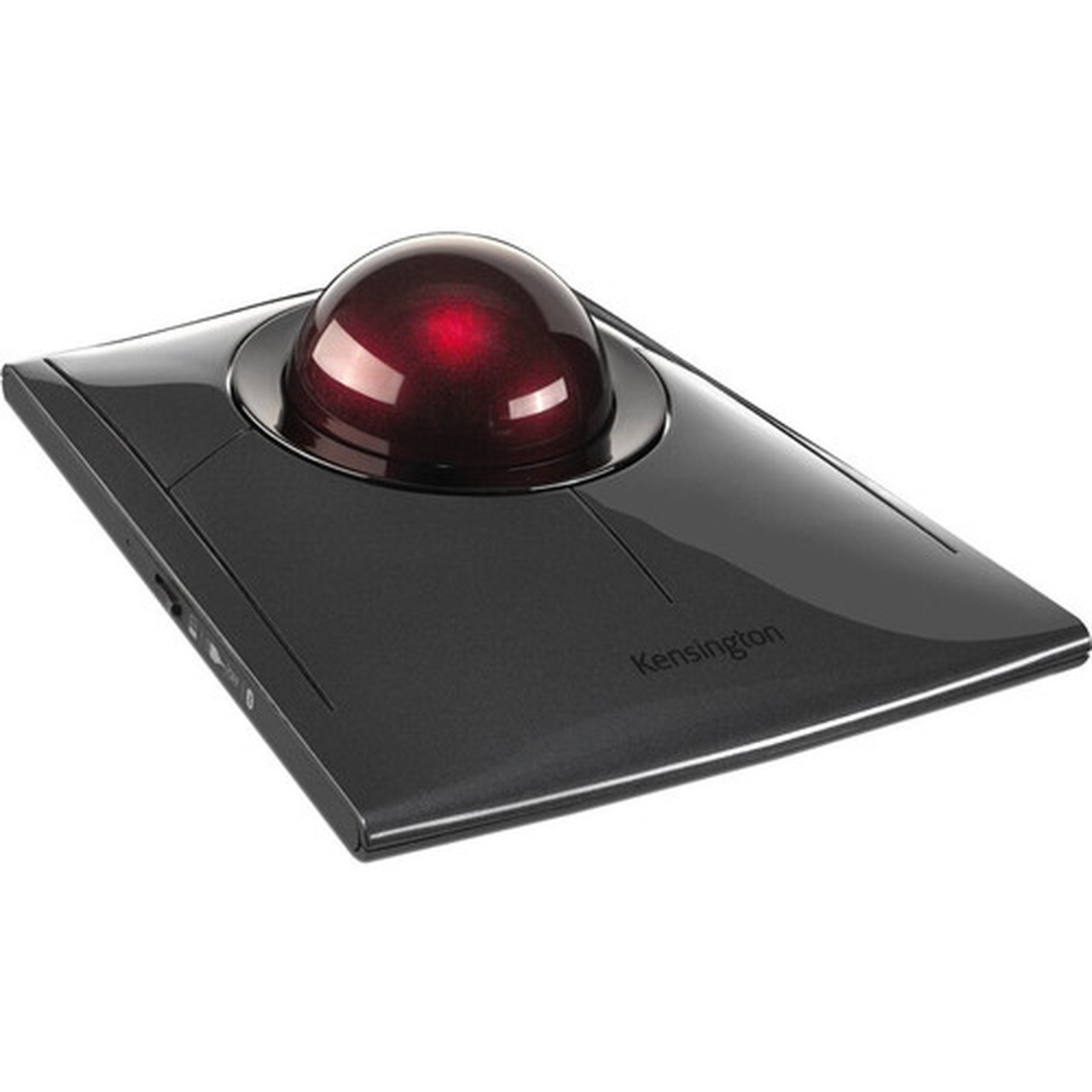
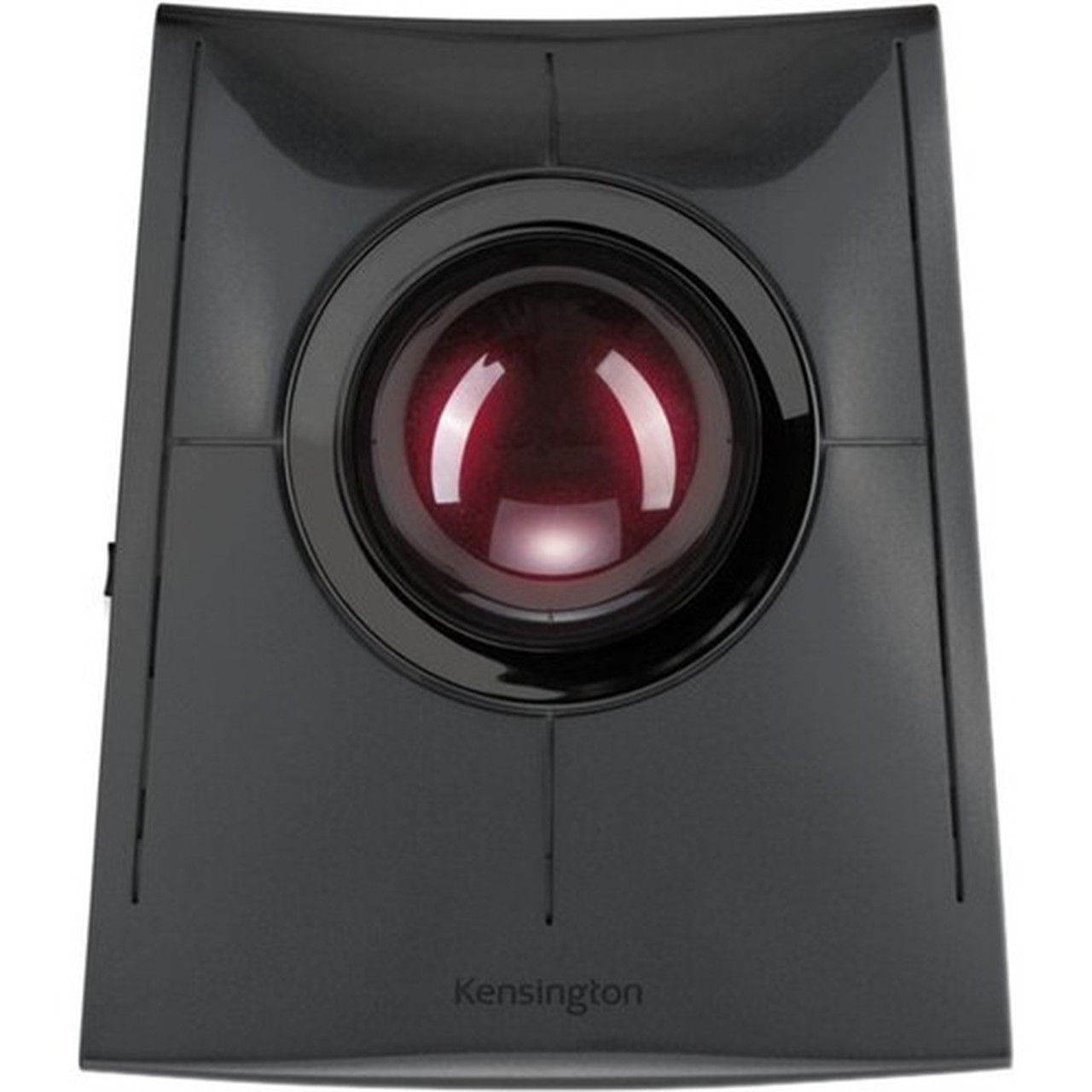
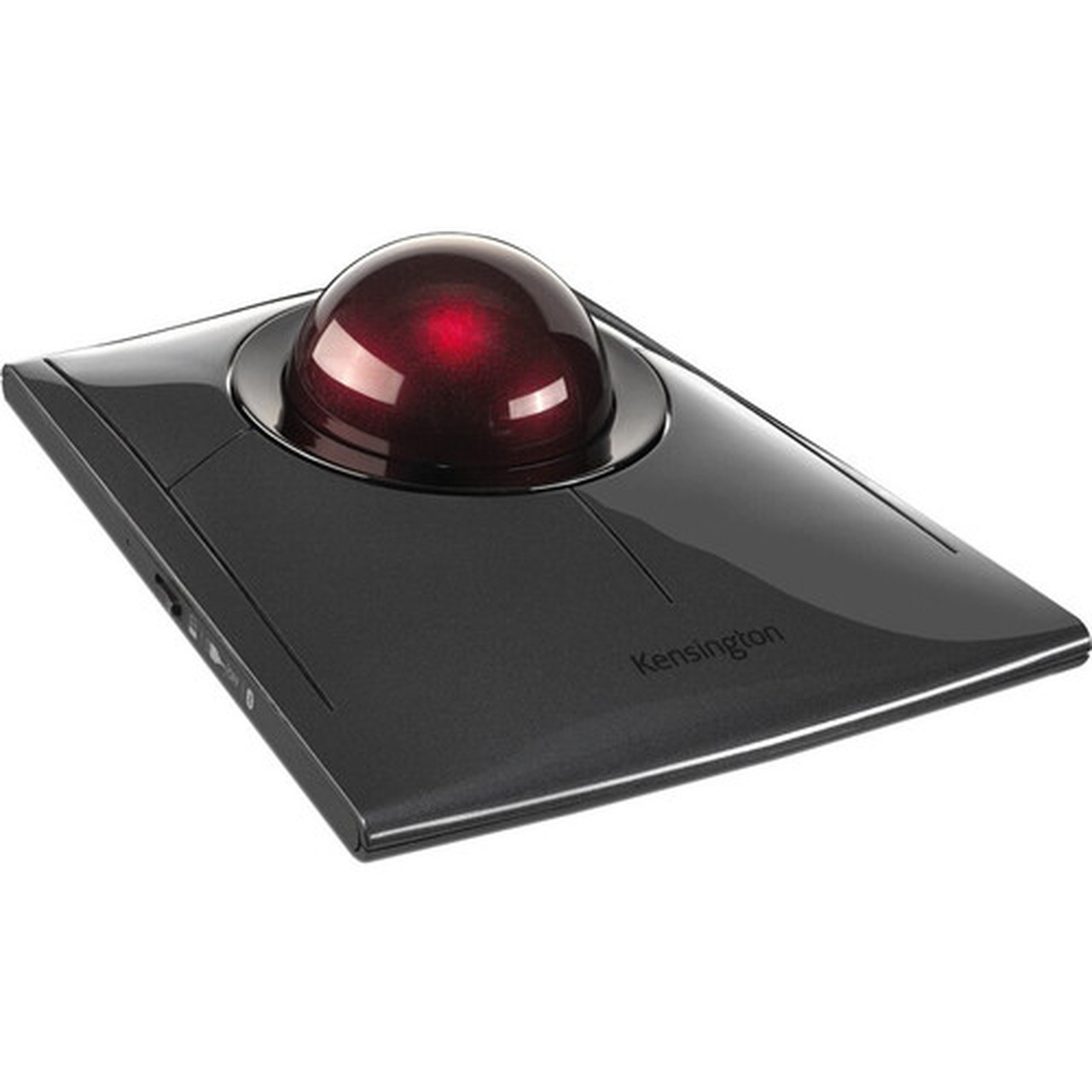
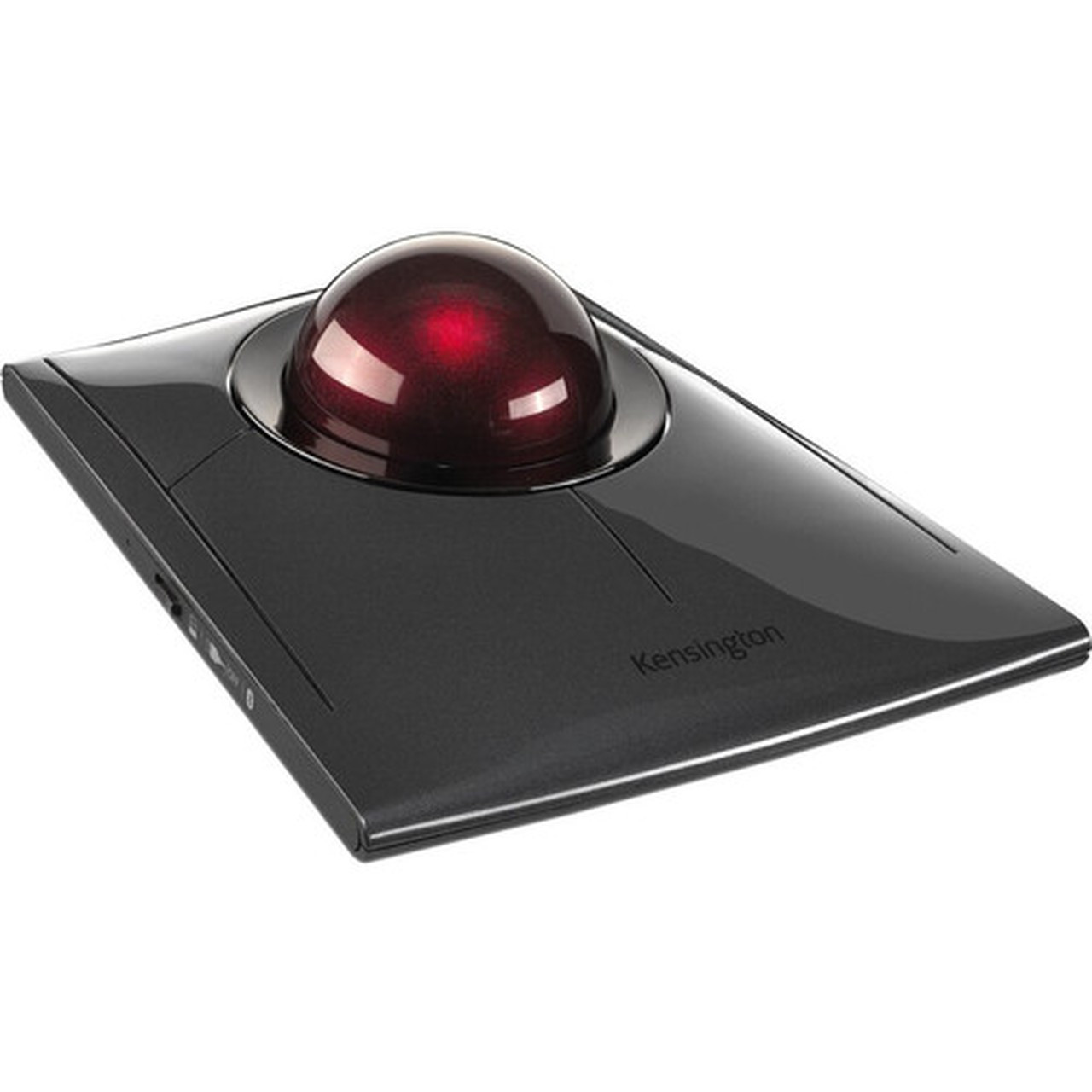
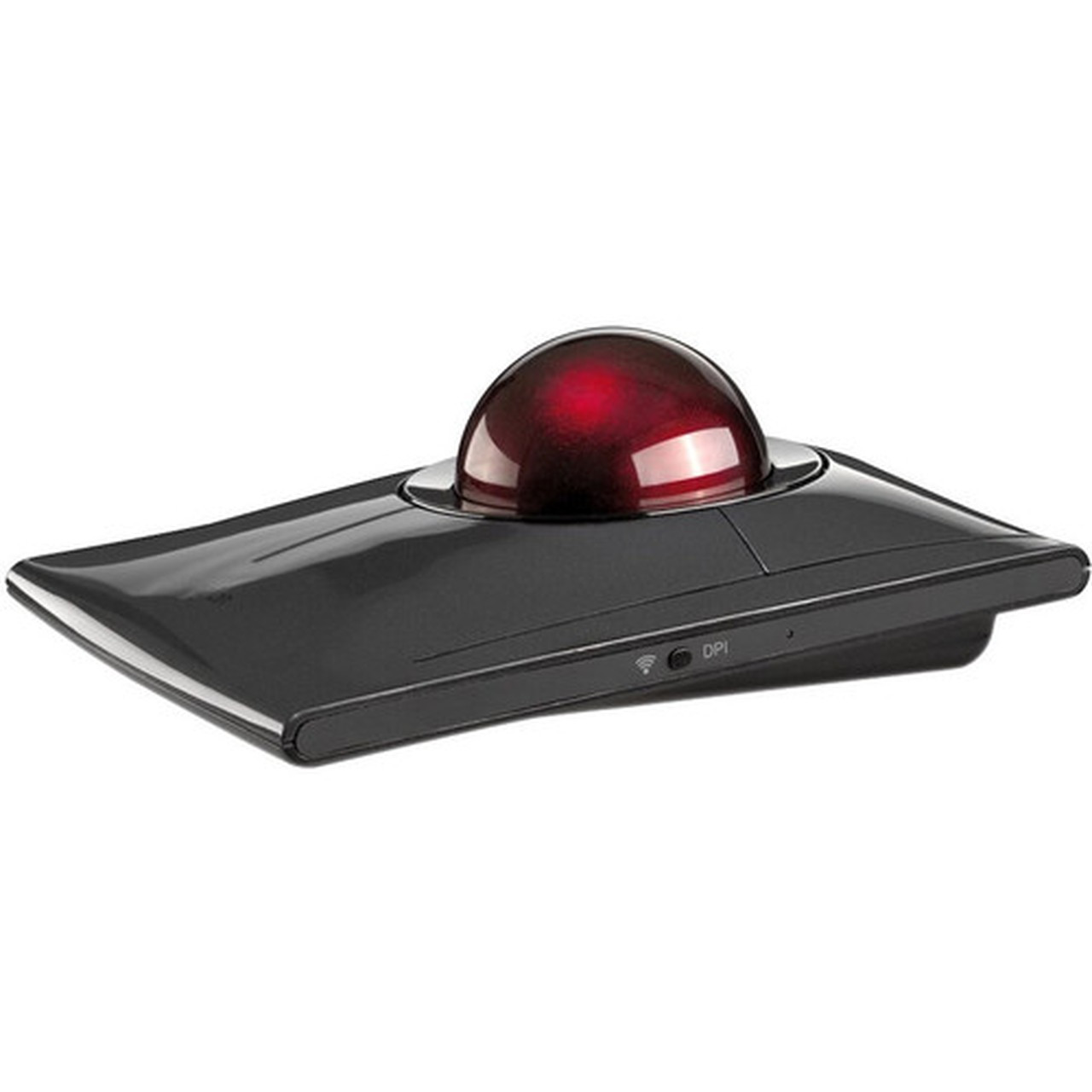
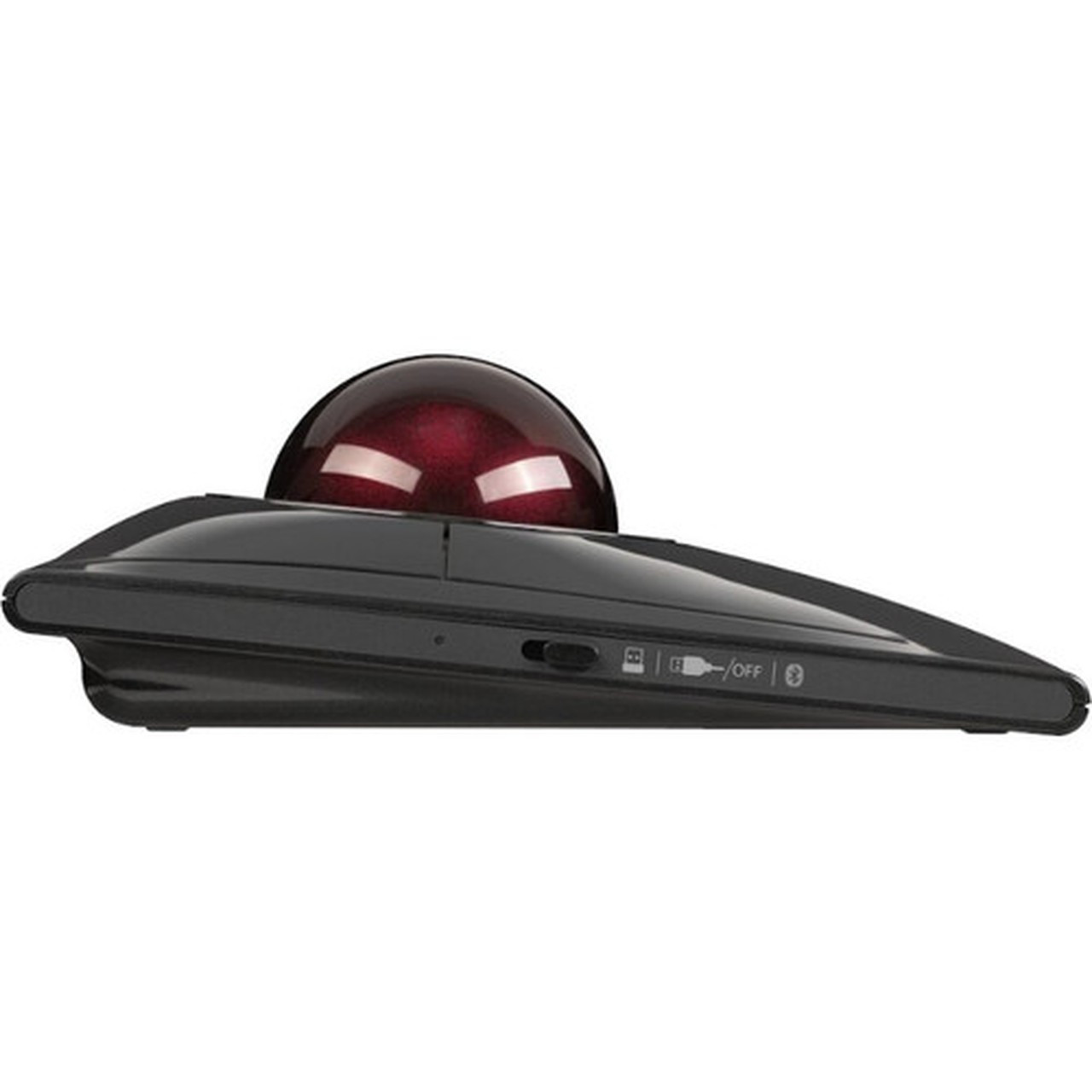


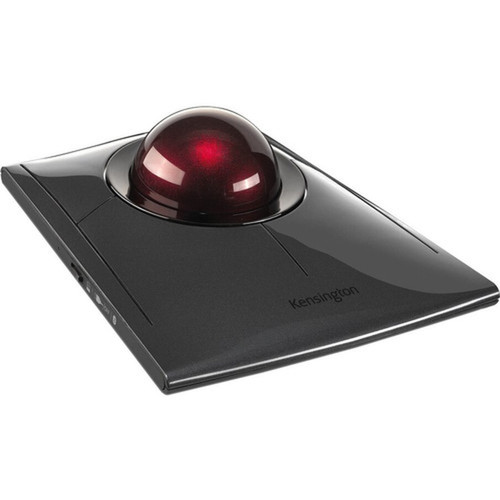


Kensington K72080WW SlimBlade Pro Trackball - Optical - Bluetooth 5 & Wired - 8 Programmable Buttons - Symmetrical Ergonomic - Rechargeable

Business volume discounts
Technical guidance
Preparation & staging
QC · ON · AB · BC
Product Features
Product Overview
The Kensington SlimBlade Pro Trackball (K72080WW) redefines precision pointing with its optical movement detection and versatile connectivity options. Engineered for both left-handed and right-handed users, its symmetrical ergonomic design ensures comfortable, extended use without strain. This trackball supports Bluetooth 5 and 2.4 GHz radio frequency wireless operation, plus a wired USB connection, giving you flexibility in any workspace setup.
With eight programmable buttons and a responsive trackball scroller, the SlimBlade Pro delivers customizable control for productivity applications, creative software, and everyday computing tasks. The rechargeable battery eliminates the need for disposable batteries, while USB-C and USB-A interfaces provide broad compatibility with modern and legacy systems. Built for professional environments, this trackball combines advanced technology with user-centric design.
Relevant factors for this section include Pointing Device Connectivity Technology, Pointing Device Wireless Technology, Wireless Operating Frequency, Pointing Device Host Interface. When those points are considered together, they give buyers a clearer picture of how the product is equipped, how it fits into deployment, and what kind of day-to-day role it is meant to support.
Technical Overview
The SlimBlade Pro Trackball utilizes optical movement detection for silky-smooth cursor control, eliminating the jitter and lag associated with older mechanical sensors. Its wireless connectivity operates on the 2.40 GHz frequency band, ensuring stable performance with minimal interference in crowded office environments. Bluetooth 5 support enhances pairing reliability and energy efficiency, while the wired USB option guarantees zero-latency operation when needed.
Eight programmable buttons allow extensive customization through Kensington's software, enabling shortcuts, macros, and application-specific commands. The symmetrical shape accommodates all hand orientations, promoting natural wrist positioning. The integrated rechargeable battery supports extended use between charges, and the USB-C/USB-A host interface ensures compatibility with a wide range of devices, from laptops to desktop workstations.
Relevant factors for this section include Pointing Device Connectivity Technology, Pointing Device Wireless Technology, Wireless Operating Frequency, Pointing Device Host Interface. When those points are considered together, they give buyers a clearer picture of how the product is equipped, how it fits into deployment, and what kind of day-to-day role it is meant to support.
Key Product Advantages
The Kensington SlimBlade Pro Trackball stands out with its optical sensor technology, which provides precise, fluid tracking without the maintenance requirements of traditional ball-based mechanisms. Its programmable buttons empower users to streamline workflows, while the rechargeable battery design supports sustainable, cost-effective operation. These features combine to deliver a professional-grade pointing device that enhances productivity across computing platforms.
Ambidextrous Ergonomics
The symmetrical design fits both left and right hands comfortably, reducing fatigue during long sessions and making it ideal for shared workspaces or users who switch hands.
- Promotes neutral wrist posture
- Eliminates need for separate left/right models
- Suitable for collaborative environments
Dual Connectivity Flexibility
Switch seamlessly between Bluetooth 5 wireless and wired USB connections, offering reliable performance whether you prioritize cable-free desks or zero-latency precision.
- Bluetooth 5 for modern devices
- 2.4 GHz radio frequency for extended range
- USB-C/USB-A for universal compatibility
Deployment / Use Cases
This trackball is ideal for environments where precision and ergonomics are critical, such as financial trading desks, medical imaging stations, and engineering labs. Its compatibility with both Windows and macOS makes it a versatile choice for mixed-OS offices, while the symmetrical design supports hot-desking policies without requiring hardware swaps. The rechargeable battery and durable construction ensure reliable performance in daily professional use.
Professional Creative Workstations
Graphic designers, video editors, and CAD operators benefit from the precise optical tracking and customizable buttons, which allow for intricate control in applications like Adobe Creative Suite or AutoCAD.
- Fine cursor control for detailed edits
- Programmable shortcuts for tool access
- Reduced hand strain during long projects
Office and IT Administration
IT professionals and office workers can use the trackball for efficient navigation across multiple monitors, server management interfaces, and data entry tasks, with wireless connectivity reducing desk clutter.
- Multi-monitor navigation ease
- Stable wireless for meeting rooms
- USB wired mode for secure systems
Highlights
- Optical movement detection for smooth, precise cursor control
- Bluetooth 5 and 2.4 GHz wireless plus wired USB connectivity
- Symmetrical ergonomic design suitable for left and right hands
- Eight programmable buttons for customizable shortcuts
- Rechargeable battery with USB-C/USB-A charging and data
- Compatible with Windows 7/11 and macOS 10.13+
- Stable trackball operation with minimal hand movement
- Supports PC and Mac platforms for versatile deployment
Specifications
| Specifications | |
|---|---|
| Manufacturer | Kensington Computer Products Group |
| Manufacturer Part Number | K72080WW |
| Brand Name | Kensington |
| Product Line | SlimBlade |
| Product Name | SlimBlade Pro Trackball |
| Product Type | Trackball |
| Pointing Device | |
| Pointing Device Connectivity Technology | Cable/Wireless |
| Pointing Device Wireless Technology | Bluetooth/Radio Frequency |
| Wireless Operating Frequency | 2.40 GHz |
| Movement Detection | Optical |
| Number of Programmable Buttons | 8 |
| Scroller Type | Trackball |
| Ergonomic Fit | Symmetrical |
| Bluetooth Version | 5 |
| Rechargeable | Yes |
| Interfaces/Ports | |
| Pointing Device Host Interface | USB Type C,USB Type A |
| Miscellaneous | |
| Operating System Compatibility | Windows 7,Windows 7 x64,Mac OS 10.13,Windows 11 x64 |
| Platform Supported | PC,Mac |
| Country of Origin | Malaysia |
User Manual
FAQ
What type of movement detection does the Kensington SlimBlade Pro Trackball use?
The Kensington SlimBlade Pro Trackball uses optical movement detection. This technology provides silky-smooth cursor tracking by sensing motion with a light-based sensor, offering greater precision and reliability compared to older mechanical trackballs. It reduces jitter and requires less maintenance, making it ideal for detailed tasks like graphic design or data analysis.
Is this trackball rechargeable, and what interfaces does it support for charging?
Yes, the Kensington SlimBlade Pro Trackball is rechargeable, eliminating the need for disposable batteries. It supports charging and data transfer via USB Type C and USB Type A interfaces, giving you flexibility to use modern USB-C cables or traditional USB-A connections. This design ensures compatibility with a wide range of computers and power sources for convenient, sustainable operation.
How many programmable buttons does the trackball have, and what can they be used for?
The Kensington SlimBlade Pro Trackball features eight programmable buttons. These buttons can be customized through Kensington's software to perform shortcuts, macros, or application-specific commands, such as copy/paste, zoom functions, or switching between tabs. This programmability enhances productivity by reducing reliance on keyboard shortcuts and streamlining repetitive tasks in professional software.
What wireless technologies does this trackball support, and is a wired option available?
This trackball supports Bluetooth 5 and 2.4 GHz radio frequency wireless technologies, providing stable connectivity with low latency. It also includes a wired option via USB Type C or USB Type A interfaces, allowing you to switch to a cable connection for zero-latency performance or when wireless signals are congested. This dual-connectivity flexibility makes it suitable for various office and remote work setups.
Is the Kensington SlimBlade Pro Trackball compatible with both Windows and Mac operating systems?
Yes, the Kensington SlimBlade Pro Trackball is compatible with Windows 7, Windows 7 x64, Windows 11 x64, and Mac OS 10.13 and above. It supports both PC and Mac platforms, making it a versatile choice for mixed-OS environments. The plug-and-play functionality ensures easy setup, while Kensington's software may offer additional customization features for enhanced control on supported systems.
What ergonomic features does the trackball offer for comfortable long-term use?
The Kensington SlimBlade Pro Trackball features a symmetrical ergonomic design that fits both left and right hands comfortably. This ambidextrous shape promotes neutral wrist positioning, reducing strain during extended use. The stable trackball requires minimal hand movement for operations, further minimizing fatigue. These ergonomic benefits make it suitable for professionals who spend long hours at their workstations.
| Qty | Price | Available |
|---|


