






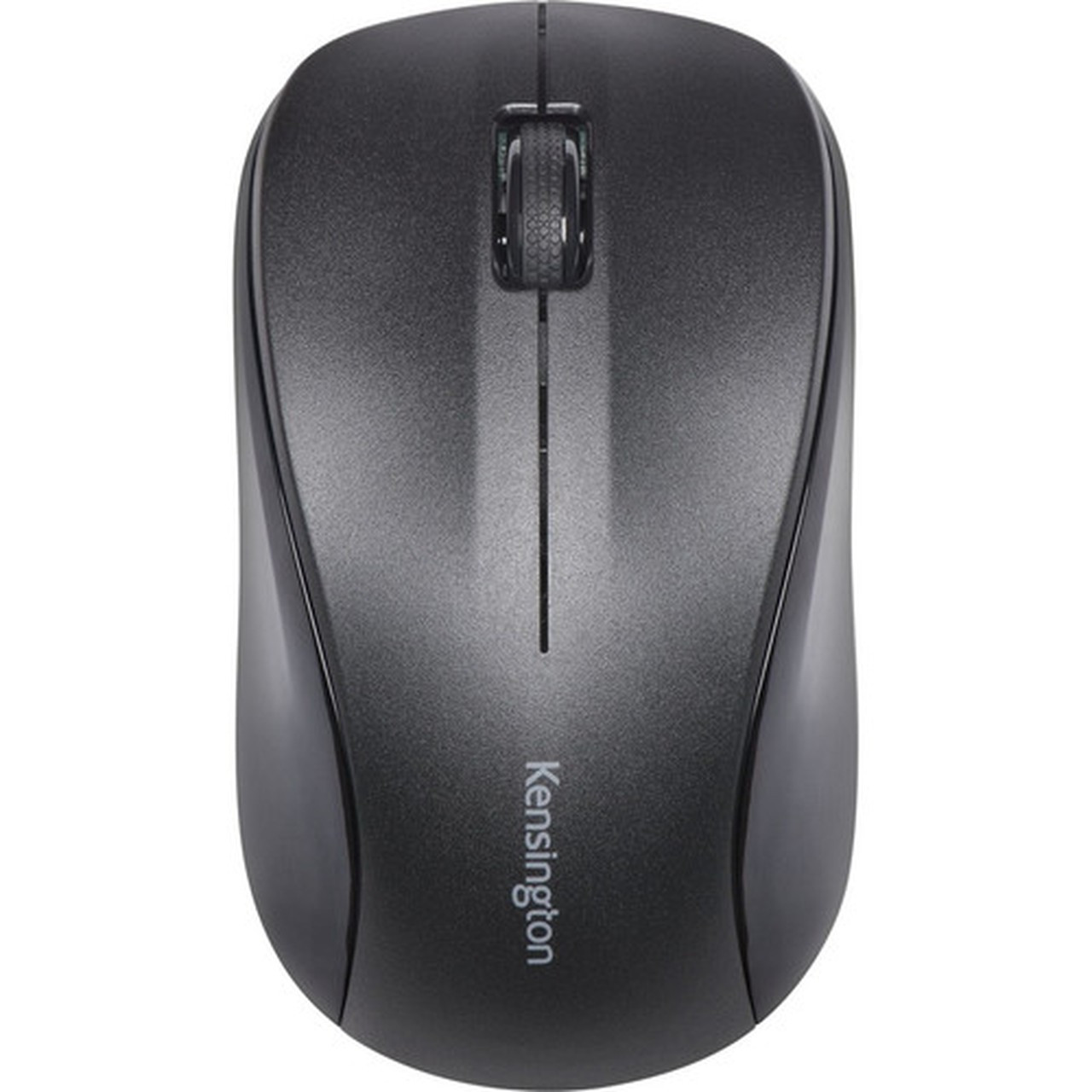


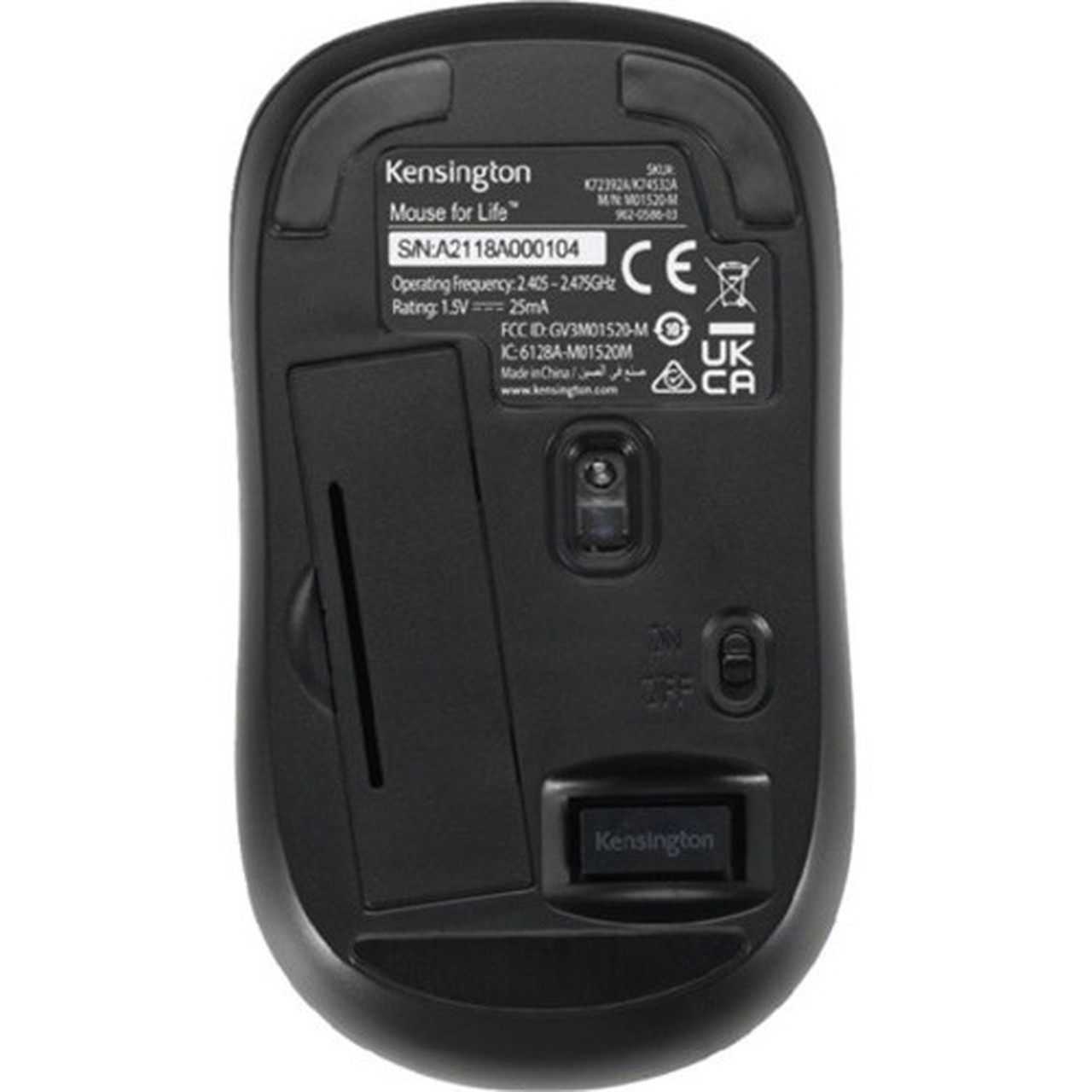







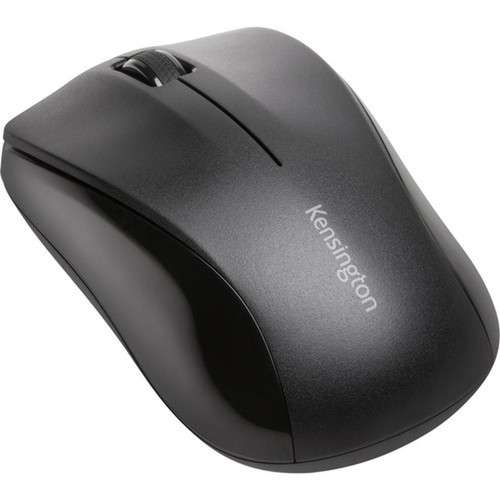
Kensington K72392WWA Wireless Optical Mouse - 1000 DPI - 3-Button Scroll Wheel - Symmetrical Design - Black

Business volume discounts
Technical guidance
Preparation & staging
QC · ON · AB · BC
Product Features
Technical Overview
This mouse uses optical LED technology for precise movement detection, eliminating the skipping and jitter common with older mechanical sensors. The 1000 DPI resolution balances speed and accuracy for everyday computing tasks.
Connectivity is handled through a USB receiver that plugs directly into your computer's USB port. No additional drivers or software are required for basic functionality, ensuring quick setup and immediate use.
Relevant factors for this section include Pointing Device Connectivity Technology, Pointing Device Wireless Technology, Wireless Operating Frequency, Pointing Device Host Interface. When those points are considered together, they give buyers a clearer picture of how the product is equipped, how it fits into deployment, and what kind of day-to-day role it is meant to support.
A strong technical summary explains how the product's interfaces, hardware profile, and operating characteristics work together in real deployment. Buyers often need this context to confirm compatibility with existing devices, expected performance in daily use, and whether installation will be straightforward for IT staff or end users.
Key Product Advantages
The Kensington K72392WWA mouse combines essential features with a straightforward design that prioritizes usability. Its symmetrical shape and lightweight construction reduce hand fatigue during extended use.
Scroll Wheel Efficiency
The integrated scroll wheel allows for rapid navigation through documents, web pages, and spreadsheets. This enhances productivity by minimizing the need for manual scrolling with the cursor.
- Quick zoom control
- Easy tab management
- Smooth vertical scrolling
Wireless Freedom
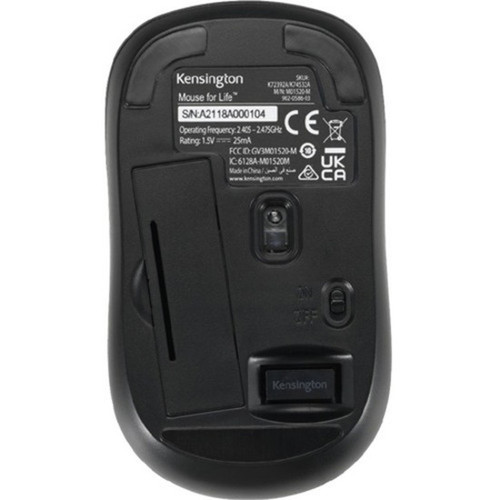
Radio frequency wireless technology provides a reliable connection up to several meters from the USB receiver. This eliminates cable clutter and offers greater flexibility in desk setup.
- Stable signal
- No line-of-sight required
- Plug-and-play simplicity
Deployment / Use Cases
This mouse is ideal for general office use, home computing, and educational environments where reliable pointing device performance is needed without complex configurations.
Its symmetrical design makes it suitable for shared workstations or multi-user setups where both left- and right-handed individuals may need to use the same equipment. The wireless functionality is particularly valuable in conference rooms, training facilities, and open-plan offices where cable management is a priority.
Relevant factors for this section include Pointing Device Connectivity Technology, Pointing Device Wireless Technology, Wireless Operating Frequency, Pointing Device Host Interface. When those points are considered together, they give buyers a clearer picture of how the product is equipped, how it fits into deployment, and what kind of day-to-day role it is meant to support.
Office Productivity
Perfect for daily tasks like email, document editing, and web browsing. The three-button layout with scroll wheel handles common office applications efficiently.
Educational Settings
Well-suited for computer labs and classrooms where durability and ease of use are important. The simple setup requires minimal technical support.
Physical Profile
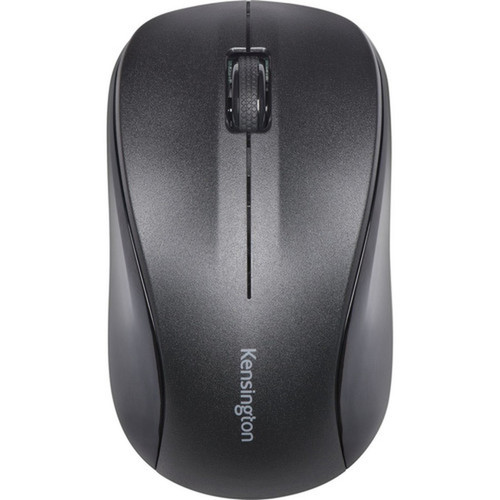
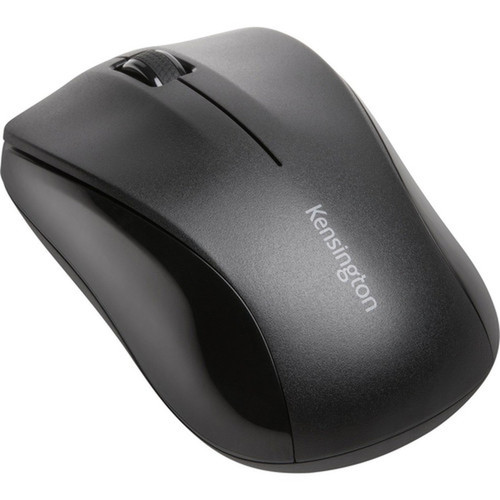
The mouse measures 5.31" wide × 7.48" deep × 1.57" high (135 × 190 × 40 mm) with a weight of 5.43 ounces (154 grams). Its compact dimensions and lightweight construction make it easy to transport while maintaining a comfortable grip during use.
The matte black finish resists fingerprints and matches most office peripherals. The symmetrical shape provides a neutral hand position that works for various grip styles without favoring one hand orientation over another.
- Width
- 5.31" (135 mm)
- Depth
- 7.48" (190 mm)
- Height
- 1.57" (40 mm)
- Weight
- 5.43 oz (154 g)
Highlights
- Wireless radio frequency connectivity at 2.40 GHz for reliable performance
- 1000 DPI optical sensor ensures smooth cursor movement on most surfaces
- Symmetrical design works equally well for left- and right-handed users
- Three-button configuration with integrated scroll wheel for efficient navigation
- USB interface provides plug-and-play compatibility with most computers
- Compact dimensions of 5.31" × 7.48" × 1.57" (135 × 190 × 40 mm)
- Lightweight construction at 5.43 oz (154 g) reduces hand fatigue
- Matte black finish maintains a professional appearance
Specifications
| Specifications | |
|---|---|
| Manufacturer | Kensington Computer Products Group |
| Manufacturer Part Number | K72392WWA |
| Brand Name | Kensington |
| Product Name | Mouse |
| Product Type | Mouse |
| Pointing Device | |
| Pointing Device Connectivity Technology | Wireless |
| Pointing Device Wireless Technology | Radio Frequency |
| Wireless Operating Frequency | 2.40 GHz |
| Movement Detection | Optical |
| Movement Resolution (dpi) | 1000 |
| Total Number of Buttons | 3 |
| Scroller Type | Scroll Wheel |
| Ergonomic Fit | Symmetrical |
| Interfaces/Ports | |
| Pointing Device Host Interface | USB |
| Physical Characteristics | |
| Color Family | Black |
| Product Color | Black |
| Height | 1.57" (40 mm) |
| Width | 5.31" (135 mm) |
| Depth | 7.48" (190 mm) |
| Weight (Approximate) | 5.43 oz (154 g) |
| Miscellaneous | |
| Country of Origin | China |
FAQ
What type of wireless technology does this mouse use?
The Kensington K72392WWA uses radio frequency wireless technology operating at 2.40 GHz. This provides a stable connection without requiring line-of-sight between the mouse and USB receiver, making it reliable for typical office environments where obstacles might be present between the mouse and computer.
Is this mouse compatible with both Windows and macOS?
Yes, this mouse works with both Windows and macOS systems through its USB interface. The plug-and-play functionality means no additional drivers are needed for basic operation, though advanced features might require manufacturer software depending on your specific needs.
What is the DPI resolution and how does it affect performance?
This mouse has a 1000 DPI (dots per inch) optical sensor. DPI measures how many pixels the cursor moves per inch of physical mouse movement. A 1000 DPI setting provides a good balance between precision and speed for everyday computing tasks like document editing, web browsing, and general office applications.
Can left-handed users comfortably operate this mouse?
Yes, the symmetrical design accommodates both left- and right-handed users equally well. The button layout and shape are identical on both sides, making this an excellent choice for shared workstations or environments where multiple users with different hand preferences need to use the same equipment.
What surfaces can I use this optical mouse on?
The optical LED sensor works on most non-glossy surfaces including wood, plastic, fabric mouse pads, and desk surfaces. Unlike older mechanical mice with tracking balls, optical sensors don't require a special mouse pad, though performance may vary on highly reflective or transparent surfaces.
How far can I be from the computer with this wireless mouse?
While exact range depends on environmental factors, radio frequency wireless mice typically maintain reliable connections up to 10 meters (approximately 33 feet) from the USB receiver. This provides ample flexibility for conference room presentations, classroom use, or simply moving around your workspace without losing connectivity.
| Qty | Price | Available |
|---|


