







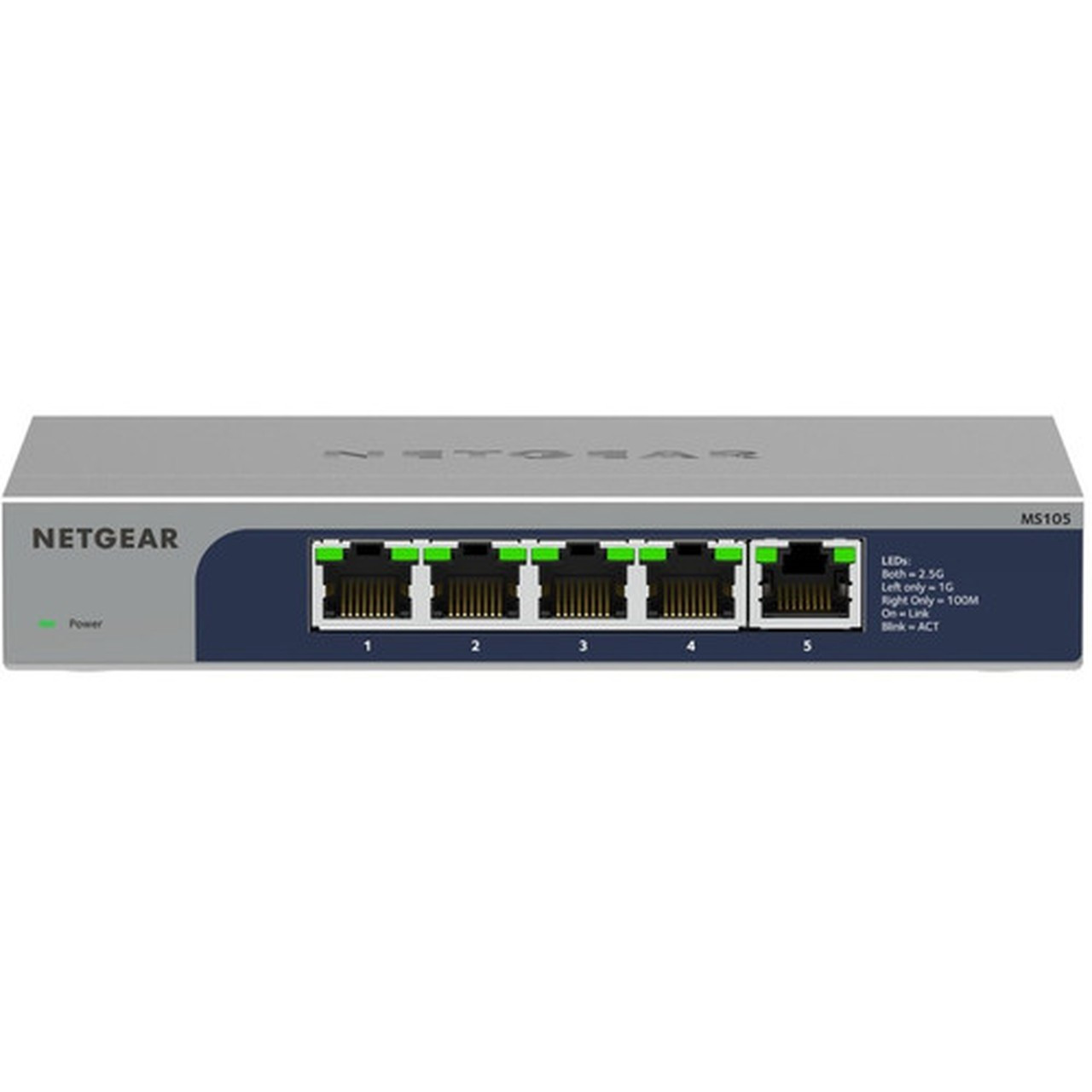
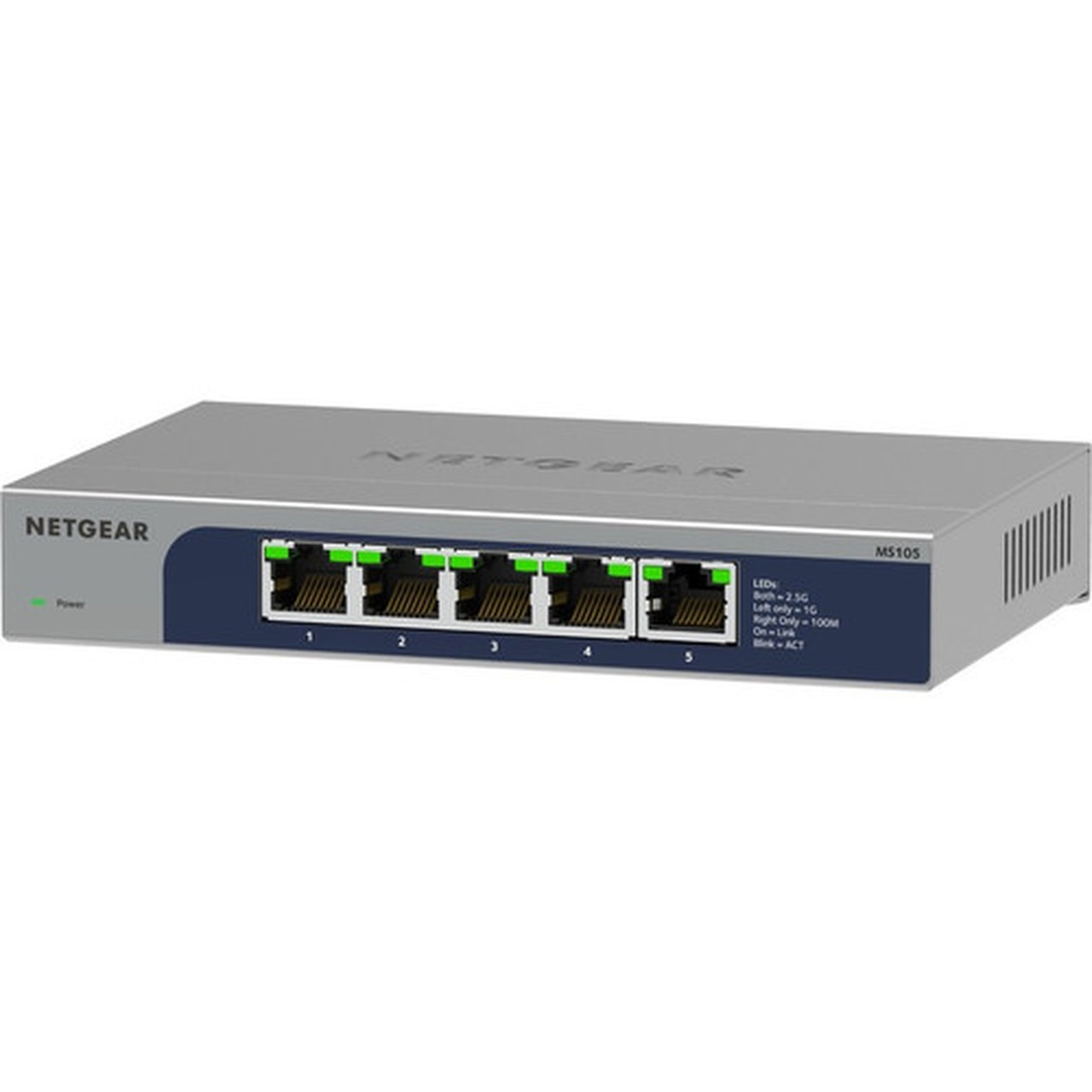

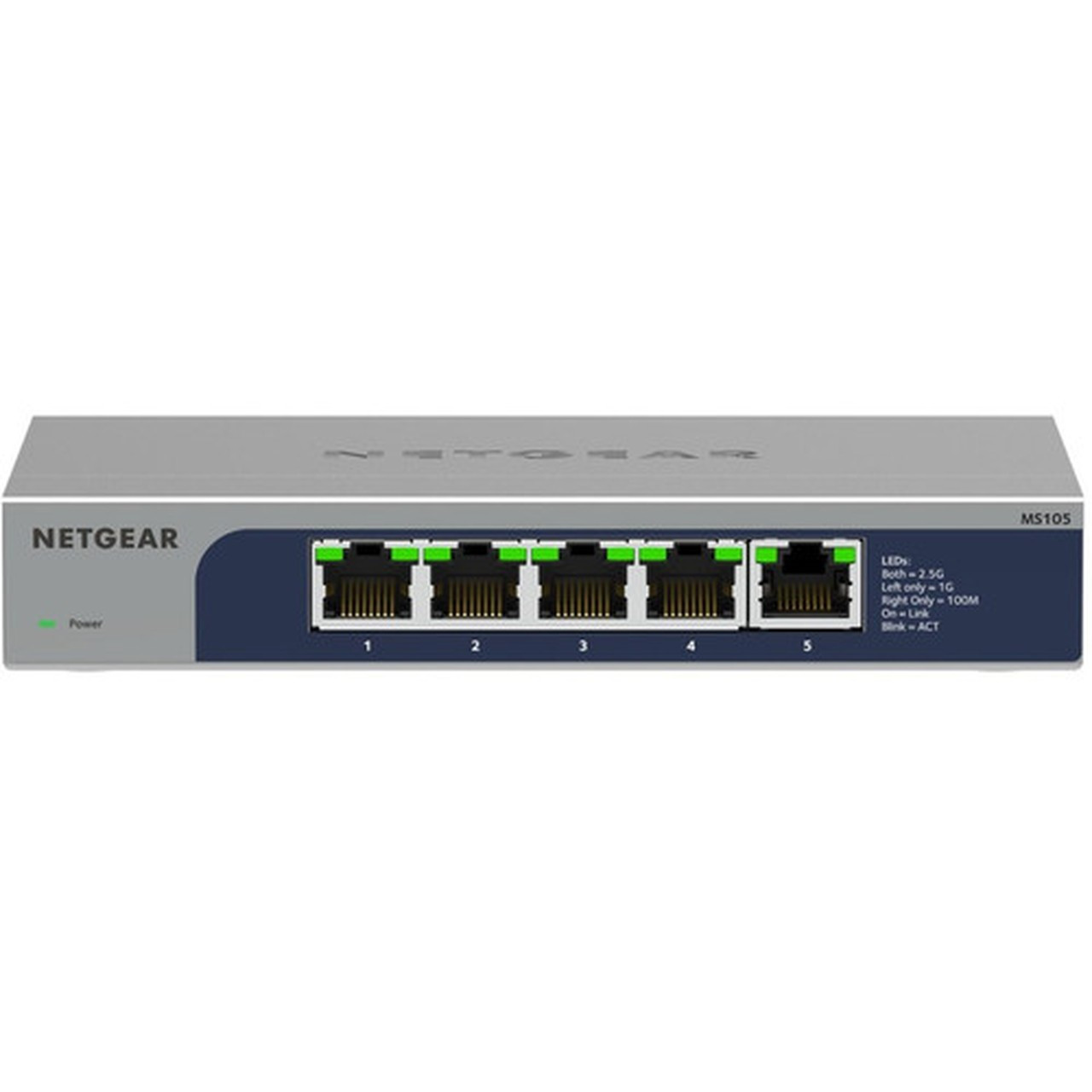
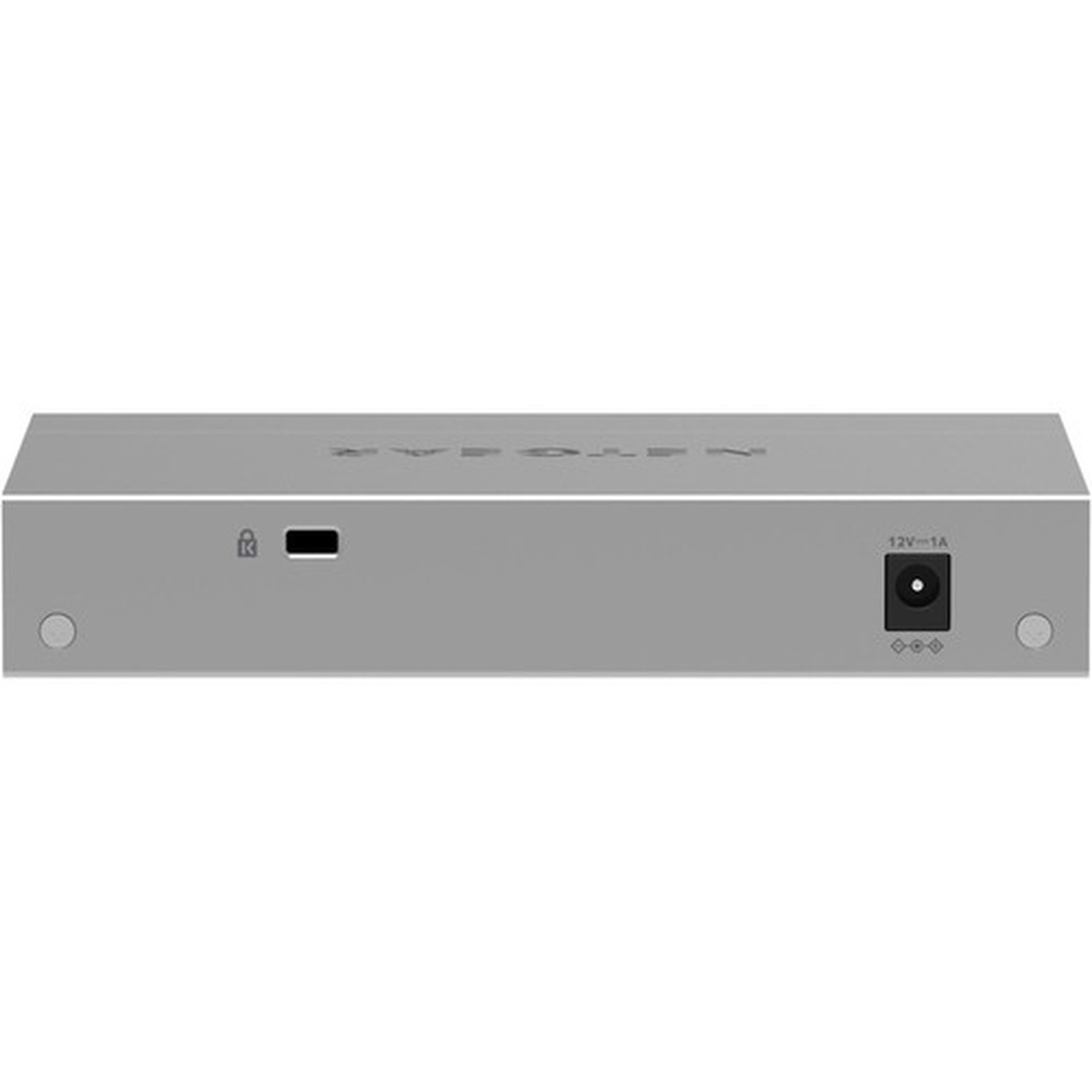
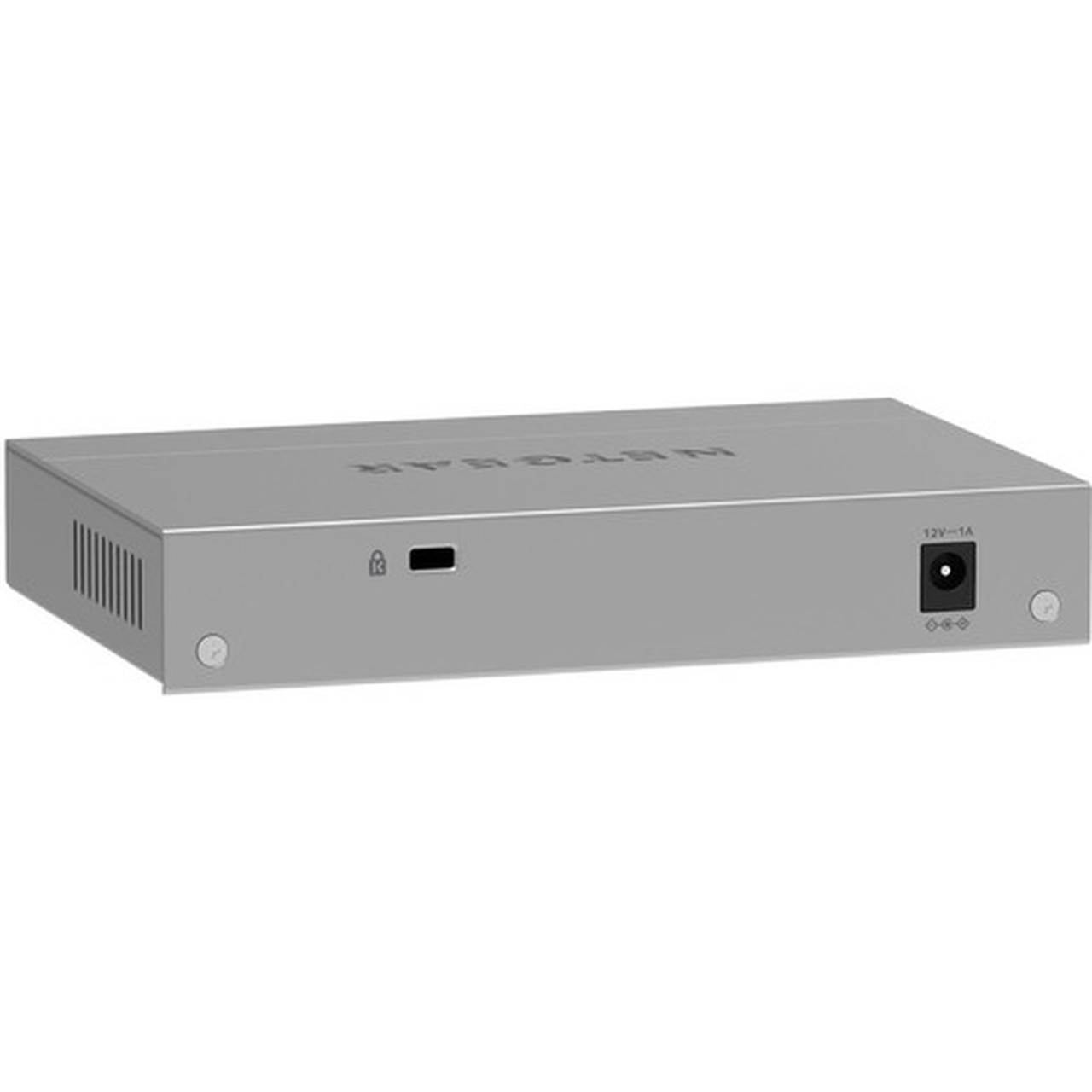
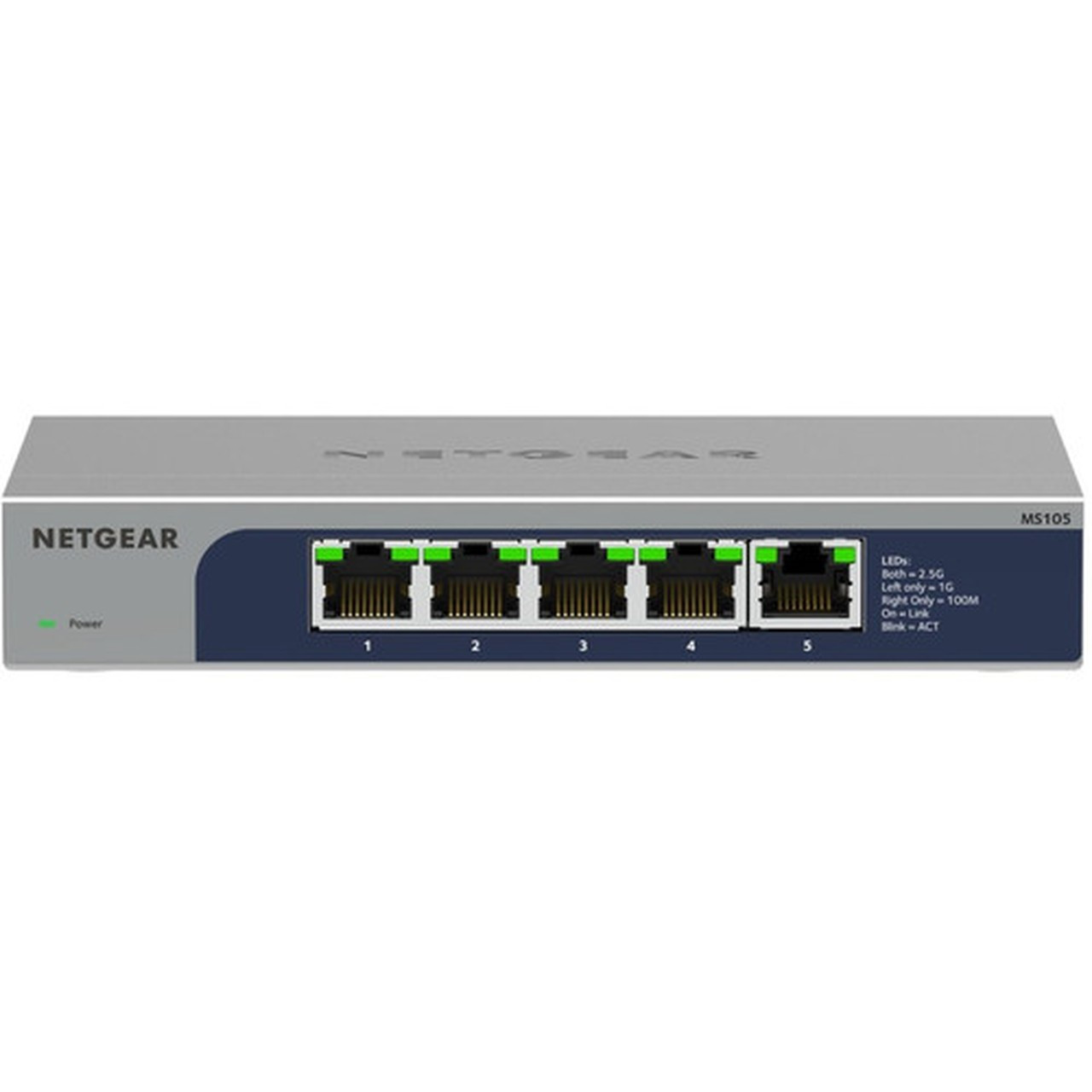



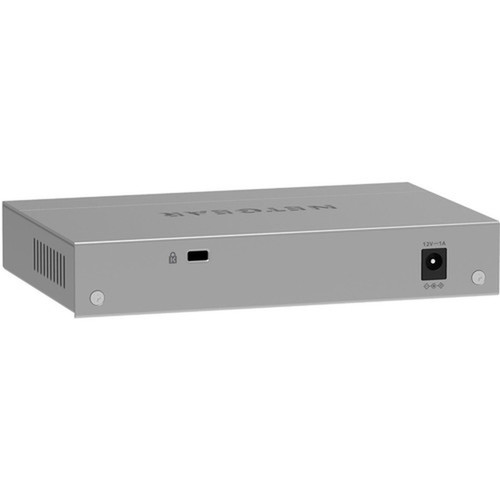
Netgear MS105-100NAS 5-Port Multi-Gigabit 2.5G Ethernet Unmanaged Switch - Layer 2 - Desktop/Wall Mount

Business volume discounts
Technical guidance
Preparation & staging
QC · ON · AB · BC
Product Features
Technical Overview
This switch supports Layer 2 network switching, enabling basic traffic prioritization and efficient local network communication without the overhead of a managed device. It complies with key IEEE Ethernet standards, including 802.3az for energy efficiency and 802.3x for flow control, ensuring reliable interoperability in mixed-network environments.
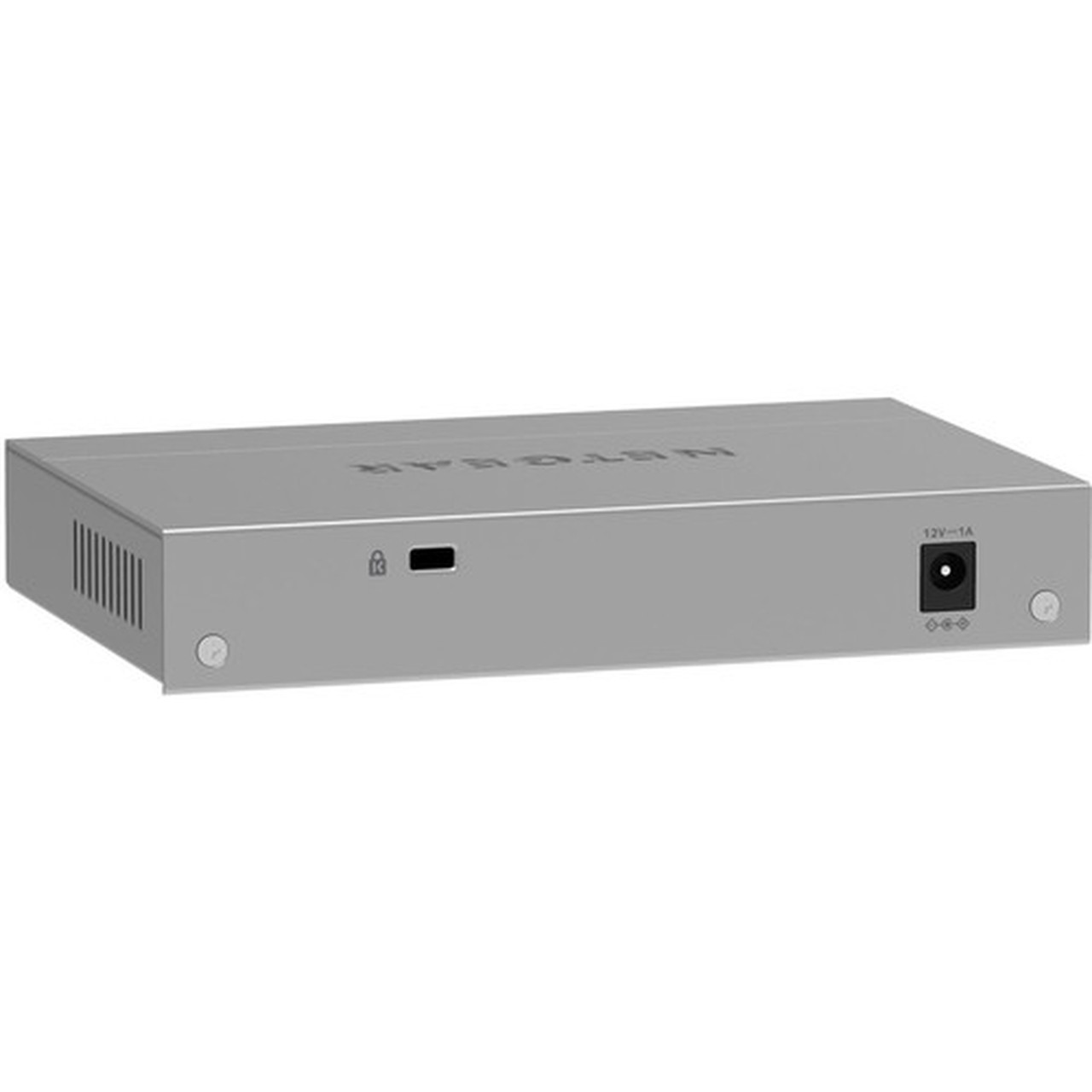
The 2.5GBase-T technology allows the use of standard Cat5e or better twisted-pair cabling for high-speed data transfers at distances up to 100 meters. The switch is powered by an included 12V DC adapter, with a low 9.24-watt power consumption contributing to its cool, fanless operation.
Relevant factors for this section include Features, Total Number of Network Ports, Network (RJ-45), Port/Expansion Slot Details. When those points are considered together, they give buyers a clearer picture of how the product is equipped, how it fits into deployment, and what kind of day-to-day role it is meant to support.
Key Product Advantages
For buyers comparing similar models, the strongest advantage is usually the balance between dependable day-to-day operation and a simpler rollout experience. That means less time spent troubleshooting fit, compatibility, or user adoption after installation, which is especially important for shared business environments and repeat purchasing decisions.
Advantages are also easier to justify when they translate into measurable operational value, such as less downtime, more consistent user experience, easier replacement planning, or better alignment with existing accessories and workflows. That practical value tends to matter more than broad marketing language when teams are standardizing purchases.
Deployment / Use Cases
As an unmanaged switch, the MS105 is perfectly suited for scenarios where simplicity and cost-effectiveness are paramount. It eliminates the need for dedicated network administration, making it an excellent choice for small businesses, remote work setups, or as a secondary switch to expand port capacity in an existing network.
Relevant factors for this section include Features, Total Number of Network Ports, Network (RJ-45), Port/Expansion Slot Details. When those points are considered together, they give buyers a clearer picture of how the product is equipped, how it fits into deployment, and what kind of day-to-day role it is meant to support.
Small Office / Home Office Backbone
Connect computers, printers, and a network-attached storage (NAS) device to create a fast, reliable wired backbone that supports large file transfers and smooth multimedia streaming.
Workgroup or Conference Room
Provide high-density wired connectivity for multiple devices in a shared space. The wall-mount capability keeps desks clear and cables organized.
Physical Profile
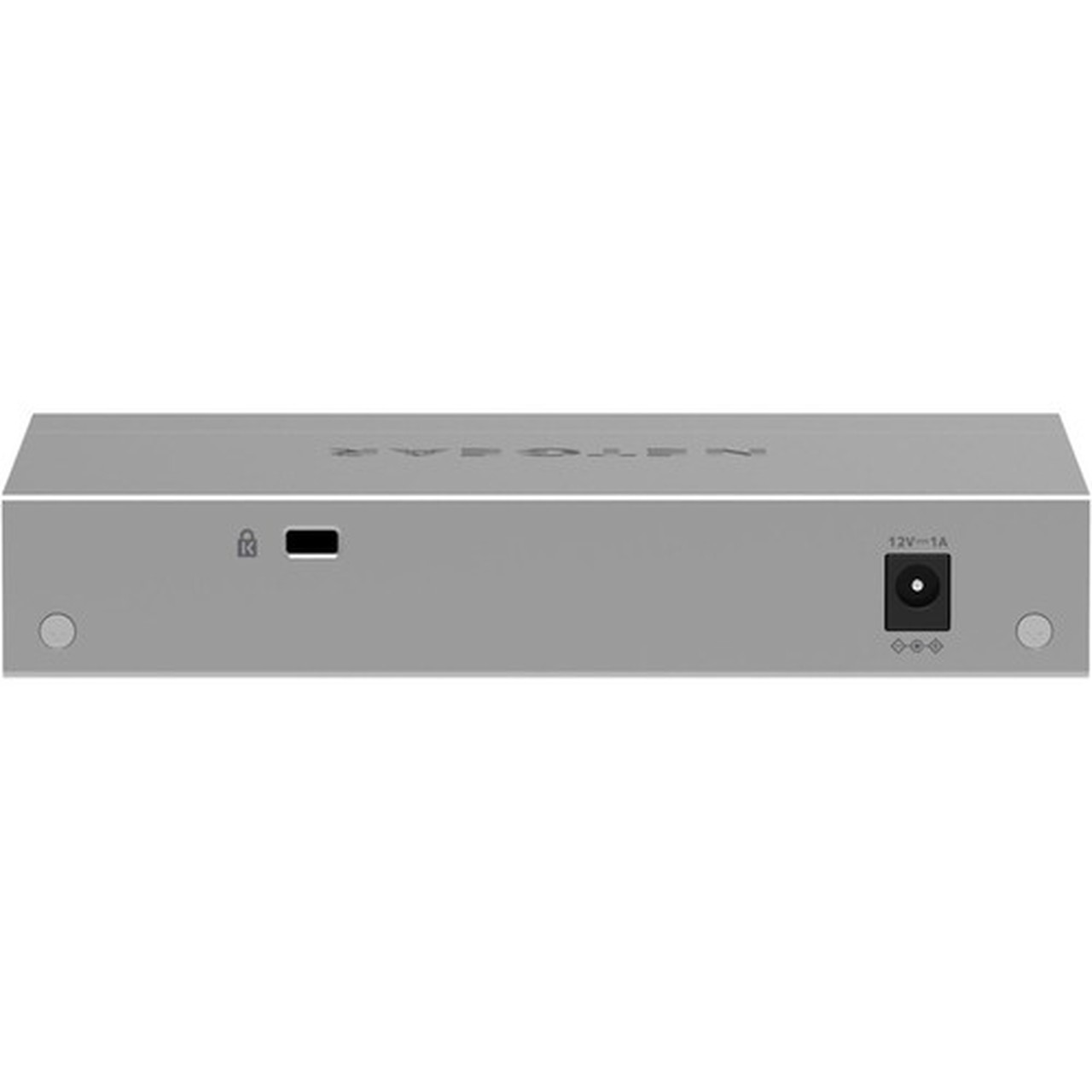
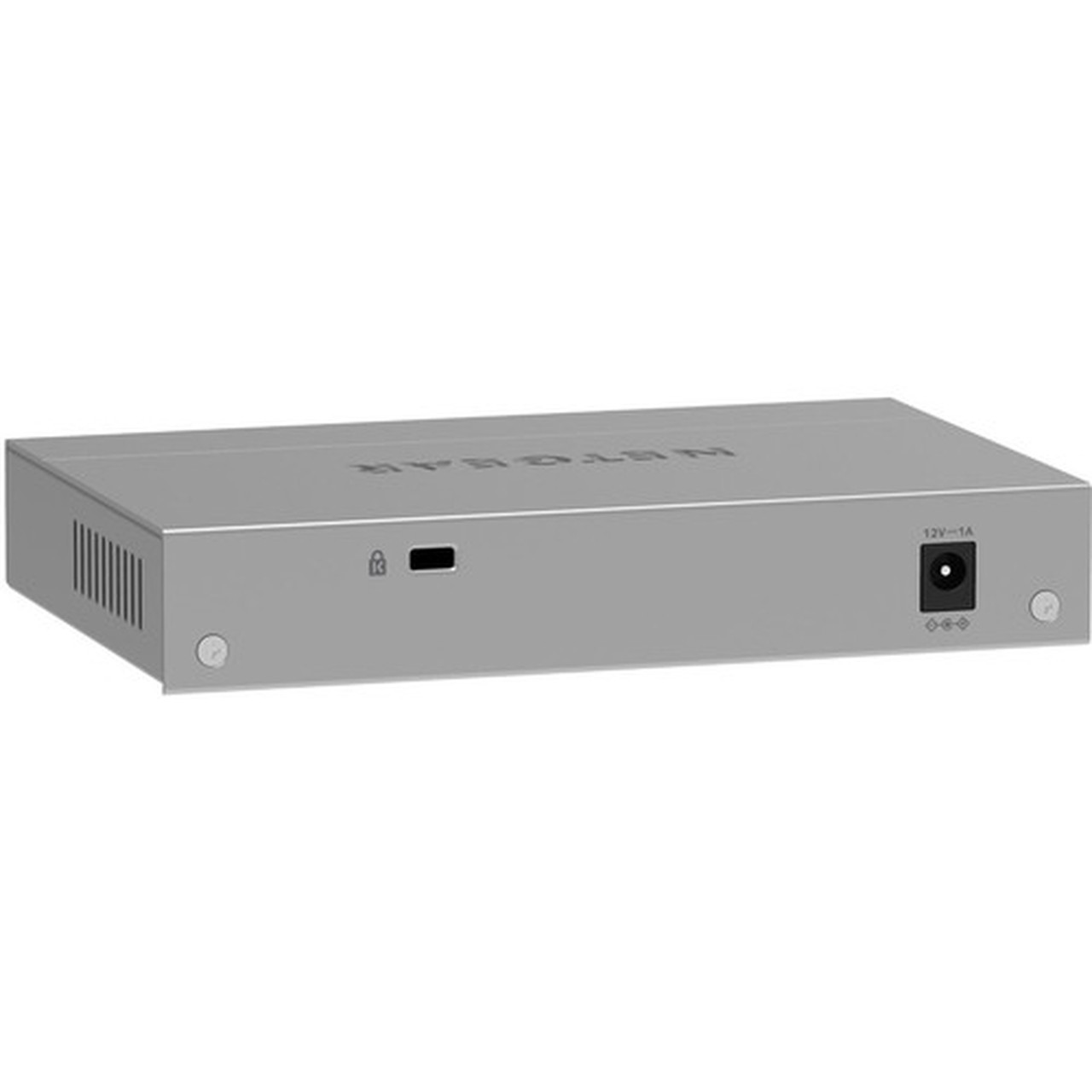
The switch features a compact, low-profile metal enclosure measuring 6.22 inches wide, 3.98 inches deep, and 1.14 inches tall. Weighing just over one pound, it is easily portable and can be placed on a desktop using the included rubber feet or securely mounted to a wall or under a desk with the provided installation kit.
The physical profile is practical for deployment planning because the dimensions and weight are clearly defined: 1.14" (29 mm), 6.22" (158 mm), 3.98" (101 mm), 1.06 lb (480 g). This helps confirm rack, shelf, desk, or cabinet fit before installation.
- Width
- 6.22" (158 mm)
- Depth
- 3.98" (101 mm)
- Height
- 1.14" (29 mm)
- Weight
- 1.06 lb (480 g)
What's in the Box
This package includes everything needed for immediate deployment.
Package contents include 5-Port Multi-Gigabit (2.5G) Ethernet Unmanaged Switch Power Adapter Wall Installation Kit Rubber Feet Installation Guide, 5-Port Multi-Gigabit (2.5G) Ethernet Unmanaged Switch. These included items support setup, installation, and immediate deployment without needing to source the core bundled accessories separately.
Highlights
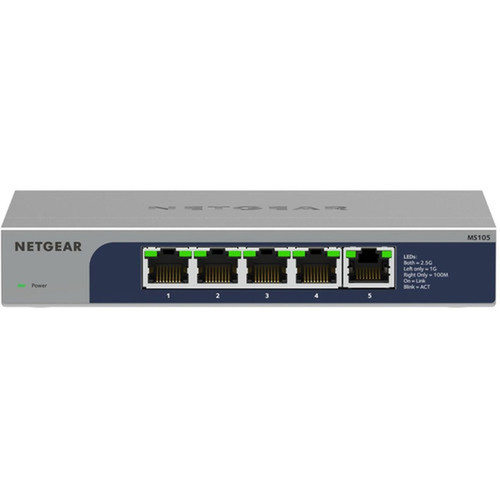
- Five 2.5 Gigabit Ethernet ports for high-speed network expansion.
- Unmanaged design for instant plug-and-play operation with zero configuration.
- Fanless metal construction ensures silent, reliable, and durable performance.
- Supports Layer 2 switching for efficient local network traffic handling.
- Compact desktop form factor with optional wall mounting for space-efficient deployment.
- Low 9.24-watt power consumption for energy-efficient operation.
- Uses standard twisted-pair (Cat5e/Cat6) cabling for cost-effective installations.
- Backed by a Netgear lifetime warranty for long-term reliability.
Specifications
| Specifications | |
|---|---|
| Manufacturer | Netgear, Inc |
| Manufacturer Part Number | MS105-100NAS |
| Brand Name | Netgear |
| Product Model | MS105 |
| Product Name | 5-Port Multi-Gigabit (2.5G) Ethernet Unmanaged Switch |
| Product Type | Ethernet Switch |
| Technical Information | |
| Features | Fanless |
| Interfaces/Ports | |
| Total Number of Network Ports | 5 |
| Network (RJ-45) | Yes |
| Port/Expansion Slot Details | 5 x 2.5 Gigabit Ethernet Network |
| Media & Performance | |
| Media Type Supported | Twisted Pair |
| Ethernet Technology | 2.5 Gigabit Ethernet |
| Network Technology | 2.5GBase-T |
| Network & Communication | |
| Layer Supported | 2 |
| Networking Standards | IEEE 802.3az,IEEE 802.3,IEEE 802.3ab,IEEE 802.3u,IEEE 802.1p,IEEE 802.3x |
| Management & Protocols | |
| Manageable | No |
| Power Description | |
| Input Voltage | 12 V DC |
| Power Source | Power Adapter,DC |
| Power Consumption | 9.24 W |
| Physical Characteristics | |
| Product Material | Metal |
| Form Factor | Desktop,Wall Mountable,Enclosure |
| Height | 1.14" (29 mm) |
| Width | 6.22" (158 mm) |
| Depth | 3.98" (101 mm) |
| Weight (Approximate) | 1.06 lb (480 g) |
| Miscellaneous | |
| Package Contents | 5-Port Multi-Gigabit (2.5G) Ethernet Unmanaged Switch Power Adapter Wall Installation Kit Rubber Feet Installation Guide |
| Country of Origin | Thailand |
| Warranty | |
| Limited Warranty | Lifetime |
User Manual
FAQ
What is the main benefit of a 2.5 Gigabit Ethernet switch over a standard Gigabit switch?
A 2.5 Gigabit Ethernet switch, like the Netgear MS105, provides 2.5 times the bandwidth per port compared to a standard 1 Gigabit switch. This allows for significantly faster data transfers for devices like NAS systems, high-performance workstations, or modern Wi-Fi 6/6E access points, reducing bottlenecks on your local network without requiring an upgrade to more expensive 10GbE infrastructure or cabling.
Is this switch managed or unmanaged, and what does that mean for setup?
The Netgear MS105-100NAS is an unmanaged switch. This means it requires no configuration, software, or management interface. You simply connect your devices with Ethernet cables and plug in the power adapter for it to begin switching traffic automatically. This makes it ideal for users who need reliable, high-speed connectivity without IT expertise or time spent on network configuration.
Can I mount this switch on a wall?
Yes, the switch is designed for flexible placement. It includes a wall installation kit in the box, allowing you to securely mount it vertically on a wall, under a desk, or in a cabinet. For desktop use, it also comes with rubber feet to prevent slipping and protect surfaces.
What type of network cables do I need to use with this switch?
This switch uses standard RJ-45 connectors and supports twisted-pair Ethernet cabling, specifically Cat5e, Cat6, or Cat6a. These common and cost-effective cables can deliver the full 2.5 Gigabit speed at distances up to 100 meters (328 feet), allowing you to leverage existing cabling infrastructure in most installations.
Does the switch support Power over Ethernet (PoE)?
No, the Netgear MS105 does not support Power over Ethernet. It is a data-only switch. Each connected device, such as a computer or printer, must have its own independent power source. If you require PoE to power devices like IP cameras or wireless access points, you would need to select a switch model specifically designed with PoE capabilities.
What does 'Layer 2 Supported' mean for this unmanaged switch?
Layer 2 refers to the data link layer in networking. A Layer 2 switch, like the MS105, can intelligently forward traffic based on the MAC addresses of connected devices within your local network. This is more efficient than a simple hub, as it reduces unnecessary network traffic. While it's unmanaged, this Layer 2 capability provides basic traffic handling benefits like support for VLAN tagging (IEEE 802.1Q) and quality of service prioritization (IEEE 802.1p) for compatible network traffic.
| Qty | Price | Available |
|---|


