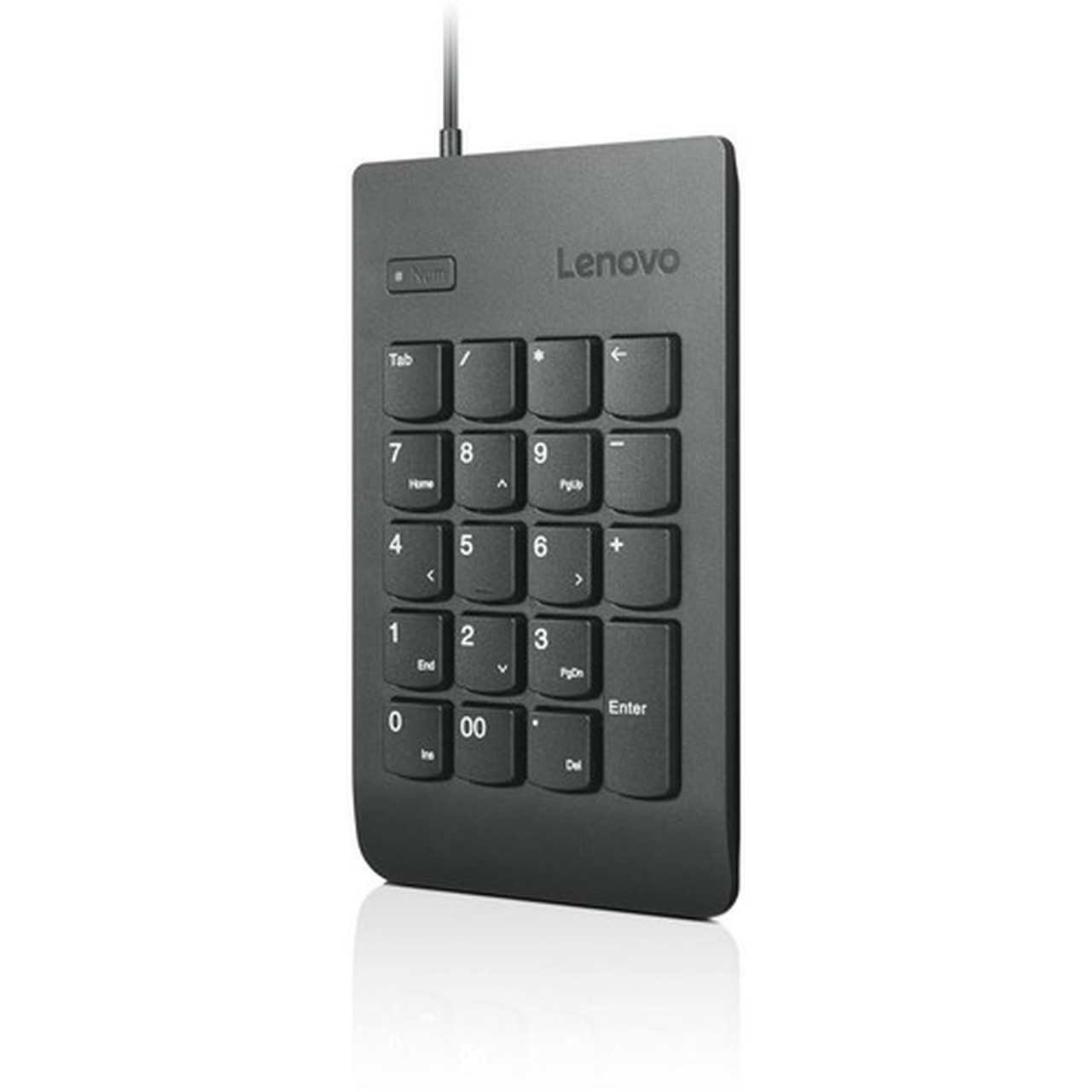
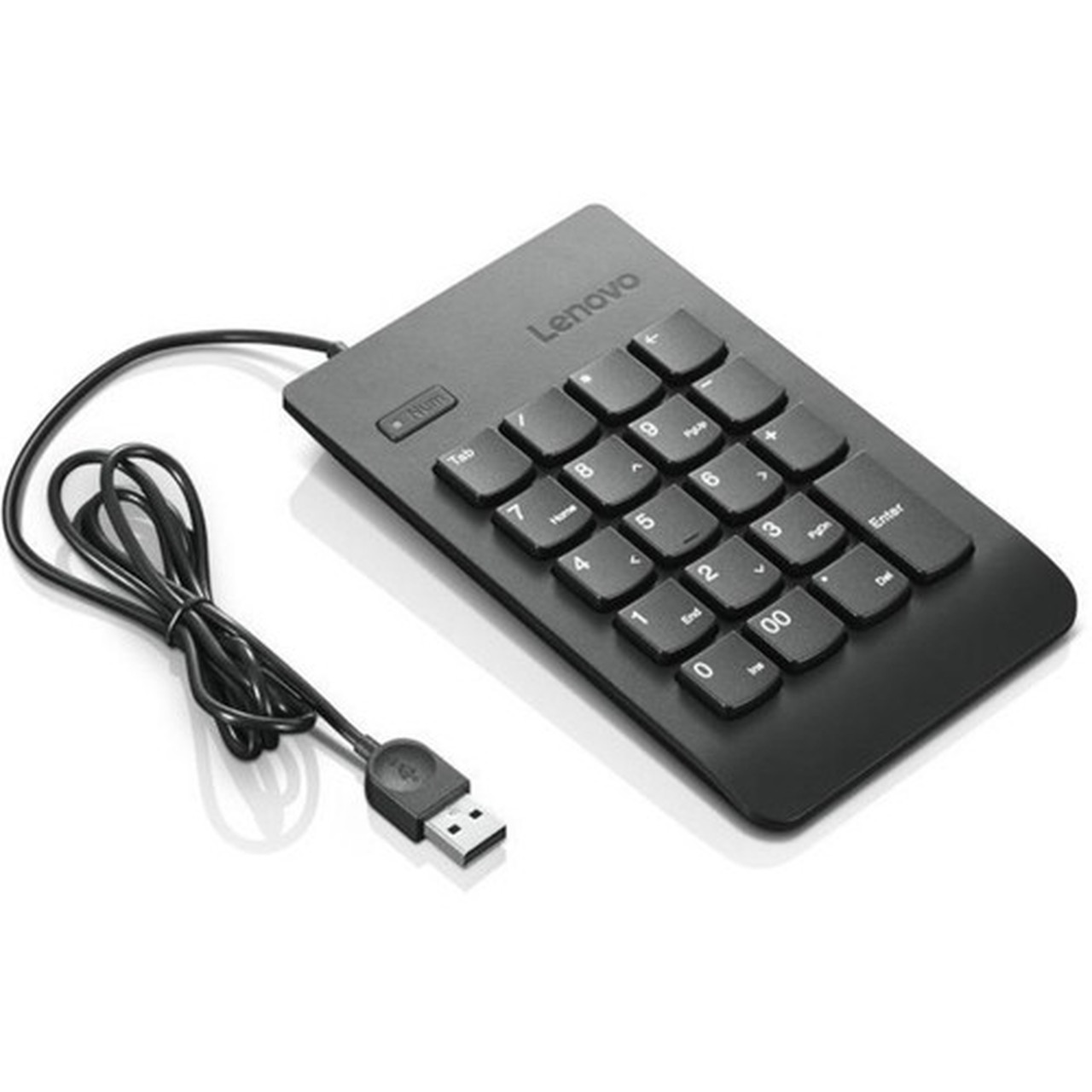


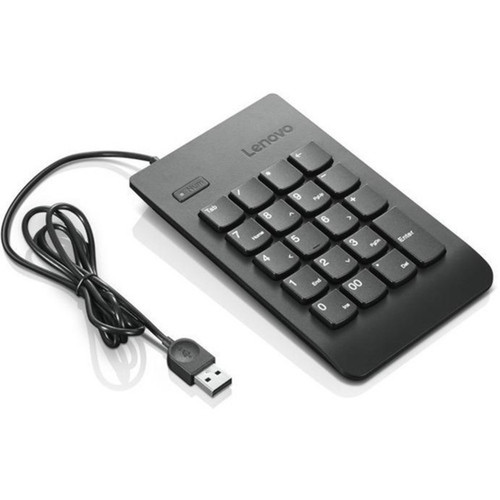
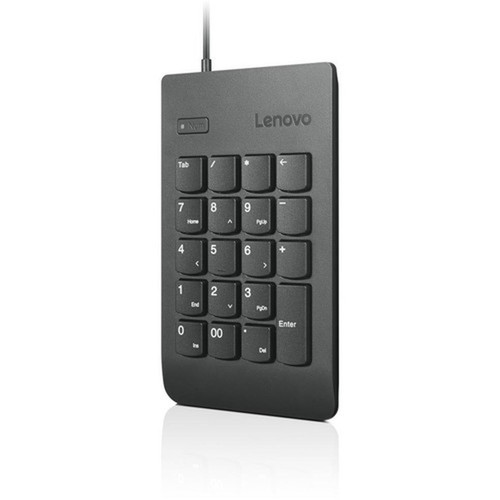
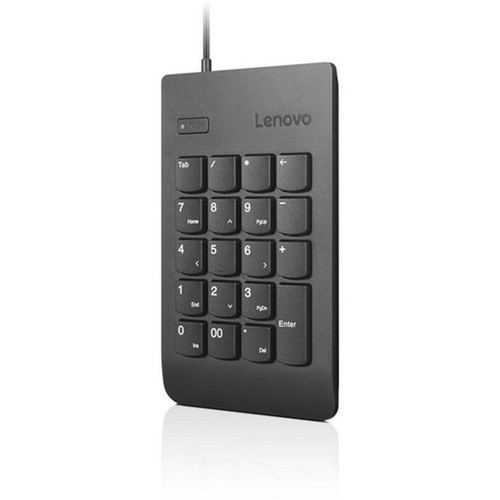

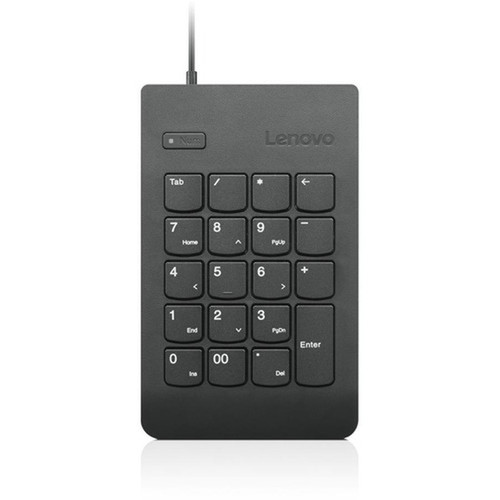
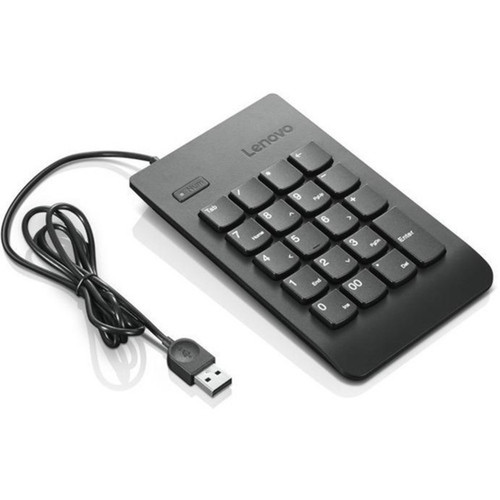
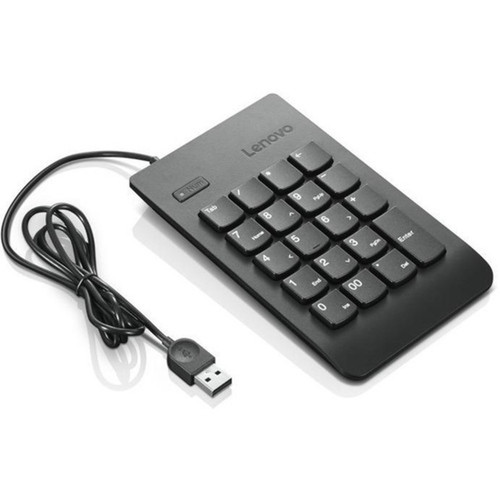
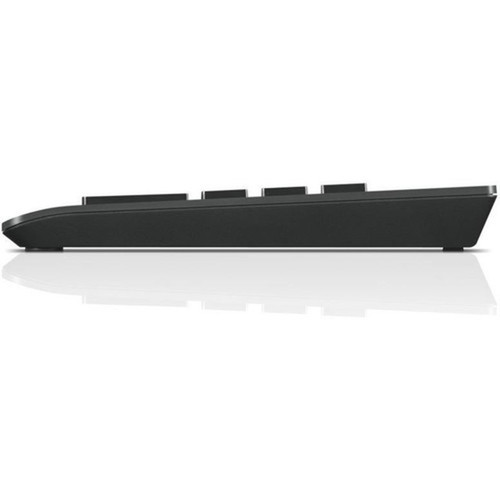
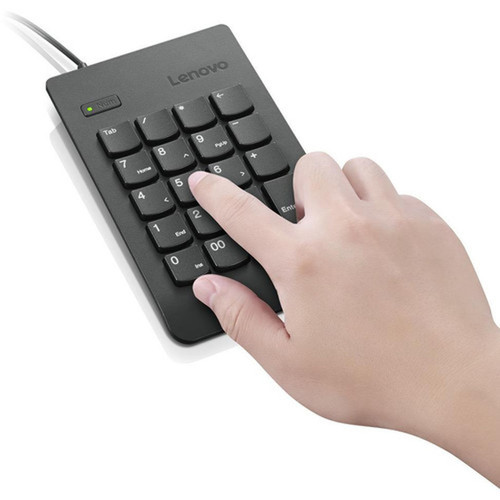
Lenovo 4Y40R38905 USB Numeric Keypad Gen II - 19-Key Wired Keypad for Notebook & Tablet - Black

Business volume discounts
Technical guidance
Preparation & staging
QC · ON · AB · BC
Product Features
Technical Overview
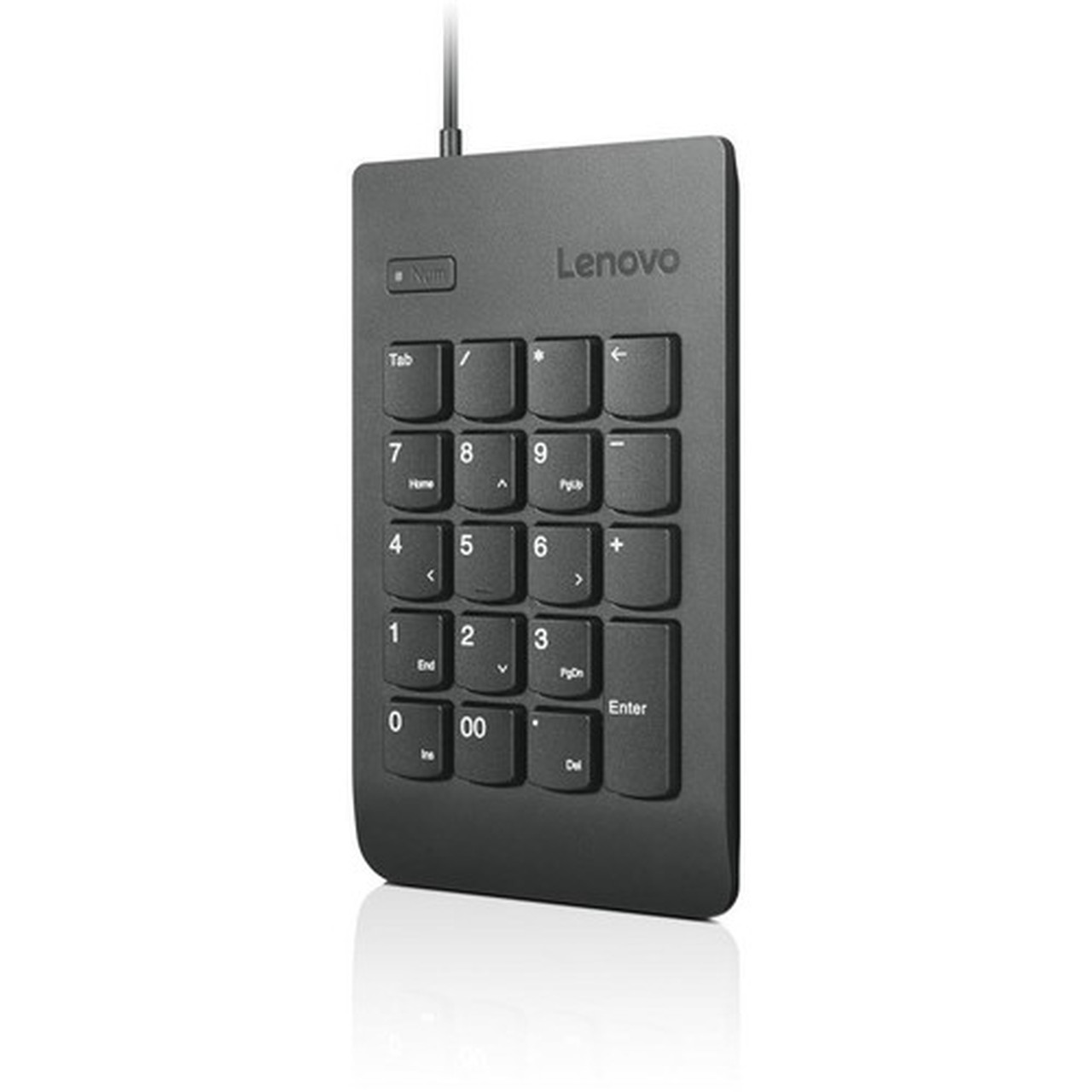
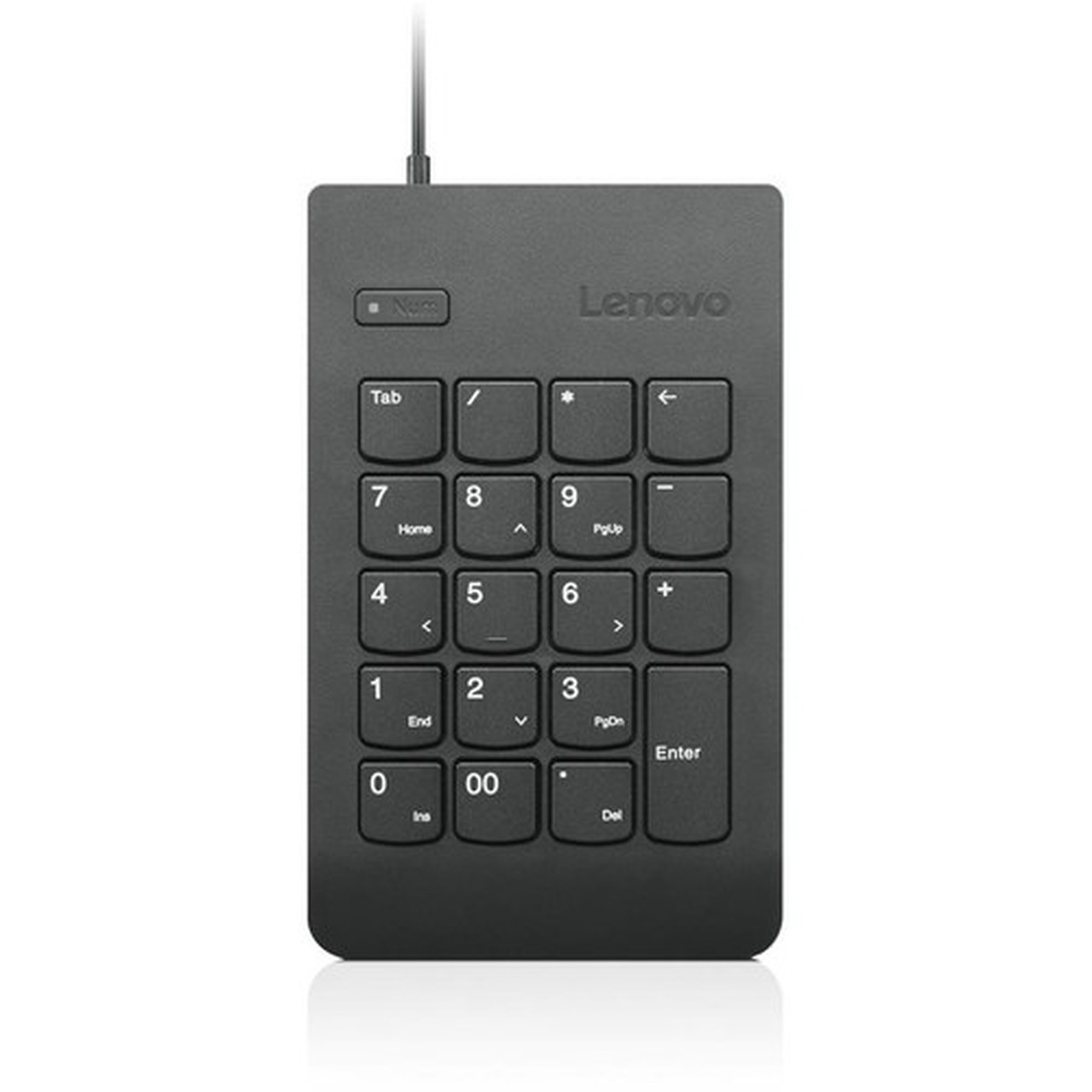
This keypad operates via a wired USB connection, ensuring stable and immediate recognition by compatible PC systems. The 19-key layout includes standard numeric keys, arithmetic operators, and essential function keys, providing a complete numeric input solution in a compact form factor.
Built with user convenience in mind, the keypad features plug-and-play functionality for quick deployment. The integrated LED indicators offer real-time status updates, and the lightweight design enhances portability for mobile professionals and remote workers.
Relevant factors for this section include Keyboard/Keypad Connectivity Technology, Number of Keys, Keyboard/Keypad Features, Keyboard/Keypad Host Interface. When those points are considered together, they give buyers a clearer picture of how the product is equipped, how it fits into deployment, and what kind of day-to-day role it is meant to support.
A strong technical summary explains how the product's interfaces, hardware profile, and operating characteristics work together in real deployment. Buyers often need this context to confirm compatibility with existing devices, expected performance in daily use, and whether installation will be straightforward for IT staff or end users.
Key Product Advantages
The Lenovo USB Numeric Keypad Gen II combines practical functionality with a professional design, offering a straightforward solution for users who prioritize efficiency and reliability in their peripheral choices.
Enhanced Numeric Efficiency
The dedicated 19-key layout accelerates data entry tasks, reducing reliance on notebook keyboard number rows and improving accuracy for financial, accounting, or data-intensive applications.
- Full numeric keypad layout
- Arithmetic operators included
- Compact footprint
Seamless Connectivity
USB wired connectivity ensures reliable, lag-free performance without Bluetooth pairing or battery concerns, making it a dependable accessory for continuous use in office or remote environments.
- Plug-and-play setup
- No drivers required
- Stable wired connection
Deployment / Use Cases
This keypad serves as a versatile tool for any scenario where efficient numeric data entry is essential, from financial modeling and inventory tracking to general administrative tasks.
Relevant factors for this section include Keyboard/Keypad Connectivity Technology, Number of Keys, Keyboard/Keypad Features, Keyboard/Keypad Host Interface. When those points are considered together, they give buyers a clearer picture of how the product is equipped, how it fits into deployment, and what kind of day-to-day role it is meant to support.
Notebook and Tablet Enhancement
Ideal for users of compact notebooks or tablets that lack a dedicated numeric keypad, this accessory restores full numeric input capabilities for tasks like spreadsheet management, data entry, or coding.
- Portable companion device
- Compensates for compact keyboards
- USB-powered convenience
Professional and Remote Workstations
Suited for accountants, analysts, programmers, or administrative staff who require frequent numeric input, the keypad integrates smoothly into both office setups and home workstations, supporting productivity across environments.
- Office desk configurations
- Home office setups
- Travel-friendly design
Highlights
- 19-key wired numeric keypad with USB connectivity
- Plug-and-play setup for immediate use without drivers
- LED indicators provide clear operational feedback
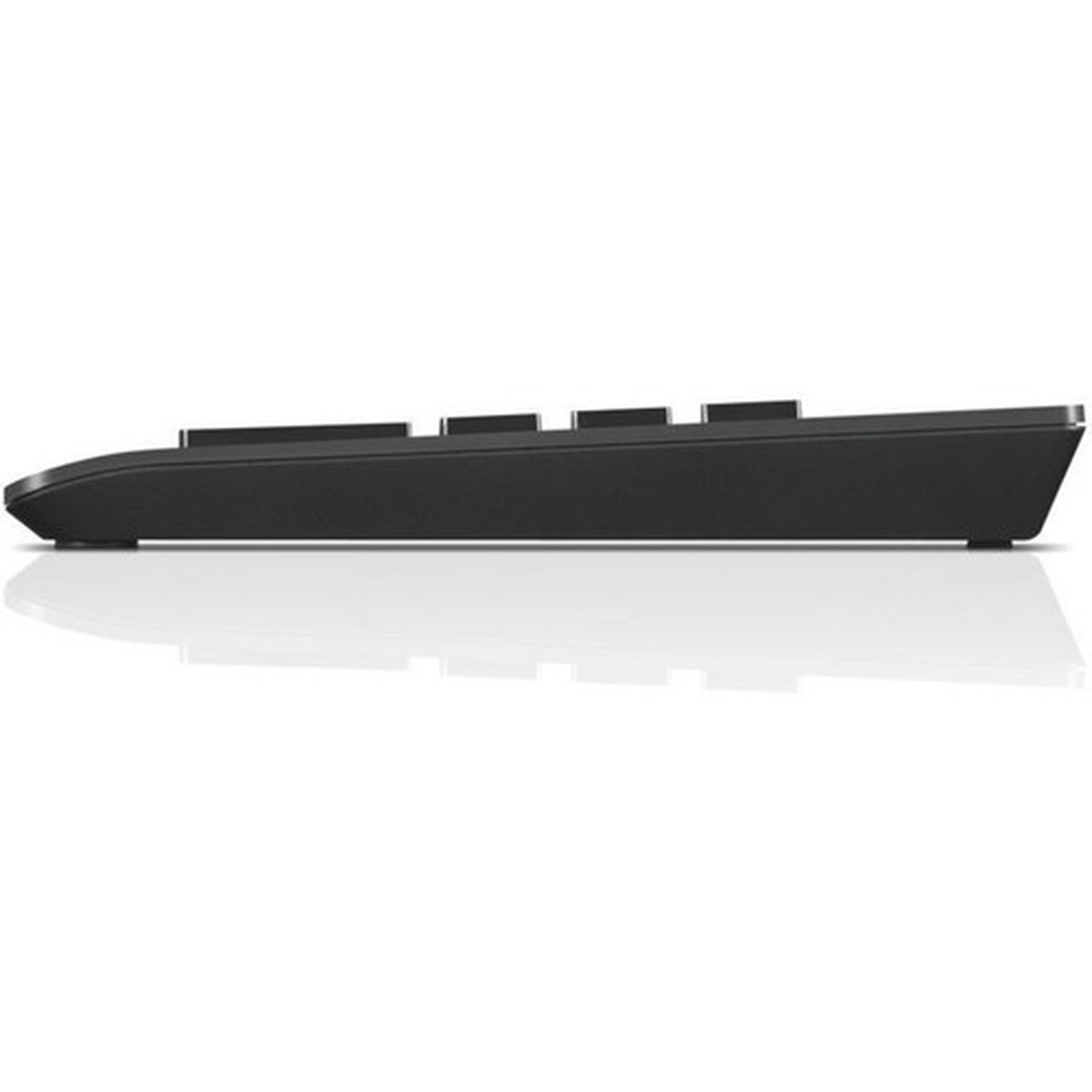
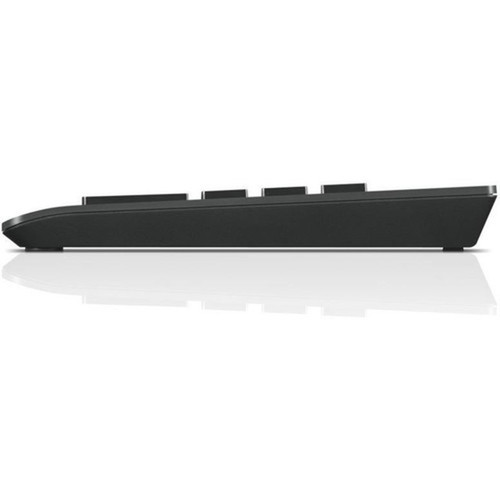
- Lightweight and portable design for mobility
- Compatible with notebooks and tablets on PC platforms
- Black finish for a professional appearance
- Enhances numeric input efficiency for data-heavy tasks
- Ideal for accounting, data entry, and spreadsheet work
Specifications
| Specifications | |
|---|---|
| Manufacturer | Lenovo Group Limited |
| Manufacturer Part Number | 4Y40R38905 |
| Brand Name | Lenovo |
| Product Name | USB Numeric Keypad Gen II |
| Product Type | Keypad |
| Keyboard/Keypad | |
| Keyboard/Keypad Connectivity Technology | Cable |
| Number of Keys | 19 |
| Keyboard/Keypad Features | Plug and Play,LED Indicator,Lightweight |
| Interfaces/Ports | |
| Keyboard/Keypad Host Interface | USB |
| Physical Characteristics | |
| Color Family | Black |
| Product Color | Black |
| Miscellaneous | |
| Platform Supported | PC |
| Device Supported | Notebook,Tablet |
| Country of Origin | China |
FAQ
What devices is this Lenovo numeric keypad compatible with?
The Lenovo USB Numeric Keypad Gen II is compatible with notebooks and tablets that run on PC platforms and have an available USB port. It supports plug-and-play functionality, so it works immediately upon connection without requiring additional software installation.
How many keys does this keypad have, and what is included?
This keypad features 19 keys, which include standard numeric keys (0-9), arithmetic operators (+, -, *, /), a decimal point, and essential function keys like Enter and Num Lock. This layout provides a complete numeric input solution for efficient data entry.
Does this keypad require batteries or external power?
No, this keypad does not require batteries or external power. It is powered directly through the USB connection from your notebook or tablet, ensuring reliable operation without the need for charging or battery replacements.
What are the key features of this Lenovo keypad?
Key features include plug-and-play connectivity for easy setup, LED indicators that show status like Num Lock activation, and a lightweight design for portability. The wired USB interface provides stable performance, and the black finish offers a professional look.
Is this keypad suitable for travel or mobile use?
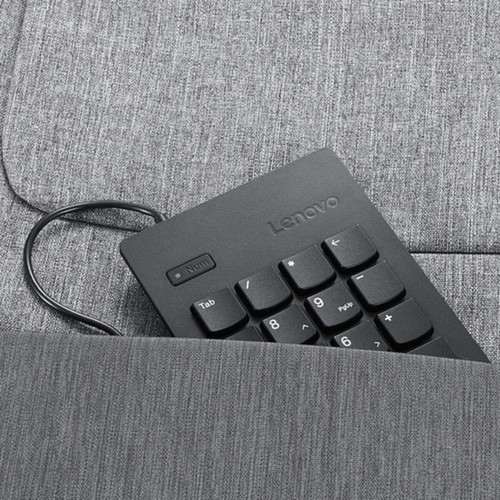
Yes, the lightweight and compact design makes this keypad highly suitable for travel or mobile use. It easily fits into laptop bags or cases, allowing professionals to maintain efficient numeric input capabilities while working remotely or on the go.
What is the connectivity method for this numeric keypad?
This keypad uses a wired USB interface for connectivity. It connects directly to a USB port on your notebook or tablet, providing a stable and immediate connection that eliminates issues like Bluetooth interference or pairing delays.
| Qty | Price | Available |
|---|