
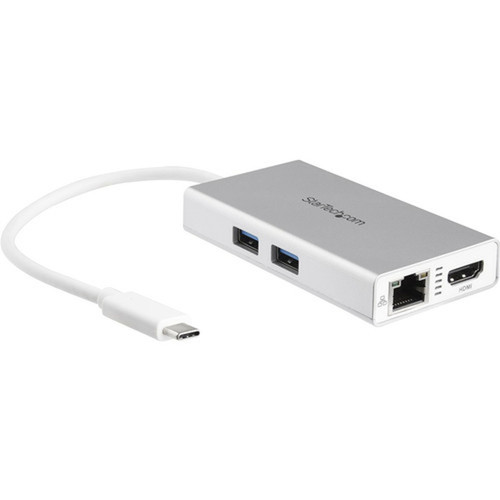

StarTech.com DKT30CHPDW USB-C Multiport Travel Dock - 4K HDMI - 60W PD Passthrough - Gigabit Ethernet - 2x USB-A 3.0 - Silver/White

Business volume discounts
Technical guidance
Preparation & staging
QC · ON · AB · BC
Product Features
Technical Overview
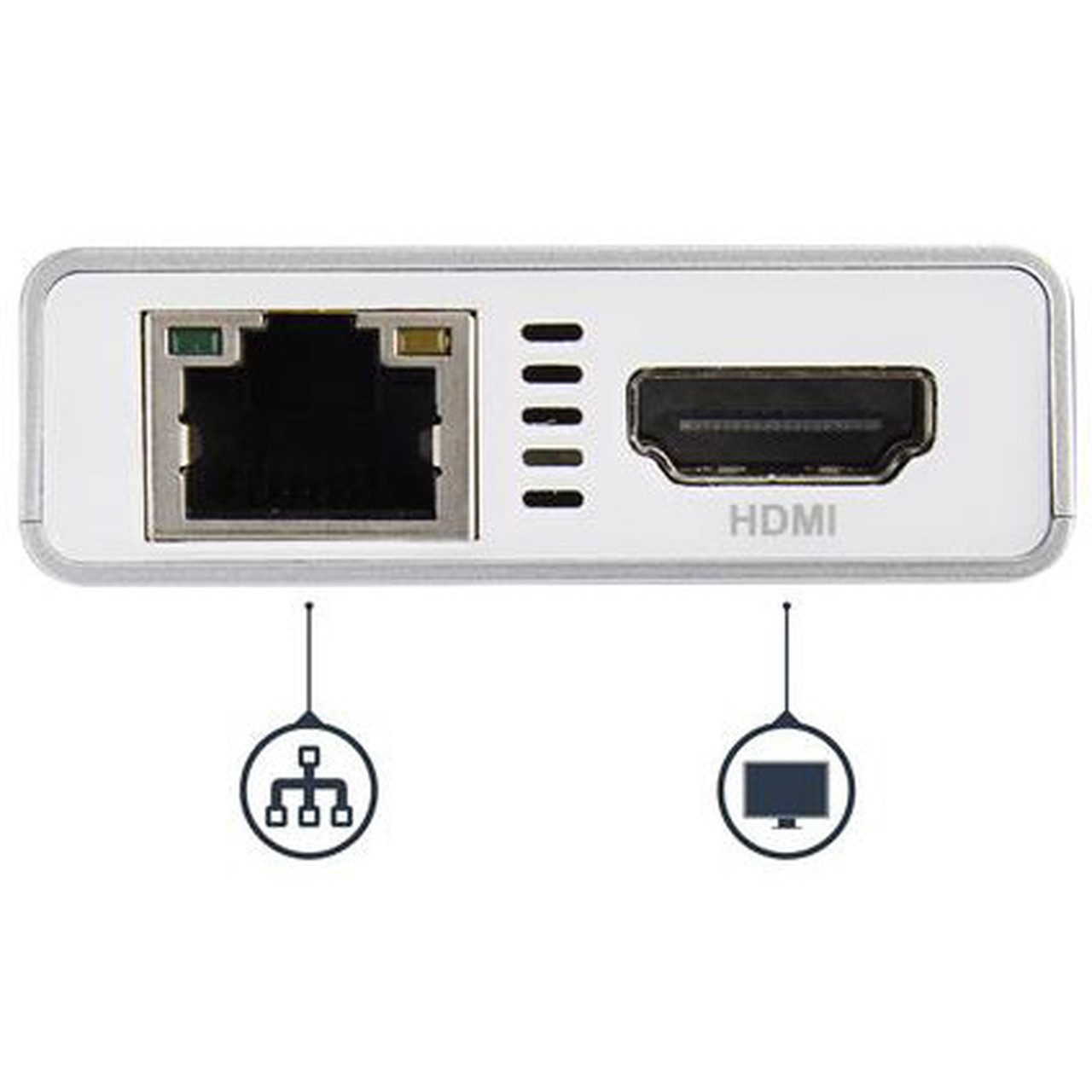
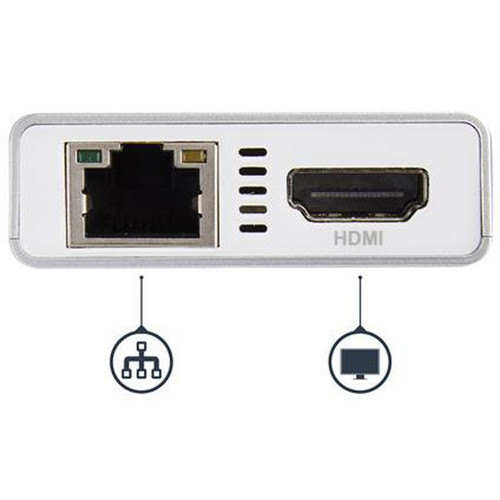
This docking station is built around a USB 3.1 Gen 1 (5 Gbps) Type-C host interface, providing high-speed data transfer and video signal transmission. It supports a single external display via its HDMI port at resolutions up to 4K UHD (3840x2160) or DCI 4K (4096x2160), delivering sharp, detailed visuals for presentations, media playback, or extended desktop workflows.
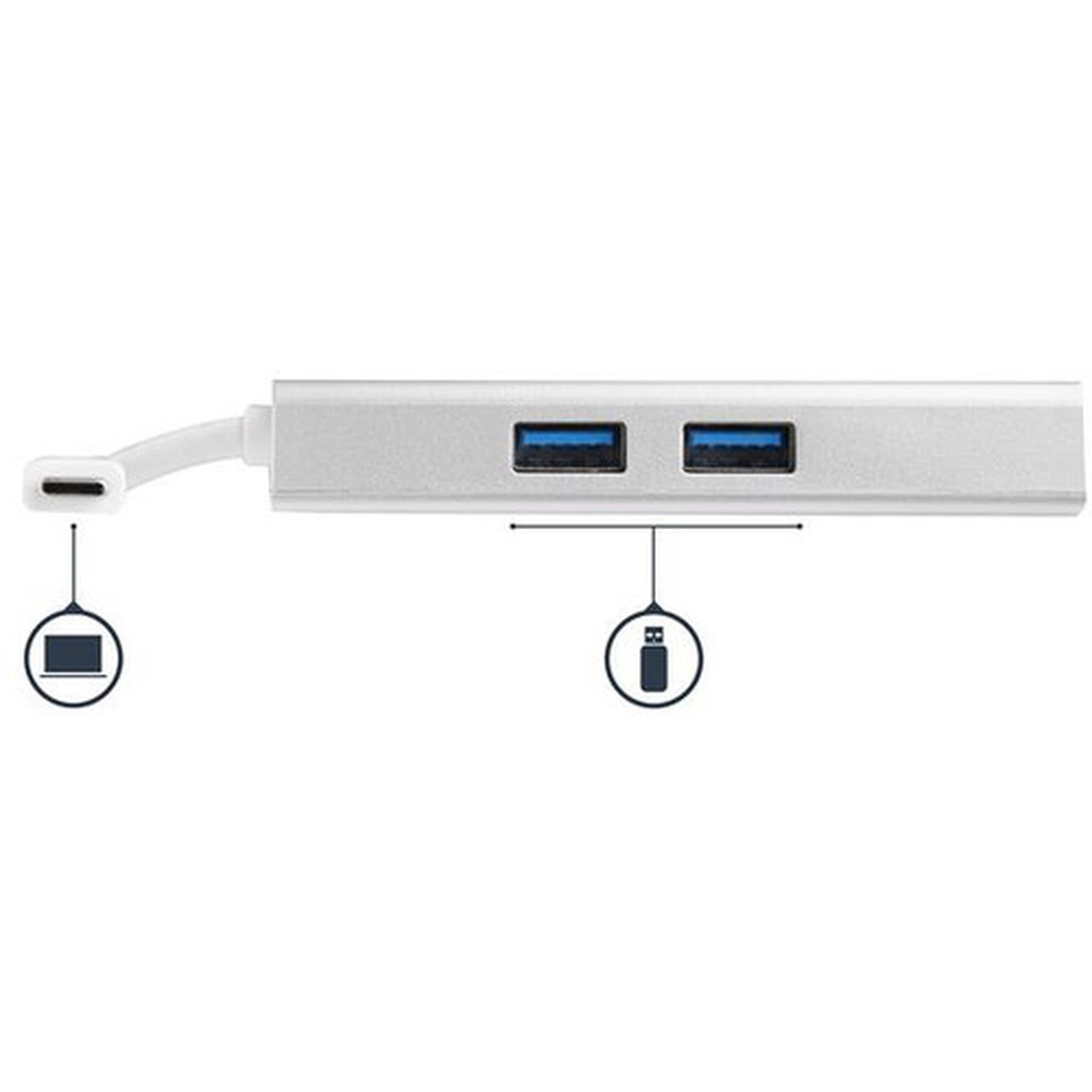
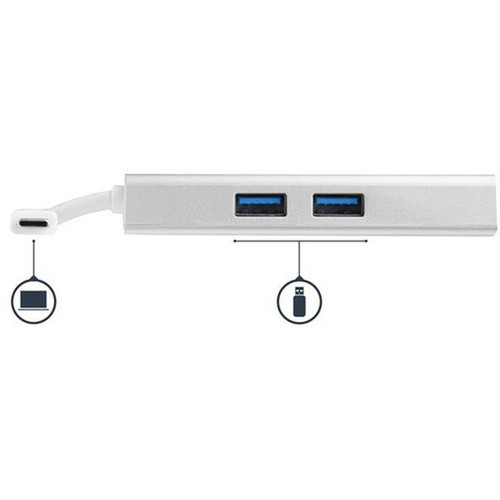
Network connectivity is handled by a built-in Gigabit Ethernet controller, ensuring stable, high-speed wired internet access critical for large file transfers, video conferencing, and secure corporate networks. The dock features two USB-A 3.0 ports operating at 5 Gbps for connecting peripherals like external storage, keyboards, mice, or printers without compromising performance.
Relevant factors for this section include Connectivity Technology, Number of Displays Supported, Supported Resolutions, Ethernet Technology. When those points are considered together, they give buyers a clearer picture of how the product is equipped, how it fits into deployment, and what kind of day-to-day role it is meant to support.
Key Product Advantages
The DKT30CHPDW stands out by combining robust power delivery with versatile connectivity in a travel-ready design. Its 60W Power Delivery 2.0 passthrough capability allows you to charge your host laptop while the dock is in use, maintaining battery life during extended work sessions. The dock can operate in two power modes: drawing minimal bus power (12W) from the laptop when used standalone, or delivering up to 48W to the laptop when connected to an external USB-C power adapter.
Universal Compatibility
With automatic driver installation, this dock supports a wide range of operating systems including Windows 7 through 11, macOS from 10.9 Mavericks to 14, ChromeOS, and Android (Galaxy S9 and later, Pixel 3). It works with USB-C and Thunderbolt 3 laptops from major brands like Dell, HP, Lenovo, Apple MacBooks, Microsoft Surface, and Samsung Galaxy devices.
- No additional drivers needed for most systems
- Thunderbolt 3 compatible
- Works with tablets and phones
Travel-Optimized Design
The compact dimensions (2" wide × 0.6" high) and lightweight construction make this dock easy to pack alongside your laptop. The extended cable length provides flexibility in various workspace setups, while the aluminum housing dissipates heat effectively during continuous use.
- Pocket-sized footprint
- Durable aluminum construction
- Heat-managing design
Deployment / Use Cases
This multiport adapter is ideal for professionals who need to quickly convert a minimalist USB-C laptop into a fully functional workstation. Business travelers can carry a single compact dock instead of multiple adapters, ensuring they have all necessary connections for hotel rooms, client offices, or co-working spaces. The Gigabit Ethernet port provides reliable wired networking in environments where Wi-Fi is unstable or insecure, which is crucial for remote workers accessing corporate VPNs or transferring large files.
Educational institutions and corporate IT departments can standardize on this dock for its broad compatibility across different device brands and operating systems. It serves as an excellent docking solution for hot-desking environments, allowing users to quickly connect their personal laptops to shared monitors, keyboards, and network connections. Home users will appreciate the ability to connect their USB-C laptop to a 4K monitor while simultaneously charging the device and accessing wired internet for gaming or streaming.
Physical Profile
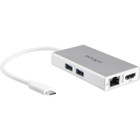
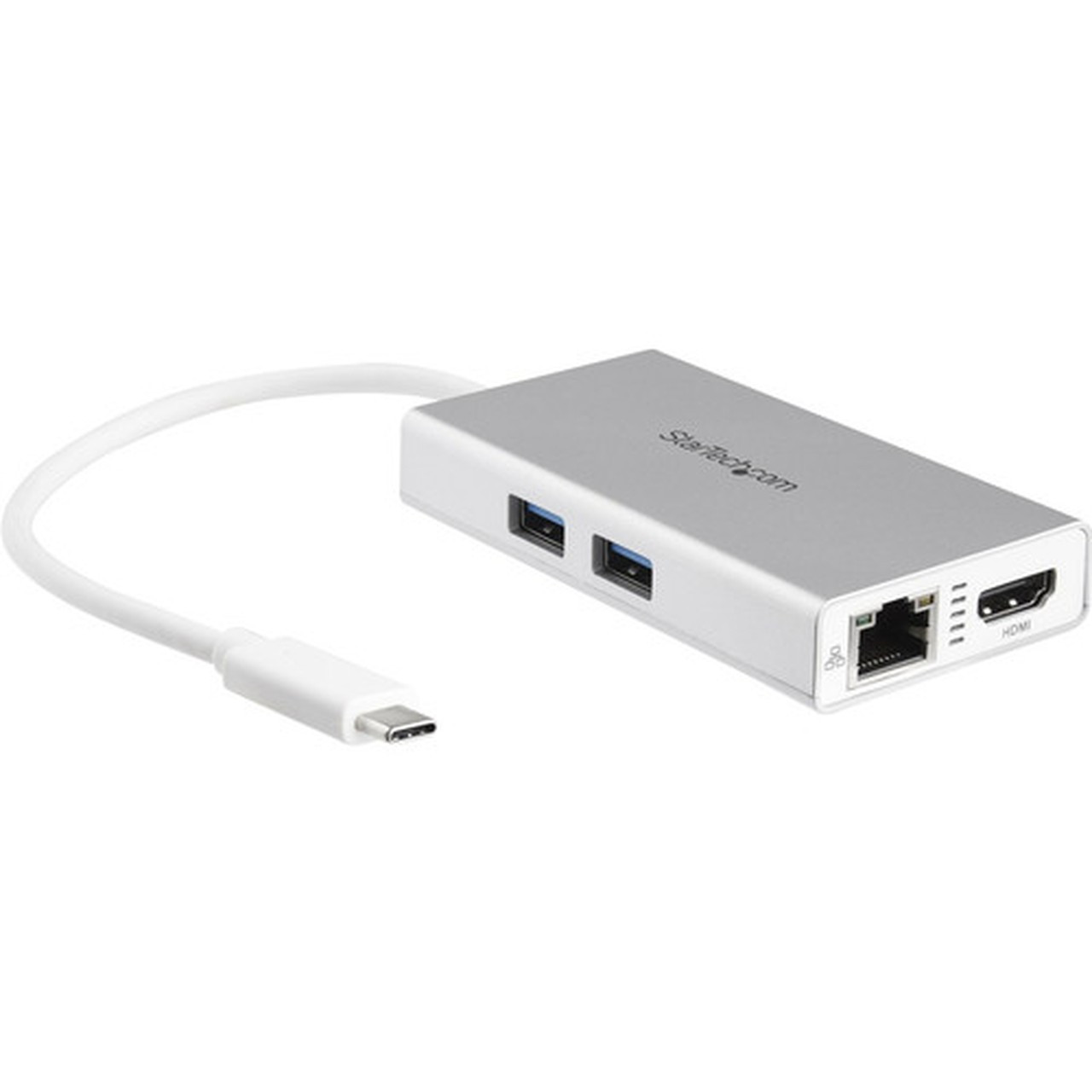
The dock features a slim, rectangular profile measuring just 2 inches wide and 0.6 inches high, with a weight of only 2.3 ounces. Its two-tone silver and white aluminum finish provides both aesthetic appeal and effective thermal management. The integrated USB-C cable exits from one end, with all ports arranged logically along the sides for easy access. This compact design allows the dock to sit discreetly on a desk or travel securely in a laptop bag without occupying significant space.
- Width
- 2" (50.80 mm)
- Height
- 0.60" (15.24 mm)
- Weight
- 2.30 oz (65.20 g)
What's in the Box
The package includes the docking station unit with attached USB-C cable and a quick-start guide to help you begin using the device immediately.
Package contents include Docking Station Quick-start Guide, Docking Station. These included items support setup, installation, and immediate deployment without needing to source the core bundled accessories separately.
Highlights
- 4K HDMI video output at 30Hz for crystal-clear display connectivity
- 60W Power Delivery 2.0 passthrough charges your laptop while docked
- Gigabit Ethernet port for stable, high-speed wired networking
- Two USB-A 3.0 ports (5 Gbps) for peripherals and storage
- Compact travel design with 25cm attached cable for flexible placement
- Wide compatibility with Windows, macOS, ChromeOS, and Android devices
- Plug-and-play operation with automatic driver setup
- Aluminum construction in silver/white for durability and heat dissipation
- 3-year limited warranty for long-term reliability assurance
- Environmentally compliant with RoHS, REACH, and WEEE standards
Specifications
| Specifications | |
|---|---|
| Manufacturer | StarTech.com |
| Manufacturer Part Number | DKT30CHPDW |
| Brand Name | StarTech.com |
| Product Name | Docking Station |
| Packaged Quantity | 1 Each |
| Product Type | Docking Station |
| Technical Information | |
| Connectivity Technology | Wired |
| Number of Displays Supported | 1 |
| Supported Resolutions | 4096 x 2160,3840 x 2160 |
| Screen Mode Supported | 4K |
| Device Supported | Notebook |
| Network & Communication | |
| Ethernet Technology | Gigabit Ethernet |
| Interfaces/Ports | |
| Host Interface | USB Type C |
| Total Number of USB Ports | 2 |
| Number of USB 3.0 Ports | 2 |
| USB Type-C | Yes |
| USB Type-C Detail | 1 x USB Type-C (24 pin) USB 3.0 (5Gbps) Male |
| Number of USB Type-A Ports | 2 |
| USB Type-A | Yes |
| Network (RJ-45) | Yes |
| Number of HDMI Outputs | 1 |
| HDMI | Yes |
| Wireless LAN | Yes |
| Software | |
| Operating System Supported | macOS 14,Windows 7,Windows 8,Windows 8.1,Windows 10,Windows 11,Mac OS X 10.9 Mavericks,Mac OS X 10.15 Catalina,Mac OS X 11.3 Big Sur,ChromeOS |
| Power Description | |
| Maximum Power Supply Wattage | 60 W |
| Physical Characteristics | |
| Product Color | Silver,White |
| Height | 0.60" (15.24 mm) |
| Width | 2" (50.80 mm) |
| Weight (Approximate) | 2.30 oz (65.20 g) |
| Miscellaneous | |
| Package Contents | Docking Station Quick-start Guide |
| Compatibility | Samsung Chromebook Notebook Apple Notebooks: MacBook MacBook Pro |
| Environmentally Friendly | Yes |
| Environmental Certification | EU RoHS |
| Environmental Compliance | Restriction of Hazardous Substances (RoHS) 2,Registration, Evaluation, Authorization and Restriction of Chemicals (REACH),Waste Electrical and Electronic Equipment Directive (WEEE) |
| Country of Origin | Taiwan |
| Warranty | |
| Limited Warranty | 3 Year |
User Manual
FAQ
What video resolutions does this USB-C dock support?
The dock supports 4K UHD resolution at 3840 x 2160 pixels and DCI 4K at 4096 x 2160 pixels through its HDMI output. It delivers these resolutions at a refresh rate of 30Hz, providing sharp, detailed visuals suitable for productivity applications, media playback, and general computing tasks on external monitors or displays.
How does the 60W Power Delivery work with this docking station?
The dock features Power Delivery 2.0 passthrough technology that can deliver up to 60W total power. When connected to an external USB-C power adapter, it allocates approximately 12W to power the dock itself and passes through up to 48W to charge your connected laptop. Without an external adapter, the dock draws minimal bus power from your laptop while still providing full functionality for video, networking, and USB peripherals.
Which operating systems are compatible with this multiport adapter?
This dock supports Windows 7, 8, 8.1, 10, and 11; macOS from 10.9 Mavericks through macOS 14; ChromeOS; and Android on specific devices including Samsung Galaxy S9 and later models and Google Pixel 3. The automatic driver setup means most systems will recognize the dock immediately without requiring manual driver installation.
Can I use this dock with Thunderbolt 3 laptops?
Yes, the dock is fully compatible with Thunderbolt 3 laptops since Thunderbolt 3 ports support USB-C connectivity and protocols. It will function with any Thunderbolt 3 laptop as a standard USB-C docking station, providing video output, Ethernet connectivity, USB expansion, and power delivery capabilities through the Thunderbolt port.
What is the length of the attached USB-C cable?
The dock features a permanently attached 25cm (approximately 10-inch) USB-C cable. This extended length provides flexibility in positioning your dock relative to your laptop, which is particularly useful when using laptops on riser stands, in docking stations, or in other setups where the laptop isn't directly adjacent to the peripheral connections.
Does this docking station require external power to function?
No, the dock can operate in bus-powered mode, drawing approximately 12W from your laptop's USB-C port to provide all connectivity features except laptop charging. For charging capability, you need to connect an external USB-C power adapter to the dock's input port. Both operating modes support the full range of video, Ethernet, and USB functionality.
| Qty | Price | Available |
|---|