



TP-LINK TL-WN725N 150Mbps Wireless N Nano USB Adapter - IEEE 802.11n - USB 2.0 - 2.4GHz - External

Business volume discounts
Technical guidance
Preparation & staging
QC · ON · AB · BC
Product Features
Technical Overview
The TL-WN725N implements the IEEE 802.11n wireless standard, providing backward compatibility with earlier 802.11b/g networks while delivering improved throughput and range characteristics. The adapter's 150 Mbps maximum transmission rate supports bandwidth-intensive applications including video streaming, VoIP calls, and general web browsing.
Connectivity is handled through a standard USB 2.0 interface that provides both data transfer and power to the adapter. The internal antenna design eliminates external protrusions while maintaining reliable signal reception. The adapter supports multiple wireless security standards with encryption options including 64/128-bit WEP, TKIP, and AES encryption methods.
Relevant factors for this section include Wi-Fi Generation, Wireless LAN Standard, ISM Band, Host Interface. When those points are considered together, they give buyers a clearer picture of how the product is equipped, how it fits into deployment, and what kind of day-to-day role it is meant to support.
Key Product Advantages
The TL-WN725N combines compact physical dimensions with robust wireless performance, making it an ideal solution for adding Wi-Fi capability to legacy systems or computers with failed internal wireless components.
Ultra-Compact Design
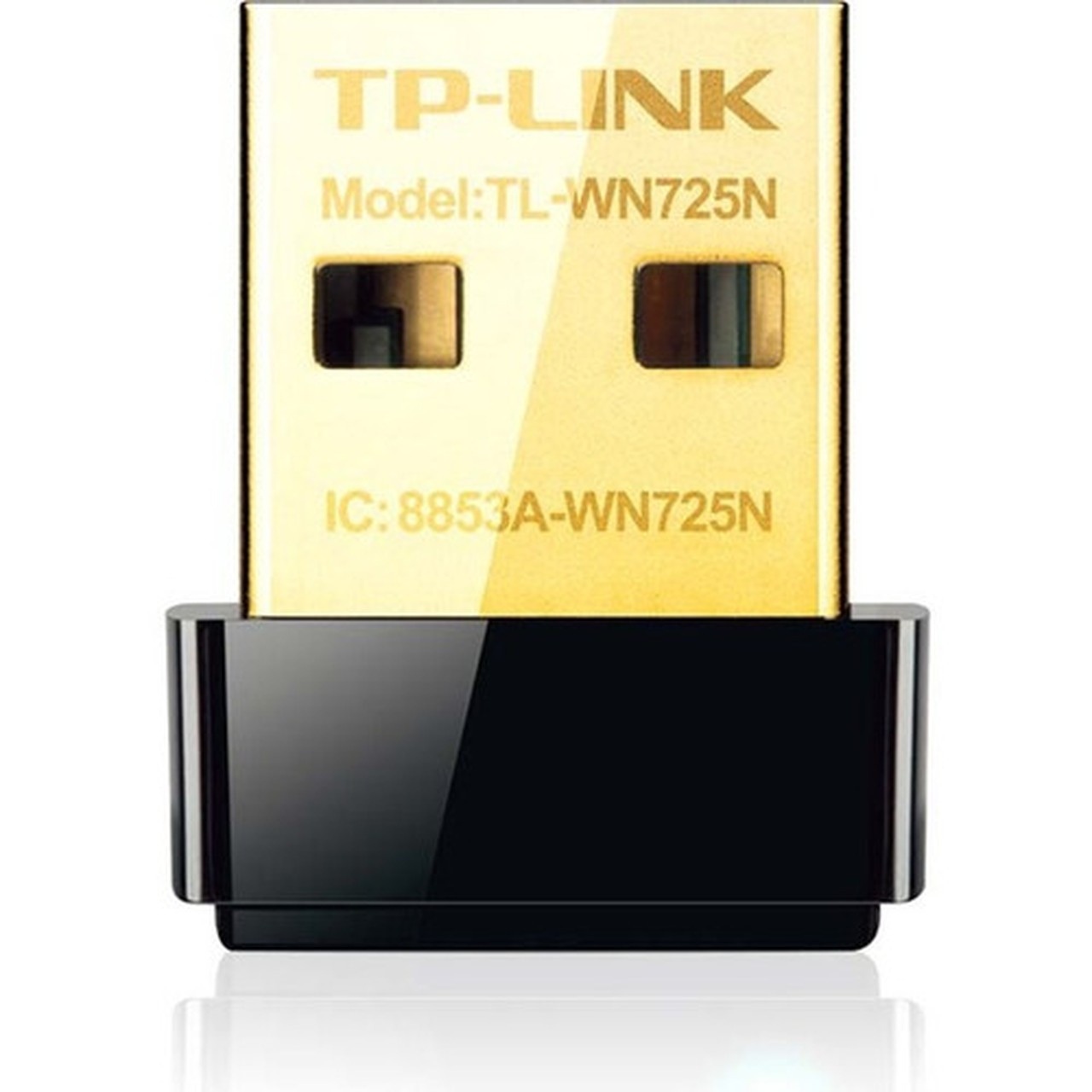
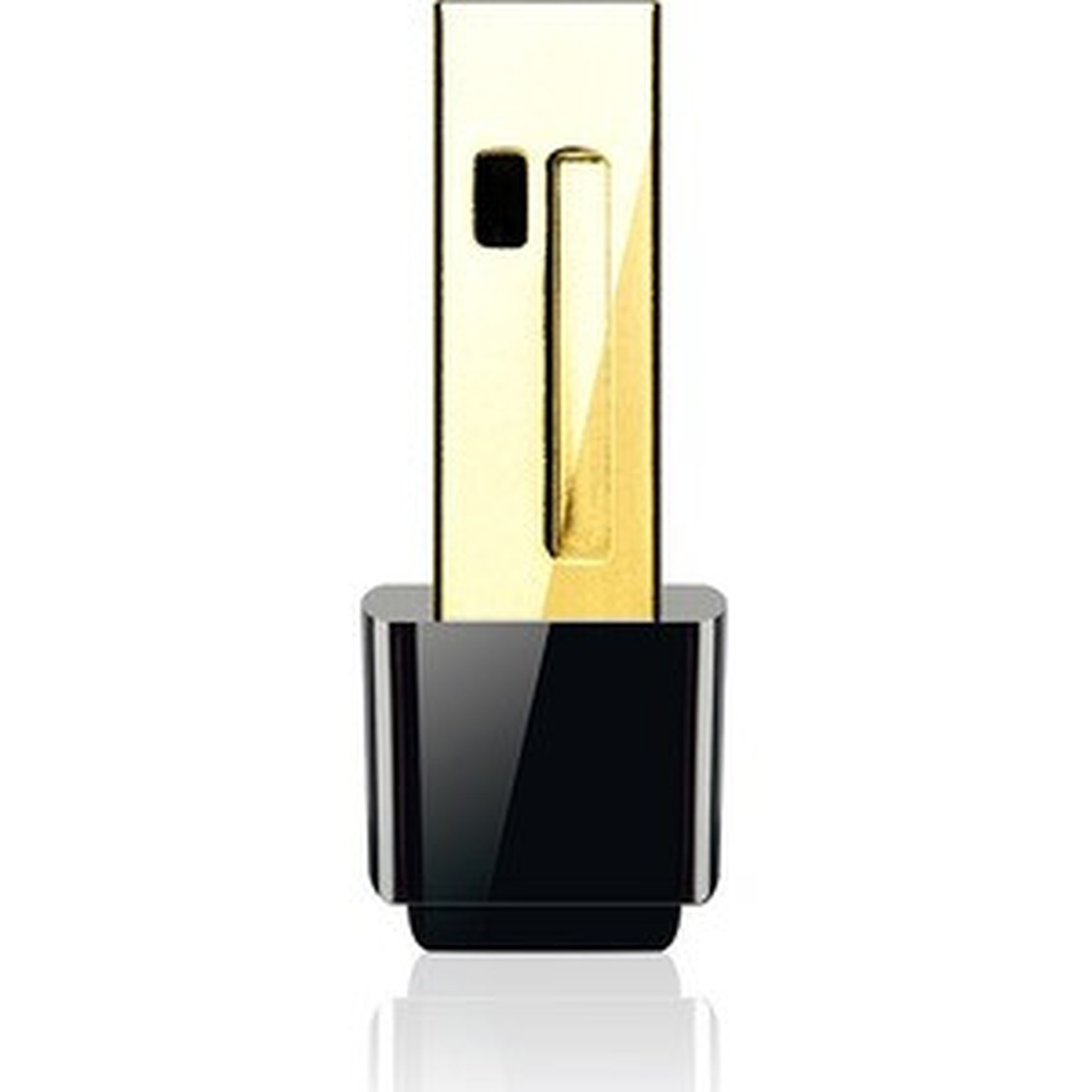
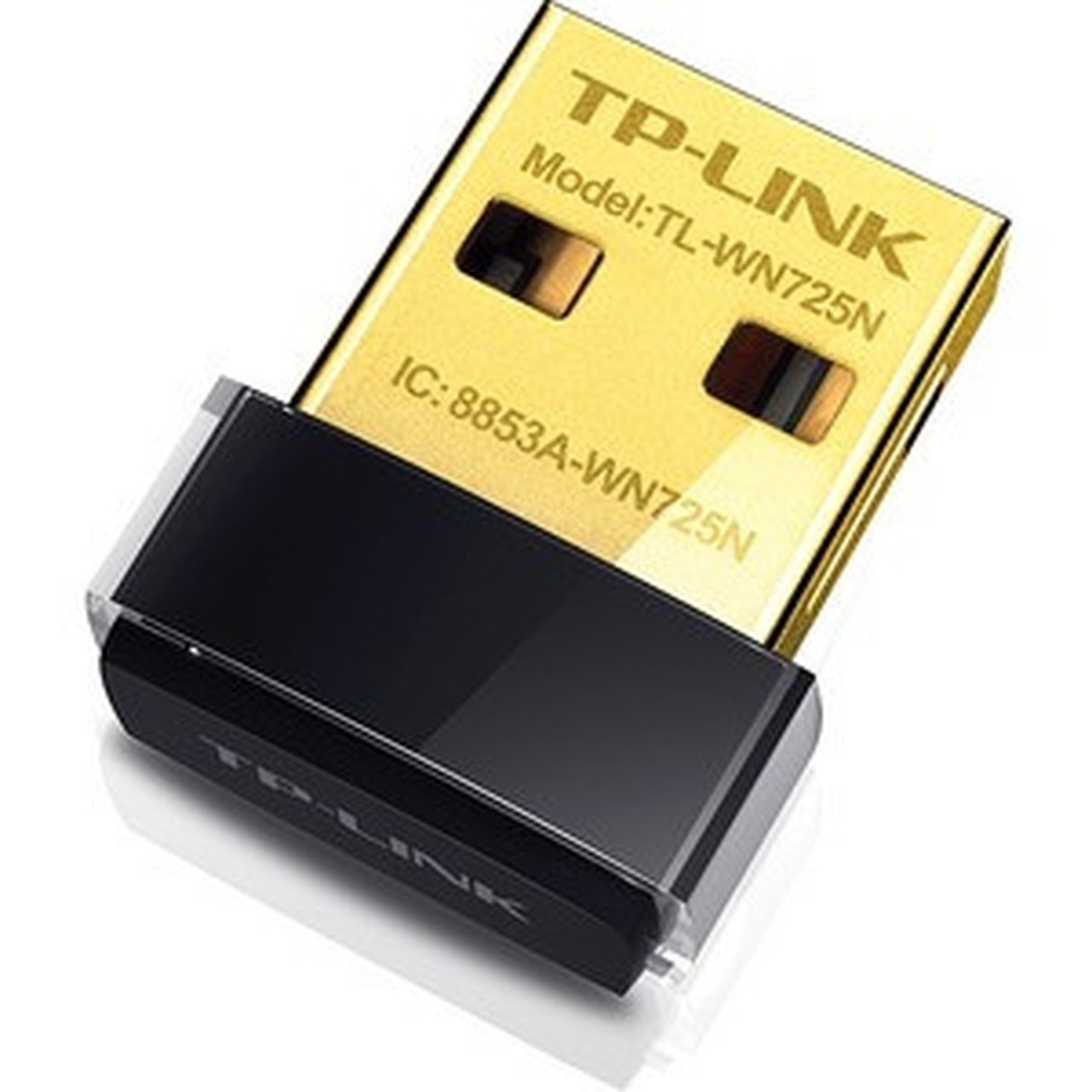
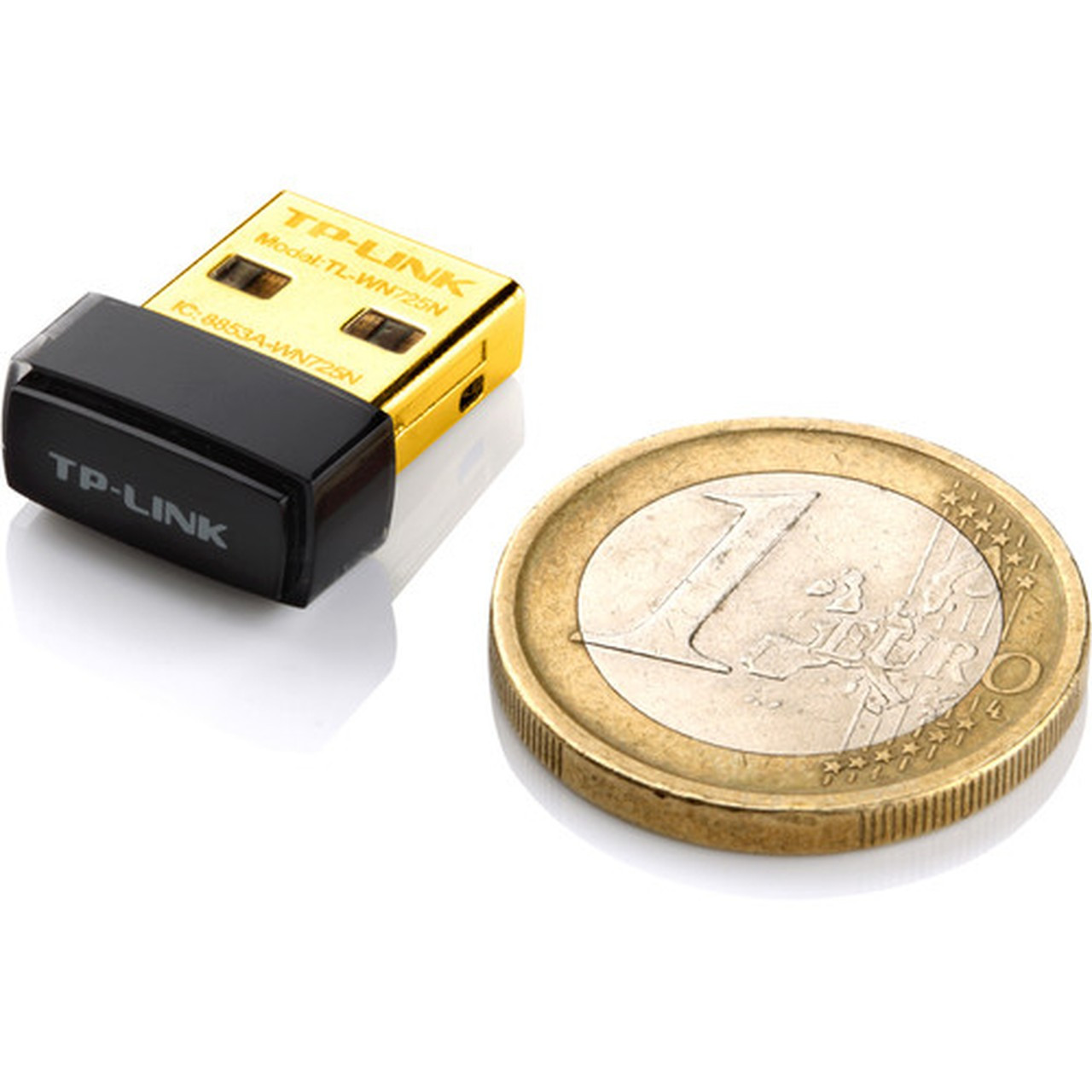
Measuring smaller than most USB flash drives, the nano adapter remains nearly invisible when connected to your computer. The minimal footprint ensures it won't interfere with adjacent ports or cables.
- 0.28" height profile
- 0.73" width dimension
- 0.59" depth measurement
Comprehensive Security Support
Enterprise-grade security protocols ensure network protection across home and business environments. The adapter supports the latest WPA2 encryption alongside legacy WEP compatibility for mixed network environments.
- WPA/WPA2 encryption
- IEEE 802.1x authentication
- TKIP/AES support
Deployment / Use Cases
This wireless adapter serves multiple deployment scenarios where wired Ethernet connections are impractical or unavailable. The plug-and-play USB interface eliminates the need for internal hardware installation, making it suitable for users who prefer external connectivity solutions.
Common deployment scenarios include adding Wi-Fi capability to desktop computers in home offices, providing wireless connectivity for notebook computers with failed internal adapters, and creating temporary wireless connections for systems in locations without Ethernet infrastructure. The adapter's compact size makes it particularly useful for portable setups where space is limited.
Desktop Computer Wi-Fi Upgrade
Transform any desktop computer into a wireless-capable workstation without opening the case or installing internal cards. Simply plug the adapter into an available USB port and connect to your wireless network.
Notebook Wireless Replacement
Provide wireless connectivity for notebook computers with damaged or non-functional internal Wi-Fi adapters. The external solution offers immediate connectivity while avoiding costly internal repairs.
Physical Profile
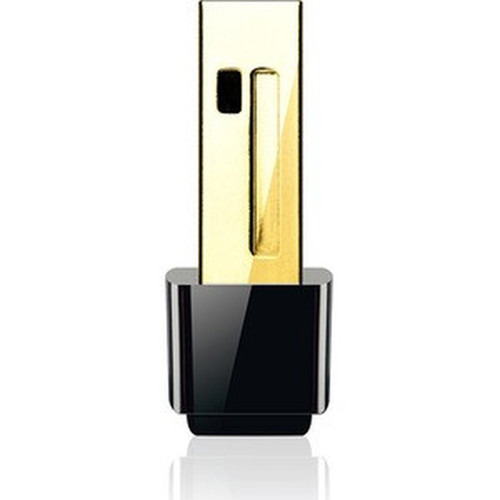
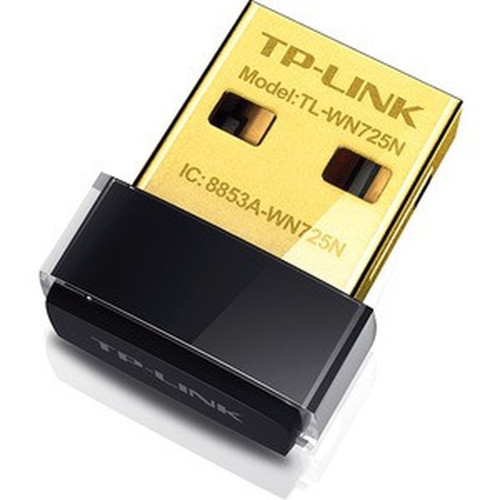
The TL-WN725N features an exceptionally compact external form factor designed for discreet connectivity. With dimensions of 0.28" × 0.73" × 0.59" (7.11 × 18.54 × 14.99 mm) and weighing just 0.07 ounces (1.98 grams), the adapter maintains a low-profile presence when connected to USB ports. The external design requires no internal mounting or chassis modification, making installation as simple as connecting any standard USB device.
- Width
- 0.73" (18.54 mm)
- Depth
- 0.59" (14.99 mm)
- Height
- 0.28" (7.11 mm)
- Weight
- 0.07 oz (1.98 g)
What's in the Box
The package includes all necessary components for immediate wireless connectivity setup.
Package contents include 150Mbps Wireless N Nano USB Adapter Resource CD Quick Installation Guide, 150Mbps Wireless N Nano USB Adapter. These included items support setup, installation, and immediate deployment without needing to source the core bundled accessories separately.
Highlights
- 150 Mbps wireless speed on 2.4GHz band for reliable connectivity
- Ultra-compact nano design measures just 0.28" × 0.73" × 0.59"
- USB 2.0 interface for plug-and-play installation without internal hardware
- IEEE 802.11n (Wi-Fi 4) standard with backward compatibility
- Comprehensive wireless security including WPA2 and IEEE 802.1x
- Internal antenna design for clean, unobtrusive appearance
- Supports both infrastructure and ad-hoc wireless modes
- Compatible with desktop computers and notebooks
- Environmentally friendly design and manufacturing
- Driver installation may be required for optimal performance
Specifications
| Specifications | |
|---|---|
| Manufacturer | TP-LINK Technologies Co., Ltd |
| Manufacturer Part Number | TL-WN725N |
| Brand Name | TP-Link |
| Product Model | TL-WN725N |
| Product Name | 150Mbps Wireless N Nano USB Adapter |
| Product Type | Wi-Fi Adapter |
| Technical Information | |
| Wi-Fi Generation | Wi-Fi 4 |
| Wireless LAN Standard | IEEE 802.11n |
| ISM Band | Yes |
| ISM Maximum Frequency | 2.40 GHz |
| Wireless Transmission Speed | 150 Mbit/s |
| Interfaces/Ports | |
| Host Interface | USB 2.0 |
| Physical Characteristics | |
| Form Factor | External |
| Height | 0.28" (7.11 mm) |
| Width | 0.73" (18.54 mm) |
| Depth | 0.59" (14.99 mm) |
| Weight (Approximate) | 0.07 oz (1.98 g) |
| Miscellaneous | |
| Package Contents | 150Mbps Wireless N Nano USB Adapter Resource CD Quick Installation Guide |
| Device Supported | Desktop Computer,Notebook |
| Environmentally Friendly | Yes |
User Manual
FAQ
What wireless standard does the TL-WN725N support?
The TL-WN725N supports the IEEE 802.11n wireless standard, also known as Wi-Fi 4. This standard provides wireless speeds up to 150 Mbps on the 2.4GHz frequency band and maintains backward compatibility with earlier 802.11b/g networks. The adapter implements the complete 802.11n specification for reliable connectivity in home and office environments.
What is the maximum wireless speed of this USB adapter?
This adapter delivers maximum wireless transmission speeds of 150 Mbit/s (megabits per second). This bandwidth supports typical internet activities including web browsing, email, video streaming, and VoIP calls. The actual experienced speed may vary based on network conditions, distance from the router, and environmental factors affecting wireless signal quality.
Does this adapter require external power or additional cables?
No external power supply or additional cables are required. The TL-WN725N draws power directly from the USB 2.0 port of your computer, making it a completely self-contained solution. The adapter's compact design means it connects directly to the USB port without any intermediate cables or connectors, maintaining a clean installation with minimal cable clutter.
What security protocols does this wireless adapter support?
The adapter supports comprehensive wireless security protocols including 64-bit and 128-bit WEP encryption, WPA (Wi-Fi Protected Access), WPA2, WPA-PSK, and WPA2-PSK with either TKIP or AES encryption. It also supports enterprise-grade IEEE 802.1x authentication for business network environments. This range of security options ensures compatibility with virtually all modern wireless network configurations.
Is this adapter compatible with both desktop and notebook computers?
Yes, the TL-WN725N is compatible with both desktop computers and notebooks that have available USB 2.0 ports. The adapter works with any system running Windows operating systems that support USB Wi-Fi adapters. For desktop computers, it provides wireless capability without requiring internal card installation. For notebooks, it can supplement or replace internal wireless adapters as needed.
What is included in the package with this wireless adapter?
The package includes the 150Mbps Wireless N Nano USB Adapter itself, a Resource CD containing drivers and installation software, and a Quick Installation Guide. The Resource CD provides the necessary drivers for various Windows operating systems, while the installation guide offers step-by-step setup instructions. No additional cables, mounting hardware, or external antennas are included due to the adapter's self-contained design.
| Qty | Price | Available |
|---|