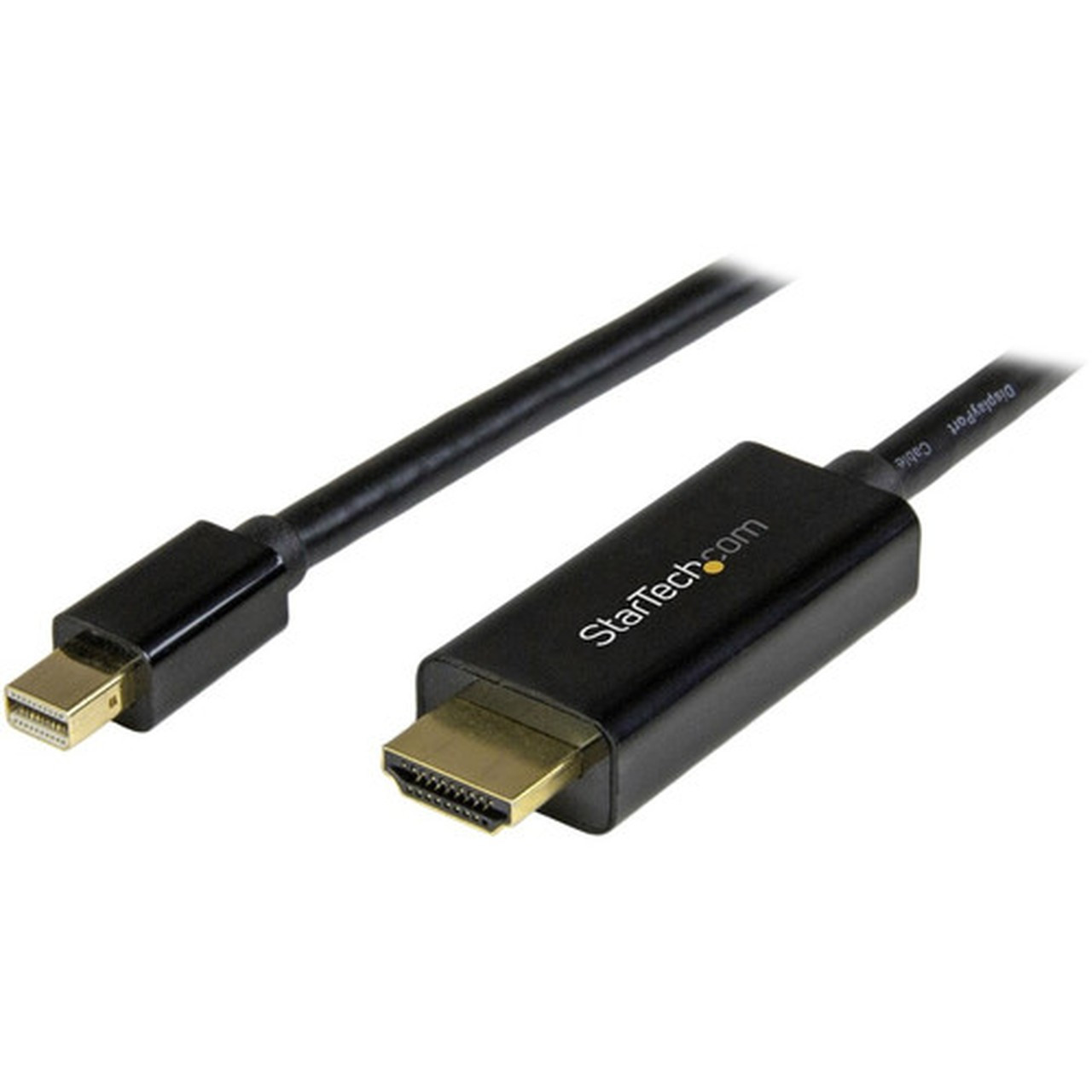
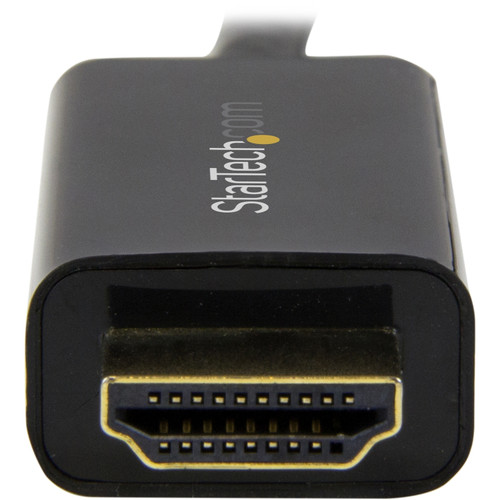
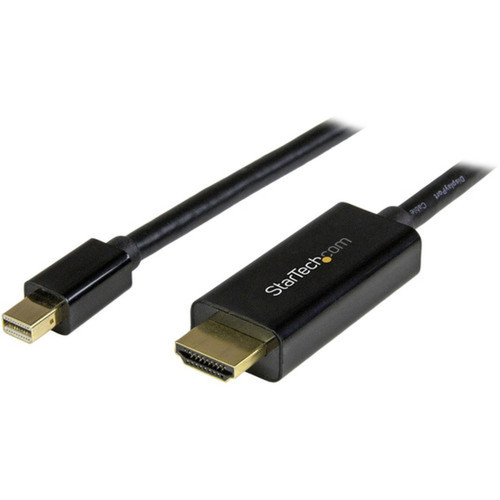
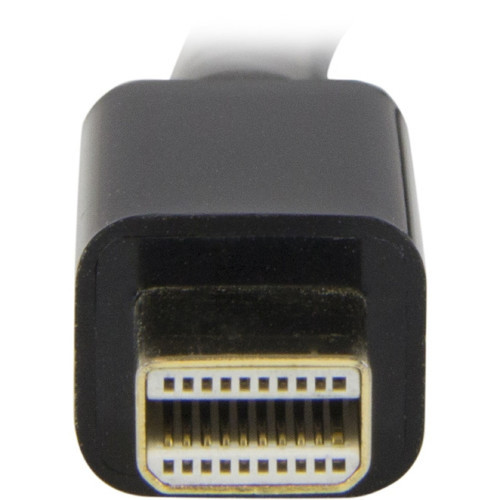
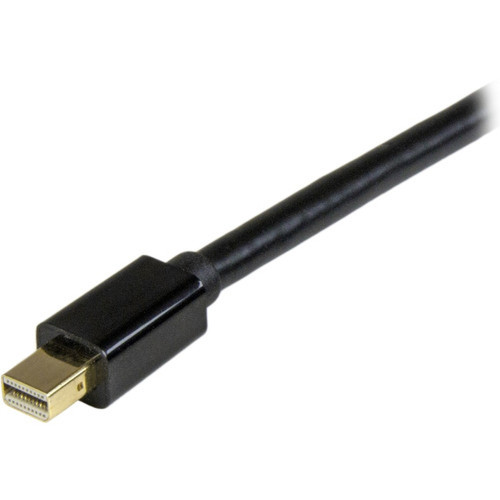
StarTech. com MDP2HDMM3MB Mini DisplayPort to HDMI Cable - 10ft - 3m - 4K 30Hz - HDCP 1. 4 - Passive Adapter Cable

Business volume discounts
Technical guidance
Preparation & staging
QC · ON · AB · BC
Product Features
Technical Overview
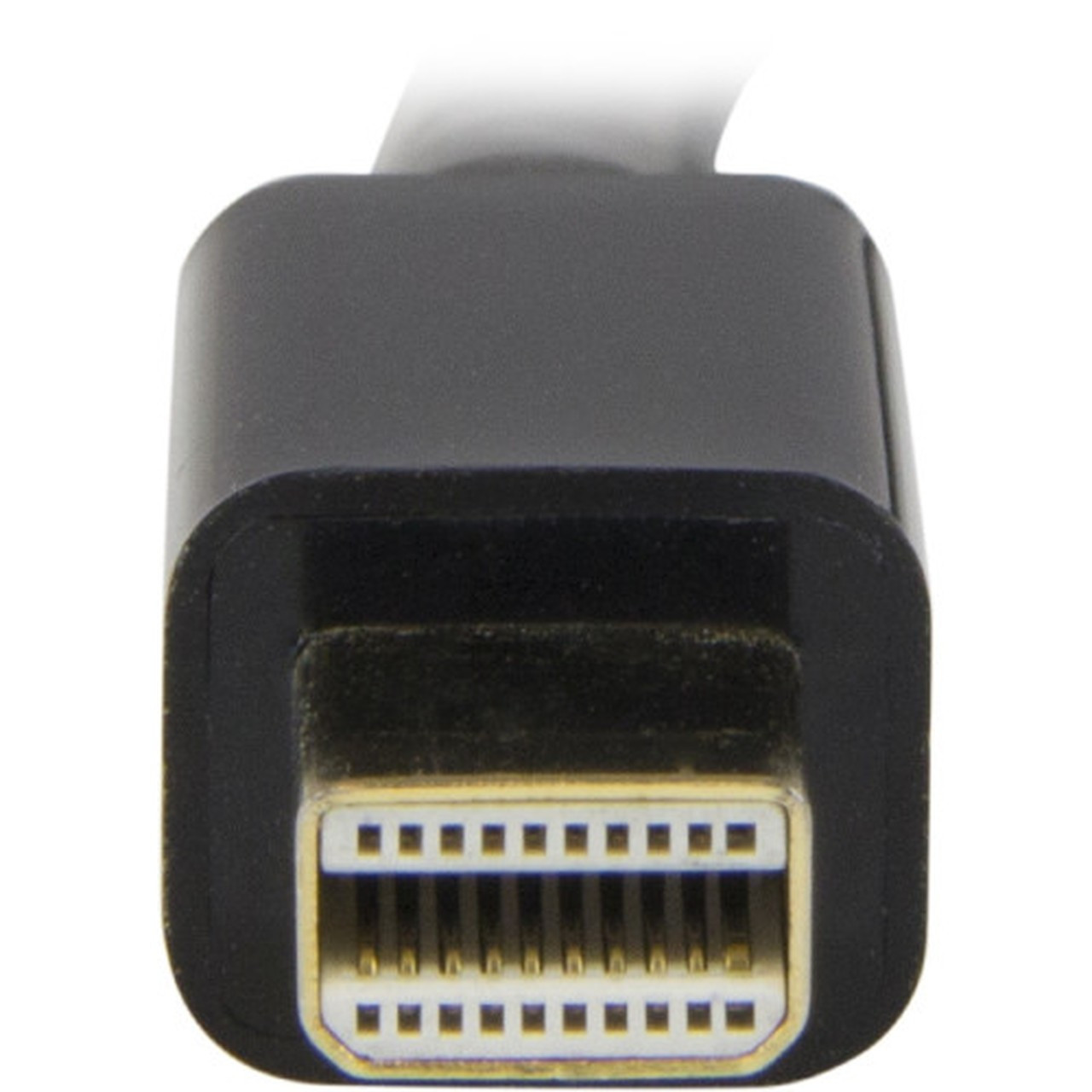
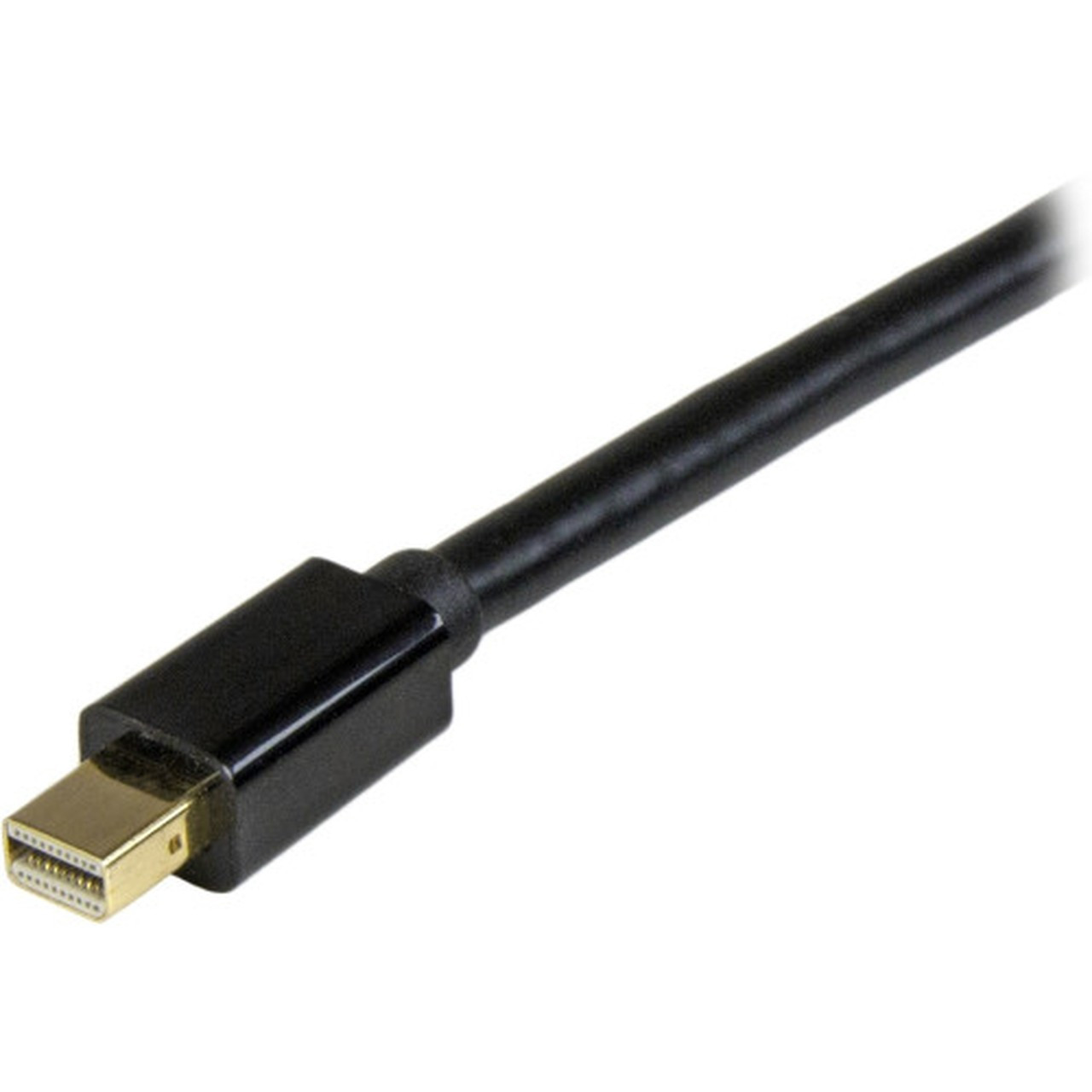
This adapter cable implements Mini DisplayPort 1.2 and HDMI 1.4 specifications to deliver high-quality digital video and audio transmission. The 20-pin Mini DisplayPort connector interfaces with mDP++ compatible sources, while the 19-pin HDMI connector outputs to standard HDMI displays and projectors.
The cable supports HDCP 1.4 content protection for secure playback of protected media, along with DPCP for DisplayPort content protection. Backward compatibility ensures reliable performance with 1080p and lower resolutions when needed.
This section brings together practical product details such as Cable Type, Cable Length, Connector Type on First End, Color Family, so buyers can judge configuration, deployment fit, and day-to-day suitability with less guesswork.
A strong technical summary explains how the product's interfaces, hardware profile, and operating characteristics work together in real deployment. Buyers often need this context to confirm compatibility with existing devices, expected performance in daily use, and whether installation will be straightforward for IT staff or end users.
Key Product Advantages
This Mini DisplayPort to HDMI solution combines performance with practical installation benefits. The integrated adapter chip within the HDMI connector eliminates the need for separate dongles or converters, reducing desktop clutter and potential connection points.
These strengths make the product easier to deploy and manage in real environments, especially where reliability, usability, and day-to-day operational continuity matter. Notable benefits include Universal Compatibility, Clean Installation.
Universal Compatibility
Works with Thunderbolt 1 & 2 MacBooks, Microsoft Surface Pro 1-6, AMD FirePro and NVIDIA Quadro workstations, Intel NUC systems, and various docks without requiring drivers.
- macOS
- Windows
- Ubuntu
Clean Installation
The flexible 10-foot cable length allows for easy routing behind desks or through cable management systems, while the integrated design maintains a professional appearance.
- Reduced clutter
- Tidy workspace
- Easy routing
Deployment / Use Cases
This cable serves as an essential connectivity solution for modern computing environments where Mini DisplayPort outputs need to connect to HDMI displays. It's particularly valuable in mixed-device workplaces that incorporate both Apple and Windows hardware.
Common deployment scenarios include connecting MacBook Air or Mac mini systems to conference room projectors, extending Microsoft Surface Pro displays to larger HDMI monitors, or integrating Thunderbolt-equipped laptops into existing HDMI-based presentation systems.
This section brings together practical product details such as Cable Type, Cable Length, Connector Type on First End, Color Family, so buyers can judge configuration, deployment fit, and day-to-day suitability with less guesswork.
Business Presentations
Connect laptops with Mini DisplayPort outputs to HDMI projectors and large-format displays in meeting rooms and boardrooms for clear, high-resolution presentations.
Multi-Monitor Setups
Extend desktop workspace by adding HDMI monitors to systems with Mini DisplayPort outputs, creating efficient multi-display configurations for productivity and creative work.
Physical Profile
The cable features a durable black exterior that blends well with professional office environments and home office setups. At 9.8 feet in length, it provides sufficient reach for most installation scenarios while maintaining signal integrity. The 3.4-ounce weight ensures the cable stays securely in place without pulling on connectors.
The physical profile is practical for deployment planning because the dimensions and weight are clearly defined: 3.40 oz (96.39 g). This helps confirm rack, shelf, desk, or cabinet fit before installation.
- Weight
- 3.40 oz (96.39 g)
- Length
- 9.8 ft (3 m)
Highlights
- Supports 4K Ultra HD video at 30Hz (3840x2160) or 4096x2160 @ 24Hz
- Delivers 7.1 channel audio alongside high-resolution video
- Integrated adapter chip built into HDMI connector minimizes signal loss
- Compatible with Thunderbolt 1 & 2 MacBooks and Microsoft Surface Pro 1-6
- Works with macOS, Windows, and Ubuntu without requiring drivers
- Passive design requires no external power or software installation
- 10-foot cable length provides flexible installation options
- HDCP 1.4 compliant for protected content playback
- Backward compatible with 1080p and lower resolutions
- 3-year limited warranty with RoHS environmental certification
Specifications
| Specifications | |
|---|---|
| Manufacturer | StarTech.com |
| Manufacturer Part Number | MDP2HDMM3MB |
| Brand Name | StarTech.com |
| Product Name | Mini DisplayPort to HDMI Adapter Cable - 3 m (10 ft.) - 4K 30Hz |
| Packaged Quantity | 1 Each |
| Product Type | Video Cable Adapter |
| Technical Information | |
| Cable Type | HDMI/Mini DisplayPort |
| Cable Length | 9.8 ft (3 m) |
| Connector Type on First End | Mini DisplayPort 1.2 Digital Audio/Video - Male |
| Connector Gender on First End | Male |
| Connector on First End Details | 1 x 20-pin Mini DisplayPort 1.2 Digital Audio/Video - Male |
| Connector Type on Second End | HDMI 1.4 Digital Audio/Video - Male |
| Connector Gender on Second End | Male |
| Connector on Second End Details | 1 x 19-pin HDMI 1.4 Digital Audio/Video - Male |
| Device Supported | Projector,Ultrabook,Audio/Video Device,Workstation,Notebook,MacBook,MacBook Air,Mac mini,Dock |
| Supported Resolution | 1920 x 1200 |
| Features | Passive,HDCP 1.4,DPCP |
| Physical Characteristics | |
| Color Family | Black |
| Product Color | Black |
| Weight (Approximate) | 3.40 oz (96.39 g) |
| Miscellaneous | |
| Environmentally Friendly | Yes |
| Environmental Certification | EU RoHS |
| Environmental Compliance | Restriction of Hazardous Substances (RoHS) 2,Registration, Evaluation, Authorization and Restriction of Chemicals (REACH),Waste Electrical and Electronic Equipment Directive (WEEE) |
| Country of Origin | China |
| Warranty | |
| Limited Warranty | 3 Year |
User Manual
FAQ
What video resolutions does this Mini DisplayPort to HDMI cable support?
This cable supports Ultra HD 4K resolution at 30Hz (3840x2160) and 4096x2160 at 24Hz. It maintains backward compatibility with 1080p and lower resolutions, ensuring reliable performance across various display configurations and content types.
Does this cable require separate drivers or software to work?
No, this is a passive adapter cable that requires no drivers, software, or external power. It works immediately with compatible devices running macOS, Windows, or Ubuntu operating systems, providing plug-and-play functionality for quick setup and deployment.
What types of devices are compatible with this Mini DisplayPort to HDMI cable?
The cable supports mDP++ compatible sources including Thunderbolt 1 and 2 MacBooks, MacBook Air, Mac mini, Microsoft Surface Pro 1-6, AMD FirePro and NVIDIA Quadro workstations, various laptops, mini ITX computers, Intel NUC systems, and compatible docking stations.
How does the integrated adapter chip improve performance?
The adapter chip is built directly into the HDMI connector, which minimizes signal loss compared to separate dongle solutions. This integrated design provides a more reliable connection with clearer image quality while reducing desktop clutter and potential connection failure points.
What audio capabilities does this cable support?
This cable delivers 7.1 channel audio alongside high-resolution video transmission. It supports digital audio pass-through from Mini DisplayPort sources to HDMI displays, ensuring complete audio-visual synchronization for multimedia content, presentations, and entertainment applications.
What is the warranty coverage for this adapter cable?
StarTech.com provides a 3-year limited warranty for this product. The cable also carries EU RoHS environmental certification and complies with Restriction of Hazardous Substances (RoHS) 2, REACH, and WEEE directives for responsible manufacturing and disposal.
What resolution or display format is specified?
It features a display specification of 1920 x 1200, giving you clear visuals for work and media use.
What refresh rate or brightness details are available?
Display-oriented products are best judged through screen, connectivity, and installation specifications. Those facts help buyers confirm visual fit, mounting flexibility, and deployment suitability more clearly than generic summary text.
| Qty | Price | Available |
|---|