







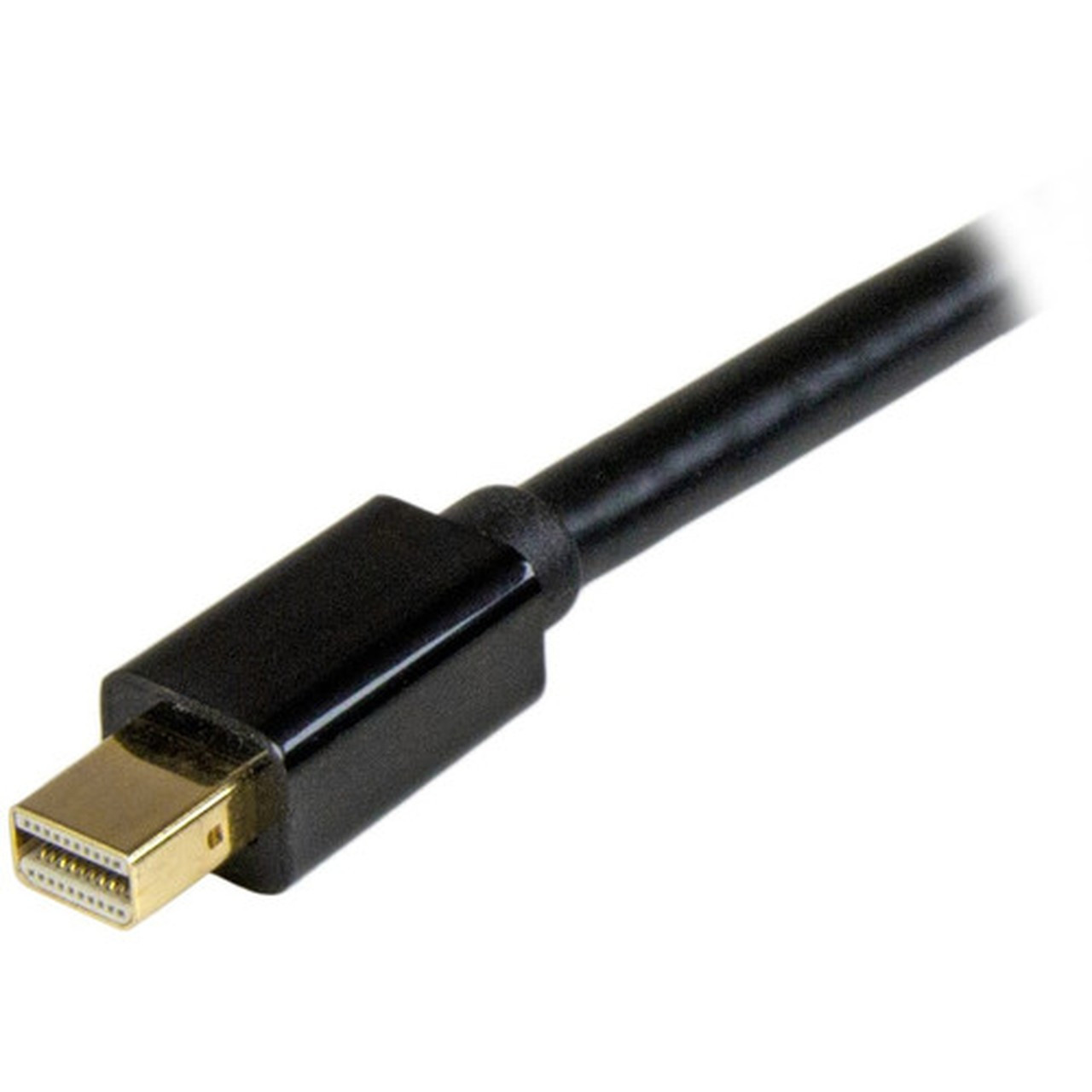


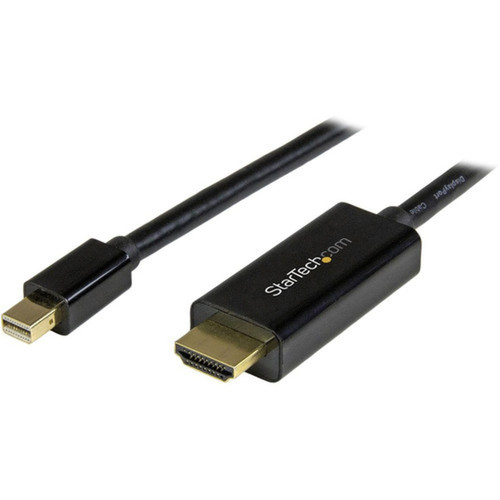
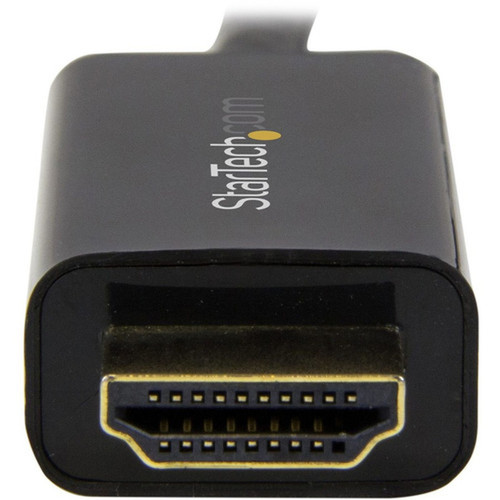

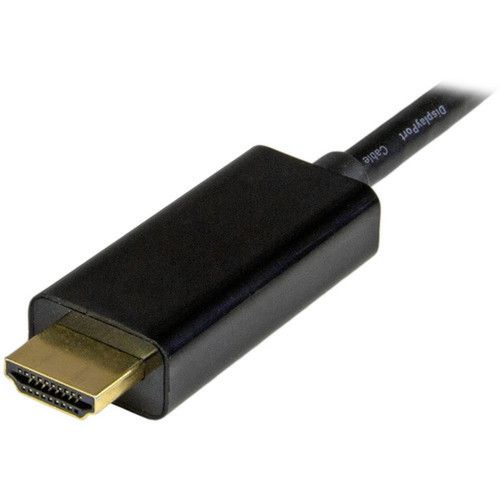
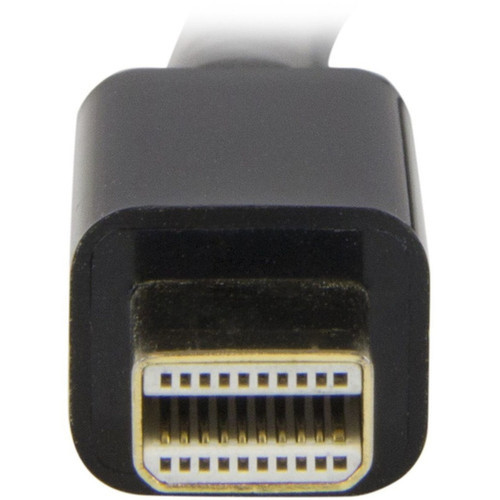
StarTech. com MDP2HDMM2MB Mini DisplayPort to HDMI Cable - 6. 6ft (2m) - 4K 30Hz - Passive Adapter - Black

Business volume discounts
Technical guidance
Preparation & staging
QC · ON · AB · BC
Product Features
Technical Overview
This adapter cable operates as a passive Mini DisplayPort to HDMI solution, requiring no external power, software, or drivers. It leverages the mDP++ source capability present on many modern devices, allowing direct digital signal conversion from the Mini DisplayPort's TMDS protocol to HDMI's compatible format. The integrated design ensures plug-and-play functionality across supported operating systems.
The cable's construction focuses on signal integrity and durability. The 20-pin Mini DisplayPort 1.2 connector and 19-pin HDMI 1.4 connector provide secure, gold-plated contacts for consistent electrical performance. Content protection is handled through HDCP 1.4 and DPCP compliance, enabling playback of protected digital media without interruption.
This section brings together practical product details such as Cable Type, Cable Length, Connector Type on First End, Color Family, so buyers can judge configuration, deployment fit, and day-to-day suitability with less guesswork.
Key Product Advantages
The integrated adapter chip within the HDMI connector distinguishes this cable from bulkier external converter solutions. This design reduces desktop clutter, simplifies cable management, and provides a more reliable physical connection by eliminating a potential point of failure. The flexible cable jacket allows for easy routing behind desks, through cable channels, or in tight AV installations.
Universal OS Compatibility
Works seamlessly with macOS, Windows, and Ubuntu Linux without requiring additional drivers. The plug-and-play nature ensures immediate functionality upon connection.
- No software installation needed
- Recognized automatically by host systems
- Supports Thunderbolt 1 & 2 MacBooks via Mini DisplayPort
Broad Device Support
Connects a wide range of Mini DisplayPort-equipped devices to HDMI displays, monitors, or projectors.
- Microsoft Surface Pro 1-6
- MacBook, MacBook Air, Mac mini
- Desktops with AMD FirePro or NVIDIA Quadro graphics
- Intel NUC systems and docking stations
Deployment / Use Cases
This cable is ideal for extending or mirroring displays from laptops and compact computers to larger monitors, conference room projectors, or digital signage. In office environments, it facilitates presentations by connecting Ultrabooks or Microsoft Surface devices to HDMI-equipped displays in boardrooms or training areas.
For home office setups, the cable enables users to connect their primary computer to a secondary monitor for expanded screen real estate. IT professionals and system integrators value it for deploying mini-ITX computers or compact desktops in digital kiosks, point-of-sale systems, or control rooms where space is limited but 4K output is required.
Physical Profile
The cable features a standard black PVC jacket that blends discreetly with most office and home decor. At 6.6 feet (2 meters) in length, it provides ample reach for typical desk-to-monitor or laptop-to-projector connections without excessive slack. The lightweight construction at 2.65 ounces makes it easy to transport in a laptop bag for mobile presenters or remote workers.
The physical profile is practical for deployment planning because the dimensions and weight are clearly defined: 2.65 oz (75.20 g). This helps confirm rack, shelf, desk, or cabinet fit before installation.
- Weight
- 2.65 oz (75.20 g)
- Length
- 6.6 ft (2 m)
Highlights
- 6.6ft (2m) Mini DisplayPort 1.2 to HDMI 1.4 passive adapter cable
- Supports 4K Ultra HD resolution at 4096x2160 and 30Hz refresh rate
- Integrated conversion chip built into HDMI connector reduces clutter
- Plug-and-play operation with macOS, Windows, and Ubuntu—no drivers needed
- Compatible with Thunderbolt 1/2 MacBooks, Microsoft Surface Pro, and many PCs
- Transmits 7.1 channel digital audio alongside video signals
- HDCP 1.4 and DPCP content protection for secure media playback
- Backward compatible with 1080p, 720p, and other lower resolutions
- Black color with flexible jacket for easy routing and installation
- Backed by a 3-year limited warranty from StarTech.com
Specifications
| Specifications | |
|---|---|
| Manufacturer | StarTech.com |
| Manufacturer Part Number | MDP2HDMM2MB |
| Brand Name | StarTech.com |
| Product Name | Mini DisplayPort to HDMI converter cable - 6 ft (2m) - 4K |
| Packaged Quantity | 1 Each |
| Product Type | Video Cable Adapter |
| Technical Information | |
| Cable Type | HDMI/Mini DisplayPort |
| Cable Length | 6.6 ft (2 m) |
| Connector Type on First End | Mini DisplayPort 1.2 Digital Audio/Video - Male |
| Connector Gender on First End | Male |
| Connector on First End Details | 1 x 20-pin Mini DisplayPort 1.2 Digital Audio/Video - Male |
| Connector Type on Second End | HDMI 1.4 Digital Audio/Video - Male |
| Connector Gender on Second End | Male |
| Connector on Second End Details | 1 x 19-pin HDMI 1.4 Digital Audio/Video - Male |
| Device Supported | Ultrabook,Projector,Desktop Computer,Mac mini,MacBook,Notebook,Dock |
| Supported Resolution | 4096 x 2160 |
| Features | Passive,HDCP 1.4,DPCP |
| Physical Characteristics | |
| Color Family | Black |
| Product Color | Black |
| Weight (Approximate) | 2.65 oz (75.20 g) |
| Miscellaneous | |
| Compatibility | Microsoft Surface Pro |
| Environmentally Friendly | Yes |
| Environmental Certification | EU RoHS |
| Environmental Compliance | Restriction of Hazardous Substances (RoHS) 2,Registration, Evaluation, Authorization and Restriction of Chemicals (REACH),Waste Electrical and Electronic Equipment Directive (WEEE) |
| Country of Origin | China |
| Warranty | |
| Limited Warranty | 3 Year |
User Manual
FAQ
What is the maximum resolution and refresh rate this cable supports?
The StarTech.com MDP2HDMM2MB cable supports a maximum resolution of 4096 x 2160 (4K) at a 30Hz refresh rate. It can also handle 4096x2160 at 24Hz or lower resolutions like 3840x2160 at 30Hz. For 1080p content, it supports higher refresh rates up to 60Hz, maintaining full backward compatibility with HD and Full HD displays.
Does this cable require external power or software drivers to work?
No, this is a passive adapter cable that requires no external power source, software, or drivers. The conversion chip is integrated into the HDMI connector, making it plug-and-play compatible with operating systems like macOS, Windows, and Ubuntu. Simply connect the Mini DisplayPort end to your source device and the HDMI end to your display for immediate functionality.
Which devices are compatible with this Mini DisplayPort to HDMI cable?
The cable is compatible with devices featuring a Mini DisplayPort 1.2 or mDP++ output. This includes Microsoft Surface Pro models 1 through 6, Thunderbolt 1 and 2 MacBooks (via the Mini DisplayPort), MacBook Air, Mac mini, desktops with AMD FirePro or NVIDIA Quadro graphics, laptops with Mini DisplayPort, Intel NUC systems, and various docking stations. It connects these to any HDMI 1.4 or later display, monitor, or projector.
Can this cable transmit audio along with video?
Yes, the cable transmits both digital video and 7.1 channel digital audio from the Mini DisplayPort source to the HDMI display. The audio is embedded within the digital signal, eliminating the need for separate audio cables. Ensure your source device is configured to output audio through the Mini DisplayPort connection for proper functionality.
What is the difference between this cable and an active Mini DisplayPort to HDMI adapter?
This cable uses a passive design with the conversion chip built into the HDMI connector, whereas active adapters typically require a separate box or dongle. The passive approach simplifies setup, reduces clutter, and often provides more reliable connections by minimizing intermediate components. It supports resolutions up to 4K 30Hz through the mDP++ capability of compatible source devices.
What warranty coverage does StarTech.com provide for this cable?
StarTech.com backs the MDP2HDMM2MB cable with a 3-year limited warranty. This coverage protects against defects in materials and workmanship under normal use. The cable is also manufactured in compliance with environmental standards including EU RoHS, REACH, and WEEE directives, ensuring responsible production and disposal practices.
What resolution or display format is specified?
It features a display specification of 4096 x 2160, giving you clear visuals for work and media use.
What refresh rate or brightness details are available?
Display-oriented products are best judged through screen, connectivity, and installation specifications. Those facts help buyers confirm visual fit, mounting flexibility, and deployment suitability more clearly than generic summary text.
| Qty | Price | Available |
|---|


