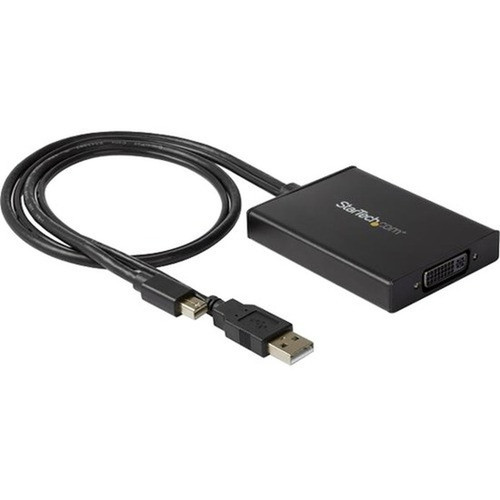
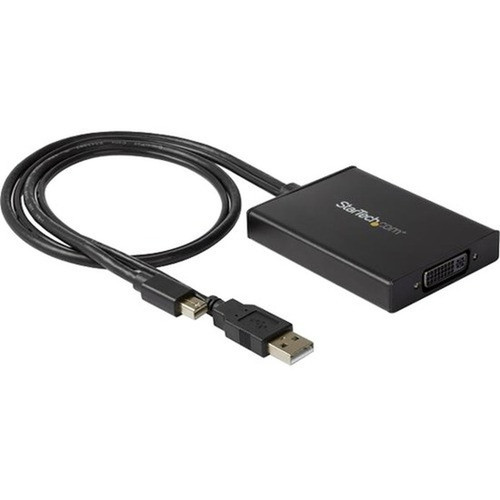
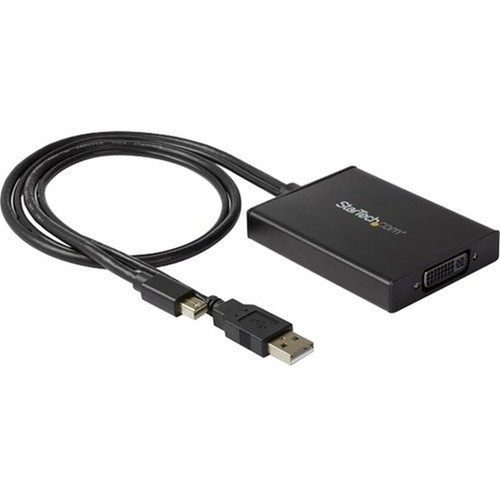

StarTech. com MDP2DVID2 Mini DisplayPort to Dual-Link DVI Adapter - USB Powered - Active Converter - Black

Business volume discounts
Technical guidance
Preparation & staging
QC · ON · AB · BC
Product Features
Technical Overview
This adapter converts Mini DisplayPort 1.2a digital audio/video signals to DVI-D dual-link digital video, supporting resolutions up to 2560x1600 at 60Hz. The active design regenerates the display signal to maintain quality across extended distances, which is essential for high-resolution applications where passive adapters may fail.
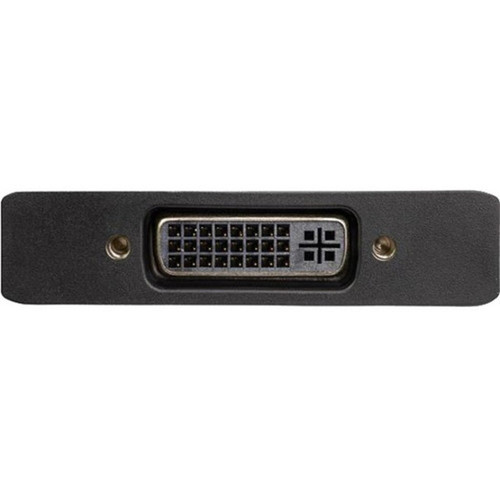
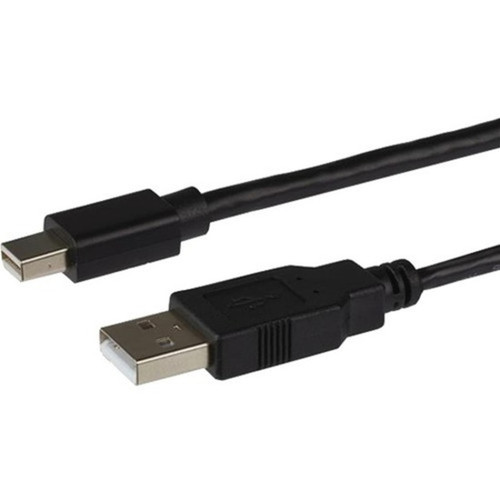
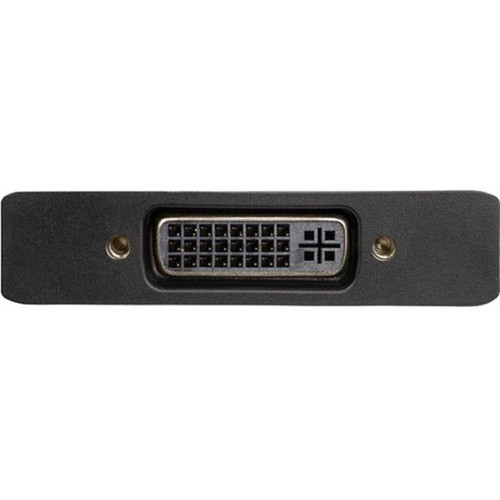
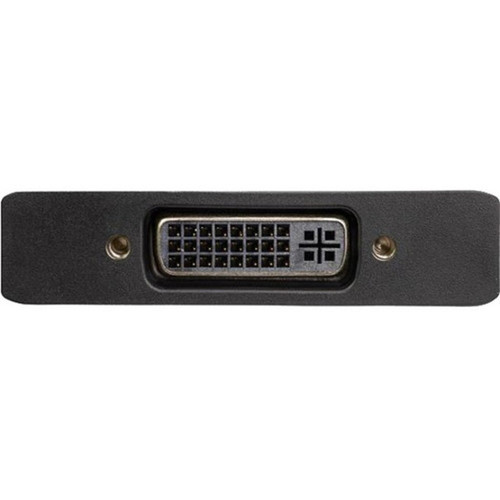
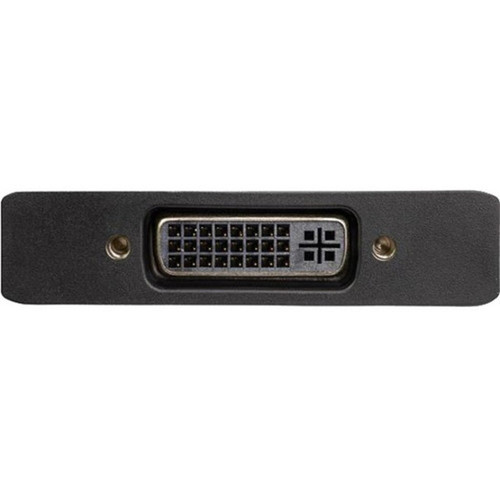
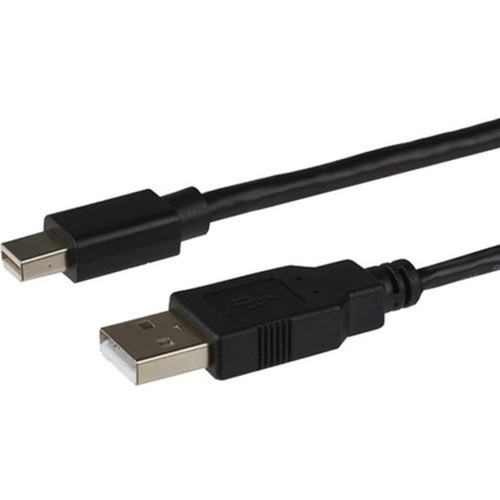
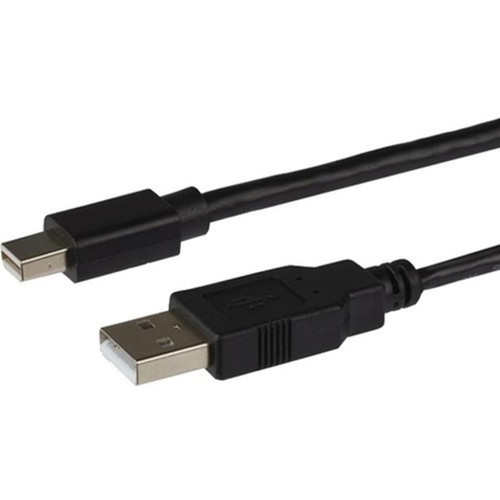
Power is supplied through a standard USB 2.0 Type A port, drawing minimal current from the host device or any available USB port. The connector configuration includes a 20-pin Mini DisplayPort input and a 29-pin DVI dual-link female output, ensuring compatibility with a wide range of source devices and displays.
This section brings together practical product details such as Connector Type on First End, Connector on First End Details, Connector Type on Second End, Color Family, so buyers can judge configuration, deployment fit, and day-to-day suitability with less guesswork.
Key Product Advantages
The MDP2DVID2 adapter delivers high-resolution connectivity without compromising signal quality, thanks to its active conversion technology. This makes it a dependable solution for extending the life of legacy DVI displays in modern computing setups.
These strengths make the product easier to deploy and manage in real environments, especially where reliability, usability, and day-to-day operational continuity matter. Notable benefits include High-Resolution Support, Simplified Power Design.
High-Resolution Support
Enables 2560x1600 resolution for detailed visuals on professional monitors and large displays.
- Ideal for graphic design
- Supports widescreen formats
Simplified Power Design
USB 2.0 power eliminates external adapters, reducing cable clutter and enhancing portability.
- No driver installation
- Works with any USB port
Deployment / Use Cases
This adapter is ideal for connecting modern laptops or desktops with Mini DisplayPort outputs to high-resolution DVI monitors, such as Apple Cinema Displays or professional-grade screens used in design studios. It supports dual-link DVI, which is necessary for resolutions beyond 1920x1200, ensuring crisp image quality for detailed work.
Common deployment scenarios include office workstations where legacy DVI monitors are still in use, home theaters connecting media PCs to large-screen TVs, and educational environments upgrading existing display infrastructure. The plug-and-play functionality allows for quick deployment without IT intervention, making it suitable for temporary setups or permanent installations.
Professional Workstations
Connect MacBook Pro or other Mini DisplayPort devices to dual-link DVI monitors for graphic design, video editing, or CAD applications.
Display Upcycling
Extend the usability of high-quality DVI displays by adapting them to modern Mini DisplayPort sources, reducing electronic waste.
Physical Profile
The adapter features a sleek black housing that blends with most office or home decor. Weighing only 4.20 ounces (119.07 grams), it is lightweight and portable, easily fitting into laptop bags or toolkits for on-the-go use. The compact form factor minimizes desk footprint while providing robust connectivity.
The physical profile is practical for deployment planning because the dimensions and weight are clearly defined: 4.20 oz (119.07 g). This helps confirm rack, shelf, desk, or cabinet fit before installation.
- Weight
- 4.20 oz (119.07 g)
Highlights
- Converts Mini DisplayPort 1.2a to dual-link DVI-D for high-resolution displays
- Supports maximum resolution of 2560 x 1600 at 60Hz
- Powered by a single USB 2.0 port—no external power adapter needed
- Active adapter design ensures reliable signal integrity over longer cables
- Plug-and-play installation with no drivers required
- Compatible with DVI-D displays including televisions and Apple Cinema Display HD
- Black color matches standard office and home theater equipment
- Backed by a 3-year limited warranty for long-term reliability
Specifications
| Specifications | |
|---|---|
| Manufacturer | StarTech.com |
| Manufacturer Part Number | MDP2DVID2 |
| Brand Name | StarTech.com |
| Product Name | Mini DisplayPort to Dual-Link DVI Adapter - USB Powered - Black |
| Packaged Quantity | 1 Each |
| Product Type | Video Adapter |
| Technical Information | |
| Connector Type on First End | USB 2.0 Type A - Male |
| Connector on First End Details | 1 x 4-pin USB 2.0 Type A - Male,1 x 20-pin Mini DisplayPort 1.2a Digital Audio/Video |
| Connector Type on Second End | DVI (Dual-Link) Digital Video - Female |
| Connector on Second End Details | 1 x 29-pin DVI (Dual-Link) Digital Video - Female |
| Features | Active |
| Physical Characteristics | |
| Color Family | Black |
| Product Color | Black |
| Weight (Approximate) | 4.20 oz (119.07 g) |
| Miscellaneous | |
| Country of Origin | China |
| Environmentally Friendly | Yes |
| Environmental Compliance | Waste Electrical and Electronic Equipment Directive (WEEE),Restriction of Hazardous Substances (RoHS),Registration, Evaluation, Authorization and Restriction of Chemicals (REACH) |
| Warranty | |
| Limited Warranty | 3 Year |
User Manual
FAQ
How is the adapter powered?
This adapter is powered through a USB 2.0 Type A port. It draws minimal power from the host device or any available USB port, eliminating the need for an external power adapter. This simplifies setup and reduces cable clutter in your workspace.
Does this adapter require drivers or software installation?
No, the adapter features plug-and-play functionality and does not require any drivers or software installation. Simply connect the Mini DisplayPort to your source device, plug the USB cable into a USB port for power, and connect the DVI cable to your display for immediate use.
What types of displays are compatible with this adapter?
The adapter is compatible with any DVI-D dual-link display, including professional monitors, Apple Cinema Displays, and large-screen televisions. It supports digital video signals only, so ensure your display has a DVI-D input for proper connectivity.
What is the difference between active and passive adapters?
Active adapters, like the MDP2DVID2, regenerate the display signal using an internal chipset, which maintains signal integrity over longer distances and supports higher resolutions. Passive adapters simply pass the signal through and may not support dual-link DVI or extended cable runs effectively.
What warranty does this product come with?
StarTech.com provides a 3-year limited warranty for this adapter, covering defects in materials and workmanship. This warranty ensures long-term reliability and support for professional or continuous use in various environments.
What refresh rate or brightness details are available?
Display-oriented products are best judged through screen, connectivity, and installation specifications. Those facts help buyers confirm visual fit, mounting flexibility, and deployment suitability more clearly than generic summary text.
What input or connectivity options are listed?
1 x 4-pin USB 2.0 Type A - Male,1 x 20-pin Mini DisplayPort 1.2a Digital Audio/Video.
Does the display support VESA mounting or adjustment features?
Display-oriented products are best judged through screen, connectivity, and installation specifications. Those facts help buyers confirm visual fit, mounting flexibility, and deployment suitability more clearly than generic summary text.
| Qty | Price | Available |
|---|