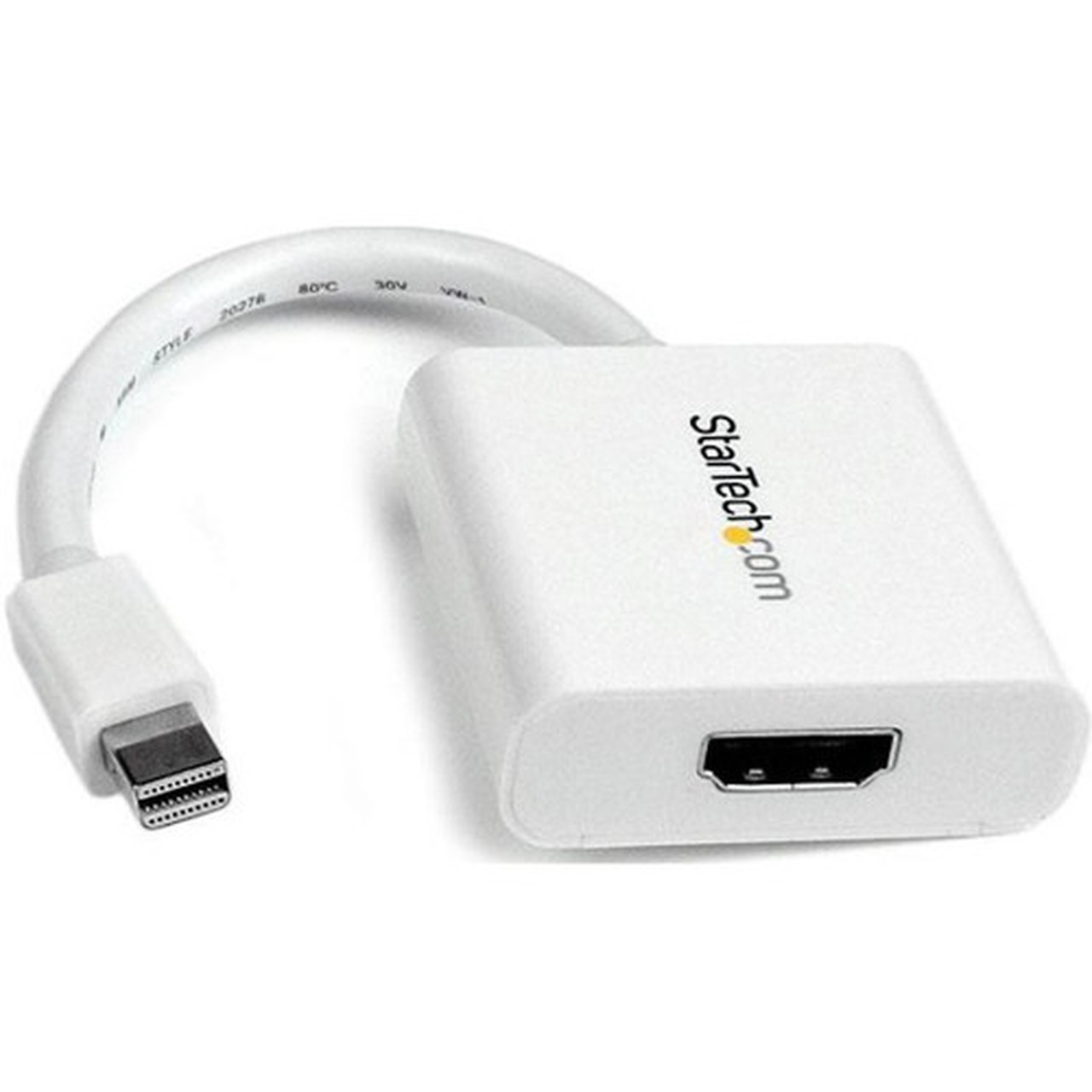
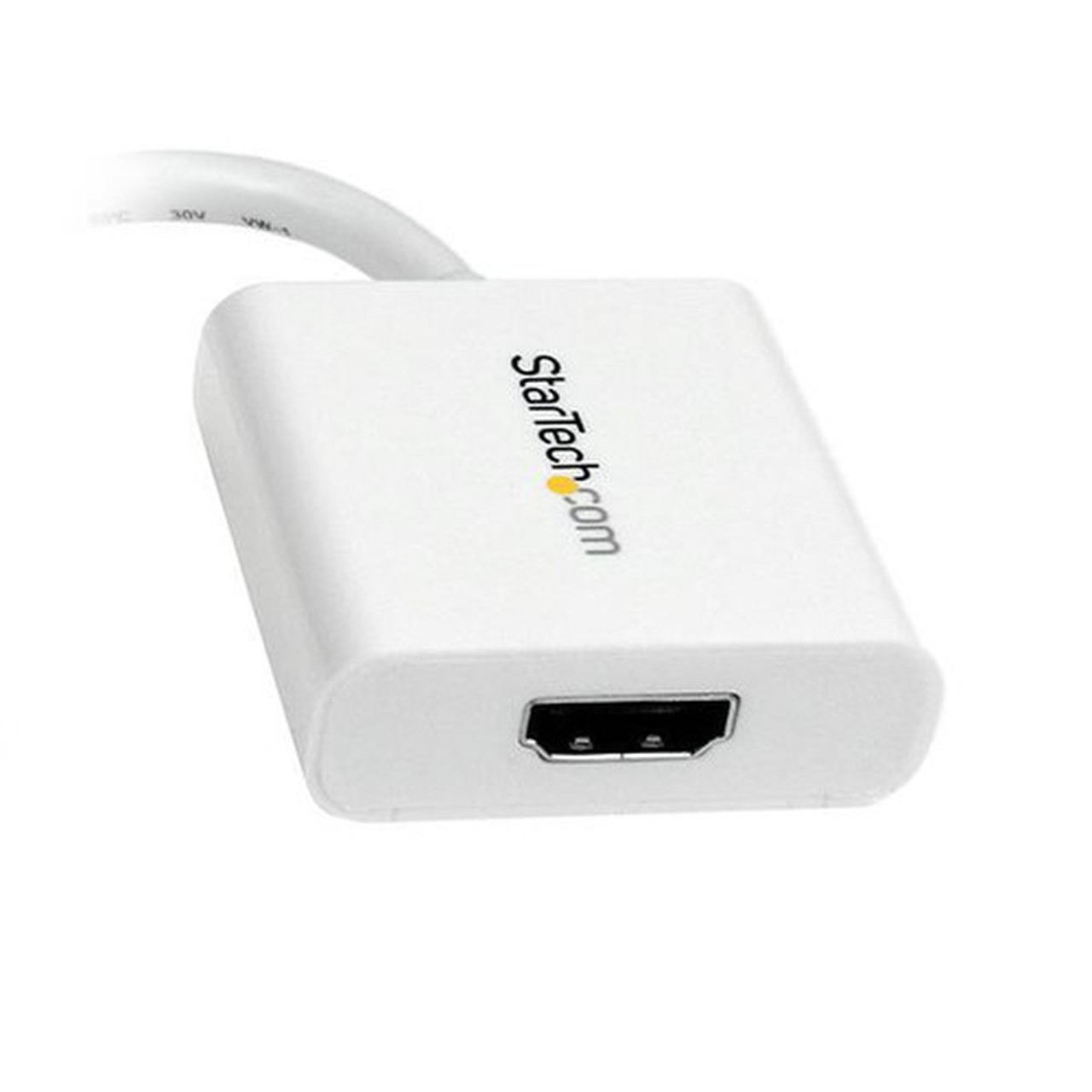
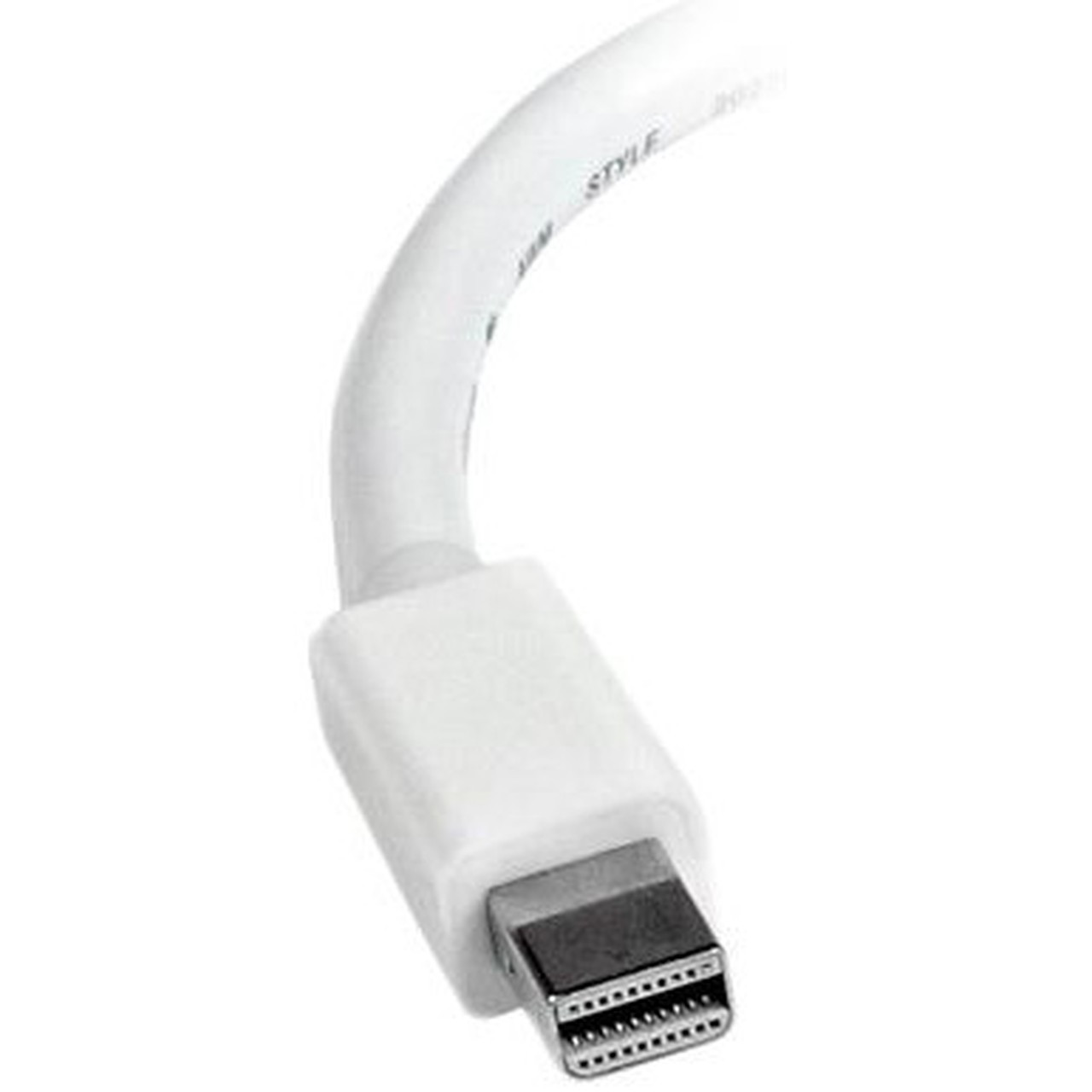
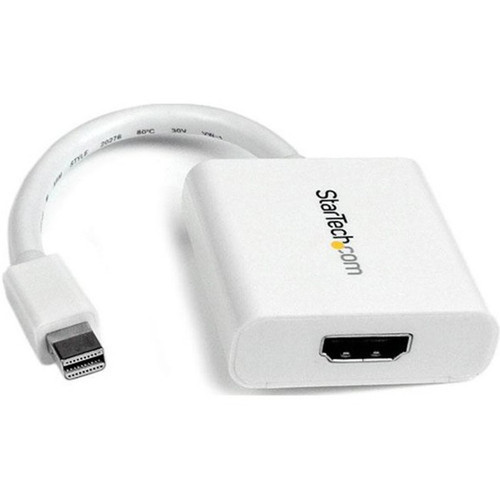


StarTech. com MDP2HDW Mini DisplayPort to HDMI Adapter - Passive mDP 1. 2 to HDMI 1. 4 - 1080p 60Hz - White

Business volume discounts
Technical guidance
Preparation & staging
QC · ON · AB · BC
Product Features
Technical Overview
This section brings together practical product details such as Connector Type on First End, Connector on First End Details, Connector Type on Second End, Color Family, so buyers can judge configuration, deployment fit, and day-to-day suitability with less guesswork.
A strong technical summary explains how the product's interfaces, hardware profile, and operating characteristics work together in real deployment. Buyers often need this context to confirm compatibility with existing devices, expected performance in daily use, and whether installation will be straightforward for IT staff or end users.
Passive Conversion Technology
This adapter uses passive conversion, requiring no external power or drivers. It supports mDP++ sources including Thunderbolt 1 and 2 MacBooks, Microsoft Surface Pro devices, and various desktop and laptop systems.
- No software installation needed
- Works with macOS, Windows, and Ubuntu
- Compatible with MiniDP++ enabled devices
Signal Integrity Features
Nickel-plated connectors resist corrosion and ensure consistent signal transmission. The adapter has been tested with HDMI cables up to 15 meters while maintaining video quality.
- Enhanced durability
- Reliable connection quality
- Extended cable compatibility
Key Product Advantages
This adapter stands out with its combination of performance, compatibility, and durability. The passive design ensures plug-and-play operation across multiple operating systems, while the nickel-plated connectors provide long-term reliability.
These strengths make the product easier to deploy and manage in real environments, especially where reliability, usability, and day-to-day operational continuity matter. Notable benefits include Passive conversion, HDCP 1.4 compliant, Nickel-plated connectors, Compact form factor, OS independent.
For buyers comparing similar models, the strongest advantage is usually the balance between dependable day-to-day operation and a simpler rollout experience. That means less time spent troubleshooting fit, compatibility, or user adoption after installation, which is especially important for shared business environments and repeat purchasing decisions.
Deployment / Use Cases
The MDP2HDW adapter enables multiple display scenarios for productivity and presentation needs. Connect your Mini DisplayPort laptop to an HDMI monitor for extended desktop workspace, or hook up to a projector or television for presentations and media viewing.
Its compatibility with Thunderbolt 1 and 2 MacBooks makes it particularly useful for Apple users needing HDMI connectivity. The adapter also works well with Microsoft Surface Pro tablets, Intel NUC systems, and various docking stations.
This section brings together practical product details such as Connector Type on First End, Connector on First End Details, Connector Type on Second End, Color Family, so buyers can judge configuration, deployment fit, and day-to-day suitability with less guesswork.
Office Productivity
Add a second display to your workstation to increase screen real estate for multitasking with documents, spreadsheets, and communication tools.
Presentation Setup
Connect your laptop to conference room displays or projectors for meetings, training sessions, or client presentations.
Physical Profile
The adapter features a compact white housing with a 5-inch attached cable that provides flexibility in placement. Weighing just 0.85 ounces, it's lightweight enough to carry in a laptop bag or pocket. The white color coordinates with many modern computing devices and office environments.
The physical profile is practical for deployment planning because the dimensions and weight are clearly defined: 0.85 oz (24 g). This helps confirm rack, shelf, desk, or cabinet fit before installation.
- Weight
- 0.85 oz (24 g)
Highlights
- Converts Mini DisplayPort 1.2 to HDMI 1.4 for 1080p video at 60Hz
- Supports 7.1 channel audio transmission with HDCP 1.4 content protection
- Passive design requires no external power or driver installation
- Compatible with Thunderbolt 1/2 MacBooks, Surface Pro, and mDP++ devices
- Nickel-plated connectors ensure reliable signal quality and durability
- Works with macOS, Windows, and Ubuntu operating systems
- Compact white design with 5-inch attached cable for flexible placement
- Tested with HDMI cables up to 50 feet while maintaining signal integrity
- Environmentally compliant with RoHS, REACH, and WEEE standards
- Backed by a 3-year limited warranty from StarTech.com
Specifications
| Specifications | |
|---|---|
| Manufacturer | StarTech.com |
| Manufacturer Part Number | MDP2HDW |
| Brand Name | StarTech.com |
| Product Name | Mini DisplayPort to HDMI Video Adapter Converter - White |
| Packaged Quantity | 1 Each |
| Product Type | Video Adapter |
| Technical Information | |
| Connector Type on First End | Mini DisplayPort 1.2 Digital Audio/Video - Male |
| Connector on First End Details | 1 x 20-pin Mini DisplayPort 1.2 Digital Audio/Video - Male |
| Connector Type on Second End | HDMI 1.4 Digital Audio/Video - Female |
| Connector on Second End Details | 1 x 19-pin HDMI 1.4 Digital Audio/Video - Female |
| Connector Plating | Nickel |
| Features | Passive,HDCP 1.4,DPCP |
| Physical Characteristics | |
| Color Family | White |
| Product Color | White |
| Weight (Approximate) | 0.85 oz (24 g) |
| Miscellaneous | |
| Country of Origin | China |
| Environmentally Friendly | Yes |
| Environmental Certification | EU RoHS |
| Environmental Compliance | Restriction of Hazardous Substances (RoHS) 2,Registration, Evaluation, Authorization and Restriction of Chemicals (REACH),Waste Electrical and Electronic Equipment Directive (WEEE) |
| Warranty | |
| Limited Warranty | 3 Year |
User Manual
FAQ
Does this adapter require external power or software drivers to work?
No, this is a passive adapter that requires no external power source or software drivers. It works as a plug-and-play solution with any operating system including macOS, Windows, and Ubuntu, making installation quick and straightforward.
Which devices are compatible with this Mini DP to HDMI adapter?
The adapter supports mDP++ sources including Thunderbolt 1 and 2 MacBooks, MacBook Air, Mac Mini, Microsoft Surface Pro models 1-6, desktops with AMD FirePro or NVIDIA Quadro graphics, laptops, mini ITX computers, Intel NUC systems, and various docking stations.
What audio capabilities does this video adapter provide?
The adapter supports 7.1 channel surround sound audio transmission alongside video signals. This enables full audio-visual connectivity for multimedia applications, presentations, and entertainment content when connected to compatible audio systems.
How does the nickel-plated connector design benefit performance?
Nickel plating on the connectors provides enhanced corrosion resistance and maintains consistent signal quality over time. This design ensures reliable connections and has been tested to work with HDMI cables up to 50 feet while maintaining video integrity.
What warranty coverage comes with this StarTech.com adapter?
StarTech.com provides a 3-year limited warranty for this adapter. The company also maintains environmental compliance with EU RoHS, REACH, and WEEE standards, reflecting their commitment to product quality and responsible manufacturing practices.
What refresh rate or brightness details are available?
Display-oriented products are best judged through screen, connectivity, and installation specifications. Those facts help buyers confirm visual fit, mounting flexibility, and deployment suitability more clearly than generic summary text.
What input or connectivity options are listed?
1 x 20-pin Mini DisplayPort 1.2 Digital Audio/Video - Male.
Does the display support VESA mounting or adjustment features?
Display-oriented products are best judged through screen, connectivity, and installation specifications. Those facts help buyers confirm visual fit, mounting flexibility, and deployment suitability more clearly than generic summary text.
| Qty | Price | Available |
|---|