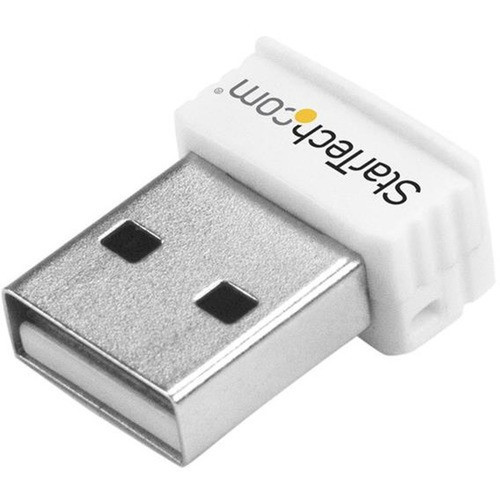
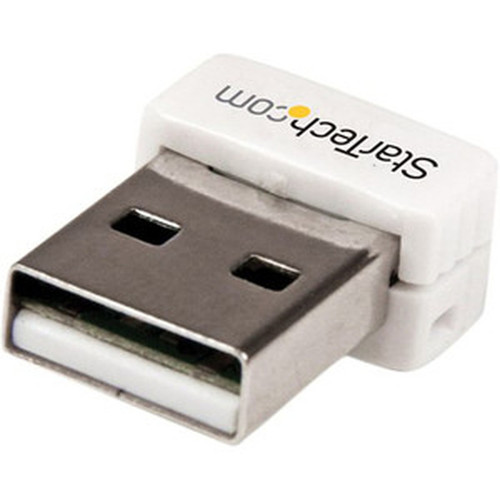
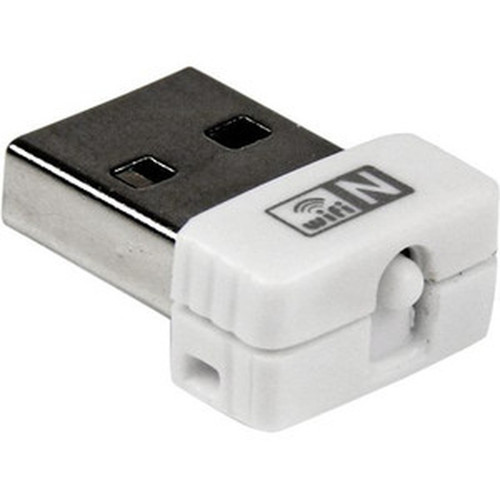
StarTech.com USB150WN1X1W Mini Wireless N Network Adapter - 802.11n/g 150Mbps 1T1R USB WiFi Adapter - White

Business volume discounts
Technical guidance
Preparation & staging
QC · ON · AB · BC
Product Features
Technical Overview
This adapter implements the IEEE 802.11n wireless standard with a single-stream 1×1 antenna configuration, achieving maximum theoretical data rates of 150 Mbps. Operating exclusively in the 2.4 GHz ISM band, it provides reliable connectivity in typical office and home environments where 5 GHz signals might face greater attenuation through walls and obstacles.
The device maintains full backward compatibility with legacy 802.11b and 802.11g networks, automatically negotiating the highest available connection speed with existing wireless infrastructure. Security protocols include WEP (64-128 bit), WPA, and WPA2 encryption to protect network traffic. Wi-Fi Protected Setup (WPS) support enables simplified secure connection establishment through either a physical push-button or software-based configuration.
Relevant factors for this section include Wi-Fi Generation, Wireless LAN Standard, ISM Band, Host Interface. When those points are considered together, they give buyers a clearer picture of how the product is equipped, how it fits into deployment, and what kind of day-to-day role it is meant to support.
Key Product Advantages
Compact Form Factor
Measuring just 0.60 inches wide and 0.30 inches high, this adapter occupies minimal space while connected. Its lightweight design at 0.10 ounces ensures it won't strain USB port connections or interfere with adjacent peripherals.
Extended Wireless Range
With an indoor operating range of approximately 100 meters (328 feet) and outdoor range up to 300 meters (984 feet), the adapter maintains stable connections across medium-sized offices, retail spaces, and educational environments.
Simplified Deployment
The included driver CD and instruction manual provide complete setup resources. WPS push-button functionality allows quick secure pairing with compatible wireless routers without manual security key entry.
Deployment / Use Cases
This wireless adapter serves as an ideal connectivity solution for legacy desktop systems and business notebooks that lack integrated Wi-Fi capability. IT departments can deploy these adapters to quickly add wireless networking to point-of-sale systems, kiosks, digital signage displays, and conference room computers without requiring internal hardware upgrades or complex configuration.
The adapter supports both infrastructure mode for standard wireless network access and ad-hoc mode for creating temporary peer-to-peer networks between devices. This flexibility makes it suitable for temporary workgroups, file sharing between devices in field settings, and backup connectivity when wired networks are unavailable. The compact design is particularly valuable for mobile professionals using ultraportable laptops with limited USB port availability.
Relevant factors for this section include Wi-Fi Generation, Wireless LAN Standard, ISM Band, Host Interface. When those points are considered together, they give buyers a clearer picture of how the product is equipped, how it fits into deployment, and what kind of day-to-day role it is meant to support.
Physical Profile
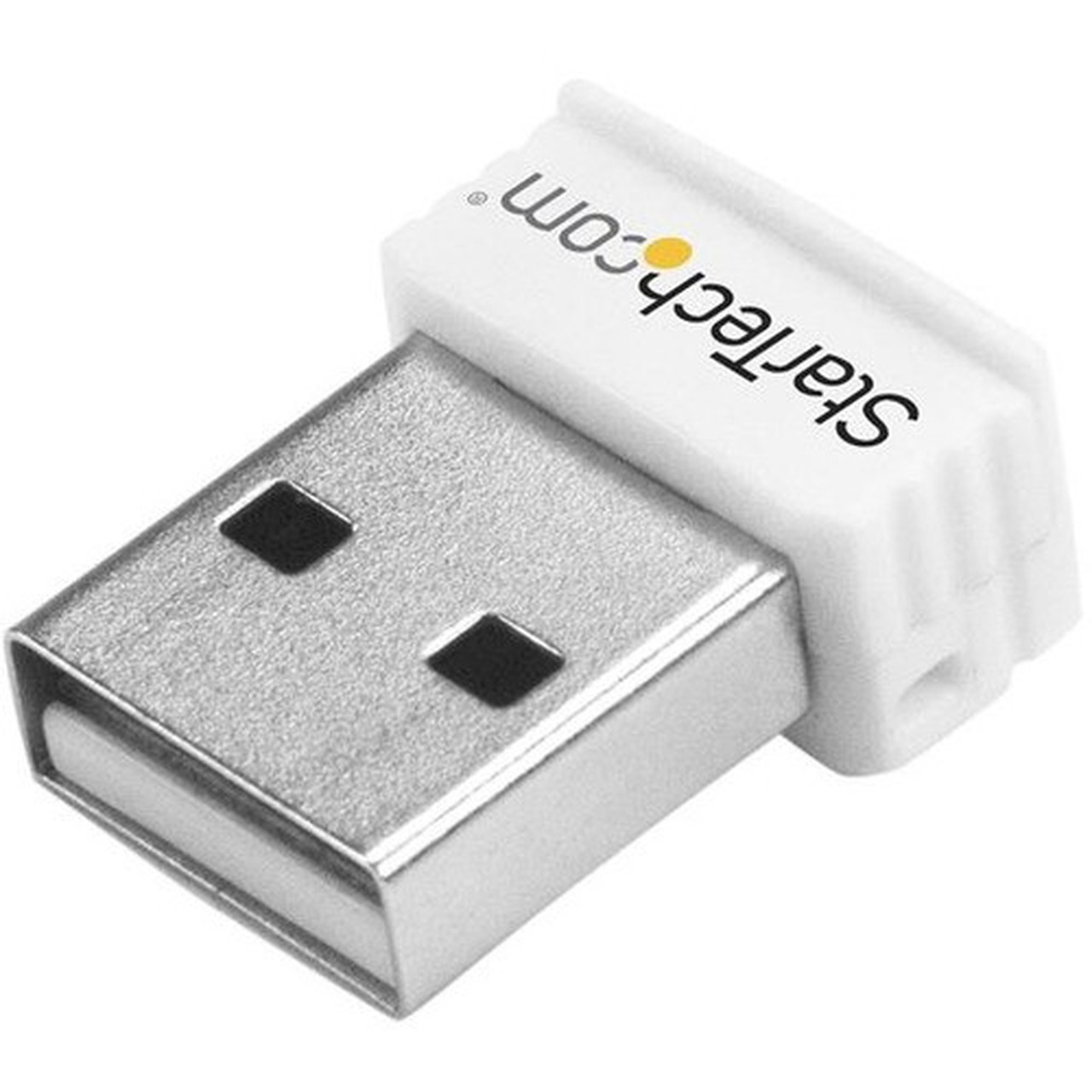
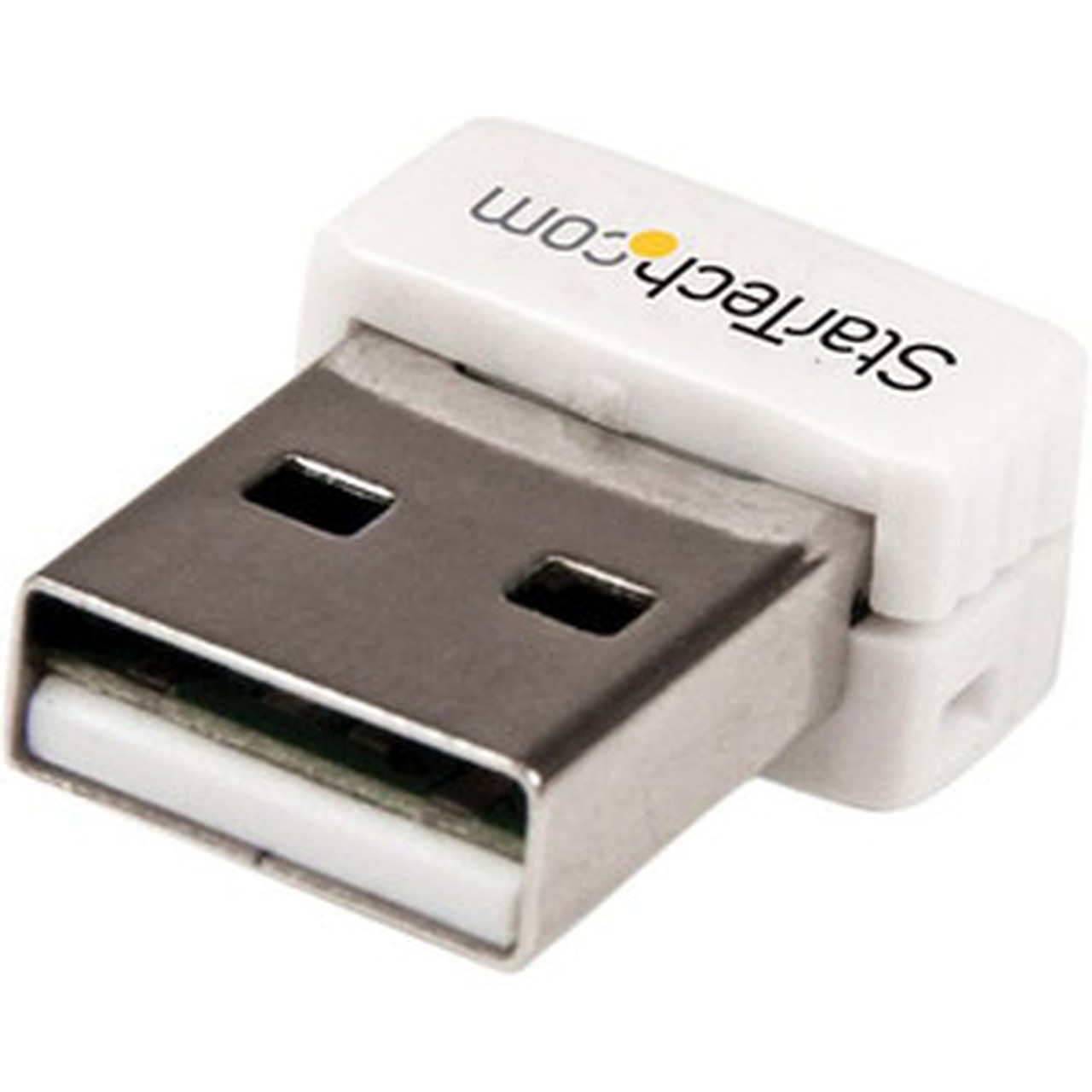
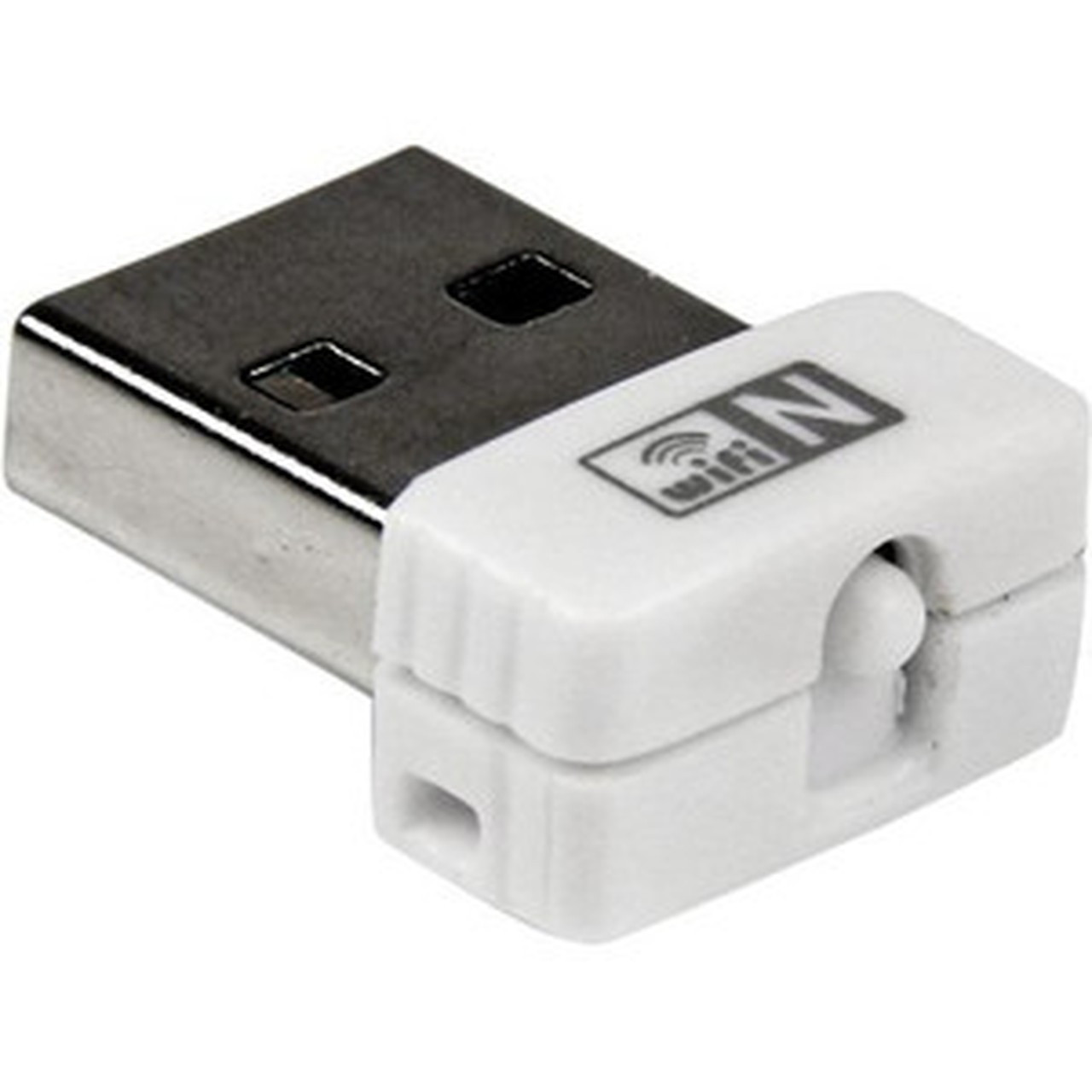
The adapter features a streamlined white plastic housing that complements most computer aesthetics. With dimensions of 0.60 inches wide by 0.30 inches high (15.24 × 7.62 mm), it maintains a low-profile connection that won't interfere with adjacent USB devices. The 0.10-ounce (2.83 g) weight ensures minimal strain on USB port connections during mobile use.
The physical profile is practical for deployment planning because the dimensions and weight are clearly defined: 0.30" (7.62 mm), 0.60" (15.24 mm), 0.10 oz (2.83 g). This helps confirm rack, shelf, desk, or cabinet fit before installation.
- Width
- 0.60" (15.24 mm)
- Height
- 0.30" (7.62 mm)
- Weight
- 0.10 oz (2.83 g)
What's in the Box
The package includes all components necessary for immediate deployment and operation.
Package contents include USB Wireless Adapter 1 X Driver CD 1 X Instruction Manual, USB Wireless Adapter. These included items support setup, installation, and immediate deployment without needing to source the core bundled accessories separately.
Highlights
- 802.11n Wi-Fi 4 standard with 150 Mbps maximum transfer speed
- Compact USB form factor measuring just 0.60" × 0.30" (15.24 × 7.62 mm)
- Extended wireless range: 100m indoors, 300m outdoors
- Backward compatible with 802.11b/g networks
- WPA2, WPA, and WEP security protocol support
- Wi-Fi Protected Setup (WPS) for simplified secure pairing
- Infrastructure and ad-hoc network mode support
- Plug-and-play installation with included driver software
- 2-year limited warranty coverage
- RoHS, REACH, and WEEE environmental compliance
Specifications
| Specifications | |
|---|---|
| Manufacturer | StarTech.com |
| Manufacturer Part Number | USB150WN1X1W |
| Brand Name | StarTech.com |
| Product Name | USB Wireless Adapter |
| Packaged Quantity | 1 Each |
| Product Type | Wi-Fi Adapter |
| Technical Information | |
| Wi-Fi Generation | Wi-Fi 4 |
| Wireless LAN Standard | IEEE 802.11n |
| ISM Band | Yes |
| UNII Band | No |
| ISM Maximum Frequency | 2.40 GHz |
| Indoor Antenna Range | 328.1 ft (100 m) |
| Outdoor Antenna Range | 984.3 ft (300 m) |
| Wireless Transmission Speed | 150 Mbit/s |
| Interfaces/Ports | |
| Host Interface | USB |
| Physical Characteristics | |
| Form Factor | External |
| Height | 0.30" (7.62 mm) |
| Width | 0.60" (15.24 mm) |
| Weight (Approximate) | 0.10 oz (2.83 g) |
| Miscellaneous | |
| Package Contents | USB Wireless Adapter 1 X Driver CD 1 X Instruction Manual |
| Device Supported | Desktop Computer,Notebook |
| Environmentally Friendly | Yes |
| Environmental Certification | EU RoHS |
| Environmental Compliance | Restriction of Hazardous Substances (RoHS) 2,Registration, Evaluation, Authorization and Restriction of Chemicals (REACH),Waste Electrical and Electronic Equipment Directive (WEEE) |
| Country of Origin | China |
| Warranty | |
| Limited Warranty | 2 Year |
User Manual
FAQ
What wireless standards does this adapter support?
This adapter supports the IEEE 802.11n standard (Wi-Fi 4) with maximum speeds of 150 Mbps. It maintains full backward compatibility with legacy 802.11b and 802.11g networks, automatically connecting at the highest available speed supported by your wireless router or access point.
What is the operating range of this wireless adapter?
The adapter provides an indoor operating range of approximately 100 meters (328 feet) and an outdoor range up to 300 meters (984 feet) under optimal conditions. Actual range may vary based on environmental factors, interference, and building materials between the adapter and wireless access point.
Does this adapter support WPA2 security?
Yes, the adapter supports WPA2 encryption along with WPA and WEP (64-128 bit) security protocols. This comprehensive security support ensures compatibility with modern wireless network security standards while maintaining backward compatibility with legacy security implementations.
What devices are compatible with this USB wireless adapter?
The adapter is compatible with desktop computers and notebooks that have available USB ports. It requires Windows operating systems with appropriate driver installation from the included CD or downloadable manufacturer resources. The compact design makes it particularly suitable for ultraportable laptops and systems with limited internal expansion options.
How do I set up the adapter with WPS?
The adapter supports Wi-Fi Protected Setup through both physical push-button and software-based methods. For push-button WPS, press the WPS button on your wireless router, then activate WPS on the adapter within the specified time window. Software-based WPS configuration is available through the adapter's management utility for systems without physical WPS buttons.
What is included in the package?
The package contains the USB wireless adapter, a driver CD with installation software, and a comprehensive instruction manual. These components provide everything needed for immediate deployment, from physical connectivity to driver installation and configuration guidance.
| Qty | Price | Available |
|---|