






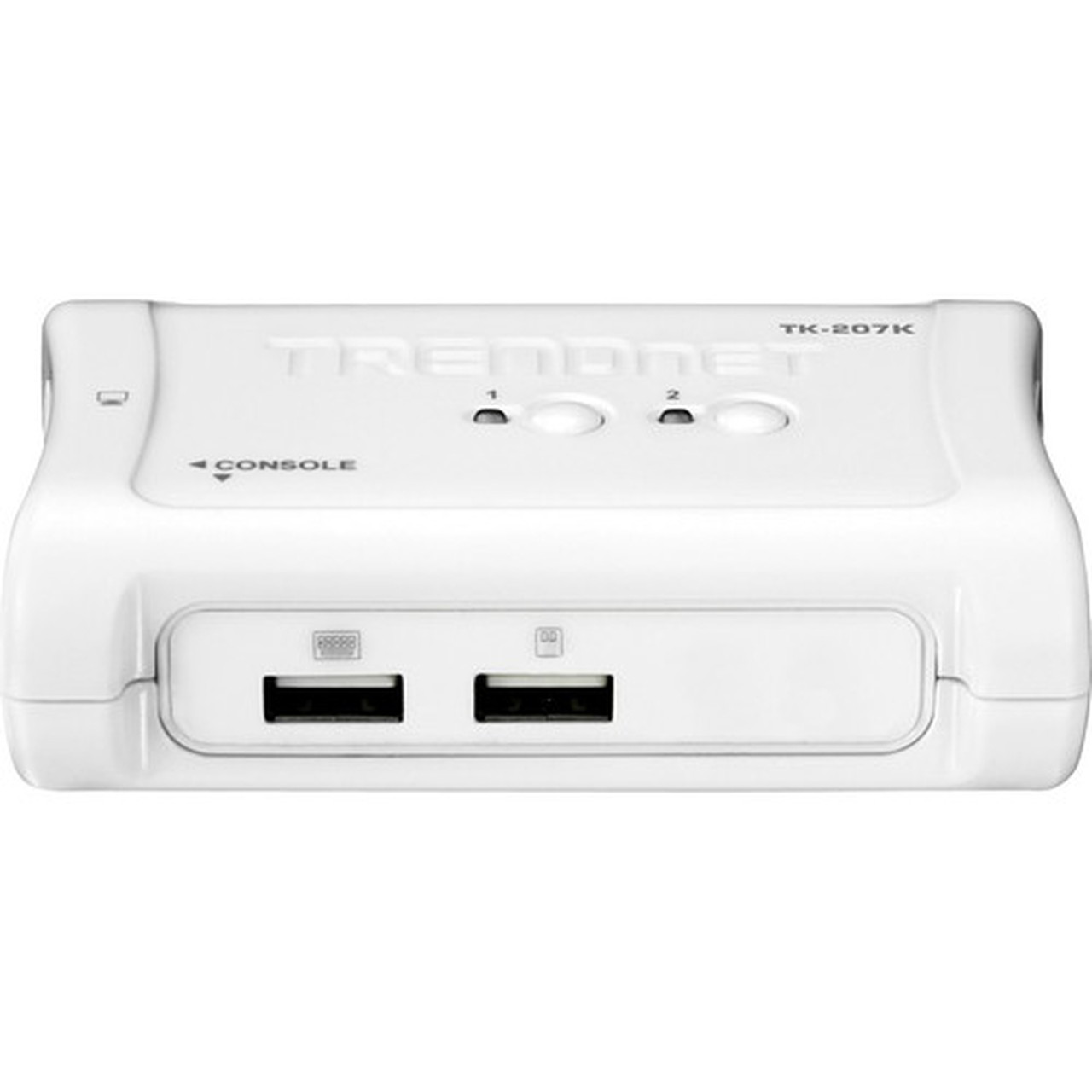
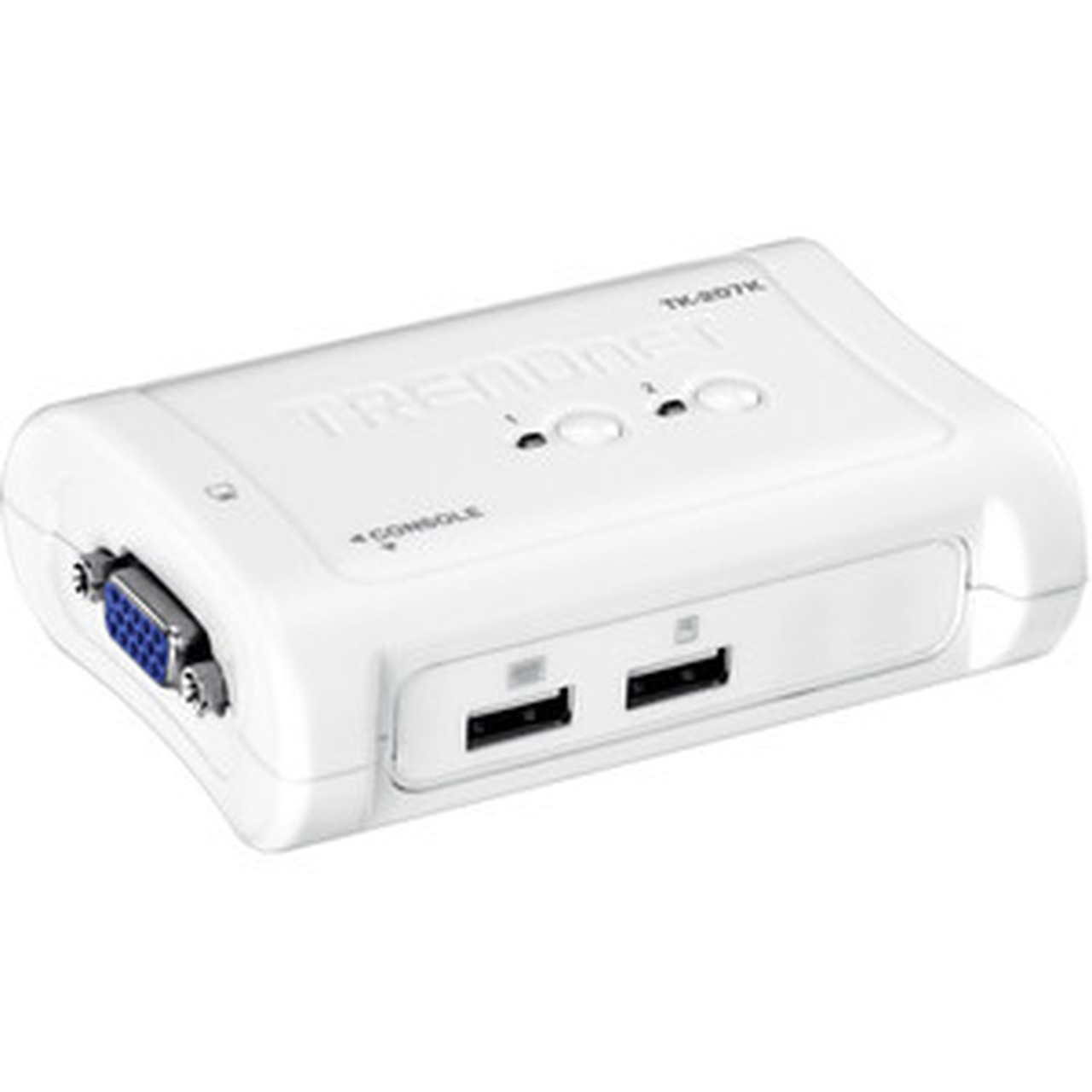
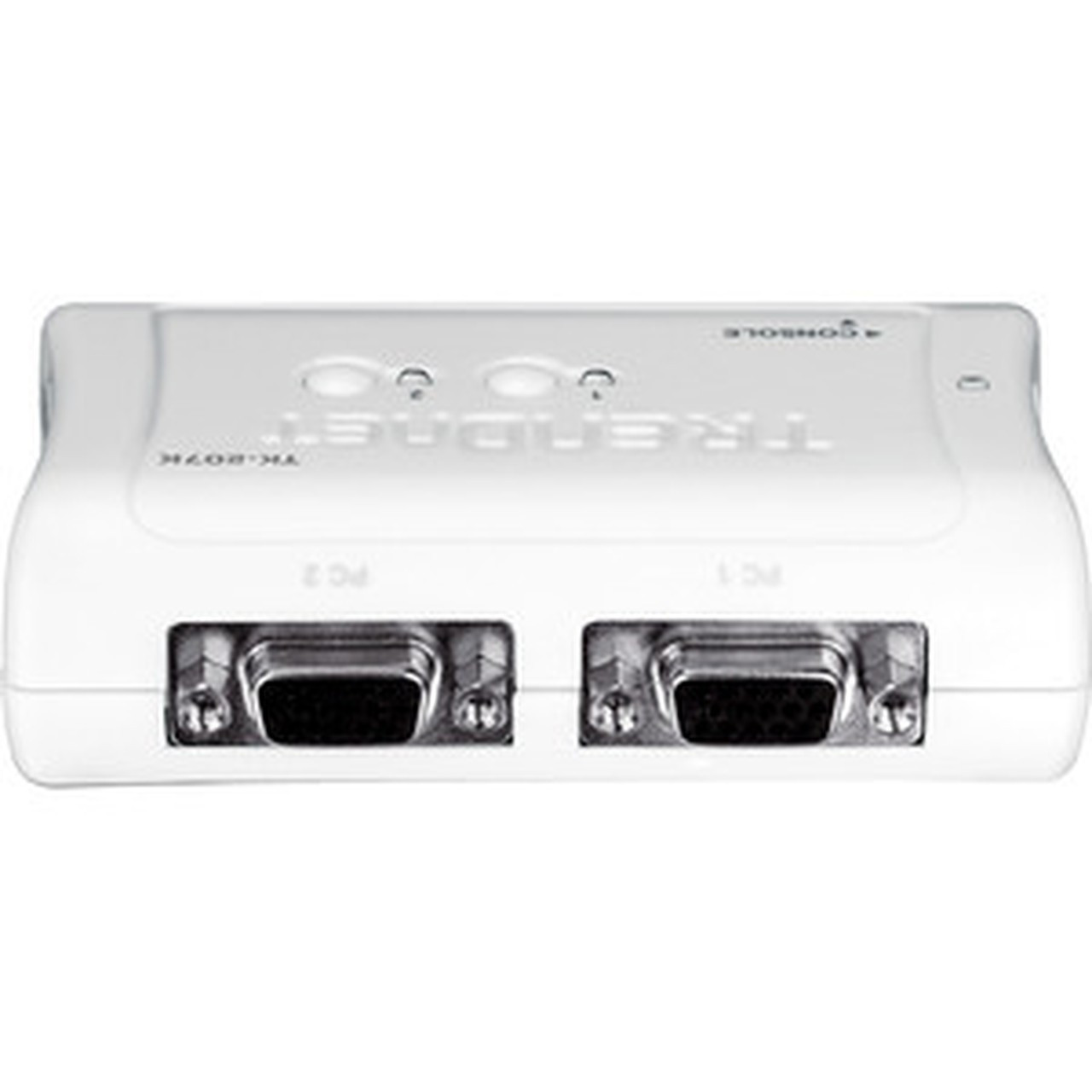


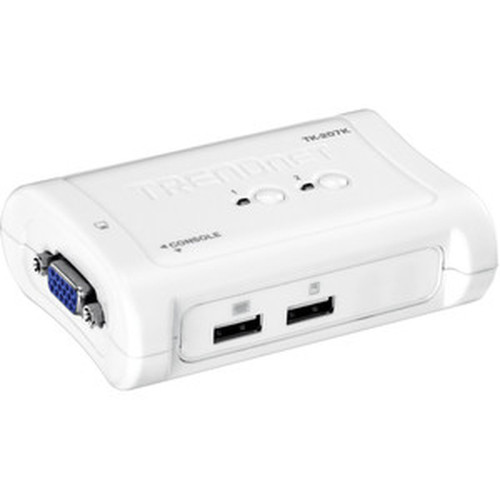

TRENDnet TK-207K 2-Port USB KVM Switch Kit with 2048 x 1536 Resolution - Bus Powered - VGA/USB - Auto-Scan - Audible Feedback

Business volume discounts
Technical guidance
Preparation & staging
QC · ON · AB · BC
Product Features
Technical Overview
This KVM switch supports VGA and SVGA graphic modes, delivering crisp video quality for standard office monitors and legacy displays. The USB 1.1 interface ensures broad compatibility with keyboards and mice, including advanced designs, across most operating systems without requiring additional drivers.
The switch features auto-scan functionality, which cycles between connected computers at set intervals, and audible feedback that confirms switching actions. These features enhance usability in monitoring scenarios where visual confirmation may not be immediately apparent.
Relevant factors for this section include Number of Computers Supported, Features, Graphic Mode, Maximum Video Resolution. When those points are considered together, they give buyers a clearer picture of how the product is equipped, how it fits into deployment, and what kind of day-to-day role it is meant to support.
A strong technical summary explains how the product's interfaces, hardware profile, and operating characteristics work together in real deployment. Buyers often need this context to confirm compatibility with existing devices, expected performance in daily use, and whether installation will be straightforward for IT staff or end users.
Key Product Advantages
The TK-207K stands out with its integrated cable kit and bus-powered design, offering a complete, plug-and-play solution that minimizes setup time and hardware dependencies. Its compact form factor and lightweight construction make it ideal for space-constrained desks or portable kits.
These strengths make the product easier to deploy and manage in real environments, especially where reliability, usability, and day-to-day operational continuity matter. Notable benefits include Complete Kit, NDAA Compliance.
Complete Kit
Includes two 1.2-meter KVM cables and a quick installation guide, ensuring you have everything needed for immediate deployment without sourcing additional components.
- 2 x KVM Cables
- Quick Installation Guide
NDAA Compliance
Meets NDAA compliance standards, making it suitable for use in government and sensitive environments where regulatory adherence is critical.
Deployment / Use Cases
This KVM switch is ideal for small office setups, help desks, or development environments where two computers need to be accessed intermittently without dedicating separate peripherals to each. Its auto-scan feature is particularly useful for monitoring systems, such as security displays or server status screens, where periodic checking is required.
In educational labs or training rooms, the TK-207K allows instructors to quickly switch between demonstration machines and student stations, enhancing teaching efficiency. The included cables and bus-powered operation also make it a reliable choice for field technicians who need a portable, all-in-one solution for on-site troubleshooting.
Relevant factors for this section include Number of Computers Supported, Features, Graphic Mode, Maximum Video Resolution. When those points are considered together, they give buyers a clearer picture of how the product is equipped, how it fits into deployment, and what kind of day-to-day role it is meant to support.
Physical Profile
Measuring 2.48" wide, 3.74" deep, and 0.95" high, the switch has a compact footprint that fits easily on any desk or can be mounted discreetly. Weighing just 3.40 ounces, it is lightweight and portable, with a durable construction suited for daily use in professional environments.
The physical profile is practical for deployment planning because the dimensions and weight are clearly defined: 0.95" (24.13 mm), 2.48" (62.99 mm), 3.74" (95 mm), 3.40 oz (96.39 g). This helps confirm rack, shelf, desk, or cabinet fit before installation.
- Width
- 2.48" (62.99 mm)
- Depth
- 3.74" (95 mm)
- Height
- 0.95" (24.13 mm)
- Weight
- 3.40 oz (96.39 g)
What's in the Box
The kit includes all components necessary for immediate setup and operation.
Highlights
- Controls two computers with one keyboard, mouse, and VGA monitor
- Supports high-resolution video up to 2048 x 1536 for crisp displays
- Bus-powered design eliminates the need for an external power adapter
- Includes two 1.2-meter KVM cables for immediate setup
- Features auto-scan and audible feedback for easy switching and confirmation
- USB 1.1 compatible with most operating systems and advanced mice
- Compact and lightweight for space-saving deployment
- NDAA compliant for use in regulated environments
Specifications
| Specifications | |
|---|---|
| Manufacturer | TRENDnet |
| Manufacturer Part Number | TK-207K |
| Brand Name | TRENDnet |
| Product Model | TK-207K |
| Product Name | 2-Port USB KVM Switch Kit |
| Product Type | KVM Switchbox |
| Technical Information | |
| Number of Computers Supported | 2 |
| Features | Bus Powered |
| Video | |
| Graphic Mode | VGA,SVGA |
| Maximum Video Resolution | 2048 x 1536 |
| Interfaces/Ports | |
| USB | Yes |
| VGA | Yes |
| Number of USB Ports | 2 |
| Number of VGA Ports | 1 |
| Physical Characteristics | |
| Height | 0.95" (24.13 mm) |
| Width | 2.48" (62.99 mm) |
| Depth | 3.74" (95 mm) |
| Weight (Approximate) | 3.40 oz (96.39 g) |
| Miscellaneous | |
| Package Contents | 2-Port USB KVM Switch Kit Quick Installation Guide 2 x KVM Cables (1.2m/4 ft.) |
| Country of Origin | China |
| Warranty | |
| Limited Warranty | 2 Year |
User Manual
FAQ
How many computers can I connect to this KVM switch?
The TRENDnet TK-207K supports two computers, allowing you to control both with a single set of peripherals. This makes it ideal for dual-system setups in offices, labs, or home offices where space and efficiency are priorities.
What video resolution does this KVM switch support?
It supports a maximum video resolution of 2048 x 1536, which is suitable for high-quality VGA and SVGA displays. This ensures clear and sharp visuals for standard monitors used in business and professional environments.
Does this KVM switch require an external power adapter?
No, it is bus-powered, meaning it draws power directly from the connected computers via USB. This simplifies installation by reducing cable clutter and eliminates the need for an additional power outlet.
What cables are included with the KVM switch kit?
The kit includes two KVM cables, each 1.2 meters (4 feet) long, which connect the switch to the computers. These cables integrate VGA and USB connections, providing everything needed for a complete setup without extra purchases.
What is auto-scan and how does it work on this switch?
Auto-scan automatically cycles between the two connected computers at set intervals, allowing you to monitor both without manual switching. This feature is useful for surveillance, server monitoring, or any scenario where periodic checking is required.
What connectivity or interface options are available?
Connectivity support is listed in the product specifications, including the relevant wireless or port options when available.
| Qty | Price | Available |
|---|


