






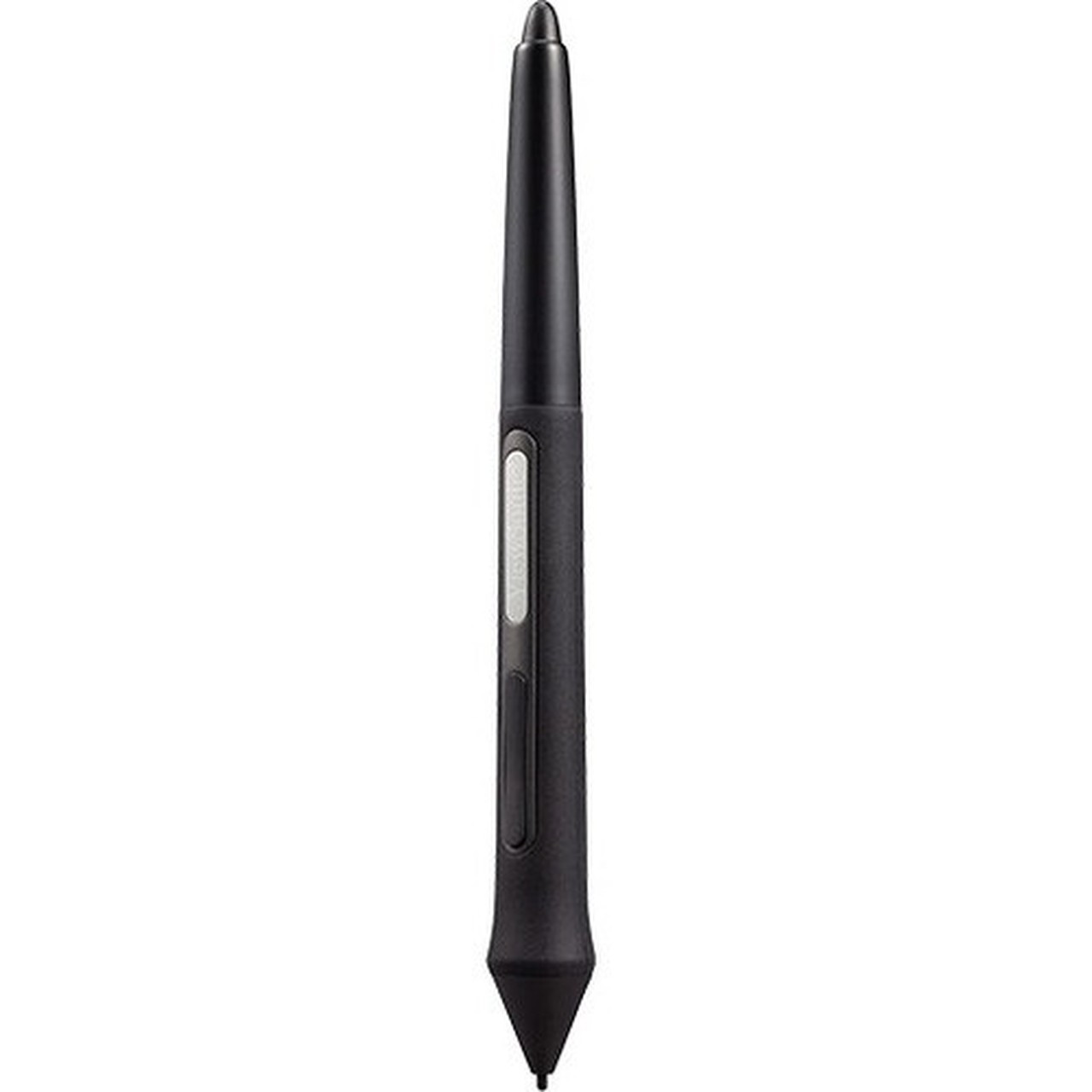
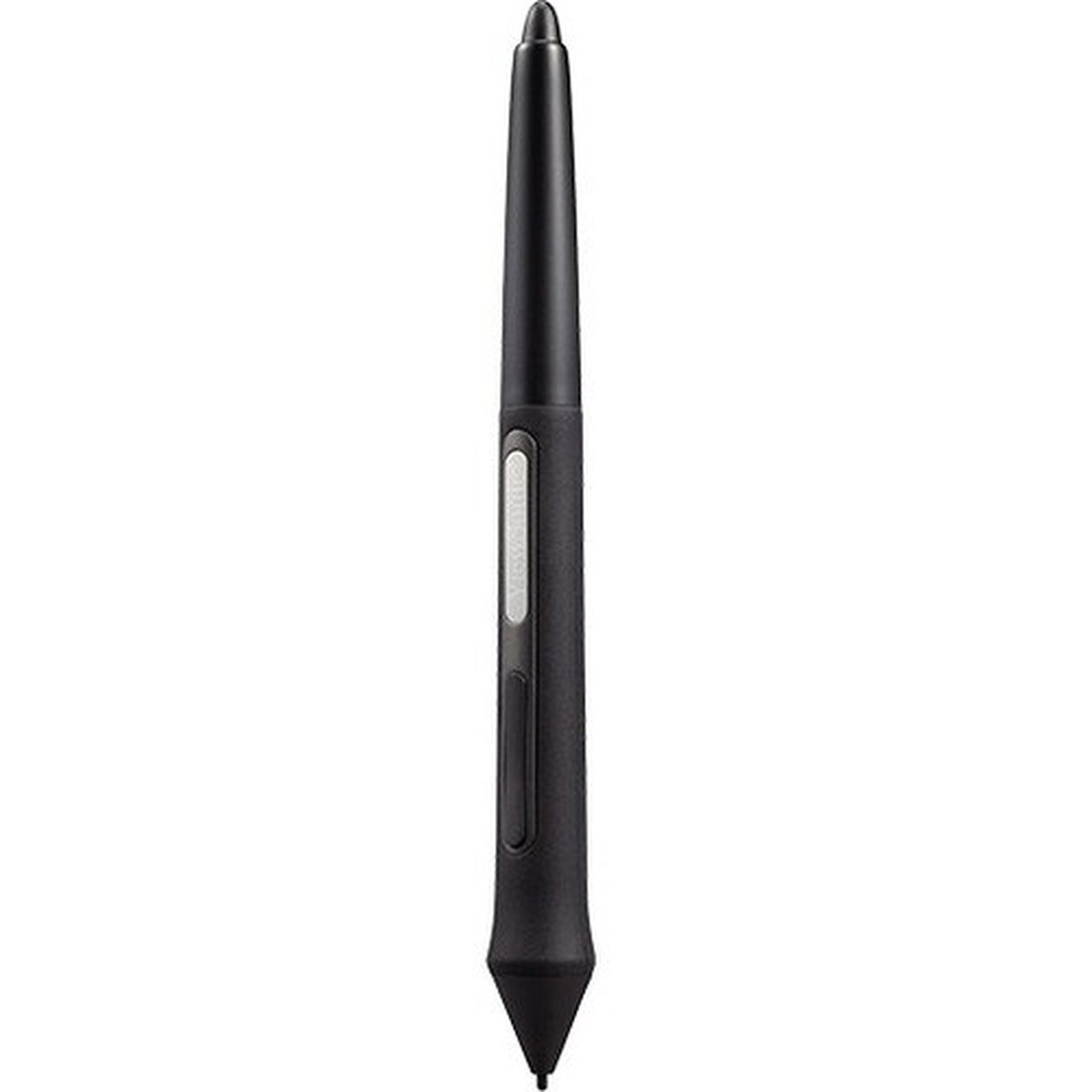
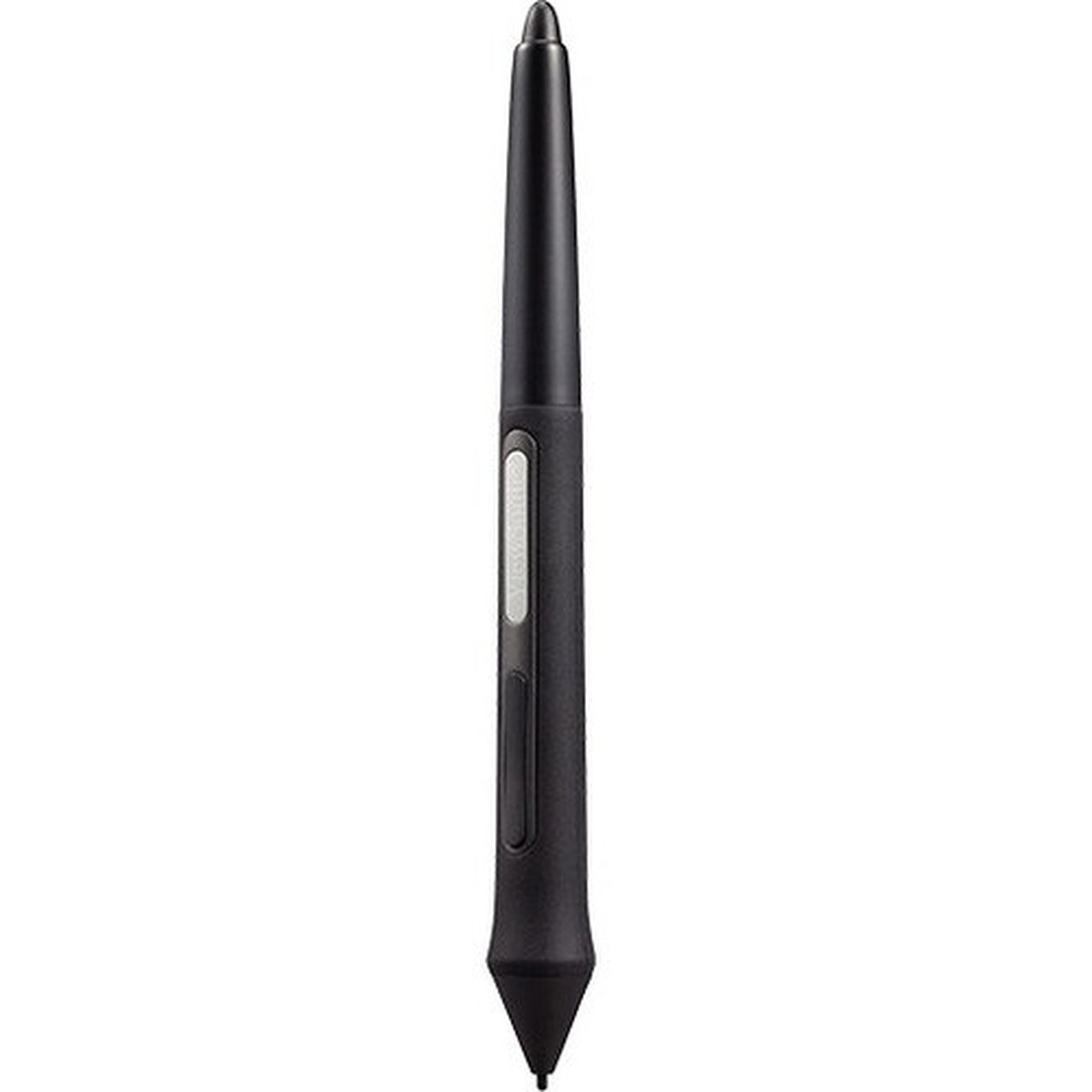


Viewsonic EMP-021-B0WW Replacement Pen Set for ViewBoard Pen Display ID1330 - 1 Pack Black Stylus with 3 Tips & Clip

Business volume discounts
Technical guidance
Preparation & staging
QC · ON · AB · BC
Product Features
Technical Overview
This replacement pen set is engineered to match the original specifications and performance of the ViewBoard Pen Display ID1330 stylus. It ensures accurate pressure sensitivity and tracking, maintaining the interactive display's intended user experience without calibration issues.
The set is officially compatible with the ViewBoard Pen Display ID1330, guaranteeing full functionality and integration. It supports interactive display operations, enabling natural writing and drawing inputs that are essential for educational, business, and creative applications.
Relevant factors for this section include Device Supported, Product Color. When those points are considered together, they give buyers a clearer picture of how the product is equipped, how it fits into deployment, and what kind of day-to-day role it is meant to support.
A strong technical summary explains how the product's interfaces, hardware profile, and operating characteristics work together in real deployment. Buyers often need this context to confirm compatibility with existing devices, expected performance in daily use, and whether installation will be straightforward for IT staff or end users.
Key Product Advantages
This pen set delivers reliable performance and convenience for users of the ViewBoard Pen Display ID1330. It eliminates downtime by providing a ready replacement solution, ensuring continuous productivity in interactive sessions.
These strengths make the product easier to deploy and manage in real environments, especially where reliability, usability, and day-to-day operational continuity matter. Notable benefits include Complete Replacement Solution, Enhanced Usability.
Complete Replacement Solution
Includes all necessary components—pen, tips, and clip—to fully restore stylus functionality, avoiding the need to source parts separately.
- 3 pen tips for extended use
- Pen clip for secure attachment
- Direct compatibility with ID1330
Enhanced Usability
Enables touch interaction even in challenging conditions, such as when wearing gloves, improving accessibility and operational flexibility.
- Works with gloves on
- Maintains display responsiveness
- Supports precise input
Deployment / Use Cases
This replacement pen set is ideal for environments where the ViewBoard Pen Display ID1330 is used regularly and stylus components may wear out or become lost. It supports sustained interactive functionality in dynamic settings.
Common use cases include classrooms, meeting rooms, design studios, and training facilities. In these scenarios, having a reliable backup or replacement pen ensures that collaborative activities, presentations, and creative work proceed without interruption.
Relevant factors for this section include Device Supported, Product Color. When those points are considered together, they give buyers a clearer picture of how the product is equipped, how it fits into deployment, and what kind of day-to-day role it is meant to support.
Educational Settings
Teachers and students can continue using interactive whiteboards for lessons and group work, even if the original stylus is damaged or misplaced.
Business Collaboration
Teams in meeting rooms rely on the pen for brainstorming and annotation during presentations, making this set a practical maintenance item.
What's in the Box
The package contains everything needed to replace or supplement the stylus for the ViewBoard Pen Display ID1330.
Highlights
- Replacement pen set for ViewBoard Pen Display ID1330
- Compatible with interactive displays
- Includes 3 pen tips for extended usability
- Comes with a pen clip for secure storage
- Product color: Black
- Packaged as a single set
- Maintains original stylus performance
- Enables touch interaction even with gloves on
Specifications
| Specifications | |
|---|---|
| Manufacturer | ViewSonic Corporation |
| Manufacturer Part Number | EMP-021-B0WW |
| Brand Name | ViewSonic |
| Product Model | EMP-021-B0WW |
| Product Name | EMP-021-B0WW Replacement Pen Set for ViewBoard Pen Display ID1330 |
| Packaged Quantity | 1 |
| Product Type | Stylus |
| Technical Information | |
| Device Supported | Interactive Display |
| Physical Characteristics | |
| Product Color | Black |
| Miscellaneous | |
| Package Contents | EMP-021-B0WW Replacement Pen Set for ViewBoard Pen Display ID1330 3 x Pen Tip 1 x Pen Clip |
| Compatibility | ViewBoard Pen Display ID1330 |
User Manual
FAQ
What is the ViewSonic EMP-021-B0WW replacement pen set compatible with?
The EMP-021-B0WW replacement pen set is specifically compatible with the ViewBoard Pen Display ID1330 interactive display. It is designed to work seamlessly with this model, ensuring full functionality for stylus input, including pressure sensitivity and accurate tracking, without requiring additional calibration.
What is included in the package with this pen set?
The package includes the EMP-021-B0WW replacement pen set for the ViewBoard Pen Display ID1330, which consists of the pen itself, three replacement pen tips, and one pen clip. This complete set provides all necessary components to restore or maintain stylus operation for interactive display use.
Can this pen set be used with other interactive displays or tablets?
No, this pen set is specifically designed for the ViewBoard Pen Display ID1330 and is not compatible with other interactive displays or tablets. Using it with non-compatible devices may result in poor performance or no functionality, so it should only be used with the intended ViewBoard model.
Why would I need a replacement pen set for an interactive display?
A replacement pen set is useful if the original stylus is lost, damaged, or worn out from frequent use. It ensures continuous operation of the interactive display, preventing downtime in settings like classrooms or meeting rooms where stylus input is essential for collaboration, annotation, and presentations.
Does this pen set work if I am wearing gloves?
Yes, this stylus enables touch interaction even when wearing gloves, making it practical for use in colder environments or situations where hand protection is needed. It allows users to operate the interactive display without removing gloves, maintaining productivity and comfort.
What color is the ViewSonic EMP-021-B0WW replacement pen set?
The ViewSonic EMP-021-B0WW replacement pen set is black. This color matches typical professional and educational aesthetics, ensuring it blends well with the ViewBoard Pen Display ID1330 and other office or classroom equipment.
| Qty | Price | Available |
|---|


