

Shipping included*
Exclusions
Additional shipping fees may apply in rare circumstances for deliveries outside standard service areas. In most cases, this only potentially affects shipments to the Northwest Territories and Yukon, as well as certain heavy or oversized items.
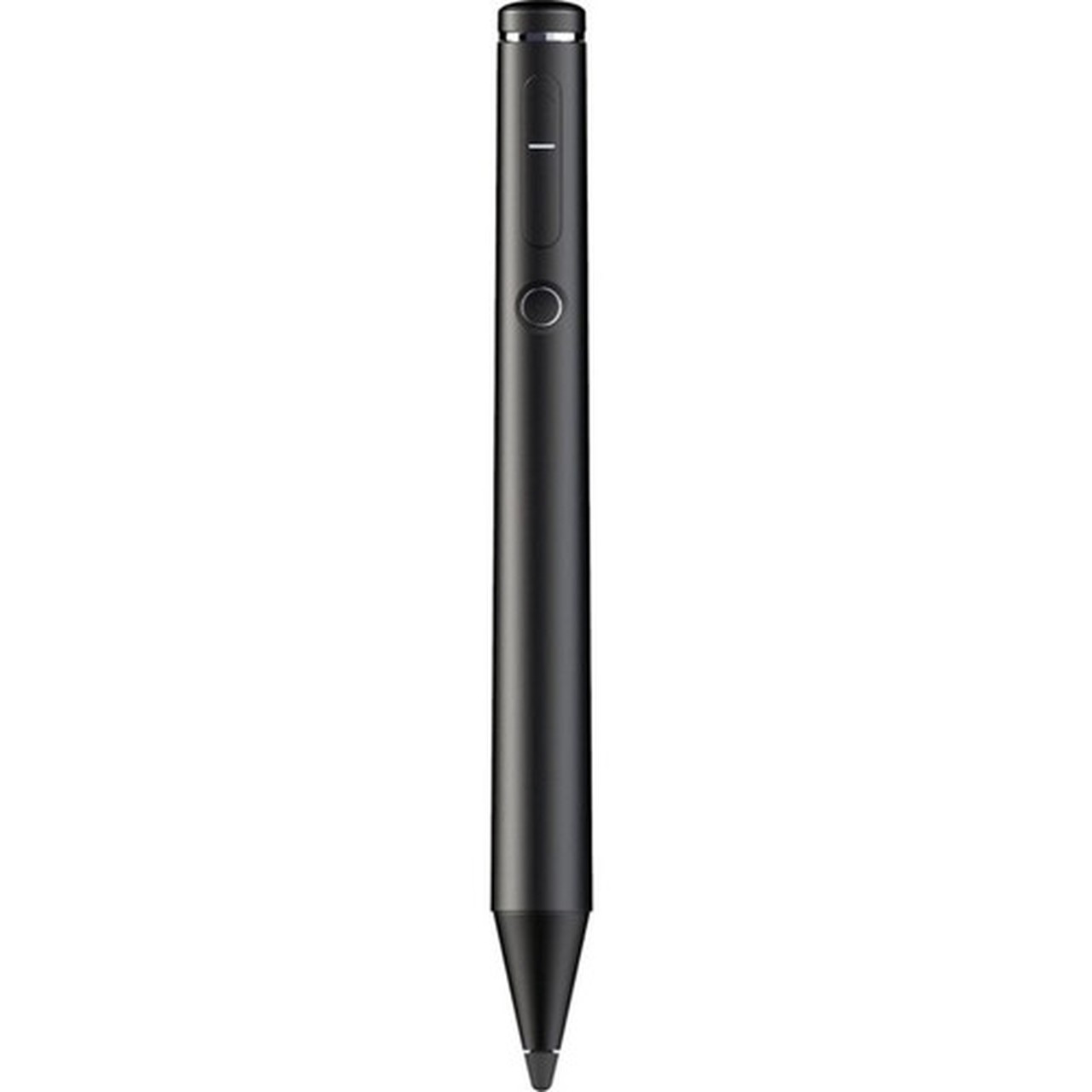
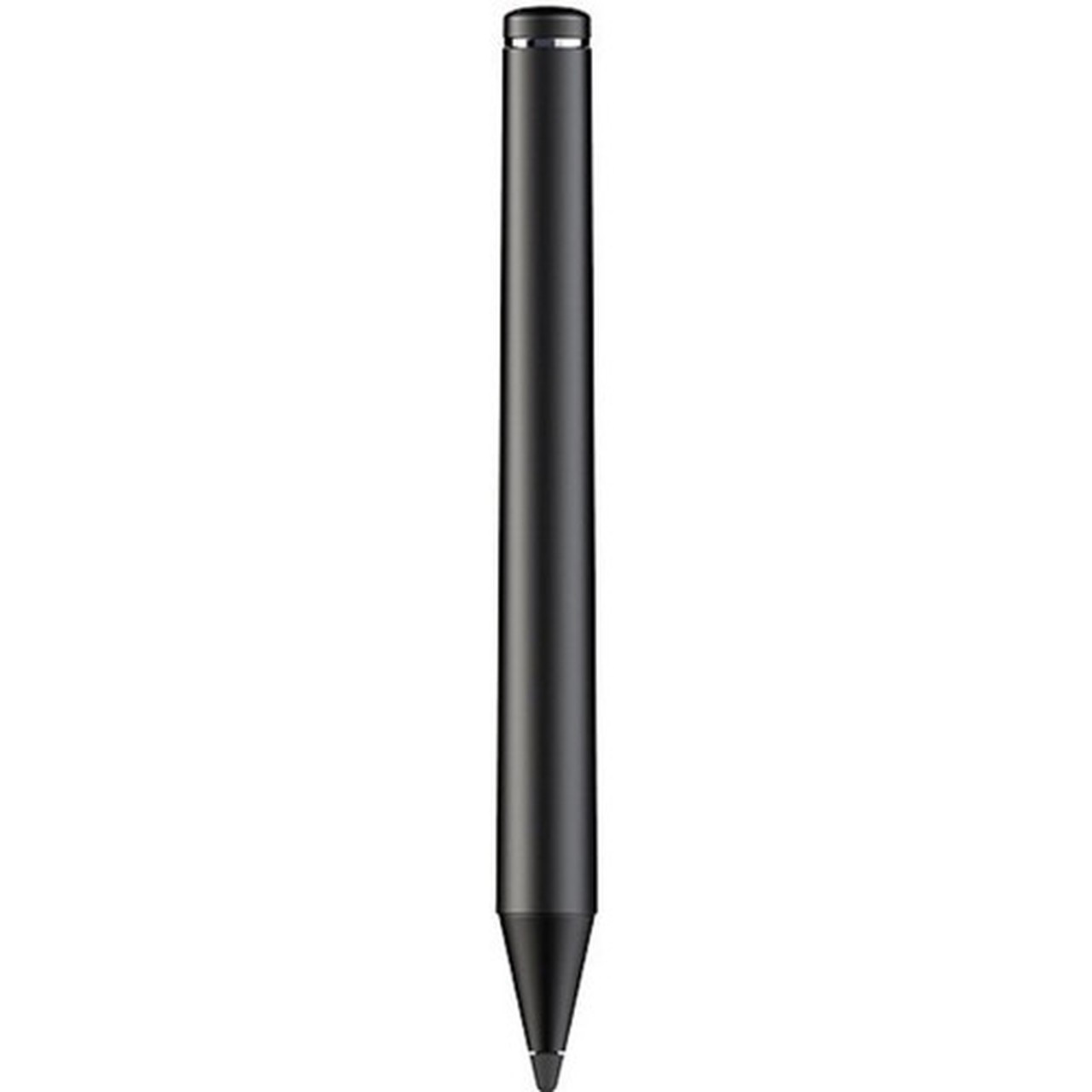
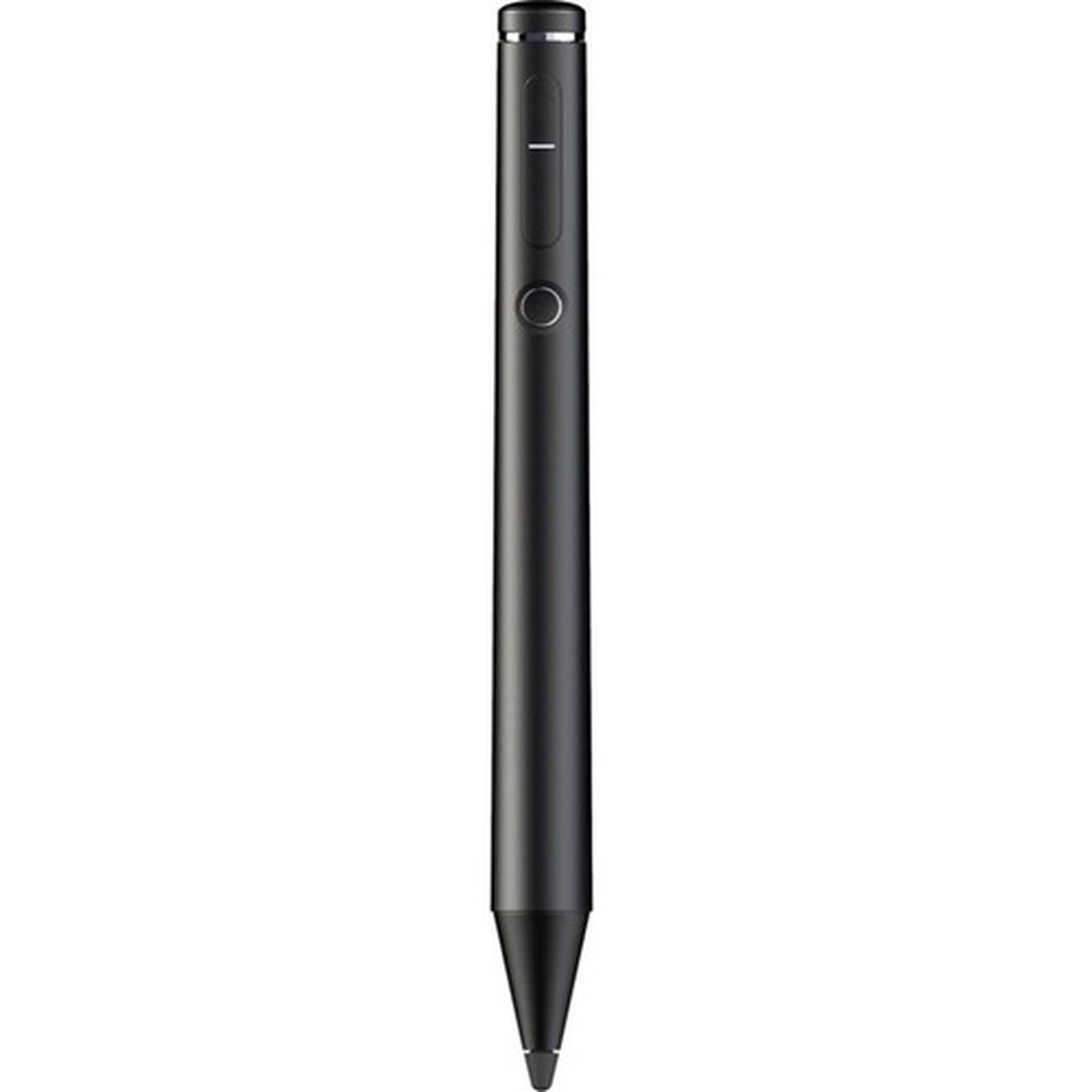
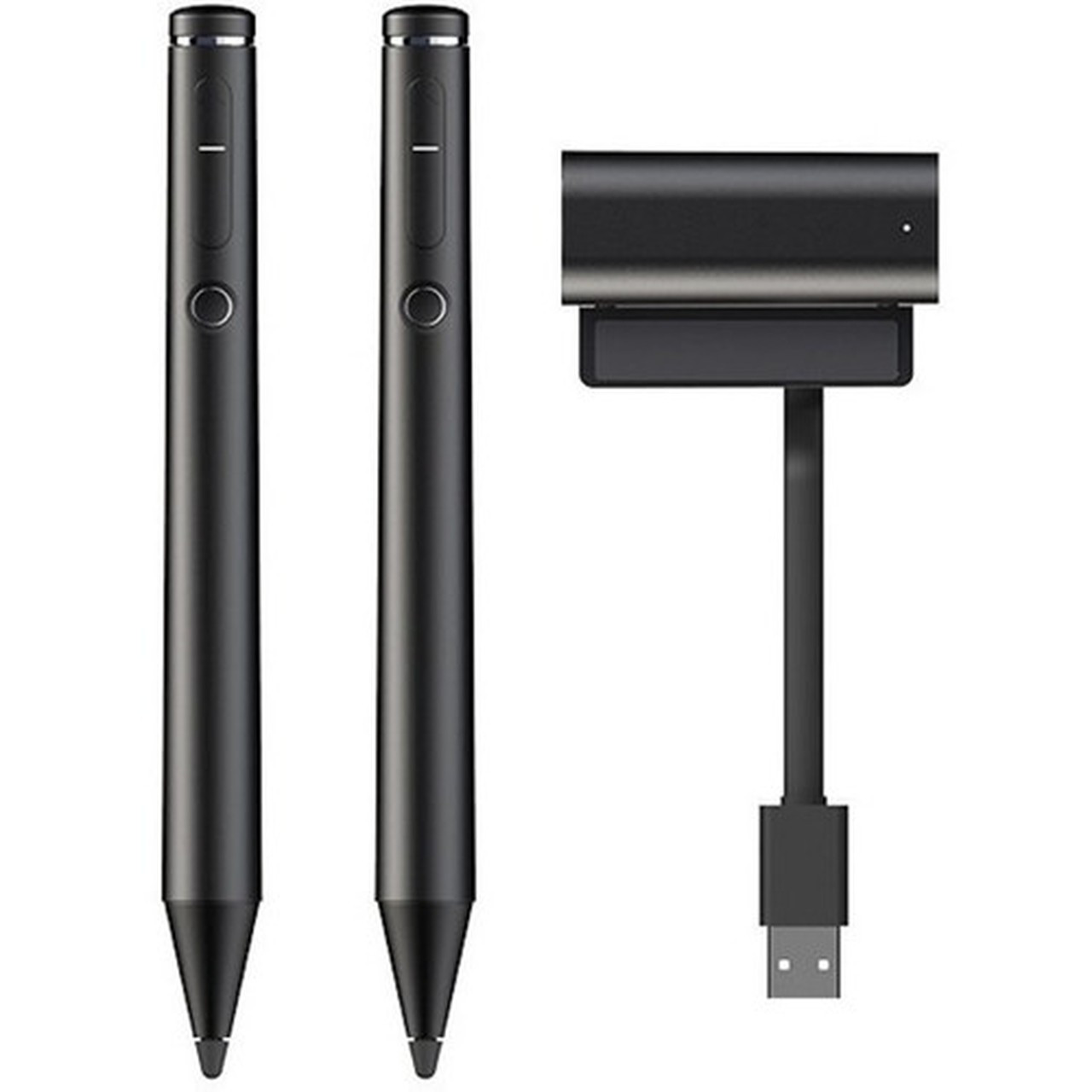
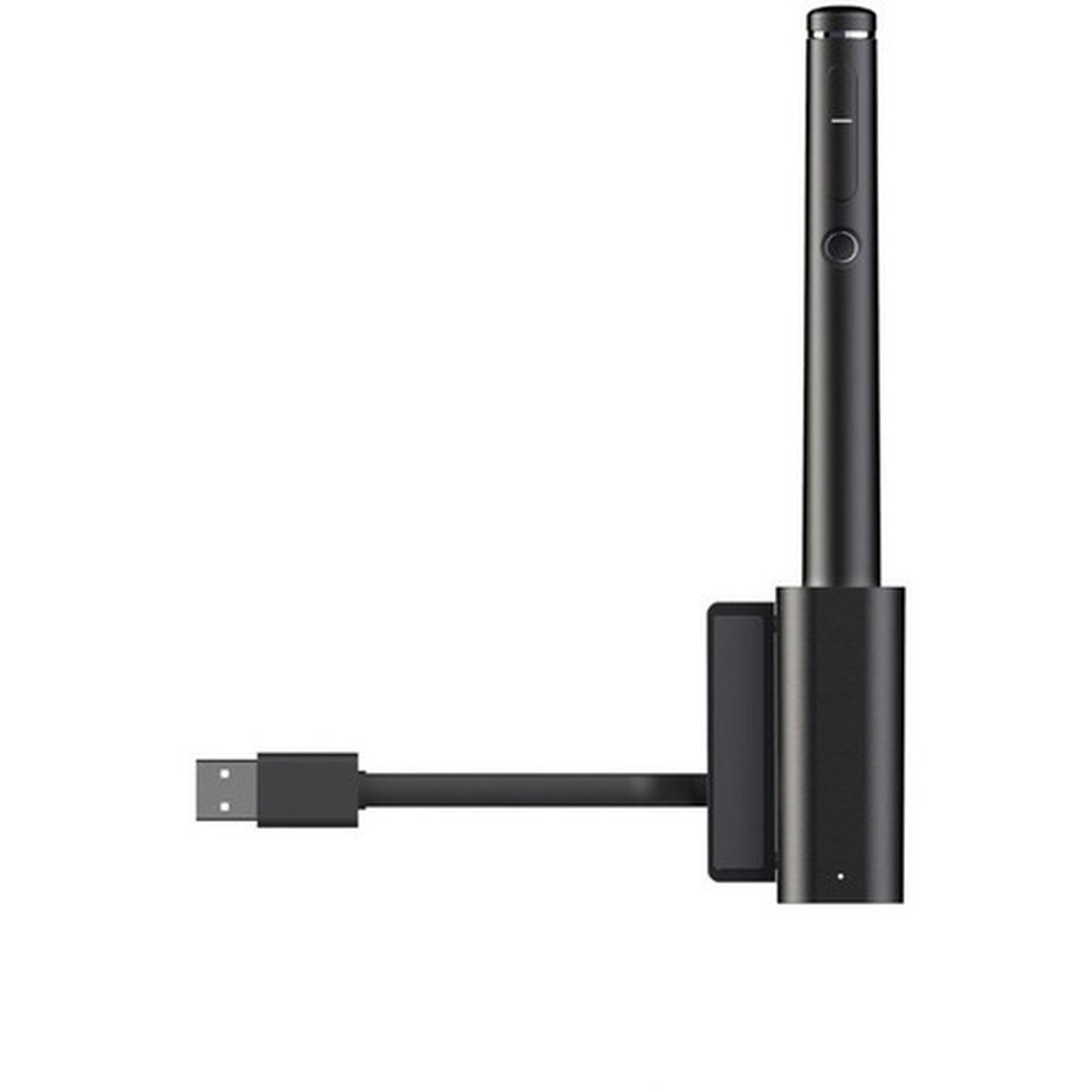
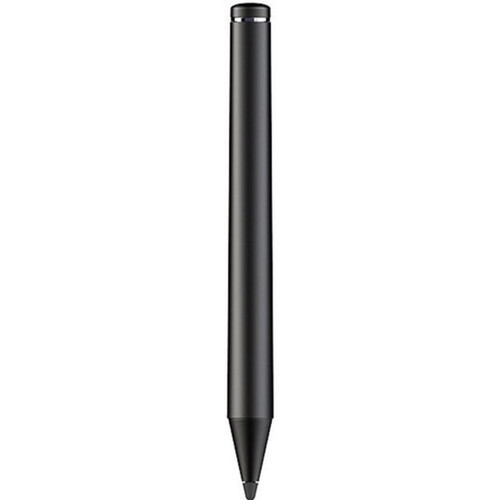
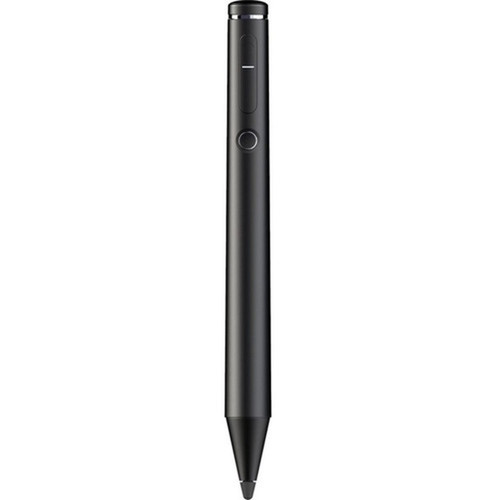
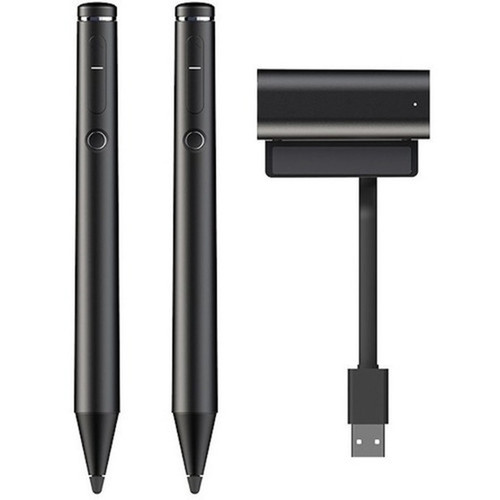
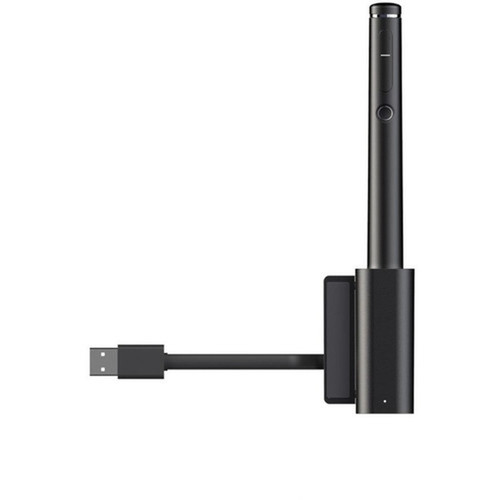
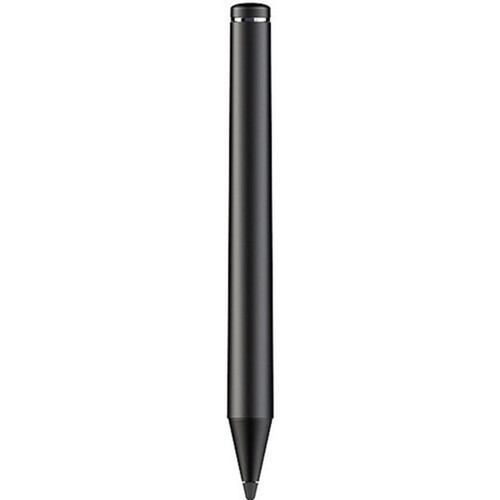
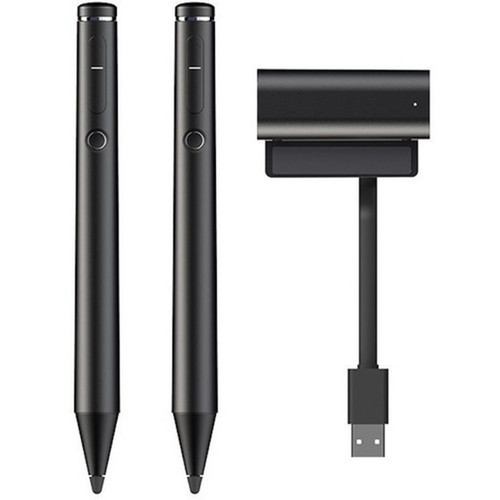
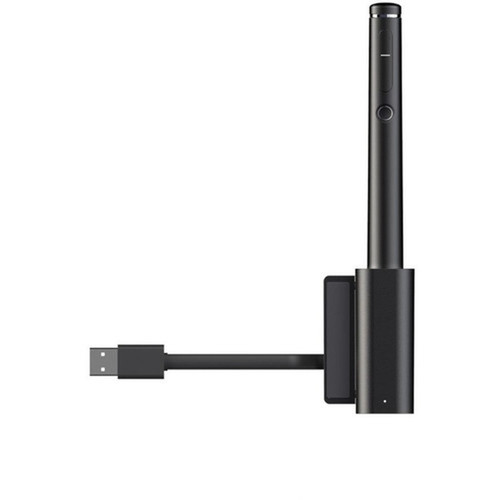
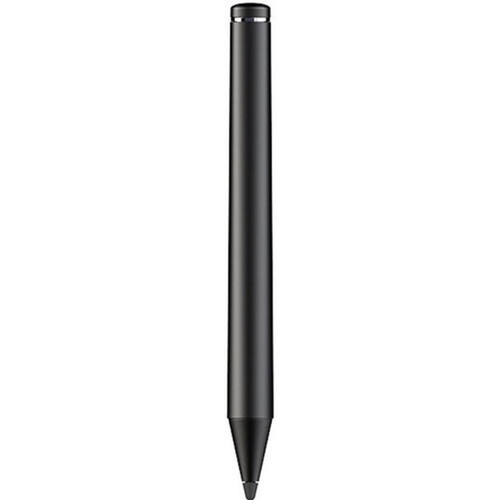
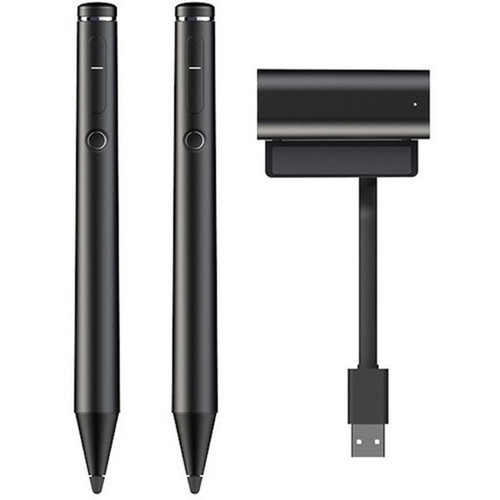
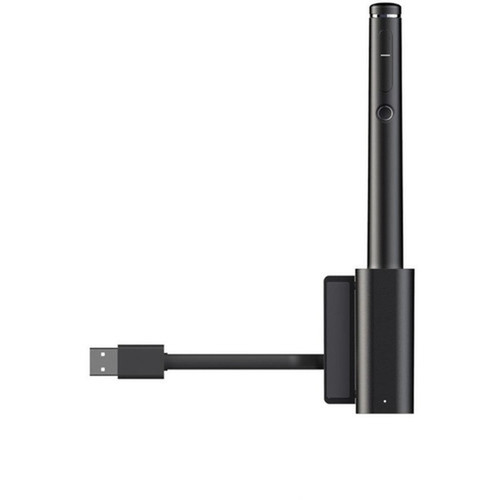
Viewsonic VB-PEN-004 Active Stylus for ViewBoards Interactive Displays - Precision Touch Pen

Business volume discounts
Technical guidance
Preparation & staging
QC · ON · AB · BC
Product Features
Technical Overview
The VB-PEN-004 operates as an active stylus, which distinguishes it from passive touch tools by offering consistent and precise input recognition on supported interactive displays. Its compatibility is exclusive to ViewSonic Interactive Display ViewBoards, ensuring seamless integration and optimal performance within that hardware environment.
With physical dimensions of 6.70 inches in width and a compact 0.63-inch diameter, the stylus provides a comfortable grip for extended use while maintaining a slim profile that mimics traditional writing instruments.
Relevant factors for this section include Device Supported, Stylus Type, Height, Width. When those points are considered together, they give buyers a clearer picture of how the product is equipped, how it fits into deployment, and what kind of day-to-day role it is meant to support.
A strong technical summary explains how the product's interfaces, hardware profile, and operating characteristics work together in real deployment. Buyers often need this context to confirm compatibility with existing devices, expected performance in daily use, and whether installation will be straightforward for IT staff or end users.
Key Product Advantages
This stylus delivers tangible improvements in interactive display operation by addressing the limitations of finger-based input. Its design focuses on enhancing user experience in scenarios where accuracy and control are paramount.
Enhanced Precision
The stylus tip has a significantly smaller contact area compared to fingers, which increases input precision for detailed tasks like drawing fine lines, writing text, or selecting small interface elements.
- Smaller tip area than fingers
- Accurate drawing and annotation
- Reduced input errors
Optimized Compatibility
Engineered exclusively for ViewSonic ViewBoards, the stylus ensures full functionality without compatibility issues, providing a reliable accessory that integrates seamlessly with your existing interactive display setup.
- Designed for ViewSonic displays
- Guaranteed performance
- No driver installation required
Deployment / Use Cases
The VB-PEN-004 active stylus is ideal for environments where interactive displays are used for collaboration, education, or presentation purposes. Its precision makes it suitable for detailed work that exceeds the capabilities of standard touch input.
In classroom settings, educators can use the stylus for writing lessons, annotating diagrams, or guiding students through interactive content with greater accuracy. In business meetings, presenters can highlight key points, draw attention to data, or brainstorm ideas directly on the display without the clumsiness of finger-based interaction. Creative professionals may also find it useful for sketching concepts or providing detailed feedback during design reviews.
Physical Profile
Measuring 6.70 inches in width and 0.63 inches in diameter, the VB-PEN-004 offers a pen-like form factor that is easy to handle and store. Its dimensions are optimized for comfort during prolonged use, reducing hand fatigue during extended drawing or writing sessions on interactive displays.
The physical profile is practical for deployment planning because the dimensions and weight are clearly defined: 0.63" (16 mm), 6.70" (170.20 mm), 0.63" (16 mm). This helps confirm rack, shelf, desk, or cabinet fit before installation.
- Width
- 6.70" (170.20 mm)
- Depth
- 0.63" (16 mm)
- Height
- 0.63" (16 mm)
Highlights
- Active stylus technology for precise input on interactive displays
- Exclusively compatible with ViewSonic ViewBoards interactive displays
- Stylus tip provides finer contact area than fingers for increased accuracy
- Enhances drawing, annotation, and note-taking capabilities
- Slim design with dimensions of 6.70" width and 0.63" diameter
- Ideal for educational, business, and collaborative environments
- Improves interactive display operation as a dedicated accessory
- No additional software or drivers required for use
Specifications
| Specifications | |
|---|---|
| Manufacturer | ViewSonic Corporation |
| Manufacturer Part Number | VB-PEN-004 |
| Brand Name | ViewSonic |
| Product Model | VB-PEN-004 |
| Product Name | VB-PEN-004 Active stylus for ViewSonic ViewBoards |
| Product Type | Stylus |
| Technical Information | |
| Device Supported | Interactive Display |
| Stylus Type | Active |
| Physical Characteristics | |
| Height | 0.63" (16 mm) |
| Width | 6.70" (170.20 mm) |
| Depth | 0.63" (16 mm) |
| Miscellaneous | |
| Compatibility | ViewSonic Interactive Display ViewBoards |
FAQ
What devices is the ViewSonic VB-PEN-004 stylus compatible with?
The VB-PEN-004 is specifically designed for ViewSonic Interactive Display ViewBoards. It is not compatible with other brands or models of interactive displays, tablets, or touchscreens. This ensures optimal performance and reliability when used with supported ViewSonic hardware.
What is the difference between an active stylus and a passive stylus?
An active stylus, like the VB-PEN-004, typically offers enhanced precision and features compared to passive styluses. It is engineered to work specifically with compatible interactive displays, providing consistent input recognition and finer control. Passive styluses are generally simpler and may work on a wider range of touchscreens but with less accuracy.
How does the stylus improve precision compared to using fingers?
The stylus tip has a much smaller contact area than fingertips, allowing for more accurate touch points. This reduces the margin for error when drawing lines, writing text, or selecting small elements on the display, making it ideal for detailed tasks that require fine control.
What are the physical dimensions of the VB-PEN-004 stylus?
The stylus measures 6.70 inches in width, 0.63 inches in height, and 0.63 inches in depth. This compact and pen-like design makes it comfortable to hold and easy to store when not in use, suitable for extended periods of interaction.
Is this stylus suitable for educational environments?
Yes, the VB-PEN-004 is well-suited for educational settings where ViewSonic interactive displays are used. Teachers can leverage its precision for writing lessons, annotating educational content, and engaging students with accurate touch input during interactive lessons or presentations.
Does the stylus require batteries or charging?
The product specifications do not indicate that the VB-PEN-004 requires batteries or charging. As an active stylus designed for ViewSonic ViewBoards, it likely draws power or operates through the display's interactive technology, but users should refer to ViewSonic's official documentation for specific power requirements.
| Qty | Price | Available |
|---|