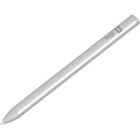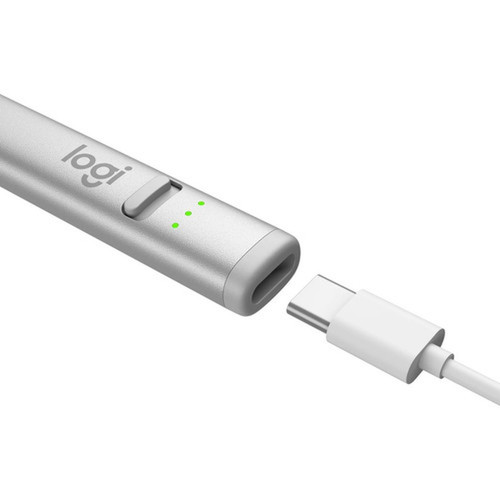
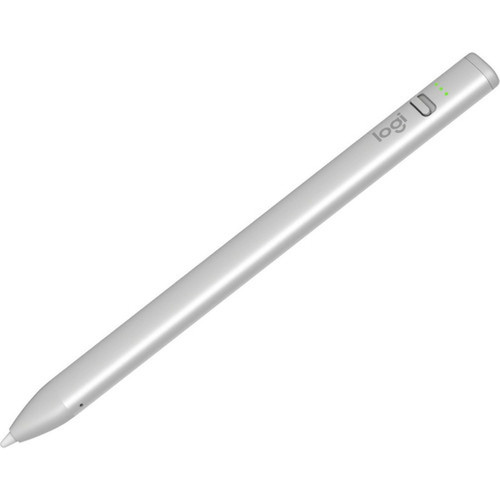

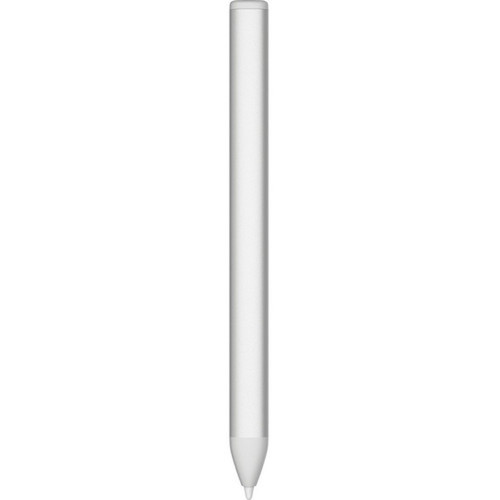

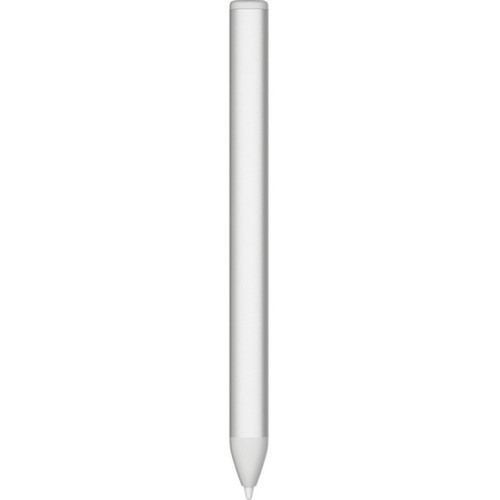

Logitech 914-000070 Crayon Stylus - Capacitive Touchscreen Tablet Stylus with Replaceable Tip - 7-Hour Battery - Aluminum/PC-ABS Build

Business volume discounts
Technical guidance
Preparation & staging
QC · ON · AB · BC
Product Features
Technical Overview
The Crayon Stylus operates on capacitive touchscreen technology, which responds to the electrical conductivity of the stylus tip. This allows for precise tracking and pressure sensitivity without the need for active digitizer layers in the display. The stylus tip is user-replaceable, ensuring consistent performance over time and reducing long-term ownership costs.
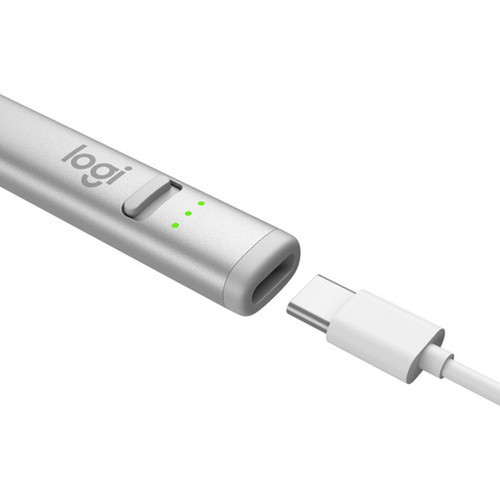
Power is supplied by an internal lithium battery that supports up to seven hours of continuous use. The slim, lightweight design measures 6.42 inches in height with a 0.47-inch width and 0.31-inch depth, weighing just 0.71 ounces. The construction combines aluminum for structural rigidity with PC-ABS polymers for impact resistance and a comfortable grip.
Relevant factors for this section include Touchscreen Type Supported, Device Supported, Replaceable Stylus Tip, Battery Chemistry. When those points are considered together, they give buyers a clearer picture of how the product is equipped, how it fits into deployment, and what kind of day-to-day role it is meant to support.
Key Product Advantages
The Logitech Crayon Stylus enhances tablet productivity by providing a more accurate and comfortable input method compared to finger touch. Its design prioritizes durability and user convenience, making it a reliable accessory for extended use cases.
Precision Input
Enables detailed drawing, note-taking, and navigation with improved accuracy over finger touch, reducing errors in creative and professional applications.
- Fine tip control
- Reduced smudging
- Enhanced pressure sensitivity
Durable Construction
The aluminum and PC-ABS build resists daily wear and impacts, while the replaceable tip maintains optimal performance without requiring full stylus replacement.
- Aluminum body
- PC-ABS composites
- User-replaceable tip
Extended Battery Life
Seven hours of continuous use supports full-day workflows without frequent recharging, ideal for mobile professionals and classroom environments.
- Lithium battery
- Long runtime
- Efficient power management
Deployment / Use Cases
The Crayon Stylus is versatile across educational, creative, and business environments where precise tablet interaction is essential. Its broad iPad compatibility makes it a practical choice for institutions and individuals using Apple tablets as primary devices.
In education, teachers and students can use the stylus for digital whiteboarding, annotating documents, and completing interactive assignments. Creative professionals benefit from its accuracy in digital art, graphic design, and photo editing applications. Business users find value in signing documents, taking meeting notes, and navigating presentations with greater control than finger touch allows.
Education & Classroom
Ideal for interactive lessons, digital assignments, and collaborative whiteboarding sessions on school-issued iPads.
Creative & Design Work
Supports detailed illustration, photo editing, and graphic design workflows on iPad Pro and iPad Air models.
Physical Profile
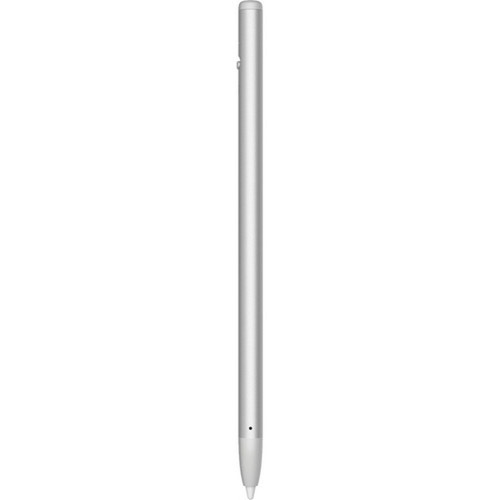
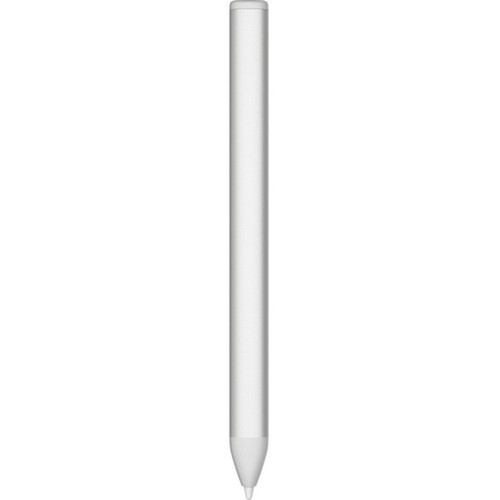
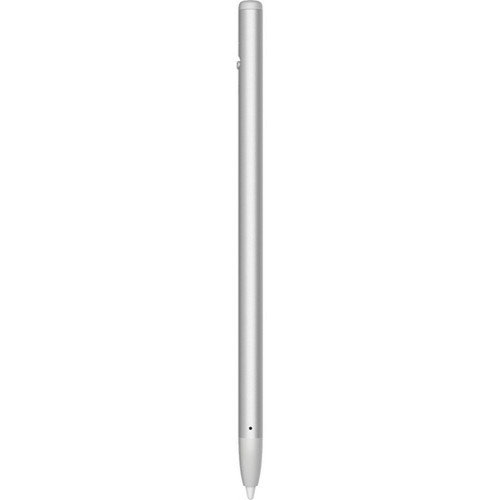
The Crayon Stylus features a slim, pen-like profile that is easy to hold and store. Its dimensions of 6.42 inches in height, 0.47 inches in width, and 0.31 inches in depth make it compatible with most tablet cases and sleeves. The weight of 0.71 ounces provides a balanced feel without causing hand fatigue during extended use. The aluminum exterior offers a premium finish, while the PC-ABS components ensure durability against drops and impacts.
- Width
- 0.47" (11.94 mm)
- Depth
- 0.31" (7.87 mm)
- Height
- 6.42" (163.07 mm)
- Weight
- 0.71 oz (20 g)
What's in the Box
The package includes the Crayon Stylus and a quick start guide to help users begin using the device immediately.
Package contents include Crayon Stylus Quick Start Guide, Crayon Stylus. These included items support setup, installation, and immediate deployment without needing to source the core bundled accessories separately.
Highlights
- Capacitive touchscreen stylus for precise tablet input
- Replaceable tip extends product lifespan and maintains accuracy
- Seven-hour battery runtime supports all-day use
- Durable aluminum and PC-ABS construction
- Compatible with iPad Pro, iPad Air, and iPad mini models
- Slim, lightweight design for portability and comfort
- Ideal for education, creative work, and business applications
- Includes quick start guide for easy setup
Specifications
| Specifications | |
|---|---|
| Manufacturer | Logitech |
| Manufacturer Part Number | 914-000070 |
| Brand Name | Logitech |
| Product Line | Crayon |
| Product Name | Crayon Stylus |
| Product Type | Stylus |
| Technical Information | |
| Touchscreen Type Supported | Capacitive |
| Device Supported | Tablet |
| Replaceable Stylus Tip | Yes |
| Battery Information | |
| Battery Chemistry | Lithium (Li) |
| Maximum Battery Run Time | 7 Hour |
| Physical Characteristics | |
| Product Material | Aluminum,Polycarbonate/Acrylonitrile Butadiene Styrene (PC/ABS) |
| Height | 6.42" (163.07 mm) |
| Width | 0.47" (11.94 mm) |
| Depth | 0.31" (7.87 mm) |
| Weight (Approximate) | 0.71 oz (20 g) |
| Miscellaneous | |
| Package Contents | Crayon Stylus Quick Start Guide |
| Compatibility | iPad Pro 12.9-inch iPad Pro 12.9-inch (6th gen) Model: A2436, A2764, A2437, A2766 iPad Pro 12.9-inch (5th Gen) Model: A2378, A2461, A2379, A2462 iPad Pro 12.9-inch (4th gen) Model: A2229, A2069, A2232, A2233 iPad Pro 12.9-inch (3rd Gen) Model: A1876, A2014, A1895, A1983 iPad Pro 11-inch iPad Pro 11-inch (4th gen) Model: A2759, A2435, A2761, A2762 iPad Pro 11-inch (3rd gen) Model: A2377, A2459, A2301, A2460 iPad Pro 11-inch (2nd Gen) Model: A2228, A2068, A2230, A2231 iPad Pro 11-inch (1st Gen) Model: A1980, A2013, A1934, A1979 iPad® iPad (10th gen) Model: A2696, A2757, A2777 iPad (9th gen) Model: A2602, A2603, A2604, A2605 iPad (8th gen) Model: A2270, A2428, A2429, A2430 iPad (7th gen) Model: A2197, A2200, A2198 iPad (6th gen) Model: A1893, A1954 iPad Air iPad Air (5th gen) Model: A2588, A2589, A2591 iPad Air (4. Generation) Model: A2316, A2324, A2325, A2072 iPad Air (3rd Gen) Model: A2152, A2123, A2153, A2154 iPad mini® iPad mini (6th gen) Model: A2567, A2568, A2569 iPad mini (5th gen) Model: A2133, A2124, A2126, A2125 |
| Warranty | |
| Limited Warranty | 1 Year |
FAQ
What tablets are compatible with the Logitech Crayon Stylus?
The Logitech Crayon Stylus is compatible with a wide range of iPad models, including iPad Pro 12.9-inch (3rd through 6th generations), iPad Pro 11-inch (1st through 4th generations), iPad (6th through 10th generations), iPad Air (3rd through 5th generations), and iPad mini (5th and 6th generations). Specific model numbers are listed in the product specifications for detailed verification.
How long does the battery last, and what type is it?
The stylus uses a lithium (Li) battery that provides up to seven hours of continuous runtime on a single charge. This makes it suitable for full-day use in educational, creative, or business settings without frequent recharging interruptions.
Is the stylus tip replaceable?
Yes, the Logitech Crayon Stylus features a user-replaceable tip. This allows you to maintain optimal performance over time by replacing worn tips rather than the entire stylus, reducing long-term costs and environmental waste.
What materials is the stylus made from?
The Crayon Stylus is constructed from aluminum and polycarbonate/acrylonitrile butadiene styrene (PC/ABS). This combination provides a durable, lightweight body that resists daily wear and impacts while offering a comfortable grip during extended use.
What is the warranty coverage for this stylus?
Logitech provides a one-year limited warranty for the Crayon Stylus. This covers defects in materials and workmanship under normal use conditions, offering peace of mind for business and institutional purchases.
What is included in the package?
The package contains the Logitech Crayon Stylus and a quick start guide. The guide provides basic setup instructions to help users begin using the stylus immediately with their compatible iPad tablets.
| Qty | Price | Available |
|---|